Testomat.io syncs manual and automated tests in a single workspace with BDD support and basic run reporting. It works well for organizing test cases.
But as Playwright suites scale, the reporting gaps show. There is no AI failure classification, no root cause grouping, no built-in trace viewer, and no CI pipeline optimization. Flaky tests are auto-tagged without deeper analysis of their causes.
That is why we put together the 7 best Testomat.io alternatives for 2026, starting with TestDino, the Playwright-first test intelligence platform built for test failure analysis, debugging, and CI/CD optimization.
Best Testomat.io Alternatives: How to Choose the Right Tool
We researched leading platforms to identify the most reliable Testomat alternatives for modern QA teams. When evaluating the best Testomat alternative, it's important to look beyond basic test case organization and prioritize solutions that combine strong test management with advanced automation intelligence.
We evaluated each tool based on test reporting depth, AI failure analysis, flaky test detection, CI/CD integration, test management capabilities, and pricing transparency. We checked G2 reviews and official documentation to verify each claim.
How to Compare Testomat.io Alternatives
Here is a quick comparison of the top alternatives to Testomat.io that can help you identify your preferred test management and reporting tool:
 TestDino |  Testomat.io |  Allure TestOps |  ReportPortal |  TestRail | |
|---|---|---|---|---|---|
| PricingLowest paid plan, per the listed billing terms. | $39/month (billed annually) | $30/user/month (Pro annual) | $39/user/month (Cloud) | $599/month (SaaS) | $37/user/month (Professional) |
| Best for | Playwright test intelligence & management | AI-powered test management for manual + automated QA | Enterprise test management with Allure framework | Reporting with history and clustering | Enterprise test case management & traceability |
| Playwright integration | Native (trace viewer, error grouping, MCP) | Native reporter | Native via Allure framework | Via agents | Via reporter plugin |
| One-step CI setup | One reporter line, streams live | Reporter + API key env vars | Reporter + plugin config | Via plugins/CLI | |
Dashboards & Reporting | |||||
| Unified Playwright dashboard | Custom widgets | ||||
| Multi-tab test run detail view | Summary, History, AI Insights & more | Launch-level view | Run views (no PW tabs) | ||
| Pull request insightsSee test results and history for each pull request. | Via GitHub/GitLab MR sync | Via SCM commit linking | |||
| Test ExplorerBrowse tests as a hierarchy, a flat list, or by tag. | Launch tree | ||||
| Real-time streaming | Per-shard/worker | ||||
| Scheduled PDF reportsGet report PDFs emailed on a set schedule. | Daily/Weekly/Monthly | PDF/CSV export, no schedule | |||
Test Analytics | |||||
| Analytics: trends & patterns | Widget-based | ||||
| Code coverage, per-file | Istanbul, run-level | Coverage by requirements | |||
| Environment analytics | Pass-rate/flaky by env | Via attributes | Via custom fields/configs | ||
Debugging & Evidence | |||||
| Built-in Playwright trace viewer | Trace files attached | ||||
| Screenshots & video replay | Embedded | Via attachments | Via attachments | ||
| Console logs | Node + browser | Via attachments | If attached | Via attachments | |
| Visual diff comparison | |||||
| Smart error grouping | Message/stack/location | Categories + defects | Pattern matching | ||
| Flaky detectionSpot tests that pass and fail inconsistently, with a stability score. | Requires config | ||||
| Playwright tags & annotations | Priority/owner/links/metrics | Custom attributes | |||
CI/CD Optimization | |||||
| GitHub CI Checks quality gates | Per-env + mandatory tags | Via webhook/status checks | Via job triggers | ||
| Branch → environment mappingMatch each Git branch to the environment it runs against. | Exact/regex | Via launch parameters | Via configurations | ||
| Sharded / parallel run support | Per-shard live view | Parallel launches | |||
| Native CI breadth | GitHub, GitLab, Azure DevOps, TeamCity, Bitbucket, CircleCI, Jenkins | Major CI providers | Major CI providers | Agents/plugins | Major CI providers |
| Self-managed GitLab | |||||
Test Management | |||||
| Test case management | |||||
| Bulk test creationGenerate many test cases at once from PRDs, Jira, or user stories. | via MCP | Import from CSV/TestRail/Xray/Zephyr | |||
| Release trackingGroup test results by release, cycle, or sprint. | |||||
| Exploratory / manual sessions | |||||
| Import / export test cases | JSON/CSV/ZIP | Via API | |||
AI & Automation | |||||
| Local MCPLet AI coding assistants in your editor act on test data directly. | Cursor/Claude Code/Copilot | ||||
| Remote MCPLet web-based AI tools query your test data. | |||||
| AI test run summary on GitHub PRs | AI summaries | ||||
| AI test suite auditAI scores your test suite and gives a downloadable report. | Coverage audit | ||||
| AI failure classification | ML-based auto-analysis | ||||
Integrations & Collaboration | |||||
| Bug tracking breadth | Jira, Linear, Asana, monday | Jira, Linear, Asana, etc. | Jira, YouTrack, GitLab/GitHub Issues | Jira, Rally | Jira, Monday, Asana, etc. |
| Slack notifications | App + webhooks | Via webhooks | |||
Platform & Security | |||||
| Public API & CLIs | REST + @testdino/playwright | REST API (54 endpoints) + CLI | REST API + allurectl CLI | REST API | REST API (180-300 req/min) |
| Project-level AI controls | Per-feature toggles | Custom AI provider (Ent) | Admin toggles | ||
| Compliance & certifications | ISO 27001, SOC 2 Type II, GDPR | SOC 2, ISO 27001, GDPR | SOC via AWS infra, no own cert | Self-managed (your infra) | SOC 2, ISO, SSO (Ent) |
Plans & Pricing | |||||
| Plan tiers | Free · Pro $39 · Team $79 · Enterprise | Free · Pro $30/user · Enterprise | Cloud $39/user · Server (custom) · Enterprise | OSS free (self-hosted) · SaaS $599 · Enterprise | Professional $37/seat · Enterprise $74/seat |
| Free executions | 5,000/mo | Free: 2 users, 2 projects | 30-day trial | Unlimited (self-host) | Free trial (14-30 days) |
| Support | Chat + Slack Connect + Priority email | Community Slack (Free) · Email/chat (Pro) · Dedicated (Ent) | Email + docs (Cloud) · Premium (Enterprise) | Community / Paid | Standard (Pro) · Priority 2-hr SLA (Ent) |
| Try for free | Learn more | Learn more | Learn more | Learn more | |
Best 7 Testomat.io Competitors for Modern Test Reporting
Here are the 7 best alternatives to Testomat.io for teams that need deeper Playwright reporting:
1. TestDino
Best for:
Playwright-first teams that need test reporting, test management, and CI/CD optimization in one platform, without stitching multiple tools together.
Platform Type:
Test reporting, dashboards, test management, and CI observability platform for Playwright
Integrations with:
GitHub Actions, GitLab CI, Azure DevOps, TeamCity, Jira, Linear, Asana, monday, Slack
Key Features:
 Test management and automated reporting in one place
- AI failure classification into 4 categories
- Built-in trace viewer with DOM snapshots and network logs
- Error grouping by message and stack trace
- GitHub CI Checks as merge quality gates
- MCP Server for AI agent queries from your IDE
- Flaky test detection across run history
- AI summaries posted to GitHub commits
- Real-time results streaming via WebSocket
- Code coverage per file breakdown

Pros
- Playwright-native with under 10-minute setup
- Test management and automated reporting on the same platform
- Broad CI/CD support: GitHub Actions, GitLab CI, Azure DevOps, TeamCity
- AI summaries posted to GitHub commits, GitLab MRs, and Slack
- 1-click bug filing into Jira, Linear, Asana, or monday
- Affordable at $39/month billed annually

Cons
- Purpose-built for Playwright (multi-framework support on the roadmap)
First Hand Experience
Here's a gap most QA teams run into as test suites grow: manual test cases live in a spreadsheet, automated results land in CI logs, and there's no single view that links them together. Tracking automation coverage becomes guesswork.
TestDino solves this by placing test management and automated test reporting on a single platform. Manual test cases sit in suites up to 6 levels deep with ownership, custom fields, and version history. Playwright results flow in from CI. You link them in the UI: no API calls, no case IDs in your code, no maintenance.
The Test Explorer gives you both views side by side. Sort by flaky rate, filter by tags, and see which manual tests have automated coverage. It stops being a spreadsheet exercise.
Debugging That Saves You from Re-running Locally
Each failed test in TestDino comes with screenshots, video, browser console logs, and a trace you can step through action by action. Available right after the CI run finishes.
AI Insights classifies each failure as Actual Bug, UI Change, Unstable Test, or Miscellaneous. Bug filing is 1-click into Jira, Linear, Asana, or monday, pre-filled with error details, stack trace, failure history, and links to the run and CI job.
CI/CD Speed and Merge Safety
Each shard reports as its tests finish. History persists across different CI runners.
GitHub CI Checks adds quality gates to your PRs. Set a minimum pass rate, mark critical tags as mandatory, and configure different rules per environment. AI-generated summaries are posted to GitHub commits and GitLab merge requests with pass/fail/flaky counts.
Flaky Test Detection That Tells You Why
Flaky test detection classifies unstable tests by root cause: timing-related, environment-dependent, network-dependent, or assertion-intermittent. Each test gets a stability percentage, and you can compare flaky rates across environments to spot infrastructure problems.
Real-Time Streaming and Scheduled Reports
Results appear on the dashboard as each test completes via real-time streaming, not after the full suite finishes. Automated PDF reports deliver test health summaries on daily, weekly, or monthly schedules. Slack notifications send run summaries filtered by environment and branch.
MCP Server for AI-Assisted Workflows
The MCP Server connects your AI assistant (Cursor, Claude Code, Copilot) to your test data. List test runs, pull debugging context, perform root cause analysis, and manage manual test cases through natural language. It covers both automated debugging and test management without switching tools.
Pricing & Value
Pricing may vary. Check the pricing page for the latest details.
Final Verdict
TestDino is the most comprehensive Testomat.io alternative for Playwright teams because it addresses the exact gaps that lead teams to outgrow Testomat.io in the first place. Testomat.io shows you what ran. TestDino tells you why it failed, whether it's flaky, and how to prevent it from blocking your pipeline.
It combines test intelligence and reporting, test management, CI/CD optimization, and issue tracking into a single platform. It works with GitHub Actions, GitLab CI, Azure DevOps, and TeamCity.
For teams comparing Testomat.io and TestDino, the difference lies in test case management depth versus test intelligence depth. At $39/month billed annually, TestDino is a better alternative to building a stack of separate tools for the features Testomat.io does not include.
Pricing & Value
Four plans available on TestDino, each built for a different stage of team growth.
2. Allure TestOps
Best for:
QA teams with formal workflows that need manual and automated test management in one system.
Platform Type:
Cloud or self-hosted test management platform
Integrations with:
Jira, GitHub, GitLab, Jenkins, TeamCity, Bamboo, CircleCI
Key Features:
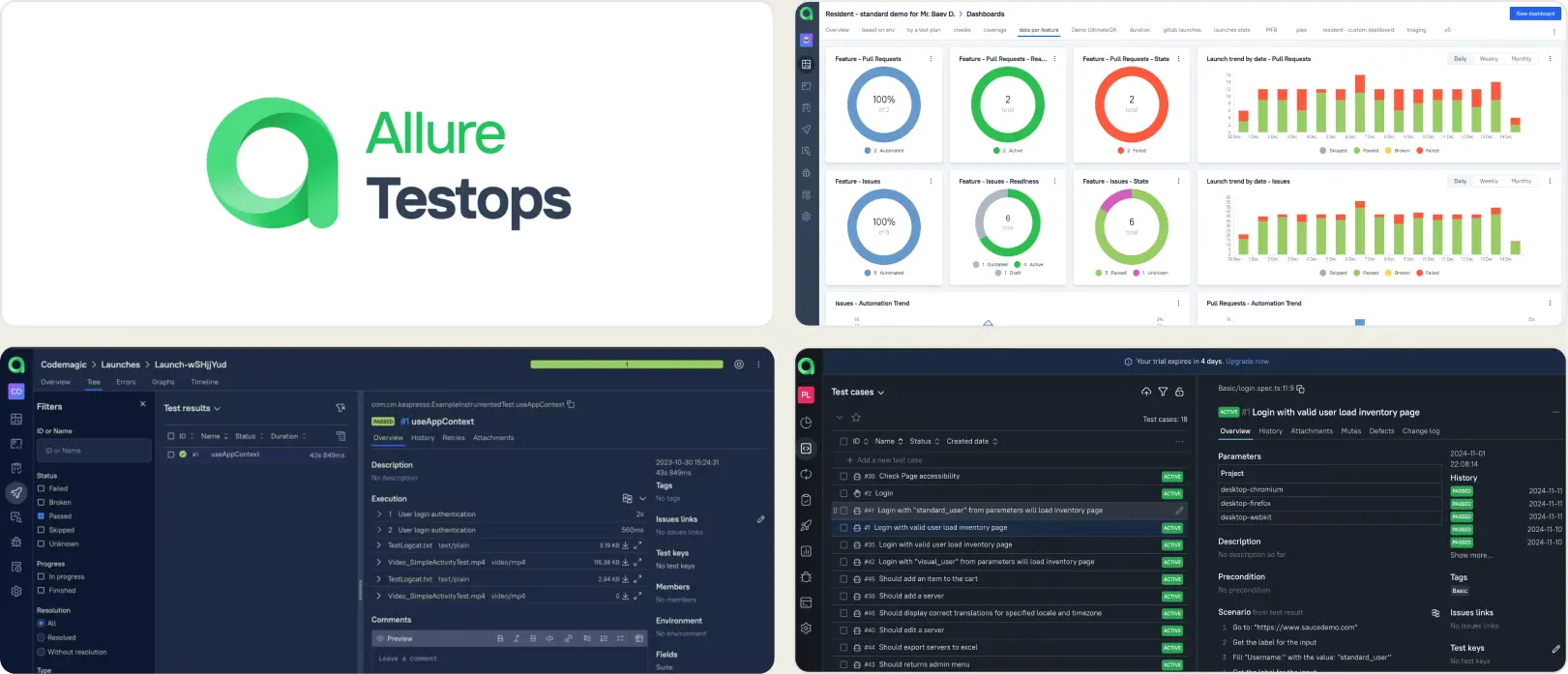
- Manual and automated test case management
- Historical analytics with AQL query language
- Customizable dashboards with widget-based views
- Multi-framework test result aggregation
- Defect pattern matching with regex-based rules
Pros
- Handles manual and automated tests in one interface
- Broad framework support across languages
- AQL queries for flexible data filtering
- Self-hosted option for teams needing data control
Cons
- Setup requires dedicated configuration effort
- Failure classification relies on manual regex rules
- Per-user pricing increases cost as teams grow
First Hand Experience
Allure TestOps provides a structured workspace for organizing test cases and viewing launch results. The platform works best when teams have defined QA workflow automation processes and the bandwidth to set up adapters, configure dashboards, and maintain data models. Teams looking for faster onboarding and AI-driven failure insights may find the configuration effort slows down time-to-value.
Pricing & Value
Starts at $30/user/month for cloud. On-premise pricing is custom. Free trial available. Value scales with team size, but per-user pricing adds up quickly as teams grow.
Final Verdict
Allure TestOps fits teams that follow structured QA processes and need a management layer alongside reporting. For teams prioritizing fast setup and focused Playwright test analytics, lighter platforms get to value faster.
3. ReportPortal
Best for:
Teams comfortable managing their own infrastructure and need open-source flexibility with multi-framework support.
Platform Type:
Self-hosted open-source reporting platform (SaaS option available)
Integrations with:
Jenkins, GitHub, GitLab, Jira, Slack
Key Features:
- Real-time launch tracking with log ingestion
- ML-based auto-analysis for failure patterns
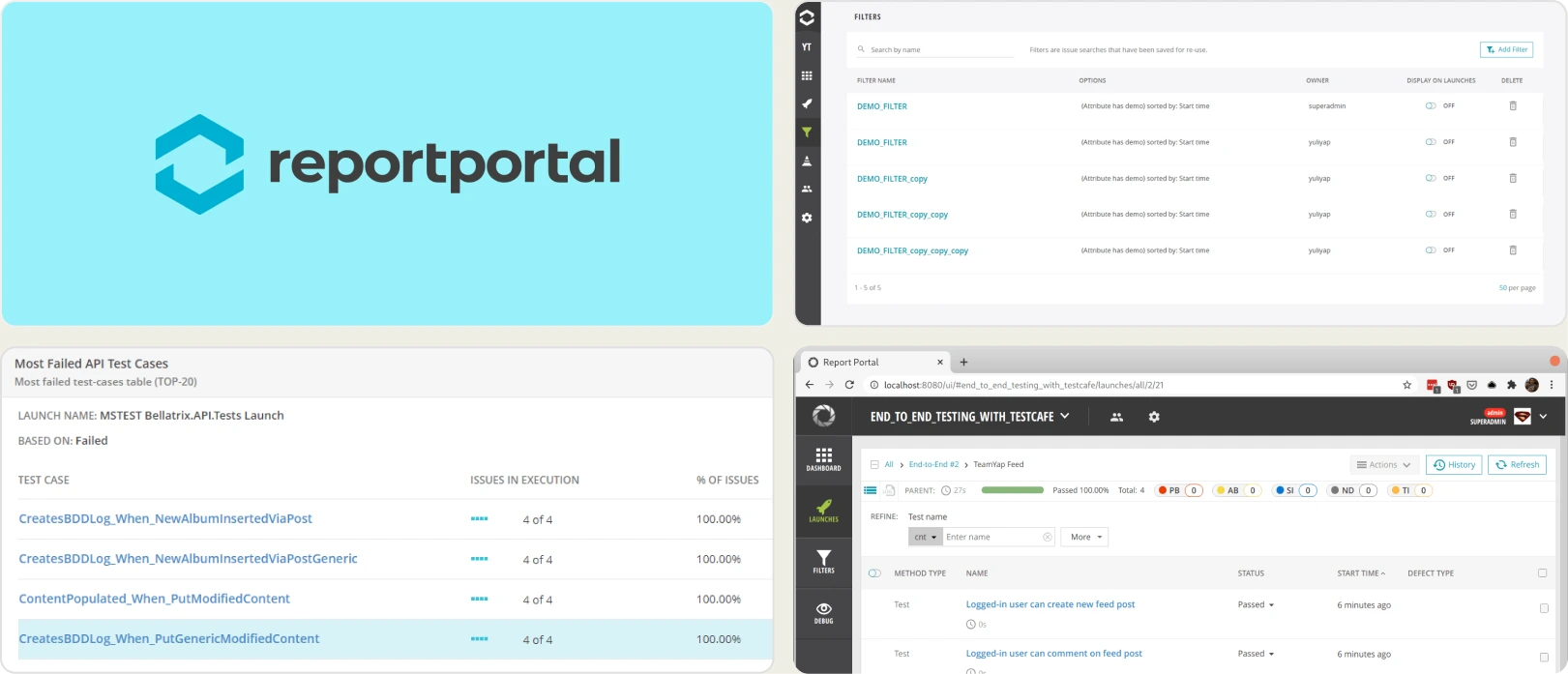
- Customizable widget-based dashboards
- Multi-framework result aggregation
- Filter-based views for test data exploration
Pros
- Open-source core with full data control
- Supports many test frameworks out of the box
- Real-time log ingestion during test runs
- Active community with regular updates
Cons
- Self-hosting requires dedicated infrastructure effort
- UI can feel dense for non-technical stakeholders
- Ongoing maintenance is needed for upgrades and scaling
First Hand Experience
ReportPortal aggregates results from multiple frameworks with real-time log ingestion and widget-based dashboards. Its ML auto-analysis identifies recurring failure patterns across launches. The open-source edition gives full data control, but teams need to allocate engineering time for Docker setup, database provisioning, and ongoing infrastructure maintenance. SaaS removes the hosting burden but shifts pricing into a higher bracket.
Pricing & Value
The open-source edition is free. SaaS starts at $599/month. The total cost of the self-hosted version depends on infrastructure, hosting, and maintenance effort.
Final Verdict
ReportPortal fits teams that want self-hosted test reporting with ML-based failure analysis. For teams that want Playwright-specific intelligence without infrastructure overhead, managed platforms offer faster time-to-value.
4. TestMu AI
Best for:
Teams that need cloud-based cross-browser test execution with session-level reporting.
Platform Type:
Cloud test execution and reporting platform
Integrations with:
Jira, Trello, CI/CD pipelines
Key Features:
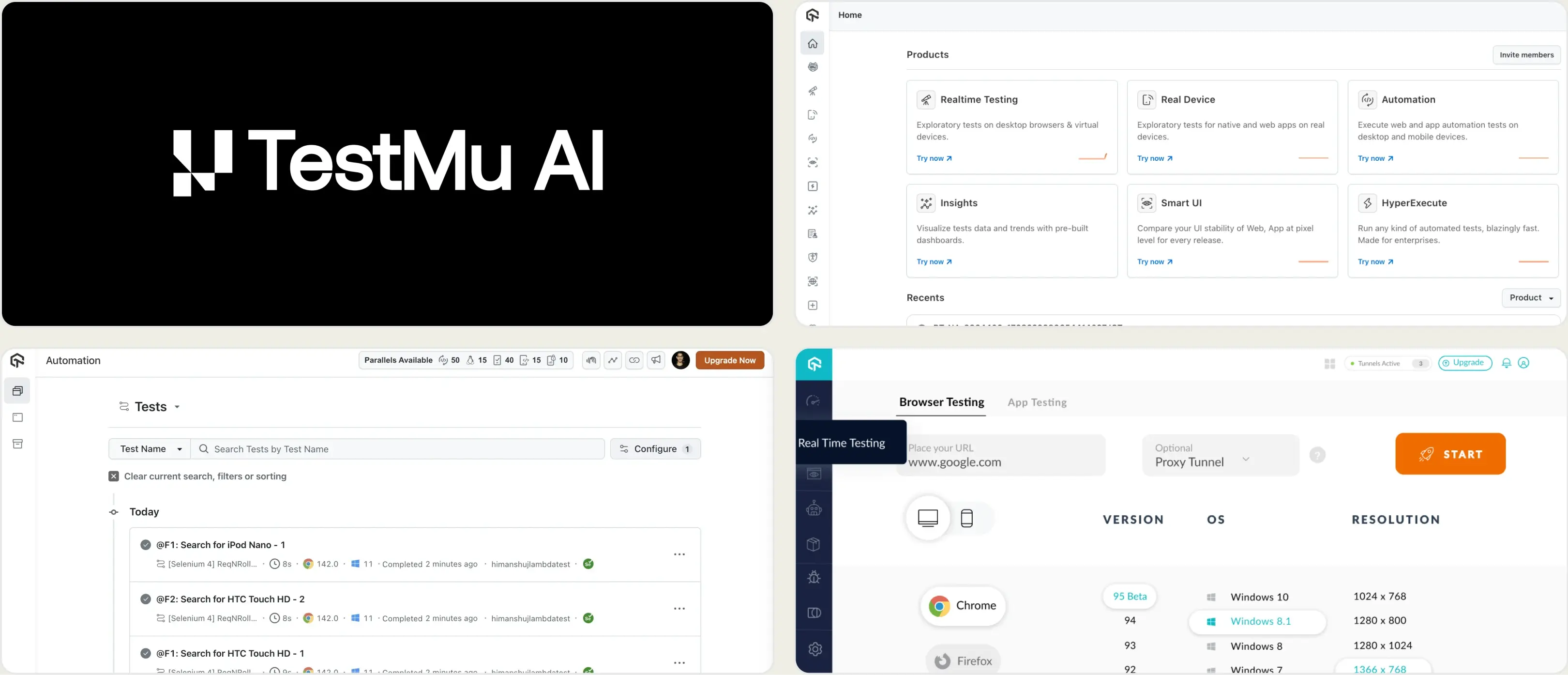
- Session-level test run logs and summaries
- Screenshots and video capture per session
- Flaky test detection from execution history
- Console and network log capture across test sessions
- CI/CD integration hooks for automated test triggers
Pros
- Managed cloud removes infrastructure overhead
- Broad browser and device coverage matrix
- Flaky test detection across run history
- Affordable starting tiers for small teams
Cons
- Reporting is session-focused, not test-case-focused
- Limited analytics depth beyond session summaries
- No built-in trace viewer or evidence panel
First Hand Experience
TestMu AI provides cloud execution with session-level reporting that captures screenshots, video, and logs per test run. Flaky test detection flags unstable tests from execution history. The reporting shows what happened during execution, but stays at the session level. Teams that need failure analysis, test case management, or CI pipeline optimization beyond execution summaries may find the reporting layer limited for those workflows.
Pricing & Value
Starts at $159/month based on concurrency and usage. Free tier includes limited testing minutes. Costs scale with parallel execution needs.
Final Verdict
TestMu AI is a reasonable option for cloud execution with basic reporting. For teams focused on Playwright test reporting depth, evaluate whether session-level analytics meet your needs.
5. Datadog Test Optimization
Best for:
Teams already using Datadog for system monitoring who want to add test visibility to their observability stack.
Platform Type:
CI pipeline monitoring add-on within the Datadog platform
Integrations with:
CI/CD pipelines, Slack, Jira, PagerDuty
Key Features:
- CI pipeline test monitoring with flaky detection
- Branch-level test run views and analytics
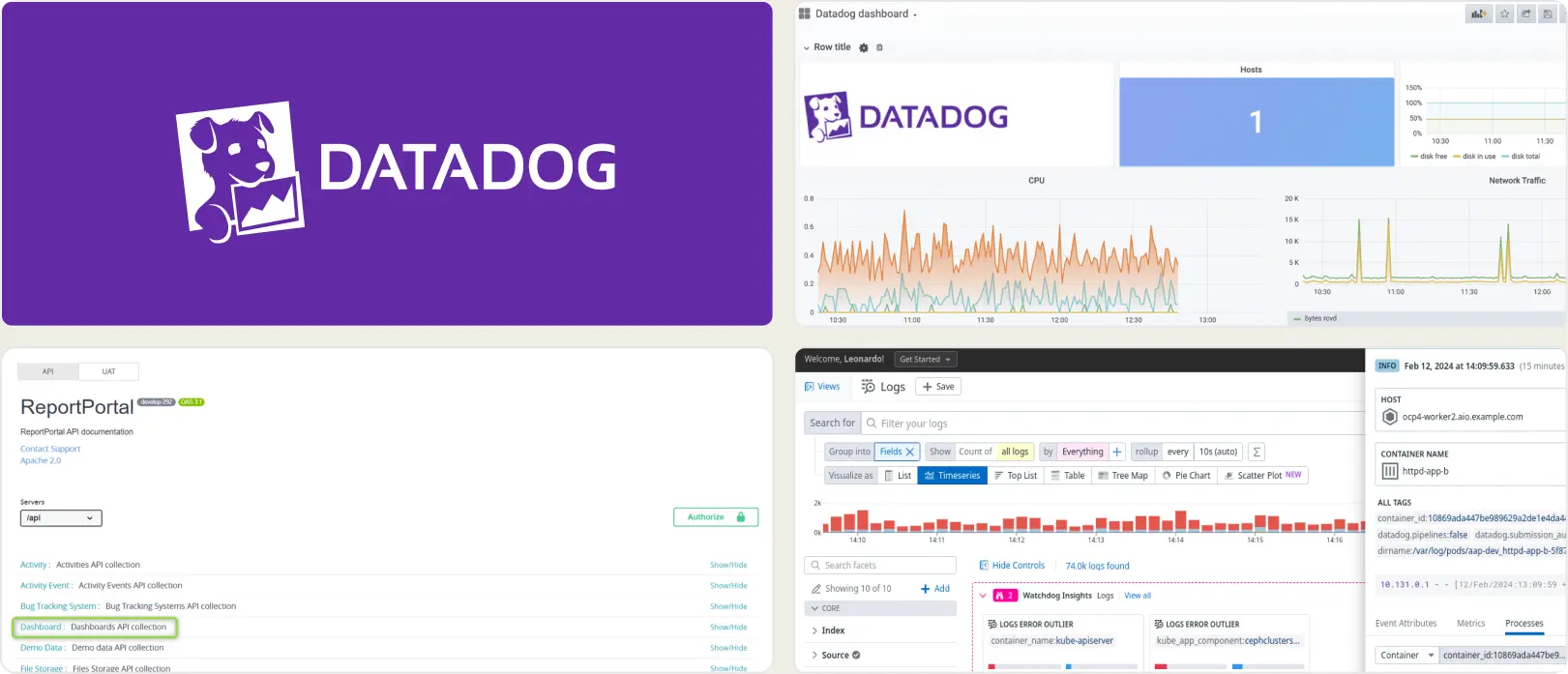
- Custom dashboards with alerting rules
- Correlation between test failures and system metrics
- Tag-based environment and test filtering
Pros
- Flaky test detection with historical tracking
- Fits into existing Datadog observability workflows
- Strong visualization and alerting capabilities
- Useful for correlating tests with backend issues
Cons
- Built for system monitoring, not test reporting
- Usage-based pricing can grow quickly at scale
- No test case management or trace viewer
- Requires technical expertise to configure effectively
First Hand Experience
Datadog Test Optimization adds test visibility to CI pipelines within the broader Datadog monitoring platform. It detects flaky tests, provides branch-level analytics, and correlates test failures with infrastructure metrics. The test monitoring works well when the goal is understanding how system performance affects test stability. Teams seeking test-specific debugging, failure classification, or test case management will find the platform focused on observability rather than QA workflows.
Pricing & Value
Per-committer, usage-based pricing starts at $20/month/committer. Costs are hard to predict as test artifacts and logs scale. Test spans are retained for 3 months.
Final Verdict
Datadog fits teams already using it for system monitoring. For QA-led teams looking for focused test reporting, failure analysis, and test management, purpose-built tools offer a more direct path.
6. TestRail
Best for:
QA teams that need structured test planning with milestones, releases, and requirement traceability.
Platform Type:
Cloud or self-hosted test case management platform
Integrations with:
Jira, GitHub, GitLab, Jenkins, Azure Pipelines
Key Features:
- Test case repository with milestone tracking
- Test planning with cycles and releases
- Requirement traceability mapping
- Custom fields and report exports
Pros
- Mature platform with broad industry adoption
- Strong test planning and milestone tracking
- Flexible custom fields and filtering options
- Reliable for documentation-focused QA processes
Cons
- Limited test analytics beyond summary reports
- No AI failure classification or error grouping
- Per-user pricing increases the cost for larger teams
First Hand Experience
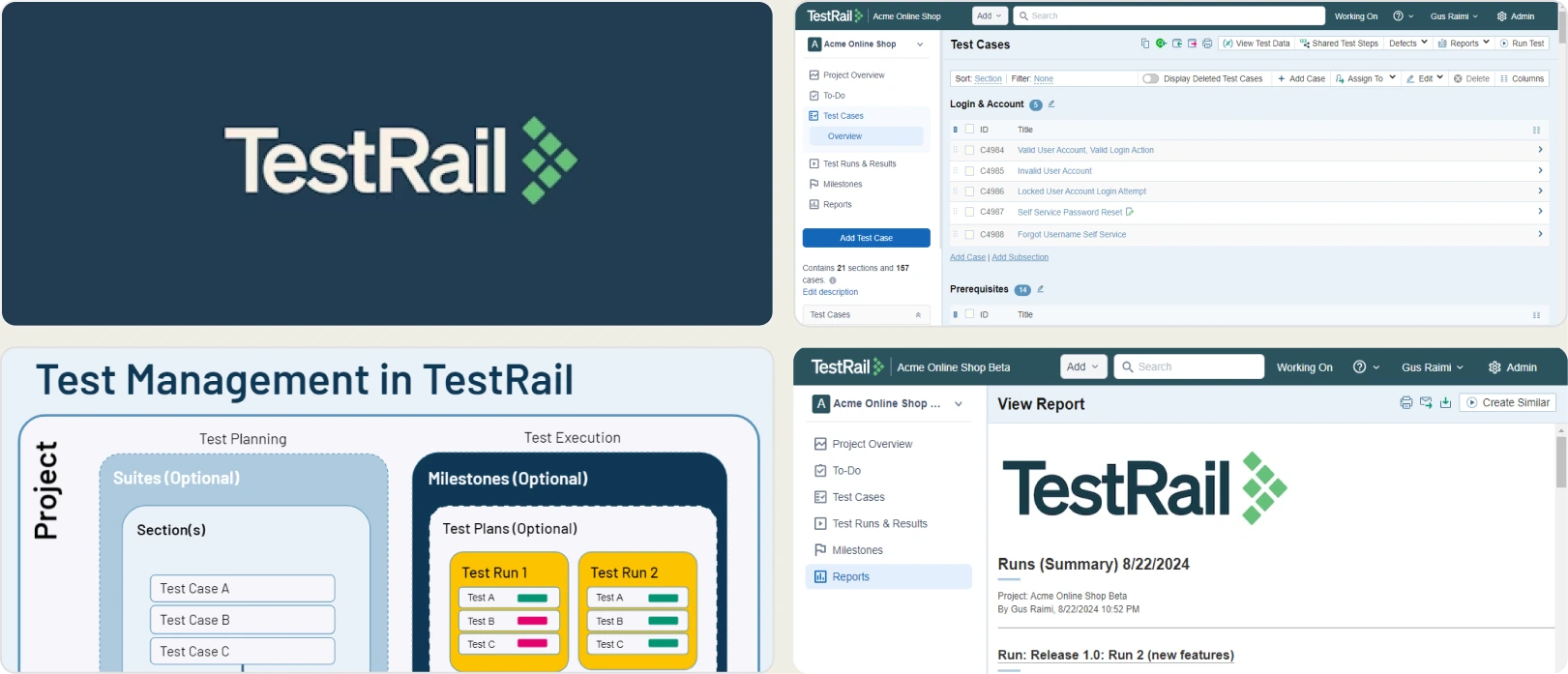
TestRail organizes test cases with milestones, test plans, and requirement traceability. It supports manual and hybrid testing workflows with custom fields and structured reporting. The platform works well for teams with formal QA governance needs. Teams focused on automated test reporting, failure intelligence, or CI pipeline optimization will need supplementary tooling since TestRail's strength is management, not debugging.
Pricing & Value
Professional starts at $37/seat/month. Enterprise at $74/seat/month with annual billing. Free trial available. Strong value for governance-focused QA teams, but per-user pricing grows fast.
Final Verdict
TestRail fits teams that need formal test case management with audit trails. For teams that prioritize failure analysis and deep Playwright integration, tools built for test intelligence offer more value.
7. Tricentis qTest
Best for:
Organizations that need QA governance across multiple products and teams with compliance requirements.
Platform Type:
Cloud SaaS with on-premise deployment options
Integrations with:
Jira, CI/CD tools, version control systems
Key Features:
- Test case management across projects
- Requirement traceability and defect linkage
- Execution tracking with build-level reporting
- Customizable dashboards and export options
- Multi-framework result aggregation
Pros
- Scales across distributed QA teams and projects
- Strong governance and traceability support
- Multi-framework compatibility for mixed stacks
- On-premise deployment available for compliance
Cons
- No public pricing, typically custom-quoted
- Implementation requires structured planning
- No AI failure analysis or flaky detection
First Hand Experience
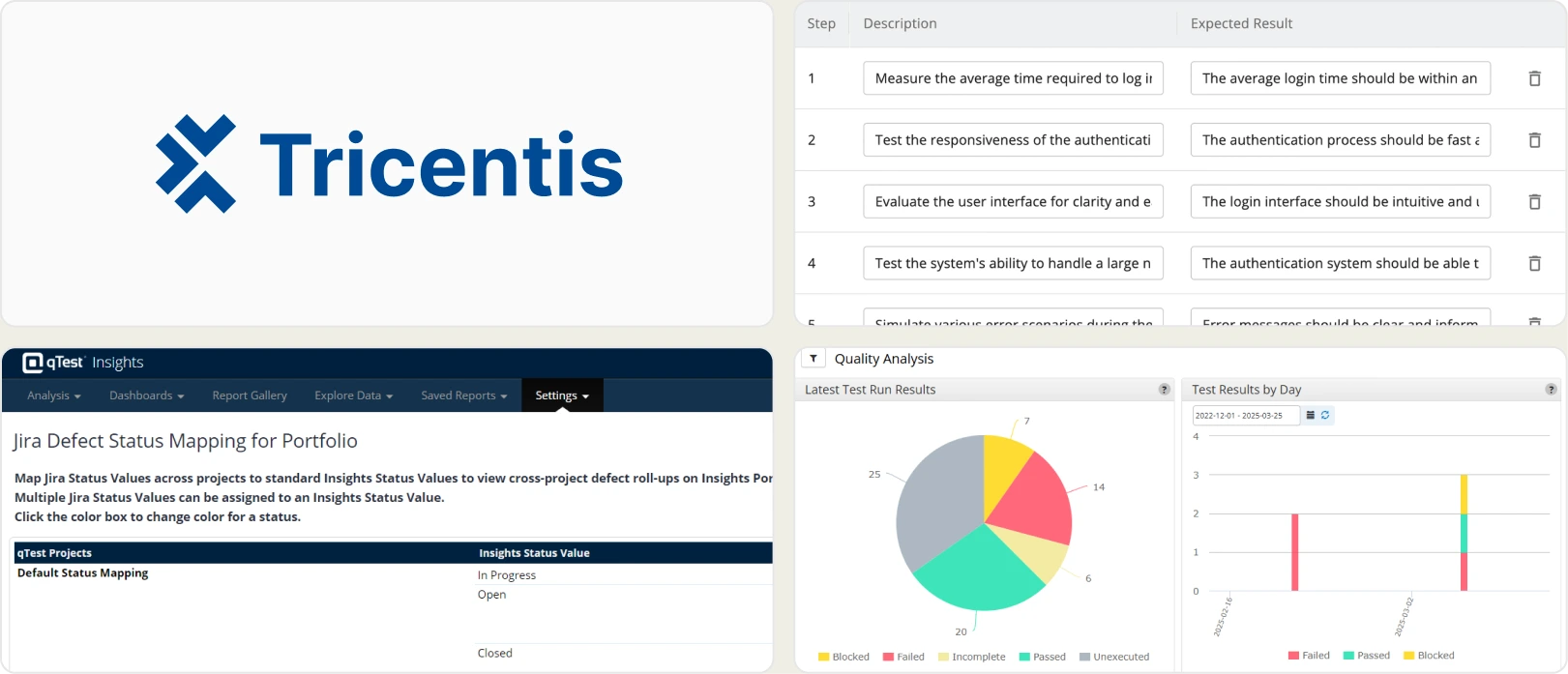
Tricentis qTest provides test case management with requirement traceability and build-level reporting across projects. The platform supports multi-framework result aggregation and role-based access for distributed QA teams. It works well when the goal is governance across departments. Teams focused on automation debugging, CI speed, or Playwright-specific intelligence will find the platform oriented toward management oversight rather than developer-facing analytics.
Pricing & Value
No public pricing listed. Plans are custom-quoted based on scale and feature requirements, typically positioned for mid-to-large enterprises with structured QA budgets.
Final Verdict
Tricentis qTest meets the governance needs of regulated organizations across multiple teams. For teams that prioritize speed and focused Playwright reporting, lighter platforms offer faster time-to-value.
How to evaluate the best Testomat.io alternatives for your team
Choosing the right Testomat.io replacement is not just about finding another test case manager. The tool you pick should solve the problems that made you look for alternatives in the first place.
Here are the evaluation criteria that matter most.
Test intelligence and failure analysis
A test management platform comparison starts with what happens when tests fail. Showing pass/fail status is not enough when you are running hundreds of specs per CI/CD test pipeline. Look for AI-driven failure classification, error grouping that clusters related issues, and clear separation between flaky test detection results and real defects.
Surface-level counts do not help developers act on failures quickly. The difference between a tool that lists failures and one that classifies them is the time your team spends investigating each run versus fixing it.
Team collaboration and bug workflow
Test results need to reach the right people in the right format. One-click bug filing into Jira, Linear, or Asana with pre-filled failure context removes copy-paste from the triage cycle.
Slack notifications filtered by environment keep teams informed without flooding channels. Scheduled PDF reports let stakeholders review test health without logging into dashboards. Jira integration for testing workflows should feel native, not bolted on.
Analytics and test coverage depth
Reporting should cover more than the last run. Look for trend analysis across runs, branches, and environments. Test coverage analytics per file, flaky rate tracking per test case, and environment stability comparisons help you make release decisions based on data rather than instinct.
Test execution tracking that spans weeks of run history lets you catch regressions that single-run reports miss entirely. A test analytics dashboard that shows trends is more valuable than one that resets with every new build.
CI/CD speed and pipeline integration
CI pipelines slow down when every failure triggers a full re-run. Quality gates on pull requests and environment-specific merge rules protect coverage without a separate reporting tool.
Direct integration with GitHub Actions, GitLab CI, Azure DevOps, and TeamCity matters more than a long list of generic CI support claims. The best CI/CD test pipeline tools integrate with your existing workflow and provide feedback within the developer experience.
Ease of setup and ongoing maintenance
If the tool takes days to set up or requires dedicated infrastructure, it creates friction for teams that want fast answers. Look for managed platforms with quick onboarding, minimal configuration, and no self-hosting requirements.
Testomat.io's free tier covers small teams well. Alternatives should match or beat that accessibility. For free Testomat.io alternatives for small QA teams, check whether the free tier includes enough depth in test execution tracking and reporting to be useful beyond a trial.
Wrapping Up
Testomat.io has served teams well as a test management system with manual and automated test syncing, BDD workflows, and basic run reporting. But it does not provide AI failure analysis, CI pipeline optimization, or debugging evidence such as trace viewers and error grouping.
The alternatives above cover different needs. Allure TestOps and TestRail offer structured test management with governance features. ReportPortal provides open-source flexibility with multi-framework support. TestMu AI handles cloud execution with session-level reporting. Datadog fits teams that want test monitoring inside their observability stack. Tricentis qTest covers QA governance across distributed teams.
For Playwright-first teams that want AI failure classification, test management, flaky test detection, and CI/CD optimization in one platform, TestDino provides test intelligence, management, and reporting for $39/month, billed annually.
Move from tracking to test intelligence
Link failures to each PRDebug faster with AI contextFAQs
They serve different scopes. Testomat.io focuses on test case documentation and BDD workflows. TestDino handles Playwright test reporting, AI failure classification, and CI/CD optimization. Teams can use Testomat.io for BDD documentation while sending Playwright CI results to TestDino for reporting and analytics.