TestRail has been the go-to test case management software for QA teams for over a decade. It handles test plans, milestones, and execution tracking with an interface teams learn quickly.
The friction shows up in two places. The first is cost. Professional runs $37 per seat per month and Enterprise $74 per seat per month, and TestRail has raised prices twice in the last two years, in August 2025 and again in August 2026. Every stakeholder who only reads a dashboard still needs a paid seat.
The second is automation. Connecting automated results to TestRail means embedding case IDs in your codebase and configuring API or CLI integrations. When someone renames a test or moves it to a different file, the link breaks and duplicates appear. Developers end up maintaining integration code instead of writing tests.
Teams running Playwright in CI are now looking for TestRail alternatives that combine test management with automated test reporting, failure intelligence, and CI/CD test visibility in one place, without the overhead of API maintenance or per-seat licensing.
Here are the 7 best TestRail alternatives to consider in 2026.
Best TestRail Alternatives: How to Choose the Right Tool
We evaluated each tool based on how it handles test case management alongside automated results, requirements traceability, AI failure analysis, flaky test detection, CI/CD integration, pricing model, and Playwright support.
How to Compare TestRail Alternatives
Here is a quick comparison of the best alternatives to TestRail that can help you identify your preferred test management tool:
TestDino | TestRail | Qase | Xray | Zephyr Scale | |
|---|---|---|---|---|---|
| PricingLowest paid plan, per the listed billing terms. | $39/month (billed annually) | $37/seat/month (Professional) | $24/user/month (Startup, annual) | From $100/year (up to 10 Jira users) | From $10/month (up to 10 Jira users) |
| Best for | Playwright cloud companion & test management | Enterprise test case management & traceability | Modern test management with transparent pricing | Jira-native BDD & requirements traceability | Structured folder-based management inside Jira |
| Playwright integration | Native (trace viewer, error grouping, MCP) | Via reporter plugin + case IDs | Via reporter plugin | Via JUnit XML parsing | Via JUnit XML parsing |
| One-step CI setup | One reporter line, streams live | Plugins/CLI + case IDs in code | Reporter + API token | JUnit XML upload via API | JUnit XML upload via API |
Dashboards & Reporting | |||||
| Unified Playwright dashboard | |||||
| Multi-tab test run detail | Summary, History, AI Insights & more | Run views (no PW tabs) | Run detail view | Jira issue view | Cycle-level view |
| Pull request insightsSee test results and history for each pull request. | |||||
| Test ExplorerBrowse tests as a hierarchy, a flat list, or by tag. | Suites, sections, tags | Suites and tags | Jira JQL based | Folder structure | |
| Real-time streaming | Per-shard/worker | ||||
| Scheduled PDF reportsGet report PDFs emailed on a set schedule. | Daily/Weekly/Monthly | Scheduled via email | Export and share | ||
Test Analytics | |||||
| Analytics: trends & patterns | Milestone and run reports | Configurable dashboards | Jira gadgets | Jira gadgets | |
| Code coverage, per-file | Istanbul, run-level | ||||
| Environment analytics | Pass-rate/flaky by env | Via custom fields/configs | Via configurations | Via attributes | Via attributes |
Debugging & Evidence | |||||
| Built-in Playwright trace viewer | |||||
| Screenshots & video replay | Embedded | Via attachments | Via attachments | If attached to Jira | Via attachments |
| Console logs | Node + browser | Via attachments | Via attachments | ||
| Visual diff comparison | |||||
| Smart error grouping | Message/stack/location | Defect grouping | |||
| Flaky detectionSpot tests that pass and fail inconsistently, with a stability score. | Root cause classification | Flaky flag (no root cause) | |||
| Playwright tags & annotations | Priority/owner/links/metrics | Custom fields | Custom fields | ||
CI/CD Optimization | |||||
| GitHub CI Checks quality gates | Per-env + mandatory tags | ||||
| Branch → environment mappingMatch each Git branch to the environment it runs against. | Exact/regex | Via configurations | Via environments | ||
| Sharded / parallel run support | Per-shard live view | ||||
| Native CI breadth | GitHub, GitLab, Azure DevOps, Bitbucket, CircleCI, Jenkins, TeamCity, AWS CodeBuild, Buildkite, Harness | Jenkins, GitHub Actions, GitLab CI, CircleCI, Travis, Azure DevOps, Bitbucket | GitHub, GitLab, Jenkins, CircleCI | Jenkins, GitLab, GitHub Actions, Bamboo | Jenkins, Bamboo, GitHub Actions |
| Self-managed GitLab | |||||
Test Management | |||||
| Test case management | Jira issue types | Folder structure | |||
| Bulk test creationGenerate many test cases at once from PRDs, Jira, or user stories. | via MCP | CSV/XML import | CSV import + AIDEN AI | CSV import | CSV import |
| Release trackingGroup test results by release, cycle, or sprint. | Milestones | ||||
| Exploratory / manual sessions | |||||
| Import / export test cases | JSON/CSV/ZIP | CSV/XML | CSV/XML | CSV | CSV/Excel |
AI & Automation | |||||
| Local MCPLet AI coding assistants in your editor act on test data directly. | Cursor/Claude Code/Copilot | ||||
| Remote MCPLet web-based AI tools query your test data. | |||||
| AI test run summary on GitHub PRs | GitHub/GitLab/Slack | ||||
| AI test suite auditAI scores your test suite and gives a downloadable report. | |||||
| AI failure classification | 4 categories with confidence | Sembi IQ (limited scope) | AIDEN (generation, not triage) | ||
Integrations & Collaboration | |||||
| Bug tracking breadth | Jira, Linear, Asana, monday | Jira, monday, Asana, etc. | Jira, GitHub, GitLab, Asana | Native Jira | Jira |
| Slack notifications | App + webhooks | Via integrations | |||
Platform & Security | |||||
| Public API & CLIs | REST + @testdino/playwright | REST API (180-300 req/min) | REST API + qasectl | REST API | REST API |
| Project-level AI controls | Per-feature toggles | Admin toggles | |||
| Compliance & certifications | ISO 27001, SOC 2 Type II, GDPR | SOC 2, ISO, SSO (Ent) | SOC 2 Type II, GDPR | ISO 27001, SOC 2 | ISO 27001, SOC 2 |
Plans & Pricing | |||||
| Plan tiers | Free · Pro $39 · Team $79 · Enterprise | Professional $37/seat · Enterprise $74/seat | Free · Startup $24 · Business $30 · Enterprise | Tiered by Jira user count · Standard · Advanced | Standard · Advanced · Zephyr Enterprise (quote) |
| Free executions | 5,000/mo | Free trial (14-30 days) | Free up to 3 users | 30-day trial | Free up to 10 Jira users |
| Support | Email (Pro) · Priority (Team) · Slack Connect (Enterprise) | Standard (Pro) · Priority 2-hr SLA (Ent) | Email + chat on paid tiers | Email + Xray Enterprise support | SmartBear support portal |
| Try for free | Learn more | Learn more | Learn more | Learn more | |
Best TestRail Competitors for Modern Test Management
Here are the 7 best alternatives to TestRail for teams that want test management and reporting in one platform:
1. TestDino
Best for:
Playwright-first teams that need test case management, automated reporting, and CI/CD optimization in one platform, without maintaining case IDs or API integrations.
Platform Type:
Test reporting, dashboards, test management, and CI observability platform for Playwright
Integrations with:
GitHub Actions, GitLab CI, Azure DevOps, Bitbucket, CircleCI, Jenkins, TeamCity, AWS CodeBuild, Buildkite, Harness, Jira, Linear, Asana, monday, Slack
Key Features:
 Test management and automated reporting in one place
- Hierarchical test suites up to 6 levels deep with ownership and version history
- AI failure classification into 4 categories with confidence scores
- Built-in trace viewer with DOM snapshots and network logs
- Error grouping by message, stack trace, and location
- GitHub CI Checks as merge quality gates
- MCP Server for AI agent queries from your IDE
- Flaky test detection with root cause classification
- Real-time results streaming via WebSocket
- Code coverage per file breakdown

Pros
- Pro from $39/month (billed annually), 3 users, instead of per-seat licensing
- Manual and automated tests linked in the UI, no case IDs in your code
- Playwright-native with under 10-minute setup
- Broad CI/CD support: GitHub Actions, GitLab CI, Azure DevOps, Bitbucket, CircleCI, Jenkins, TeamCity, AWS CodeBuild, Buildkite and Harness
- AI summaries posted to GitHub commits, GitLab MRs, and Slack
- 1-click bug filing into Jira, Linear, Asana, or monday

Cons
- Purpose-built for Playwright (multi-framework support on the roadmap)
First Hand Experience
With TestRail, linking automated results to test cases means embedding case IDs in your automation code and pushing results through their CLI or API. It works, but it is fragile. If someone renames a test or moves it in the codebase, the link breaks and creates duplicate entries. Developers end up maintaining that integration instead of writing tests.
TestDino takes a different approach. Test management and automated test reporting live on the same platform. Manual test cases sit in suites up to 6 levels deep with ownership, custom fields, and version history. Playwright results flow in from CI, and you link them in the UI, without API calls, case IDs in your code, or ongoing maintenance.
The Test Explorer gives you both views side by side. Sort by flaky rate, filter by tags, and see which manual tests have automated coverage. Answering "what percentage of our tests are automated?" stops being a spreadsheet exercise.
Debugging That Saves You from Re-running Locally
Each failed test in TestDino comes with screenshots, video, browser console logs, and a trace you can step through action by action. Available right after the CI run finishes.
AI Insights classifies each failure as Actual Bug, UI Change, Unstable Test, or Miscellaneous. Bug filing is 1-click into Jira, Linear, Asana, or monday, pre-filled with error details, stack trace, failure history, and links to the run and CI job. TestRail tells you a test failed. It does not tell you why.
CI/CD Speed and Merge Safety
Each shard reports as its tests finish. History persists across different CI runners.
GitHub CI Checks adds quality gates to your PRs. Set a minimum pass rate, mark critical tags as mandatory, and configure different rules per environment. AI-generated summaries are posted to GitHub commits and GitLab merge requests with pass/fail/flaky counts.
Flaky Test Detection That Tells You Why
Flaky test detection classifies unstable tests by root cause: timing-related, environment-dependent, network-dependent, or assertion-intermittent. Each test gets a stability percentage, and you can compare flaky rates across environments to spot infrastructure problems.
Real-Time Streaming and Scheduled Reports
Results appear on the dashboard as each test completes via real-time streaming, not after the full suite finishes. Automated PDF reports deliver test health summaries on daily, weekly, or monthly schedules. Slack notifications send run summaries filtered by environment and branch.
MCP Server for AI-Assisted Workflows
The MCP Server connects your AI assistant (Cursor, Claude Code, Copilot) to your test data. List test runs, pull debugging context, perform root cause analysis, and manage manual test cases through natural language. It covers both automated debugging and test management without switching tools.
Pricing & Value
Four plans are available on TestDino, each built to meet a different team size and automation maturity.
Final Verdict
TestRail manages test cases well. TestDino manages test cases and tells you why they fail.
TestDino is the most straightforward TestRail alternative for teams that want test management and automated reporting without maintaining API integrations. Where TestRail manages test cases but requires separate tools for failure intelligence and CI/CD optimization, TestDino combines all four in a single platform.
Manual and automated tests live side by side with no case ID maintenance. AI failure classification, error grouping, and flaky detection with root cause categories handle the analysis that TestRail leaves entirely to your team. TestDino's Pro plan is $39/month billed annually ($49 monthly) for 3 users, and Team is $79/month billed annually for 30 users. Plan pricing replaces the per-seat cost model that scales with every team member you add.
2. Qase
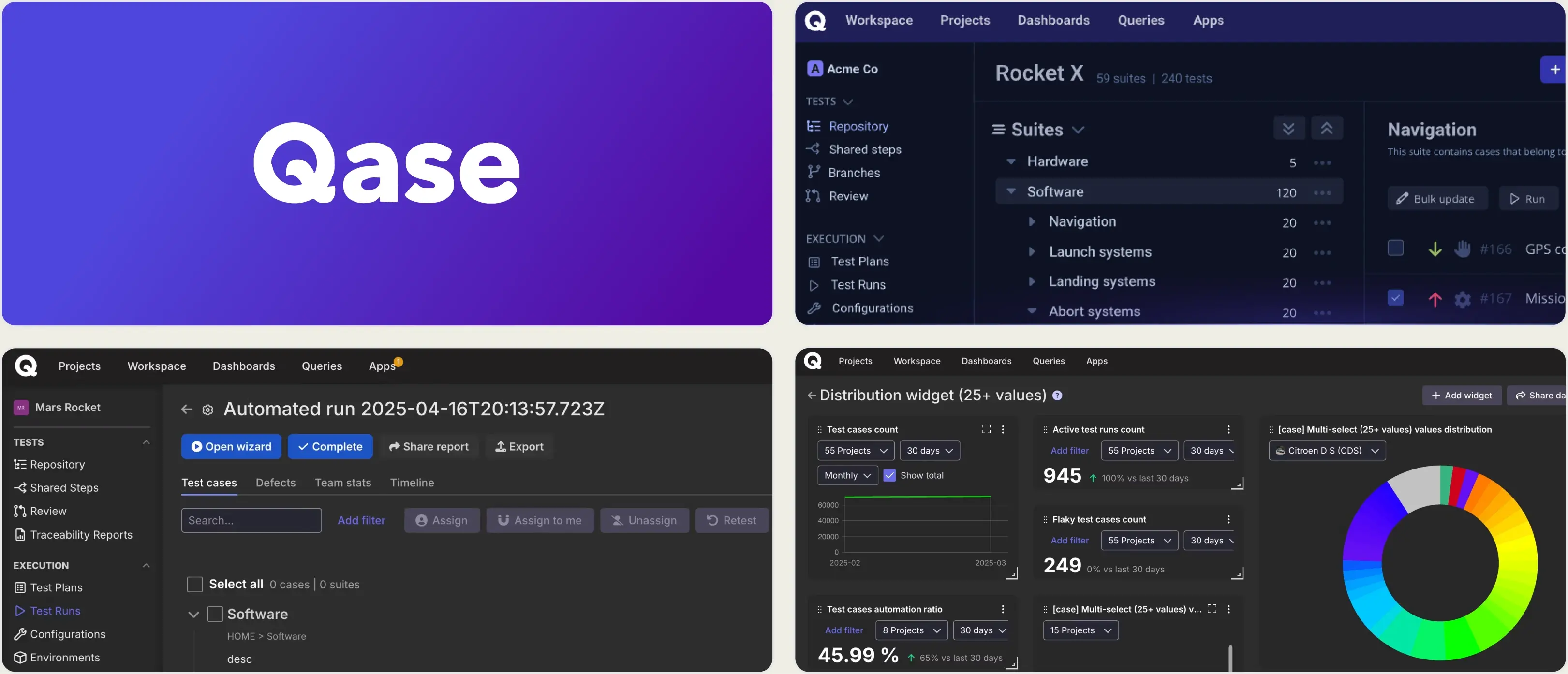
Best for:
Agile teams that want a modern, fast TestRail replacement with transparent pricing and a free tier for small teams.
Platform Type:
Modern cloud-based test management platform
Integrations with:
Jira, GitHub, GitLab, Asana, Slack, Playwright, Cypress, Selenium
Key Features:
- Clean, fast interface with shared steps and parameterization
- Built-in defect management and two-way Jira sync
- AIDEN AI for test case generation
- Reporters for Playwright, Cypress, and most major frameworks
- Configurable dashboards and run reports
- REST API and qasectl CLI for automation
Pros
- Free tier for up to 3 users, which TestRail does not offer
- Startup plan at $24/user/month undercuts TestRail Professional by a third
- Significantly faster and more modern UI than TestRail
- Smooth onboarding with published pricing and no sales call
Cons
- Still per-seat, so cost grows with every viewer you add
- SSO is a paid add-on rather than included on mid tiers
- No trace viewer, error grouping, or root cause flaky analysis
- Enterprise tier requires a 20-user minimum
First Hand Experience
Qase is the lowest-risk swap for teams leaving TestRail. The data model is familiar (suites, cases, runs, defects), the import path from TestRail is well-trodden, and the UI is noticeably faster on large suites.
The free tier up to 3 users matters more than it sounds. It lets a team validate the migration before committing budget, which TestRail's trial-only model does not allow.
Where Qase stops is automation depth. The Playwright reporter syncs results and statuses, but the reporting layer stays at pass/fail plus attachments. There is no embedded trace viewer, no DOM snapshots, and flaky detection is a flag rather than a root cause classification. It is a better TMS than TestRail, not an automation intelligence platform.
Pricing & Value
Free for up to 3 users. Startup at $24/user/month and Business at $30/user/month, both billed annually. Enterprise is custom with a 20-user minimum. SSO is a $4/user/month add-on on Business.
Final Verdict
Qase is the best like-for-like TestRail alternative on UI, speed, and price. Playwright teams that also want failure intelligence should either pair it with a reporting platform or evaluate a tool that covers both.
3. Xray
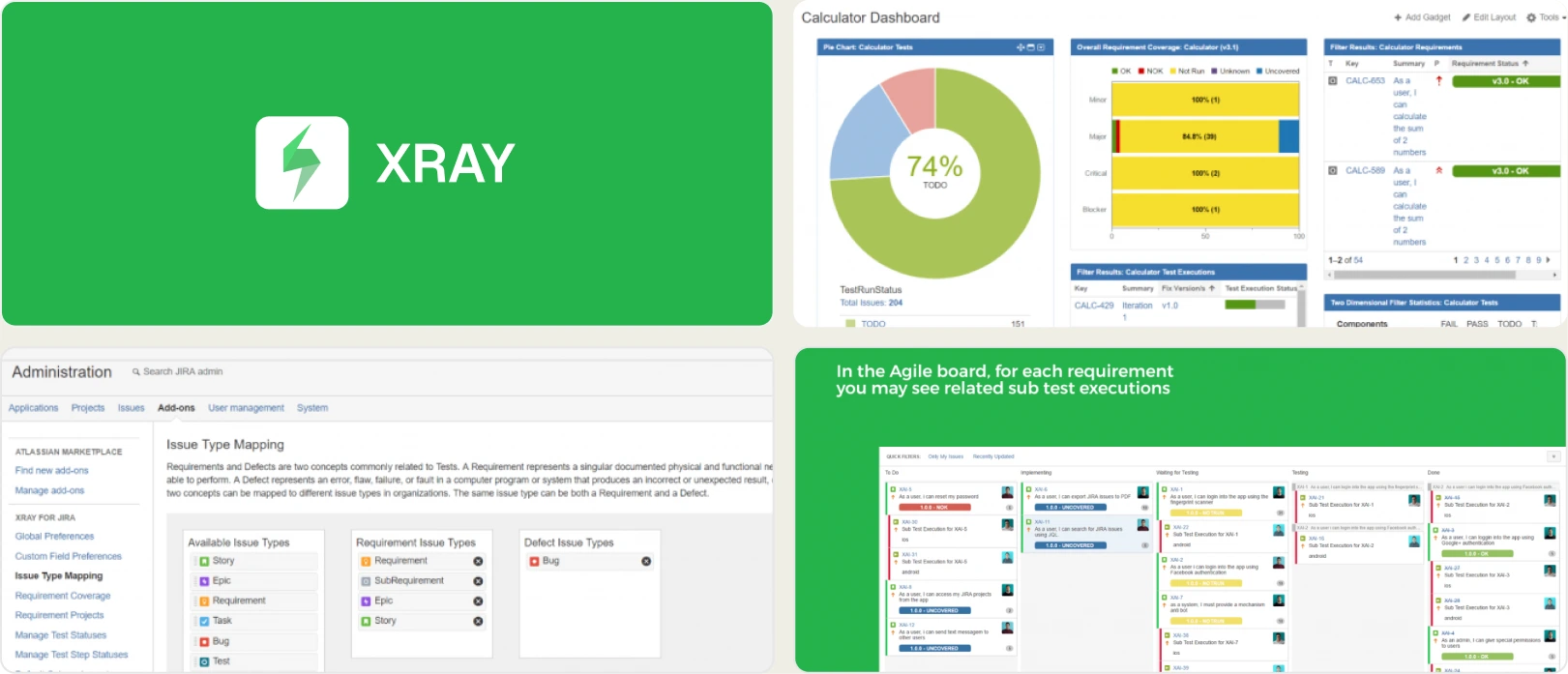
Best for:
Teams deeply embedded in Jira that want test cases managed natively as Jira issues with full BDD and requirements traceability.
Platform Type:
Jira-native test management app
Integrations with:
Jira (native), Jenkins, GitLab, GitHub Actions, Cucumber, Robot Framework
Key Features:
- Test cases are native Jira issue types
- Deep BDD and Cucumber support with Gherkin editor
- Traceability matrices linked directly to Jira Epics and Stories
- Coverage reports inside Jira
- Parameterized and data-driven testing
- REST API for CI/CD result upload
Pros
- Zero context switching for Jira-centric teams
- Industry-leading requirement-to-defect traceability
- Excellent for BDD and Cucumber workflows
- Cheapest entry point on this list at $100/year for small Jira instances
Cons
- Billed against your total Jira user count, not your QA headcount
- Clutters Jira with thousands of test issue types
- Automation syncing relies on parsing JUnit XML
- No dedicated UI for automation debugging
First Hand Experience
Xray is the most popular Jira-native test management app and the natural move for teams whose real complaint about TestRail is that it lives outside Jira.
The pricing model is the thing to understand before you commit. Marketplace apps are licensed against the size of your Jira instance, not the number of people using the app. If you have 100 Jira users and 5 QA engineers, you pay for 100. At roughly $6.33 per user per month on the Standard tier, that arithmetic can go either way against TestRail's $37 per seat.
The trade-off is Jira clutter. Each test execution creates Jira artifacts, which bloats large instances over time. For automation, Xray parses JUnit XML and gives you pass/fail traceability, but it does not document a Playwright trace viewer, console log viewer, or AI error classification.
Pricing & Value
From $100/year for up to 10 Jira users. Roughly $6.33/user/month (Standard) and $7.60/user/month (Advanced) from 11 users, billed against total Jira instance size. Xray Enterprise is quoted separately.
Final Verdict
Xray is unmatched for Jira traceability and BDD workflows. Teams using it for requirements tracking should pair it with a dedicated reporting platform for Playwright failure intelligence.
4. Zephyr Scale
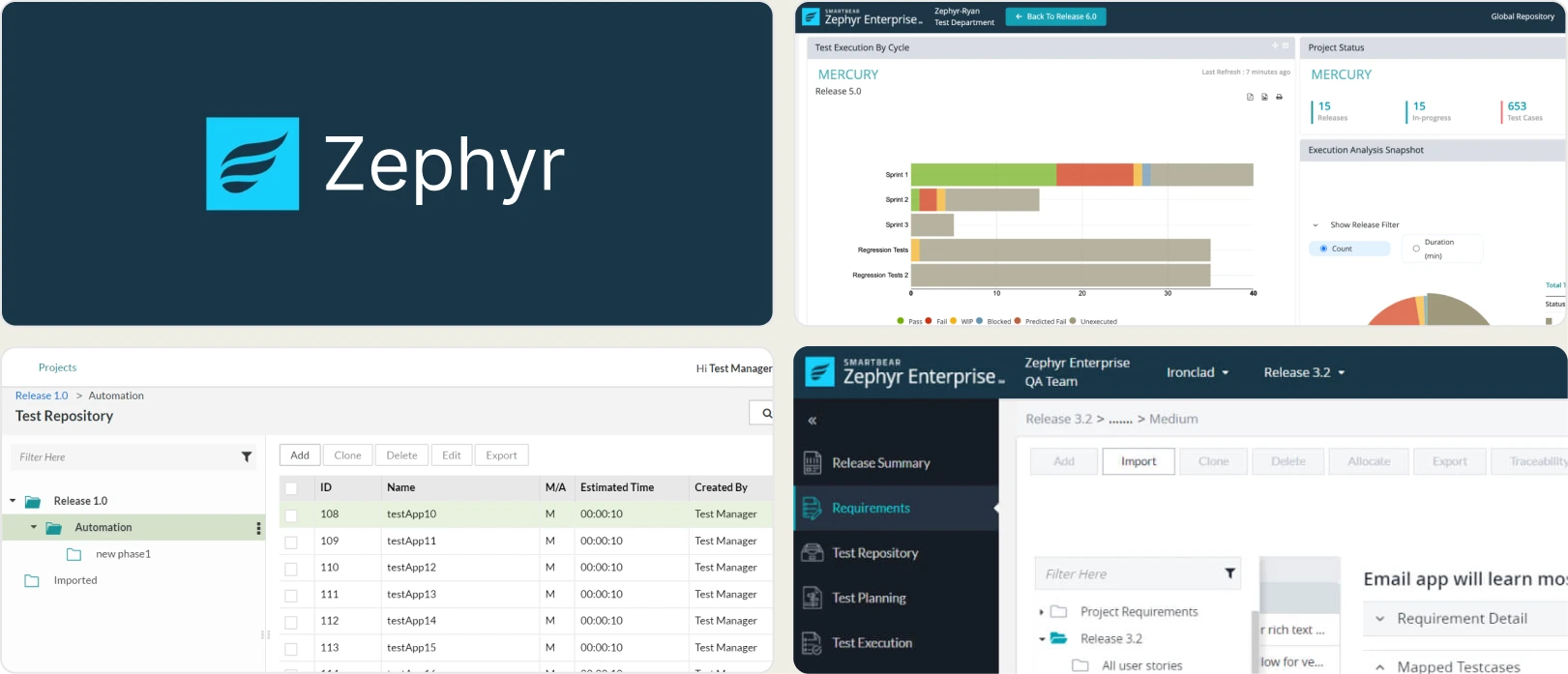
Best for:
Jira users who want native Atlassian integration with a traditional folder-based test library, without creating a Jira issue for every test.
Platform Type:
Jira-native test management app
Integrations with:
Jira (native), Jenkins, Bamboo, GitHub Actions, JUnit, Cucumber
Key Features:
- Structured, folder-based test library inside Jira
- Reusable test steps and parameters
- Cross-project reporting and Jira dashboard gadgets
- Test execution cycles and version tracking
- REST API for CI/CD integration
- Better performance at scale than issue-based Jira apps
Pros
- Free for Jira instances of 10 or fewer users
- Keeps testers inside Jira without bloating the issue tracker
- Folder structure that TestRail users find immediately familiar
- Strong reporting gadgets for Jira dashboards
Cons
- Tied entirely to the Jira ecosystem
- Also billed against total Jira user count
- Automation integration limited to XML result parsing
- No trace viewer, error grouping, or AI failure analysis
First Hand Experience
Zephyr Scale (formerly TM4J) solves the main complaint about Xray: native Jira integration without turning every test case into a Jira issue.
For teams migrating off TestRail, the folder tree is the closest structural match on this list. Suites and sections map cleanly onto folders, so the mental model survives the migration.
Like TestRail, its scope is strictly test management. It ingests automated results for high-level reporting but provides no debugging evidence. Without error grouping, trace viewers, or real-time streaming, debugging a Playwright failure synced to Zephyr Scale still means opening CI logs manually.
Pricing & Value
Free for up to 10 Jira users. From $10/month (Standard) and $15/month (Advanced) for small instances, scaling in Atlassian Marketplace tiers as your Jira user count grows. Zephyr Enterprise is quote-based with a 20-user minimum.
Final Verdict
Zephyr Scale provides excellent structured test management inside Jira and the smoothest structural migration from TestRail. Playwright teams will still need a specialized platform to debug and triage failures.
5. qTest (Tricentis)
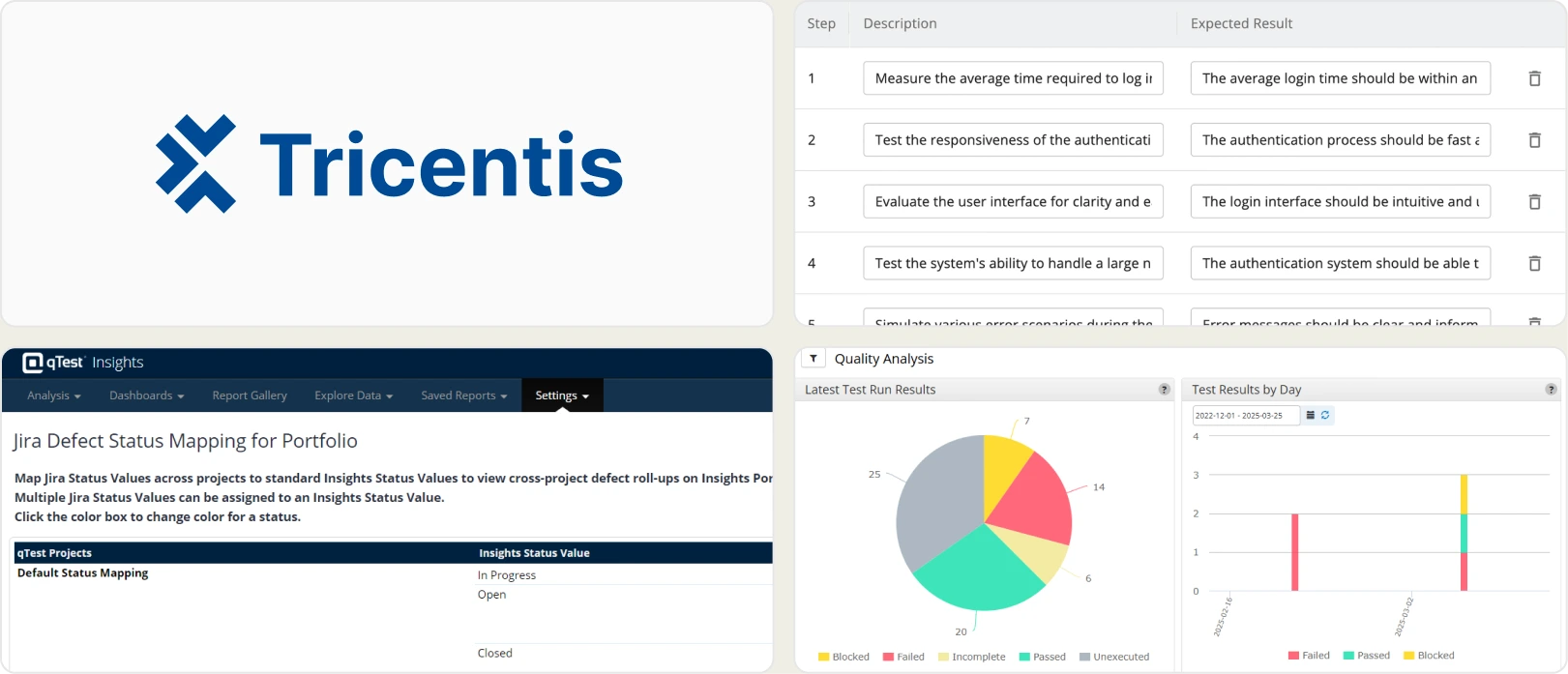
Best for:
Large enterprises that need test management embedded in a wider Tricentis quality and automation stack.
Platform Type:
Enterprise test management platform
Integrations with:
Jira, Azure DevOps, Jenkins, Selenium, Tricentis Tosca, Rally
Key Features:
- Centralized test case repository with enterprise permissions
- Requirements traceability and coverage reporting
- qTest Launch for automation orchestration
- qTest Insights for executive-level analytics
- Deep integration with Tricentis Tosca and qTest Scenario
- Audit trails and compliance reporting
Pros
- Scales to very large QA organizations and test volumes
- Strong analytics and executive reporting
- Fits naturally if you already run Tricentis Tosca
- Mature enterprise permissions and audit trails
Cons
- Pricing is sales-only with no published rates
- Implementation costs can rival first-year licence spend
- Heavy for small and mid-size teams
- No Playwright-native debugging or AI failure classification
First Hand Experience
qTest is where TestRail evaluations end up when the requirement is enterprise scale rather than developer experience. It handles very large repositories, complex permission models, and the audit trails regulated industries need.
The cost model is the main obstacle. Tricentis does not publish prices, and enterprise test management tooling in this bracket typically lands well above TestRail Enterprise per seat once implementation and professional services are counted.
For automation, qTest Launch orchestrates runs and collects results, but reporting stays at execution-level status. Engineers debugging a Playwright failure still leave the platform to find out what happened.
Pricing & Value
Custom pricing, contact sales. No published rates. Budget for implementation and onboarding services alongside licence cost.
Final Verdict
qTest suits large enterprises already invested in Tricentis. Teams that want transparent pricing or Playwright-level debugging depth will find it heavier than the problem requires.
6. PractiTest
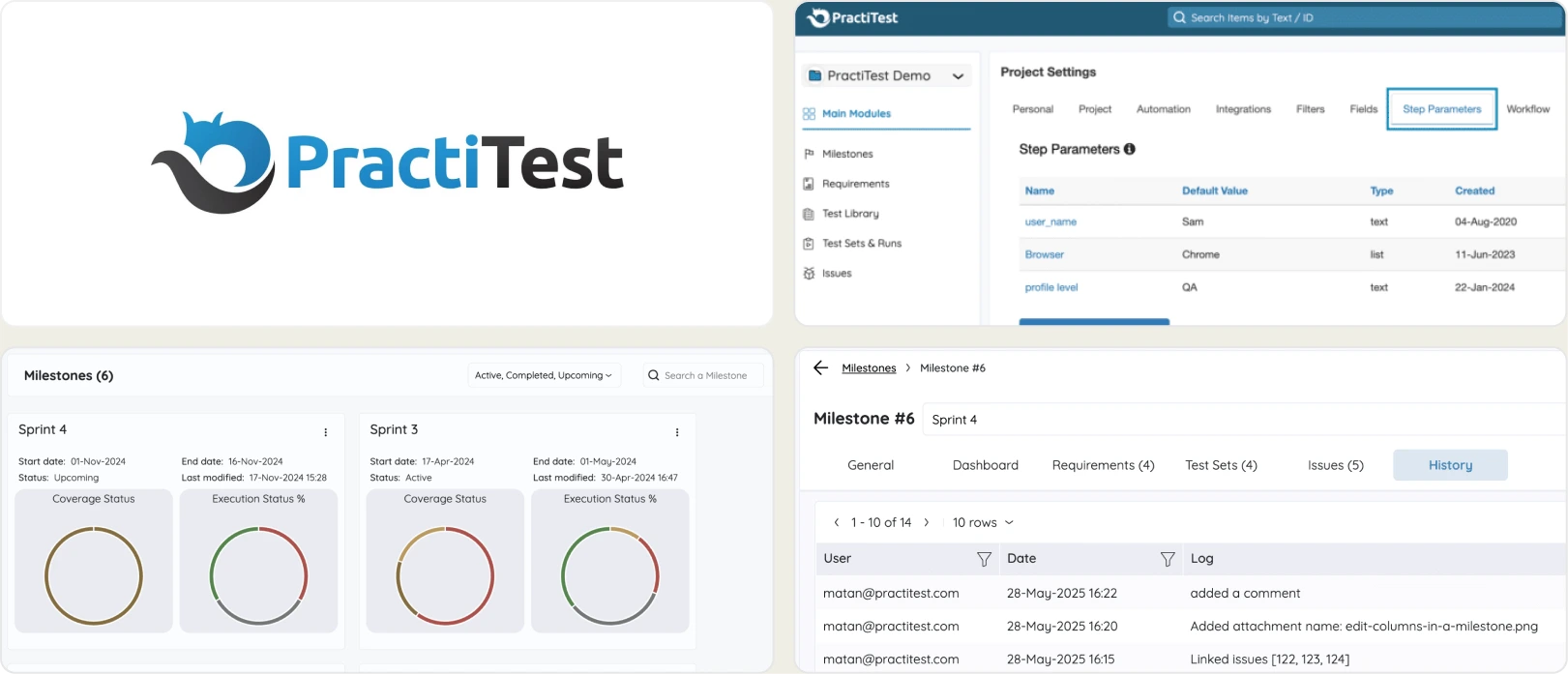
Best for:
Enterprise QA teams that need end-to-end traceability and compliance reporting on a standalone platform outside Jira.
Platform Type:
Cloud-based enterprise test management platform
Integrations with:
Jira, Jenkins, GitHub, GitLab, Azure DevOps, Selenium, REST API
Key Features:
- End-to-end requirements traceability with visual dashboards
- SmartFox AI for test prioritization and risk-based testing
- Custom fields, filters, and advanced permission management
- Compliance-oriented reporting for regulated industries
- Exploratory testing with session-based management
- REST API for automation integration
Pros
- Deep traceability and compliance features for regulated industries
- SmartFox AI helps prioritize high-risk test areas
- Flexible standalone platform not tied to Jira
- Hierarchical filters handle very large test repositories well
Cons
- Around $49/user/month, more expensive than TestRail Professional
- No Playwright-specific debugging or trace viewing
- UI can feel heavy for small, agile teams
- Automation reporting stays at pass/fail level
First Hand Experience
PractiTest targets the same buyer as TestRail Enterprise, and competes on traceability rather than price. Its filter-based data model handles large repositories more gracefully than TestRail's folder structure, and the compliance reporting is genuinely stronger.
SmartFox AI adds risk-based prioritization, suggesting which areas to test first based on historical defect patterns. That is more useful than TestRail's reporting, but it is planning intelligence, not failure intelligence.
Like TestRail, PractiTest stops at test management. Automation results are imported for status tracking, with no trace viewer, no error grouping, and no flaky root cause analysis.
Pricing & Value
Starts around $49/user/month, with team and enterprise tiers quoted based on seat count and feature requirements.
Final Verdict
PractiTest is a strong TestRail alternative for regulated industries that need compliance and traceability. It does not solve the automation debugging gap, so pair it with a reporting platform for Playwright.
7. Testmo
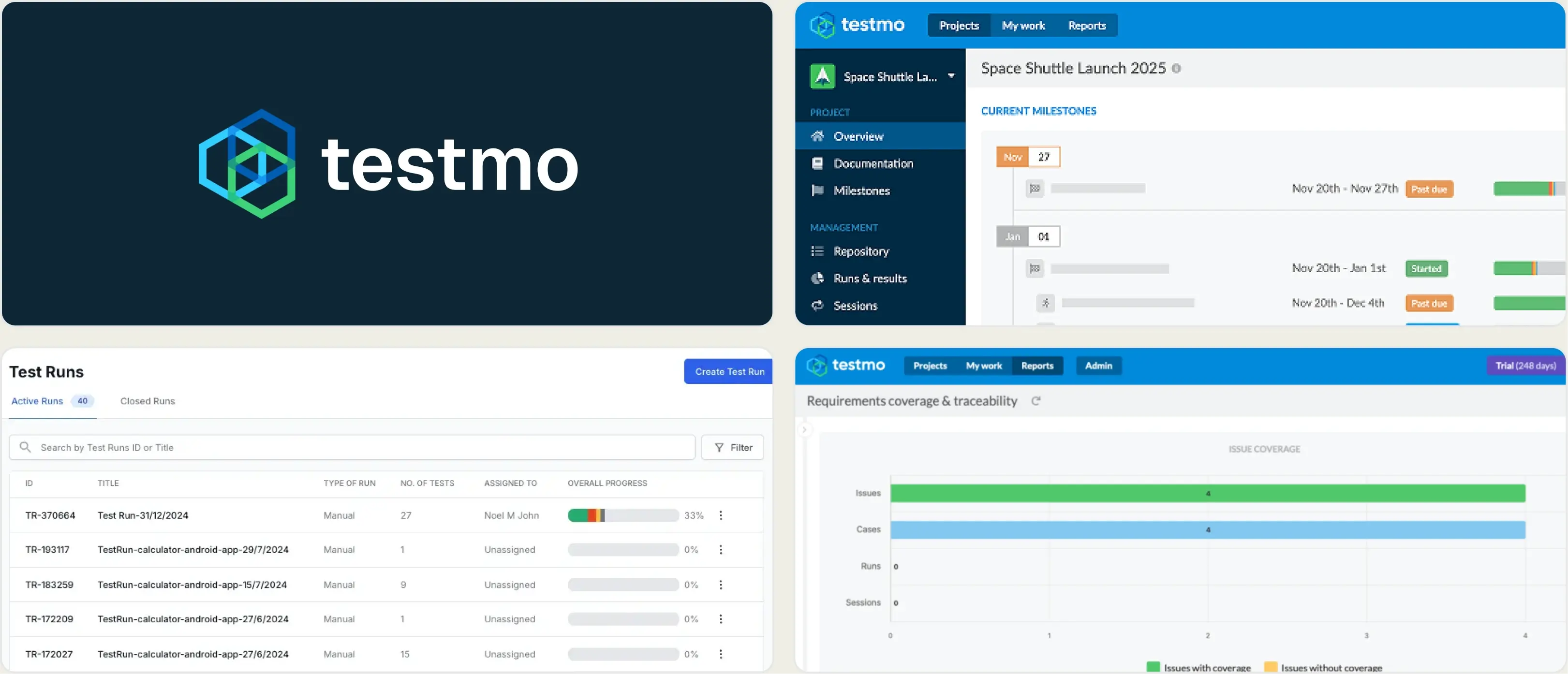
Best for:
Teams that want a unified view of manual, automated, and exploratory testing without per-seat pricing at small team sizes.
Platform Type:
Unified test management platform
Integrations with:
Jira, GitHub, GitLab, Azure DevOps, Jenkins, CircleCI, most CI systems
Key Features:
- Manual, automated, and exploratory testing in one workspace
- Fast, keyboard-driven UI built for high-volume case editing
- Automation result ingestion from most CI systems
- Configurable reports and milestone tracking
- Field-level customization and permissions
- REST API and CLI for automation
Pros
- Flat plan pricing rather than pure per-seat licensing
- Genuinely fast UI, noticeably quicker than TestRail on large suites
- Handles manual, automated, and exploratory in one place
- Straightforward migration path from TestRail
Cons
- No AI features at all as of 2026
- No trace viewer or Playwright-specific debugging
- Smaller ecosystem and community than TestRail or Xray
- Reporting is solid but conventional
First Hand Experience
Testmo is built by people who understood exactly what TestRail users complain about, and it shows. The UI is fast, bulk editing is keyboard-driven, and manual, automated, and exploratory sessions share one workspace instead of three tools.
The pricing model is the practical draw: plan-based tiers starting around $99/month for a small team rather than a per-seat line that grows with every stakeholder. For a team of ten, that usually beats TestRail Professional.
What Testmo deliberately does not do is AI. There is no failure classification, no flaky root cause analysis, and no automated triage. It ingests automation results and reports them cleanly, and that is the extent of the automation layer.
Pricing & Value
Plan-based tiers starting around $99/month for Team, $399/month for Business, and $599/month for Enterprise, with user allowances per tier rather than pure per-seat billing.
Final Verdict
Testmo is the best conventional TestRail replacement: faster, better structured, and cheaper at small team sizes. Teams that want AI failure intelligence and Playwright debugging on top will need a second tool or a platform that includes both.
What to Prioritize When Replacing TestRail
TestRail handles test suite organization well. The question is whether you want a manual test management tool that needs separate integrations for everything else, or a platform that handles management and automated test reporting together.
Test management that links to automated results natively
The core frustration with test case management software is the integration layer. If linking automated results requires API calls, CLI configuration, and case IDs embedded in your test files, every rename or refactor creates maintenance overhead.
Look for platforms where manual and automated tests connect in the UI without code-level dependencies. The best test management tool to replace TestRail should handle linking natively, without requiring developers to maintain integration code.
Failure intelligence beyond pass/fail status
TestRail shows whether a test passed or failed. It does not tell you why. AI failure classification, error grouping, and flaky test detection with root cause categories turn raw Playwright test results into actionable insights.
Without these, your team analyzes every run manually. QA workflow management should include automated intelligence, not just structured organization. Of the tools here, only TestDino classifies failures by root cause; Qase and TestRail flag flakiness without explaining it, and the Jira-native apps do neither.
Analytics that cover more than milestone progress
Milestone-based reporting shows project status. A test analytics platform should show run duration trends, failure-prone tests, flaky rates per test case, code coverage per file, and comparisons of environment stability.
If your reporting depends on milestone completion percentages, you are measuring progress, not test health. TestRail alternatives for agile teams need analytics that support iterative quality decisions, not just end-of-sprint summaries.
Pricing that does not scale per seat
Per-seat licensing means every new team member increases your bill, whether they run tests daily or check a dashboard once a month. TestRail Professional at $37 per seat and Enterprise at $74 per seat both work this way, and prices rose in August 2025 and again in August 2026.
Watch the Jira-native apps carefully here. Xray and Zephyr Scale are billed against your total Jira user count, not your QA headcount, so 100 Jira users and 5 testers still means paying for 100. Plan-based pricing with published user caps lets you budget for stakeholders, read-only viewers, and occasional contributors up front.
CI/CD integration that goes beyond result upload
Uploading results to a management tool is table stakes. Look for platforms that support quality gates on pull requests, AI-generated commit summaries, environment-specific merge rules, and shard-aware live results. These features provide CI/CD test visibility and improve merge safety without extra tooling.
For free TestRail alternatives, Allure Report handles single-run visualization, and ReportPortal provides persistent history with self-hosting. Both are free to run but require engineering time for setup and maintenance.
Wrapping Up
TestRail is a well-established test case management tool with a clear structure for planning, milestone tracking, and execution tracking. But it relies on API integrations for automated results, offers no failure intelligence, and scales costs with every user you add.
Qase is the cleanest like-for-like swap on UI and price. Xray gives Jira teams unmatched requirements traceability. Zephyr Scale offers the closest structural match to TestRail's folder model inside Jira. qTest scales to enterprise volumes. PractiTest covers compliance-grade traceability. Testmo delivers a faster, flat-priced conventional TMS.
For Playwright-first teams that want test management, AI failure classification, flaky test detection, and CI/CD optimization in one platform without API maintenance, TestDino's Pro plan starts at $39/month billed annually ($49 monthly) for 3 users, with a Free plan for 5,000 test results a month.
From manual records to live insights
Connect results to every PRSpot instability before releaseFrequently Asked Questions
It depends on what pushed you off TestRail. For a modern UI and lower per-seat cost, Qase. For Jira-native traceability, Xray or Zephyr Scale. For enterprise scale, qTest. For compliance-heavy industries, PractiTest. For Playwright teams that want test management plus AI failure classification and a trace viewer in one platform, TestDino.