
When projects outgrow Allure reports: signs it’s time to switch tools

When projects outgrow Allure reports, teams start needing deeper historical insights, flaky test tracking, and cross-run analytics, clear signs it’s time to switch to a more intelligence-driven testing tool.

User

Pratik Patel

Jan 10, 2026

When projects outgrow Allure reports: signs it’s time to switch tools

As teams adopt modern automation frameworks, many start with Allure Report because it’s lightweight and easy to integrate. But it quickly becomes an obstacle as testing scales.

Allure Report works well for small companies with limited test suites and simple CI/CD pipelines. About 46% of teams have replaced half or more of their manual tests with automation, showing that smaller teams often adopt such tools first, before later exploring Allure Report alternatives.

As test cases and contributors increase, Allure Report limitations like slow report generation and heavy attachments become noticeable.

For small teams, Allure Report drawbacks are manageable, but it’s not designed for enterprise projects. When centralised test management, analytics, or scalable Allure Report alternatives are needed, TestDino becomes essential.

What Is Allure Report and Why Teams Start With It

Allure Report is an open‑source, framework-agnostic tool that creates rich HTML test reports with steps, attachments, logs, and test history. It integrates easily with many frameworks like JUnit, TestNG, Pytest, and Playwright.

Small to medium projects benefit from its simplicity and low overhead. Allure users generated over 59 million test reports in a month, showing its popularity among smaller teams.

Teams choose it for quick insights and easy setup, making it ideal for limited test suites and early QA workflows.

While Allure Report drawbacks are minimal for small teams, growing test suites and Allure Report limitations in analytics and history make it less suitable for large or distributed projects.

How Teams Typically Adopt Allure Report

Most teams start with Allure Report by integrating it into a single test suite and connecting it to CI pipelines for quick insights. About 52% of QA teams begin automation with one or two core test suites before scaling.

Early-stage teams enjoy rich HTML test reports, steps, attachments, and flaky marks without heavy infrastructure, making Allure Report cost-effective compared to complex platforms.

As teams expand Allure Report to multiple suites, challenges like slow report generation, heavy attachments, and flaky test tracking emerge. Many teams (≈ 43%) report spending extra time maintaining reporting scripts and manually tracking test history, showing Allure Report limitations at scale.

At this stage, Allure Report drawbacks are manageable for small teams, but increase maintenance overhead. Teams needing scalable reporting, test analytics, or centralised test management often explore alternatives like TestDino.

Switch to Smarter Test Reporting

Say goodbye to old test reporting tools and gain centralized dashboards, analytics, and collaboration.

Get Started with TestDino

Why HTML Only Reporting Struggles at Scale

Allure reports are stateless, meaning each test run generates a fresh HTML bundle without built-in persistent history.

  • As test volume grows and attachments increase, reports become heavier, slower to generate, and harder to host.

Manual artifact retention becomes unavoidable, requiring teams to write scripts to store histories across branches and pipelines.

  • This adds ongoing maintenance overhead that scales poorly as projects expand.

Flaky test tracking often breaks, since HTML-only reports cannot reliably maintain cross-run analytics without external tooling.

  • Teams eventually spend more time fixing report history than analyzing test failures.

CI pipelines slow down, because Allure Report generation can take longer than test execution itself in large environments.

  • These delays reduce developer productivity and weaken feedback loops across engineering teams.

Clear Signs Your Project Has Outgrown Allure Report

Reports Are Large and Slow to Generate

  • Allure Report files grow to tens of megabytes, slowing both local and CI generation.
  • Report creation begins taking longer than the tests themselves, impacting pipeline performance.

History and Flaky Tracking Are Unreliable

  • Maintaining accurate test history across multiple pipelines becomes difficult.
  • Trend charts and flaky-test indicators turn inconsistent without constant manual fixes.

Maintenance Overhead Keeps Increasing

  • Custom labels, steps, attachments, and plugins require frequent updates and scripting.
  • Upgrading Allure or its plugins in monorepos is slow, error-prone, and often breaks builds.

Limited Analytics and Collaboration

  • Allure’s HTML dashboards lack deeper test analytics, failure clustering, and flaky-test detection.
  • Stakeholders, especially project managers as key stakeholders, struggle to interpret reports or use them effectively in decision-making.

Tooling Mismatch With Team Growth

  • New engineers face a learning curve when configuring and maintaining Allure Report setups.
  • Enterprise teams need features like role-based access, comments, and centralized test management, which Allure doesn’t support.

Top Reporting & Analytics Platforms to Replace Allure Report

1. TestDino

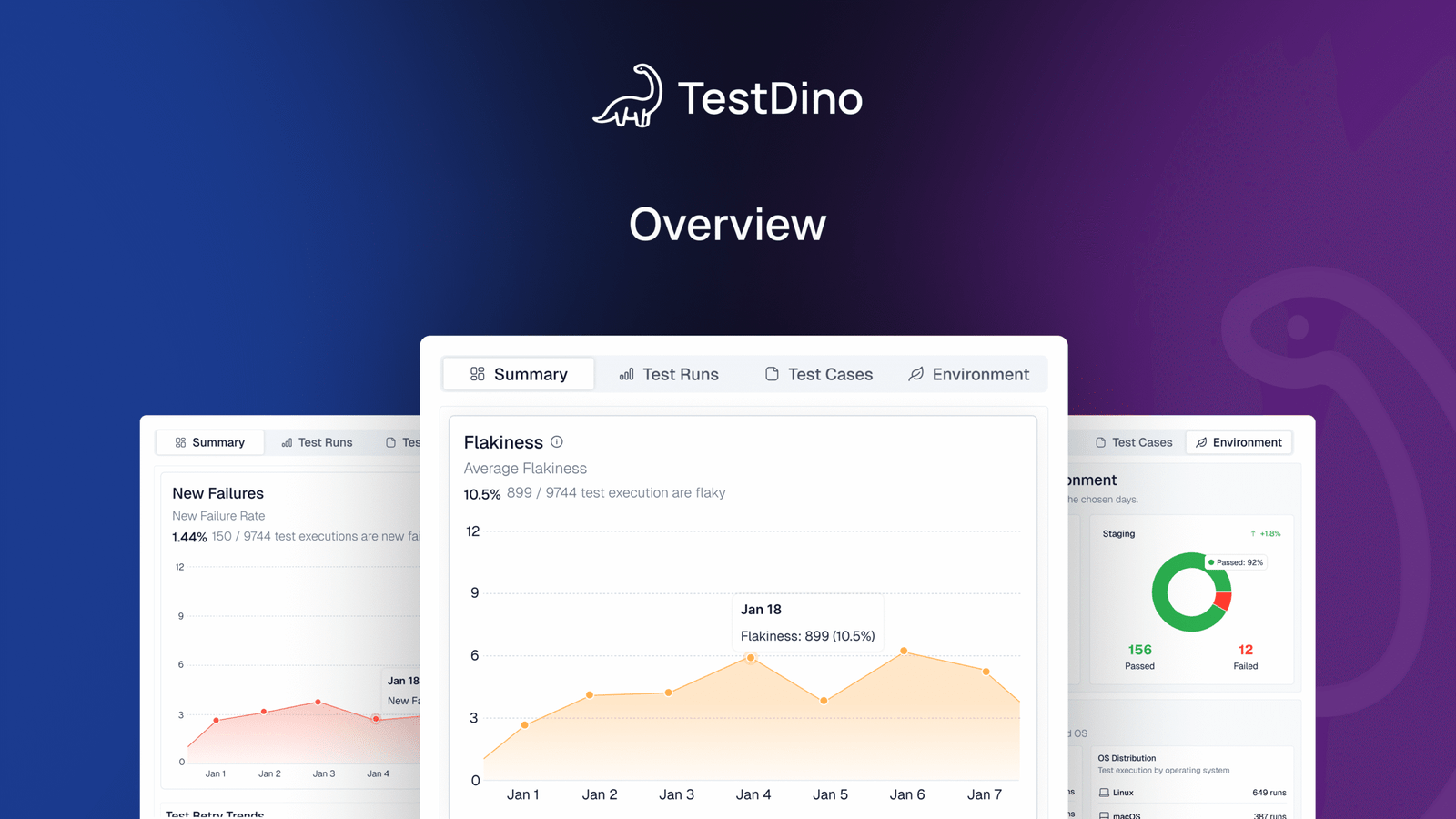
TestDino is an AI-native, Playwright-focused test reporting and management platform with MCP support.

It focuses on AI-powered failure analysis, flaky test detection, and deep visibility across branches, environments, and CI workflows.

It is commonly adopted when teams struggle with noisy test failures, reruns, and poor root-cause visibility.

Its reporting emphasizes actionable insights rather than raw pass/fail summaries.

Key features:

  • Test case level analysis with retry comparison and execution history
  • Role-based dashboards for QA engineers, developers, and managers
  • Root-cause analysis with natural-language fix suggestions
  • Detailed test run views with Summary, Specs, History, Configuration, and AI Insights tabs
  • AI-powered failure classification using ML and multiple LLMs
  • Manual and automated test case management in one system
  • Advanced analytics for flakiness, retries, and slow tests
  • Branch and environment-aware test reporting
  • Embedded Playwright Trace Viewer for step-by-step debugging
  • Evidence-rich reports with screenshots, videos, traces, and logs
  • CI and PR reporting with rerun only workflows and smart caching
  • Integrations with GitHub, Jira, Linear, Asana, Slack, and multiple CI providers

2. TestRail

Strengths:

  • Advanced reporting with visual dashboards
  • Full test case management and versioning
  • Integration with multiple issue trackers

Best Use Case:

  • Enterprise teams needing centralized test planning
  • Teams managing large, multi-environment test suites
  • Organizations requiring structured test documentation and traceability

3. Xray for Jira

Strengths:

  • Jira-integrated automated and manual test management
  • Traceability from requirements to defects
  • Supports BDD and automated testing

Best Use Case:

  • Teams using Jira as their primary project tracker
  • QA teams wanting end-to-end test management within Jira
  • Organizations combining manual and automated testing

4. ReportPortal

Strengths:

  • Real-time test analytics and dashboards
  • AI-based failure detection and root cause analysis
  • Flaky test detection and trend reporting

Best Use Case:

  • Teams focusing on flaky test detection and trend dashboards
  • Organizations requiring real-time insights into test execution
  • Teams needing automated analysis for faster debugging

5. Zephyr

Strengths:

  • Manual and automated test tracking within Jira
  • Flexible test cycle management
  • Integration with CI/CD and issue tracking tools

Best Use Case:

  • QA teams wanting Jira-native workflows
  • Teams needing both manual and automated test coverage
  • Organizations with small to medium-sized test suites

Outgrow and Augment vs Outgrow and Switch

When Teams Try to Augment the Allure Report

  • Teams with smaller issues, like history retention or storage limits, often add scripts for artifact cleanup or move reports to cloud storage.
  • This works temporarily, but it doesn’t solve gaps in analytics, collaboration, or team-level insights.

When Teams Decide to Switch Tools

  • If deeper reporting, automated insights, or cross-team visibility is required, switching to a modern test reporting platform becomes more effective than patching Allure.
  • If deeper reporting, automated insights, or cross-team visibility is required, switching to a modern test reporting platform becomes more effective than patching Allure.

What Architecture Teams Should Consider

  • Long-term maintainability and CI performance should be prioritized when evaluating reporting tools.
  • Growing teams need scalable execution visibility, centralized dashboards, and lower maintenance overhead areas, where Allure Report struggles to keep up.

Upgrade Your Test Reporting Today

Move beyond Allure Report limitations and unlock faster, smarter, scalable test analytics with TestDino.

Explore TestDino Now

What Modern Reporting Platforms Add on Top of Allure Report

Modern platforms enhance test reporting with:

  • Centralized test run historyand searchable failure logs for quick root-cause analysis.
  • Flaky test detection, trend dashboards, and deeper analytics that highlight long-term stability issues.
  • Role-based access control (RBAC),comments, and collaboration tools for cross-team visibility.
  • Seamless CI/CD integrations, automatic artifact upload, and managed storage to reduce maintenance.

Unlike Allure’s HTML-only reporting, modern test reporting platforms combine execution reporting, analytics, and test management into one system, resulting in faster decision-making, lower overhead, and improved scalability.

Conclusion

As test suites, environments, and teams expand, Allure Report moves from being a convenient starter tool to a bottleneck that slows CI pipelines and limits analytics.

Its HTML-only architecture cannot keep up with enterprise-level demands for speed, visibility, and reliable test history.

Modern QA engineering needs centralized reporting, role-based dashboards, scalable storage, and deeper insights features that highlight the growing Allure Report limitations in fast-moving organizations.

When maintaining or extending Allure requires more effort than it saves, it’s a clear sign your project is ready for a more scalable solution.

Switch to TestDino to get modern test reporting built for teams that have outgrown Allure. 🔥

FAQs

Allure Report generates interactive HTML test reports with steps, logs, and attachments. It helps small teams quickly visualize and debug automated test results.

Get started fast

Step-by-step guides, real-world examples, and proven strategies to maximize your test reporting success