Top 8 Tuskr Alternatives for QA Test Management in 2026
Tuskr offers affordable test case management with a clean interface. For AI failure intelligence and Playwright debugging depth, these alternatives start with TestDino.




Tuskr is a lightweight, cloud-based test management tool. It handles test cases, test runs, custom fields, and PDF status reports with a clean interface that teams learn quickly. Pricing starts at $9/user/month with a free tier for up to 5 users.
But as Playwright test suites scale, the reporting stays at test case status level. There is no AI failure classification, no trace viewer, no error grouping, and no flaky test detection. CI/CD integration covers result imports but not pipeline optimization features like rerunning only failed tests or quality gates on pull requests.
Teams growing beyond basic test management want to know why tests fail, which ones are unstable, and what to prioritize without switching between separate tools.
Here are the 8 best Tuskr alternatives to consider in 2026.
How to Compare Tuskr Alternatives
Here is a quick comparison of the best alternatives to Tuskr that can help you identify your preferred test reporting tool:

TestDino
|

Tuskr
|

Testmo
|

TestRail
|

Testomat.io
|
|
|---|---|---|---|---|---|
| Pricing (starts at) | $49/month | $9/user/month | $99/month (10 users) | $38/user/month | $30/month |
| Best for | Playwright test intelligence & management | Affordable manual test management | Unified manual + exploratory + automation | QA teams managing test cases and plans | Manual + automated test syncing |
| Framework support | Playwright | Framework-agnostic | Multi-framework (via CLI) | Framework-agnostic (via API) | Playwright, Cypress, and more |
| Ease of use |  |
|
|
 |
|
Getting Started  |
|||||
| Reporting & Dashboards |
|||||
| Debugging & Evidence |
|||||
| AI Test Intelligence |
|||||
| CI/CD Optimization |
|||||
| Test Management & Integrations |
|||||
| Pricing |
|||||
| Try for free | Learn more | Learn more | Learn more | Learn more | |


Best Tuskr Competitors for QA Test Reporting
Here are the 8 best alternatives to Tuskr for teams that want deeper test reporting alongside management:
1. TestDino
$49 /month

Best for:
Playwright-first teams that need test reporting, test management, and CI/CD optimization in one platform, without stitching multiple tools together.
Platform Type:
Test reporting, dashboards, test management, and CI observability platform for Playwright
Integrations with:
GitHub Actions, GitLab CI, Azure DevOps, TeamCity, Jira, Linear, Asana, monday, Slack
Key Features:
-
Test management and automated reporting in one place
-
AI failure classification into 4 categories
-
Built-in trace viewer with DOM snapshots and network logs
-
Error grouping by message and stack trace
-
GitHub CI Checks as merge quality gates
-
Rerun only failed tests to cut CI pipeline time
-
MCP Server for AI agent queries from your IDE
-
Flaky test detection across run history
-
AI summaries posted to GitHub commits
-
Real-time results streaming via WebSocket
-
Code coverage per file breakdown
Pros
-
Playwright-native with under 10-minute setup
-
Test management and automated reporting on the same platform
-
Broad CI/CD support: GitHub Actions, GitLab CI, Azure DevOps, TeamCity
-
AI summaries posted to GitHub commits, GitLab MRs, and Slack
-
1-click bug filing into Jira, Linear, Asana, or monday
Cons
-
Purpose-built for Playwright (multi-framework support on the roadmap)
First Hand Experience
Tuskr provides affordable test case management with a WYSIWYG (What You See Is What You Get) editor, custom fields, workload charts, and PDF report generation. The interface is clean, and teams get started quickly. For low-cost manual test management, it covers the fundamentals well.
The gap appears when Playwright suites scale. There is no AI failure classification, no trace viewer, no error grouping, and no flaky test detection. Automated result imports rely on API or webhook integration without deeper analytics on what those results mean.
TestDino addresses these gaps with Playwright-specific intelligence. AI Insights classifies every failure into Actual Bug, UI Change, Unstable Test, or Miscellaneous. Error grouping clusters related failures by message and stack trace, so a list of failed tests reduces to a handful of distinct root causes.
Test management and automated reporting live on the same platform. Manual test cases sit in suites up to 6 levels deep with ownership, custom fields, and version history. The Test Explorer shows both manual and automated tests side by side, sortable by flaky rate, tags, and coverage status.
Debugging That Saves You from Re-running Locally
Each failed test in TestDino comes with screenshots, video, browser console logs, and a trace you can step through action by action. Available right after the CI run finishes.
Bug filing is 1-click in Jira, Linear, Asana, or monday, pre-filled with error details, stack trace, failure history, and links to the run and CI job.
CI/CD Speed and Merge Safety
Rerun failed tests re-executes only failures, not the full suite. Works across sharded runs and different CI runners.
GitHub CI Checks adds quality gates to your PRs. Set a minimum pass rate, mark critical tags as mandatory, and configure different rules per environment. AI-generated summaries are posted to GitHub commits and GitLab merge requests with pass/fail/flaky counts.
Flaky Test Detection That Tells You Why
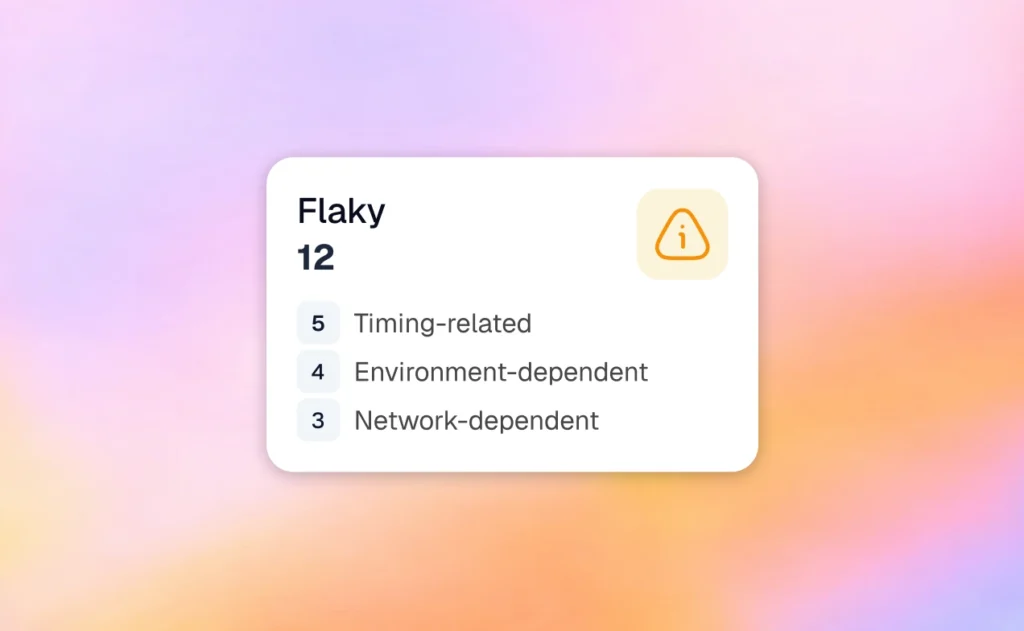
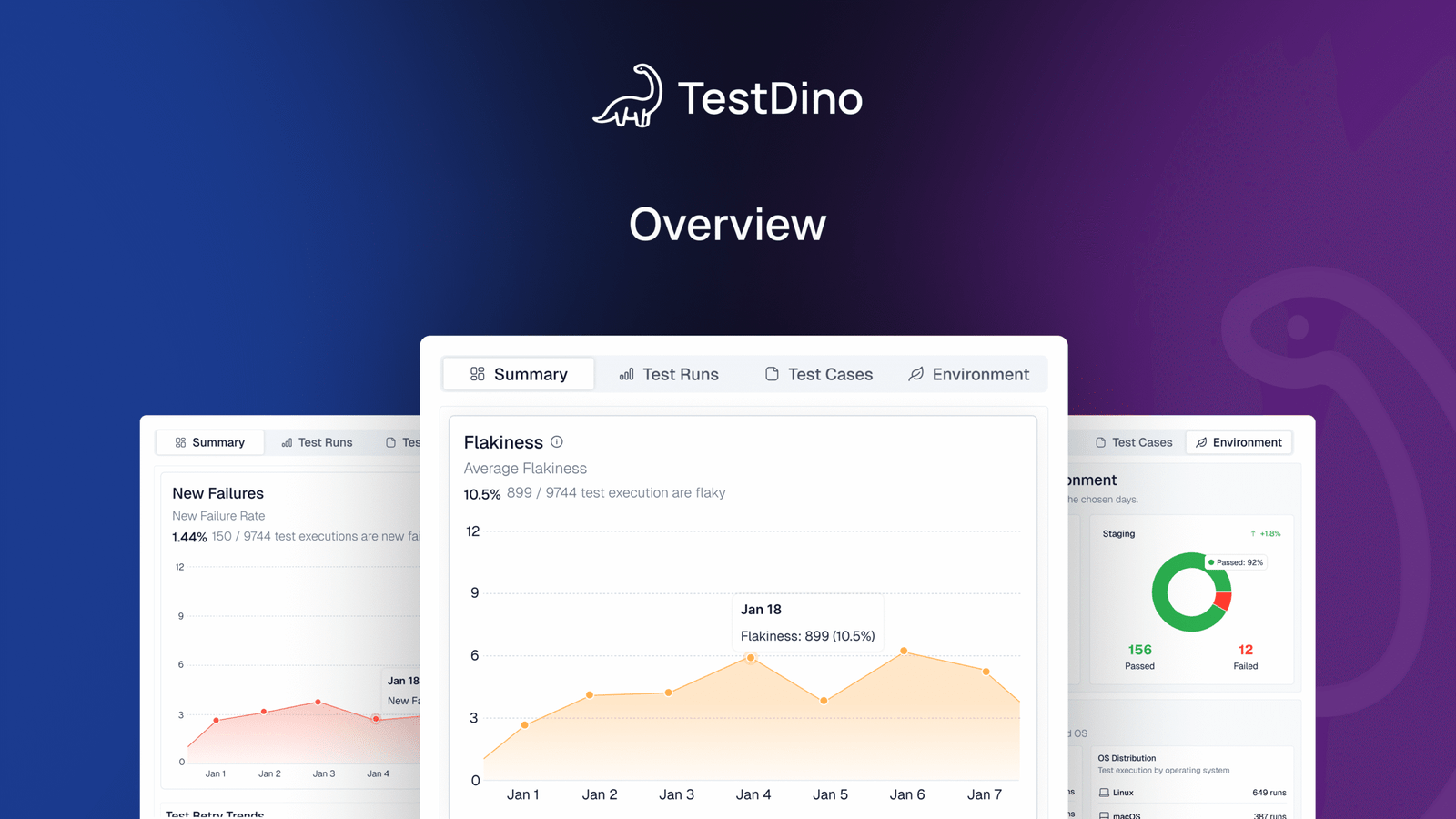
Flaky test detection classifies unstable tests by root cause: timing-related, environment-dependent, network-dependent, or assertion-intermittent. Each test gets a stability percentage, and you can compare flaky rates across environments to spot infrastructure problems.
Real-Time Streaming and Scheduled Reports
Results appear on the dashboard as each test completes via real-time streaming, not after the full suite finishes. Automated PDF reports deliver test health summaries on daily, weekly, or monthly schedules. Slack notifications send run summaries filtered by environment and branch.
MCP Server for AI-Assisted Workflows
The MCP Server connects your AI assistant (Cursor, Claude Code, Copilot) to your test data. List test runs, pull debugging context, perform root cause analysis, and manage manual test cases through natural language. It covers both automated debugging and test management without switching tools.
Pricing & Value
| Community | Pro Plan | Team Plan | Enterprise |
|---|---|---|---|
| Free | $39 /month
(billed annually) |
$79 /month
(billed annually) |
Custom |
Pricing may vary. Check the pricing page for the latest details.
Final Verdict
Tuskr manages test cases at a low cost. TestDino manages test cases and tells you why they fail.
If your team has outgrown Tuskr's reporting depth and needs failure intelligence alongside test management, TestDino adds AI classification, error grouping, a trace viewer, and CI/CD optimization from the first run. At $39/month billed annually for up to 3 users with flat pricing, it replaces the per-user cost model that scales with every team member.
2. Testmo
Best for:
Teams that need unified manual, exploratory, and automated test management in one platform.
Platform Type:
Cloud-based unified test management platform
Integrations with:
Jira, GitHub, GitLab, Jenkins, CircleCI, CI/CD pipelines
Key Features:
-
Manual, exploratory, and automation in one platform
-
Reporting Center with dashboards and charts
-
AI-powered test case generation (beta)
-
BDD/Gherkin support with living docs
-
CLI tool for automation result submission
Pros
-
Unified manual, exploratory, and automation management
-
Clean, intuitive interface for test organization
-
Good CI/CD and issue tracker integrations
Cons
-
Starts at $99/month for 10 users on Team plan
-
Reporting focused on status, limited failure analysis
-
No trace viewer or CI/CD optimization features
First Hand Experience
Testmo combines manual test cases, exploratory sessions, and automation results in a clean interface with a Reporting Center for dashboards and charts. The platform works well for teams that need all three testing types organized in one place. Teams looking for AI failure classification, trace viewing, or CI/CD optimization features like rerunning only failed tests will need to supplement Testmo with separate tooling.
Pricing & Value
$99/month for Team (10 users). $329/month for Business (25 users). $549/month for Enterprise (25 users). 21-day free trial.
Final Verdict
Testmo fits teams that need unified test management across manual, exploratory, and automated testing. For teams that prioritize failure intelligence and Playwright-specific analytics, evaluate whether unified management alone meets your reporting needs.
3. TestRail

TestRail Alternatives, TestRail Review, TestRail Comparison, TestRail vs TestDino
Best for:
Teams formalizing QA with test cases, plans, and audits alongside CI/CD runs.
Platform Type:
Test case management platform (cloud or self-hosted)
Integrations with:
Jira, GitHub, GitLab, Jenkins, Azure Pipelines
Key Features:
-
Test case organization with plans and milestones
-
Requirements and defect traceability
-
API/CLI to push automated results
-
SSO, auditing, and version history
-
Native issue links to Jira/GitLab
Pros
-
Well-established ecosystem with clear structure
-
Many CI/CD options and guides
-
Enterprise controls for access and audit
Cons
-
Per-seat cost scales with team size
-
Administrative setup takes time
-
Focused on management, limited test analytics
First Hand Experience
TestRail delivers structure once workflows are defined. Rollouts typically start with a taxonomy exercise for sections, naming, and milestones, followed by ingestion of CI results. The result is dependable status and coverage views for audits. Teams that want automated test intelligence alongside management may need to pair TestRail with a separate reporting tool.
Pricing & Value
$38/user/month (Professional). $71/user/month (Enterprise). Per-seat pricing.
Final Verdict
TestRail fits teams that need formal test case management with audit trails. For teams that prioritize failure analysis and automated reporting depth, tools built for test intelligence offer more value.
4. Testomat.io
Best for:
QA teams syncing manual and automated tests in one workspace.
Platform Type:
Cloud test management platform
Integrations with:
Jira, GitHub, GitLab, Jenkins, CI/CD pipelines
Key Features:
-
Manual and automated test case management
-
Real-time run results with heatmaps
-
Flaky test auto-tagging from run history
-
BDD/Gherkin support with living docs
-
CI/CD triggered test execution
Pros
-
Clean UI with fast onboarding
-
Affordable pricing for small teams
-
Good automation framework integrations
Cons
-
Limited failure analysis and root cause depth
-
Reporting focused on test case status
-
No built-in trace viewer or evidence panel
First Hand Experience
Testomat.io organizes manual and automated tests in a clean workspace with folder structures, tags, and run history. It integrates with Playwright, Cypress, and other frameworks through a CLI reporter. Flaky tests get auto-tagged based on run history. For teams that need structured test case management with basic run reporting, it covers the fundamentals.
Pricing & Value
Starts at $30/month with a free tier for small teams.
Final Verdict
Testomat.io is a solid option for teams that need clean test case management with automation sync. For teams focused on failure analysis and Playwright-specific debugging, evaluate whether test case management alone meets your reporting needs.
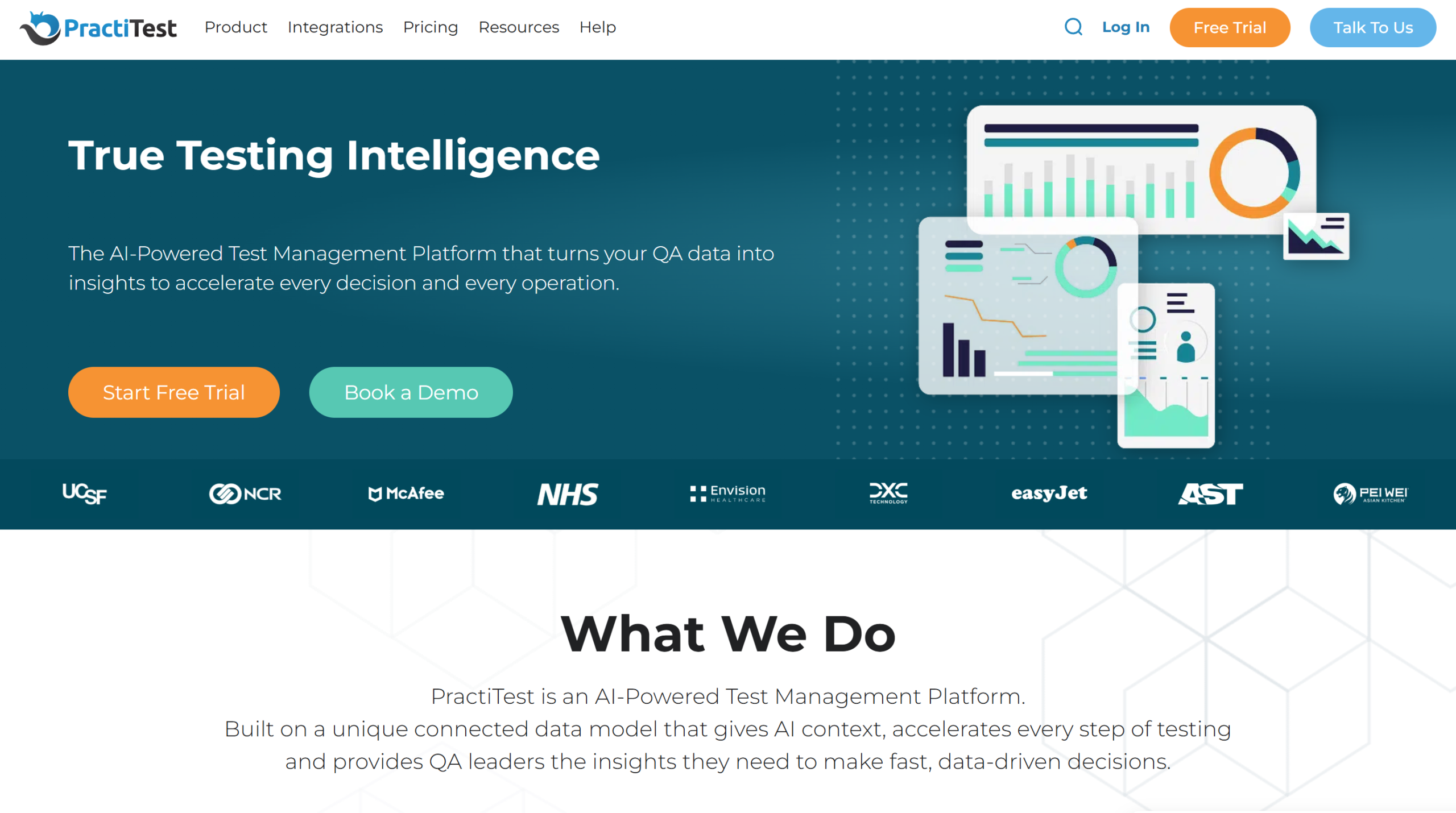
5. PractiTest
Best for:
QA teams that need requirements traceability and structured test governance.
Platform Type:
Cloud-based test management platform
Integrations with:
Jira, Bugzilla, Jenkins, Pivotal Tracker
Key Features:
-
Custom fields and filters for test cases
-
Exploratory testing module
-
Report exports and dashboard widgets
-
API for automation result uploads
Pros
-
Strong traceability across requirements
-
Flexible custom fields and filtering
-
Reliable customer support
Cons
-
Per-user pricing with minimum seat requirements
-
No built-in test analytics or failure analysis
-
Interface can feel dated for smaller teams
First Hand Experience
PractiTest provides structured test management with requirements traceability and custom field support. It integrates with Jira and automation tools through API uploads. The platform works well for QA teams that follow formal governance workflows. Teams looking for test run analytics, failure intelligence, or Playwright-specific features may find the platform focused on management rather than reporting.
Pricing & Value
Starts at $39/user/month (Team plan, minimum 5 users). Enterprise plan at $49/user/month.
Final Verdict
PractiTest fits QA teams that prioritize requirements traceability. For teams that need test analytics and failure insights alongside management, evaluate whether a governance-first tool matches your reporting priorities.
6. Xray
Best for:
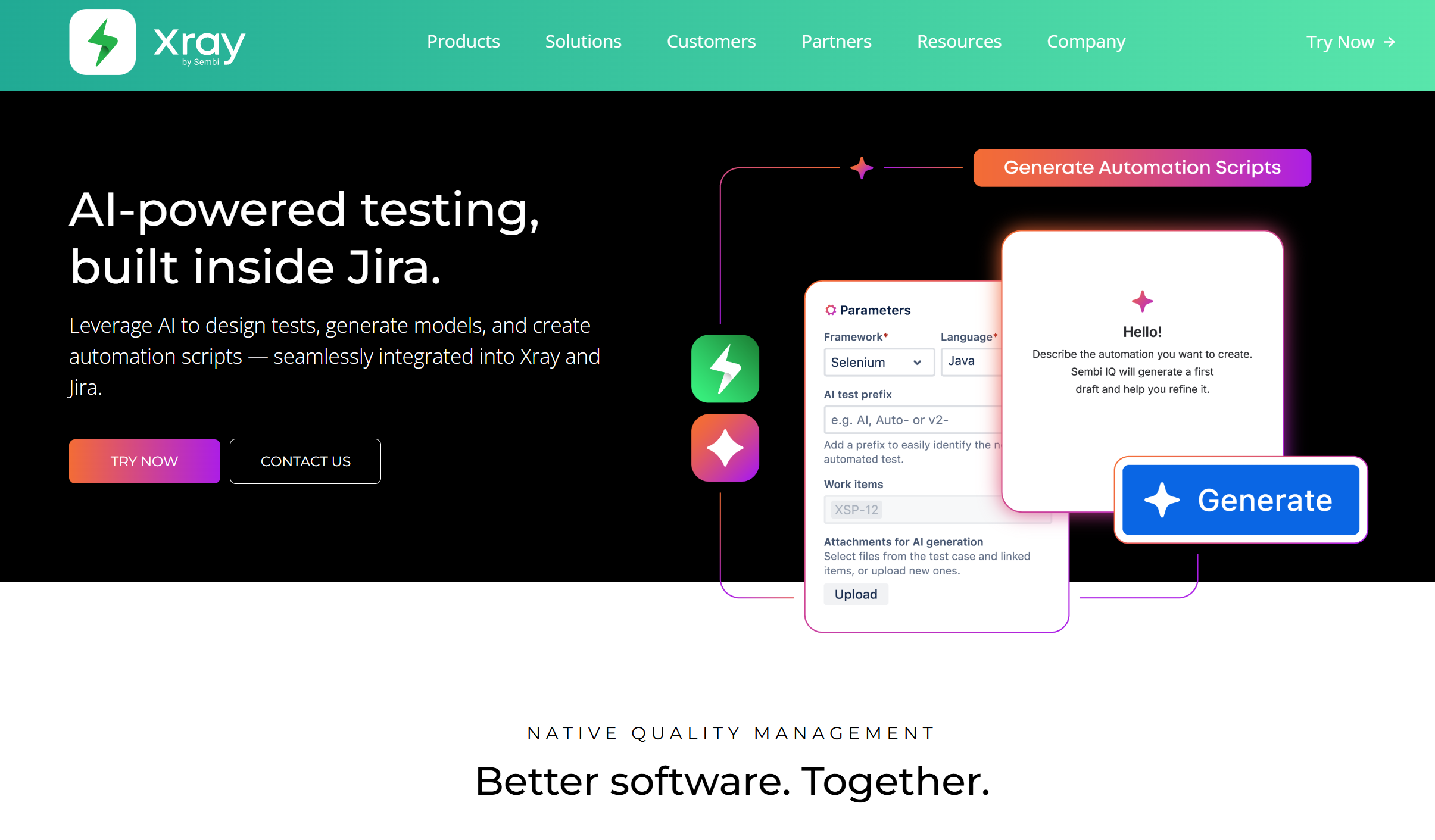
Teams using Jira who want test management inside their existing workflow.
Platform Type:
Jira add-on for test management
Integrations with:
Jira (native), CI/CD tools via JUnit XML
Key Features:
-
Test cases managed as Jira issues
-
Test plans and execution tracking
-
Requirements coverage charts
-
CI result import via REST API
-
BDD/Cucumber scenario support
Pros
-
Native Jira integration with no context switch
-
Low starting cost for small teams
-
Good requirements coverage reporting
Cons
-
Tied to Jira, limited outside that ecosystem
-
Reporting depth depends on Jira gadgets
-
No failure analysis or flaky test detection
First Hand Experience
Xray turns Jira into a test management tool. Test cases, test plans, and test executions all live as Jira issues. CI results can be imported via REST API using JUnit XML format. It works well for teams already operating inside Jira. Teams that need standalone reporting or framework-specific analytics may find Jira's reporting layer limiting.
Pricing & Value
Starts at approximately $10/month for small teams as a Jira Marketplace add-on.
Final Verdict
Xray is a good fit for Jira-native teams that want test management inside their existing issue tracker. For teams that need standalone Playwright test reporting, tools built outside Jira provide more depth.
7. Zephyr Scale
Best for:
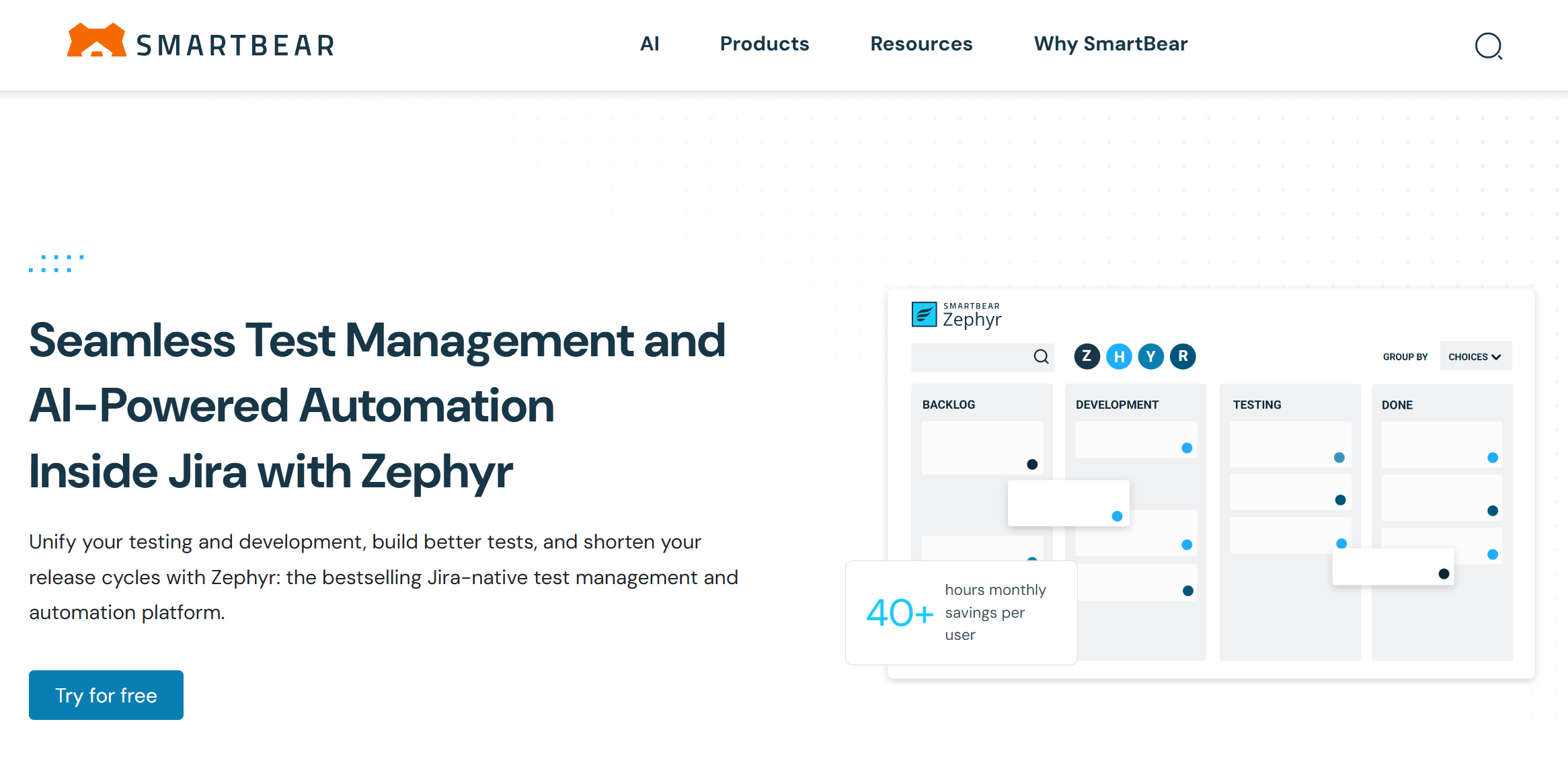
Teams that want lightweight test management inside Jira without a separate platform.
Platform Type:
Jira add-on for test management
Integrations with:
Jira (native), CI/CD via API
Key Features:
-
Test cases and cycles inside Jira
-
Folder-based test organization
-
Reusable test steps across projects
-
Traceability to Jira requirements
-
Dashboard gadgets for test status
Pros
-
Simple Jira-native experience
-
Low cost for small teams
-
Easy to get started for Jira users
Cons
-
Limited reporting outside Jira gadgets
-
No test analytics or failure intelligence
-
Depends on Jira for all workflows
First Hand Experience
Zephyr Scale adds test management to Jira with test cases, cycles, and folder organization. It works well as a lightweight add-on for teams already using Jira for project tracking. Reporting relies on Jira gadgets and dashboard widgets. Teams that need standalone test analytics or Playwright-specific reporting may outgrow what a Jira add-on provides.
Pricing & Value
Starts at approximately $10/month for small teams as a Jira Marketplace add-on.
Final Verdict
Zephyr Scale is a practical option for Jira teams that need basic test management. For teams that need deeper test intelligence or framework-specific analytics, standalone reporting tools provide more depth.
8. Allure TestOps
Best for:
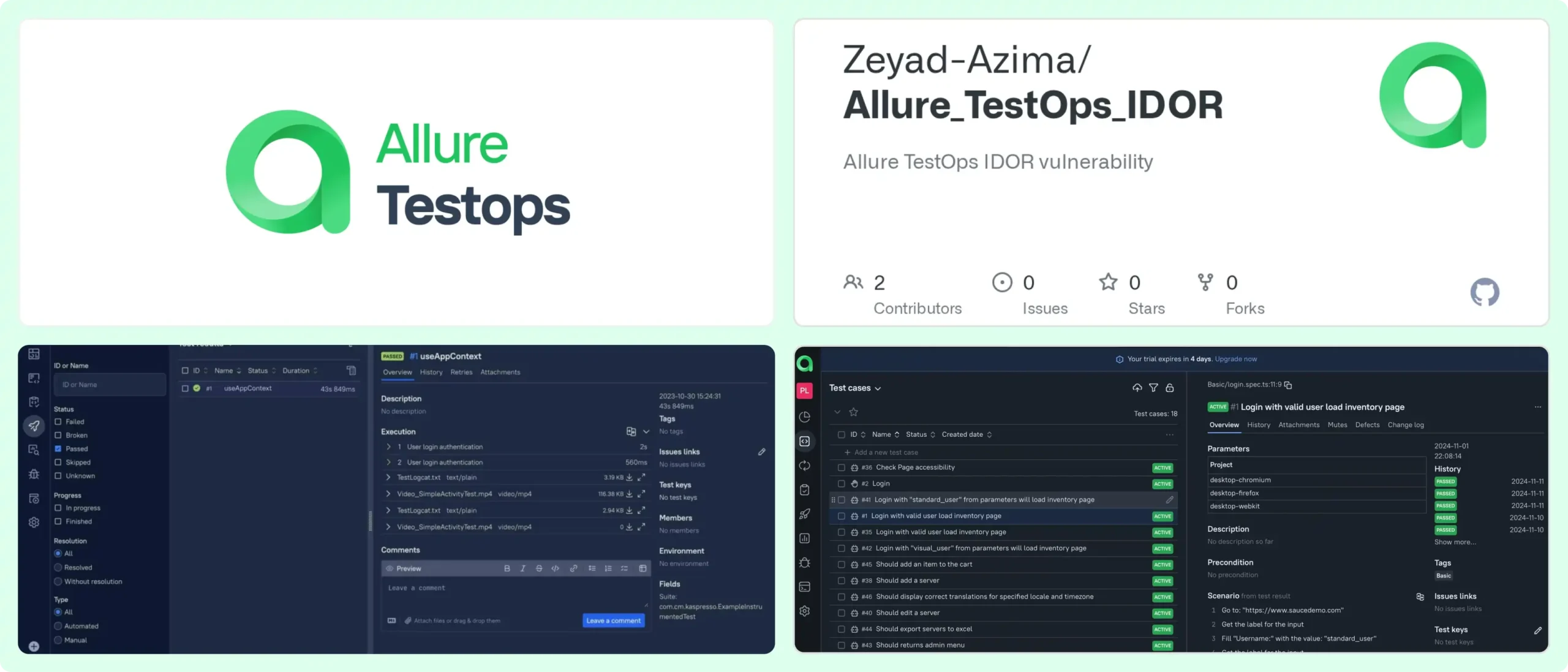
QA teams with formal test management processes that need structured reporting workflows.
Platform Type:
Test management and reporting platform
Integrations with:
Jira, GitHub, GitLab, Jenkins
Key Features:
-
Test case organization with launch history
-
CI/CD adapter integrations
-
Configurable dashboards via AQL queries
-
Access control and permissions
-
Report exports and sharing
Pros
-
Established feature set for structured QA
-
Works across multiple test frameworks
-
Configurable dashboards and reports
Cons
-
Setup and adapter configuration require effort
-
Smaller teams may find the overhead heavy
-
Advanced reporting requires manual dashboard building
First Hand Experience
Allure TestOps provides a structured workspace for organizing test cases and viewing launch results. The platform works best when teams have defined QA processes and the bandwidth to set up adapters and configure dashboards. Teams looking for faster onboarding and built-in failure intelligence may find the configuration effort slows time-to-value.
Pricing & Value
Custom pricing. Targets teams that need formalized test management with governance.
Final Verdict
Allure TestOps fits teams that follow structured QA processes. For teams prioritizing fast setup and focused test analytics, lighter platforms get to value faster.
What to look for in a Tuskr alternative
Tuskr handles basic test case management well at a low cost. The question is whether your team needs test case organization alone, or whether you need failure intelligence, debugging evidence, and CI/CD optimization on top of it.
Failure intelligence beyond pass/fail status
Tuskr shows test run results and workload charts. It does not classify failures by type or group related errors by root cause. When hundreds of Playwright tests fail across branches and environments, the pass/fail status alone leaves the investigation work to your team.
Look for tools that automatically classify failures and separate flaky tests from real defects. That single capability changes triage from "click through every failure" to "review a short list of root causes."
Debugging evidence attached to every failure
Tuskr stores attachments and screenshots alongside test cases. But there is no trace viewer, no video playback, and no console log capture per test. Playwright teams need these to debug failures without re-running tests locally.
If your debugging workflow requires reproducing failures on your machine to understand them, the reporting tool is not capturing enough evidence. Purpose-built platforms attach traces, screenshots, video, and console logs to every failed test automatically.
Analytics that go beyond workload charts
Tuskr provides workload charts, burndown tracking, and planned-vs-actual comparisons. These are useful for project management. Test analytics should also cover failure trends over time, flaky rates per test case, code coverage per file, and comparisons of environment stability.
If your reporting resets to project-level metrics, you are measuring team productivity, not test health. Look for platforms that track both.
CI/CD integration that optimizes pipeline speed
Tuskr integrates with CI/CD tools for triggering and result reporting. But it does not optimize the pipeline itself. Rerunning only failed tests, blocking merges with quality gates, and posting AI summaries to commits actively reduce pipeline time and improve merge safety.
These features go beyond importing results to acting on them inside the developer workflow.
Pricing that scales with your needs
Tuskr's per-user pricing starts low at $9/user/month, but for a team of 15, that is $135/month on the Team plan or $225/month on Business. Compare the total cost at your team size against flat-rate options. Some platforms charge per team rather than per seat, which can save significantly as headcount grows.
Wrapping Up
Tuskr is a clean, affordable test management tool with a generous free tier and an interface teams learn quickly. For manual test case organization, custom fields, and PDF reporting, it covers the basics well.
But when the question shifts from "what is the status of our test cases?" to "why did tests fail and what should we fix first?", the reporting stops short.
Testmo provides unified manual, exploratory, and automation management. TestRail offers formal test case management with audit trails. Testomat.io delivers affordable management with automation sync. PractiTest focuses on governance and traceability. Xray and Zephyr Scale work inside Jira. Allure TestOps targets structured QA processes.
For Playwright-first teams that want AI failure classification, test management, flaky test detection, and CI/CD optimization in one platform, TestDino combines test intelligence, management, and reporting at $39/month billed annually.
FAQs
Table of content
Flaky tests killing your velocity?
TestDino auto-detects flakiness, categorizes root causes, tracks patterns over time.
Follow Us