Picking the right test reporting solution is hard when your current tool demands constant upkeep.
ReportPortal has built a reputation as an open-source reporting platform. But many teams run into steep setup, ongoing infrastructure maintenance, and gaps in AI-driven failure triage.
Engineering managers and QA leads are now looking at ReportPortal competitors that deliver simpler onboarding, smarter debugging signals, and built-in analytics without the operational burden.
Recent ReportPortal reviews echo a common theme: teams want faster, lighter, and more intelligent Playwright test reporting. That is why we have put together the 8 best ReportPortal alternatives to consider in 2026, starting with TestDino, the Playwright-first AI test analytics platform built for speed, intelligence, and modern workflows.
Best ReportPortal Alternatives: How to Choose the Right Tool
We evaluated each tool based on ease of setup, CI/CD integration speed, AI-powered debugging and flaky test detection, scalability, transparent pricing, and framework support.
We also looked at reporting depth and collaboration features to help CTOs, engineering managers, QA leads, and DevOps managers make smarter decisions about test automation.
How to Compare ReportPortal Alternatives
Here is a quick comparison of top alternatives to ReportPortal that can help you identify your preferred test reporting tool:
 TestDino |  ReportPortal |  TestMu AI |  BrowserStack |  Datadog | |
|---|---|---|---|---|---|
| PricingLowest paid plan, per the listed billing terms. | $39/month (billed annually) | $599/month (SaaS) | $199/month | Free / $299/month (Pro) | $20/committer/month |
| Best for | Playwright test intelligence & management | Reporting with history and clustering | Cross-browser cloud execution at scale | Cross-browser testing teams | CI pipeline monitoring |
| Playwright integration | Native (trace viewer, error grouping, MCP) | Via agents | Reporter integration | Via SDK | Via library |
| Ease of use |  |  |  | | |
Getting Started | |||||
| One-step CI setup | One tdpw upload line | Docker Compose setup | YAML + CLI config | SDK integration per framework | Agent + SDK |
Dashboards & Reporting | |||||
| Unified Playwright dashboard | Custom widgets | Pre-built templates | Custom widgets (Pro) | Custom dashboards | |
| Multi-tab test run detail view | Summary, History, AI Insights & more | Launch-level view | Basic summaries | Build-level view | Span-level view |
| Pull request insightsSee test results and history for each pull request. | Branch-level only | ||||
| Test ExplorerBrowse tests as a hierarchy, a flat list, or by tag. | Launch tree | ||||
| Real-time streaming of results | Per-shard/worker | ||||
| Scheduled PDF reportsGet report PDFs emailed on a set schedule. | Daily/Weekly/Monthly | Email/Slack alerts | Custom monitors | ||
Test Analytics | |||||
| Analytics: trends & patterns | Widget-based | Basic charts | Build trends and stability | Explorer-based | |
| Code coverage, per-file | Istanbul, run-level | Separate product | |||
| Environment analytics | Pass-rate/flaky by env | Via attributes | |||
Debugging & Evidence | |||||
| Built-in Playwright trace viewer | |||||
| Screenshots & video replay | |||||
| Console logs | Node + browser | If attached | Session logs | Session logs | |
| Visual diff comparison | |||||
| Smart error grouping | Message/stack/location | Pattern matching | Basic clustering | Unique error analysis | |
| Flaky detectionSpot tests that pass and fail inconsistently, with a stability score. | Requires config | ||||
| Playwright Tags and AnnotationsAttach priority, owner, links, and metrics to tests. | Priority/owner/links/metrics | Custom attributes | Smart tags | Custom tags | |
CI/CD Optimization | |||||
| Rerun only failed tests | Re-run from dashboard | Test Impact Analysis | |||
| GitHub CI Checks quality gates | Per-env + mandatory tags | Build verification rules | |||
| Branch → environment mappingMatch each Git branch to the environment it runs against. | Exact/regex | Tag-based | |||
| Smart rerun historyTrack reruns tied to each branch and commit. | |||||
| Sharded / parallel run support | Per-shard live view | Parallel launches | Parallel grid | Parallel grid | Native CI breadth |
| Native CI breadth | GitHub, GitLab, Azure DevOps, TeamCity, Bitbucket, CircleCI, Jenkins | Agents/plugins | GitHub, GitLab CI plugins | Major CI providers | Self-managed |
| Self-managed GitLab | |||||
Test Management | |||||
| Test case management | |||||
| Bulk test case creation from PRDs / Jira / stories | via MCP | ||||
| Release trackingGroup test results by release, cycle, or sprint. | |||||
| Exploratory/manual sessions | |||||
| Import/export test cases | JSON/CSV/ZIP | Via API | |||
AI & Automation | |||||
| Local MCPLet AI coding assistants in your editor query test data directly. | Cursor/Claude Code/Copilot | Limited scope | |||
| Remote MCPLet web-based AI tools query your test data. | |||||
| AI test run summary on GitHub PRs | New failure, always-failing tags | ||||
| AI test suite auditAI scores your test suite and gives a downloadable report. | |||||
| AI failure classification | ML-based auto-analysis | AI root cause analysis | Failure reason tagging | ||
Integrations & Collaboration | |||||
| Bug tracking breadth | Jira, Linear, Asana, monday | Jira, Rally | Jira, Trello | Jira | Jira, PagerDuty |
| Slack notifications with run summaries | |||||
Platform & Security | |||||
| Public API & CLIs | REST + tdpw / testdino | REST API | REST API | REST API | REST API |
| Project-level AI controls | Per-feature toggles | ||||
| Compliance & certifications | ISO 27001, SOC 2 Type II, GDPR | Self-managed (your infra) | ISO 27001, SOC 2 | ISO 27001, SOC 2 Type II | ISO 27001, SOC 2 |
Plans & Pricing | |||||
| Plan tiers | Free · Pro $39 · Team $79 · Enterprise | OSS free (self-hosted) · SaaS $599 · Enterprise | Free · Pro from $199 · Enterprise | Free · Pro $299 · Enterprise | $20/committer/mo + usage · Enterprise |
| Free executions | 5,000/mo | Unlimited (self-host) | 300 min | Varies | Usage-based |
| Support | Chat + Slack Connect + Priority email | Community / Paid | Chat + email | 24/7 email | Email + docs |
| Try for free | Learn more | Learn more | Learn more | Learn more | |
Best ReportPortal Competitors for Modern Test Automation
Here are the 8 best alternatives to ReportPortal for teams that want intelligent test reporting:
1. TestDino
$49
/monthBest for:
Playwright-first teams that need test reporting, test management, and CI/CD optimization in one platform, without stitching multiple tools together.
Platform Type:
Test reporting, dashboards, test management, and CI observability platform for Playwright
Integrations with:
GitHub Actions, GitLab CI, Azure DevOps, TeamCity, Jira, Linear, Asana, monday, Slack
Key Features:
 Test management and automated reporting in one place
- AI failure classification into 4 categories
- Built-in trace viewer with DOM snapshots and network logs
- Error grouping by message and stack trace
- GitHub CI Checks as merge quality gates
- Rerun only failed tests to cut CI pipeline time
- MCP Server for AI agent queries from your IDE
- Flaky test detection across run history
- AI summaries posted to GitHub commits
- Real-time results streaming via WebSocket
- Code coverage per file breakdown

Pros
- Playwright-native with under 10-minute setup
- Test management and automated reporting on the same platform
- Broad CI/CD support: GitHub Actions, GitLab CI, Azure DevOps, TeamCity
- AI summaries posted to GitHub commits, GitLab MRs, and Slack
- 1-click bug filing into Jira, Linear, Asana, or monday
- Affordable at $39/month billed annually

Cons
- Purpose-built for Playwright (multi-framework support on the roadmap)
First Hand Experience
Here's a problem most QA teams know: you have manual test cases in one tool and automated results in another, with no clear answer to "how many of these are actually automated?"
TestDino solves this by putting test management and automated test reporting on the same platform. Manual test cases sit in suites with ownership, custom fields, and version history. Playwright results flow in from CI. You link them in the UI: no API calls, no case IDs in your code, no maintenance.
The Test Explorer gives you both views side by side. Sort by flaky rate, filter by tags, and see which manual tests have automated coverage. It stops being a spreadsheet exercise.
Debugging That Saves You from Re-running Locally
Each failed test in TestDino comes with screenshots, video, browser console logs, and a trace you can step through action by action. Available right after the CI run finishes.
AI Insights classifies each failure as Actual Bug, UI Change, Unstable Test, or Miscellaneous. Bug filing is 1-click into Jira, Linear, Asana, or monday, pre-filled with details.
CI/CD Speed and Merge Safety
Rerun failed tests re-executes only failures, not the full suite. Works across sharded runs and different CI runners.
GitHub CI Checks adds quality gates to your PRs. Set a minimum pass rate, mark critical tags as mandatory, and configure different rules per environment. If the check fails, the merge is blocked. AI-generated summaries are posted to GitHub commits and GitLab merge requests with pass/fail/flaky counts.
Flaky Test Detection That Tells You Why
Flaky test detection classifies unstable tests by root cause: timing-related, environment-dependent, network-dependent, or assertion-intermittent. Each test gets a stability percentage, and you can compare flaky rates across environments to spot infrastructure problems.
Real-Time Streaming and Scheduled Reports
Results appear on the dashboard as each test completes via real-time streaming, not after the full suite finishes. Automated PDF reports deliver test health summaries on daily, weekly, or monthly schedules. Slack notifications send run summaries filtered by environment and branch.
MCP Server for AI-Assisted Workflows
The MCP Server connects your AI assistant (Cursor, Claude Code, Copilot) to your test data. List test runs, pull debugging context, perform root cause analysis, and manage manual test cases through natural language. It covers both automated debugging and test management without switching tools.
Pricing & Value
Four distinct plans are available on TestDino; each specifically created to meet the demands of its consumers.
Final Verdict
TestDino is the most direct ReportPortal alternative for Playwright teams. It combines test intelligence and reporting, test management, CI/CD optimization, and issue tracking integration into a single platform.
It works with GitHub Actions, GitLab CI, Azure DevOps, and TeamCity. AI summaries post to GitHub commits, GitLab MRs, and Slack.
At $39/month billed annually, it costs a fraction of ReportPortal's $599/month SaaS tier while providing deeper Playwright-specific intelligence and faster mean time to triage.
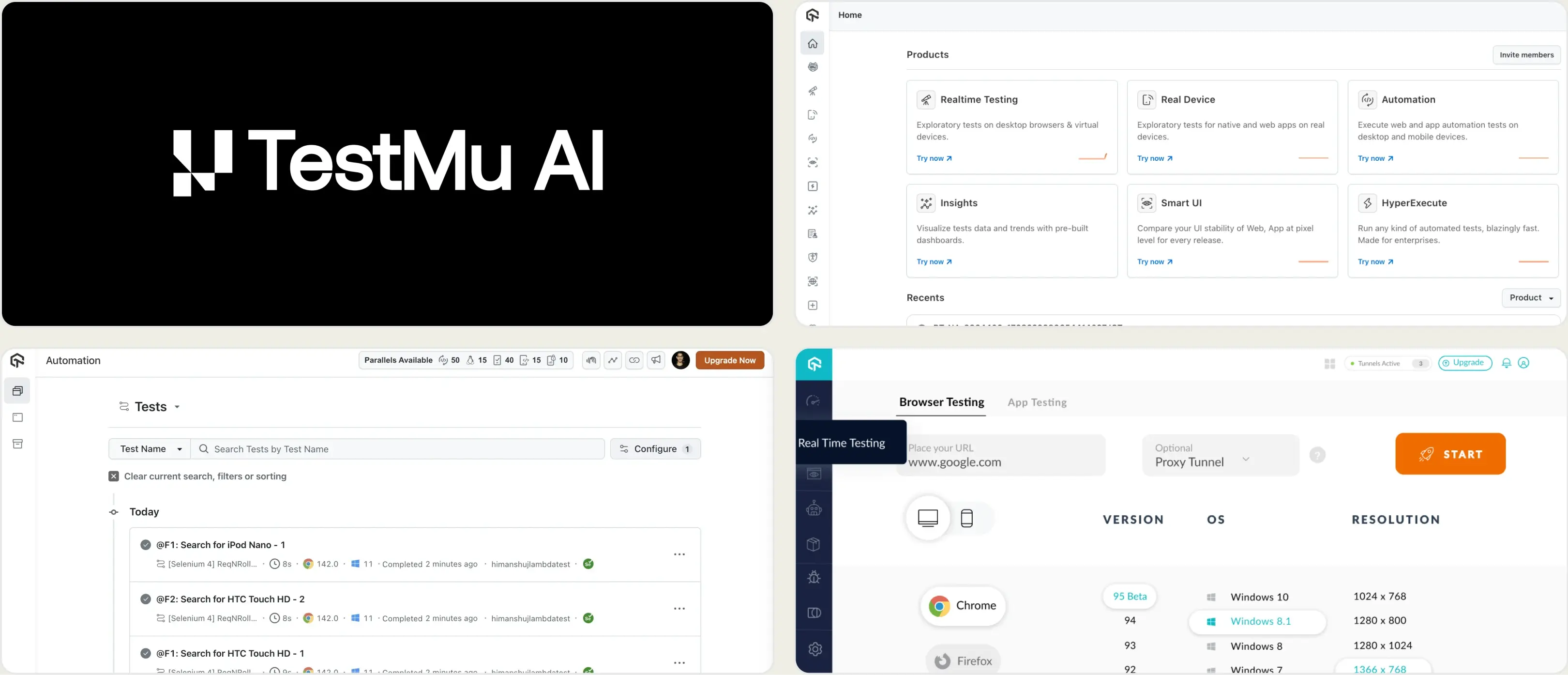
2. TestMu AI (formerly LambdaTest)
Best for:
Teams running cross-browser and cross-device test execution in the cloud.
Platform Type:
Cloud test execution and analytics platform
Integrations with:
Jira, Slack, GitHub, GitLab, CI/CD pipelines
Key Features:
- Cloud browser and device grid for parallel execution
- Test analytics with flaky test detection
- Screenshots, video, and session logs
- Visual regression testing
- CI/CD pipeline integrations
Pros
- Wide browser and device coverage
- Free tier with 300 minutes included
- Parallel execution reduces test cycle time
Cons
- Primarily an execution platform, reporting is secondary
- Playwright-specific analytics are surface-level
- Costs increase quickly with parallel usage
First Hand Experience
TestMu AI provides cloud infrastructure for running tests across browsers and devices. The analytics dashboard shows pass/fail summaries, flaky test flags, and session recordings. For teams that need a cloud execution grid with basic reporting, it covers the essentials.
Teams looking for deeper failure analysis or Playwright-specific test intelligence may find the analytics limited to execution-level data.
Pricing & Value
Starts at $159/month billed annually for cloud execution. Free tier includes 300 minutes. Costs scale with the number of parallel tests and concurrency needs.
Final Verdict
TestMu AI is a reasonable option for teams that need cross-browser cloud execution with basic analytics. For teams focused on Playwright test reporting and failure analysis depth, evaluate whether an execution-first platform matches your reporting needs.
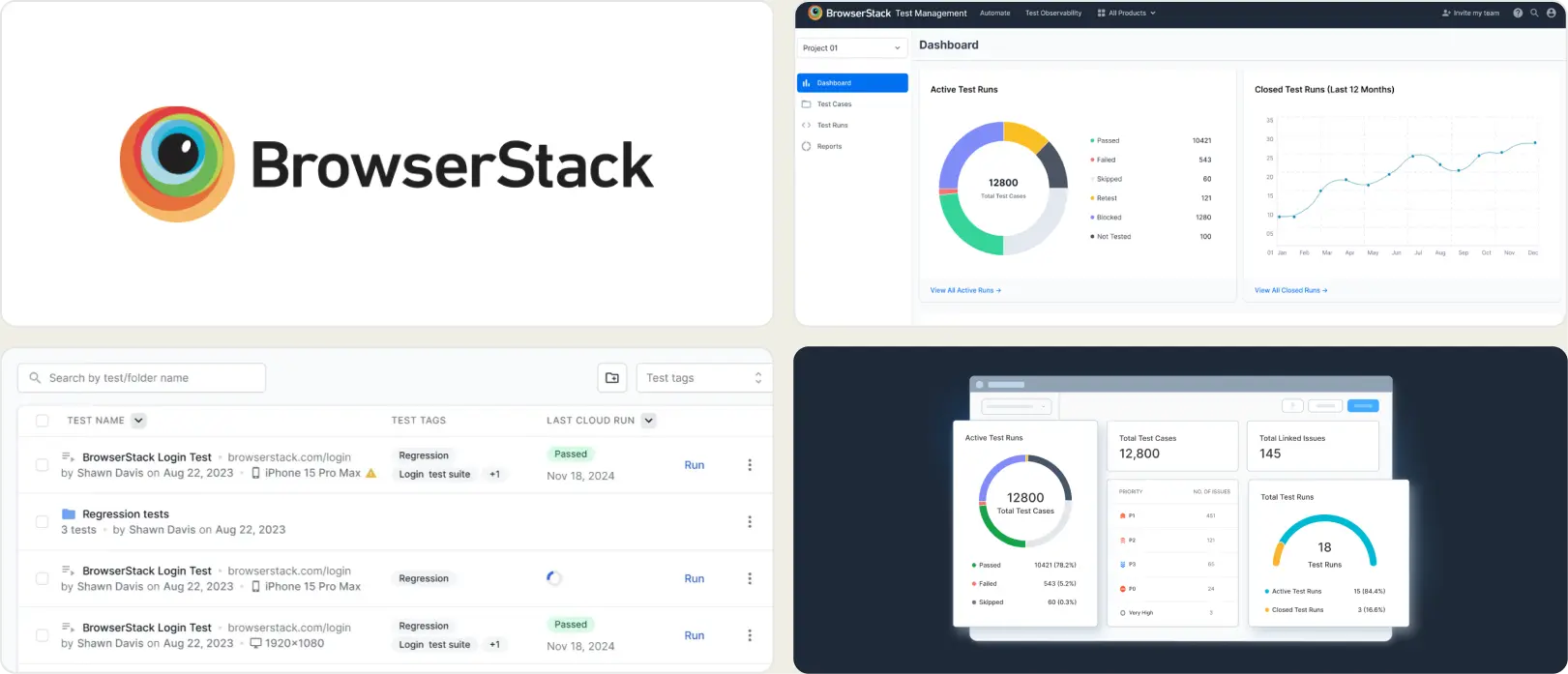
3. BrowserStack Test Reporting & Analytics
Best for:
Teams that are already using BrowserStack for cross-browser testing.
Platform Type:
Cloud test execution with session-level reporting
Integrations with:
Jira, CI/CD tools
Key Features:
- Test execution reports per session
- Cross-browser test coverage logs
- Screenshots and video recording
- Custom dashboards with widgets (Pro)
- Basic error logs and trends
Pros
- Good fit if already on BrowserStack
- Easy cloud onboarding
- Reliable cross-browser session capture
Cons
- Reporting stays at session level, limited depth
- Not built for Playwright-specific debugging
- Analytics are basic compared to dedicated reporting tools
First Hand Experience
BrowserStack Test Reporting & Analytics provides failure categorization, flaky detection, and timeline debugging across test frameworks. It works with or without BrowserStack execution infrastructure.
The Pro tier at $299/month adds custom dashboards and quality gates. Teams that need test management or Playwright-specific trace viewing may find the analytics focused on broad multi-framework coverage rather than Playwright depth.
Pricing & Value
Free tier with 30-day retention. Pro starts at $299/month billed annually. Reporting is bundled with BrowserStack execution plans. Costs scale with browser minutes and test volume.
Final Verdict
A solid choice for organizations already invested in BrowserStack's ecosystem. For teams evaluating standalone test reporting with deeper analytics and failure analysis, dedicated reporting tools offer more depth.
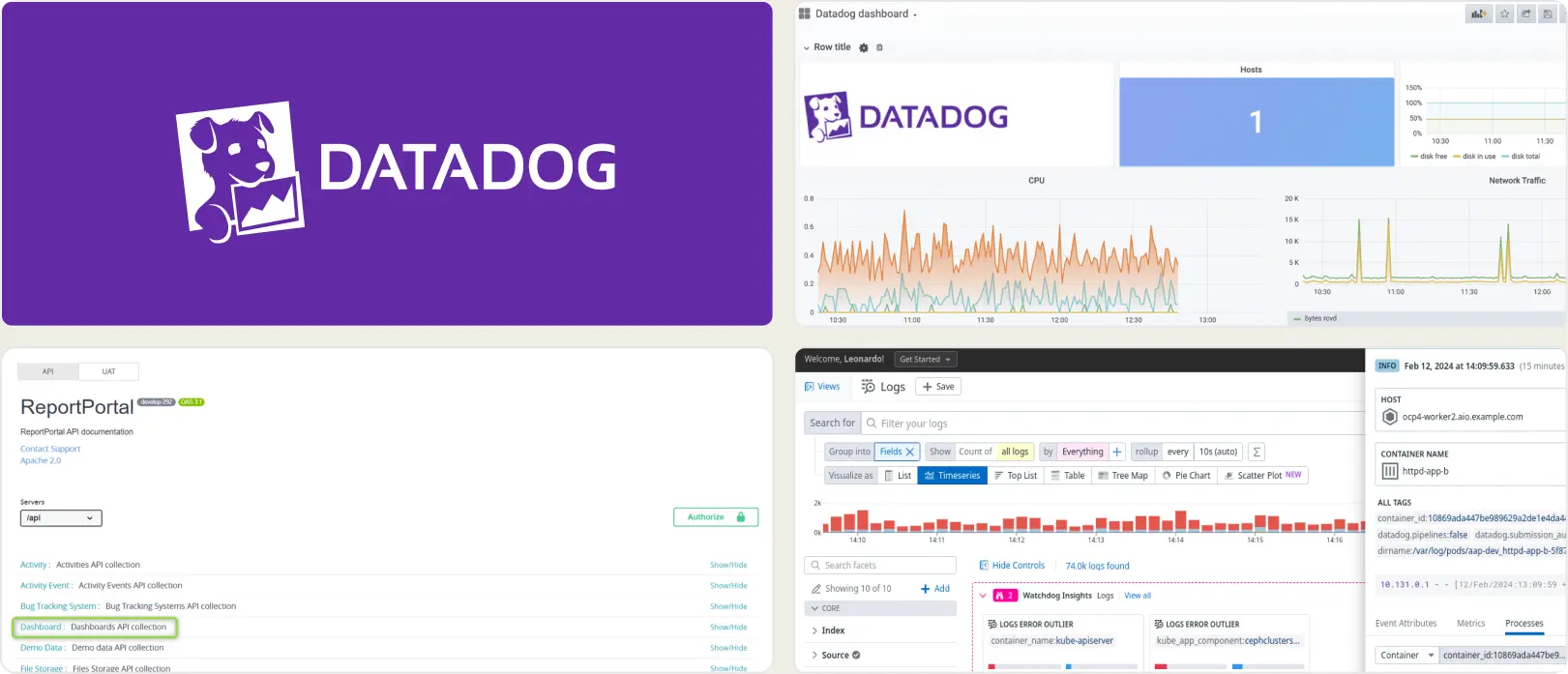
4. Datadog Test Optimization
Best for:
Teams already using Datadog for system monitoring who want test run visibility in the same dashboard.
Platform Type:
CI pipeline monitoring with test analytics add-on
Integrations with:
CI/CD, Slack, Jira, PagerDuty
Key Features:
- Test run visibility inside CI pipeline views
- Flaky test detection and tracking
- Custom dashboards and alert rules
- Test execution tracing with flame graphs
- CI pipeline performance metrics
Pros
- Fits well if Datadog is already your monitoring tool
- Flaky test detection is mature
- Good CI pipeline-level visibility
Cons
- Built for system monitoring, not test reporting
- QA teams often find the interface complex and broad
- Costs grow with data ingestion and retention
First Hand Experience
Datadog Test Optimization adds test analytics to an existing monitoring stack. It works best when your team already uses Datadog for infrastructure and APM, and wants test data in the same place.
The test reporting capabilities sit within a much larger platform, which means QA engineers must navigate system monitoring interfaces to access test-specific insights. Teams looking for a purpose-built test reporting tool may find the experience broader than what they need.
Pricing & Value
Per-committer, usage-based pricing. Test spans are retained for 3 months. Starts at $20/committer/month with usage-based billing. Costs are hard to predict as test artifacts, logs, and traces scale. Value is highest when test data lives alongside existing Datadog infrastructure monitoring.
Final Verdict
Datadog fits teams already using it for system monitoring. For QA-led teams evaluating ReportPortal alternatives with focused CI/CD test reporting, purpose-built platforms offer a more direct path.
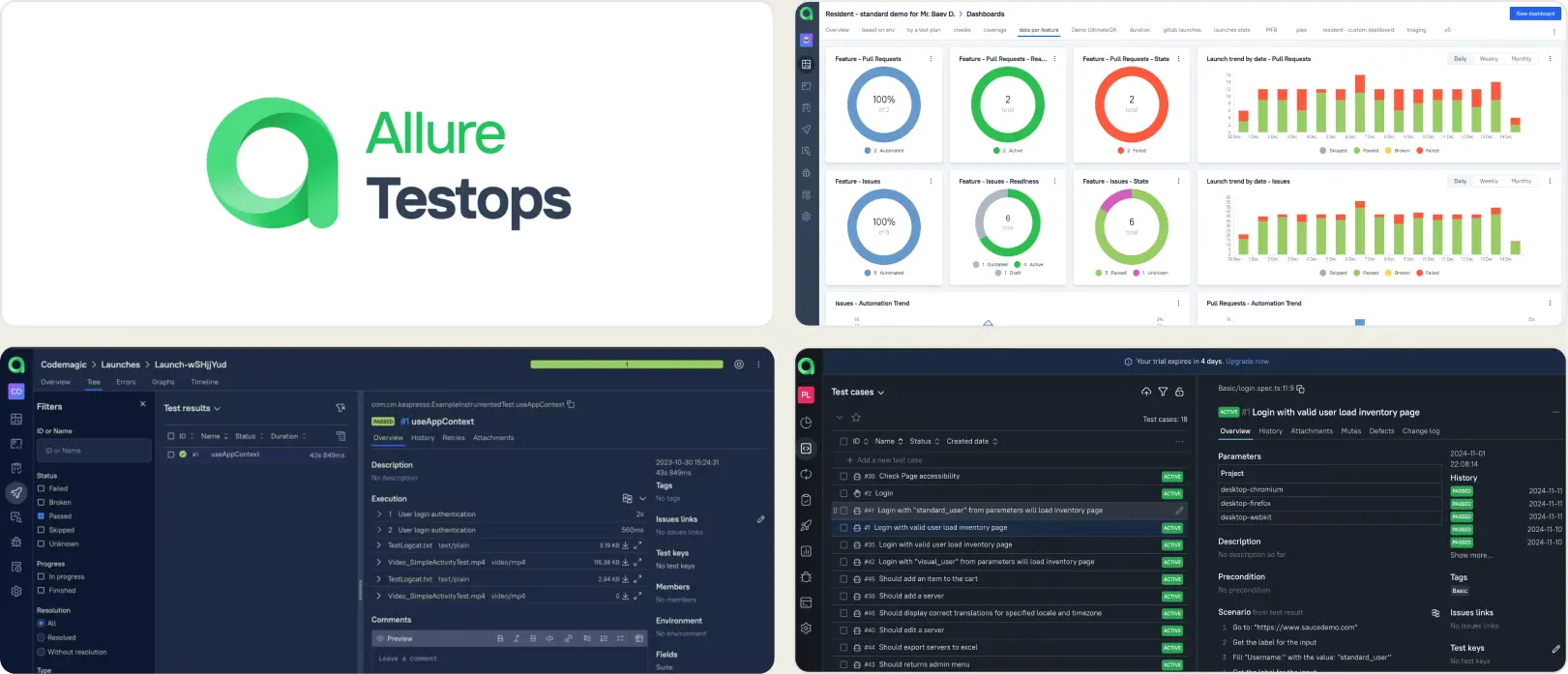
5. Allure TestOps
Best for:
QA teams with formal test management processes that need structured reporting workflows.
Platform Type:
Test management and reporting platform
Integrations with:
Jira, GitHub, GitLab, Jenkins
Key Features:
- Test case organization with launch history
- CI/CD adapter integrations
- Custom dashboards via AQL queries
- Access control and permissions
- Report exports and sharing
Pros
- Established feature set for structured QA
- Works across multiple test frameworks
- Configurable dashboards and reports
Cons
- Setup and configuration require significant effort
- Smaller teams may find the overhead heavy
- Advanced reporting requires manual dashboard building
First Hand Experience
Allure TestOps provides a structured workspace for organizing test cases and viewing launch results. The platform works best when teams have defined QA processes and the bandwidth to set up adapters, configure dashboards, and maintain data models.
Teams looking for faster onboarding and AI-driven failure insights may find the configuration effort slows down time-to-value.
Pricing & Value
Custom pricing. The platform targets teams that need formalized test management with audit trails and governance. Value depends on whether your team needs structured workflows or faster, lighter analytics.
Final Verdict
Allure TestOps fits teams that follow structured QA processes and need a management layer alongside reporting. For teams prioritizing fast setup and focused test analytics, lighter platforms get to value faster.
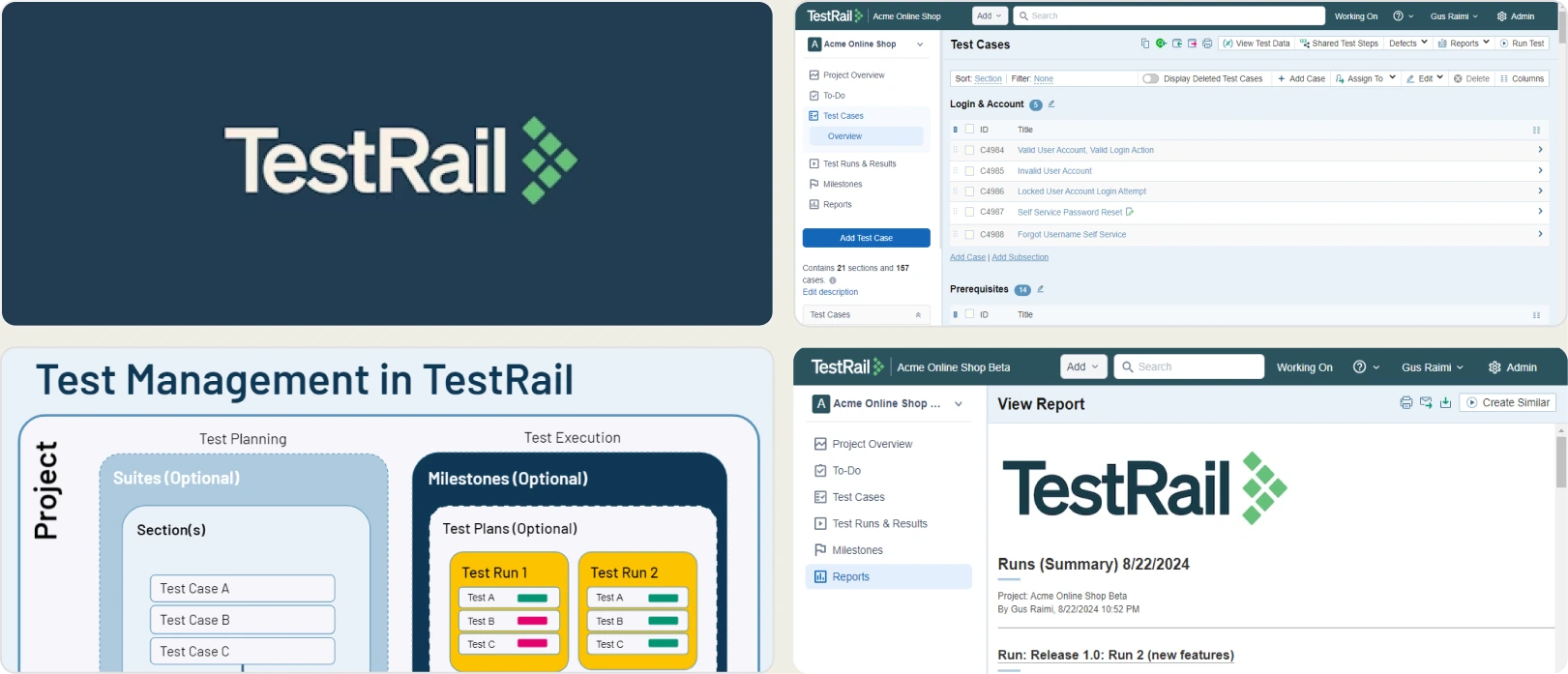
6. TestRail
Best for:
Teams formalizing QA with test cases, plans, and audits alongside CI/CD runs.
Platform Type:
Test case management platform (cloud or self-hosted)
Integrations with:
Jira, GitHub, GitLab, Jenkins, Azure Pipelines
Key Features:
- Test case organization with plans and milestones
- Requirements and defect traceability
- API/CLI to push automated results
- SSO, auditing, and version history
- Native issue links to Jira/GitLab
Pros
- Well-established ecosystem with clear structure
- Many CI/CD options and guides
- Enterprise controls for access and audit
Cons
- Per-seat cost scales with team size
- Administrative setup takes time
- Focused on management, limited test analytics
First Hand Experience
TestRail delivers structure once workflows are defined. Rollouts typically start with a taxonomy exercise for sections, naming, and milestones, followed by ingestion of CI results.
The result is dependable status and coverage views for audits. Teams that want automated test intelligence alongside management may need to pair TestRail with a separate reporting tool.
Pricing & Value
Per-seat yearly pricing: $38/user/month (Professional) and $71/user/month (Enterprise).
Final Verdict
TestRail fits teams that need formal test case management with audit trails. For teams that prioritize failure analysis and depth in automated reporting, tools built for test intelligence offer more value.
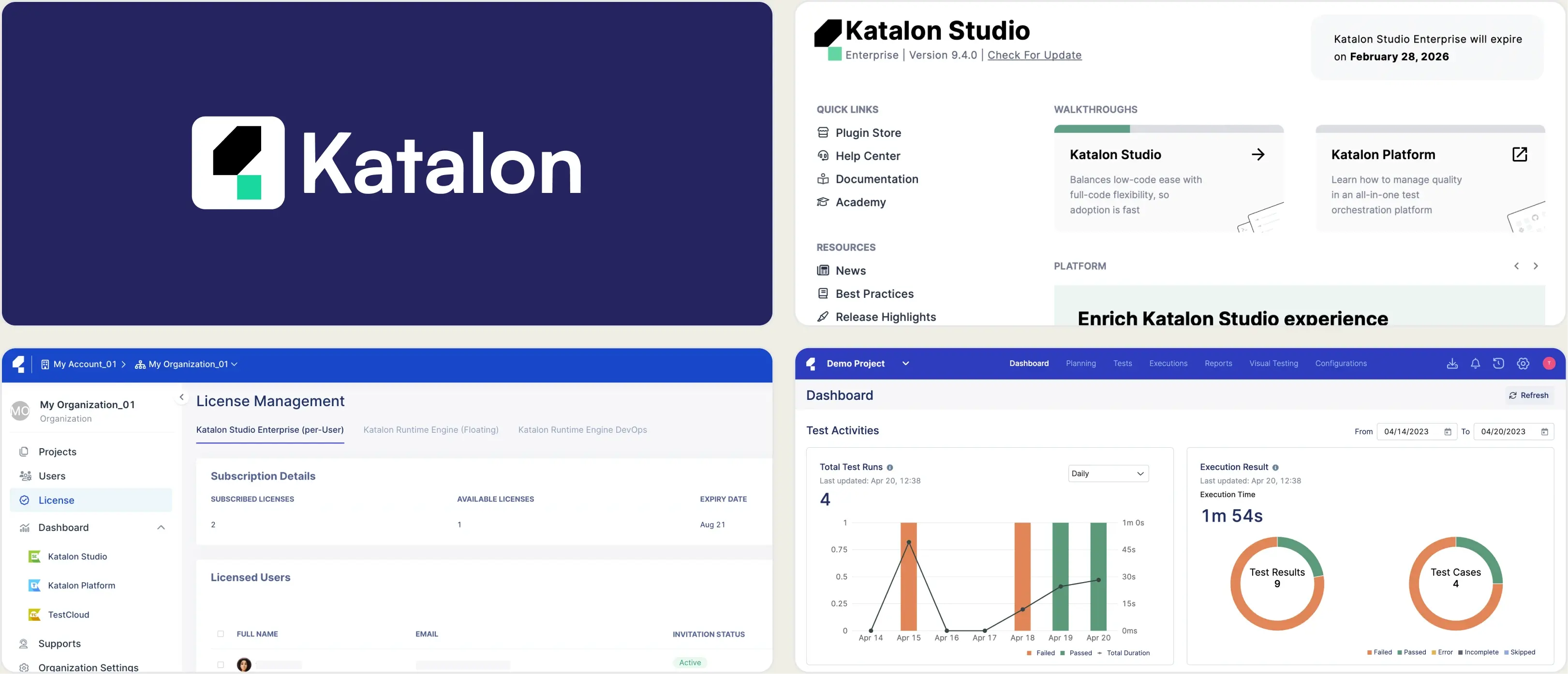
7. Katalon True Platform
Best for:
Teams already using Katalon Studio that want centralized execution tracking in the cloud
Platform Type:
Test management and orchestration platform
Integrations with:
Jenkins, GitHub Actions, GitLab CI, Azure DevOps, Jira, Slack
Key Features:
- Dashboard widgets for test trends
- Flaky test detection with execution logs
- Scheduled test execution
- Built-in screenshot capture on failure
- Jira integration for defect tracking
Pros
- Execution logs with screenshots
- Jira and Azure DevOps defect tracking
- Centralized run history across CI pipelines
Cons
- Tightly bundled with Katalon Studio, not standalone
- Dashboard setup requires manual widget configuration
- No built-in trace viewer for Playwright
First Hand Experience
Katalon True Platform centralizes test execution data from Katalon Studio runs. For teams already invested in Katalon Studio, TestOps adds visibility into run history and test trends. However, the reporting stays at the execution level, so teams looking for Playwright-native debugging will find the diagnostics surface-level.
Pricing & Value
Per-seat model: $167/seat/month (Team), $67/seat on 5-seat package
Final Verdict
Katalon True Platform works well for teams already committed to the Katalon ecosystem. For teams running Playwright natively, evaluate whether an orchestration-first platform provides the depth of test intelligence your workflow requires.
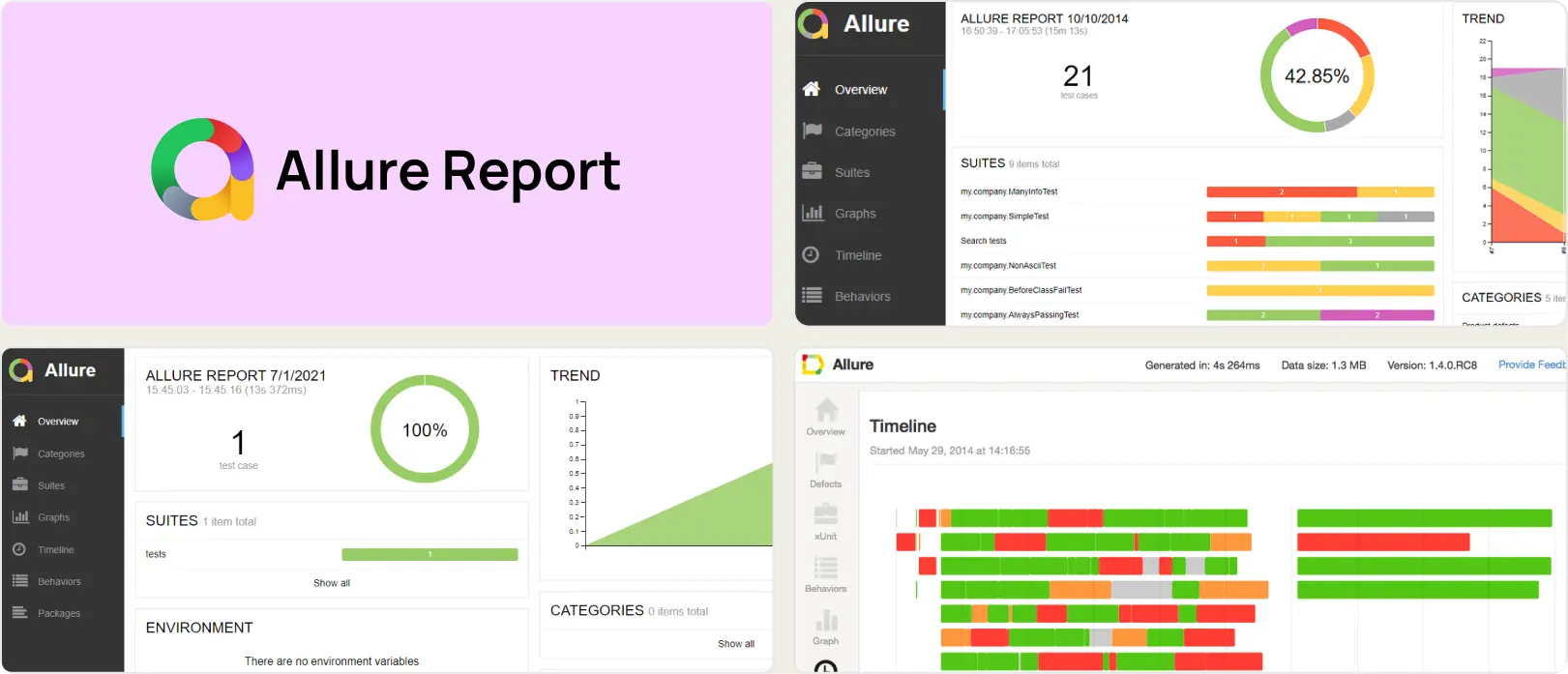
8. Allure Report
Best for:
Teams that need a free, single-run HTML report to share test results without a managed service.
Platform Type:
Static HTML report generator (open source)
Integrations with:
Playwright, Pytest, JUnit, TestNG, Jest, and more
Key Features:
- Interactive HTML test reports
- Framework-agnostic adapters
- Hierarchical suites and test views
- Attachments for logs and screenshots
Pros
- Free and open source
- Strong single-run visualization
- Works across many frameworks
Cons
- Stateless with no persistent history
- Operational overhead grows at scale
- No failure analysis, management, or collaboration
First Hand Experience
Allure Report turns raw results into interactive HTML for one run. It is not a test analytics platform.
Because reports are static files, teams build custom CI steps, storage, and retention logic to keep any form of history. Engineering time for adapters, hosting, and "history wiring" adds up over time.
Pricing & Value
Software cost is zero. Total cost of ownership grows with pipelines, storage, and maintenance.
Final Verdict
Allure Report works well as a free single-run visualizer. Teams that require persistent analytics, test case management, or failure intelligence should evaluate managed platforms that provide these out of the box.
What to Look for in a ReportPortal Alternative
Choosing a ReportPortal replacement is not just about finding another test result dashboard. The tool you pick should solve the problems that made you look for alternatives in the first place.
Here are the evaluation criteria that matter most.
Test intelligence and failure analysis
A modern test reporting tool should tell you why tests fail, not just that they failed. Look for AI-driven failure classification, error grouping that clusters related issues, and clear separation between test flakiness and real defects.
Surface-level test pass rate counts are not enough when you are running hundreds of Playwright specs per test pipeline. The difference between a tool that lists failures and one that classifies them by type is the difference between spending an hour on test triage and spending five minutes on prioritized action.
Team collaboration and bug workflow
Test results need to reach the right people in the right format. One-click bug filing into Jira, Linear, or Asana with pre-filled failure context removes copy-paste from the triage cycle.
Slack notifications filtered by environment keep teams informed without flooding channels. Scheduled PDF reports let stakeholders review test health without logging into dashboards. These automated reporting features reduce the manual overhead that slows teams down between a test failure and a fix, lowering your mean time to triage.
Analytics, test coverage, and flaky test detection
Reporting should cover more than the last run. Look for trend analysis across runs, branches, and environments. Code coverage per file, flaky test rate tracking per test case, and environment stability comparisons help you make release decisions based on data.
ReportPortal's ML-based auto-analysis identifies patterns, but it does not classify flaky tests by root cause type or track stability percentages over time. ReportPortal alternatives with deeper flaky test detection provide your team with more actionable data to improve test suite reliability.
CI/CD integration and pipeline speed
CI pipelines slow down when every failure triggers a full re-run. CI/CD test reporting tools that support rerunning only failed tests, quality gates on pull requests, and environment-specific merge rules reduce pipeline time without sacrificing coverage.
Direct CI/CD integration with GitHub Actions, GitLab CI, Azure DevOps, and TeamCity matters more than a long list of generic CI support claims. The best tools integrate natively with your test pipeline and provide feedback within the developer workflow rather than in a separate dashboard.
Setup simplicity and ongoing maintenance
If the tool takes days to set up or requires dedicated infrastructure, it creates the same bottleneck you left ReportPortal for. This is where the difference between open source test reporting and managed platforms becomes practical.
ReportPortal's self-hosted architecture gives you full control over data. But for teams where the infrastructure cost outweighs that benefit, a lightweight test reporting tool with managed hosting, minimal configuration, and no Docker Compose requirements gets your team to value faster. ReportPortal alternatives with easier setup consistently rank higher in team satisfaction.
Wrapping Up
ReportPortal has served teams well as an open-source reporting backbone. But self-hosting, infrastructure overhead, and limited AI-driven debugging create friction for teams that want fast answers from their test results.
The alternatives above cover different needs. TestMu AI and BrowserStack provide cloud execution with basic reporting. Datadog fits teams that already use it for system monitoring. Allure TestOps and TestRail offer structured test management. Katalon True Platform centralizes execution tracking for Katalon Studio teams. Allure Report covers free, single-run HTML reports.
For Playwright-first teams that want AI failure classification, test management, flaky test detection, and CI/CD optimization in one platform, TestDino provides test intelligence, management, and reporting for $39/month billed annually.
Skip heavy setup and get test intelligence from day one
Playwright results from your first CI runAI failure classification and triageFAQs
They serve different scopes. ReportPortal aggregates results from many frameworks on your own servers. TestDino is Playwright-native and cloud-hosted. Teams migrating from ReportPortal to TestDino typically switch their Playwright reporting entirely to TestDino while keeping ReportPortal for other frameworks until they consolidate.