Top 5 Datadog Test Optimization Alternatives for Better Test Analytics
Datadog Test Optimization adds test visibility to system monitoring. For focused Playwright test intelligence without infrastructure dashboards, start with TestDino.
Datadog is a strong system monitoring platform. Its Test Optimization module adds visibility into test runs: CI pipelines, flaky test detection, and execution tracing.
But test data lives inside a platform built for infrastructure metrics, APM traces, and log management. QA engineers seeking test-specific insights often find themselves navigating modules designed for backend monitoring rather than for test analysis.
Teams that run Playwright in CI and need focused failure intelligence, test management, and CI/CD optimization are exploring Datadog Test Optimization alternatives that treat test reporting as the primary workflow rather than a secondary add-on.
Here are the 5 best Datadog alternatives to consider in 2026.
Best Datadog Alternatives: How to Choose the Right Tool
We evaluated each tool based on test reporting depth, AI failure analysis, flaky test detection, Playwright support, CI/CD integration, pricing transparency, and ease of onboarding. We also checked G2 reviews and official documentation to verify each claim.
How to Compare Datadog Test Optimization Alternatives
Here is a quick comparison of the top alternatives to Datadog Test Optimization that can help you identify your preferred test reporting tool:
 TestDino |  Datadog |  ReportPortal |  Allure TestOps |  TestMu AI | |
|---|---|---|---|---|---|
| Pricing | $39/month billed annually | $20/committer/month usage-based | $599/month (SaaS) | Custom | $199/month |
| Best for | Playwright-first teams needing AI intelligence + test management | Teams monitoring infrastructure + tests in one platform | Teams wanting self-hosted open-source reporting with ML analysis | Teams needing structured test management with QA governance | Teams running cross-browser and cross-device tests in the cloud |
| Framework support | Playwright | Playwright & More | Playwright & More | Playwright & More | Playwright & More |
| Ease of use |  |  |  | | |
Getting Started | |||||
Reporting & Dashboards | |||||
Debugging & Evidence | |||||
AI Test Intelligence | |||||
CI/CD Optimization | |||||
Test Management & Integrations | |||||
Pricing | |||||
| Try for free | Learn more | Learn more | Learn more | Learn more | |
Best Datadog Test Optimization Competitors for Test Reporting
Here are the top 5 alternatives to Datadog Test Optimization for teams that want focused test reporting:
1. TestDino
$49
/monthBest for:
Playwright-first teams that need test reporting, test management, and CI/CD optimization in one platform, without stitching multiple tools together.
Platform Type:
Test reporting, dashboards, test management, and CI observability platform for Playwright
Integrations with:
GitHub Actions, GitLab CI, Azure DevOps, TeamCity, Jira, Linear, Asana, monday, Slack
Key Features:
 Test management and automated reporting in one place
- AI failure classification into 4 categories
- Built-in trace viewer with DOM snapshots and network logs
- Error grouping by message and stack trace
- GitHub CI Checks as merge quality gates
- Rerun only failed tests to cut CI pipeline time
- MCP Server for AI agent queries from your IDE
- Flaky test detection across run history
- AI summaries posted to GitHub commits
- Real-time results streaming via WebSocket
- Code coverage per file breakdown

Pros
- Playwright-native with under 10-minute setup
- Test management and automated reporting on the same platform
- Broad CI/CD support: GitHub Actions, GitLab CI, Azure DevOps, TeamCity
- AI summaries posted to GitHub commits, GitLab MRs, and Slack
- 1-click bug filing into Jira, Linear, Asana, or monday
- Affordable at $39/month billed annually

Cons
- Purpose-built for Playwright (multi-framework support on the roadmap)
First Hand Experience
Here's a problem teams using monitoring platforms for test reporting know well: test results sit inside the same interface as infrastructure metrics, APM traces, and log pipelines. Getting test-specific insights means navigating through modules built for system monitoring, not test analysis.
TestDino takes the opposite approach. It is built entirely around Playwright test intelligence. Test management and automated test reporting live on the same platform, with suites, ownership, custom fields, and version history. Playwright results flow in from CI and link to manual tests in the UI, without API glue code.
The Test Explorer lets you sort by flaky rate, filter by tags, and see exactly which manual tests have automated coverage.
Debugging That Saves You from Re-running Locally
Each failed test in TestDino comes with screenshots, video, browser console logs, and a trace you can step through action by action. Available right after the CI run finishes.
AI Insights classifies each failure as Actual Bug, UI Change, Unstable Test, or Miscellaneous. Bug filing is 1-click into Jira, Linear, Asana, or monday, pre-filled with error details, stack trace, failure history, and links to the run and CI job.
CI/CD Speed and Merge Safety
Rerun failed tests re-executes only failures, not the full suite. Works across sharded runs and different CI runners.
GitHub CI Checks adds quality gates to your PRs. Set a minimum pass rate, mark critical tags as mandatory, and configure different rules per environment. AI-generated summaries are posted to GitHub commits and GitLab merge requests with pass/fail/flaky counts.
Flaky Test Detection That Tells You Why
Flaky test detection classifies unstable tests by root cause: timing-related, environment-dependent, network-dependent, or assertion-intermittent. Each test gets a stability percentage, and you can compare flaky rates across environments to spot infrastructure problems.
Real-Time Streaming and Scheduled Reports
Results appear on the dashboard as each test completes via real-time streaming, not after the full suite finishes. Automated PDF reports deliver test health summaries on daily, weekly, or monthly schedules. Slack notifications send run summaries filtered by environment and branch.
MCP Server for AI-Assisted Workflows
The MCP Server connects your AI assistant (Cursor, Claude Code, Copilot) to your test data. List test runs, pull debugging context, perform root cause analysis, and manage manual test cases through natural language.
Pricing & Value
TestDino offers Community, Pro, Team, and Enterprise plans with both monthly and annual billing options.
Final Verdict
TestDino is the most considerable alternative to Datadog Test Optimization for Playwright teams. Where Datadog spreads test data across a broad monitoring platform, TestDino focuses entirely on test intelligence, with AI-based failure classification, a built-in trace viewer, error grouping, and flaky detection with root cause categories.
It also includes test management, automated PDF reports, and CI/CD optimization features like rerun-failed-tests and GitHub CI Checks as quality gates. At $39/month billed annually with no per-committer charges, your team stops paying for CI/CD test analytics features they have to dig through infrastructure dashboards to reach.
Pricing & Value
Four plans available on TestDino, each built for a different stage of team growth.
2. ReportPortal
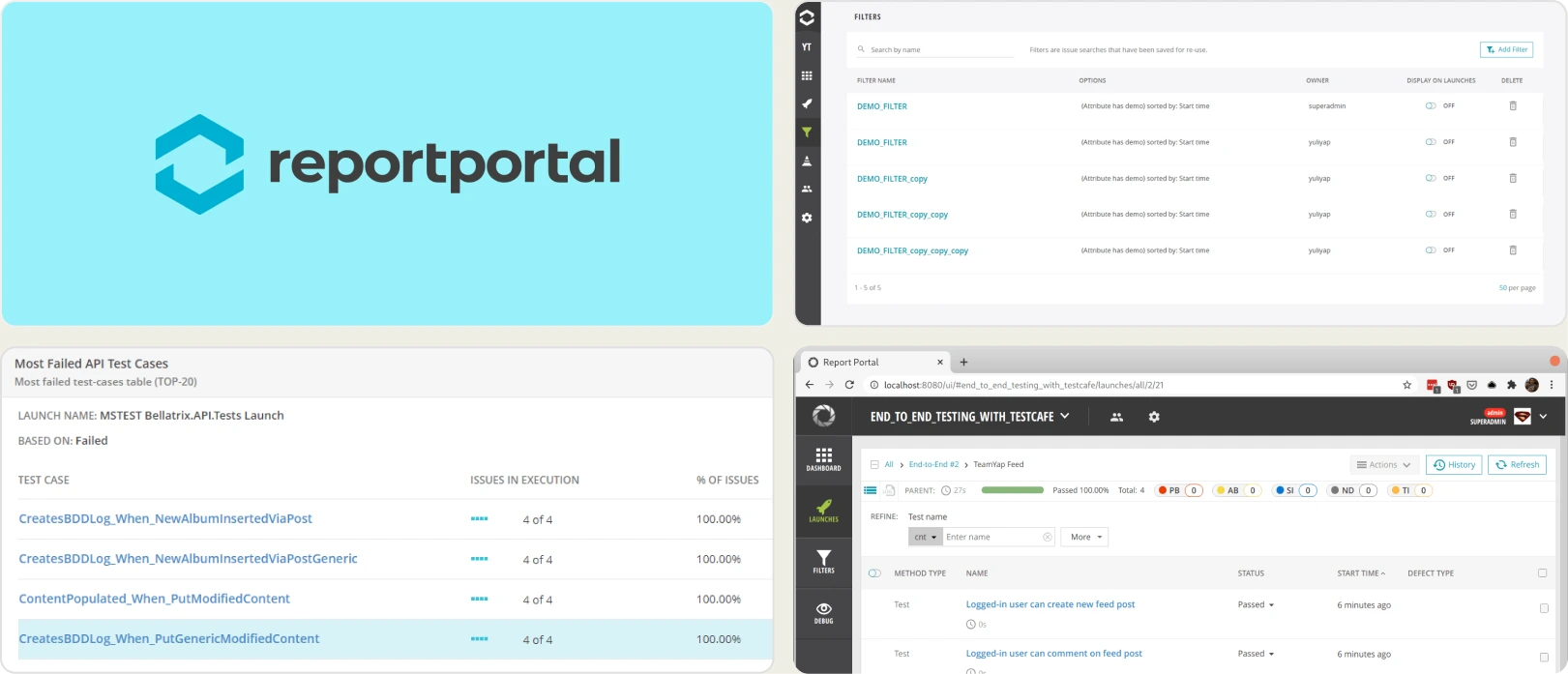
Best for:
Teams that want self-hosted, open-source test reporting with ML-based failure pattern matching.
Platform Type:
Open-source test reporting platform (self-hosted or SaaS)
Integrations with:
Jenkins, GitHub, GitLab, Jira, Rally
Key Features:
- ML-based pattern matching for failure clustering
- Custom dashboard widgets for run data
- Multi-framework result aggregation
- Self-hosted with full data control
- Launch-level run history
Pros
- Open source with self-hosting option
- Supports many test frameworks
- Custom dashboard widgets for reporting
Cons
- Setup requires Docker Compose and maintenance
- SaaS starts at $599/month
- Limited Playwright-specific debugging features
First Hand Experience
ReportPortal aggregates test results from multiple frameworks and uses ML-based pattern matching to identify recurring failure clusters. The self-hosted option gives full data control. Setup requires Docker Compose, database configuration, and ongoing infrastructure maintenance. Teams seeking managed platforms with quick onboarding may find the operational overhead significant relative to the reporting value.
Pricing & Value
Free (open source, self-hosted). SaaS starts at $599/month for the Startup tier with 100 GB storage.
Final Verdict
ReportPortal fits teams that want self-hosted test reporting with ML-based test regression detection. For teams that prefer managed platforms with Playwright-specific intelligence and faster setup, simpler options exist without the infrastructure burden.
3. Allure TestOps
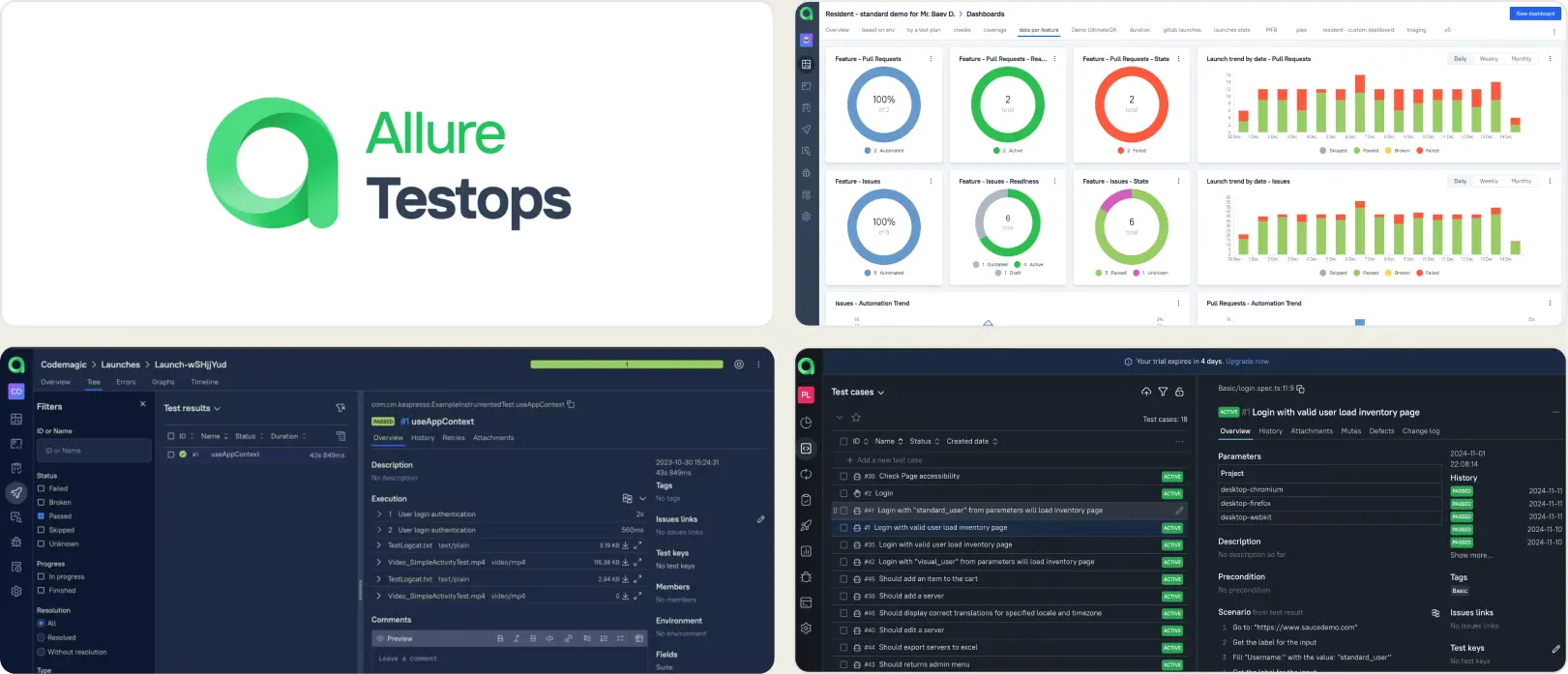
Best for:
QA teams with formal test management processes that need structured reporting workflows.
Platform Type:
Test management and reporting platform
Integrations with:
Jira, GitHub, GitLab, Jenkins
Key Features:
- Test case organization with launch history
- CI/CD adapter integrations
- Configurable dashboards via AQL queries
- Access control and permissions
- Report exports and sharing
Pros
- Established feature set for structured QA
- Works across multiple test frameworks
- Configurable dashboards and reports
Cons
- Setup and adapter configuration require effort
- Smaller teams may find the overhead heavy
- Reporting requires manual dashboard building
First Hand Experience
Allure TestOps provides a structured workspace for organizing test cases and viewing launch results. The platform works best when teams have defined QA processes and the bandwidth to set up adapters, configure dashboards, and maintain data models. Teams looking for faster onboarding and AI-driven failure insights may find the configuration effort slows time-to-value.
Pricing & Value
Custom pricing. The platform targets teams that need formalized test management with governance and audit trails.
Final Verdict
Allure TestOps fits teams that follow structured QA processes and need a management layer alongside reporting. For teams prioritizing fast setup and focused test analytics, lighter platforms get to value faster.
4. TestMu AI
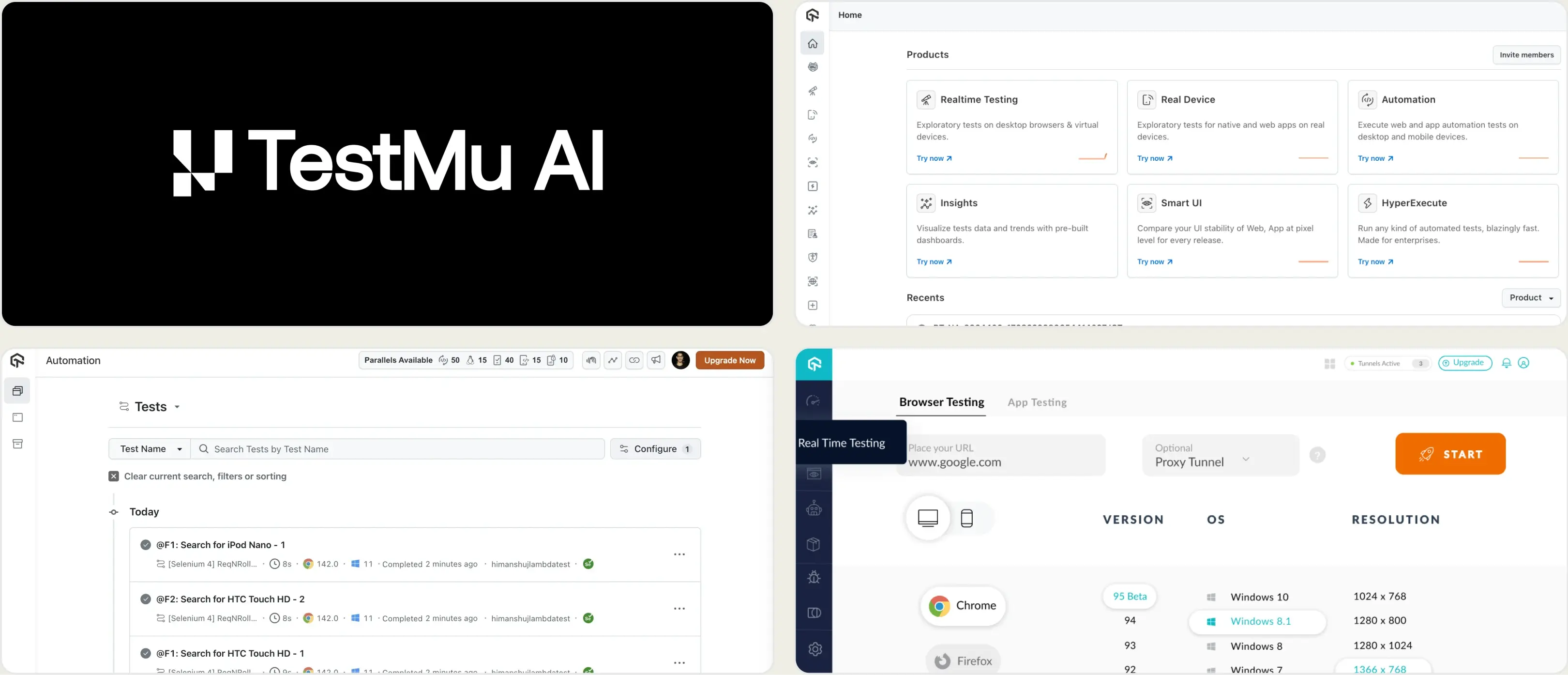
Best for:
Teams running cross-browser and cross-device test execution in the cloud.
Platform Type:
Cloud test execution and analytics platform
Integrations with:
Jira, Slack, GitHub, GitLab, CI/CD pipelines
Key Features:
- Cloud browser and device grid for test execution
- Test analytics with flaky test flags
- Screenshots, video, and session logs
- Visual regression testing
- CI/CD pipeline integrations
Pros
- Wide browser and device coverage
- Free tier with 300 minutes included
- Parallel execution reduces test cycle time
Cons
- Primarily an execution platform, reporting is secondary
- Playwright-specific analytics are surface-level
- Costs increase quickly with parallel usage
First Hand Experience
TestMu AI provides cloud infrastructure for running tests across browsers and devices. The QA analytics dashboard shows pass/fail summaries, flaky test flags, and session recordings. For teams that need a cloud execution grid with basic reporting, it covers the essentials. Teams looking for deeper failure analysis or Playwright-specific software testing intelligence may find the analytics limited to execution-level data.
Pricing & Value
Starts at $199/month for cloud execution. Free tier includes 300 minutes. Costs scale with the number of parallel tests and concurrency needs.
Final Verdict
TestMu AI is a reasonable option for teams that need cross-browser cloud execution with basic analytics. For teams focused on Playwright test intelligence and reporting depth, evaluate whether execution-first platforms match your analytics needs.
5. Currents
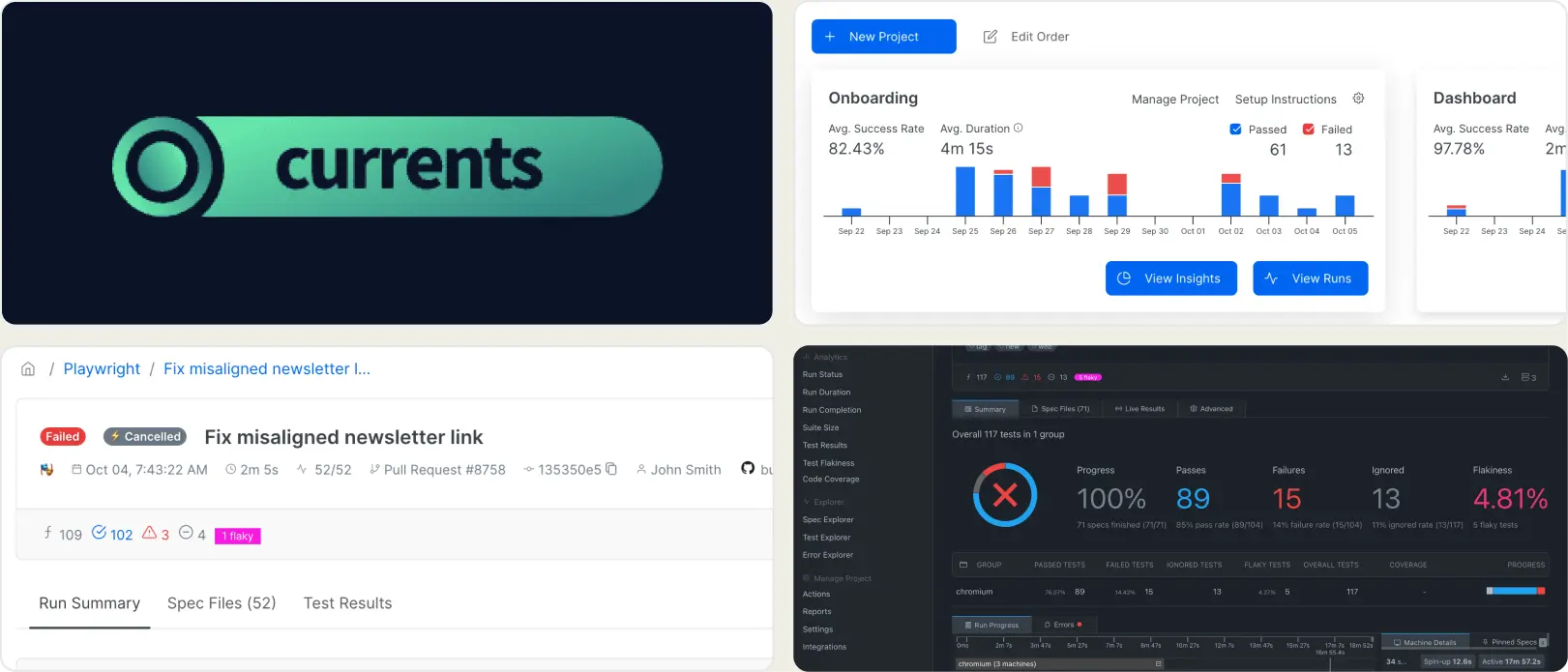
Best for:
Teams that want to stream Playwright test runs live in the cloud.
Platform Type:
Cloud dashboard for test execution streaming
Integrations with:
GitHub, GitLab, Slack
Key Features:
- Live test run streaming during CI
- Orchestration for test sharding
- CI/CD pipeline integrations
- Basic pass/fail analytics
- Centralized logs and screenshots
Pros
- Real-time visibility during execution
- Simple cloud-first setup
- Aligns with Playwright workflows
Cons
- Limited analytics depth beyond execution
- Usage costs scale with test volume
- No failure analysis or test management
First Hand Experience
Currents delivers live streaming for Playwright runs, which is useful during active releases. Day-to-day, the focus stays on execution monitoring. Teams that require failure categorization, historical pattern analysis, or test management may need additional tooling alongside Currents for deeper reporting.
Pricing & Value
Usage-based pricing starting at $49/month. Costs rise with run frequency and the number of artifacts. The budget should account for sustained CI activity.
Final Verdict
Currents is a lightweight Datadog alternative for test reporting that prioritizes real-time visibility into execution. For teams that need deeper failure analysis and reporting alongside streaming, evaluate whether an execution-focused tool meets your full test intelligence needs.
What to look for when moving beyond Datadog for test analytics
Switching from Datadog Test Optimization is not just about finding another monitoring add-on. The tool you pick should treat test reporting as a primary workflow, not a secondary data stream inside a larger platform.
Test intelligence and failure analysis
When a test fails, you need to know whether it is a real defect, a flaky issue, or a UI refactor breakage. Monitoring platforms that show test data alongside infrastructure metrics leave the classification work to your team.
Look for tools that automatically classify failures, group related errors, and separate persistent issues from new regressions. The difference between CI/CD test analytics that list failures and one that classifies them is the time between "something broke" and "here is what to fix."
Test management without separate tooling
If your test cases live in one tool, execution results in another, and failure analysis in a third, you spend more time switching contexts than fixing problems. Platforms that combine test management, reporting, and debugging in one workspace reduce that overhead.
Datadog does not include test case management. Teams using it for test visibility still need a separate tool to organize test suites, track manual test coverage, and link cases to automated results. That context switching adds up.
Analytics that focus on test health
CI pipeline dashboards show whether builds pass or fail. CI/CD test analytics should go deeper: run duration trends, failure-prone tests, flaky rates per test case, code coverage per file, and environment stability comparisons.
If your analytics tool requires building a custom dashboard for every test-specific insight, it is not built for test teams. Purpose-built Playwright test reporting tools provide these views out of the box with test reliability metrics that track test suite performance monitoring over time.
Predictable pricing without usage surprises
Per-committer and per-span pricing models make cost forecasting difficult as your team and test suites grow. Datadog test optimization pricing becomes expensive as CI activity scales, which is why teams search for alternatives.
Flat monthly pricing lets you plan your budget without worrying about billing spikes from increased CI activity or added engineers. Compare the per-committer model against flat-rate plans to see which gives your team predictable costs.
Fast onboarding without agent configuration
If getting test data into a reporting tool requires installing agents, configuring SDKs across multiple services, and setting up data pipelines, the setup cost may outweigh the reporting value.
Managed platforms with one-step CI integration get your team to actionable insights faster. A lightweight Datadog alternative for test reporting and flaky tests should deliver a QA analytics dashboard from the first CI run, not after a week of agent configuration.
Wrapping Up
Datadog Test Optimization works well as a test visibility add-on for teams already deep in the Datadog ecosystem. But when test reporting is a primary need rather than a secondary dashboard inside infrastructure monitoring, purpose-built tools provide more depth.
ReportPortal offers self-hosted, open-source reporting. Allure TestOps provides structured test management. TestMu AI covers cross-browser cloud execution. Currents handles real-time Playwright streaming.
For Playwright-first teams that want AI failure classification, test management, flaky test detection, and CI/CD optimization in one platform, TestDino combines test intelligence, management, and reporting for $39/month, billed annually.
Test analytics without extra overhead
Keep setup simple in CIGet focused QA insightsFAQs
They serve different layers. Datadog monitors your infrastructure and CI pipelines. TestDino provides focused Playwright test intelligence, including AI failure classification, a trace viewer, and test management. Teams can use Datadog for system monitoring and TestDino for test-specific reporting and debugging.
Related Alternatives
Looking for more options? Browse related alternative tools that might fit your workflow better.