
Overview
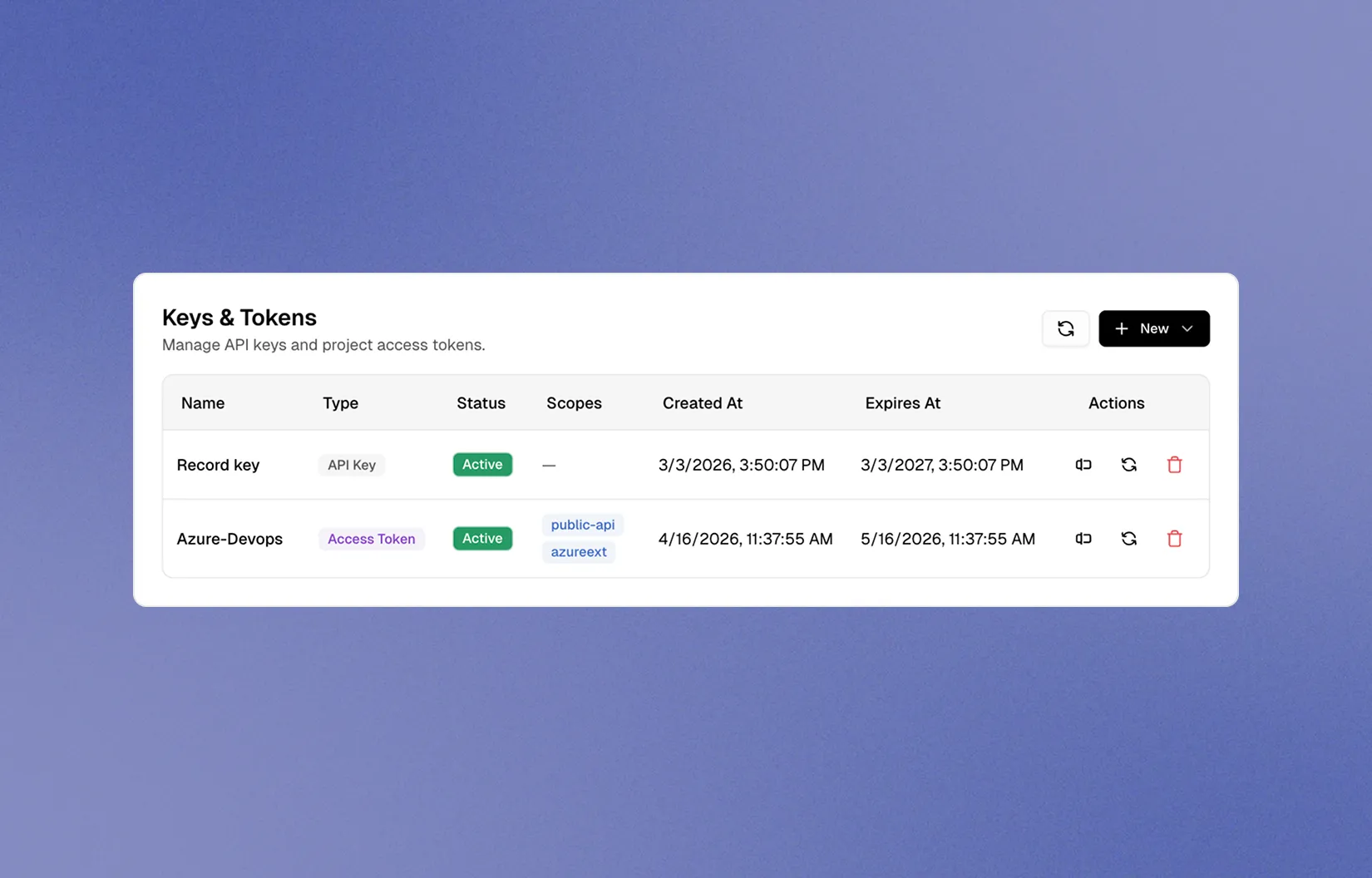
Project Access Tokens provide scoped authentication for third-party integrations that need read access to your TestDino project data. Each token is tied to a specific project and can be rotated independently.
Currently, Project Access Tokens are used by the Azure DevOps extension to fetch test run data. Generate a token in your project settings, paste it into the extension, and test runs load immediately. Revoke and regenerate tokens at any time.
Key features
- Project-scoped tokens for granular access control
- Revoke and regenerate tokens at any time
- Works with CLI, API, and third-party integrations
- Multiple tokens per project for different pipelines
- Scoped access for uploads, reads, and integrations
How it works

Open project settings
Go to your project in TestDino, then Settings, then Integrations, then Project Access Token.
Generate a new token
Click Create Token, give it a descriptive name, and copy the generated token. Store it securely.
Use in your pipeline
Set the token as TESTDINO_TOKEN in your CI/CD environment variables, then run your tests. Results stream to TestDino live.
Using the token
# Set as environment variable
export TESTDINO_TOKEN="td_api_your-project-token"

# Run your tests. Results stream to TestDino live.
npx playwright test