
Overview
The Linear integration lets you create bug reports directly from failed or flaky Playwright tests. Each issue is prefilled with the test name, file path, branch, commit details, environment, run ID, duration, and failure cluster.
The description includes the exact step or locator that failed, a short code context around the failing line, recent failure history, and relevant console output. Screenshots are attached as thumbnails.
Key features
- Prefilled bug reports with failure cluster and code context
- Configurable team, issue type, priority, and labels
- Recent failure history included in every issue
- Console output and screenshot attachments
- Available on Pro, Team, and Enterprise plans
How it works

Connect your workspace
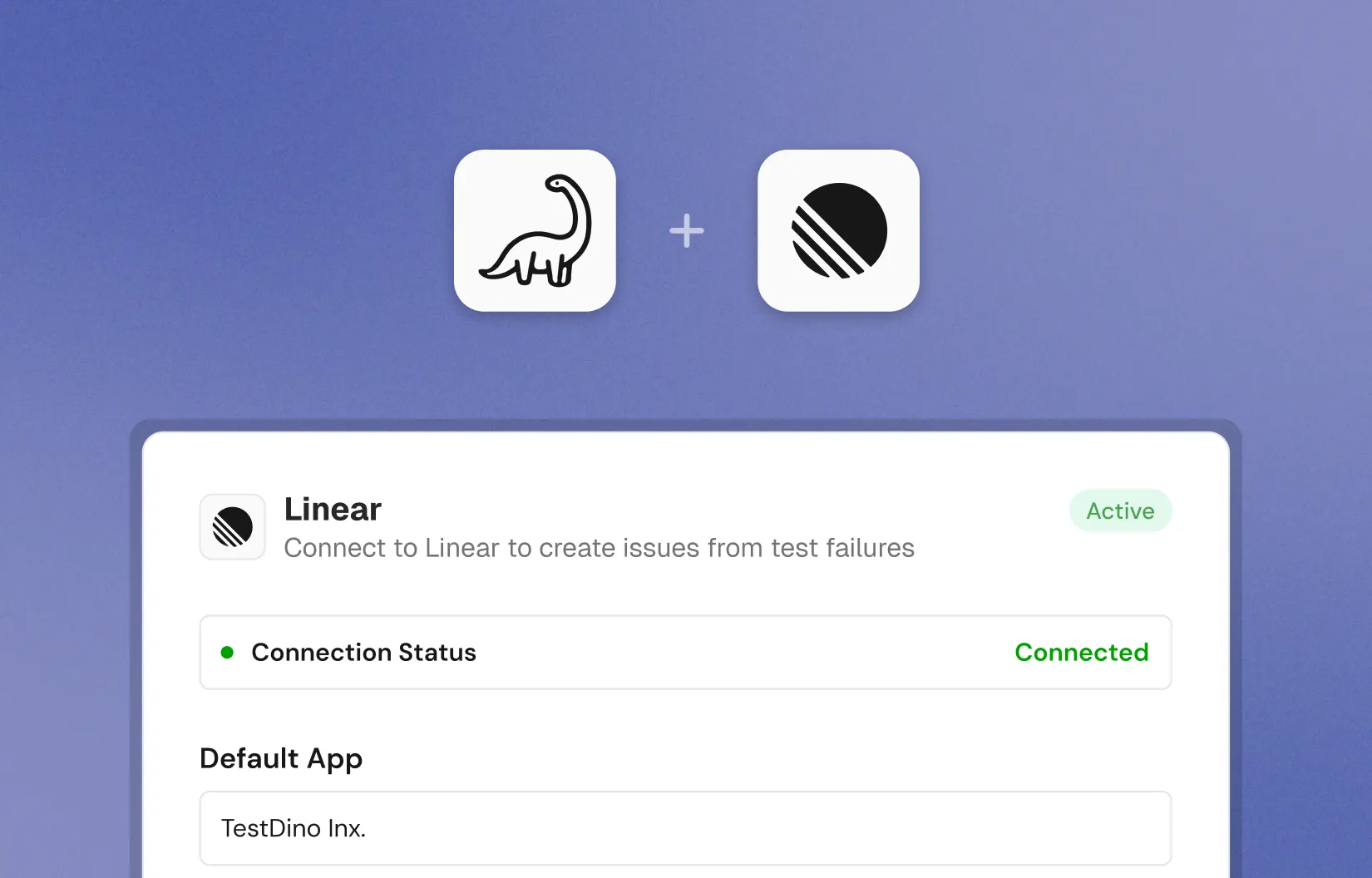
In Project Settings, then Integrations, connect your Linear workspace and choose a default team.
Create a bug report
Open a failed or flaky test, click Create Linear bug report, review the prefilled composer, and submit.
Keep teams and labels in sync
Use Sync to update your teams, labels, and templates. Disconnect any time from the Integrations page.
What TestDino prefills for you
Every Linear issue includes the workspace, team, issue type, priority, labels, and assignee. The summary is generated from the test name with run context.
The description covers why it failed (failure cluster and the exact step), a last attempt code snippet, recent failure history, console tail, and links to the TestDino run, Git commit, and CI job.
The Linear integration is user-level. Each team member connects their own Linear account, and every issue is filed under their identity rather than a shared service bot.