
Overview
The Slack Webhook integration sends test run summaries to a single Slack channel after every run completes. Each message includes the overall status (passed, failed, flaky, or skipped), counts with success rate, duration, environment, branch, author, and commit message.
A View test run button links directly to the full evidence in TestDino. Toggle the webhook active or paused at any time, and use Sync to validate the connection.
Key features
- Run summaries with status, counts, and success rate
- Duration, environment, branch, author, and commit in every message
- Direct link to the full test run in TestDino
- Toggle active/paused without disconnecting
- Available on Pro, Team, and Enterprise plans
How it works

Create an incoming webhook
In Slack, enable Incoming Webhooks for your workspace, add a webhook to the channel you want, and copy the URL.
Paste the webhook URL
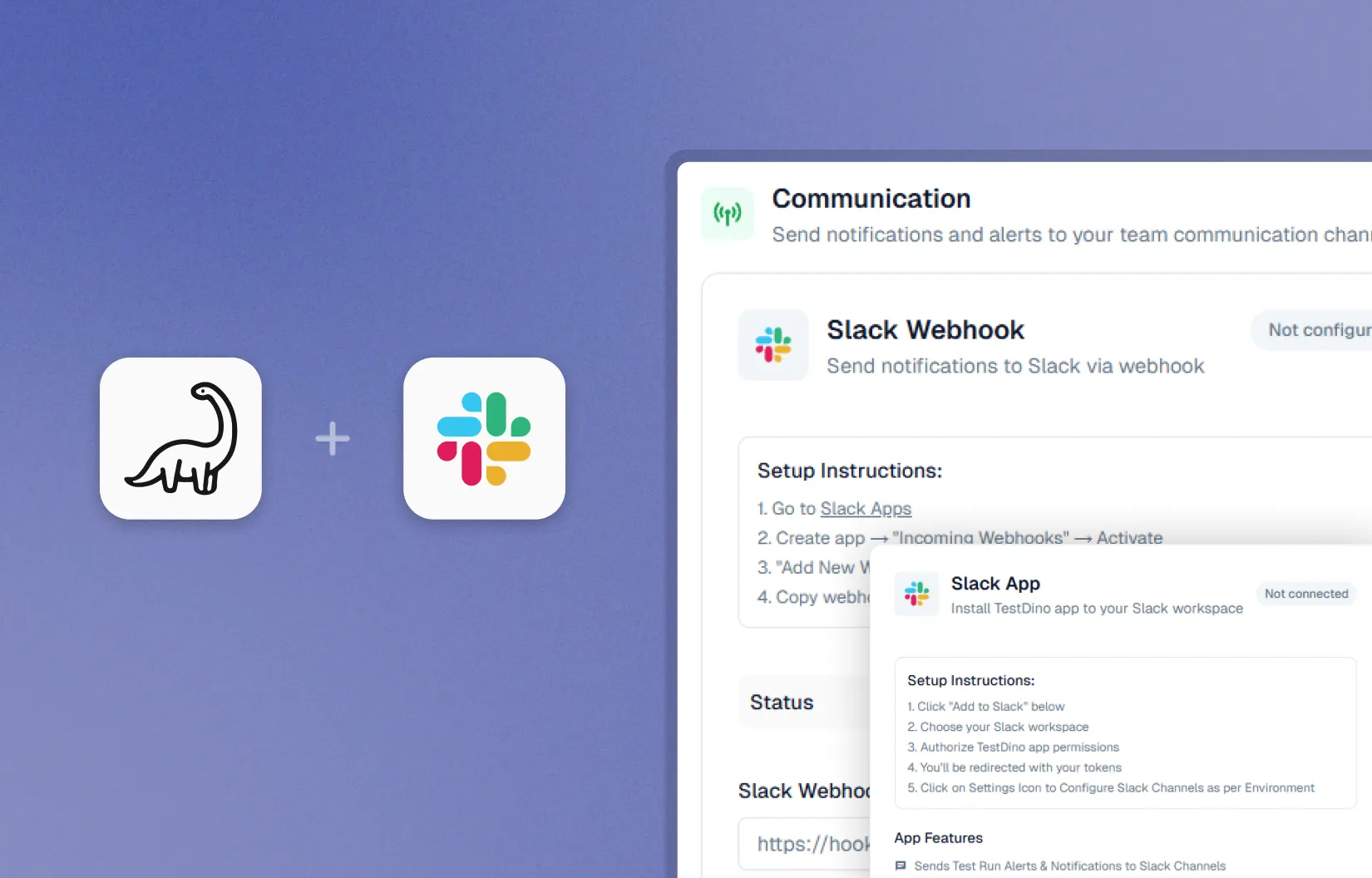
In TestDino Settings, then Integrations, then Slack, paste the webhook URL and click Connect.
Validate and go live
Use Sync to validate the connection. Toggle Active to pause or resume notifications. Disconnect at any time.