
Overview
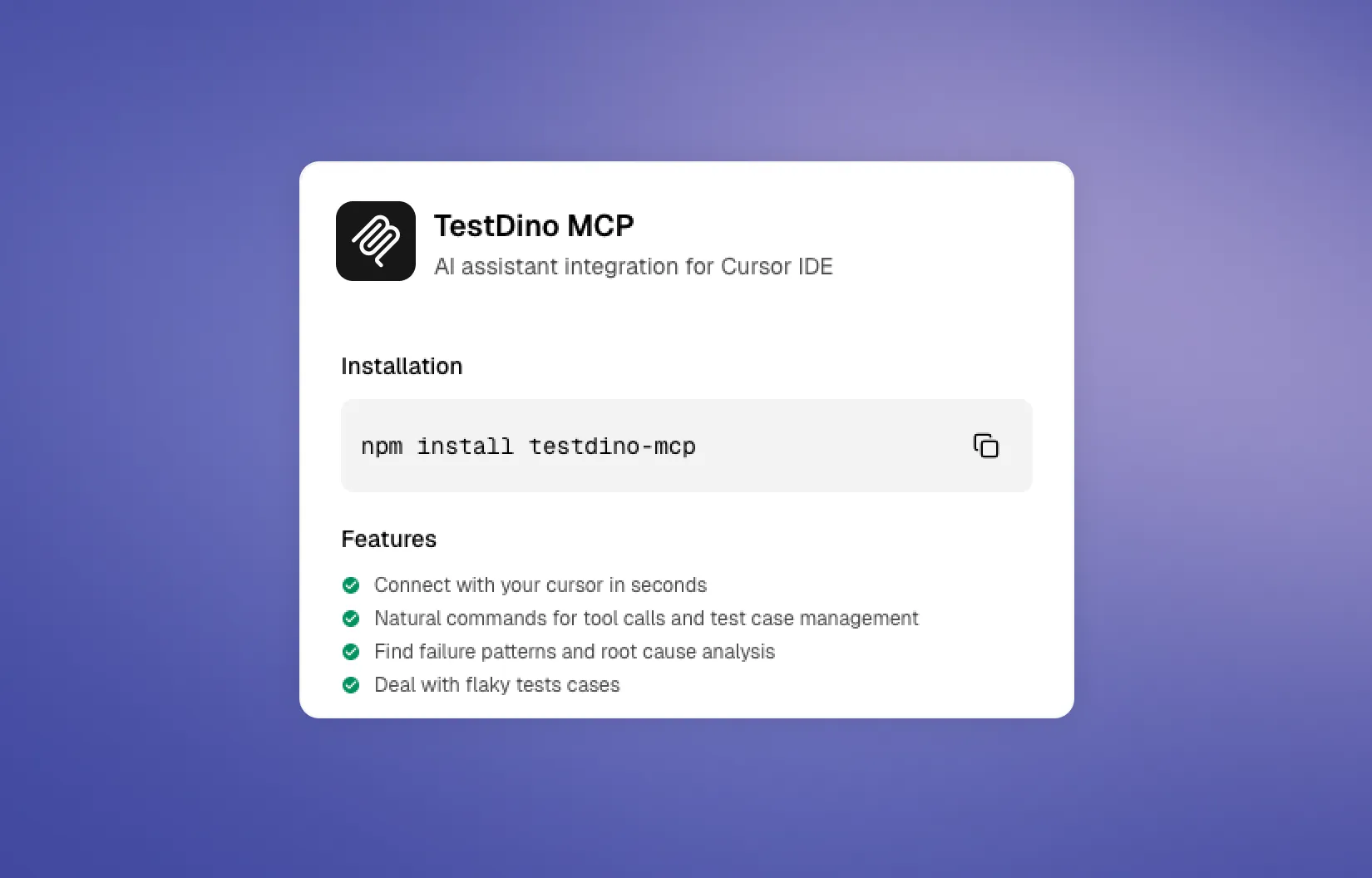
The TestDino MCP Server connects MCP-compatible clients like Claude Code, Cursor, and Claude Desktop to your TestDino workspace. Your assistant retrieves real test run data, artifacts, and manual test cases to investigate failures and manage test cases without switching contexts.
35 tools cover test run analysis (list runs, get details, cluster errors, debug with root cause analysis), Playwright test-quality audits, manual test case management, releases, manual runs, exploratory sessions, and issue-tracker integrations. All data flows through a Personal Access Token with project-level scoping.
Key features
- 35 tools across test runs, audits, releases, manual runs, sessions, and integrations
- AI root cause analysis with fix recommendations
- Cluster a run's failures by shared error signature
- Run Playwright test-quality audits and save reports to TestDino
- File Jira, Linear, Asana, monday, or GitHub issues from a test case or run
- Works with Claude Code, Cursor, and Claude Desktop
How it works

Install the MCP server
Run npx -y @testdino/mcp@latest to try without installing, or npm install -g @testdino/mcp@latest for daily use.
Create a Personal Access Token
In TestDino, go to User Settings, then Personal Access Tokens. Generate a token with access to your projects for Test Runs, Manual Tests, or both.
Configure your MCP client
Add the server to Claude Code (claude mcp add), Cursor (.cursor/mcp.json), or Claude Desktop (claude_desktop_config.json) with your token.
MCP configuration
{
  "mcpServers": {
    "TestDino": {
      "command": "npx",
      "args": ["-y", "@testdino/mcp@latest"],
      "env": {
        "TESTDINO_PAT": "your-token"
      }
    }
  }
}
What you can do with MCP
Ask your assistant to show recent test runs, list flaky tests on a branch, filter failures by tag or environment, or debug a specific test case with AI root cause analysis and fix recommendations.
Manage manual test cases by listing, creating, and updating cases and suites. Filter by priority, severity, type, automation status, and tags. All from natural language prompts in your editor.