Checkly has built a reputation as a developer-friendly synthetic monitoring platform. But many Playwright teams run into a core mismatch: Checkly is designed for production monitoring checks, not CI-driven test reporting, failure triage, or flaky test detection across test suites.
Engineering managers and QA leads are now looking at Checkly competitors that deliver richer test analytics, smarter debugging signals, and Playwright-native reporting without being locked into a monitoring-first pricing model.
Recent Checkly reviews echo a common theme: teams want CI-integrated, framework-aware, and more intelligent Playwright test reporting.
Here are the 6 best Checkly alternatives to consider in 2026, starting with TestDino, the Playwright-first AI test analytics platform built for speed and modern workflows.
Best Checkly Alternatives: How to Choose the Right Tool
We evaluated each tool based on ease of setup, CI/CD integration speed, AI-powered debugging and flaky test detection, scalability, transparent pricing, and framework support. We also looked at reporting depth and collaboration features to help CTOs, engineering managers, QA leads, and DevOps managers make smarter decisions about test automation.
How to Compare Checkly Alternatives
Here is a quick comparison of the top alternatives to Checkly to help you identify your preferred test reporting tool:
 TestDino |  Checkly |  BrowserStack |  Datadog |  ReportPortal | |
|---|---|---|---|---|---|
| PricingLowest paid plan, per the listed billing terms. | $39/month (billed annually) | $30/month (per-check pricing) | Free / $299/month (Pro) | $20/committer/month + usage | $599/month (SaaS) |
| Best for | Playwright test intelligence & management | Synthetic monitoring & uptime checks | Cross-browser testing teams | CI pipeline monitoring | Reporting with history and clustering |
| Playwright integration | Native (trace viewer, error grouping, MCP) | Via reporters | Via SDK | Via library | Via agents |
| One-step CI setup | One reporter line, streams live | CLI config + check definitions | SDK integration per framework | Agent + SDK | Docker Compose setup |
Dashboards & Reporting | |||||
| Unified Playwright dashboard | Custom widgets (Pro) | Custom dashboards | Custom widgets | ||
| Multi-tab test run detail | Summary, History, AI Insights & more | Check-level view | Build-level view | Span-level view | Launch-level view |
| Pull request insightsSee test results and history for each pull request. | Branch-level only | ||||
| Test ExplorerBrowse tests as a hierarchy, a flat list, or by tag. | Launch tree | ||||
| Real-time streaming | Per-shard/worker | ||||
| Scheduled PDF reportsGet report PDFs emailed on a set schedule. | Daily/Weekly/Monthly | Email/Slack alerts | Custom monitors | ||
Test Analytics | |||||
| Analytics: trends & patterns | Basic charts | Build trends and stability | Explorer-based | Widget-based | |
| Code coverage, per-file | Istanbul, run-level | Separate product | |||
| Environment analytics | Pass-rate/flaky by env | Via filter only | Tag-based only | Via attributes | |
Debugging & Evidence | |||||
| Built-in Playwright trace viewer | |||||
| Screenshots & video replay | Embedded | ||||
| Console logs | Node + browser | Session logs | Session logs | If attached | |
| Visual diff comparison | |||||
| Smart error grouping | Message/stack/location | Basic clustering | Unique error analysis | Pattern matching | |
| Flaky detectionSpot tests that pass and fail inconsistently, with a stability score. | Requires config | ||||
| Playwright tags & annotations | Priority/owner/links/metrics | Smart tags | Custom tags | Custom attributes | |
CI/CD Optimization | |||||
| GitHub CI Checks quality gates | Per-env + mandatory tags | Build verification rules | |||
| Branch → environment mappingMatch each Git branch to the environment it runs against. | Exact/regex | Tag-based | |||
| Sharded / parallel run support | Per-shard live view | Major CI only | Parallel launches | ||
| Native CI breadth | GitHub, GitLab, Azure DevOps, TeamCity, Bitbucket, CircleCI, Jenkins | GitHub, GitLab | CI plugins | Major CI providers | Agents/plugins |
| Self-managed GitLab | |||||
Test Management | |||||
| Test case management | |||||
| Bulk test creationGenerate many test cases at once from PRDs, Jira, or user stories. | via MCP | Via integrations only | |||
| Release trackingGroup test results by release, cycle, or sprint. | |||||
| Exploratory / manual sessions | |||||
| Import / export test cases | JSON/CSV/ZIP | Via API | |||
AI & Automation | |||||
| Local MCPLet AI coding assistants in your editor act on test data directly. | Cursor/Claude Code/Copilot | ||||
| Remote MCPLet web-based AI tools query your test data. | |||||
| AI test run summary on GitHub PRs | Basic summaries only | ||||
| AI test suite auditAI scores your test suite and gives a downloadable report. | |||||
| AI failure classification | AI root cause analysis | Failure reason tagging | ML-based auto-analysis | ||
Integrations & Collaboration | |||||
| Bug tracking breadth | Jira, Linear, Asana, monday | Jira, PagerDuty | Jira | Jira, PagerDuty | Jira, Rally |
| Slack notifications | App + webhooks | ||||
Platform & Security | |||||
| Public API & CLIs | REST + @testdino/playwright | REST API | REST API | REST API | REST API |
| Project-level AI controls | Per-feature toggles | Pro plan only | Limited scope only | ||
| Compliance & certifications | ISO 27001, SOC 2 Type II, GDPR | SOC 2 | ISO 27001, SOC 2 Type II | ISO 27001, SOC 2 | Self-managed (your infra) |
Plans & Pricing | |||||
| Plan tiers | Free · Pro $39 · Team $79 · Enterprise | Free · Team $30 · Enterprise | Free · Pro $299 · Enterprise | $20/committer/mo + usage · Enterprise | OSS free (self-hosted) · SaaS $599 · Enterprise |
| Free executions | 5,000/mo | 10 checks | Varies | Usage-based | Unlimited (self-host) |
| Support | Chat + Slack Connect + Priority email | Chat + email | 24/7 email | Email + docs | Community / Paid |
| Try for free | Learn more | Learn more | Learn more | Learn more | |
Best Checkly Competitors for Modern Test Reporting
Here are the 6 best alternatives to Checkly for teams that need test reporting alongside CI reliability:
1. TestDino
Best for:
Playwright-first teams that need test reporting, test management, and CI/CD optimization in one platform, without stitching multiple tools together.
Platform Type:
Test reporting, dashboards, test management, and CI observability platform for Playwright.
Integrations with:
GitHub Actions, GitLab CI, Azure DevOps, TeamCity, Jira, Linear, Asana, monday, Slack.
Key Features:
 Test management and automated reporting in one place
- AI failure classification into 4 categories
- Built-in trace viewer with DOM snapshots and network logs
- Error grouping by message and stack trace
- GitHub CI Checks as merge quality gates
- MCP Server for AI agent queries from your IDE
- Flaky test detection across run history
- AI summaries posted to GitHub commits
- Real-time results streaming via WebSocket
- Code coverage per file breakdown

Pros
- Playwright-native with under 10-minute setup
- Test management and automated reporting on the same platform
- Broad CI/CD support: GitHub Actions, GitLab CI, Azure DevOps, TeamCity
- AI summaries posted to GitHub commits, GitLab MRs, and Slack
- 1-click bug filing into Jira, Linear, Asana, or monday
- Affordable at $39/month billed annually

Cons
- Purpose-built for Playwright (multi-framework support on the roadmap)
First-Hand Experience
Checkly is built around synthetic monitoring. It tells you whether your endpoints and browser flows are up, and it does that well. But when Playwright teams evaluate Checkly for CI test reporting, they run into a fundamental mismatch: Checkly is designed for production uptime checks, not for analyzing why automated test suites fail in CI.
TestDino is built around Playwright test intelligence. There is no monitoring layer. Results flow in from whatever CI you already use, and the platform focuses on what happens after the run: AI failure classification, error grouping, flaky detection with root cause categories, and test management.
Test management and automated reporting live on the same platform. Manual test cases sit in suites up to 6 levels deep with ownership, custom fields, and version history. The Test Explorer shows both manual and automated tests side by side, sortable by flaky rate, tags, and coverage status.
Debugging That Saves You from Re-running Locally
Each failed test in TestDino comes with screenshots, video, browser console logs, and a trace you can step through action by action, available right after the CI run finishes.
AI Insights classifies each failure as an Actual Bug, a UI Change, an Unstable Test, or Miscellaneous. Bug filing is 1-click into Jira, Linear, Asana, or monday, pre-filled with error details, stack trace, failure history, and links to the run and CI job.
CI/CD Speed and Merge Safety
Each shard reports as its tests finish. History persists across different CI runners.
GitHub CI Checks adds quality gates to your PRs. Set a minimum pass rate, mark critical tags as mandatory, and configure different rules per environment. AI-generated summaries are posted to GitHub commits and GitLab merge requests with pass/fail/flaky counts.
Flaky Test Detection That Tells You Why
Flaky test detection classifies unstable tests by root cause: timing-related, environment-dependent, network-dependent, or assertion-intermittent. Each test gets a stability percentage, and you can compare flaky rates across environments to spot infrastructure problems.
Real-Time Streaming and Scheduled Reports
Results appear on the dashboard as each test completes via real-time streaming, not after the full suite finishes. Automated PDF reports deliver test health summaries on daily, weekly, or monthly schedules. Slack notifications send run summaries filtered by environment and branch.
MCP Server for AI-Assisted Workflows
The MCP Server connects your AI assistant to your test data. List test runs, pull debugging context, perform root cause analysis, and manage manual test cases through natural language. It covers both automated debugging and test management without switching tools.
Pricing & Value
Pricing may vary. Check the pricing page for the latest details.
Final Verdict
TestDino is the most direct Checkly alternative for Playwright teams. Checkly solves the production monitoring problem. TestDino solves what comes after: which CI failures are actual bugs, which tests are flaky, and what changed between runs.
At $39/month billed annually, it delivers deeper Playwright-specific intelligence, AI failure classification, error grouping, trace viewing, and test management on a single platform, at a fraction of the cost of stitching together Checkly with a separate reporting tool.
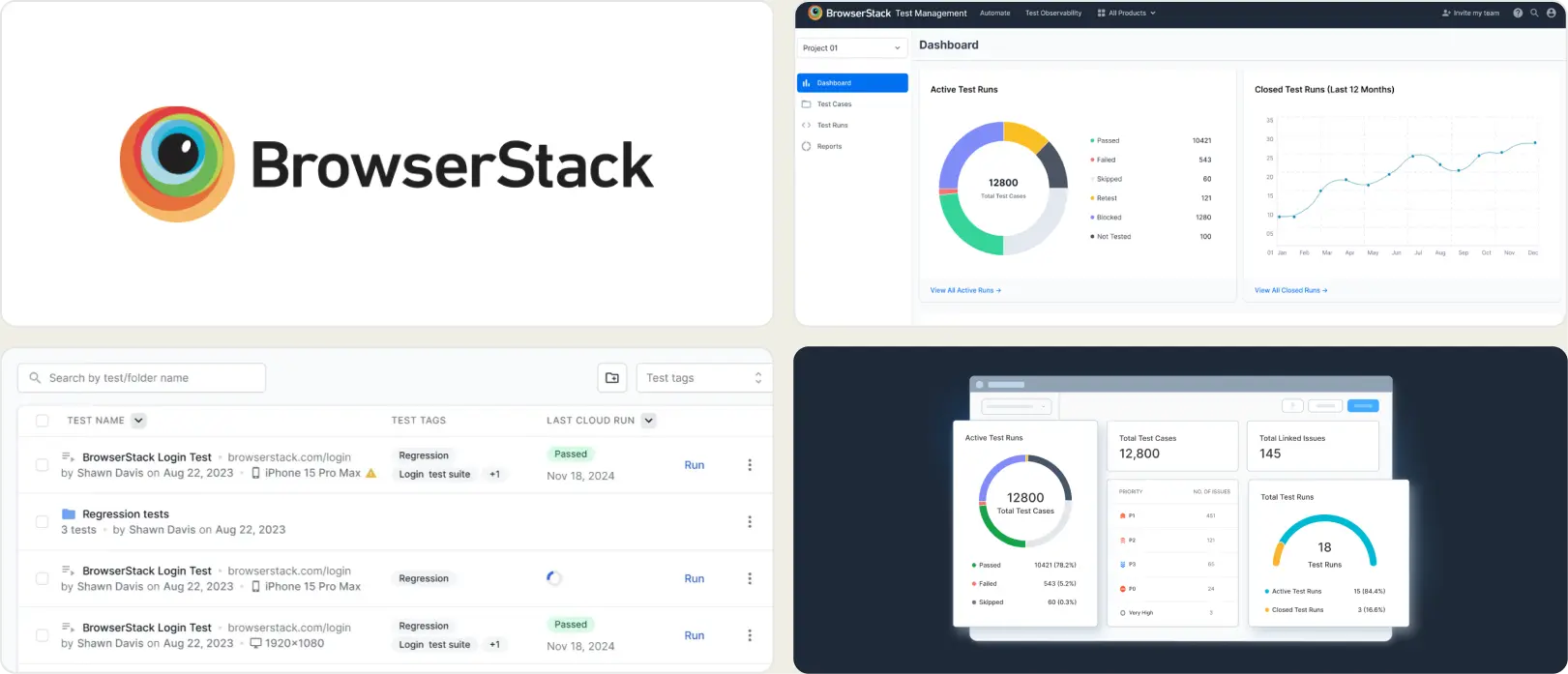
2. BrowserStack Test Reporting & Analytics
Best for:
Teams that want multi-framework test analytics with AI failure tagging.
Platform Type:
Test analytics platform with AI failure categorization.
Integrations with:
Jira, CI/CD tools, Slack.
Key Features:
- AI-based failure reason categorization
- Flaky test detection with smart tags
- Timeline debugging with consolidated logs
- Custom dashboards with widgets (Pro)
- Build verification rules for CI gates
Pros
- AI failure tagging across test frameworks
- Flaky detection with smart tags
- Works standalone or with BrowserStack execution
Cons
- Pro tier starts at $299/month
- No test case management built in
- SDK integration required per framework
First-Hand Experience
Checkly teams evaluating BrowserStack Test Reporting find a platform that handles failure categorization, flaky detection, and timeline debugging across test frameworks. It works with or without BrowserStack execution infrastructure, which makes it usable as a standalone reporting layer.
The Pro tier at $299/month adds custom dashboards and quality gates. Teams that need test management or Playwright-specific trace viewing may find the analytics focused on broad multi-framework coverage rather than Playwright depth. For teams moving away from Checkly's monitoring-first model, BrowserStack provides a reporting step up without locking you into an execution grid.
Pricing & Value
Free tier with 30-day retention. Pro starts at $299/month billed annually. Reporting is available standalone or bundled with BrowserStack execution plans.
Final Verdict
BrowserStack is a capable multi-framework analytics tool for teams that need broad coverage across frameworks and browsers. For Playwright-focused teams evaluating Checkly alternatives at a lower price point, purpose-built Playwright platforms offer more depth per dollar.
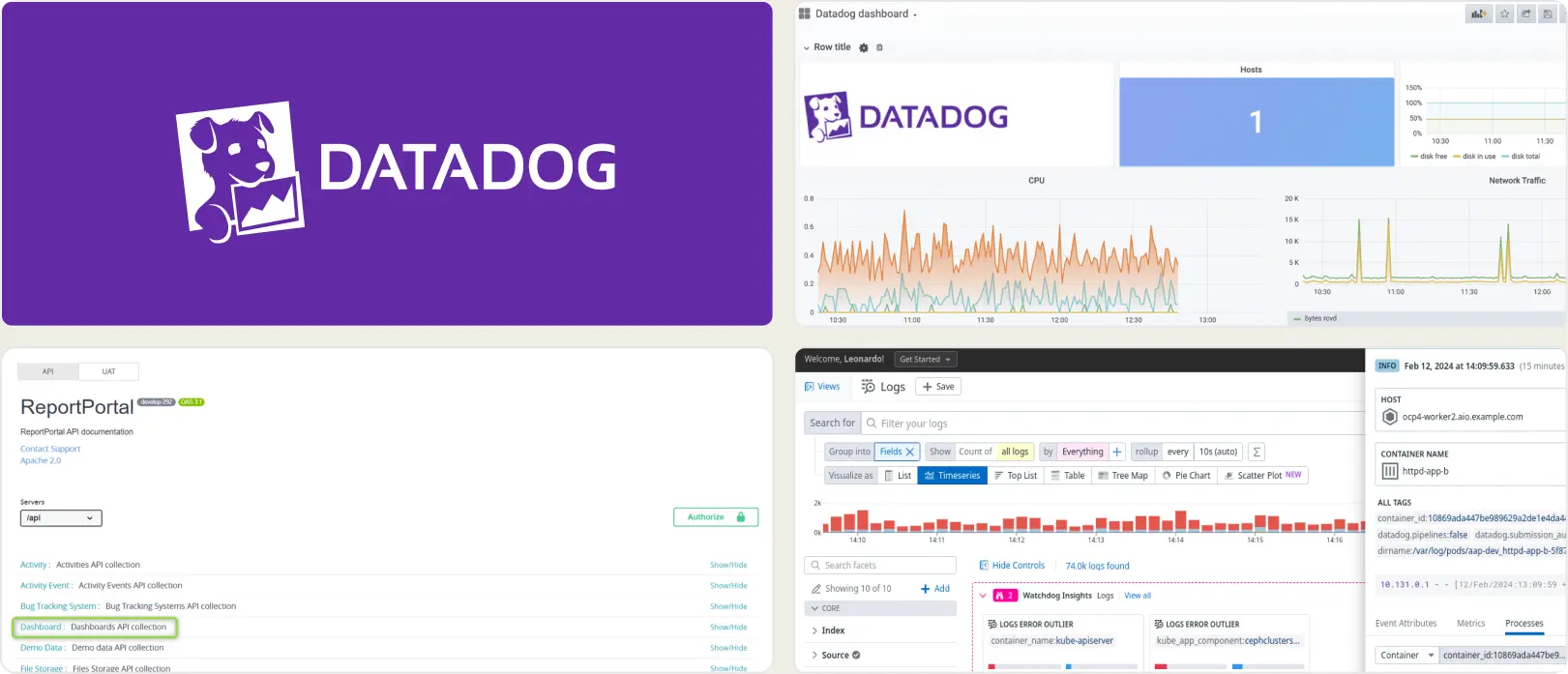
3. Datadog Test Optimization
Best for:
Teams already using Datadog for system monitoring who want test run visibility in the same dashboard.
Platform Type:
CI pipeline monitoring with test analytics add-on.
Integrations with:
CI/CD, Slack, Jira, PagerDuty.
Key Features:
- Test run visibility inside CI pipeline views
- Flaky test detection and tracking
- Custom dashboards and alert rules
- Test execution tracing with flame graphs
- CI pipeline performance metrics
Pros
- Fits well if Datadog is already your monitoring tool
- Flaky test detection is mature
- Good CI pipeline-level visibility
Cons
- Built for system monitoring, not test reporting
- QA teams find the interface complex and broad
- Costs grow with data ingestion and retention
First-Hand Experience
Checkly and Datadog share a common audience: engineering teams that think in terms of uptime, alerting, and system observability. Teams migrating from Checkly to a broader stack often evaluate Datadog Test Optimization because the mental model feels familiar.
Datadog adds test analytics to an existing monitoring stack. It works best when your team already uses Datadog for infrastructure and wants test data in the same place. QA engineers navigate through system monitoring interfaces to reach test-specific insights. Teams looking for focused test reporting or Playwright-specific failure analysis will need to pair it with a separate tool.
Pricing & Value
Per-committer, usage-based pricing starts at $20/month/committer. Test spans are retained for 3 months. Costs are hard to predict as test artifacts, logs, and traces scale.
Final Verdict
Datadog fits teams already using it for system monitoring who want test visibility in the same dashboard. For QA-led teams evaluating Checkly alternatives with focused test reporting and management, purpose-built platforms offer a more direct path without the infrastructure complexity.
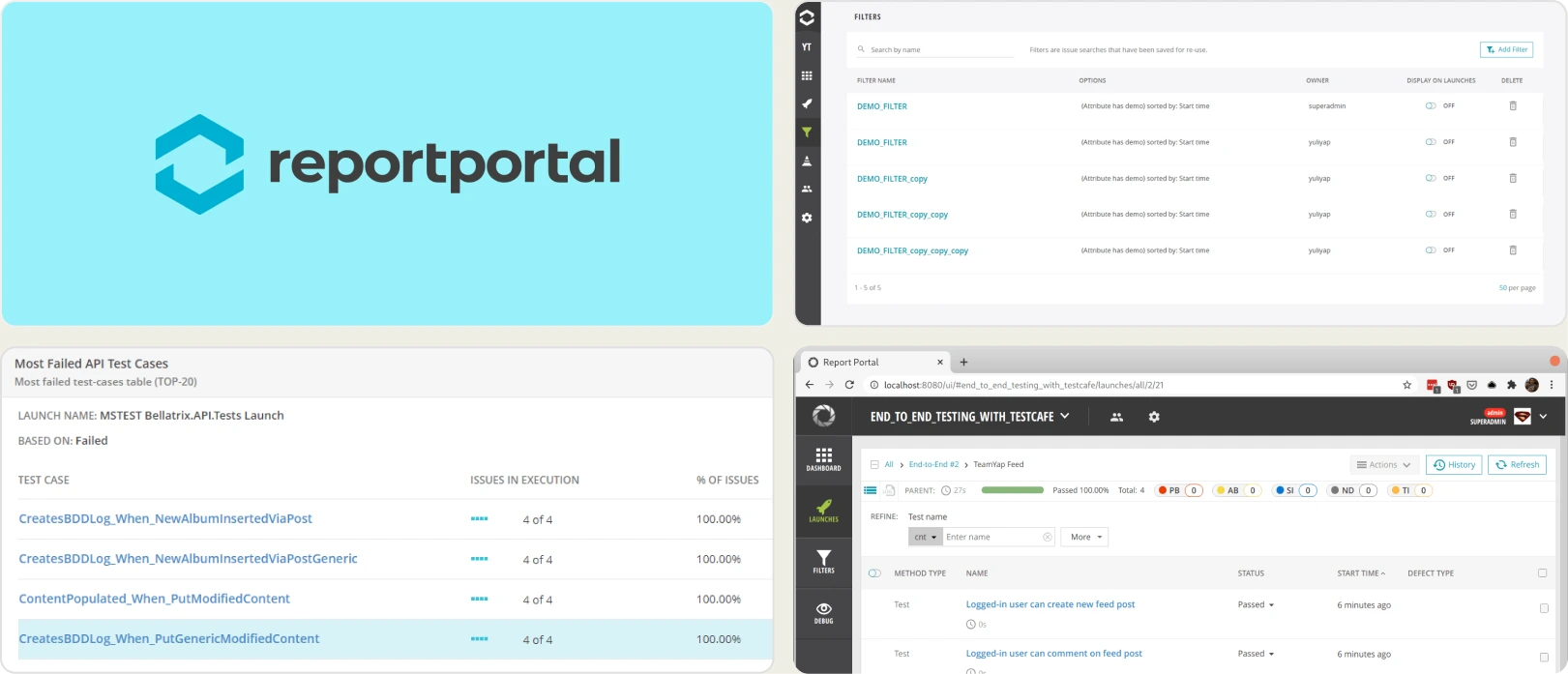
4. ReportPortal
Best for:
Teams that want self-hosted, open-source test reporting with ML-based failure pattern matching.
Platform Type:
Open-source test reporting platform (self-hosted or SaaS).
Integrations with:
Jenkins, GitHub, GitLab, Jira, Rally.
Key Features:
- ML-based pattern matching for failure clustering
- Custom dashboard widgets for run data
- Multi-framework result aggregation
- Self-hosted with full data control
- Launch-level run history
Pros
- Open source with self-hosting option
- Supports many test frameworks
- Persistent history across launches
Cons
- Setup requires Docker Compose and maintenance
- SaaS starts at $599/month
- Limited Playwright-specific debugging features
First-Hand Experience
Teams moving away from Checkly's per-check pricing model often look at ReportPortal as an open-source alternative that gives full data control. ReportPortal aggregates test results from multiple frameworks and uses ML-based pattern matching to identify recurring failure clusters.
The self-hosted option eliminates per-check or per-committer pricing entirely. However, setup requires Docker Compose, database configuration, and ongoing infrastructure maintenance. Teams looking for managed platforms with quick onboarding may find the operational overhead significant compared to the reporting value they get for Playwright-specific workflows.
Pricing & Value
Free (open source, self-hosted). SaaS starts at $599/month for the Startup tier.
Final Verdict
ReportPortal is a solid open-source Checkly alternative for teams that want self-hosted reporting with ML-based failure analysis and full data control. For teams that prefer managed Playwright-specific intelligence with faster setup, simpler options exist without the infrastructure burden.
5. Allure TestOps
Best for:
QA teams with formal test management processes that need structured reporting workflows.
Platform Type:
Test management and reporting platform.
Integrations with:
Jira, GitHub, GitLab, Jenkins.
Key Features:
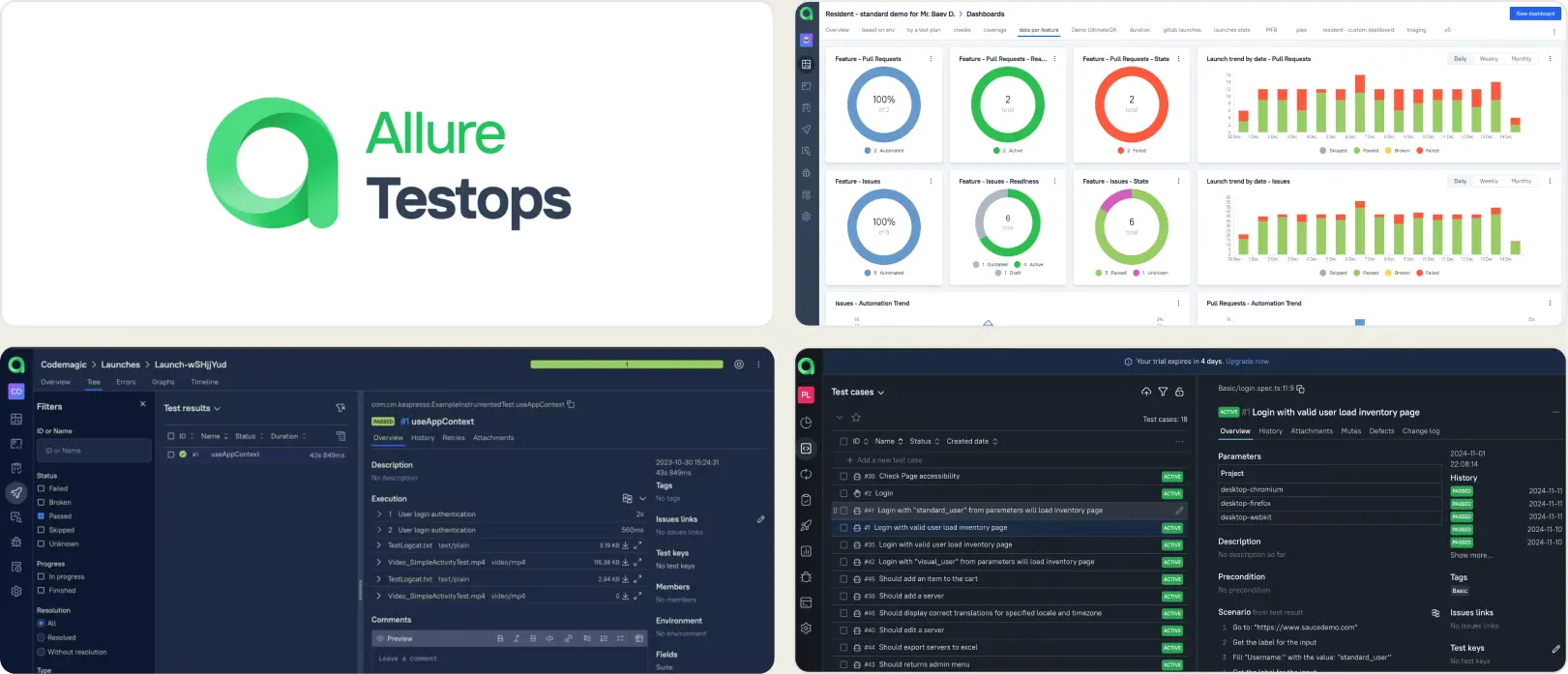
- Test case organization with launch history
- CI/CD adapter integrations
- Configurable dashboards via AQL queries
- Access control and permissions
- Report exports and sharing
Pros
- Established feature set for structured QA
- Works across multiple test frameworks
- Configurable dashboards and reports
Cons
- Setup and adapter configuration require effort
- Smaller teams may find the overhead heavy
- Reporting requires manual dashboard building
First-Hand Experience
Teams evaluating Allure TestOps as a Checkly alternative are typically looking to move from a monitoring-first tool to a proper test management and reporting platform. Allure TestOps provides a structured workspace for organizing test cases and viewing launch results.
The platform works best when teams have defined QA processes and the bandwidth to set up adapters, configure dashboards, and maintain data models. Teams looking for faster onboarding and AI-driven failure insights may find the configuration effort slows time-to-value compared to lighter Checkly alternatives.
Pricing & Value
Custom pricing. The platform targets teams that need formalized test management with audit trails and governance.
Final Verdict
Allure TestOps fits teams that follow structured QA processes and need a management layer alongside reporting. For teams prioritizing fast setup and focused Playwright test analytics after moving away from Checkly, lighter platforms get to value faster.
6. Testomat.io
Best for:
QA teams syncing manual and automated tests in one workspace.
Platform Type:
Cloud test management platform.
Integrations with:
Jira, GitHub, GitLab, Jenkins, CI/CD pipelines.
Key Features:
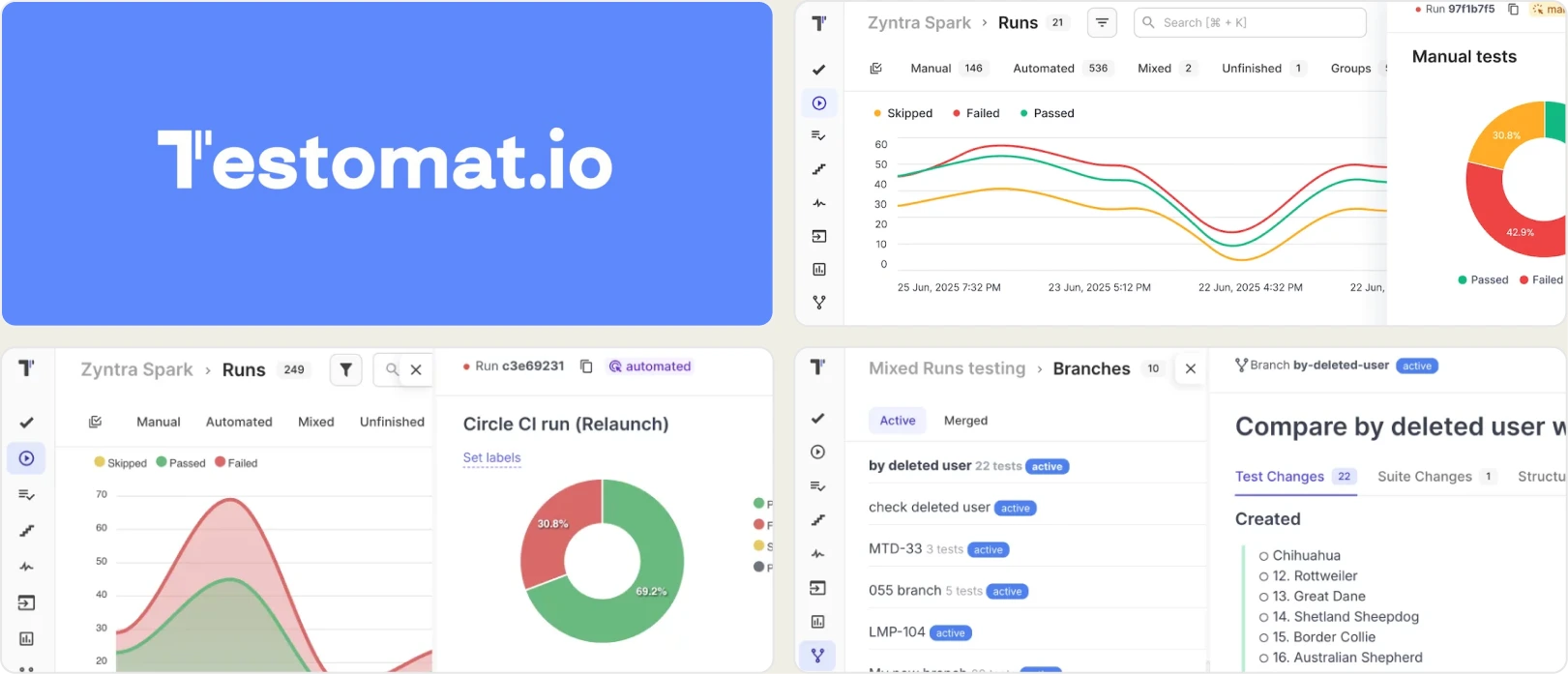
- Manual and automated test case management
- Real-time run results with heatmaps
- Flaky test auto-tagging from run history
- BDD/Gherkin support with living docs
- CI/CD triggered test execution
Pros
- Clean UI with fast onboarding
- Affordable pricing for small teams
- Good automation framework integrations
Cons
- Limited failure analysis and root cause depth
- Reporting focused on test case status
- No built-in trace viewer or evidence panel
First-Hand Experience
Teams moving away from Checkly often find that what they actually needed was not monitoring at all, but a clean place to manage test cases and view automated results together. Testomat.io fills that gap well.
It organizes manual and automated tests in a clean workspace with folder structures, tags, and run history. It integrates with Playwright, Cypress, and other frameworks through a CLI reporter. Flaky tests get auto-tagged based on run history. For teams that need structured test management with basic run reporting as a Checkly replacement, it covers the fundamentals well without the infrastructure overhead of self-hosted tools.
Pricing & Value
Starts at $30/month with a free tier for small teams.
Final Verdict
Testomat.io is a solid option for teams that need clean test case management with automation sync as a Checkly alternative. For teams focused on deep failure analysis and Playwright-specific debugging, evaluate whether test case management alone meets your reporting needs.
What to Look for in a Checkly Alternative
Choosing a Checkly replacement is not just about finding another synthetic monitoring tool. The tool you pick should solve the problems that made you look for alternatives in the first place. Here are the evaluation criteria that matter most.
Test intelligence and failure analysis
Checkly is built for production uptime monitoring. It tells you whether your endpoints and browser flows are responding. It does not tell you why your Playwright test suite is failing in CI, which failures are real defects, and which are flaky tests that need stability fixes.
A modern test reporting tool should classify failures automatically. Look for AI-driven failure classification, error grouping that clusters related issues by message and stack trace, and clear separation between test flakiness and real defects. The difference between a tool that lists failures and one that classifies them by type is the difference between spending an hour on triage and five minutes on prioritized action.
Playwright-specific debugging and trace viewing
Checkly captures screenshots and response data for synthetic checks. Playwright teams running CI test suites need more than that. They need a built-in trace viewer with DOM snapshots per action, console log capture per test, video replay, and network request timelines.
Checkly alternatives with Playwright-native debugging reduce the time between "this test failed" and "here is why" without requiring engineers to reproduce failures locally. If the tool you are evaluating does not include a trace viewer, your team will spend extra time re-running tests locally to understand failures that should have been self-explanatory from the CI run.
CI/CD integration and pipeline speed
Checkly integrates with CI pipelines to trigger synthetic checks on deployment. That is useful for production validation. It is not the same as reporting on your full Playwright test suite running across sharded CI jobs.
Look for tools that support quality gates on pull requests, environment-specific merge rules, shard-aware live results, and direct CI/CD integration with GitHub Actions, GitLab CI, Azure DevOps, and TeamCity.
Team collaboration and bug workflow
Monitoring alerts tell you something is broken. Test reporting tools should tell you what to do about it. One-click bug filing into Jira, Linear, or Asana with pre-filled failure context, stack trace, and run history removes manual copy-paste from the triage cycle.
Slack notifications filtered by environment and branch keep teams informed without flooding channels. Scheduled PDF reports let stakeholders review test health without logging into dashboards. These automated reporting features reduce the manual overhead between a test failure and a fix, lowering your mean time to triage.
Analytics, test coverage, and flaky test detection
Checkly tracks uptime and response times over time. Playwright test reporting tools should track something different: failure trends across runs and branches, flaky test rate per test case, code coverage per file, and environment stability comparisons.
Look for flaky test detection that goes beyond flagging unstable tests. The best Checkly alternatives classify flaky tests by root cause type: timing-related, environment-dependent, network-dependent, or assertion-intermittent, and give each test a stability percentage so your team can prioritize fixes based on data rather than gut feeling.
Setup simplicity and ongoing maintenance
If the tool takes days to configure or requires dedicated infrastructure, it creates a new bottleneck in place of the one you left. Checkly's per-check pricing and monitoring-first setup works well for production uptime. For CI test reporting, you need something that connects to your existing pipeline in minutes, not days.
Look for tools with a one-line CI setup, managed hosting, and no Docker Compose requirements. Checkly alternatives with easier setup and predictable flat-rate pricing consistently rank higher in team satisfaction, especially for small and mid-sized engineering teams that cannot afford dedicated DevOps time for test infrastructure maintenance.
Wrapping Up
Checkly has served teams well as a synthetic monitoring and uptime checking platform. But its per-check pricing model, monitoring-first architecture, and limited Playwright CI test reporting create friction for teams that want deep test intelligence from their automated test suites.
BrowserStack Test Reporting offers multi-framework analytics with AI failure tagging. Datadog adds test visibility to existing system monitoring dashboards. ReportPortal provides self-hosted ML-based reporting with full data control. Allure TestOps targets structured QA processes. Testomat.io offers clean test case management with automation sync.
For Playwright-first teams that want AI failure classification, test management, flaky test detection with root cause categories, and CI/CD optimization in one platform, TestDino provides test intelligence, management, and reporting at $39/month billed annually.
Trade monitoring checks for test intelligence
See why each CI failure happenedTrack flaky tests by root causeFAQs
Checkly specializes in synthetic monitoring and uptime checks for production applications. Most alternatives focus on CI test reporting, analytics, and failure analysis. If you need production monitoring, Checkly is a strong choice. For Playwright CI insights, the alternatives are better suited.