Xray helped many QA teams bring structure to test management inside Jira. Test cases, executions, and defects live as Jira issues, and the traceability matrix comes out clean.
But the model has a ceiling, and it got more expensive. Pricing is tiered by your total Jira user count, not your QA team size, so a 200-person instance pays roughly $9,550 a year even when only 10 people run tests. At 500 users it is about $15,760.
There is no free tier, Atlassian now bills on peak user count, and the October 2025 edition split moved Test Case Designer, versioning, and dynamic test plans into a separate Enterprise app. Every test case is a Jira issue, so a 3,000-case suite becomes 3,000 items in your backlog.
What you get for that is management, not intelligence. Reporting runs through Jira's dashboard framework, so anything advanced means JQL and gadgets, and the platform stops at execution tracking. There is no AI failure classification, trace viewer, flaky detection with a stability score, or CI/CD optimization layer.
The gap widens once AI enters your workflow. Xray has no MCP server, so your AI assistant can't reach your test data, while the TestDino MCP Server lets you pull runs and spot flaky tests from your IDE. Here are the 8 best Xray alternatives to consider in 2026.
Best Xray Alternatives: How to Choose the Right Tool
We evaluated each tool based on test case management depth, automated test reporting, AI failure analysis, flaky test detection, Playwright support, CI/CD integration, and real cost at your team size rather than headline entry prices.
How to Compare Xray Alternatives
Here is a quick comparison of top alternatives to Xray that can help you identify your preferred test management tool:
 TestDino |  Xray |  ReportPortal |  PractiTest |  Qase | |
|---|---|---|---|---|---|
| PricingLowest paid plan, per the listed billing terms. | $39/month (billed annually) | From $100/year (up to 10 Jira users), tiered by Jira instance size | Free self-hosted · SaaS from $569/month | $47/user/month (Team) | $35/user/month (Teams, annual, 5-user min) |
| Best for | Playwright test intelligence & management | Jira-native test management & requirements traceability | Open-source reporting with history and ML clustering | Enterprise QA & compliance traceability | Modern test management for engineering teams |
| Playwright integration | Native (trace viewer, error grouping, MCP) | Community playwright-xray reporter or JUnit XML | Via framework agents | Via REST API / FireCracker CLI | Official reporter |
| One-step CI setup | One reporter line, streams live | CLI or JUnit XML upload | Docker Compose + agent config | Via FireCracker / API | Reporter package + token |
Dashboards & Reporting | |||||
| Unified Playwright dashboard | Jira issue tabs | Launch-level view | Unified runs view | ||
| Multi-tab test run detail view | Summary, History, AI Insights & more | Jira issue view | Launch tree | Run detail view | Run detail view |
| Pull request insightsSee test results and history for each pull request. | |||||
| Test ExplorerBrowse tests as a hierarchy, a flat list, or by tag. | Jira JQL based | Launch tree | Filters and saved views | Suites and tags | |
| Real-time streaming | Per-shard/worker | Live launch updates | |||
| Scheduled PDF reportsGet report PDFs emailed on a set schedule. | Daily/Weekly/Monthly | Email widgets | Scheduled email reports | Export only | |
Test Analytics | |||||
| Analytics: trends & patterns | Jira gadgets + JQL | Widget-based | Custom dashboards | Dashboards (Teams tier and up) | |
| Code coverage, per-file | Istanbul, run-level | ||||
| Environment analytics | Pass-rate/flaky by env | Test environments field | Via launch attributes | Via custom fields | Environment field per run |
Debugging & Evidence | |||||
| Built-in Playwright trace viewer | |||||
| Screenshots & video replay | Embedded | Attachments only | Via attachments | Via attachments | Attachments, no embedded replay |
| Console logs | Node + browser | If attached | Log streams per test | Via attachments | Via attachments |
| Visual diff comparison | |||||
| Smart error grouping | Message/stack/location | Defect linking only | ML pattern matching | Defect linking | Defect linking |
| Flaky detectionSpot tests that pass and fail inconsistently, with a stability score. | Root cause + stability score | Trend-based flags | Basic flags | Flaky flag (no root cause) | |
| Playwright tags & annotations | Priority/owner/links/metrics | Jira labels | Custom attributes | Custom fields | Custom fields |
CI/CD Optimization | |||||
| GitHub CI Checks quality gates | Per-env + mandatory tags | Via API | Via webhooks | ||
| Branch → environment mappingMatch each Git branch to the environment it runs against. | Exact/regex | Via attributes | Via custom fields | Environment field per run | |
| Sharded / parallel run support | Per-shard live view | Via reporter merge | Parallel launches | Consumes results | |
| Native CI breadth | GitHub, GitLab, Azure DevOps, TeamCity, Bitbucket, CircleCI, Jenkins | Jenkins, GitHub Actions, GitLab CI, Azure DevOps, Bamboo | Agents and plugins for major CI | Jenkins, GitHub Actions, CircleCI, GitLab, Azure DevOps | Jenkins, GitHub Actions, GitLab CI, Bitbucket, Azure Pipelines |
| Self-managed GitLab | Self-hosted | ||||
Test Management | |||||
| Test case management | Jira issue types | No native layer | |||
| Bulk test creationGenerate many test cases at once from PRDs, Jira, or user stories. | via MCP | AI test design (Advanced and up) | CSV import | AIDEN AI generation | |
| Release trackingGroup test results by release, cycle, or sprint. | Test plans | Launch attributes | |||
| Exploratory / manual sessions | Manual test runs | Dedicated module | |||
| Import / export test cases | JSON/CSV/ZIP | CSV | Via API | CSV/XLS | CSV/XML |
AI & Automation | |||||
| Local MCPLet AI coding assistants in your editor act on test data directly. | Cursor/Claude Code/Copilot | Available from Free tier | |||
| Remote MCPLet web-based AI tools query your test data. | Hosted MCP (Enterprise only) | ||||
| AI test run summary on GitHub PRs | GitHub/GitLab/Slack | ||||
| AI test suite auditAI scores your test suite and gives a downloadable report. | |||||
| AI failure classification | 4 categories with confidence | ML auto-analysis on your history | AIDEN (generation, not triage) | ||
Integrations & Collaboration | |||||
| Bug tracking breadth | Jira, Linear, Asana, monday | Native Jira | Jira, Rally | Jira, Azure DevOps, GitHub, GitLab | Jira, GitHub, GitLab, Asana |
| Slack notifications | App + webhooks | Via Jira automation | |||
Platform & Security | |||||
| Public API & CLIs | REST + @testdino/playwright | REST + GraphQL API | REST API | REST API + FireCracker CLI | REST API + qasectl |
| Project-level AI controls | Per-feature toggles | Edition-gated | Via permissions | AI credit allocation | |
| Compliance & certifications | ISO 27001, SOC 2 Type II, GDPR | SOC 2, ISO 27001, GDPR | Self-managed (your infra) | SOC 2, ISO 27001 | SOC 2 Type II, GDPR |
Plans & Pricing | |||||
| Plan tiers | Free · Pro $39 · Team $79 · Enterprise | Standard · Advanced · Enterprise (separate app), all tiered by Jira user count | OSS free (self-hosted) · SaaS $569 · Business $2,659 · Enterprise | Team $47/user · Corporate custom (10-license min) | Free (4 users) · Teams $35-42/user · Enterprise |
| Free executions | 5,000/mo | None, 30-day trial | Unlimited (self-hosted) | None, free trial only | 5,000 API results/mo (Free tier) |
| Support | Chat + Slack Connect + Priority email | Email · 24/7 (Enterprise) | Community / Paid | Standard (Team) · Premium onboarding (Corporate) | Email + chat on paid tiers |
| Try for free | Learn more | Learn more | Learn more | Learn more | |
Best Xray Competitors for Modern Test Automation
Here are the 8 best alternatives to Xray for teams that want more from their test management platform:
1. TestDino
Best for:
Playwright-first teams that need test management and automated test reporting in one platform, without per-user or per-Jira-user pricing eating into their budget.
Platform Type:
Test management, reporting, dashboards, and CI observability platform for Playwright
Integrations with:
GitHub Actions, GitLab CI, Azure DevOps, TeamCity, Bitbucket, CircleCI, Jenkins, Jira, Linear, Asana, monday, Slack
Key Features:
 Test case management with suites up to 6 levels deep, ownership, and custom fields
- AI failure classification into 4 categories (Actual Bug, UI Change, Unstable Test, Miscellaneous), with custom rules and fix suggestions
- AI test suite audit with a downloadable score report
- Built-in Playwright trace viewer with DOM snapshots and network logs
- Error grouping by message and stack trace, plus visual diff comparison
- GitHub CI Checks as merge quality gates, per environment
- Pull request insights and AI summaries on GitHub commits, GitLab MRs, and Slack
- MCP Server, local and remote, for AI agent queries from your IDE
- Flaky test detection with root cause classification and stability scores
- Real-time results streaming via WebSocket, per shard and worker
- Scheduled PDF reports, custom dashboards, and code coverage per file
- 1-click bug filing into Jira, Linear, Asana, or monday

Pros
- Combines test management and automated test reporting on the same platform
- No per-user pricing, flat monthly rate per workspace
- Playwright-native with under 10-minute setup
- AI failure classification, trace viewer, and error grouping built in
- Broad CI/CD support: GitHub Actions, GitLab CI, Azure DevOps, TeamCity, Bitbucket, CircleCI, Jenkins
- Test cases live outside Jira, so a large suite does not flood your backlog
- 1-click bug filing into Jira, Linear, Asana, or monday

Cons
- Purpose-built for Playwright (multi-framework support on the roadmap)
First Hand Experience
Teams using Jira-native test management like Xray know this pattern: test cases live as Jira issues, results map back to requirements, and the traceability matrix looks clean. The management side works, but when you need failure intelligence, debugging evidence, or CI/CD optimization on top of it, you end up stitching together separate tools and paying for both.
TestDino removes the multi-tool problem by keeping test case management and automated reporting on the same platform. Manual test cases sit in suites up to 6 levels deep with ownership and custom fields, and they are not Jira issues, so a 3,000-case suite does not become 3,000 backlog items.
Playwright results flow in from your first CI run, with dashboards, analytics, and AI failure classification working from day one. No reporter configuration, no adapter maintenance, no JUnit XML upload step.
The Test Explorer shows both manual and automated tests side by side, sortable by flaky rate, tags, and coverage status. Where Xray keeps everything inside Jira's dashboard limits and asks you to build reports with JQL and gadgets, TestDino unifies management and reporting on a purpose-built platform.
Debugging That Saves You from Re-running Locally
Each failed test in TestDino comes with screenshots, video, browser console logs, and a trace you can step through action by action. Available right after the CI run finishes.
AI Insights classifies each failure as Actual Bug, UI Change, Unstable Test, or Miscellaneous with a confidence score, and error grouping collapses 60 failures into a handful of root causes. Visual diff comparison shows what changed on screen between runs.
Bug filing is 1-click into Jira, Linear, Asana, or monday, pre-filled with the error, stack trace, failure history, and links to the run and CI job.
Xray supports attachments on an execution, so you can retrieve a screenshot if your CI uploaded one. It does not give you a replayable trace with DOM state at each action, or console output captured per test.
CI/CD Speed and Merge Safety
Each shard reports as its tests finish. History persists across different CI runners.
GitHub CI Checks adds quality gates to your PRs. Set a minimum pass rate, mark critical tags as mandatory, and configure different rules per environment. Branch to environment mapping matches each Git branch to the environment it runs against.
AI-generated summaries post to GitHub commits and GitLab merge requests with pass/fail/flaky counts, and pull request insights keep each PR's result history in one place.
Flaky Test Detection That Tells You Why
Flaky test detection classifies unstable tests by root cause: timing-related, environment-dependent, network-dependent, or assertion-intermittent. Each test gets a stability percentage, and you can compare flaky rates across environments to spot infrastructure problems.
Xray has no native flaky detection, so unstable tests show up as ordinary failures until someone spots the pattern by hand.
Real-Time Streaming and Scheduled Reports
Results appear on the dashboard as each test completes via real-time streaming, not after the full suite finishes. Automated PDF reports deliver test health summaries on daily, weekly, or monthly schedules. Custom dashboards let each team pin the metrics it cares about, and Slack notifications send run summaries filtered by environment and branch.
MCP Server for AI-Assisted Test Management
The MCP Server connects your AI assistant (Cursor, Claude Code, Copilot) to your test data. List runs, pull debugging context, run root cause analysis, create test cases, organize suites, and track releases through natural language.
Both local and remote MCP are included, so web-based AI tools can query the same workspace. It covers automated debugging and test management without switching tools.
Xray has no MCP server in either direction, so test data locked inside Jira issues stays invisible to the assistants your team already uses in the editor.
Pricing & Value
Pricing is per workspace, not per user and not per Jira seat. Free covers 5,000 executions per month, Pro covers 10,000, and Team covers 40,000. A 10-person team on a 200-user Jira instance pays $468 a year on Pro, against roughly $9,550 for Xray at that instance size. Pricing may vary. Check the pricing page for the latest details.
Final Verdict
TestDino is the most complete Xray alternative for Playwright teams. Where Xray ties test management to Jira, prices against your entire instance, and requires separate tools for failure analysis and CI/CD optimization, TestDino delivers test management, AI failure classification, trace viewing, flaky detection with stability scores, and CI/CD quality gates on one platform at a flat monthly rate.
It replaces the need to pair Xray with a separate reporting tool. At $39/month billed annually for an entire workspace, it gives teams test intelligence and management together instead of management alone.
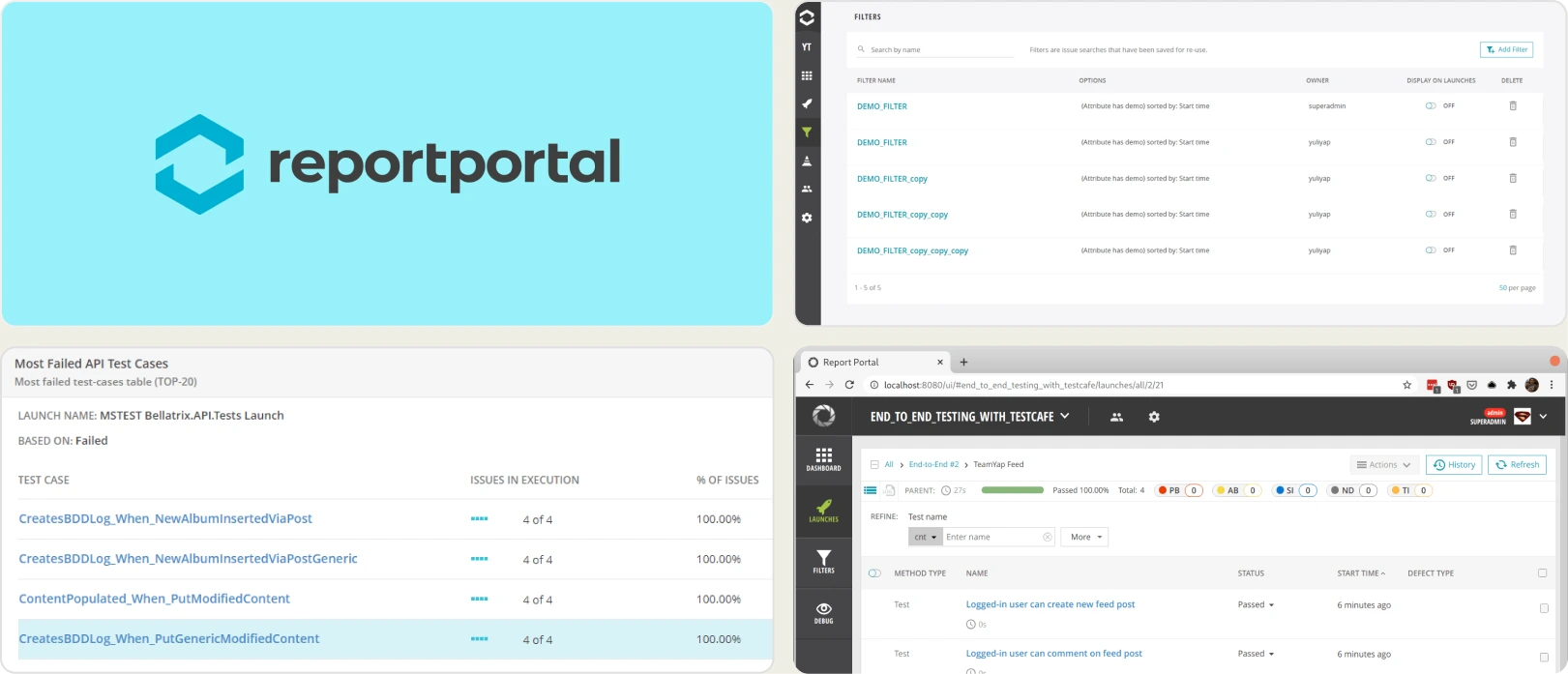
2. ReportPortal
Best for:
Teams that want open-source flexibility and full control over hosting, upgrades, and data, with engineering time to allocate for setup and maintenance.
Platform Type:
Open-source test reporting platform (self-hosted or SaaS)
Integrations with:
Jenkins, GitHub, GitLab, Azure DevOps, Jira, Rally, Slack, and other CI/CD tools
Key Features:
- Real-time launch tracking and execution visibility
- ML auto-analysis that clusters similar failures and learns from your triage history
- Historical flaky detection using trend analysis
- Customizable dashboards with widgets and filters
- Query-based data exploration for deep analysis
- Multi-framework aggregation in one interface
Pros
- Free open-source core, self-hosted with no seat licensing
- ML auto-analysis clusters recurring failures once trained on your defect history
- Broad framework compatibility beyond Playwright
Cons
- Requires hosting, scaling, and infrastructure management
- Self-hosting is not actually free: roughly $500/month in infrastructure plus $600-800/month in DevOps time by ReportPortal's own estimates
- Managed SaaS starts at $569/month, above most per-seat tools at small team sizes
- No native test case management layer, so it does not replace Xray on its own
- No Playwright trace viewer, quality gates, or MCP server
- UI may feel dated for non-technical stakeholders
First Hand Experience
ReportPortal offers flexibility and transparency for automation teams. It aggregates results across frameworks and uses ML-based pattern matching to cluster recurring failures, which is the closest thing to AI triage in the open-source category.
The trade-off is infrastructure and scope. Setup requires Docker Compose, PostgreSQL configuration, and ongoing maintenance, and there is no native test case management to pair with the reporting. If you are leaving Xray, ReportPortal replaces the reporting half of the problem and leaves the management half open, which usually means running a second tool alongside it.
Teams that invest in configuration get meaningful reporting depth. Teams that want turnkey intelligence, or a straight Xray replacement, look elsewhere.
Pricing & Value
The open-source edition is free and self-hosted with no user limits. Managed SaaS runs about $569/month for Startup and $2,659/month for Business, with a custom Enterprise tier above. ReportPortal's own published estimates put self-hosting at roughly $1,100-1,300/month in infrastructure and operations, which can exceed a turnkey SaaS subscription within 6 to 9 months.
Final Verdict
ReportPortal is well-suited for organizations prioritizing customization, data residency, and open-source control. It works best when technical resources are available to manage setup and scaling. For turnkey automation intelligence and built-in test management, SaaS-focused platforms provide faster time to value at lower operational overhead.
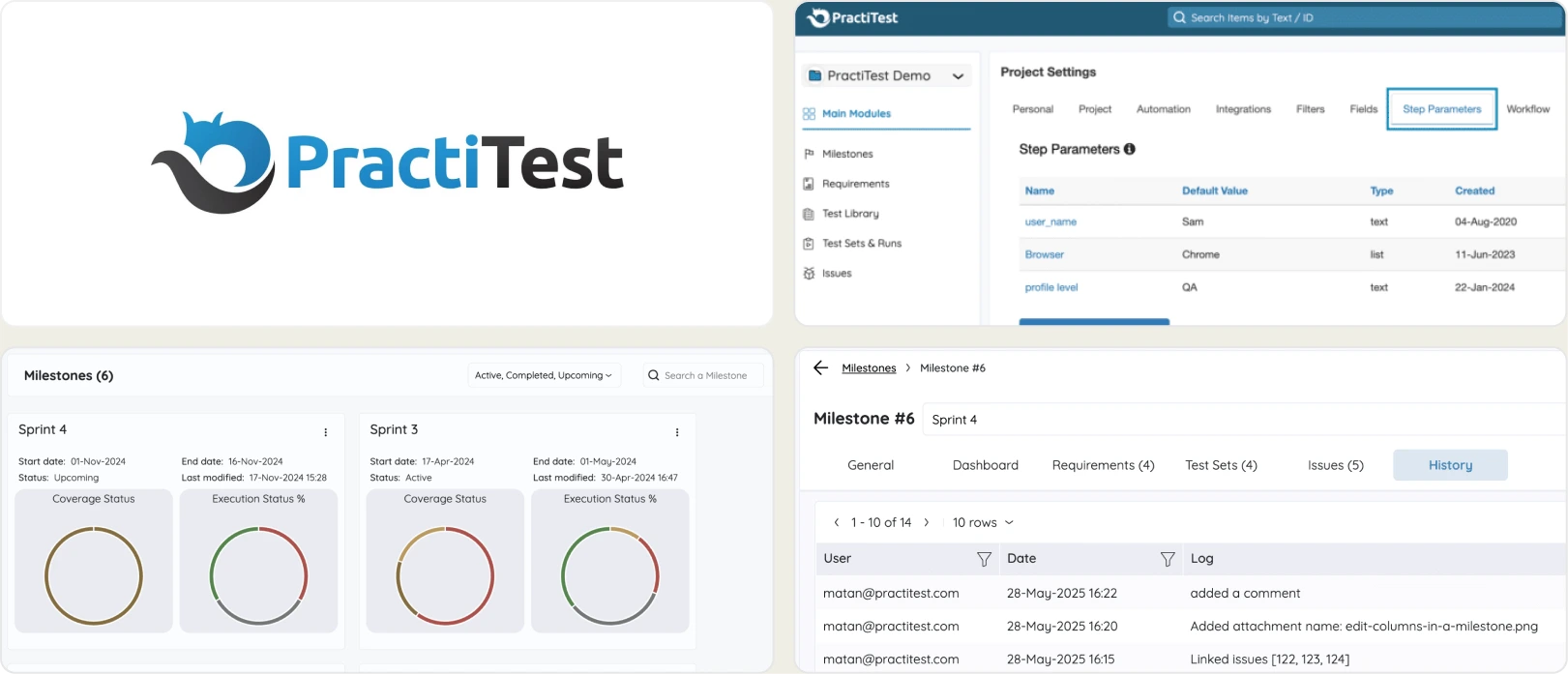
3. PractiTest
Best for:
Enterprise QA teams in regulated industries that need compliance features and requirement traceability, though the platform comes with a steep price tag and a dated experience.
Platform Type:
Enterprise test management and QA platform
Integrations with:
Jira, Azure DevOps, GitHub, GitLab, Jenkins, CircleCI, Slack, Selenium
Key Features:
- End-to-end test management (requirements, test cases, runs, defects)
- Customizable dashboards and reporting with filters and saved views
- Requirements-to-defect traceability matrix for compliance
- Custom fields, custom views, and configurable workflows
- REST API and FireCracker CLI for automation integration
- Compliance features for FDA, ISO, and regulated industries
Pros
- Compliance and audit trail features for regulated industries
- Traceability between requirements, tests, and defects comparable to Xray's RTM
- Pricing is decoupled from Jira instance size, which is the core Xray complaint
Cons
- $47/user/month on the Team plan, one of the most expensive in this comparison
- Corporate plan requires a 10-license minimum on annual billing only
- Dated UI with a steep learning curve
- No AI failure classification, real-time streaming, or CI/CD optimization
- Flaky detection is basic flagging rather than root cause classification
- No free tier, and cloud-only with no self-hosted option by default
First Hand Experience
PractiTest positions itself as an enterprise QA platform with compliance features for regulated industries. It offers requirements traceability, configurable workflows, and audit trails that map to standards like FDA and ISO, and the customization options are extensive.
For teams leaving Xray specifically over Jira-tier pricing, PractiTest does fix that: you pay for QA seats, not for your whole Jira instance. On a 200-user Jira instance with 10 testers, PractiTest at $47 per seat comes to roughly $5,640 a year against Xray's roughly $9,550.
The trade-off is cost and complexity. The UI requires training, and there is no AI failure classification, Playwright trace viewer, or merge-blocking quality gate. PractiTest solves the compliance and licensing problem but leaves the testing intelligence gap wide open.
Pricing & Value
Team plan is $47/user/month on monthly or yearly billing. Corporate pricing is custom with a 10-license minimum and yearly billing only. No free tier, free trial only. It provides value for organizations focused on lifecycle management, governance, and compliance rather than advanced automation analytics.
Final Verdict
PractiTest addresses compliance and audit requirements for regulated industries and breaks the Jira-tier pricing link, but the high cost, dated interface, and absence of failure intelligence or CI/CD features limit its value for teams focused on test velocity. Teams paying $47/user/month should expect more than test case management without AI-driven insights.
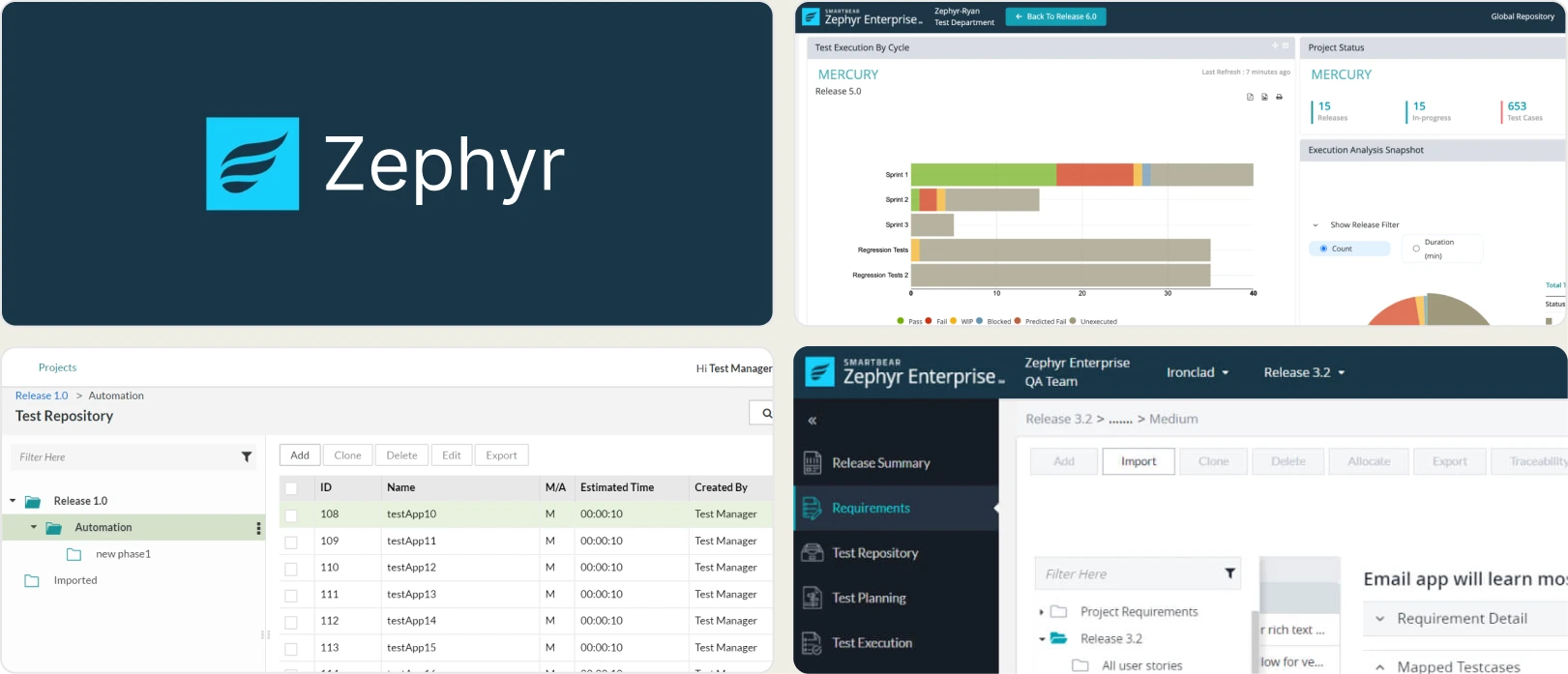
4. Zephyr
Best for:
Agile teams that need structured test case management tightly integrated with Jira for execution tracking and release visibility, across hybrid manual and automated workflows.
Platform Type:
Jira-native test management app (Zephyr Essential, Zephyr Scale, Zephyr Enterprise)
Integrations with:
Jira (native), GitHub, GitLab, Jenkins, CircleCI, Azure DevOps, CI/CD systems
Key Features:
- Test case management for organizing scenarios, folders, and reusable steps
- Test cycles and execution tracking with historical results
- Native Jira integration for issue linking and defect tracking
- Support for manual, automated, and exploratory testing workflows
- Customizable dashboards and test metrics within Jira
- Requirements traceability across test cases and defects
- CI/CD integrations to sync automated test results
Pros
- Meaningfully cheaper than Xray at every Marketplace tier, and Scale is free for Jira instances of 10 users or fewer
- Scale stores test cases outside the issue tracker, so your backlog stays cleaner than Xray's
- Tight Jira integration and solid execution tracking for teams staying in Atlassian
Cons
- Pricing is still tied to total Jira user count, so it inherits Xray's core problem
- Confusing product line: Zephyr Squad was renamed Zephyr Essential in 2026, and Scale and Enterprise are separate products
- Limited AI-powered failure insights compared to modern automation tools
- Basic flaky detection without deep pattern analysis
- Minimal merge-blocking quality gates and no Playwright trace viewer
- Reporting focuses on execution results, not root-cause diagnostics
First Hand Experience
Zephyr feels like a natural choice for teams already operating in Jira-driven Agile workflows, offering a clear structure for planning and execution. Test cases, cycles, and defects sit alongside Jira issues, which avoids context switching, and Scale keeps tests out of the issue tracker so you do not flood the backlog the way Xray does.
If your reason for leaving Xray is purely cost, Zephyr is the shortest move: same Jira-native model, same workflows, materially lower bill, and no migration out of Atlassian.
If your reason is capability, it is the wrong move. Zephyr inherits Jira-user-tiered pricing and stops at execution tracking just like Xray. As automation scales, reporting and analytics feel surface-level compared to automation-intelligence platforms. There is no AI failure classification, trace viewer, or merge-blocking quality gates.
Pricing & Value
Zephyr Essential (formerly Squad) starts at $10/month for up to 10 Jira Cloud users, then moves into Marketplace tiers at roughly $57/month plus about $5.21 per additional user.
Zephyr Scale is free for instances of 10 users or fewer. Standard starts at $10/month and Advanced at $15/month, moving to roughly $62/month plus about $5.62 per user above 10.
Zephyr Enterprise sits outside the Marketplace as a quote-based platform with a 20-user minimum. A 30-day free trial is available.
Final Verdict
Zephyr is a reliable choice for teams prioritizing structured test management and Agile Jira integration, and it is the cheapest like-for-like swap out of Xray. Teams looking for AI-driven failure analysis, flaky detection, and CI-first optimization will find the same gaps they left Xray to escape.
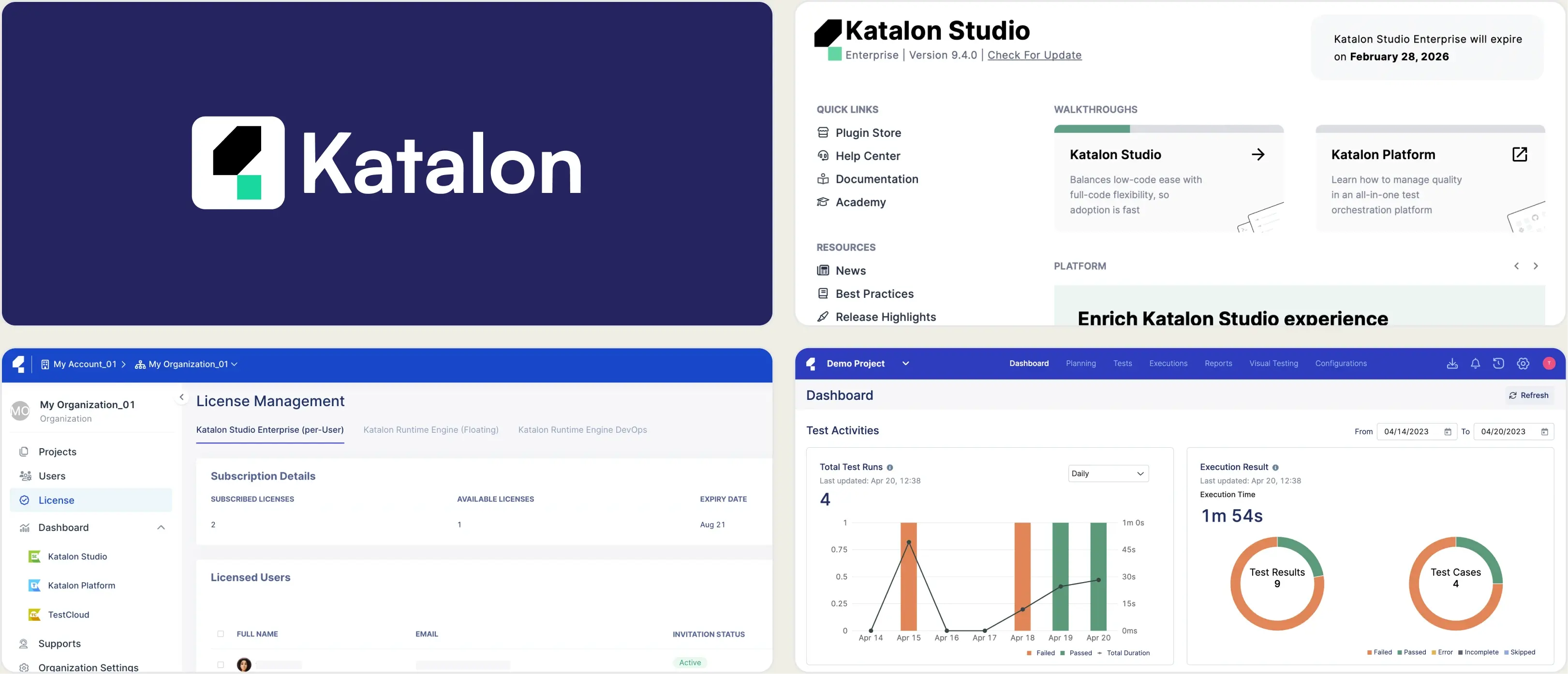
5. Katalon True Platform
Best for:
Teams looking for centralized test orchestration, execution visibility, and analytics inside the Katalon toolchain, across hybrid manual and automated workflows.
Platform Type:
Web-based test management and analytics platform (TestOps + TestCloud)
Integrations with:
Jira, GitHub, GitLab, Jenkins, Azure DevOps, CI/CD systems
Key Features:
- Centralized test execution management across projects
- Test result analytics with historical execution tracking
- SmartFox root-cause pattern analysis across runs
- CI/CD pipeline integration for automated test reporting
- Dashboard views for team performance and release visibility
- Requirement and defect linkage for traceability
- Manual and automated testing workflow support
Pros
- Pricing is per seat rather than per Jira user, so cost tracks your QA team
- SmartFox surfaces recurring failure patterns across runs
- Easy onboarding for teams already using Katalon Studio
Cons
- $70/seat/month or $700/seat/year, more per seat than most tools here
- Execution capacity is a separate purchase: Runtime Engine at $1,749/license/year and TestCloud sessions at $1,899 each per year
- Advanced AI-driven failure analysis is limited compared to dedicated automation-intelligence tools
- Flaky detection shows a flaky-tests view but no stability percentage
- Best experience is inside the Katalon toolchain, trading Jira lock-in for a different lock-in
- No built-in Playwright trace viewer, and no free tier
First Hand Experience
Katalon True Platform provides a clean, structured environment for tracking test executions and maintaining visibility across releases. It performs well for teams seeking a unified platform, and its SmartFox root-cause analysis surfaces patterns across runs that plain pass/fail reporting misses.
The catch is that leaving Xray for Katalon trades one platform commitment for another, and the bill is not obviously smaller. True Platform is a standalone add-on at $70 per seat per month, and adding Katalon's automation tooling puts you at $167 to $200 per seat per month before execution packs.
Advanced automation analytics and deep debugging insights are less emphasized than the orchestration layer, and the experience is strongest when you are already invested in Katalon. Teams that need a Playwright trace viewer or AI failure classification will find it pointing back toward dedicated platforms.
Pricing & Value
True Platform (TestOps + TestCloud) is $70/seat/month or $700/seat/year, sold as an add-on for manual testers and stakeholders. True Automation is $200/seat/month, or $167 per seat per month billed annually. Katalon Studio itself is free to author in.
Execution is priced separately: Runtime Engine at $1,749 per license per year and each TestCloud session at $1,899 per year. Authoring is free, but running those tests headlessly in CI is not.
Final Verdict
Katalon True Platform is a reasonable option for teams wanting centralized test orchestration inside the Katalon toolchain, and it does break the Jira-user pricing link. For teams prioritizing AI-powered failure insights, flaky detection with stability percentages, and advanced CI-focused analytics, the add-on stacking and per-seat rates make it a hard value case against flat-priced platforms.
6. Testomat.io
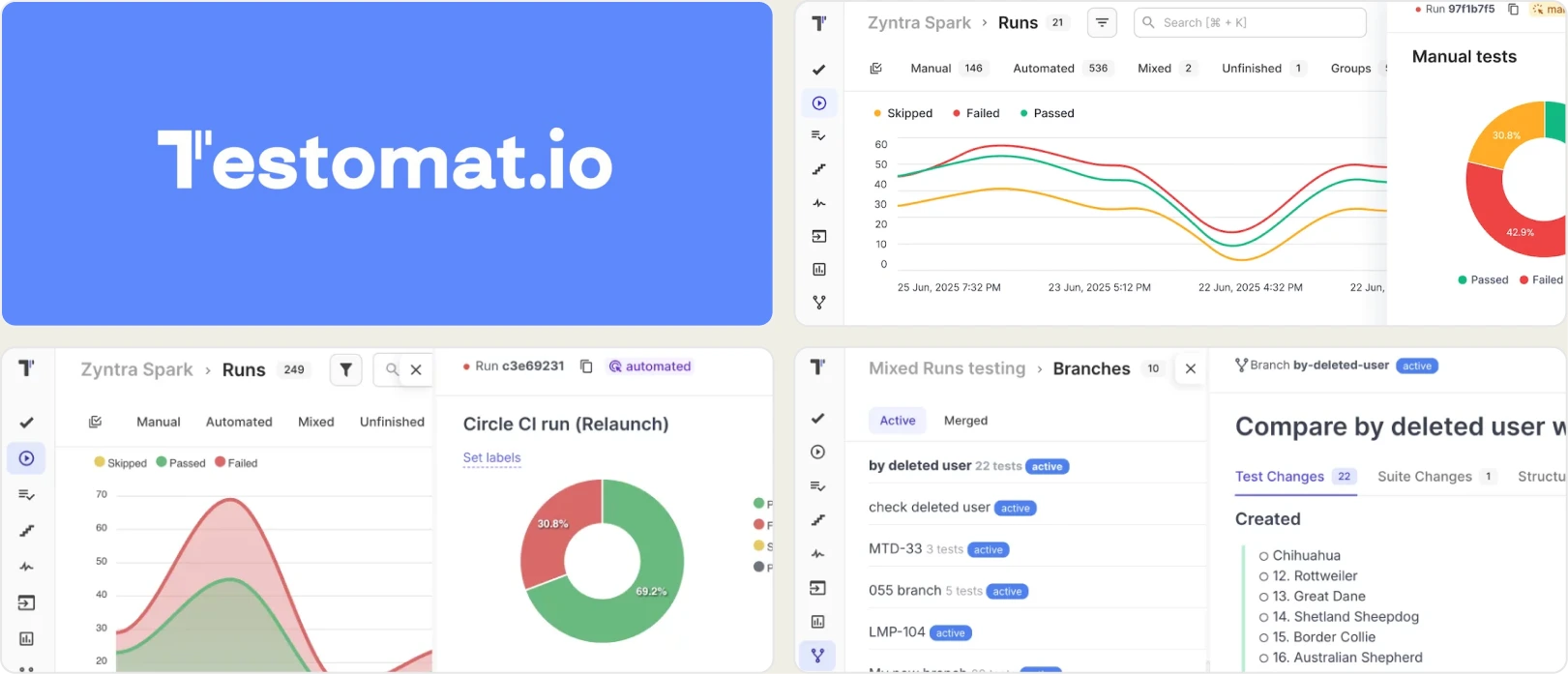
Best for:
Automation-focused teams that want test cases imported directly from code and linked to manual workflows, though the reporting stays surface-level.
Platform Type:
Code-driven test management platform
Integrations with:
GitHub, GitLab, Jira, Slack, Jenkins, GitHub Actions, GitLab CI, Azure DevOps
Key Features:
- Import tests directly from code (Playwright, Cypress, CodeceptJS)
- Two-way sync between code and the test management repository
- AI test generation and AI agents on Professional and above
- Pass/fail trends and basic execution history
- Tags, labels, and custom fields for test organization
- Environment-based test execution tracking
Pros
- Two-way sync keeps test cases aligned with the codebase instead of drifting from it
- Standalone platform with Jira sync, so pricing is decoupled from Jira seats
- Free tier for up to 2 users, with a self-hosted option on Enterprise
Cons
- Reporting stops at pass/fail trends with no failure intelligence
- No AI classification, trace viewer, error grouping, or CI/CD quality gates
- Basic flaky detection without deep historical pattern insights
- Limited cross-environment and branch-level analytics
- $30/user/month adds up once stakeholders need access
- UI can feel rough for non-technical QA members
First Hand Experience
Testomat.io offers a code-first approach where tests are imported from the codebase into the management layer. The two-way sync means you do not maintain test cases in a separate tool, which reduces duplication for automation-heavy teams and avoids Xray's problem of hand-authored test issues drifting from the code.
It also solves the licensing complaint cleanly. Testomat.io is a standalone platform with Jira sync rather than a Jira add-on, so you keep the Jira workflow without paying for every Jira seat.
The problem starts when you need to go beyond managing test cases. The analytics layer provides pass/fail trends and execution history, but there is no AI failure classification, no trace viewer, and no merge-blocking quality gates. Teams that adopt Testomat.io for management still need a separate reporting and debugging tool for their CI pipeline.
Pricing & Value
Free plan for up to 2 users, 2 projects, and 2 MB attachments. Professional is $30/user/month, or $27/user/month billed annually (a 10% discount). Enterprise pricing is custom and adds SSO, custom AI providers, cross-project analytics, and a self-hosted on-premise option.
Final Verdict
Testomat.io handles the code-to-management sync well and breaks the Jira licensing link, but the reporting and debugging capabilities are too thin for teams running Playwright at scale in CI. Without AI failure intelligence, trace viewing, or CI/CD optimization, teams end up pairing it with another tool anyway.
7. TestMu AI
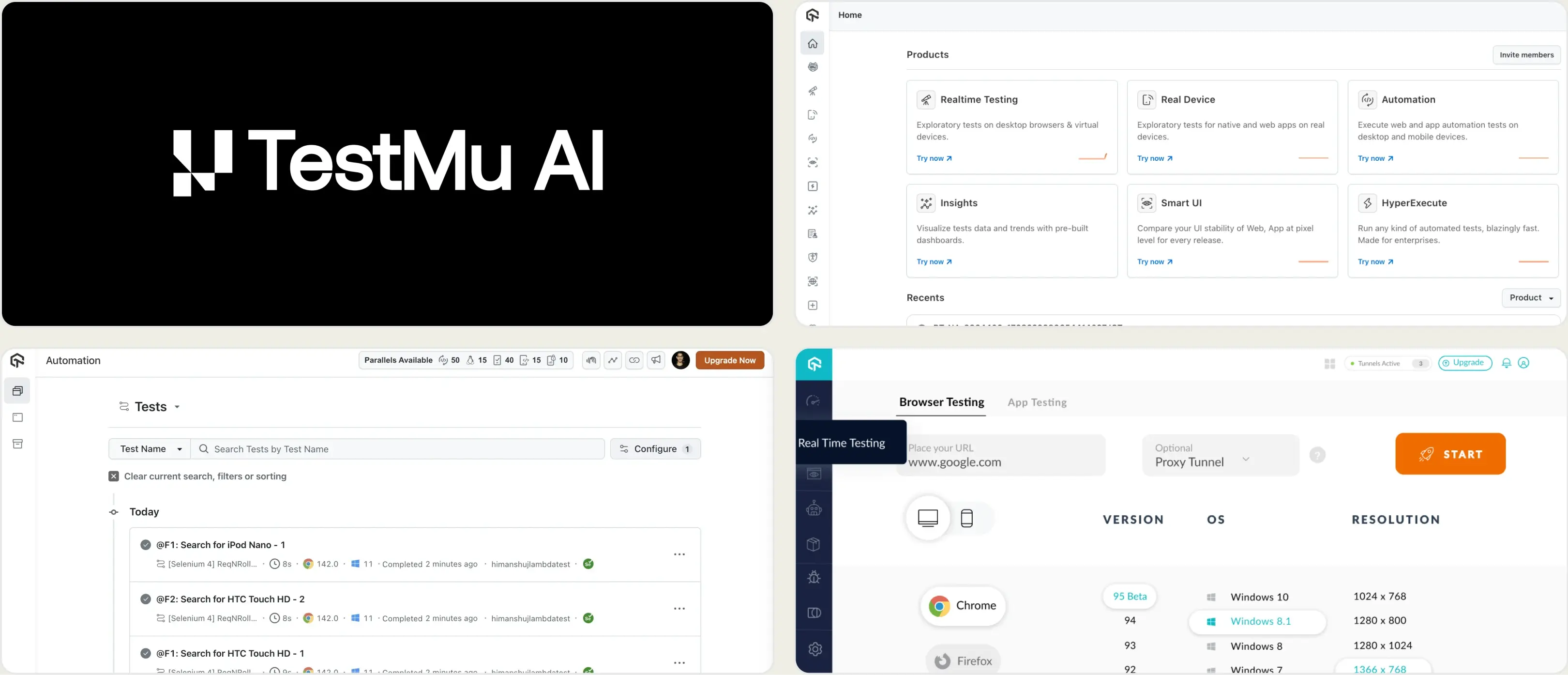
Best for:
Teams running cross-browser and cross-device test execution in the cloud.
Platform Type:
Cloud test execution and analytics platform (formerly LambdaTest)
Integrations with:
Jira, Slack, GitHub, GitLab, Azure DevOps, CI/CD pipelines
Key Features:
- Cloud browser and real device grid for test execution
- Test analytics with flaky test flags
- Screenshots, video, and session logs
- Visual regression testing
- CI/CD pipeline integrations
Pros
- Wide browser and real device coverage that test management tools do not provide
- Parallel execution reduces test cycle time
- Free tier available for evaluation
Cons
- Primarily an execution platform, reporting is secondary
- Not a test management replacement for Xray, so it solves a different problem
- Playwright-specific analytics are surface-level
- Costs increase quickly with parallel usage, since pricing scales per concurrent session
- Rebranded from LambdaTest in January 2026, so much published documentation still uses the old name
First Hand Experience
TestMu AI was LambdaTest until the rebrand on 12 January 2026. The team, infrastructure, customer accounts, and pricing all carried over unchanged.
It provides cloud infrastructure for running tests across browsers and devices, with a dashboard showing pass/fail summaries, flaky flags, and session recordings. For teams needing an execution grid with basic reporting attached, it covers the essentials.
It is worth being clear about what it is not. Replacing Xray means replacing a test management system, and TestMu AI does not do that job. Teams looking for deeper failure analysis or automated test management alongside reporting will find the analytics limited to execution-level data.
Pricing & Value
Plans start around $15/month for Live browser testing billed annually, $25/month for real device access, $79/month for web automation, $99/month for web and mobile browser automation, and $128/month for real device browser automation. A free tier is available for evaluation and Enterprise pricing is custom. Cost scales with parallel sessions rather than users.
Final Verdict
TestMu AI is a reasonable option for teams that need cross-browser cloud execution with basic analytics. For teams focused on replacing Xray's test management, or on Playwright reporting and failure analysis depth, it is a complement rather than a substitute.
8. Qase
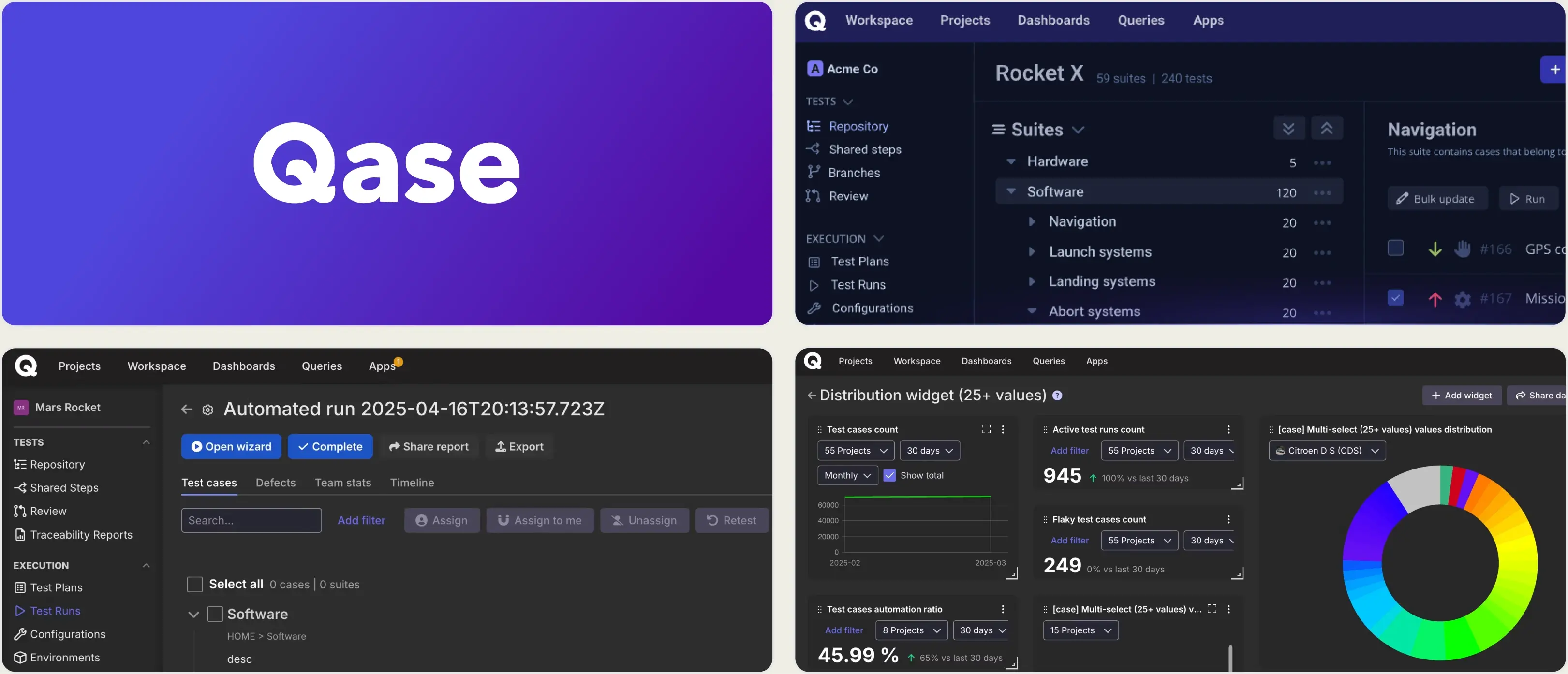
Best for:
Growing teams and agile QA groups that want a modern, unified test management platform for manual and automated testing without the complexity of legacy tools.
Platform Type:
Cloud-based test management platform
Integrations with:
Jira, GitHub, GitLab, Slack, CI/CD tools, REST API, webhooks, MCP
Key Features:
- Central test case repository with folders, shared steps, and custom fields
- Manual and automated test execution tracking
- Official Playwright, Cypress, and JUnit reporters
- Real-time dashboards with customizable widgets and actionable reports
- Defect management and issue linking with popular trackers
- Requirements traceability and coverage insights
Pros
- Clean, intuitive interface, a real contrast to Xray's seven entity types layered on Jira
- Standalone platform with Jira integration, so pricing is decoupled from your Jira instance
- MCP server available from the Free tier, which Xray does not offer at any tier
Cons
- Repriced in June 2026: Startup at $24 was retired, and Teams now runs $35-42/user/month with a 5-user minimum
- Floor price is $175/month annually even if only three people write tests
- AI features are credit-metered, and AIDEN generates test cases rather than classifying failures
- Historical analytics depth and advanced test intelligence are less extensive
- No built-in Playwright trace viewer or CI/CD optimization layer
- Free plan has no integrations, no dashboards, and only 30 days of history
First Hand Experience
Qase delivers a clean test management experience that makes structured test organization feel intuitive compared to legacy tools, which is why teams exploring Xray alternatives often appreciate its modern design and execution visibility. Test cases are not Jira issues, so the backlog problem disappears, and the Playwright reporter is official rather than community-maintained.
The June 2026 repricing changed the value calculation. Startup at $24 is retired for new signups, Business became Teams, and the rate moved to $35 per user annually or $42 monthly, with a 5-user minimum.
Even so, on a 200-user Jira instance with 10 testers, Qase Teams lands near $4,200 a year against Xray's roughly $9,550.
Where it stops is depth. Analytics stay at the pass/fail level, and there is no AI failure classification, trace viewer, or merge-blocking quality gates. Per-user pricing also adds up as you give every stakeholder access, so teams running Playwright at scale in CI usually pair Qase with a separate reporting tool.
Pricing & Value
Free tier covers up to 4 users, 2 projects, 500 MB storage, 30-day history, and 5,000 API results per month, with MCP server access included. Teams is $35/user/month billed annually or $42/user/month billed monthly, with a 5-user minimum and collaborator seats at $10/user/month. Enterprise is custom with unlimited retention. A 14-day trial is available.
Final Verdict
Qase is a strong choice for teams seeking clear test case management, real-time dashboards, and smooth DevOps integrations without Jira-tier pricing. For groups focused on deep automation analytics, flaky test detection, and advanced CI/CD optimization, specialized automation-focused platforms go deeper.
Compare Xray with TestDino
Classify failures with AISkip per-Jira-user pricingWhat matters when evaluating Xray replacements
Xray provides Jira-native test management and traceability, but the Jira-tied pricing model and the absence of failure intelligence create gaps as teams scale. When evaluating Xray alternatives, focus on these criteria.
Jira-user pricing vs. flat pricing
Xray charges on your total Jira user count, not your QA team size. A company with 200 Jira users pays at the 200-user tier even if only 10 people test, which is roughly $9,550 a year, or about $955 per tester.
At 500 Jira users it is about $15,760 a year, and at 1,000 about $24,960. Pricing like this makes it hard to justify giving every stakeholder access.
Two 2025 changes made this worse. Atlassian now bills on peak user count within the period, so a short-lived spike in Jira seats raises your bill for the whole cycle.
The edition split came second. With Enterprise now a separate Marketplace app, Test Case Designer, test case versioning, and dynamic test plans sit behind a second purchase.
Platforms with flat per-workspace pricing let you add team members without recalculating costs. Price three scenarios before committing: your QA team size, your current Jira instance size, and your Jira instance size 18 months from now.
Test management paired with automated reporting
Xray manages test cases inside Jira but keeps automation analytics at the pass/fail level. To understand why automated tests fail, teams add a separate reporting tool, and now management lives in one platform and failure intelligence in another.
Platforms that combine test case management and automated test reporting on the same product eliminate that fragmentation. Manual test cases and automated Playwright results should live side by side, sortable and filterable in the same test explorer.
This is also where the open-source route falls short. ReportPortal reports well and has no test case management layer at all, so it does not replace Xray on its own.
There is a structural point here too. Xray models every test case, test set, test plan, and execution as a Jira issue, which is what makes the traceability matrix work and also what turns a 3,000-case suite into 3,000 backlog items. Alternatives that store tests outside the issue tracker keep the workflow without the noise.
Failure intelligence that goes beyond pass/fail
Knowing that 12 tests failed tells you something happened. It does not tell you why. AI failure classification, error grouping by stack trace and message, and root cause analysis turn raw results into a prioritized fix list. Without this layer, every failed test requires manual investigation.
Be precise when comparing AI claims. Xray's AI generates test cases, as do Qase's AIDEN, Testomat.io's agents, and Katalon's tooling. That is authoring assistance, not triage.
Classifying a failure as a real bug versus a UI change versus an unstable test is a different capability, and most tools here do not have it. ReportPortal's ML auto-analysis comes closest, but needs training on your triage history first.
The same applies to flaky detection. Xray has none natively. A flaky flag tells you a test is unreliable. A root cause classification tells you whether to fix a timing assumption, a test fixture, or your staging environment.
The best Xray alternatives separate real defects from flaky tests and environment issues automatically.
Debugging evidence available immediately
When a test fails in CI, you should not need to re-run it locally to understand why. Built-in trace viewers, screenshots, video playback, and console logs make that context available the moment the run finishes.
Xray supports attachments but has no native Playwright trace viewer or structured debugging experience. Neither do Qase, PractiTest, Zephyr, Katalon, or Testomat.io.
Test failure triage should start from the reporting dashboard, not from a local development environment.
CI/CD optimization beyond result viewing
Viewing test results after a run finishes is the starting point. Blocking merges with quality gates and posting AI-generated summaries to commits and merge requests improve merge safety.
Look for minimum pass rates on PRs, mandatory tag checks, environment-specific merge rules, and shard-aware live results. These features reduce CI costs rather than just displaying test execution data. If your current tool only shows results but does not act on them, you are missing the optimization layer.
One newer criterion belongs here. If your team uses Cursor, Claude Code, or Copilot to write tests, the assistant needs an MCP server to read your test data. Xray has none, so anything locked in Jira issues stays invisible to the codebase.
Qase offers MCP from its Free tier with remote MCP gated to Enterprise, and TestDino ships both. ReportPortal, PractiTest, Zephyr, Katalon, and Testomat.io have none.
Transparent, predictable pricing
Jira-user-tiered Xray pricing makes it hard to budget as teams grow, and the edition split plus peak-user billing added two more variables. Flat monthly pricing with published plans lets you evaluate total cost before committing and scale without negotiation.
For a lightweight Xray replacement for small teams, look for free tiers that include core management and reporting features. Zephyr Scale is free under 10 Jira users, Qase covers 4 users free, Testomat.io covers 2 users free, the TestDino free plan covers 5,000 executions a month, and ReportPortal is free if you self-host. Xray offers no free tier at all.
One migration detail is worth planning early. Xray's Cucumber and Gherkin support is a genuine reason teams chose it, and most alternatives here do not replicate that loop. Export your feature files and your requirement-to-test-to-defect links before cancelling the license, because the links are far harder to reconstruct than the test cases.
Wrapping Up
Xray still offers the strongest Jira-native traceability and BDD support here. But the 2025 changes sharpened the trade-off: three editions, peak-user billing, no free tier, and a bill that scales with your Jira instance rather than your QA team.
Each alternative fixes part of it. ReportPortal gives open-source reporting with no test management. PractiTest covers compliance at a premium. Zephyr is the cheapest swap but stays Jira-bound. Katalon adds execution costs. Testomat.io keeps reporting thin, TestMu AI is execution not analytics, and Qase repriced upward in June 2026.
For Playwright-first teams wanting test management, AI failure classification, flaky detection, trace viewing, and CI/CD optimization on one platform, TestDino combines test intelligence and management at a flat $39/month billed annually per workspace.
FAQs
Yes. Export your Xray test cases from Jira to CSV and import them into TestDino, where suites, ownership, and custom fields are preserved. Automated Playwright results flow in from your first CI run with a single reporter line, with no adapter setup or JUnit XML upload step.