Qase provides a structured test case repository with nested suites, shared steps, test plans, and configurable test runs, plus official reporters for Playwright, Cypress, and most major frameworks.
What changed in 2026 is the price. In June, Qase retired the Startup tier at $24 per user for new signups, renamed Business to Teams, and moved it from $30-36 to $35-42 per user per month. With a 5-user minimum, the cheapest paid configuration is now $175 per month annually or $210 monthly. Teams did gain SSO and requirements traceability as standard and two-year retention, but the Free plan still has no integrations, no dashboards, and no custom fields.
What did not change is the reporting depth. There is still no AI failure classification, no built-in trace viewing, no real-time result streaming, and no merge quality gates. Teams running Playwright in CI need more than a test case repository. They need to know why tests fail, which ones are flaky, and what to fix first.
Here are the 7 best Qase alternatives to consider in 2026.
Best Qase Alternatives: How to Choose the Right Tool
We evaluated each tool based on test case management depth, automated test reporting, AI failure analysis, flaky test detection, Playwright support, CI/CD integration, and real cost at your team size rather than headline per-user rates.
How to Compare Qase Alternatives
Here is a quick comparison of top alternatives to Qase that can help you identify your preferred test management tool:
 TestDino |  Qase |  TestRail |  Xray |  Testmo | |
|---|---|---|---|---|---|
| PricingLowest paid plan, per the listed billing terms. | $39/month (billed annually) | $35/user/month (Teams, annual, 5-user min) | $37/user/month (Professional) | From $100/year (up to 10 Jira users) | $99/month (Team, up to 10 users) |
| Best for | Playwright test intelligence & management | Modern test management for engineering teams | Enterprise test case management & traceability | Jira-native BDD & requirements traceability | Unified manual + exploratory + automation management |
| Playwright integration | Native (trace viewer, error grouping, MCP) | Official reporter | Via reporter plugin + case IDs | Via JUnit XML parsing | CLI reporter (first-class) |
| One-step CI setup | One reporter line, streams live | Reporter package + token | Plugins/CLI + case IDs in code | JUnit XML upload via API | CLI command, not zero-config |
Dashboards & Reporting | |||||
| Unified Playwright dashboard | Unified runs view | Automation results view | |||
| Multi-tab test run detail view | Summary, History, AI Insights & more | Run detail view | Run views (no PW tabs) | Jira issue view | Run detail view |
| Pull request insightsSee test results and history for each pull request. | |||||
| Test ExplorerBrowse tests as a hierarchy, a flat list, or by tag. | Suites and tags | Suites, sections, tags | Jira JQL based | Folders and tags | |
| Real-time streaming | Per-shard/worker | ||||
| Scheduled PDF reportsGet report PDFs emailed on a set schedule. | Daily/Weekly/Monthly | Export only | Scheduled via email | ||
Test Analytics | |||||
| Analytics: trends & patterns | Dashboards (Teams tier and up) | Milestone and run reports | Jira gadgets | Reporting Center (Business tier) | |
| Code coverage, per-file | Istanbul, run-level | ||||
| Environment analytics | Pass-rate/flaky by env | Environment field per run | Via custom fields/configs | Via attributes | Configurations field |
Debugging & Evidence | |||||
| Built-in Playwright trace viewer | |||||
| Screenshots & video replay | Embedded | Attachments, no embedded replay | Via attachments | If attached to Jira | Attachments, no native replay |
| Console logs | Node + browser | Via attachments | Via attachments | Via attachments | |
| Visual diff comparison | |||||
| Smart error grouping | Message/stack/location | Defect linking | Flaky/slow grouping | ||
| Flaky detectionSpot tests that pass and fail inconsistently, with a stability score. | Root cause classification | Flaky flag (no root cause) | Flaky flag (no root cause) | ||
| Playwright tags & annotations | Priority/owner/links/metrics | Custom fields | Labels, custom fields | Tags and fields | |
CI/CD Optimization | |||||
| GitHub CI Checks quality gates | Per-env + mandatory tags | Via webhooks | Via webhooks | ||
| Branch → environment mappingMatch each Git branch to the environment it runs against. | Exact/regex | Environment field per run | Via configurations | Via configurations | |
| Sharded / parallel run support | Per-shard live view | Via CLI merge | |||
| Native CI breadth | GitHub, GitLab, Azure DevOps, TeamCity, Bitbucket, CircleCI, Jenkins | Jenkins, GitHub Actions, GitLab CI, Bitbucket, Azure Pipelines | Jenkins, GitHub Actions, GitLab CI, CircleCI, Travis, Azure DevOps, Bitbucket | Jenkins, GitLab, GitHub Actions, Bamboo | Major CI providers |
| Self-managed GitLab | |||||
Test Management | |||||
| Test case management | Jira issue types | ||||
| Bulk test creationGenerate many test cases at once from PRDs, Jira, or user stories. | via MCP | AIDEN AI generation | CSV/XML import | CSV import | Testmo AI generation |
| Release trackingGroup test results by release, cycle, or sprint. | Milestones | Milestones | |||
| Exploratory / manual sessions | Dedicated module | ||||
| Import / export test cases | JSON/CSV/ZIP | CSV/XML | CSV/XML | CSV | CSV |
AI & Automation | |||||
| Local MCPLet AI coding assistants in your editor act on test data directly. | Cursor/Claude Code/Copilot | Available from Free tier | |||
| Remote MCPLet web-based AI tools query your test data. | Hosted MCP (Enterprise only) | ||||
| AI test run summary on GitHub PRs | GitHub/GitLab/Slack | AI summaries | |||
| AI test suite auditAI scores your test suite and gives a downloadable report. | |||||
| AI failure classification | 4 categories with confidence | AIDEN (generation, not triage) | Sembi IQ (limited scope) | Testmo AI (generation, not triage) | |
Integrations & Collaboration | |||||
| Bug tracking breadth | Jira, Linear, Asana, monday | Jira, GitHub, GitLab, Asana | Jira, monday, Asana, etc. | Native Jira | Jira, GitHub, GitLab, Linear |
| Slack notifications | App + webhooks | Via integrations | Via webhooks | ||
Platform & Security | |||||
| Public API & CLIs | REST + @testdino/playwright | REST API + qasectl | REST API (180-300 req/min) | REST API | REST API + Testmo CLI |
| Project-level AI controls | Per-feature toggles | AI credit allocation | Admin toggles | ||
| Compliance & certifications | ISO 27001, SOC 2 Type II, GDPR | SOC 2 Type II, GDPR | SOC 2, ISO, SSO (Ent) | ISO 27001, SOC 2 | AWS/Azure infra; no own SOC 2 |
Plans & Pricing | |||||
| Plan tiers | Free · Pro $39 · Team $79 · Enterprise | Free (4 users) · Teams $35-42/user · Enterprise | Professional $37/seat · Enterprise $74/seat | Tiered by Jira user count · Standard · Advanced | Team $99/10 users · Business $399/25 users · Enterprise $599/25 users |
| Free executions | 5,000/mo | 5,000 API results/mo (Free tier) | Free trial (14-30 days) | 30-day trial | 14-day trial |
| Support | Chat + Slack Connect + Priority email | Email + chat on paid tiers | Standard (Pro) · Priority 2-hr SLA (Ent) | Email + Xray Enterprise support | Email · Fast premium (Bus/Ent) |
| Try for free | Learn more | Learn more | Learn more | Learn more | |
Best Qase Competitors for Test Management
Here are the 7 best alternatives to Qase for teams that want deeper reporting, lower cost at their team size, or both:
1. TestDino
Best for:
Playwright-first teams that want test management plus AI failure intelligence on one platform, priced per workspace rather than per seat.
Platform Type:
Test reporting, dashboards, test management, and CI observability platform for Playwright
Integrations with:
GitHub Actions, GitLab CI, Azure DevOps, TeamCity, Bitbucket, CircleCI, Jenkins, Jira, Linear, Asana, monday, Slack
Key Features:
 Test management and automated reporting in one place
- AI failure classification into 4 categories with confidence scores
- Built-in trace viewer with DOM snapshots and network logs
- Error grouping by message, stack trace, and location
- GitHub CI Checks as merge quality gates
- MCP Server for AI agent queries from your IDE
- Flaky test detection with root cause classification
- AI summaries posted to GitHub commits and GitLab MRs
- Real-time results streaming via WebSocket
- Code coverage per file breakdown

Pros
- Pro is $39/month billed annually for 3 seats and 10,000 executions
- Playwright-native with under 10-minute setup
- Test management and automated reporting on the same platform
- Broad CI/CD support: GitHub Actions, GitLab CI, Azure DevOps, TeamCity
- AI summaries posted to GitHub commits, GitLab MRs, and Slack
- 1-click bug filing into Jira, Linear, Asana, or monday

Cons
- Purpose-built for Playwright (multi-framework support on the roadmap)
First Hand Experience
Qase is a good test management tool, and after the June 2026 repackaging it is a more expensive one. Teams at $35 per user per month annually with a 5-user minimum puts the floor at $175 per month, and $210 if you bill monthly.
The pricing model is the structural difference. Qase charges per person, so a QA lead, three engineers, a product manager who checks coverage weekly, and an engineering manager who opens a dashboard once a sprint are six seats. Collaborator seats at $10 soften that for read-only viewers, but it is still a per-head calculation every time the team grows.
TestDino Pro is $39/month billed annually for 3 seats and 10,000 executions. Team is $79/month for 30 seats. You are not buying a seat every time someone opens a dashboard.
The capability difference is failure intelligence. Qase tells you a test failed and lets you link a defect. TestDino tells you why it failed. AI Insights classifies every failure into Actual Bug, UI Change, Unstable Test, or Miscellaneous with a confidence score, and error grouping clusters related failures by message and stack trace, so a list of 60 failed tests collapses into a handful of distinct root causes.
Test management works the same way you would expect from Qase. Manual test cases sit in suites up to 6 levels deep with ownership, custom fields, and version history, and the Test Explorer shows manual and automated tests side by side, sortable by flaky rate, tags, and coverage status.
Debugging That Saves You from Re-running Locally
Each failed test comes with screenshots, video, browser console logs, and a trace you can step through action by action, available right after the CI run finishes.
Qase stores attachments against a test result, so you can retrieve a screenshot if your CI uploaded one. It does not give you a replayable trace with DOM state at each action, or console output captured per test. That difference decides whether you fix a failure from the report or reproduce it locally first.
CI/CD Speed and Merge Safety
Each shard reports as its tests finish, and history persists across different CI runners.
GitHub CI Checks add quality gates to your PRs. Set a minimum pass rate, mark critical tags as mandatory, and configure different rules per environment. AI-generated summaries post to GitHub commits and GitLab merge requests with pass, fail, and flaky counts. Qase handles this through generic webhooks, which means building the gate logic yourself.
Flaky Test Detection That Tells You Why
Flaky test detection classifies unstable tests by root cause: timing related, environment dependent, network dependent, or assertion intermittent. Each test gets a stability percentage, and you can compare flaky rates across environments to spot infrastructure problems rather than chasing test code. Qase flags flaky tests without a stability score or a cause.
Real-Time Streaming and Scheduled Reports
Results appear on the dashboard as each test completes, not after the full suite finishes. Automated PDF reports deliver test health summaries on daily, weekly, or monthly schedules, where Qase offers export only. Slack notifications send run summaries filtered by environment and branch.
MCP Server: Both Have One, Different Depth
Qase added MCP access in 2026, available from the Free tier, with hosted MCP on Enterprise. It covers test management operations: querying projects, creating cases, updating runs.
TestDino's MCP Server covers that ground and adds the automation side: pulling debugging context from a failed run, performing root cause analysis, creating test cases from Jira tickets in natural language, and querying flaky trends. Remote MCP is included rather than gated to an enterprise contract.
Pricing & Value
TestDino Pro is $39/month billed annually for 3 seats and 10,000 executions. Qase Teams starts at $175/month because of the 5-user minimum. Pricing may vary. Check the pricing page for the latest details.
Final Verdict
Qase organizes your tests. TestDino organizes them and explains the failures.
For teams that were about to sign up for Startup at $24 and found it retired, or that are recalculating the Teams tier at $35 per user with a 5-user minimum, TestDino delivers test management plus AI failure classification, hosted trace viewing, error grouping, root cause flaky detection, and CI quality gates at $39/month billed annually for 3 seats and 10,000 executions.
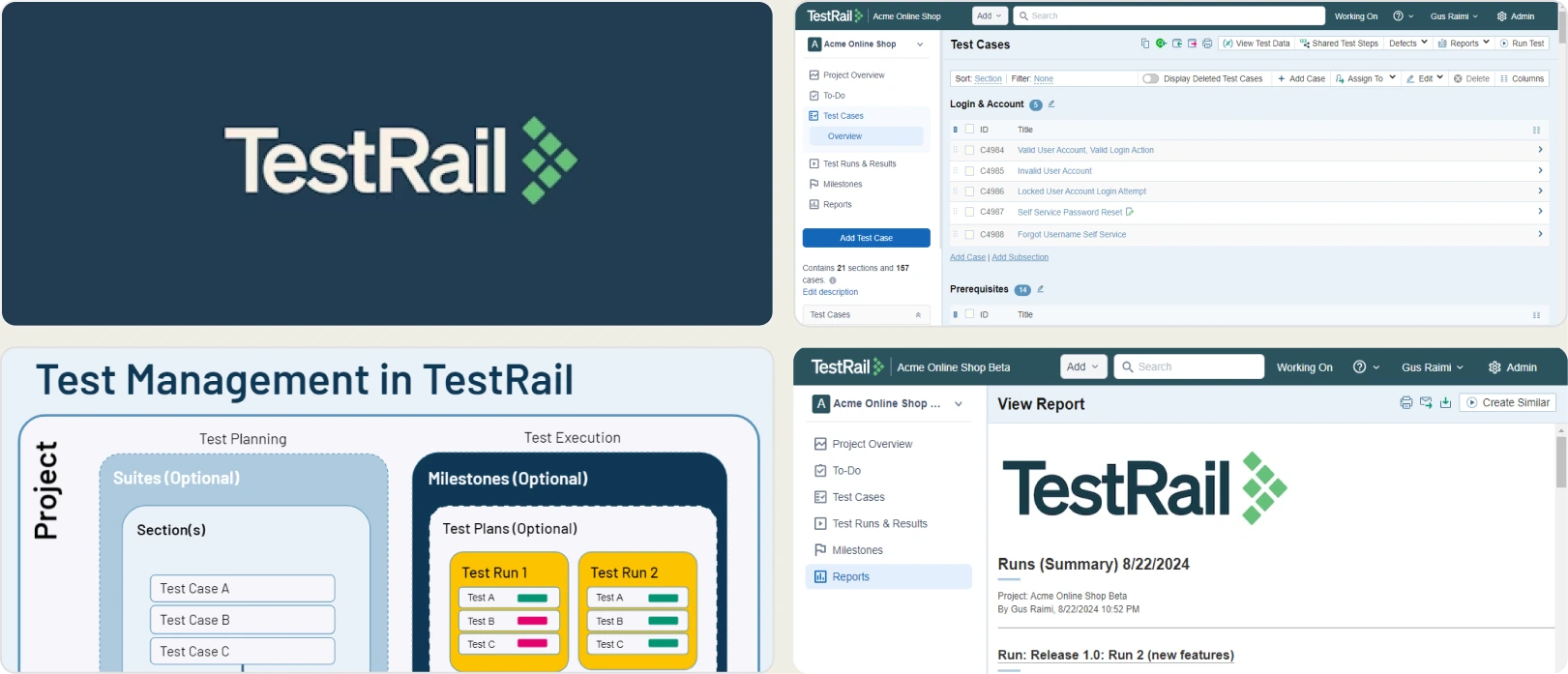
2. TestRail
Best for:
Teams formalizing QA with test cases, plans, and audit trails, or that need a self-hosted deployment option.
Platform Type:
Test case management platform (cloud or self-hosted)
Integrations with:
Jira, GitHub, GitLab, Jenkins, Azure Pipelines
Key Features:
- Test case organization with plans and milestones
- Requirements and defect traceability
- API and CLI to push automated results
- SSO, auditing, and version history
- Native issue links to Jira and GitLab
- Self-hosted or cloud deployment
Pros
- Well-established, with extensive documentation and integration guides
- Self-hosted deployment available, which Qase does not offer
- Enterprise controls for access, audit, and compliance
- Roughly at price parity with Qase Teams on annual billing
Cons
- $37/seat/month Professional and $74/seat/month Enterprise, with price rises in 2025 and 2026
- Automated results require case IDs embedded in your test code
- UI is noticeably slower and more dated than Qase
- Administrative setup takes real time
First Hand Experience
TestRail is the tool most teams considered before choosing Qase, and the June repricing makes it worth a second look. At $37 per seat against Qase Teams at $35 annual or $42 monthly, the two are now close enough that the decision turns on capability rather than cost.
Where TestRail wins is deployment flexibility and governance. Self-hosting is available, audit trails are mature, and almost every CI tool has a documented integration.
Where it loses is the automation link and the interface. TestRail expects case IDs embedded in your automation code, so every rename or file move breaks the link and creates duplicates. Qase's reporter approach is meaningfully less fragile, and the UI is faster on large repositories.
Pricing & Value
$37/seat/month (Professional), $74/seat/month (Enterprise, annual billing only). No free tier, and prices increased in August 2025 and August 2026.
Final Verdict
TestRail suits teams that need audit trails, compliance workflows, or self-hosting. If you are leaving Qase purely on cost, TestRail no longer saves you money.
3. Xray
Best for:
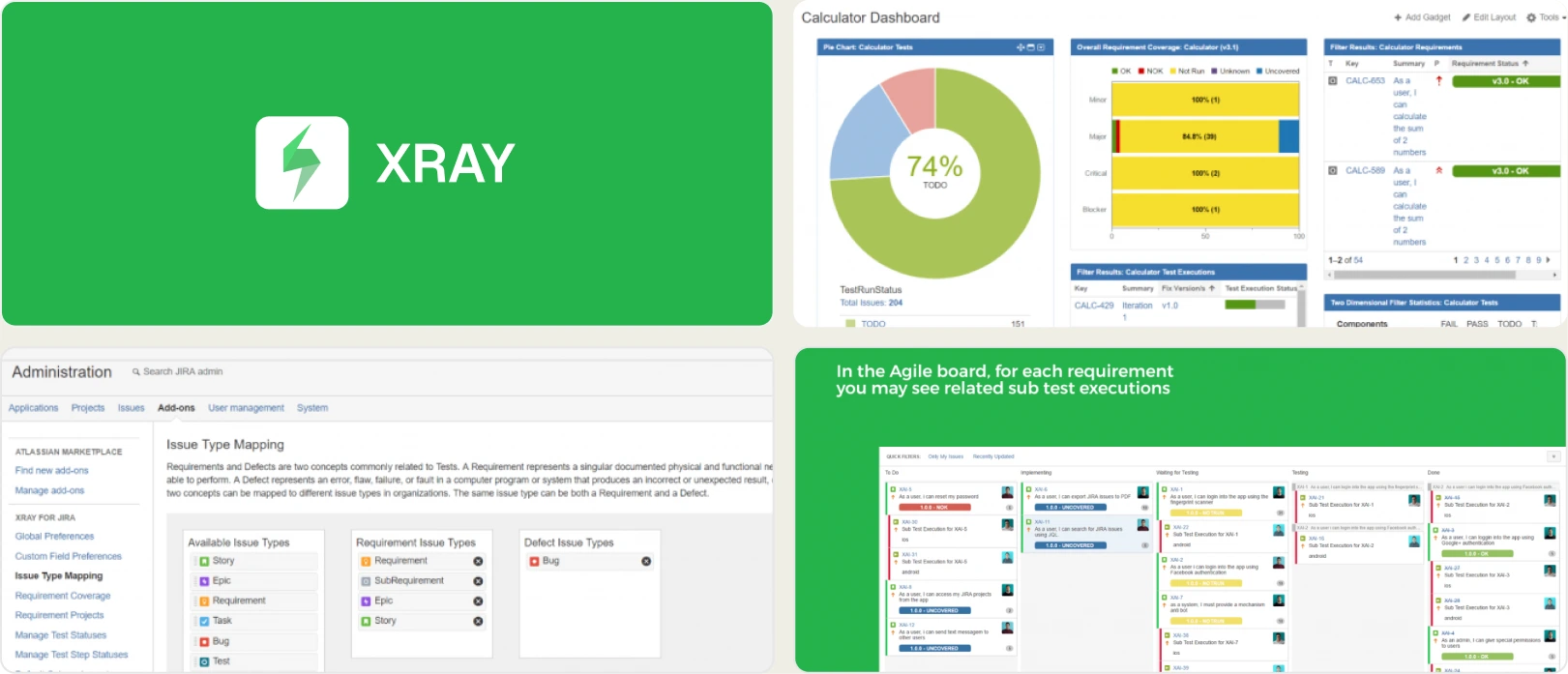
Teams already working in Jira that want test management inside their existing workflow with full requirements traceability.
Platform Type:
Jira-native test management app
Integrations with:
Jira (native), Jenkins, GitLab, GitHub Actions, Cucumber, Robot Framework
Key Features:
- Test cases managed as native Jira issues
- Test plans and execution tracking
- Traceability matrices linked to Jira Epics and Stories
- CI result import via REST API
- BDD and Cucumber scenario support
- Parameterized and data-driven testing
Pros
- Cheapest entry on this list at $100/year for small Jira instances
- Zero context switching for Jira-centric teams
- Deep requirement-to-defect traceability
- No separate seat count for QA if you already pay for Jira
Cons
- Billed against total Jira user count, not QA headcount
- Clutters Jira with thousands of test issue types
- Automation syncing relies on parsing JUnit XML
- No failure analysis, flaky detection, or dedicated debugging UI
First Hand Experience
Xray is the alternative for teams whose real objection to Qase is that it is another tool with another login and another per-seat bill.
The pricing model works differently from everything else here. Marketplace apps are licensed against the size of your Jira instance, not the number of people using the app. For a 20-person company with 20 Jira users, that is roughly $6.33 per user per month on Standard, well under Qase Teams. For a 200-person company with 8 QA engineers, you pay for 200 and the maths reverses completely.
The trade-off is Jira clutter and a reporting ceiling. Each test execution creates Jira artifacts that bloat large instances over time, and analysis is limited to what Jira gadgets can render. Xray does not document a Playwright trace viewer or error classification, so engineers open traces outside it.
Pricing & Value
From $100/year for up to 10 Jira users. Roughly $6.33/user/month (Standard) and $7.60/user/month (Advanced) from 11 users, billed against total Jira instance size. Xray Enterprise is quoted separately.
Final Verdict
Xray is the cheapest Qase alternative for small-to-mid Jira instances and the best for requirements traceability. Check your total Jira user count before assuming it is cheaper, and pair it with a reporting platform for Playwright debugging.
4. Tuskr
Best for:
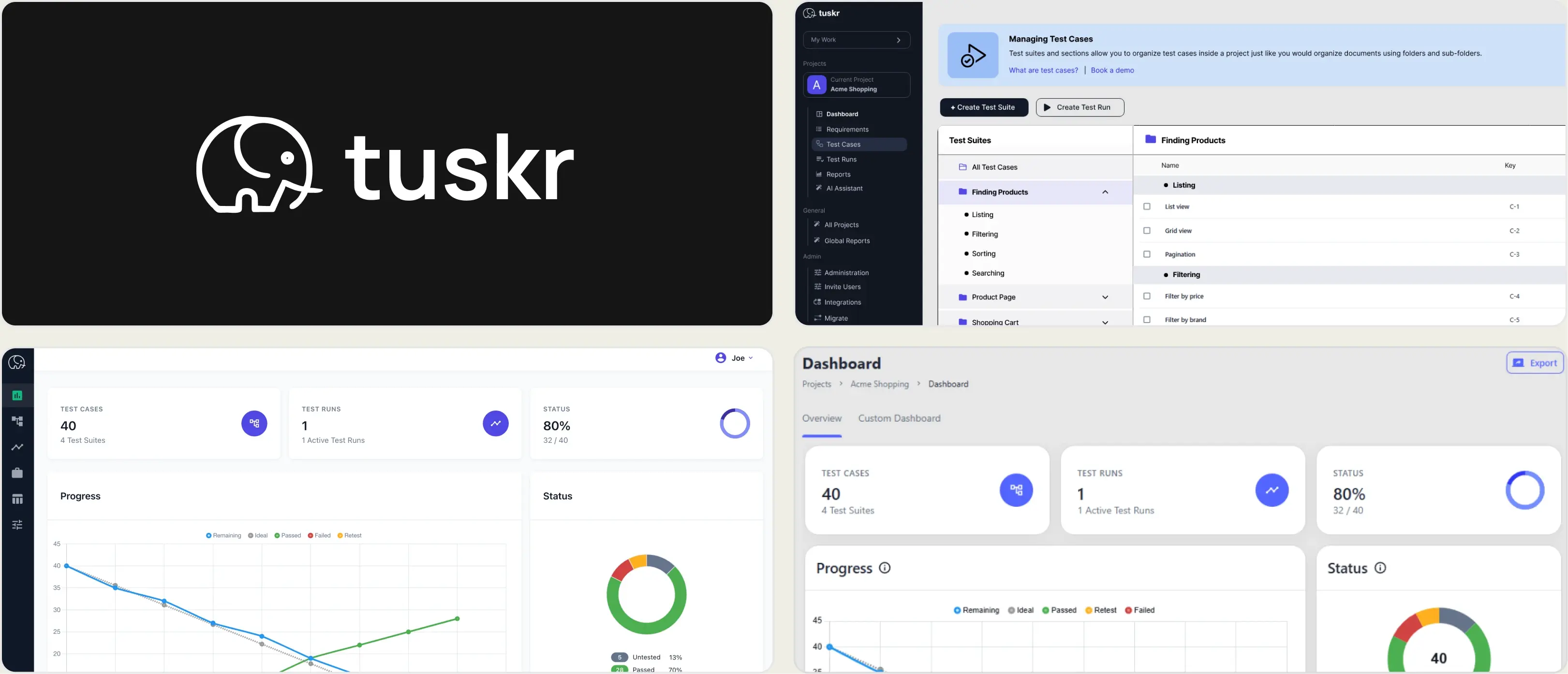
Small teams and budget-conscious QA groups that want a permanent free tier with security features included.
Platform Type:
Cloud test management platform
Integrations with:
Jira, GitHub, GitLab, Slack, REST API and CLI
Key Features:
- Test case management with suites and configurations
- Test runs with assignment and time tracking
- AI-assisted test case generation
- Burndown charts and client portal
- SSO, 2FA, and audit trails on all tiers
- Smart run builder that factors in flakiness
Pros
- Permanent free tier for 5 users, 5 projects, and 1,000 test cases
- SSO, 2FA, audit trails, and Jira integration included on the free plan
- Paid tiers from $9/user/month, roughly a quarter of Qase Teams
- Client portal for sharing results with external stakeholders
Cons
- Smaller company and community than Qase or TestRail
- Automation integration via API rather than a native Playwright reporter
- No trace viewer, error grouping, or AI failure classification
- Reporting is functional rather than deep
First Hand Experience
Tuskr is the direct answer to the cost problem the repackaging created. Its free tier supports 5 users, 5 projects, and 1,000 test cases permanently, and it includes SSO, 2FA, audit trails, Jira integration, and AI test case generation at no cost.
That comparison is worth stating plainly. Qase's Free plan covers 4 users with no integrations, no dashboards, and no custom fields. Tuskr's free plan includes the integrations and the security features Qase puts behind Teams.
Paid tiers start at $9 per user per month, roughly a quarter of Qase Teams. The smart run builder factoring in flakiness is a nice touch for a tool at this price.
What you give up is polish and automation depth. The interface is plainer than Qase's, automation results come in through the API rather than a native Playwright reporter, and there is no failure intelligence layer.
Pricing & Value
Permanent free tier for 5 users, 5 projects, and 1,000 test cases. Paid plans from $9/user/month.
Final Verdict
Tuskr is the best value Qase alternative by a wide margin, particularly for teams under 5 people who can run entirely on the free tier. Teams that need Playwright debugging evidence will need a reporting layer alongside it.
5. Zephyr Scale
Best for:
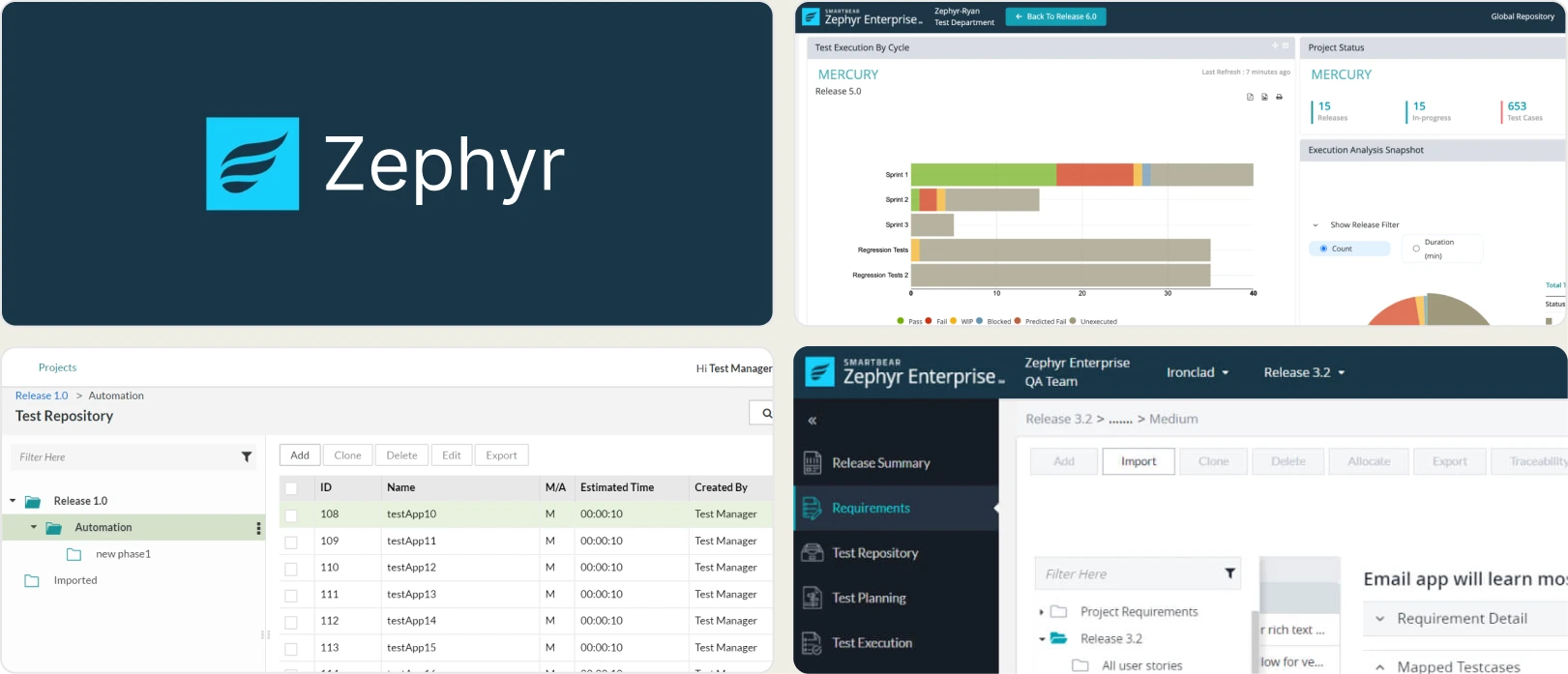
Jira teams that want a folder-based test library without turning every test case into a Jira issue.
Platform Type:
Jira-native test management app
Integrations with:
Jira (native), Jenkins, Bamboo, GitHub Actions, JUnit, Cucumber
Key Features:
- Structured, folder-based test library inside Jira
- Reusable test steps and parameters
- Test execution cycles and version tracking
- Traceability to Jira requirements
- Cross-project reporting and Jira dashboard gadgets
- REST API for CI/CD integration
Pros
- Free for Jira instances of 10 or fewer users
- Folder structure maps closely onto Qase's suite model
- Avoids the Jira issue bloat that Xray creates
- Strong reporting gadgets for Jira dashboards
Cons
- Tied entirely to Jira
- Also billed against total Jira user count
- Automation integration limited to XML result parsing
- No test analytics or failure intelligence
First Hand Experience
Zephyr Scale is the closest structural match to Qase inside Jira. Both organize tests in a folder or suite hierarchy rather than as individual issues, so teams migrating keep the same mental model.
For a small team already paying for Jira, the free tier for instances of 10 or fewer users means test management effectively costs nothing, against Qase's new $175 monthly floor.
Reporting relies on Jira gadgets and dashboard widgets. Teams that need standalone test analytics, failure classification, or Playwright-specific reporting will outgrow what a Jira add-on provides.
Pricing & Value
Free for up to 10 Jira users. From $10/month (Standard) and $15/month (Advanced) for small instances, scaling in Atlassian Marketplace tiers. Zephyr Enterprise is quote-based with a 20-user minimum.
Final Verdict
Zephyr Scale is a very cheap Qase alternative for Jira teams, especially under 10 users. For deeper test intelligence or framework-specific analytics, standalone platforms provide more depth.
6. PractiTest
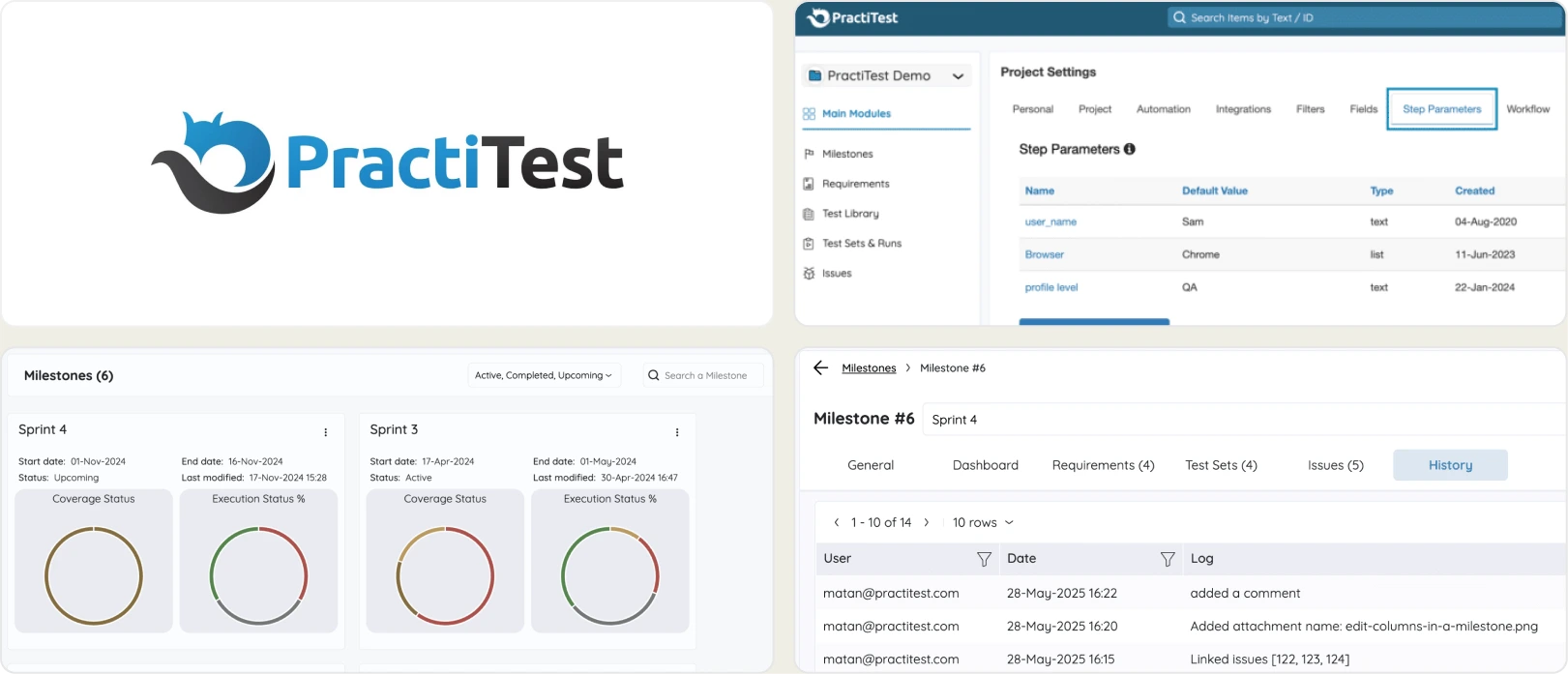
Best for:
QA teams that need requirements traceability, compliance reporting, and structured test governance.
Platform Type:
Cloud-based enterprise test management platform
Integrations with:
Jira, Jenkins, GitHub, GitLab, Azure DevOps, Selenium, REST API
Key Features:
- End-to-end requirements traceability with visual dashboards
- SmartFox AI for test prioritization and risk-based testing
- Custom fields and hierarchical filters for large repositories
- Exploratory testing with session-based management
- Compliance-oriented reporting for regulated industries
- REST API for automation result uploads
Pros
- Deep traceability across requirements, tests, and defects
- Hierarchical filters scale to very large repositories better than folder trees
- SmartFox AI helps prioritize high-risk test areas
- Strong support and structured onboarding
Cons
- From around $47/user/month with a 5-user minimum, more expensive than Qase
- No built-in test analytics or failure analysis
- Interface feels dated and heavy next to Qase
- Automation reporting stays at pass/fail level
First Hand Experience
PractiTest competes on governance rather than developer experience, which makes it an upgrade path rather than a cost saving from Qase.
Its filter-based data model handles very large repositories more gracefully than nested suites, and the compliance reporting is stronger than anything Qase offers. SmartFox AI adds risk-based prioritization based on historical defect patterns, which is planning intelligence rather than failure triage.
At around $47 per user with a 5-user minimum, the floor is near $235 per month, above Qase's new $175. Choose it because you need the traceability, not because you are leaving Qase on price.
Pricing & Value
From around $47/user/month (Team, 5-user minimum), with Corporate tiers quoted based on seat count and a 10-user minimum.
Final Verdict
PractiTest fits regulated industries that need audit-ready traceability. For teams that need test analytics and failure insights alongside management, a governance-first tool leaves the harder half unsolved.
7. Testmo
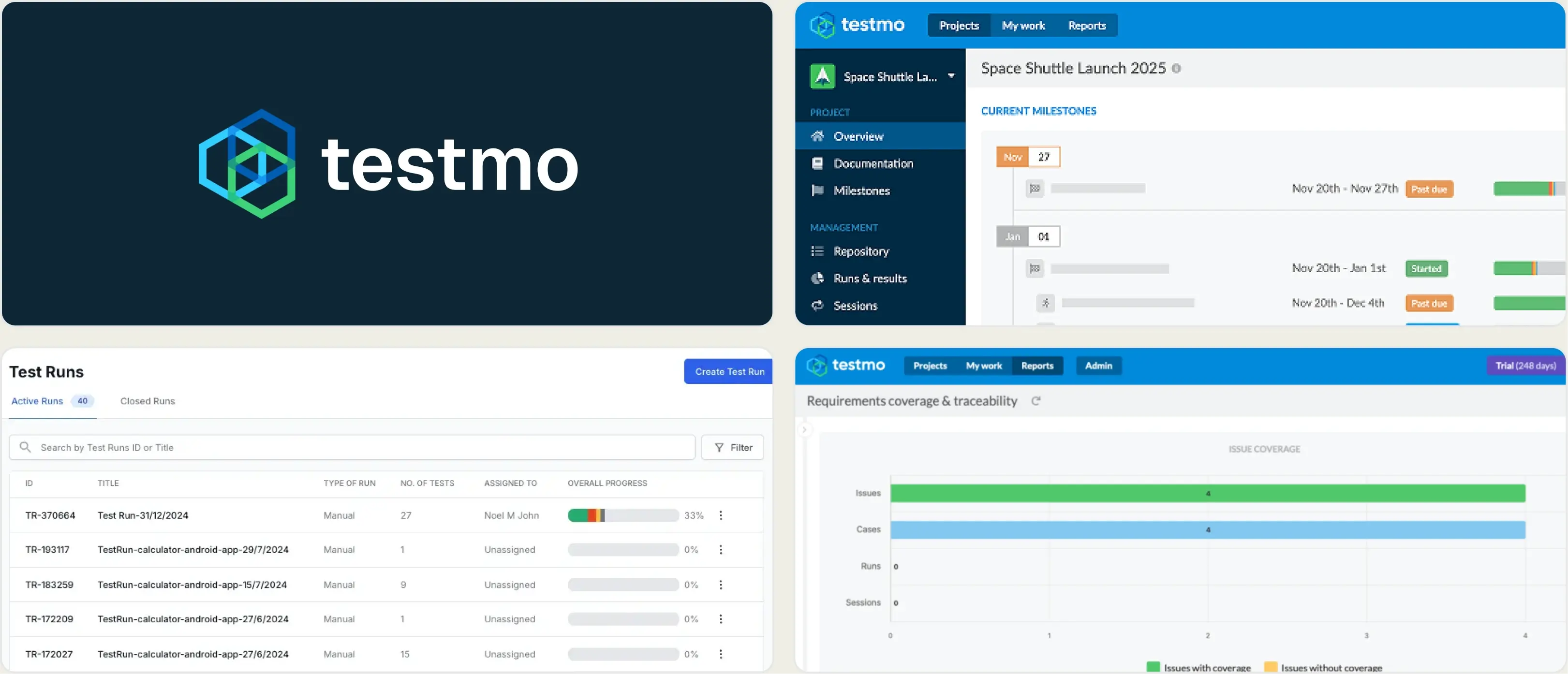
Best for:
Teams mixing manual, exploratory, and automated testing that want flat plan pricing instead of per-seat billing.
Platform Type:
Unified test management platform
Integrations with:
Jira, GitHub, GitLab, Linear, Jenkins, CircleCI, most CI systems
Key Features:
- Manual, automated, and exploratory testing in one workspace
- Fast, keyboard-driven UI built for high-volume case editing
- CLI reporter for automation result ingestion
- Reporting Center dashboards and milestone tracking
- Testmo AI for test case generation
- Field-level customization and permissions
Pros
- Flat plan pricing rather than per-seat, which beats Qase above about 3 users
- Dedicated exploratory testing module that Qase does not match
- Genuinely fast UI on large repositories
- CLI reporter links automation results without case IDs in code
Cons
- Reporting Center requires the Business tier at $399/month per 25 users
- SSO and audit logs are Enterprise-only at $599/month per 25 users
- No trace viewer or Playwright-specific debugging
- Only a 14-day trial, with no free tier
First Hand Experience
Testmo is the closest philosophical alternative to Qase and the pricing comparison is the interesting part. Team at $99/month covers 10 users, which beats Qase Teams at $35 per user from roughly three people upward.
The catch is tier gating. The Reporting Center, which is the analytics layer, is a Business feature at $399/month per 25 users. Qase includes dashboards on Teams. So Testmo is cheaper for management and more expensive for analytics, and which one wins depends entirely on whether you need the dashboards.
Testmo's exploratory testing module is better than Qase's, and its CLI reporter avoids the case-ID fragility of TestRail. Neither tool gives you Playwright debugging evidence.
Pricing & Value
Team $99/month for 10 users, Business $399/month per 25 users, Enterprise $599/month per 25 users, with 15% off annual billing. 14-day trial, no free tier.
Final Verdict
Testmo is the strongest flat-priced Qase alternative and better value above three users, as long as you do not need the Business-tier Reporting Center. Playwright teams still need a reporting layer for failure intelligence.
What Matters When Evaluating Qase Replacements
Qase prices test case management at $35 per user. If you also need failure intelligence, TestDino Pro is $39/month billed annually for 3 seats and 10,000 executions.
Model your real cost, not the per-user rate
The June 2026 repackaging changed the arithmetic. Startup at $24 is retired for new signups, Teams is $35 per user annually and $42 monthly, and there is a 5-user minimum. Your floor is $175 per month even if only three people write tests.
Count everyone who needs access, not just your automation engineers. QA leads, product managers checking coverage, and engineering managers reading dashboards all consume seats. Collaborator seats at $10 cover read-only viewers, which helps, but it is still a per-head calculation.
Compare that against the alternatives at your actual size. Tuskr is free for 5 users and $9 after that. Zephyr Scale is free for Jira instances under 10 users. Testmo is flat at $99 for 10 users. TestDino Pro is $39/month billed annually for 3 seats and 10,000 executions. Team is $79/month for 30 seats.
Failure intelligence beyond pass and fail
Qase shows run results and lets you link defects. It does not tell you why tests failed. AI failure classification, error grouping, and flaky test detection with root cause categories turn raw results into a prioritized fix list.
Be precise when comparing AI claims here. Qase's AIDEN generates test cases, as do Testmo AI and Tuskr's generator. That is authoring assistance, not triage. Classifying a failure as a real bug versus a UI change versus an unstable test is a different capability, and most tools in this category do not have it.
The same applies to flaky detection. A flaky flag tells you a test is unreliable. A root cause classification tells you whether to fix a timing assumption, a test fixture, or your staging environment.
Debugging evidence attached to every failure
Qase stores attachments against test results, so you can retrieve a screenshot if your CI uploaded one. There is no built-in trace viewer, no embedded video replay, and no console log capture per test.
Playwright teams need more than attachments. A trace that replays DOM state per action, screenshots at the point of failure, and console logs decide whether you fix a failure from the report or reproduce it locally first. If your debugging workflow starts with re-running the test on your machine, the reporting tool is not capturing enough context.
CI/CD integration that acts on results
Qase ingests results through its reporter and exposes webhooks. It does not add merge-blocking quality gates or AI summaries on commits and pull requests, so building that logic falls to your team.
Look for platforms that support minimum pass rates on PRs, mandatory tag checks, environment-specific merge rules, and shard-aware live results. Uploading results is table stakes. Acting on them inside the developer workflow is where pipeline time and merge safety actually improve.
Where your data lives and how long it stays
Qase Free retains 30 days of history, Teams two years, and Enterprise unlimited. If you need longer retention or self-hosting for compliance, that narrows the field quickly.
TestRail offers a self-hosted deployment, which Qase does not. Xray and Zephyr Scale keep data inside your Jira instance. Check retention limits and export paths before committing, because migrating test history out of a SaaS tool is far harder than migrating test cases.
Wrapping Up
Qase remains one of the better-designed test management platforms, with a fast interface, good reporters, and a data model that most teams find intuitive. The June 2026 repackaging genuinely improved the Teams tier by making SSO and requirements traceability standard and doubling data retention.
It also removed the cheap entry point. With Startup retired, Teams at $35 to $42 per user, and a 5-user minimum, the platform now costs more than it did and sits at rough parity with TestRail rather than undercutting it.
TestRail adds audit trails and self-hosting. Xray and Zephyr Scale are far cheaper for small Jira instances. Tuskr offers a permanent free tier that includes the integrations and SSO Qase gates behind Teams. PractiTest covers compliance-grade governance. Testmo delivers flat pricing that beats per-seat above three users.
For Playwright-first teams that want test management, AI failure classification, hosted trace viewing, flaky detection with root causes, and CI/CD quality gates in one platform, TestDino combines test intelligence, management, and reporting at $39/month billed annually for 3 seats and 10,000 executions.
Get Clarity Beyond Pass and Fail
Classify failures by root causeEmbedded trace viewers and video replaysFAQs
In June 2026 Qase repackaged its plans. The Startup tier at $24 per user was retired for new signups, Business was renamed Teams, and pricing moved from $30-36 to $35-42 per user per month. In exchange, Teams gained SSO and requirements traceability as standard features and data retention doubled to two years. Existing Startup and Business customers keep their original pricing unless they upgrade.