CircleCI is a cloud-native CI/CD platform that runs build and test pipelines using a credits-based pricing model. It includes Test Insights for basic flaky test detection, test splitting for parallelism, and an AI agent called Chunk for proposing fixes to intermittent failures.
But CircleCI's test analytics stop at surface-level reporting. Flaky tests are flagged only on same-commit failures. It lacks AI failure classification, trace viewing, and error grouping. Teams get pipeline execution, but still need a separate tool to understand and fix failures.
The credits-based pricing model also makes costs unpredictable. With Performance plans starting at $15/user/month plus usage-based compute credits, teams often struggle to forecast monthly bills as build frequency increases.
In this guide, we compare 7 of the best CircleCI alternatives to consider in 2026 on test reporting depth, AI failure analysis, debugging evidence, and pricing transparency.
Best CircleCI Alternatives: How to Choose the Right Tool
We evaluated each tool based on test reporting depth, AI failure analysis, flaky test detection with root cause classification, Playwright support, debugging evidence, CI/CD integration flexibility, and pricing transparency.
How to Compare CircleCI Alternatives
Here is a quick comparison of the top alternatives to CircleCI to help you identify your preferred test reporting and CI/CD tool:
TestDino | CircleCI | GitHub Actions | GitLab CI/CD | Buildkite | |
|---|---|---|---|---|---|
| PricingLowest paid plan, per the listed billing terms. | Pro from $39/month (billed annually) | $15/user/month + credits | Free for public repos, $4/user for private | Free tier, $29/user/month (Premium) | Free for small teams (usage-based) |
| Best for | Playwright cloud companion & test management | Credits-based CI/CD with basic test insights | GitHub-native CI/CD with marketplace ecosystem | All-in-one DevOps with integrated CI/CD | Hybrid CI/CD with self-hosted agents |
| Playwright integration | Native (trace viewer, error grouping, MCP) | Generic test runner | Generic test runner | Generic test runner | Generic test runner |
| One-step CI setup | One reporter line, streams live | ||||
Dashboards & Reporting | |||||
| Unified Playwright dashboard | |||||
| Multi-tab test run detail | Summary, History, AI Insights & more | Basic job output | Log-based output only | Job log view | Test Engine analytics |
| Pull request insightsSee test results and history for each pull request. | Check runs on PR | Pipeline widget on MR | |||
| Test ExplorerBrowse tests as a hierarchy, a flat list, or by tag. | |||||
| Real-time streaming | Per-shard/worker | ||||
| Scheduled PDF reportsGet report PDFs emailed on a set schedule. | Daily/Weekly/Monthly (Team plan) | ||||
Test Analytics | |||||
| Analytics: trends & patterns | Basic Test Insights | Basic pipeline analytics | Test Engine trends | ||
| Code coverage, per-file | Istanbul, run-level | Basic coverage display | |||
| Environment analytics | Pass-rate/flaky by env | ||||
Debugging & Evidence | |||||
| Built-in Playwright trace viewer | |||||
| Screenshots & video replay | Embedded | Via artifacts | |||
| Console logs | Node + browser | Raw job logs | Raw workflow logs | Raw job logs | Raw build logs |
| Visual diff comparison | |||||
| Smart error grouping | Message/stack/location | ||||
| Flaky detectionSpot tests that pass and fail inconsistently, with a stability score. | Same-commit fail/pass only | Test Engine flaky detection | |||
| Playwright tags & annotations | Priority/owner/links/metrics | ||||
CI/CD Optimization | |||||
| GitHub CI Checks quality gates | Per-env + mandatory tags (Team plan) | Status checks (pass/fail only) | Native check runs | Pipeline status on MR | |
| Branch → environment mappingMatch each Git branch to the environment it runs against. | Exact/regex | Manual env config | Environment scopes | ||
| Sharded / parallel run support | Per-shard live view | ML-powered test splitting | Matrix strategy | Parallel keyword | Test Engine splitting |
| Native CI breadth | GitHub, GitLab, Azure DevOps, Bitbucket, CircleCI, Jenkins, TeamCity, AWS CodeBuild, Buildkite, Harness | CircleCI pipelines only | GitHub repos only | GitLab repos only | Any repo, agent-based |
| Self-managed GitLab | |||||
Test Management | |||||
| Test case management | |||||
| Bulk test creationGenerate many test cases at once from PRDs, Jira, or user stories. | via MCP | ||||
| Release trackingGroup test results by release, cycle, or sprint. | |||||
| Exploratory / manual sessions | |||||
| Import / export test cases | JSON/CSV/ZIP (export on Team) | ||||
AI & Automation | |||||
| Local MCPLet AI coding assistants in your editor act on test data directly. | Cursor/Claude Code/Copilot | ||||
| Remote MCPLet web-based AI tools query your test data. | |||||
| AI test run summary on GitHub PRs | |||||
| AI test suite auditAI scores your test suite and gives a downloadable report. | |||||
| AI failure classification | |||||
Integrations & Collaboration | |||||
| Bug tracking breadth | Jira, Linear, Asana, monday | Jira via orb | Via marketplace actions | Jira, Slack native | Via plugins |
| Slack notifications | App + webhooks | Via orb | Via marketplace action | Native | Native |
Platform & Security | |||||
| Public API & CLIs | REST + @testdino/playwright | REST API | REST API | REST API | REST API |
| Project-level AI controls | Per-feature toggles | ||||
| Compliance & certifications | ISO 27001, SOC 2 Type II, GDPR | ISO 27001, SOC 2 | ISO 27001, SOC 2 Type II | ISO 27001, SOC 2 | Self-managed (your infra) |
Plans & Pricing | |||||
| Plan tiers | Free · Pro $39 · Team $79 · Enterprise | Free · Performance · Scale · Server | Free · Team · Enterprise | Free · Premium · Ultimate | Free · Teams · Enterprise |
| Free executions | 5,000/mo | 6,000 credits/mo | 2,000 min/mo | 400 min/mo | Small teams free |
| Support | Email (Pro) · Priority (Team) · Slack Connect (Enterprise) | 8x5 ticket | Community + docs | Email + knowledge base | Email + Slack |
| Try for free | Learn more | Learn more | Learn more | Learn more | |
Best CircleCI Competitors for Test Reporting & CI/CD
Here are the 7 best alternatives to CircleCI for teams that want deeper test intelligence alongside their CI/CD pipeline:
1. TestDino
Best for:
Playwright-first teams that need every CI run recorded, AI failure classification, and debugging evidence on top of their existing CI/CD pipeline.
Platform Type:
Test intelligence, reporting, dashboards, and CI/CD optimization platform for Playwright.
Integrations with:
GitHub Actions, GitLab CI, Azure DevOps, Bitbucket, CircleCI, Jenkins, TeamCity, AWS CodeBuild, Buildkite, Harness, Jira, Linear, Asana, monday, Slack.
Key Features:
 AI failure classification into 4 categories (Actual Bug, UI Change, Unstable Test, Miscellaneous)
- Built-in Playwright trace viewer with DOM snapshots and network logs
- Error grouping by message, stack trace, and location
- Flaky test detection with root cause classification (timing, environment, network, assertion)
- GitHub CI Checks as merge quality gates
- MCP Server for AI agent queries from your IDE
- Real-time results streaming via WebSocket
- Test case management with suites up to 6 levels deep
- Code coverage per file breakdown

Pros
- Works with CircleCI, GitHub Actions, GitLab CI, Azure DevOps, Jenkins, Buildkite, and more
- AI failure classification and trace viewer built in from day one
- Plan-based pricing, no credits to track or per-seat fees
- Test management and automated reporting on the same platform

Cons
- Purpose-built for Playwright (multi-framework support on the roadmap)
First-Hand Experience
With CircleCI, your pipeline runs Playwright tests and reports basic pass/fail or same-commit flakiness. But when you need to understand the root cause of failures or distinguish real bugs from environment issues, CircleCI's Test Insights stop short.
TestDino sits on top of your CI pipeline, integrating easily with CircleCI, GitHub Actions, and GitLab. Add the reporter to your config, and your first run populates a dashboard with AI failure classification, root-cause flaky detection, and active error grouping.
The Test Explorer shows manual and automated tests side by side. Where CircleCI just lists slow or failed tests, TestDino provides failure intelligence with confidence scores and 1-click bug filing into Jira, Linear, Asana, or monday.
Debugging That Saves You from Re-running Locally
Failed tests in TestDino include screenshots, video, console logs, and a step-by-step trace viewer. While CircleCI only shows raw job logs, TestDino shows exactly what happened in the browser.
AI Insights classifies each failure as an Actual Bug, UI Change, Unstable Test, or Miscellaneous. Bug filing into Jira, Linear, Asana, or monday is 1-click, pre-filled with error details, stack traces, and direct links to the CI job.
CI/CD Speed and Merge Safety
CircleCI re-runs entire failed jobs. TestDino streams per-shard results. Quality gates block merges on flaky thresholds.
GitHub CI Checks add PR quality gates. You can set minimum pass rates and environment-specific rules. AI-generated summaries are automatically posted to commits and merge requests with detailed pass/fail counts.
Flaky Test Detection That Tells You Why
Flaky test detection classifies unstable tests by root cause, including timing and network issues. Each test gets a stability score. Unlike CircleCI, which only flags same-commit failures, TestDino tells you exactly why they are flaky.
Real-Time Streaming and Scheduled Reports
Results appear instantly via real-time streaming as each test completes. You can also schedule automated PDF reports for health summaries, and configure Slack notifications filtered by specific environments or branches.
MCP Server for AI-Assisted Test Management
The MCP Server connects AI assistants like Cursor and Claude Code directly to test data. ChatGPT and Claude on the web connect through the remote server at mcp.testdino.com. You can pull debugging context, perform root cause analysis, and manage manual test cases through natural language without switching tools.
Pricing & Value
Pricing may vary. Check the pricing page for the latest details.
Final Verdict
TestDino complements CircleCI by filling its reporting gaps: it adds AI failure classification, trace viewing, and error grouping. On the Pro plan, at $39/month billed annually ($49 monthly) for 3 users, it adds dedicated failure analysis on top of your CI provider.
Pricing is by plan, not per credit. A 10-person team fits on the Team plan at $79/month billed annually ($99 monthly), which includes 40,000 test results and no usage-based surprises. It replaces the need to pair CircleCI with a separate test reporting and debugging tool.
2. GitHub Actions
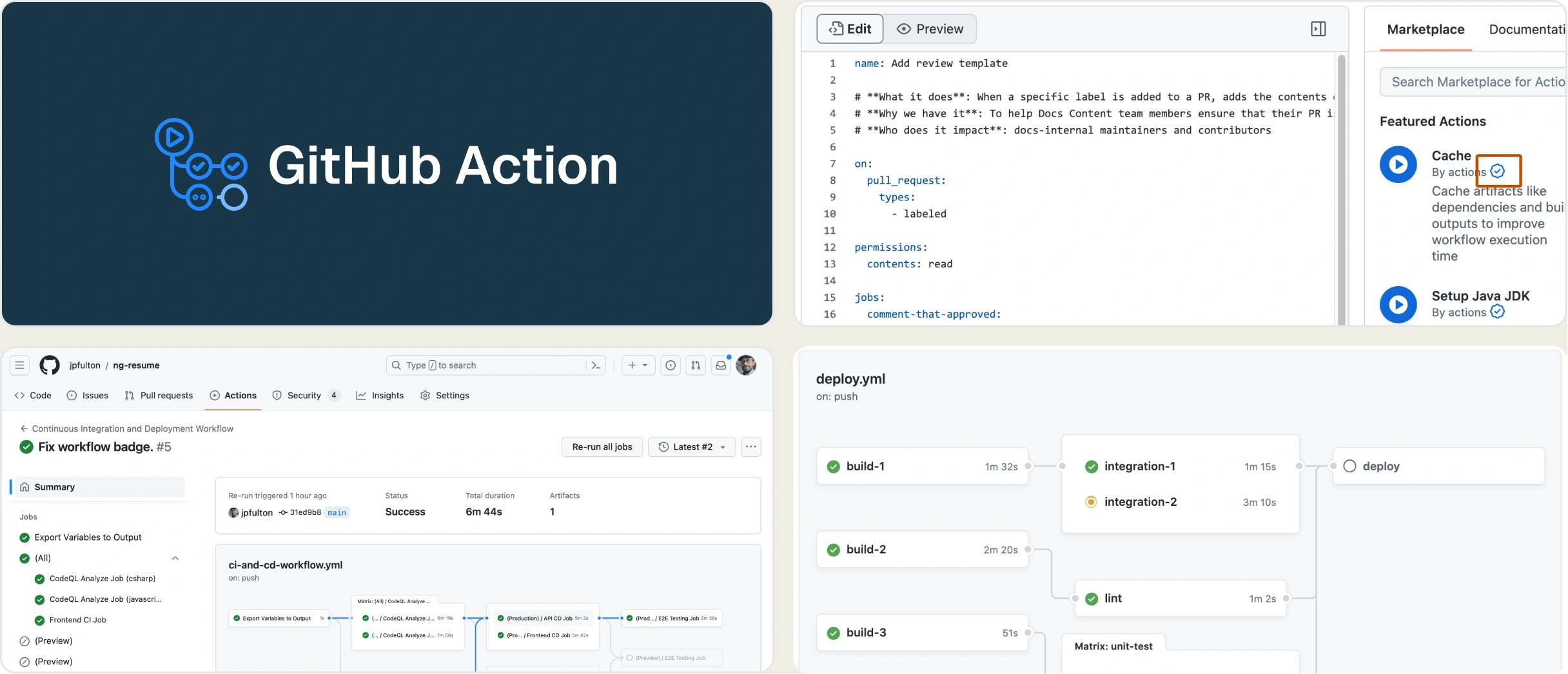
Best for:
Teams already using GitHub that want CI/CD tightly integrated with their source control, though the platform provides no dedicated test analytics or failure intelligence.
Platform Type:
GitHub-native CI/CD automation platform.
Integrations with:
GitHub (native), Docker Hub, AWS, Azure, GCP, Slack (via marketplace).
Key Features:
- Workflow-based CI/CD with YAML configuration
- Marketplace with 15,000+ community actions
- Matrix builds for cross-platform and cross-browser testing
- Container and self-hosted runner support
- Artifact storage for test outputs
- Native check runs on pull requests
Pros
- Free for public repos, generous free tier for private repos
- Tight GitHub integration with no external setup
- Large ecosystem of pre-built actions
Cons
- No test analytics, failure classification, or flaky detection
- Debugging limited to raw workflow log output
- No trace viewer, error grouping, or test case management
- Costs scale unpredictably with private repo usage minutes
First-Hand Experience
GitHub Actions handles CI/CD effortlessly for GitHub users. Matrix builds cover cross-browser testing, and the marketplace provides actions for most use cases. The YAML-based setup is straightforward and deeply integrated.
However, GitHub Actions provides no test intelligence beyond pass/fail PR checks. Without failure classification, error grouping, or a trace viewer, teams must scroll through raw logs to debug. Playwright teams still need a dedicated reporting tool.
Pricing & Value
Free for public repos. Private repos get 2,000 free minutes per month on the Free plan. The Team plan runs $4/user/month, and Enterprise runs $21/user/month.
Final Verdict
GitHub Actions is solid for CI/CD, but provides no test intelligence. Playwright teams must pair it with a tool like TestDino for failure analysis, debugging evidence, and flaky detection.
3. GitLab CI/CD
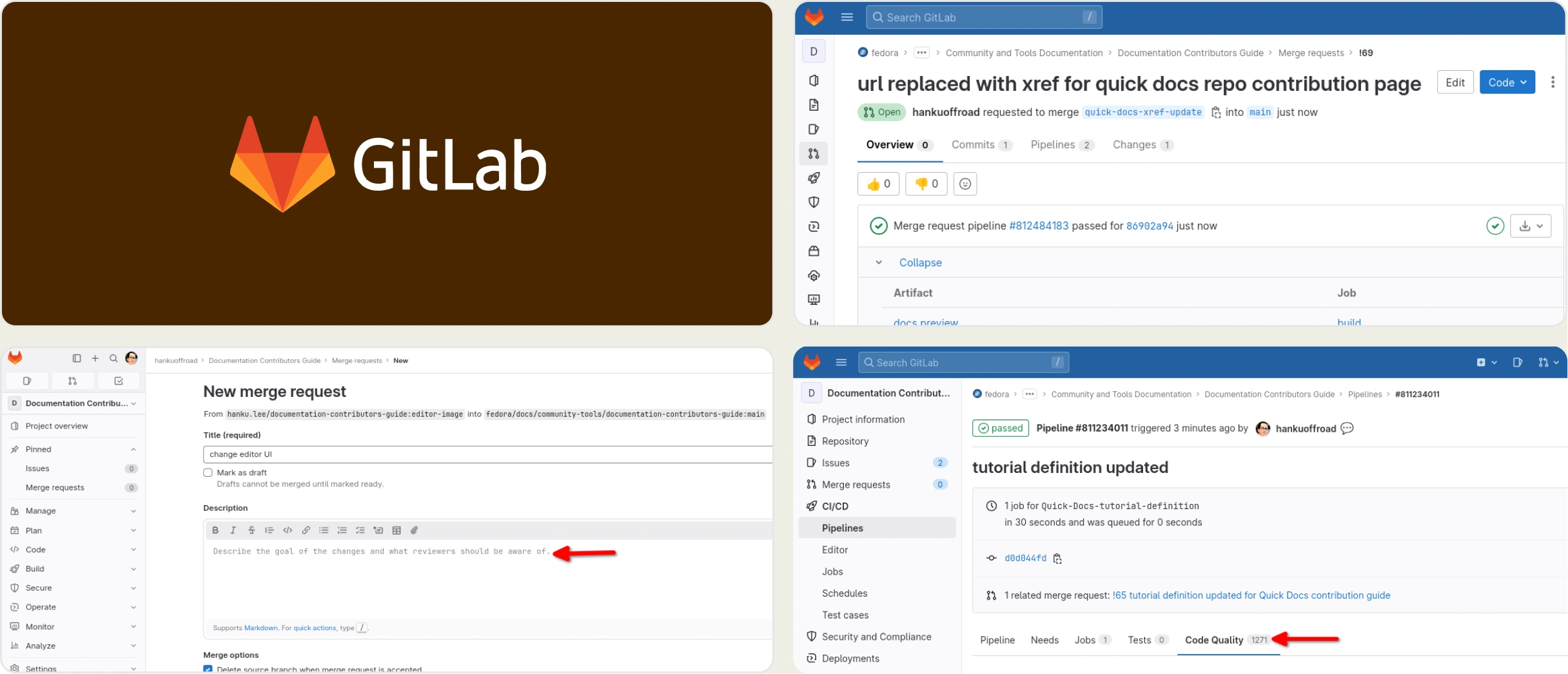
Best for:
Teams wanting an all-in-one DevOps platform with source control, CI/CD, and security scanning in one place, though test analytics remain shallow.
Platform Type:
Integrated DevOps platform with built-in CI/CD.
Integrations with:
GitLab (native), Jira, Slack, Docker, Kubernetes, AWS, GCP, Azure.
Key Features:
- Built-in CI/CD with .gitlab-ci.yml configuration
- Auto DevOps for automated pipeline generation
- Container registry and package management
- Security scanning (SAST, DAST, dependency scanning)
- Merge request pipelines with environment deployments
- Basic JUnit test report parsing
Pros
- All-in-one platform reduces tool sprawl
- Strong security scanning and compliance features
- Self-managed option for enterprise control
Cons
- Test reporting limited to basic JUnit parsing with no deeper analytics
- No AI failure classification, trace viewer, or error grouping
- No flaky test detection or root cause analysis
- Interface can feel complex and slow for larger instances
First-Hand Experience
GitLab CI/CD offers source control, CI/CD, and security scanning in one platform. This integrated approach reduces tool sprawl, while features like Auto DevOps automatically generate pipelines for common projects.
GitLab's test reporting is limited to basic JUnit parsing and pass/fail MR badges. It lacks flaky test detection, failure classification, and trace viewing. Teams running Playwright at scale need deeper analytics for efficient triage.
Pricing & Value
The Free tier includes 400 CI/CD minutes per month. Premium runs $29/user/month, and Ultimate runs $99/user/month. Self-managed options are available.
Final Verdict
GitLab CI/CD works as an all-in-one DevOps platform, but its test reporting stays at JUnit-level parsing. Teams running Playwright in GitLab pipelines still need a dedicated test intelligence layer for AI failure classification, trace viewing, and flaky detection.
4. Buildkite
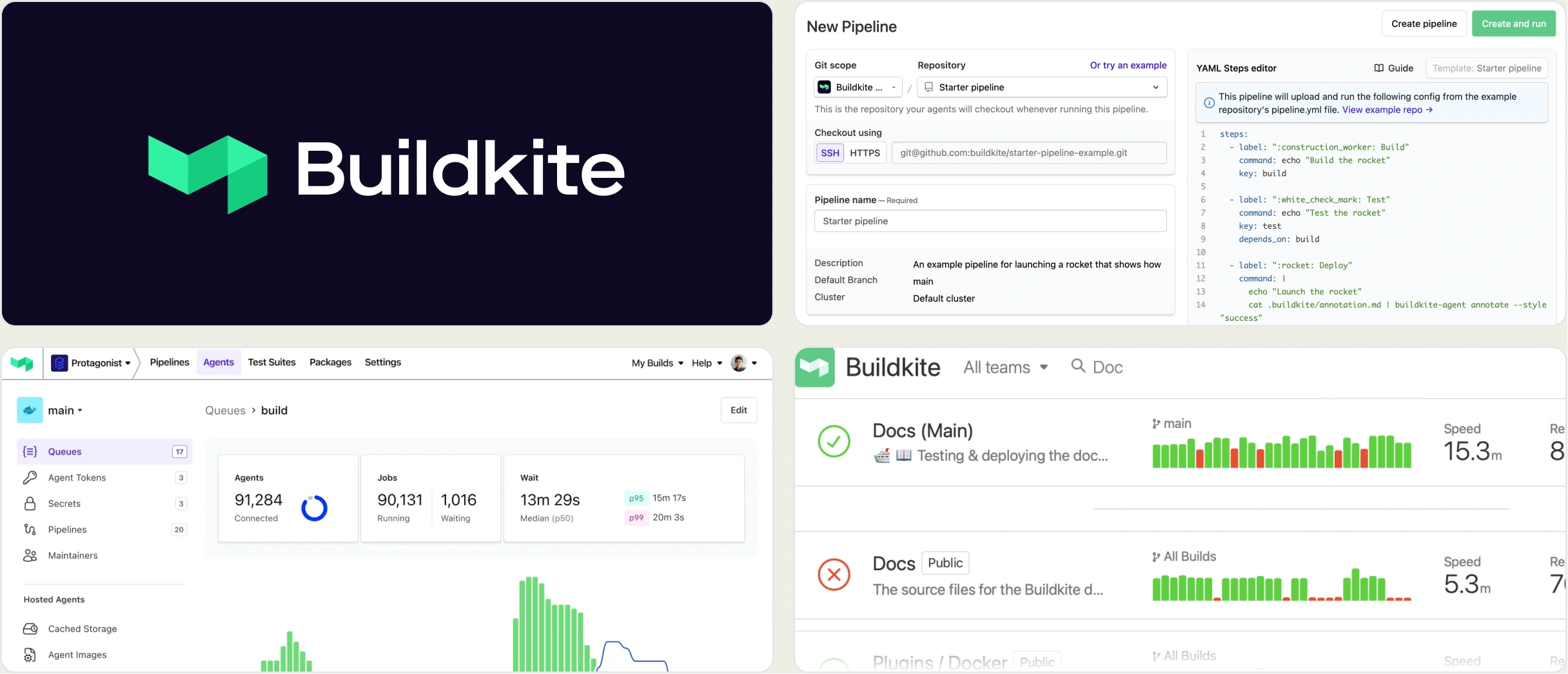
Best for:
Enterprise teams that want to control their own CI/CD compute with self-hosted agents while using a hosted orchestration layer, though test analytics require the separate Test Engine add-on.
Platform Type:
Hybrid CI/CD platform with self-hosted agents and hosted UI.
Integrations with:
GitHub, GitLab, Bitbucket, Docker, Kubernetes, Slack, PagerDuty.
Key Features:
- Self-hosted agents with hosted pipeline orchestration
- Dynamic pipelines with YAML or code-based config
- Parallel test execution with smart splitting
- Test Engine add-on for flaky test detection and analytics
- Artifact management and container support
- Webhook and API integrations
Pros
- Full control over build infrastructure with self-hosted agents
- Test Engine provides test splitting and basic flaky detection
- Scales well for large enterprise workloads
Cons
- Test Engine is a paid add-on separate from the CI/CD platform
- No AI failure classification, trace viewer, or error grouping
- Test analytics limited to flaky detection and test splitting
- Agent setup and maintenance adds infrastructure overhead
First-Hand Experience
Buildkite's hybrid model provides hosted pipeline orchestration while you retain control over build infrastructure. Running self-hosted agents on your own machines ensures total control over compute, security, and network access.
The Test Engine add-on offers test splitting and basic flaky detection, but analytics stop there. With no AI failure classification, error grouping, or trace viewer, Buildkite users still require a dedicated test intelligence tool.
Pricing & Value
Free for small teams, with usage-based pricing for larger teams. Test Engine is an additional paid feature.
Final Verdict
Buildkite handles CI/CD orchestration with self-hosted flexibility, but its Test Engine provides only surface-level test analytics. Teams running Playwright need to pair Buildkite with a dedicated test intelligence tool for failure classification, debugging evidence, and CI/CD optimization.
5. Semaphore CI
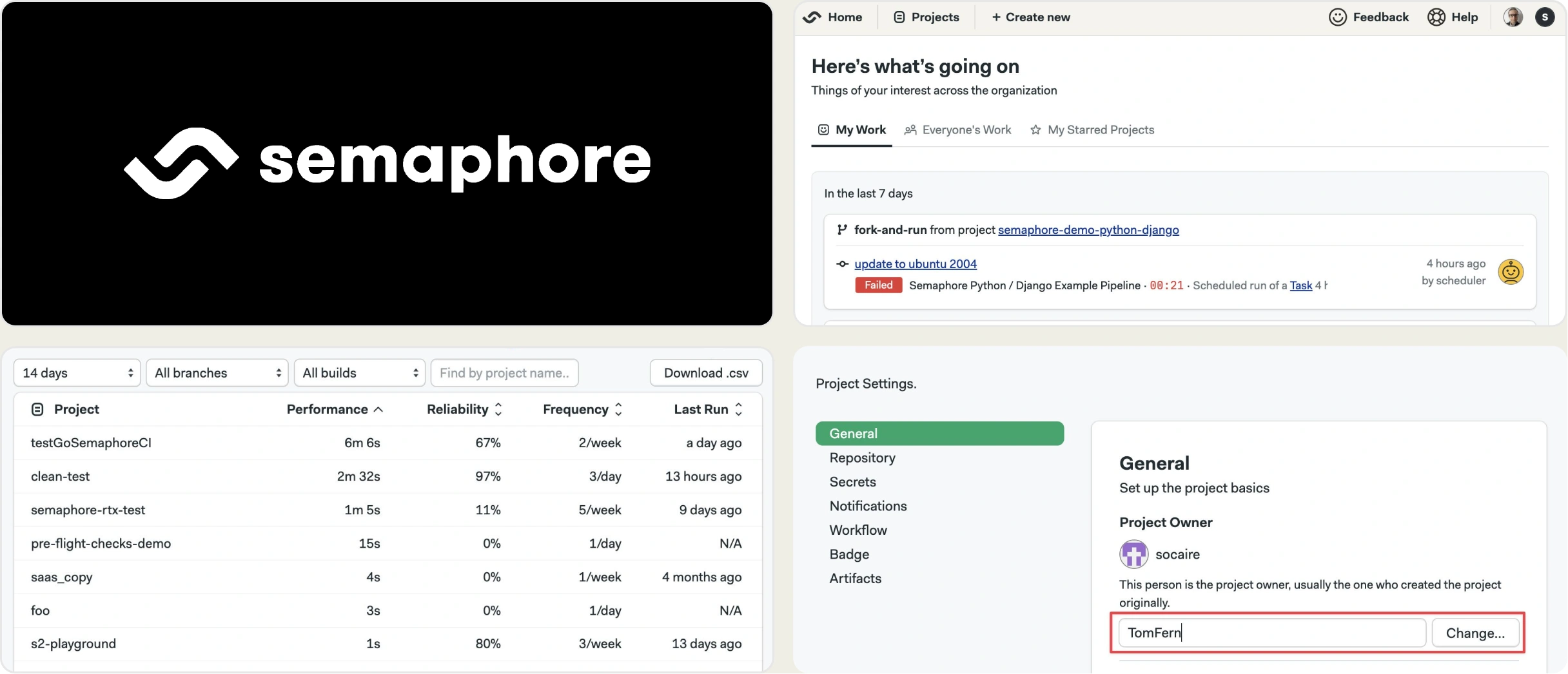
Best for:
Teams that want fast CI/CD with built-in caching and parallelism, though the platform provides limited test-specific analytics.
Platform Type:
Cloud-native CI/CD platform with managed infrastructure.
Integrations with:
GitHub, Bitbucket, Docker Hub, AWS, GCP, Slack.
Key Features:
- Auto-scaling CI/CD with managed infrastructure
- Built-in dependency caching for faster builds
- Parallel job execution with configurable pipelines
- Test results summary with JUnit report parsing
- Docker-native builds with layer caching
- Deployment pipelines with promotion gates
Pros
- Fast builds with aggressive caching and parallelism
- Clean UI with easy pipeline visualization
- Competitive pricing for small to mid-sized teams
Cons
- No AI failure classification, trace viewer, or error grouping
- Test reporting limited to JUnit summary with no deeper analytics
- No flaky test detection or test case management
- Smaller ecosystem compared to GitHub Actions or GitLab CI
First-Hand Experience
Semaphore CI maximizes build speed with aggressive caching, auto-scaling infrastructure, and parallel execution. Its clean UI makes pipeline visualization easy, which suits teams prioritizing fast feedback loops.
Semaphore provides only basic JUnit pass/fail summaries, lacking flaky detection, failure classification, and Playwright debugging. While pipeline execution is fast, teams still need a separate tool to understand their failures.
Pricing & Value
Free tier with limited minutes. Pro starts at $29/month. Usage-based pricing scales with compute consumption.
Final Verdict
Semaphore CI delivers fast builds with smart caching, but offers no test intelligence beyond basic JUnit reporting. Teams running Playwright need a dedicated analytics layer for failure triage, flaky detection, and debugging evidence.
6. Jenkins
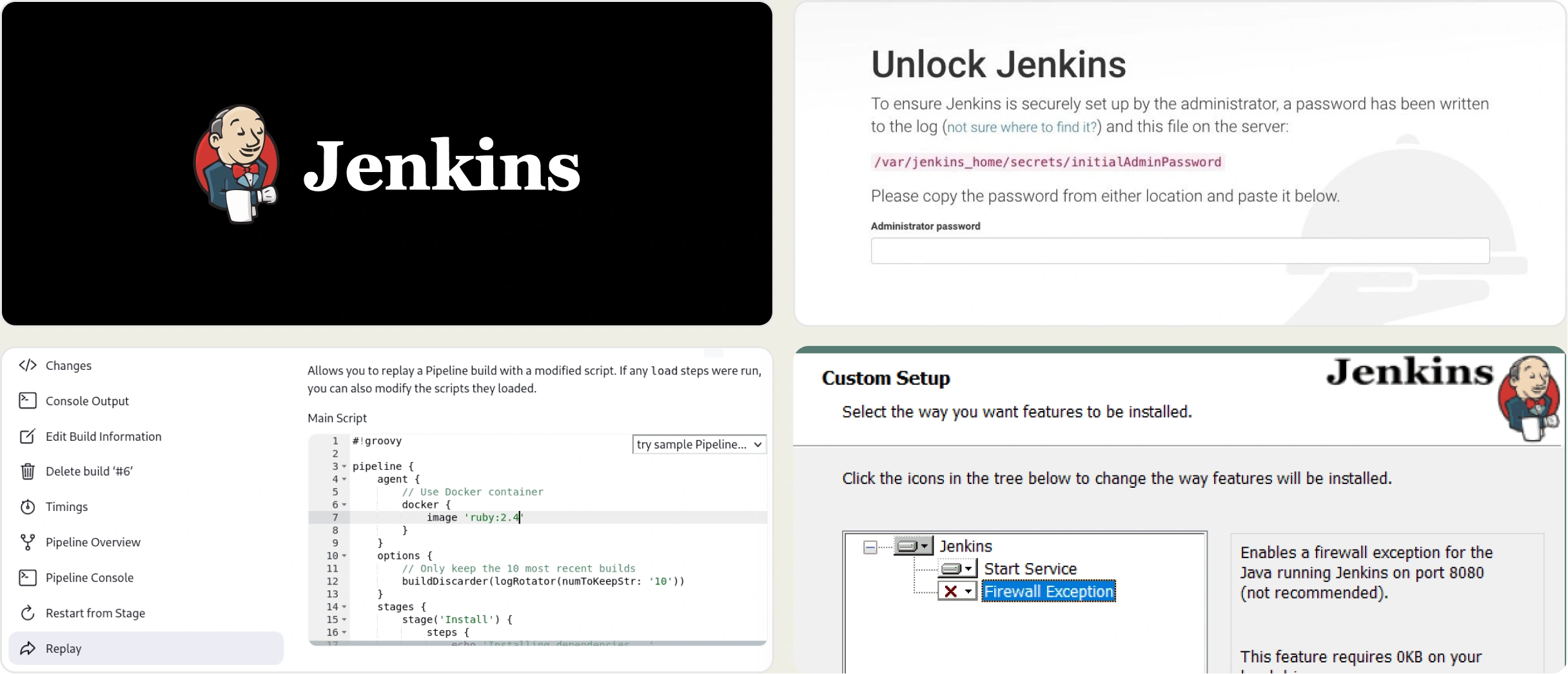
Best for:
Teams that need maximum CI/CD customization and control through an open-source, self-hosted platform, though test reporting requires manual plugin configuration and maintenance.
Platform Type:
Open-source, self-hosted CI/CD automation server.
Integrations with:
GitHub, GitLab, Bitbucket, Docker, Kubernetes, Jira, Slack, 1,800+ plugins.
Key Features:
- Open-source with no licensing costs
- 1,800+ plugins for virtually any integration
- Pipeline as Code with Jenkinsfile (Groovy DSL)
- Distributed builds across multiple agents
- JUnit test result archiving and trend charts
- Blue Ocean UI for improved pipeline visualization
Pros
- Free and open-source with no vendor lock-in
- Massive plugin ecosystem for any use case
- Full control over infrastructure and configuration
Cons
- Self-hosted infrastructure requires ongoing maintenance and security patching
- No AI failure classification, trace viewer, or error grouping
- Test reporting limited to JUnit plugin with basic trend charts
- No flaky test detection, test case management, or MCP server
- UI feels dated despite Blue Ocean improvements
First-Hand Experience
Jenkins offers complete CI/CD control without vendor lock-in. Its vast plugin ecosystem and flexible Jenkinsfile pipelines are capable, while self-hosting ensures you retain ownership over compute, data, and security.
However, Jenkins requires significant infrastructure and plugin maintenance. Test reporting relies on basic JUnit trend charts, lacking AI failure classification, trace viewing, or error grouping. Debugging requires digging through raw console logs.
Pricing & Value
Free and open-source. Infrastructure costs depend on self-hosted compute resources. CloudBees, the commercial Jenkins distribution, offers enterprise pricing on request.
Final Verdict
Jenkins provides maximum CI/CD flexibility at zero licensing cost, but its test reporting stays at the JUnit plugin level. Teams running Playwright need to pair Jenkins with a dedicated test intelligence tool for failure analysis, debugging evidence, and CI/CD optimization.
7. Travis CI
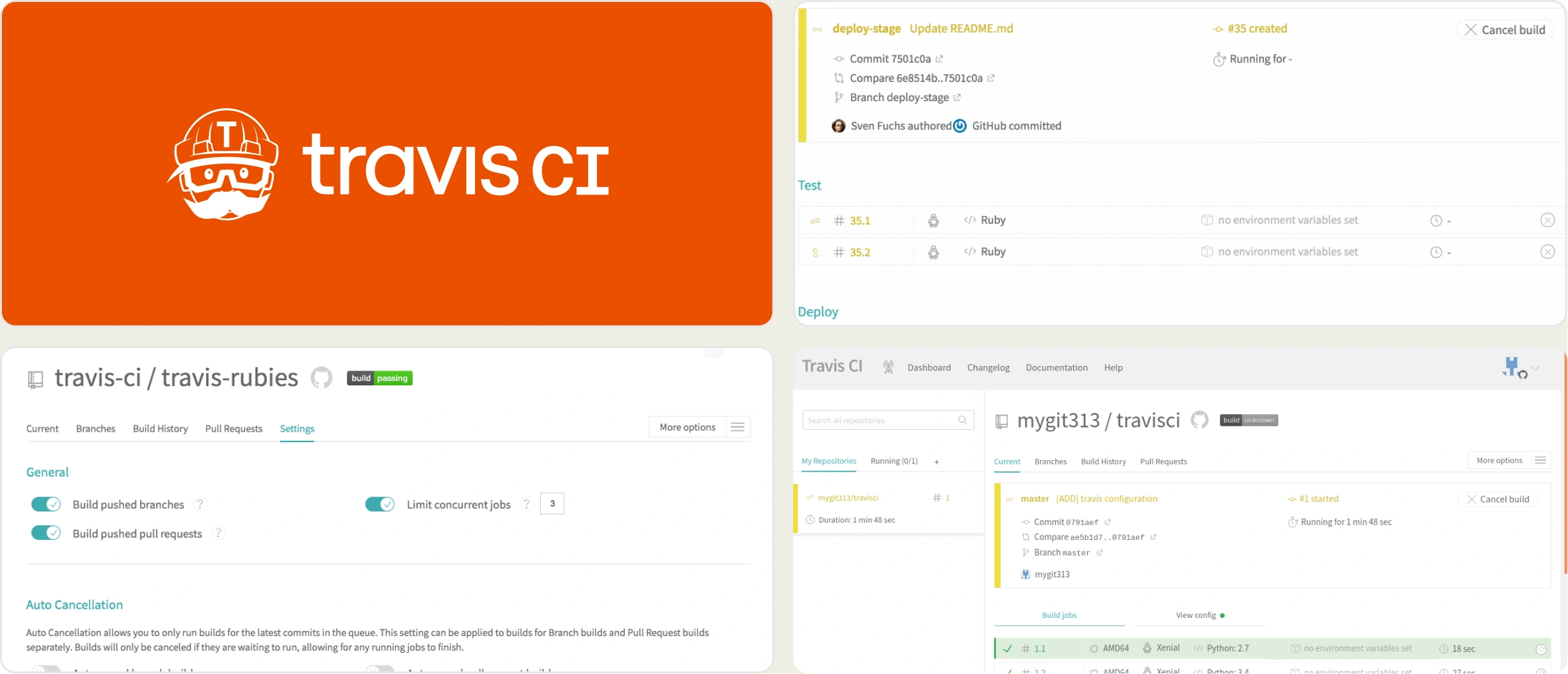
Best for:
Open-source projects and small teams that want simple CI/CD configuration with minimal setup, though the platform has declined in features and adoption since its pricing changes.
Platform Type:
Cloud-hosted CI/CD platform.
Integrations with:
GitHub, Bitbucket, Docker Hub, AWS, Heroku, Slack.
Key Features:
- Simple .travis.yml configuration for quick setup
- Multi-language and multi-OS build support
- Auto-detection of project type and language
- Build matrix for cross-platform testing
- Deployment integrations with major cloud providers
- Build caching for faster subsequent runs
Pros
- Simple configuration with minimal YAML
- Free tier for open-source projects
- Easy setup for standard project types
Cons
- Platform has lost significant market share and community trust since 2020 pricing changes
- No AI failure classification, trace viewer, or error grouping
- No flaky test detection, test analytics, or test case management
- Build speeds have degraded compared to competitors
- Limited feature development in recent years
First-Hand Experience
Travis CI was historically the default for open-source GitHub projects. Its simple .travis.yml configuration, project auto-detection, and build matrix make setup quick and cross-platform testing straightforward.
Recently, Travis CI has lost community trust due to pricing changes and slowed feature development. It provides no test analytics beyond raw logs, lacking flaky detection or failure classification, so teams get execution without intelligence.
Pricing & Value
Free for open-source projects. Paid plans are based on concurrent jobs, starting around $69/month, with a usage-based credits model for additional compute.
Final Verdict
Travis CI works for simple open-source projects, but its declining feature development and lack of test intelligence make it a poor fit for teams running Playwright at scale. Teams on Travis CI should consider migrating to a more actively developed CI/CD platform and pairing it with a dedicated test reporting tool.
What to Look for in a CircleCI Alternative
Choosing the right CircleCI alternative depends on where your current workflow falls short. Use this framework to match your priorities to the right tool.
You need better test intelligence
If your CI pipeline works fine but you lack failure classification, debugging evidence, and flaky detection, TestDino is the answer. It works on top of CircleCI, GitHub Actions, GitLab CI, Azure DevOps, Jenkins, Buildkite, and other supported CI providers.
You keep your pipeline. TestDino adds the debugging layer with AI failure classification, trace viewing, error grouping, and root-cause flaky detection.
You want to switch CI/CD platforms entirely
If you want to move away from CircleCI's credits-based pricing, GitHub Actions fits teams whose code lives on GitHub and who want the simplest setup. GitLab CI/CD suits teams that want source control, CI/CD, and security scanning in one platform.
Buildkite works for enterprise-scale CI with self-hosted agent control. Jenkins fits teams that need maximum customization and zero vendor lock-in.
You need both pipeline and intelligence
Pair GitHub Actions, GitLab CI/CD, Buildkite, or Jenkins with TestDino for the debugging layer. TestDino integrates with each of them, adding AI failure classification, trace viewing, error grouping, flaky detection, and test case management on top of your existing pipeline.
Wrapping Up
CircleCI runs build and test pipelines well, but its test analytics stop at surface-level reporting. Teams running Playwright at scale often look for deeper failure intelligence than Test Insights can provide.
GitHub Actions, GitLab CI/CD, Buildkite, Semaphore, Jenkins, and Travis CI each handle CI/CD execution, but none provide AI failure classification, trace viewing, or root-cause flaky detection. Each addresses pipeline execution, not test intelligence.
For Playwright-first teams that want AI failure classification, flaky test detection, test management, and CI/CD optimization on top of your CI provider, TestDino combines reporting, analytics, and collaboration. The Pro plan starts at $39/month billed annually ($49 monthly) for 3 users, with a Free plan for 5,000 test results a month.
Add failure analysis to your CI pipeline
Classify failures by root causeKeep your existing CI/CD providerFAQs
No. TestDino is not a CI/CD pipeline runner. It works alongside CircleCI (or another supported CI/CD provider) as the Playwright cloud companion. CircleCI runs your Playwright tests. TestDino tells you why they failed, which ones are flaky, and what to fix first.