PractiTest brings the full QA lifecycle together in one place: requirements, test cases, execution, and defects. But the interface feels dated, onboarding is slow, and per-seat pricing gets painful as teams grow. There is no native Playwright reporter, no AI failure classification, no flaky test detection, and no MCP support. Automation feels like an afterthought on a platform built for manual QA.
Teams running Playwright in CI need faster answers: why tests fail, which ones are flaky, and what to fix first, without weeks of setup to get there.
Here are the 6 best PractiTest alternatives to consider in 2026.
Best PractiTest Alternatives: How to Choose the Right Tool
We evaluated each tool based on ease of setup, native Playwright support, AI failure classification, flaky test detection, CI/CD integration, test management depth, and pricing model.
How to Compare PractiTest Alternatives
Here is a quick comparison of the top alternatives to PractiTest to help you identify your preferred test reporting tool:
TestDino | PractiTest | Xray | Testmo | Zephyr Scale | |
|---|---|---|---|---|---|
| PricingLowest paid plan, per the listed billing terms. | Pro from $39/month (billed annually) | $49/month | $10/month | $99/month | $10/month |
| Best for | Playwright cloud companion & test management | Enterprise test management, traceability & compliance | Jira-native traceability & BDD workflows | QA management | Jira teams needing advanced reporting at scale |
| Playwright integration | Native (trace viewer, error grouping, MCP) | Via API / JUnit XML imports | Via REST API / JUnit XML | Via CLI | Via API reporter package |
| One-step CI setup | API/CLI integration | Jira config | Cross-platform CLI tool | Plugin | |
Dashboards & Reporting | |||||
| Unified Playwright dashboard | Imported results | Custom gadgets | Custom dashboards | Reporting gadgets | |
| Multi-tab test run detail | Summary, History, AI Insights & more | Launch-level view | |||
| Pull request insightsSee test results and history for each pull request. | Native PR-level insights and history | Via CI/SCM integrations | Branch-level only | Limited through Jira | |
| Test ExplorerBrowse tests as a hierarchy, a flat list, or by tag. | Hierarchy, tags, owners, files, search | Tree, folders, filters, tags | Test Repository hierarchy | No dedicated explorer | Folder structure and filters |
| Real-time streaming | Per-shard/worker | Results appear after upload/sync | Depends on CI/Jira updates | Near real-time via CLI uploads | Depends on integration |
| Scheduled PDF reportsGet report PDFs emailed on a set schedule. | Daily/Weekly/Monthly (Team plan) | Custom reports | |||
Test Analytics | |||||
| Analytics: trends & patterns | Widget-based | Dashboards available | Trend gadgets | ||
| Code coverage, per-file | Istanbul, run-level | Via external tools | |||
| Environment analytics | Pass-rate/flaky by env | Custom fields | Branch-level only | Through Jira reports | |
Debugging & Evidence | |||||
| Built-in Playwright trace viewer | |||||
| Screenshots & video replay | Embedded | Via attachments | Via attachments | Via attachments | Via attachments |
| Console logs | Node + browser | Via attachments | If attached | Via artifacts | Attachments + CI logs only |
| Visual diff comparison | |||||
| Smart error grouping | Message/stack/location | Defect categories | Pattern-based analysis | AI-assisted issue grouping | |
| Flaky detectionSpot tests that pass and fail inconsistently, with a stability score. | History and trend analysis | Requires config | Flaky test and analytics | Flake trends and reporting | |
| Playwright tags & annotations | Priority/owner/links/metrics | Labels, custom fields, priorities | Custom fields | Custom tags | Labels, custom fields |
CI/CD Optimization | |||||
| Rerun only failed tests | Test Impact Analysis | ||||
| GitHub CI Checks quality gates | Team plan | Via CI integrations | Via Jira/CI integrations | Via CI integrations | Via Jira/CI integrations |
| Branch → environment mappingMatch each Git branch to the environment it runs against. | Tag-based | Branch scoping | |||
| Smart rerun historyTrack reruns tied to each branch and commit. | Via CI re-trigger only | ||||
| Sharded / parallel run support | Via Jira pipeline config | CLI-based parallel result | |||
| Native CI breadth | Jenkins, CircleCI via Firecracker | Via Jira API tokens | Via CLI tool | Via Jira plugin | |
| Self-managed GitLab | Depends on Jira | Depends on Jira | |||
Test Management | |||||
| Test case management | |||||
| Bulk test creationGenerate many test cases at once from PRDs, Jira, or user stories. | via MCP | Via import tools | Via Jira requirements | Via imports | Via Jira stories |
| Release trackingGroup test results by release, cycle, or sprint. | Via Test Sets & Runs module | Via Jira Fix Version | Via Jira releases | ||
| Exploratory / manual sessions | Basic | ||||
| Import / export test cases | Import on Pro, export on Team | ||||
AI & Automation | |||||
| Local MCPLet AI coding assistants in your editor act on test data directly. | |||||
| Remote MCPLet web-based AI tools query your test data. | |||||
| AI test run summary on GitHub PRs | Limited PR | ||||
| AI test suite auditAI scores your test suite and gives a downloadable report. | ML-based auto-analysis | ||||
| AI failure classification | |||||
Integrations & Collaboration | |||||
| Bug tracking breadth | Jira, Linear, Asana, monday | Jira, GitHub | Jira, Rally | Jira, PagerDuty | Jira, Linear |
| Slack notifications | App + webhooks | Slack integration | |||
Platform & Security | |||||
| Public API & CLIs | |||||
| Project-level AI controls | Per-feature toggles | ||||
| Compliance & certifications | ISO 27001, SOC 2 Type II, GDPR | SOC 2 Type II, ISO 27001 | SOC 2, ISO 27001 | SOC 2 Type II | SOC 2 Type II |
Plans & Pricing | |||||
| Data retention | 90 days (paid plans) | Plan-dependent | Jira deployment dependent | 3 months (test spans) | Plan-dependent |
| Free executions | |||||
| Support | Email (Pro) · Priority (Team) · Slack Connect (Enterprise) | Email, chat, onboarding | Community (DC/Server) + Atlassian support | Email + docs | Chat + email |
| Try for free | Learn more | Learn more | Learn more | Learn more | |
Best PractiTest Competitors for Test Reporting
Here are the 6 best alternatives to PractiTest for teams that want faster time-to-value from their test reporting:
1. TestDino
Best for:
Teams using Playwright that want test management, test reporting, CI/CD visibility, and debugging in a single platform.
Platform Type:
Test reporting, dashboards, test management, and CI observability platform for Playwright.
Integrations with:
GitHub Actions, GitLab CI, Azure DevOps, Bitbucket, CircleCI, Jenkins, TeamCity, AWS CodeBuild, Buildkite, Harness, Jira, Linear, Asana, monday, Slack.
Key Features:
 Test management and automated reporting in one place
- AI failure classification into 4 categories
- Built-in trace viewer with DOM snapshots and network logs
- Error grouping by message and stack trace
- GitHub CI Checks as merge quality gates
- Rerun only failed tests to cut CI pipeline time
- MCP Server for AI agent queries from your IDE
- Flaky test detection across run history
- AI summaries posted to GitHub commits
- Real-time results streaming via WebSocket
- Code coverage per file breakdown

Pros
- Playwright-native with under 10-minute setup
- Test management and automated reporting on the same platform
- Broad CI/CD support: GitHub Actions, GitLab CI, Azure DevOps, Bitbucket, CircleCI, Jenkins, TeamCity, AWS CodeBuild, Buildkite and Harness
- AI summaries posted to GitHub commits, GitLab MRs, and Slack
- 1-click bug filing into Jira, Linear, Asana, or monday
- Pro from $39/month (billed annually)

Cons
- Purpose-built for Playwright (multi-framework support on the roadmap)
First-Hand Experience
PractiTest is a well-known test management platform for organizing and tracking testing activities. Some teams look for alternatives that offer faster setup, deeper automation support, or more advanced reporting.
TestDino reduces that setup overhead with Playwright-native reporting, analytics, and AI failure analysis from the first CI run. Instead of managing integrations and reporting workflows, teams can investigate failures, track flaky tests, and monitor test health through built-in dashboards right away.
Test management and automated reporting work together in one platform. With the Test Explorer, teams manage manual and automated tests side by side, track ownership, review test history, and quickly identify flaky or untested areas.
Debugging That Saves You from Re-running Locally
Failed tests come with detailed debugging artifacts, including screenshots, video, console logs, and a Playwright trace. Teams analyze failures right after a CI run instead of reproducing issues locally.
AI Insights classifies each failure and helps teams identify likely causes faster, so triage starts from a prioritized list rather than a wall of red.
CI/CD Speed and Merge Safety
Rerunning only the failed tests cuts CI execution time compared with running the whole suite again, so you get feedback faster and spend fewer pipeline minutes.
GitHub CI Checks adds quality gates directly to pull requests, so critical tests meet predefined requirements before code merges. AI-generated summaries post pass, fail, and flaky counts on GitHub commits and GitLab merge requests.
Flaky Test Detection That Tells You Why
Flaky test detection tracks unstable tests across execution history and shows test stability over time. By analyzing failure patterns and environment-specific trends, teams prioritize fixes and keep a more reliable suite.
Real-Time Streaming and Scheduled Reports
Real-time streaming delivers test results as they happen, so teams spot failures faster and watch execution progress. Automated PDF reports and Slack notifications deliver recurring test health summaries and run updates without manual reporting.
MCP Server for AI-Assisted Workflows
The MCP Server lets AI assistants like Cursor, Claude Code, and GitHub Copilot work with your test data through natural language. ChatGPT and Claude on the web connect through the remote server at mcp.testdino.com. Teams review test runs, analyze failures, access debugging details, and manage test cases from their preferred AI tools.
Pricing & Value
Pricing may vary. Check the pricing page for the latest details.
Final Verdict
TestDino is a strong alternative for Playwright teams that want test reporting, debugging, CI/CD visibility, and test management in a single platform. With AI Insights, trace viewing, error grouping, flaky test detection, and real-time reporting built in, teams gain value from their first CI run.
It also brings test management and automated reporting together, so manual and automated tests live in the same platform. On the Pro plan, starting at $39/month billed annually ($49 monthly) for 3 users, TestDino provides reporting, debugging, analytics, and test management without managing multiple tools and integrations.
2. Xray
Best for:
Enterprise teams invested in Jira that want native test management and requirements traceability.
Platform Type:
Jira-based test management platform.
Integrations with:
Jira, Jenkins, GitHub, GitLab, Azure DevOps, Selenium, Cucumber.
Key Features:
- Full Jira integration for requirements traceability
- BDD support with Cucumber
- Manual and automated test execution
- Custom reporting gadgets in Jira
- Coverage analysis across requirements and tests
Pros
- Deep traceability linking requirements, tests, and defects inside Jira
- Strong BDD workflow integration
- Enterprise-grade permissions and access control
Cons
- Complex interface with a steep learning curve
- Performance slows down on large Jira instances
- Automation results require custom setup or scripts
- Pricing climbs quickly for large teams
First-Hand Experience
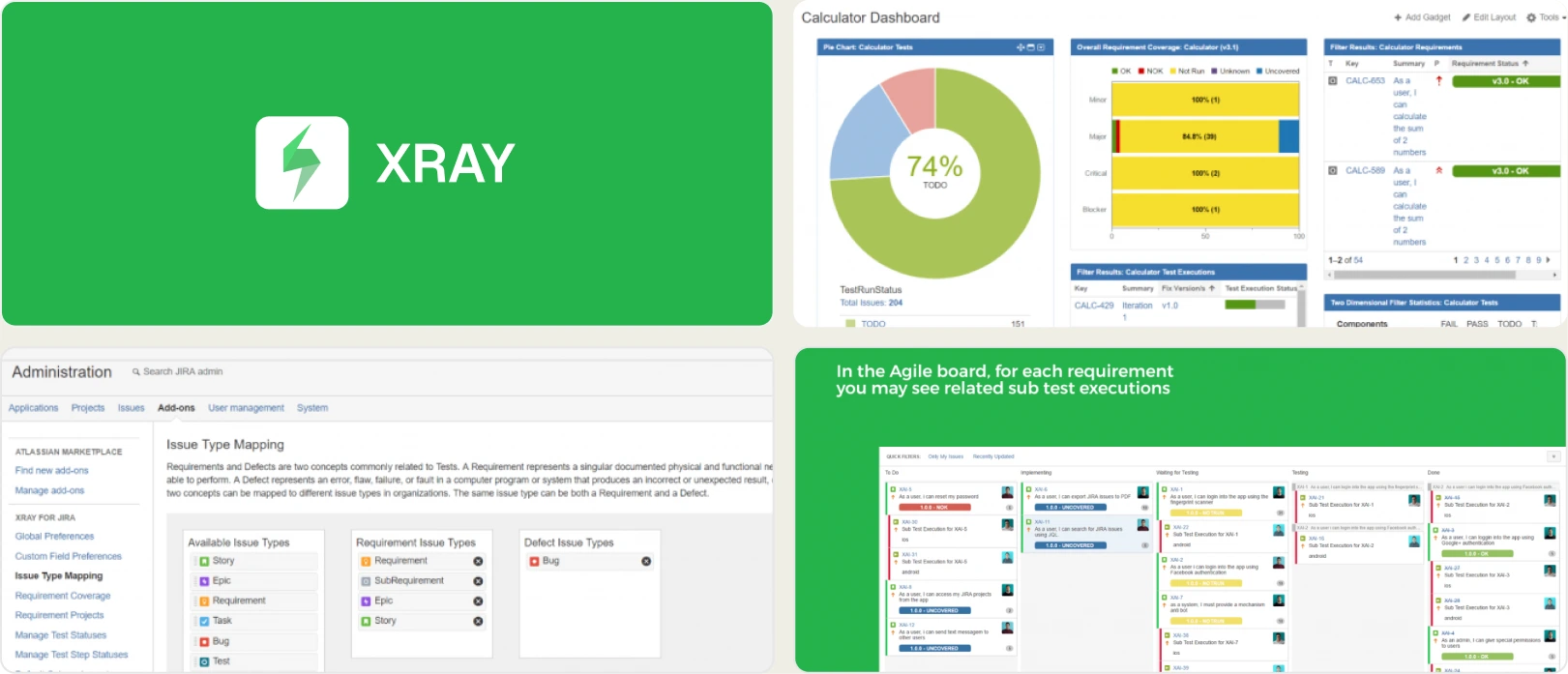
Xray turns Jira into a full test management platform. It links tests directly to user stories and defects, which gives you clear traceability. Teams report sluggish performance and a cluttered interface on large instances. Getting automation results into Xray takes careful configuration, unlike tools built for automated reporting.
Pricing & Value
Starts at $10/month (Jira subscription required; no permanent free plan).
Final Verdict
Xray fits enterprises that need strict traceability inside Jira. Teams that want quick automation insights will find it heavy to configure and slow to answer why a test failed.
3. Testmo
Best for:
QA teams that want to manage manual and automated testing in a single workspace.
Platform Type:
Cloud-based unified test management platform.
Integrations with:
Jira, GitHub, GitLab, Jenkins, CircleCI.
Key Features:
- Unified tracking for manual, automated, and exploratory testing
- Shared test cases, runs, and test plans
- CLI tool for pushing automation results into CI
- Customizable dashboards and reporting
- Broad bug tracker support
Pros
- Clean interface with fast page loads
- CLI makes pushing automation results straightforward
- Native support for exploratory testing sessions
Cons
- No AI-powered failure analysis
- No native Playwright trace viewing
- Some advanced analytics require manual configuration
First-Hand Experience
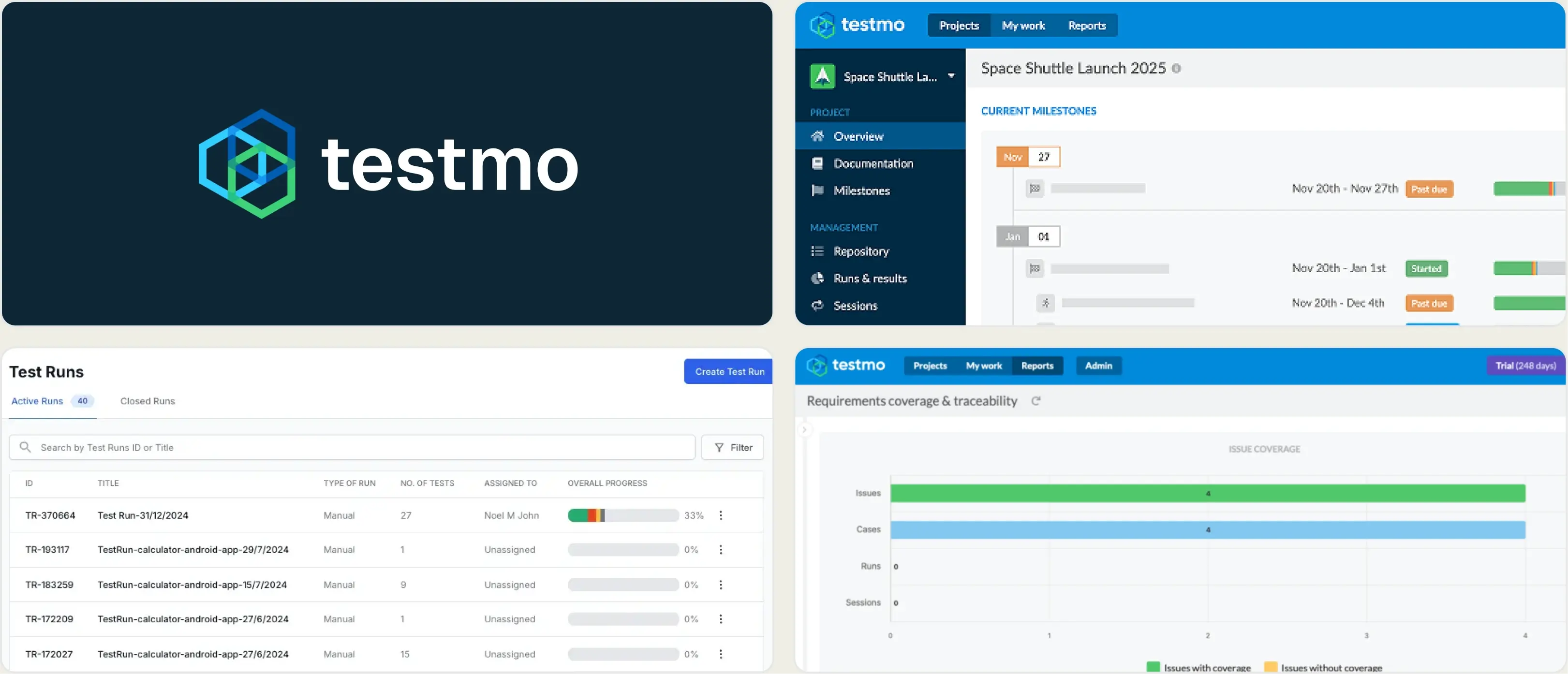
Testmo runs faster and looks cleaner than most legacy test management tools. The unified view puts manual and automated results side by side. Results reach Testmo through a CLI, but you do not get the framework-specific detail a Playwright-native tool provides.
Pricing & Value
$99/month for Team (10 users). $329/month for Business (25 users). $549/month for Enterprise (25 users). 21-day free trial.
Final Verdict
Testmo is a clear UI upgrade over PractiTest. It suits teams that value speed and a clean interface and do not need AI-driven failure triage.
4. Zephyr Scale
Best for:
Jira-centric teams managing manual and automated testing at scale.
Platform Type:
Jira-native test management and traceability platform.
Integrations with:
Jira, Jenkins, Bamboo, JUnit.
Key Features:
- Scalable test library structure
- Cross-project test sharing
- Deep Jira traceability for requirements and defects
- Version history for test cases
- Manual and automated test execution
Pros
- Handles very large test libraries well
- Keeps QA workflows inside Jira
- Good cross-project reporting
Cons
- Rigid, heavily structured workflows
- Automation reporting relies on API uploads
- No native traces or network logs for debugging
First-Hand Experience
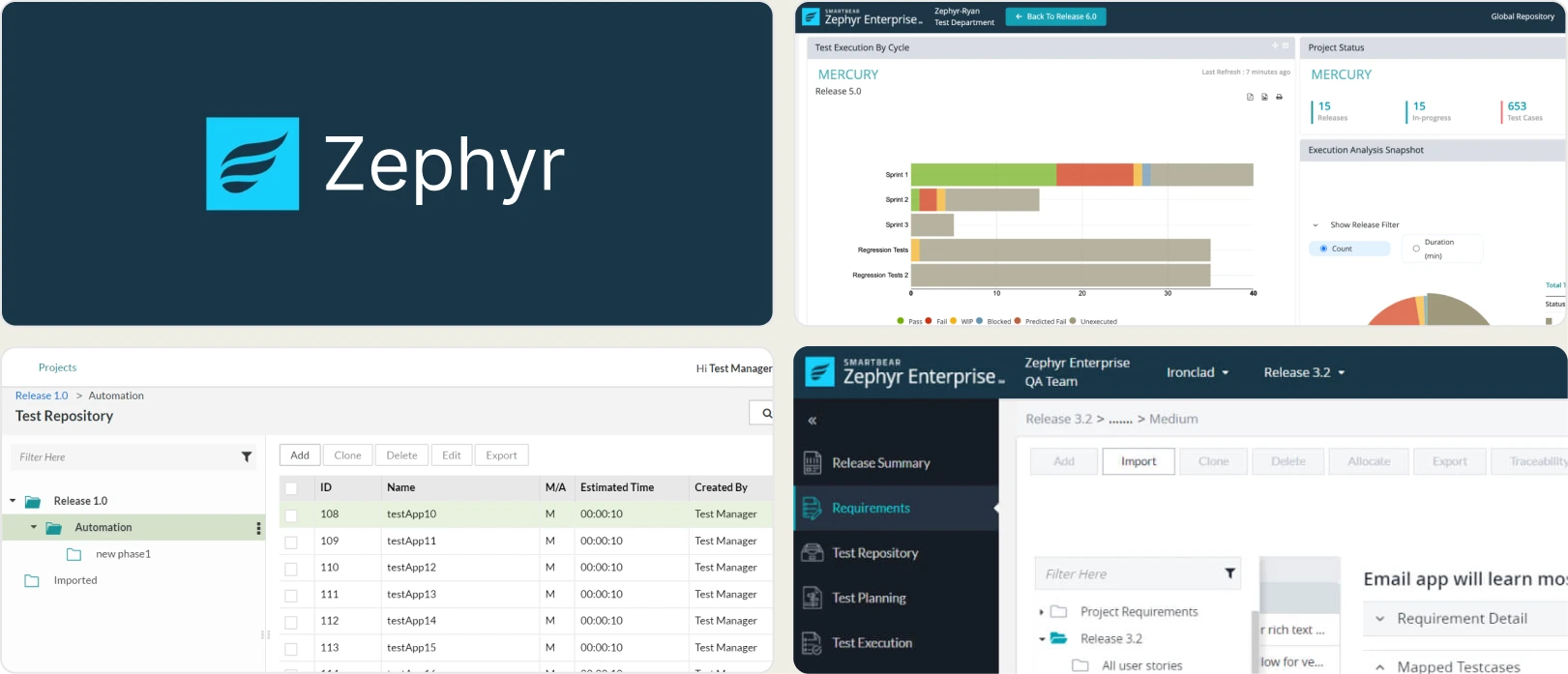
Zephyr Scale organizes large repositories of test cases across multiple projects and gives enterprise teams the structure they need. Developers often find it slow to dig through Jira just to see why an automated test failed.
Pricing & Value
Starts at $10/month (Jira subscription required) and provides scalable test management and traceability within Jira.
Final Verdict
Zephyr Scale handles structured, enterprise-scale manual testing in Jira. Fast-moving automation teams will miss dedicated reporting and CI/CD optimization.
5. BrowserStack Test Reporting
Best for:
Teams already using BrowserStack for cross-browser testing.
Platform Type:
Cloud test execution with session-level reporting.
Integrations with:
Jira, CI/CD tools, Slack.
Key Features:
- Test execution reports per session
- Cross-browser test coverage logs
- Screenshots and video recording
- Session-level dashboard for test runs
- Basic error logs and trends
Pros
- Strong fit if you already run tests on BrowserStack
- Logs and video arrive with no extra setup when tests run on their grid
- Reliable cross-browser session capture
Cons
- Reporting stays at the session level rather than test management
- Not built for historical analytics or manual test tracking
- Limited Playwright-specific debugging depth
First-Hand Experience
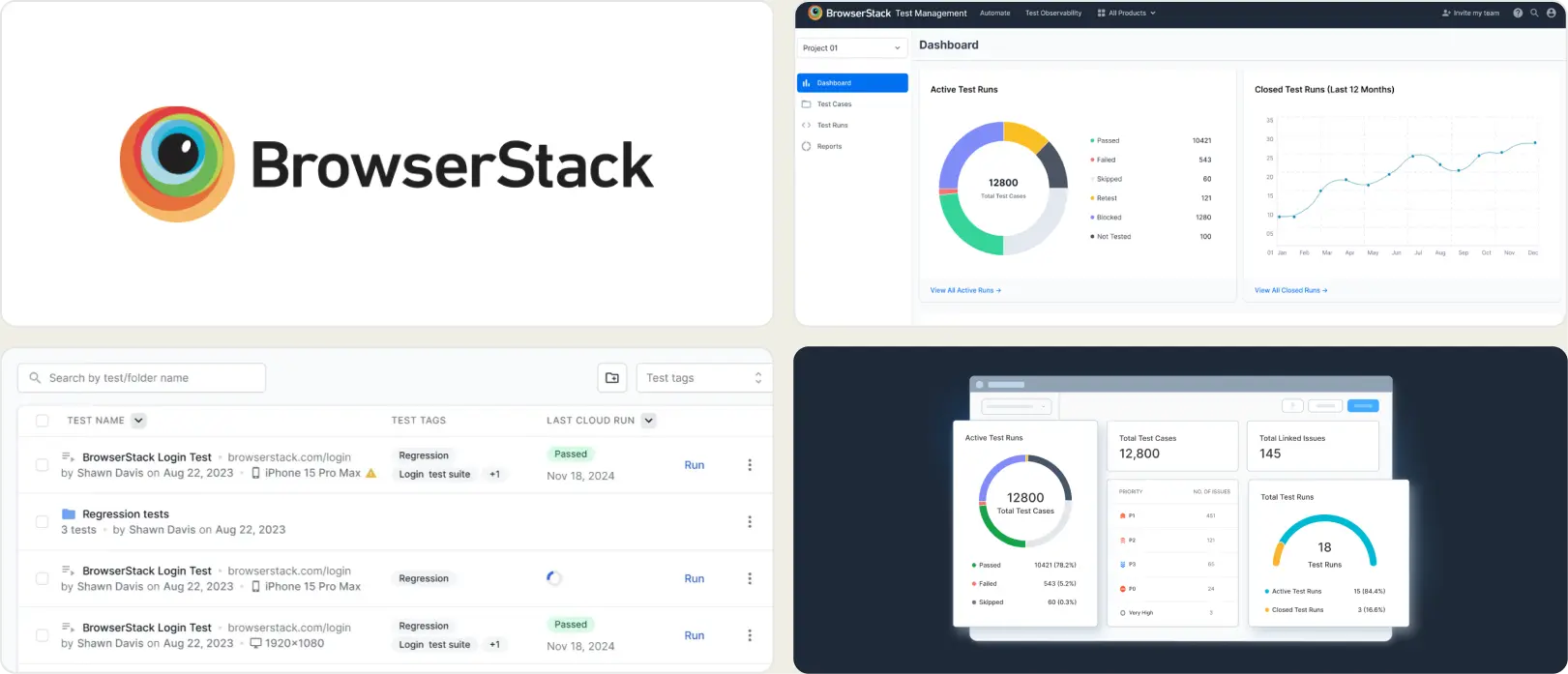
BrowserStack handles test execution visibility across browsers and devices. Logs, screenshots, and videos are accessible during failure triage, and the reporting layer works well as a companion to the execution grid. Teams that need test case management, failure analysis, or Playwright-specific debugging may find the reports focused on session capture rather than test-level intelligence.
Pricing & Value
Reporting is bundled with BrowserStack execution plans. Pro starts at $299/month billed annually.
Final Verdict
A solid choice for organizations already invested in BrowserStack. For teams evaluating test management alternatives with deeper analytics alongside execution, dedicated reporting tools provide more depth.
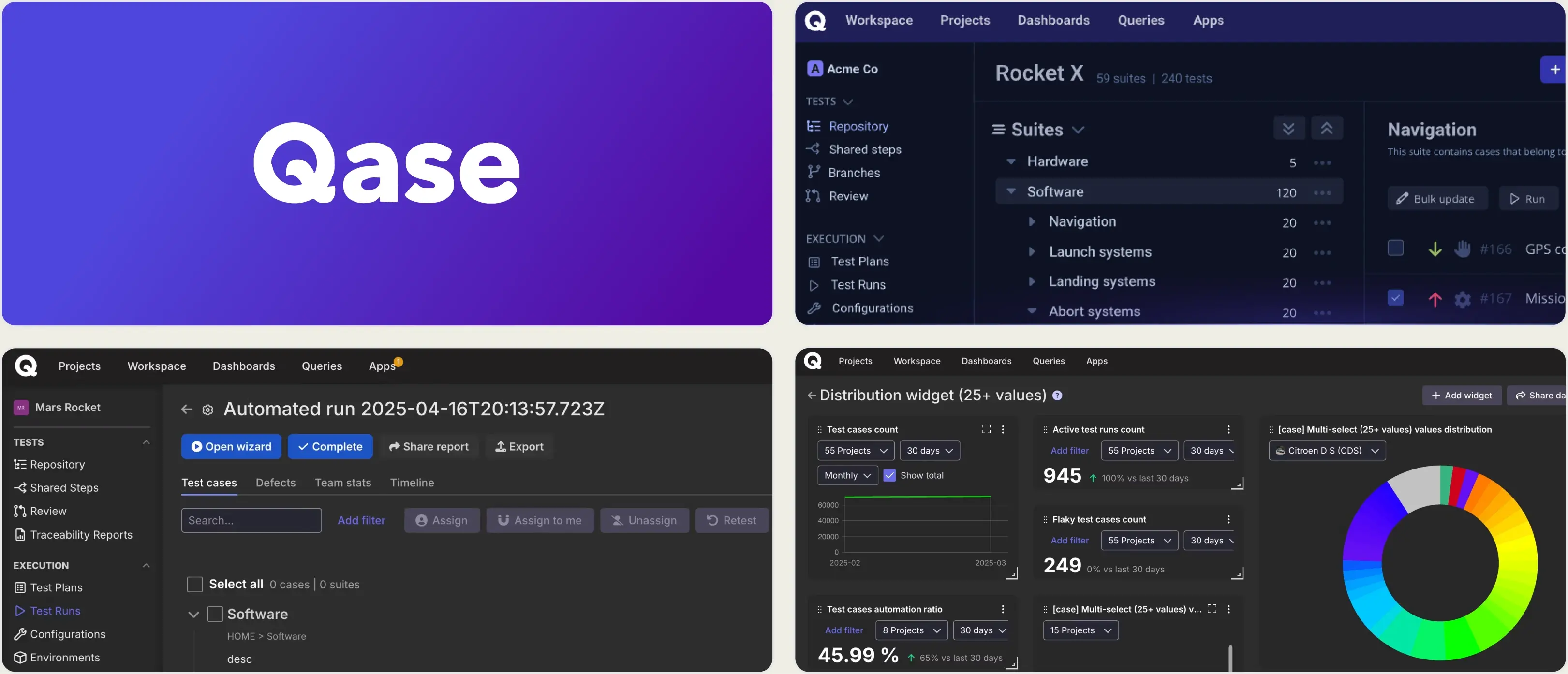
6. Qase
Best for:
Teams seeking modern test management for manual and automated testing.
Platform Type:
Cloud-based test management platform.
Integrations with:
Jira, Slack, GitHub, GitLab, CI/CD tools, Jenkins.
Key Features:
- Centralized test case repository
- Test plans, runs, and milestones
- Automation test result integration
- Team collaboration and reporting
- Jira and CI/CD integrations
Pros
- Modern and easy-to-use interface
- Supports both manual and automated testing
- Strong integrations with Jira, CI/CD, and automation tools
Cons
- Less focused on automation debugging
- No native CI optimization such as failed-test reruns
- Some advanced features are limited to premium plans
First-Hand Experience
Qase is easy to pick up from day one. The clean interface makes organizing test plans and runs straightforward, and it connects to CI/CD pipelines without much setup. Advanced debugging and AI-driven insights need additional tooling.
Pricing & Value
Starts at $20/user/month and offers modern test management for manual and automated testing.
Final Verdict
Qase is a strong choice for teams that want a modern, easy-to-use test management platform. Its clean interface, automation integrations, and collaboration features suit manual and automated testing workflows.
What Matters When Evaluating PractiTest Replacements
PractiTest offers strong test management, but teams evaluating alternatives should weigh ease of use, reporting, automation support, integrations, traceability, collaboration, scalability, and value for money.
Time from signup to first actionable insight
If getting value from a test management platform requires extensive workflow configuration, custom fields, integration setup, and reporting customization before teams can track quality, the implementation itself becomes a project. Platforms that provide test management, reporting, and automation visibility out of the box help teams see value much sooner.
Teams evaluating PractiTest alternatives should prioritize time-to-value. The difference between a platform that takes weeks to configure and one that delivers actionable insights from day one shapes productivity, adoption, and testing efficiency.
Failure intelligence that explains the why
Test execution data is only useful when teams can quickly understand the reason behind failures. Platforms that provide clear failure context, historical trends, and root-cause insights help teams spend less time investigating issues and more time fixing them.
When evaluating PractiTest alternatives, look for tools that go beyond pass/fail reporting and make it easier to identify flaky tests, recurring failures, and quality risks across your suite.
Test management without adapter maintenance
Keeping test cases, execution results, and reporting aligned should not require constant adapter updates or integration troubleshooting. Platforms that connect testing workflows natively reduce maintenance overhead and let teams focus on quality instead of tool administration.
When evaluating PractiTest alternatives, prioritize tools that simplify synchronization between test management, automation results, and reporting while minimizing ongoing operational effort.
CI/CD optimization beyond result viewing
Viewing test results is only part of the CI/CD process. The most effective platforms help teams reduce feedback loops, improve pipeline efficiency, and make faster release decisions through actionable insights and workflow automation.
When evaluating PractiTest alternatives, look for capabilities that go beyond reporting, such as test stability tracking, quality gates, failure analysis, and features that improve CI/CD performance over time.
Transparent, predictable pricing
Pricing should be easy to understand and scale predictably as teams grow. Hidden costs, add-on modules, and complex licensing make it hard to estimate the true long-term cost of a testing platform.
When evaluating PractiTest alternatives, look for tools with clear pricing, straightforward plans, and features that deliver value without requiring multiple additional purchases or integrations.
Wrapping Up
PractiTest provides test management, traceability, and reporting for teams with established QA processes. Its enterprise focus and heavy configuration requirements are more than many teams need.
Xray and Zephyr Scale offer deep Jira integration and requirements traceability. Testmo and Qase provide modern test management with strong collaboration and automation integrations. BrowserStack covers session-level reporting for cross-browser teams. Each platform addresses different testing and workflow needs.
For Playwright-first teams that want AI Insights, test management, flaky test detection, built-in trace viewing, and CI/CD optimization from the first CI run, TestDino combines failure analysis, test management, and reporting in a single platform. The Pro plan starts at $39/month billed annually ($49 monthly) for 3 users, with a Free plan for 5,000 test results a month.
Get failure analysis from day one
See why every test failed, not just that it didSkip the weeks of QA setupFAQs
TestDino is a strong choice for Playwright teams because it combines test management, automated reporting, AI Insights, flaky test detection, and built-in trace viewing in a single platform. Teams gain actionable insights from their first CI run without complex setup.