Zephyr runs test management inside Jira, with test cases, cycles, and results sitting alongside Jira issues. For teams that live entirely inside Jira, it keeps everything in one tab.
But pricing is tied to your total Jira user count rather than your QA team size. A 200-person instance pays at the 200-user tier even when only 10 people test, and you cannot buy individual licenses for testers only. Reviewers also report 10 to 20 minute load times in large instances.
The platform stops at execution tracking. There is no AI failure classification, no Playwright trace viewer, no flaky detection with a stability score, and no CI/CD optimization. AI runs are capped at roughly 10 a month on a 10-user account, which covers a demo but not a CI pipeline.
There is no MCP server either, so your AI assistant can't reach your test data. TestDino ships the TestDino MCP Server, which connects AI assistants directly to your workspace. From your IDE or a chat window, you can pull recent runs and identify flaky tests across executions. Here are the 6 best Zephyr alternatives for 2026.
Best Zephyr Alternatives: How to Choose the Right Tool
We evaluated each tool based on test case management depth, automated test reporting, AI failure analysis, flaky test detection, Playwright support, CI/CD integration, and real cost at your team size rather than headline entry prices.
How to Compare Zephyr Alternatives
Here is a quick comparison of top alternatives to Zephyr that can help you identify your preferred test management tool:
 TestDino |  Zephyr |  Xray |  Allure TestOps |  Qase | |
|---|---|---|---|---|---|
| PricingLowest paid plan, per the listed billing terms. | $39/month (billed annually) | From $10/month, tiered by Jira instance size | From $100/year (up to 10 Jira users), tiered by Jira instance size | $39/user/month (Cloud, 1-30 users) | $35/user/month (Teams, annual, 5-user min) |
| Best for | Playwright test intelligence & management | Jira-native test management for Agile teams | Jira-native test management & requirements traceability | Enterprise test management on the Allure framework | Modern test management for engineering teams |
| Playwright integration | Native (trace viewer, error grouping, MCP) | Via reporter / REST API | Community playwright-xray reporter | Native via Allure framework | Official reporter |
| One-step CI setup | One reporter line, streams live | CLI + REST API | CLI or JUnit XML upload | Reporter + plugin config | Reporter package + token |
Dashboards & Reporting | |||||
| Unified Playwright dashboard | Jira dashboards only | Jira issue tabs | Launch-level view | Unified runs view | |
| Multi-tab test run detail view | Summary, History, AI Insights & more | Jira issue tabs | Jira issue tabs | Run detail view | Run detail view |
| Pull request insightsSee test results and history for each pull request. | Via SCM commit linking | ||||
| Test ExplorerBrowse tests as a hierarchy, a flat list, or by tag. | Jira JQL based | Jira JQL based | AQL filters | Suites and tags | |
| Real-time streaming | Per-shard/worker | Live launch updates | |||
| Scheduled PDF reportsGet report PDFs emailed on a set schedule. | Daily/Weekly/Monthly | Export only | PDF/CSV export, no schedule | Export only | |
Test Analytics | |||||
| Analytics: trends & patterns | Jira gadgets | Jira gadgets + JQL | Custom dashboards | Dashboards (Teams tier and up) | |
| Code coverage, per-file | Istanbul, run-level | ||||
| Environment analytics | Pass-rate/flaky by env | Via custom fields | Test environments field | Per environment and build | Environment field per run |
Debugging & Evidence | |||||
| Built-in Playwright trace viewer | |||||
| Screenshots & video replay | Embedded | Attachments only | Attachments only | Via attachments | Attachments, no embedded replay |
| Console logs | Node + browser | Via attachments | Via attachments | Via attachments | Via attachments |
| Visual diff comparison | |||||
| Smart error grouping | Message/stack/location | Defect linking only | Categories + defects | Defect linking | |
| Flaky detectionSpot tests that pass and fail inconsistently, with a stability score. | Root cause + stability score | Via PW reporter flag | Flaky flag (no root cause) | ||
| Playwright tags & annotations | Priority/owner/links/metrics | Jira labels | Allure labels | Custom fields | |
CI/CD Optimization | |||||
| GitHub CI Checks quality gates | Per-env + mandatory tags | Via API | Via job triggers | Via webhooks | |
| Branch → environment mappingMatch each Git branch to the environment it runs against. | Exact/regex | Via launch parameters | Environment field per run | ||
| Sharded / parallel run support | Per-shard live view | Via reporter merge | Via reporter merge | Native launches | |
| Native CI breadth | GitHub, GitLab, Azure DevOps, TeamCity, Bitbucket, CircleCI, Jenkins | Jenkins, GitHub Actions, GitLab CI, CircleCI, Bamboo | Jenkins, GitHub Actions, GitLab CI, Azure DevOps, CircleCI | Major CI providers | Jenkins, GitHub Actions, GitLab CI, Bitbucket, Azure Pipelines |
| Self-managed GitLab | Self-hosted option | ||||
Test Management | |||||
| Test case management | Jira issue types | ||||
| Bulk test creationGenerate many test cases at once from PRDs, Jira, or user stories. | via MCP | Via import | AI test design (Advanced and up) | Import from CSV/TestRail/Xray | AIDEN AI generation |
| Release trackingGroup test results by release, cycle, or sprint. | Test cycles | Test plans | Releases and builds | ||
| Exploratory / manual sessions | Manual test runs | ||||
| Import / export test cases | JSON/CSV/ZIP | CSV/XLS | CSV | CSV and migrations | CSV/XML |
AI & Automation | |||||
| Local MCPLet AI coding assistants in your editor act on test data directly. | Cursor/Claude Code/Copilot | Available from Free tier | |||
| Remote MCPLet web-based AI tools query your test data. | Hosted MCP (Enterprise only) | ||||
| AI test run summary on GitHub PRs | GitHub/GitLab/Slack | ||||
| AI test suite auditAI scores your test suite and gives a downloadable report. | |||||
| AI failure classification | 4 categories with confidence | Capped AI runs, generation only | AIDEN (generation, not triage) | ||
Integrations & Collaboration | |||||
| Bug tracking breadth | Jira, Linear, Asana, monday | Jira (native) | Jira (native, deep) | Jira, YouTrack, GitLab/GitHub Issues | Jira, GitHub, GitLab, Asana |
| Slack notifications | App + webhooks | Via webhooks | Via Jira automation | Via webhooks | |
Platform & Security | |||||
| Public API & CLIs | REST + @testdino/playwright | REST API | REST + GraphQL API | REST API + allurectl CLI | REST API + qasectl |
| Project-level AI controls | Per-feature toggles | Credit-capped | Edition-gated | AI credit allocation | |
| Compliance & certifications | ISO 27001, SOC 2 Type II, GDPR | SOC 2, ISO 27001, GDPR | SOC 2, ISO 27001, GDPR | SOC via AWS infra, no own cert | SOC 2 Type II, GDPR |
Plans & Pricing | |||||
| Plan tiers | Free · Pro $39 · Team $79 · Enterprise | Essential (from $10) · Scale · Enterprise (20-user min) | Standard · Advanced · Enterprise (separate app) | Cloud $30-39/user · Server · Enterprise | Free (4 users) · Teams $35-42/user · Enterprise |
| Free executions | 5,000/mo | Scale free under 10 Jira users; 30-day trial | None, 30-day trial | 30-day trial | 5,000 API results/mo (Free tier) |
| Support | Chat + Slack Connect + Priority email | Email · Premium (SmartBear) | Email · 24/7 (Enterprise) | Email + docs (Cloud) · Premium (Enterprise) | Email + chat on paid tiers |
| Try for free | Learn more | Learn more | Learn more | Learn more | |
Best Zephyr Competitors for Modern Test Reporting
Here are the 6 best alternatives to Zephyr for teams that want more from their test management platform:
1. TestDino
Best for:
Playwright-first teams that need test management and automated test reporting in one platform, without per-user pricing eating into their budget.
Platform Type:
Test management, reporting, dashboards, and CI observability platform for Playwright
Integrations with:
GitHub Actions, GitLab CI, Azure DevOps, TeamCity, Bitbucket, CircleCI, Jenkins, Jira, Linear, Asana, monday, Slack
Key Features:
 Test case management with suites up to 6 levels deep, ownership, and custom fields
- AI failure classification into 4 categories (Actual Bug, UI Change, Unstable Test, Miscellaneous), with custom rules and fix suggestions
- AI test suite audit with a downloadable score report
- Built-in Playwright trace viewer with DOM snapshots and network logs
- Error grouping by message and stack trace, plus visual diff comparison
- GitHub CI Checks as merge quality gates, per environment
- Pull request insights and AI summaries on GitHub commits, GitLab MRs, and Slack
- MCP Server, local and remote, for AI agent queries from your IDE
- Flaky test detection with root cause classification and stability scores
- Real-time results streaming via WebSocket, per shard and worker
- Scheduled PDF reports, custom dashboards, and code coverage per file
- 1-click bug filing into Jira, Linear, Asana, or monday

Pros
- Combines test management and automated test reporting on the same platform
- No per-user pricing, flat monthly rate per workspace
- Playwright-native with under 10-minute setup
- AI failure classification, trace viewer, and error grouping built in
- Broad CI/CD support: GitHub Actions, GitLab CI, Azure DevOps, TeamCity, Bitbucket, CircleCI, Jenkins
- AI features are not metered by run count
- 1-click bug filing into Jira, Linear, Asana, or monday

Cons
- Purpose-built for Playwright (multi-framework support on the roadmap)
First Hand Experience
Teams using Jira-native test management know this pattern: test cases live inside Jira, results push back to issues, and traceability looks clean on a requirements matrix. The management side works, but failure intelligence, debugging evidence, and CI/CD optimization mean stitching together separate tools.
TestDino eliminates the multi-tool problem by keeping test case management and automated reporting on the same platform. Manual test cases sit in suites up to 6 levels deep with ownership, custom fields, and version history.
Playwright results flow in from your first CI run, with dashboards, analytics, and AI failure classification working from day one. No reporter configuration, no adapter maintenance. The Test Explorer shows manual and automated tests side by side, sortable by flaky rate, tags, and coverage status.
Debugging That Saves You from Re-running Locally
Each failed test in TestDino comes with screenshots, video, browser console logs, and a trace you can step through action by action. Available right after the CI run finishes.
AI Insights classifies each failure as Actual Bug, UI Change, Unstable Test, or Miscellaneous, and error grouping collapses dozens of failures into a handful of root causes. Bug filing is 1-click into Jira, Linear, Asana, or monday, pre-filled with the error, stack trace, and failure history.
CI/CD Speed and Merge Safety
Each shard reports as its tests finish. History persists across different CI runners.
GitHub CI Checks adds quality gates to your PRs. Set a minimum pass rate, mark critical tags as mandatory, and configure different rules per environment. AI-generated summaries post to GitHub commits and GitLab merge requests with pass/fail/flaky counts.
Flaky Test Detection That Tells You Why
Flaky test detection classifies unstable tests by root cause: timing-related, environment-dependent, network-dependent, or assertion-intermittent. Each test gets a stability percentage, and you can compare flaky rates across environments to spot infrastructure problems. Zephyr has no native flaky detection at all.
Real-Time Streaming and Scheduled Reports
Results appear on the dashboard as each test completes via real-time streaming, not after the full suite finishes. Automated PDF reports deliver test health summaries on daily, weekly, or monthly schedules, where Zephyr offers export only. Slack notifications send run summaries filtered by environment and branch.
MCP Server for AI-Assisted Test Management
The MCP Server connects your AI assistant (Cursor, Claude Code, Copilot) to your test data. List runs, pull debugging context, run root cause analysis, create test cases, organize suites, and track releases through natural language.
Both local and remote MCP are included, so web-based AI tools can query the same workspace. Zephyr has neither, and its AI runs are capped at roughly 10 a month on a 10-user account.
Pricing & Value
Pricing is per workspace, not per user and not per Jira seat. Free covers 5,000 executions per month, Pro covers 10,000, and Team covers 40,000. Pro costs $468 a year for the whole workspace, against a Zephyr bill that grows with your entire Jira instance. Pricing may vary. Check the pricing page for the latest details.
Final Verdict
TestDino is the most complete Zephyr alternative for Playwright teams. Where Zephyr ties test management to Jira and requires separate tools for failure analysis and CI/CD optimization, TestDino delivers test management, AI failure classification, trace viewing, flaky detection, and CI/CD quality gates on one platform at a flat monthly rate.
It replaces the need to pair Zephyr with a separate reporting tool. At $39/month billed annually for an entire workspace, it gives teams test intelligence and management together instead of management alone.
2. Xray
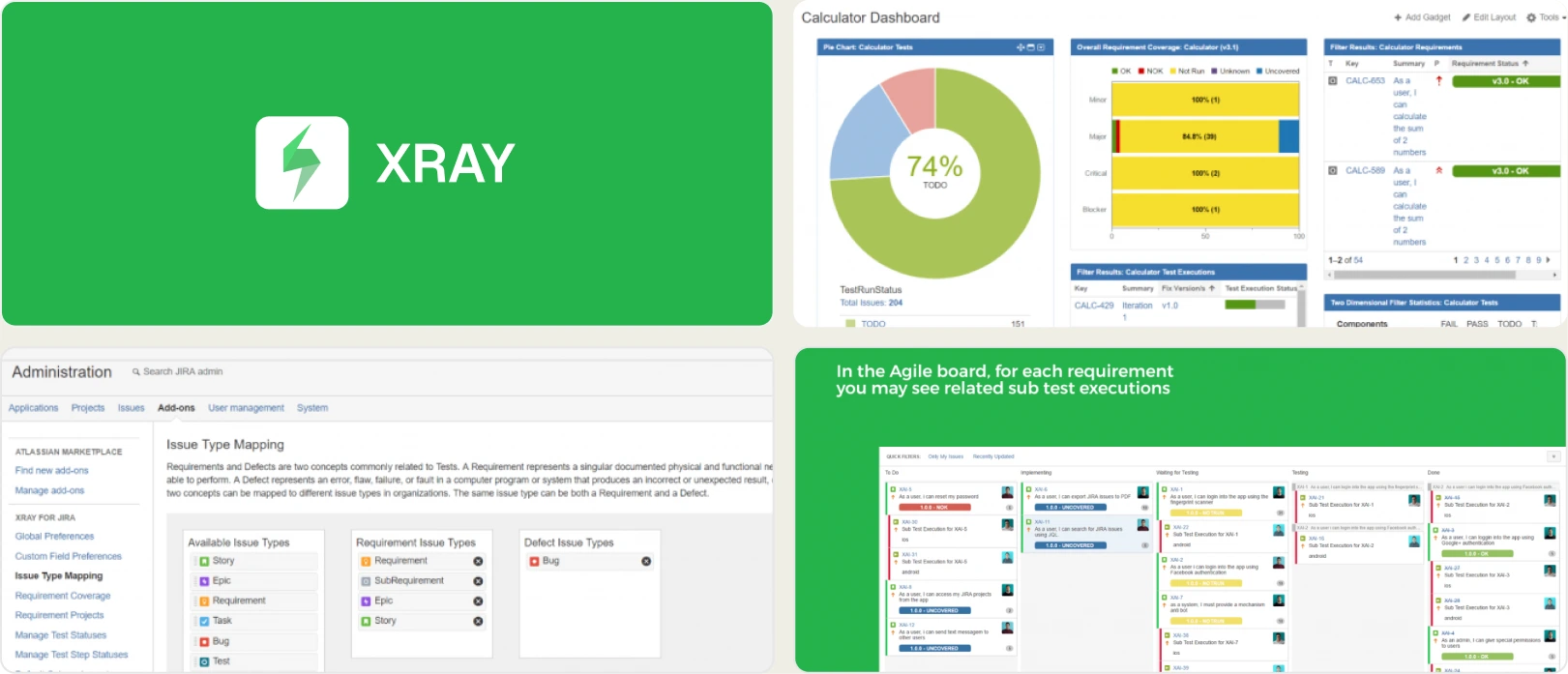
Best for:
Teams already standardized on Jira who need requirement-to-test traceability and BDD support inside Atlassian tools, across manual and automated workflows.
Platform Type:
Jira-native test management app
Integrations with:
Jira (native), GitHub, GitLab, Jenkins, Azure DevOps, CI/CD systems
Key Features:
- Manual, automated, and exploratory testing managed inside Jira
- Requirement-to-test-to-defect traceability with coverage charts
- Test execution tracking with historical pass/fail status
- BDD support with Cucumber and Gherkin syntax
- Automation result import (JUnit, Cucumber, Robot Framework, Selenium)
- REST and GraphQL APIs plus a CLI for framework integration
- Custom fields, filters, and Jira-based reports for QA metrics
Pros
- The strongest requirement-to-test-to-defect traceability of any Jira-native option
- BDD support with Cucumber and Gherkin, which Zephyr does not match
- Deep Jira integration keeps QA visibility inside the development workflow
Cons
- Same Jira-user-tiered pricing problem as Zephyr, and it costs more at every tier
- Split into Standard, Advanced, and a separate Enterprise app in October 2025, so key features sit behind a second purchase
- Every test case is a Jira issue, so a 3,000-case suite becomes 3,000 backlog items
- No AI failure classification, Playwright trace viewer, or merge-blocking quality gates
- Basic flaky detection without pattern-based historical analysis
- Reporting is Jira-centric and requires JQL and gadget configuration
First Hand Experience
Xray operates more like a native Jira enhancement than an independent QA platform, which makes adoption easy for teams already inside Atlassian. Test cases, executions, and defects live as Jira issues, and the traceability matrix maps requirements to tests cleanly.
For teams leaving Zephyr, Xray is a sideways move on cost. Both license against your whole Jira instance, and Xray is the pricier of the two, so the case for switching rests on traceability depth and BDD support rather than budget.
As automation grows, the analytics and failure-investigation capabilities feel less advanced than dedicated reporting platforms. There is no Playwright trace viewer, no AI failure classification, and no merge-blocking quality gates.
Pricing & Value
Xray Cloud is tiered by your total Jira user count, starting at roughly $100 per year for up to 10 users. A 100-user instance runs about $6,330 a year and a 200-user instance about $9,550.
There is no free tier, only a 30-day trial. Since October 2025 the app is split into Standard, Advanced, and a separate Enterprise listing.
Final Verdict
Xray fits teams that want tight Jira integration with detailed requirement mapping and compliance-ready workflows, and it is the right pick if BDD matters. For organizations prioritizing automation insights, flaky analysis, and CI/CD optimization, purpose-built platforms provide a more complete option.
3. Allure TestOps
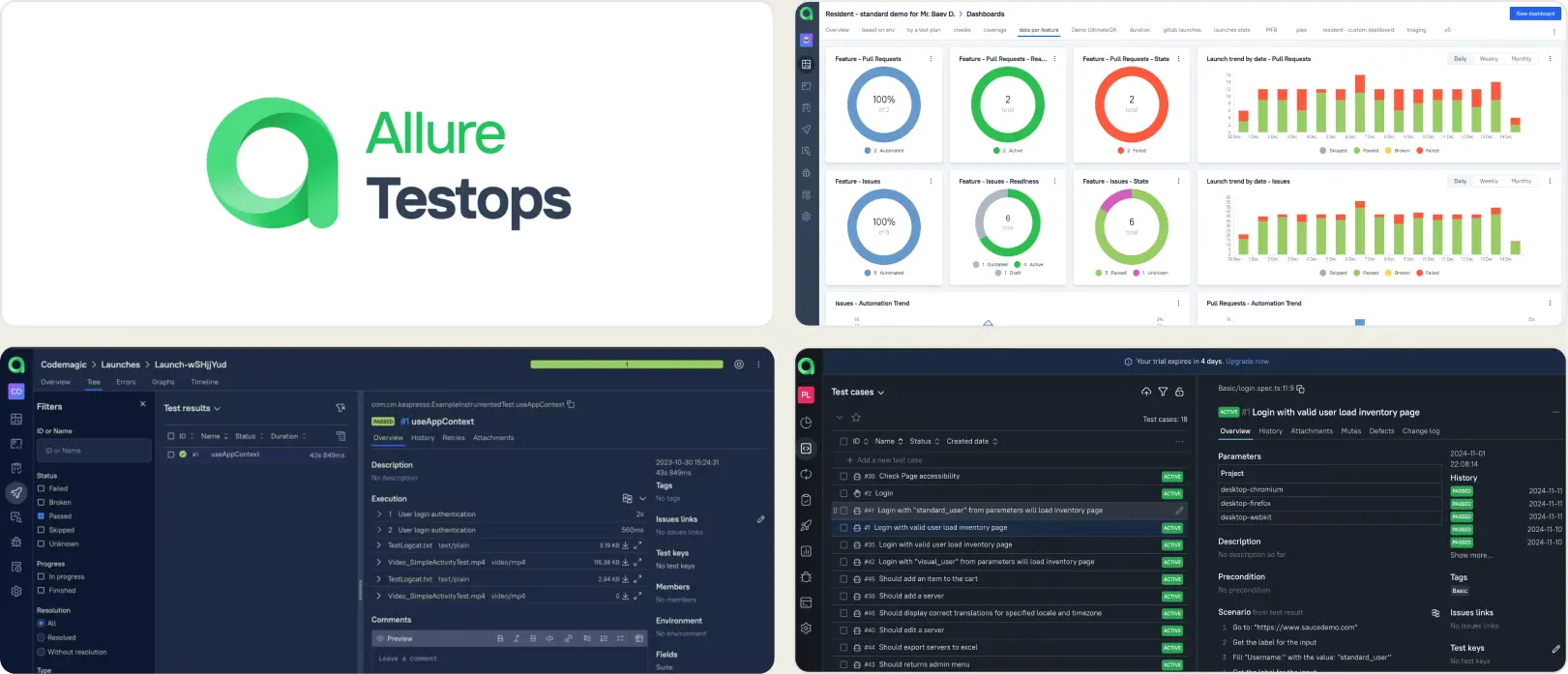
Best for:
Enterprise organizations and mature QA departments that need full lifecycle test management, detailed execution tracking, and audit-ready reporting, with the resources to manage adapters and dashboards.
Platform Type:
Web dashboard test management platform (built on the Allure framework)
Integrations with:
Jira, YouTrack, GitHub, GitLab, Jenkins, CI/CD systems
Key Features:
- Requirement traceability with measurable coverage insights
- Centralized repository linking manual tests with automated execution data
- Customizable dashboards with export and sharing capabilities
- AQL-powered filtering for deep test data exploration
- Granular role-based access and permission controls
- Historical reporting across environments, releases, and builds
Pros
- Pricing is per QA seat, not per Jira user, so cost tracks your team
- Native Allure framework integration gives richer automation data than Zephyr's reporter
- Highly configurable dashboards with AQL filtering, plus a self-hosted option
Cons
- $39/user/month on Cloud at small team sizes, so it gets expensive fast
- Initial setup demands adapter configuration and dashboard building per framework
- Time from signup to first debugged failure is measured in weeks, not minutes
- No built-in Playwright trace viewer, AI failure classification, or MCP server
- Ongoing maintenance increases as projects and integrations expand
- No own compliance certification, so it relies on AWS infrastructure
First Hand Experience
Allure TestOps proves most effective where compliance, visibility, and governance are central to QA strategy. It provides broad insight across releases and environments, and the Allure framework integration means automation data arrives richer than through a generic reporter.
The cost is configuration. Teams must invest time in adapter setup, AQL dashboard building, and ongoing maintenance to benefit. The platform has depth, but the time from "we signed up" to "we debugged our first failure" is weeks, not minutes.
Structured teams with defined testing standards get the greatest value. Lean teams usually find it heavier than the problem they set out to solve.
Pricing & Value
Cloud is $39/user/month for 1-30 users, dropping to $36 for 31-50, $34 for 51-100, and $30 for 101 and above, with a 10% annual discount. Self-hosted Server starts around $30/user/month and Enterprise is quoted. A 30-day trial is available, with no free tier.
Final Verdict
Allure TestOps suits organizations where traceability, governance, and compliance reporting drive tool selection. It is less ideal for teams seeking faster debugging cycles, CI optimization, or rapid onboarding with minimal configuration overhead.
4. Qase
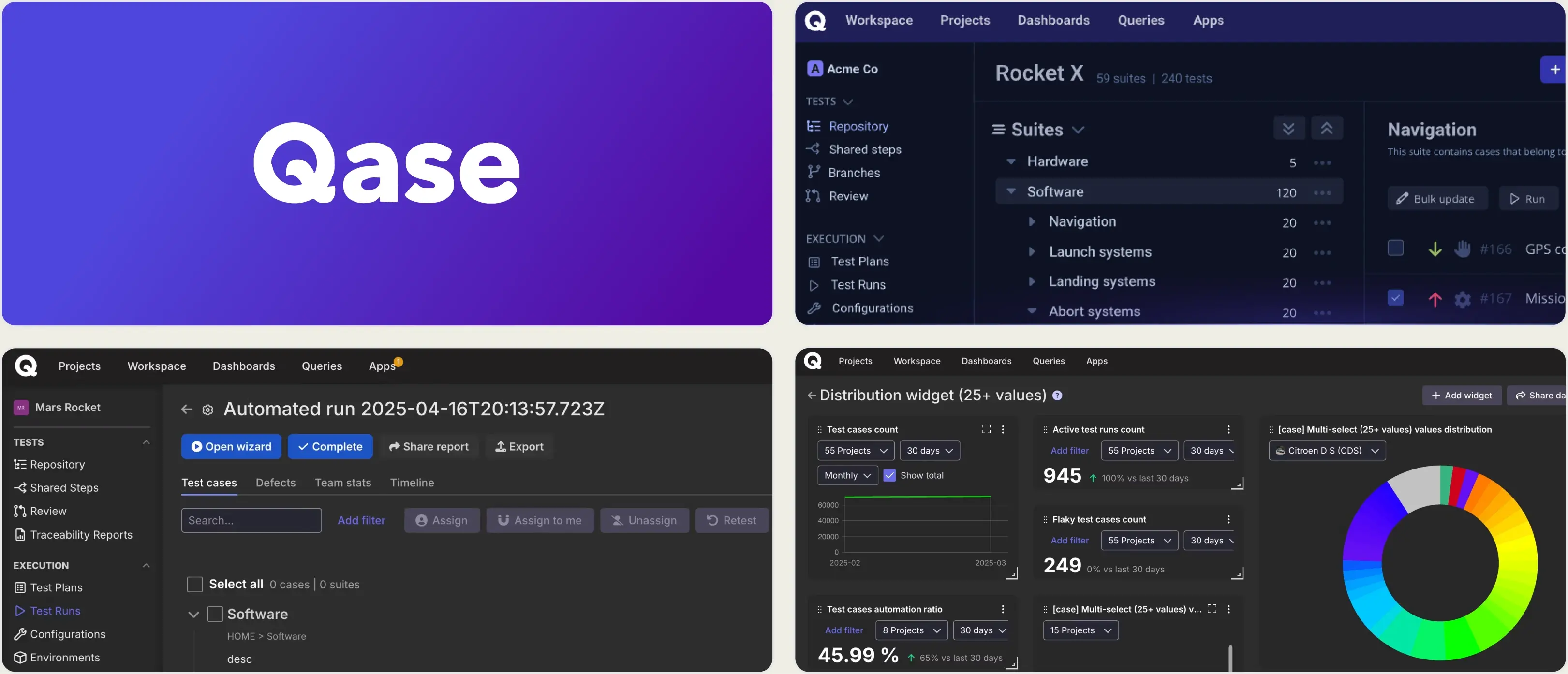
Best for:
Growing teams and agile QA groups that want a modern, unified test management platform for manual and automated testing without the complexity of legacy tools.
Platform Type:
Cloud-based test management platform
Integrations with:
Jira, GitHub, GitLab, Slack, CI/CD tools, REST API, webhooks, MCP
Key Features:
- Central test case repository with folders, shared steps, and custom fields
- Manual and automated test execution tracking
- Official Playwright, Cypress, and JUnit reporters
- Real-time dashboards with customizable widgets and actionable reports
- Defect management and issue linking with popular trackers
- Requirements traceability and coverage insights
Pros
- Standalone platform with Jira integration, so pricing is decoupled from your Jira instance
- Clean interface with fast onboarding, and a far lighter UI than Zephyr at scale
- MCP server available from the Free tier, which Zephyr does not offer
Cons
- Repriced in June 2026: Startup at $24 was retired, and Teams now runs $35-42/user/month with a 5-user minimum
- Floor price is $175/month annually even if only three people write tests
- AI features are credit-metered, and AIDEN generates test cases rather than classifying failures
- Historical analytics depth and advanced test intelligence are less extensive
- No built-in Playwright trace viewer or CI/CD optimization layer
- Free plan has no integrations, no dashboards, and only 30 days of history
First Hand Experience
Qase delivers a clean test management experience that makes structured test organization feel intuitive compared to legacy tools, which is why teams exploring Zephyr alternatives often appreciate its modern design and execution visibility.
The June 2026 repricing changed the value calculation. Startup at $24 is retired for new signups, Business became Teams, and the rate moved to $35 per user annually or $42 monthly, with a 5-user minimum.
Where it stops is depth. Analytics stay at the pass/fail level, and there is no AI failure classification, trace viewer, or merge-blocking quality gates. Per-user pricing also adds up as you give every stakeholder access.
Pricing & Value
Free tier covers up to 4 users, 2 projects, 500 MB storage, 30-day history, and 5,000 API results per month, with MCP access included. Teams is $35/user/month billed annually or $42 monthly, with a 5-user minimum and collaborator seats at $10. Enterprise is custom with unlimited retention.
Final Verdict
Qase is a strong Zephyr alternative for teams that want clear test case management, real-time dashboards, and smooth DevOps integrations without Jira-tier pricing. For groups focused on deep automation analytics, flaky test detection, and CI/CD optimization, more specialized platforms provide greater depth.
5. ReportPortal
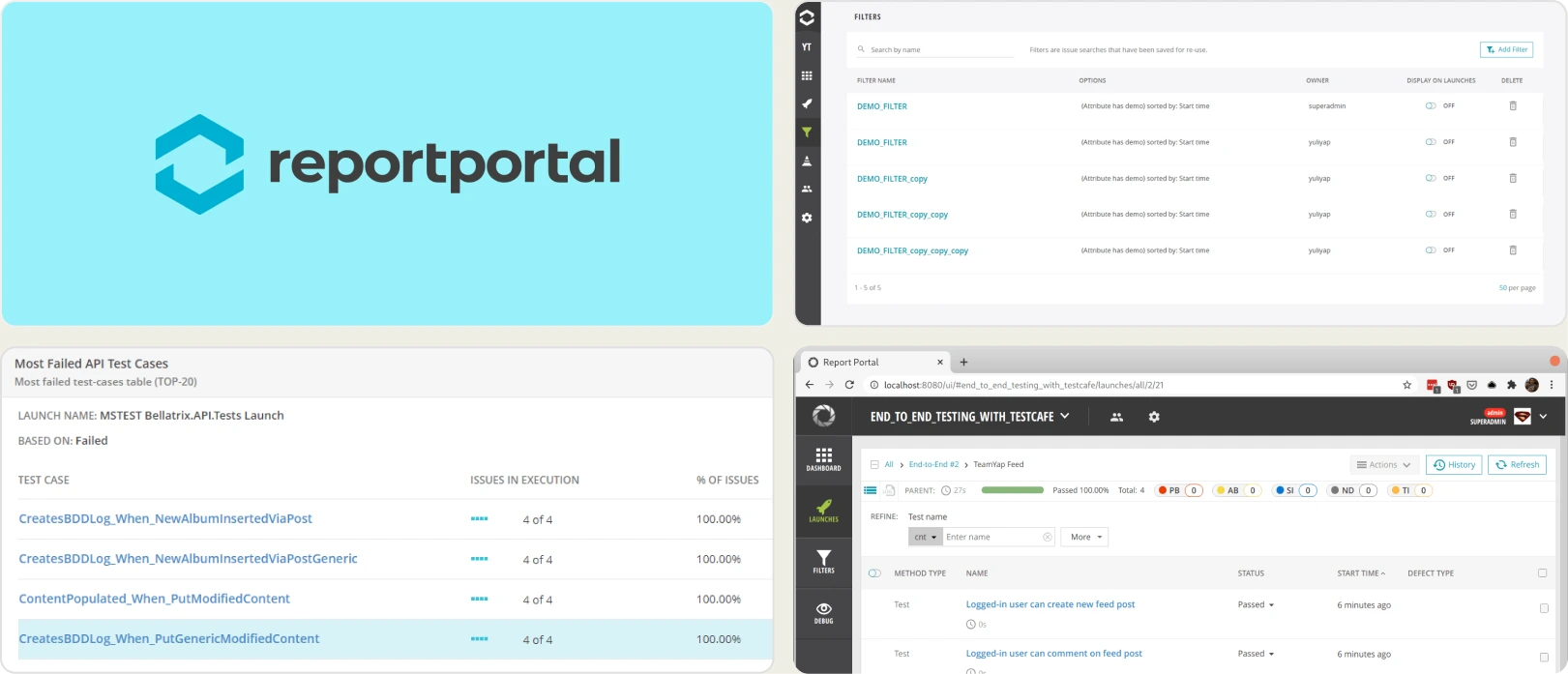
Best for:
Teams that want open-source flexibility and full control over hosting, upgrades, and data, with engineering time to allocate for setup and maintenance.
Platform Type:
Open-source test reporting platform (self-hosted or SaaS)
Integrations with:
Jenkins, GitHub, GitLab, Azure DevOps, Jira, Rally, Slack, and other CI/CD tools
Key Features:
- Real-time launch tracking and execution visibility
- ML auto-analysis that clusters similar failures and learns from your triage history
- Historical flaky detection using trend analysis
- Customizable dashboards with widgets and filters
- Query-based data exploration for deep analysis
- Multi-framework aggregation in one interface
Pros
- Free open-source core, self-hosted with no seat licensing at all
- ML auto-analysis clusters recurring failures once trained on your defect history
- Broad framework compatibility beyond Playwright
Cons
- No native test case management layer, so it does not replace Zephyr on its own
- Self-hosting is not actually free: roughly $500/month in infrastructure plus $600-800/month in DevOps time by ReportPortal's own estimates
- Managed SaaS starts at $569/month, above most per-seat tools at small team sizes
- No Playwright trace viewer, quality gates, or MCP server
- Ongoing engineering effort needed for upgrades and scaling
- UI may feel dated for non-technical stakeholders
First Hand Experience
ReportPortal offers flexibility and transparency for automation teams. It aggregates results across frameworks and uses ML pattern matching to cluster recurring failures, which is the closest thing to AI triage in the open-source category.
The trade-off is scope. There is no native test case management, so replacing Zephyr with ReportPortal fixes the reporting half of the problem and leaves the management half open. Most teams end up running a second tool alongside it.
Teams that invest in configuration get meaningful reporting depth. Teams that want turnkey intelligence look elsewhere.
Pricing & Value
The open-source edition is free and self-hosted with no user limits. Managed SaaS runs about $569/month for Startup and $2,659/month for Business, with a custom Enterprise tier. ReportPortal's own estimates put self-hosting at roughly $1,100-1,300/month once infrastructure and operations are counted.
Final Verdict
ReportPortal is well-suited for organizations prioritizing customization, data residency, and open-source control. It works best when technical resources are available to manage setup and scaling. For turnkey automation intelligence and built-in test management, SaaS platforms provide faster time to value.
6. Tricentis qTest
Best for:
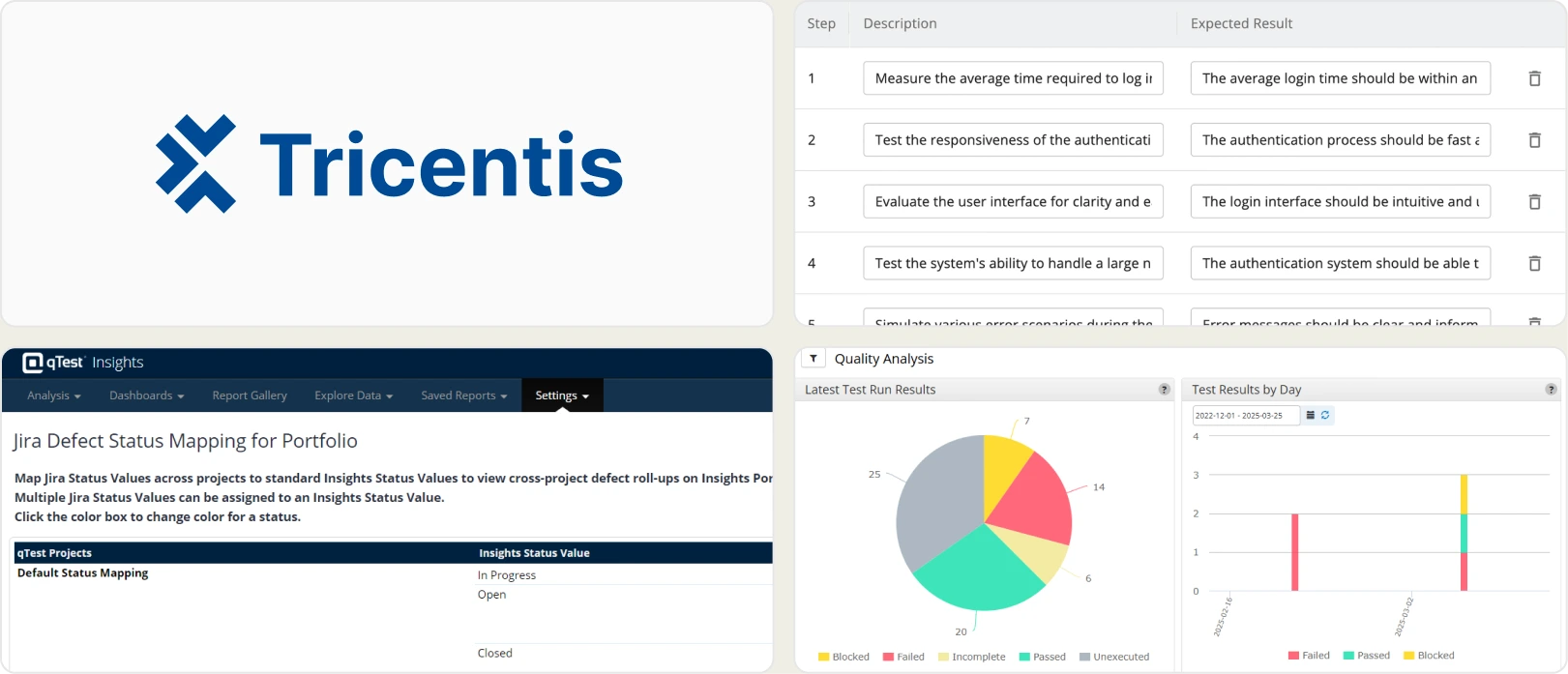
Large organizations standardizing QA governance across multiple products, teams, and automation frameworks while maintaining traceability, compliance, and release-level reporting.
Platform Type:
Web-based dashboard (Cloud SaaS) with on-premise deployment options
Integrations with:
Jira, CI/CD tools, version control systems
Key Features:
- Centralized test case management across projects
- Requirement traceability and defect linkage
- Execution tracking with build-level reporting
- Dashboard customization and advanced reporting
- Automation result aggregation from multiple frameworks
- Enterprise-grade role and access management
Pros
- Scales across large, distributed QA organizations with consistent reporting
- Strong governance, traceability, and access management
- Multi-framework compatibility with on-premise deployment available
Cons
- Quote-based enterprise pricing, commonly $800-1,500 per user per year
- Vendr data puts 15-30 user contracts at roughly $20,000-45,000 a year
- No free tier and no published price list, so budgeting requires a sales cycle
- Implementation is complex and advanced analytics need configuration effort
- No AI failure classification, Playwright trace viewer, or merge-blocking quality gates
- Excessive for small or agile teams
First Hand Experience
Tricentis qTest works effectively in enterprise settings where multiple teams collaborate across products. It provides centralized oversight and reporting consistency, but requires structured implementation to get full value.
The pricing model is the practical barrier for most teams leaving Zephyr. There is no published rate, contracts land in the tens of thousands annually, and you cannot evaluate total cost without talking to sales.
The platform is stable but can feel heavy for smaller organizations, and its automation analytics stop short of the failure intelligence and CI optimization that Playwright teams need.
Pricing & Value
Pricing is quote-based and customized by users, modules, and deployment model. Published estimates put it at roughly $800-1,500 per user per year, with 15-30 user contracts landing between $20,000 and $45,000 annually. There is no free tier.
Final Verdict
Tricentis qTest is the right choice when the problem is governing QA across an enterprise portfolio. It is the wrong choice when the problem is improving debugging speed, CI efficiency, or automation reporting for a single product team.
What matters when evaluating Zephyr replacements
Zephyr provides Jira-native test management, but the Jira-tied pricing model and the absence of failure intelligence create gaps as teams scale. When evaluating Zephyr alternatives, focus on these criteria.
Jira-user pricing vs. flat pricing
Zephyr charges based on your total Jira user count, not your QA team size. A company with 200 Jira users pays at the 200-user tier even if only 10 people run tests, and you cannot buy individual licenses for testers only.
Atlassian also bills on peak user count within the period, so a short-lived spike in Jira seats raises your bill for the whole cycle. Reviewers report annual costs in the five figures where a standalone tool would have cost hundreds.
Platforms with flat per-workspace pricing let you add team members without recalculating costs. Calculate total cost at your actual team size before committing.
Test management paired with automated reporting
Zephyr manages test cases inside Jira but keeps automation analytics at the pass/fail level. To understand why automated tests fail, teams add a separate reporting tool, and now management lives in one platform and failure intelligence in another.
Platforms that combine test case management and automated test reporting on the same product eliminate that fragmentation. Manual test cases and automated Playwright results should live side by side in the same test explorer.
This is where the open-source route falls short. ReportPortal reports well but has no test case management layer, so it does not replace Zephyr on its own.
Failure intelligence that goes beyond pass/fail
Knowing that 12 tests failed tells you something happened. It does not tell you why. AI failure classification, error grouping by stack trace and message, and root cause analysis turn raw results into a prioritized fix list.
Be precise when comparing AI claims. Most tools here generate test cases, which is authoring assistance rather than triage. Classifying a failure as a real bug versus a UI change versus an unstable test is a different capability, and few tools have it.
Check the metering too. Zephyr users report AI runs capped at roughly 10 a month on a 10-user account, which is enough to demo a feature but not to run it in CI.
Debugging evidence available immediately
When a test fails in CI, you should not need to re-run it locally to understand why. Built-in trace viewers, screenshots, video playback, and console logs make that context available the moment the run finishes.
Zephyr supports attachments but has no native Playwright trace viewer or structured debugging experience. Neither do Xray, Qase, Allure TestOps, or qTest. Test failure triage should start from the reporting dashboard, not from a local development environment.
CI/CD optimization beyond result viewing
Viewing test results after a run finishes is the starting point. Blocking merges with quality gates and posting AI-generated summaries to commits and merge requests improve merge safety.
Look for minimum pass rates on PRs, mandatory tag checks, environment-specific merge rules, and shard-aware live results. These features reduce CI costs rather than just displaying test execution data.
One newer criterion belongs here too. If your team uses Cursor, Claude Code, or Copilot, the assistant needs an MCP server to read your test data. Zephyr, Xray, Allure TestOps, and qTest have none. Qase offers it from its Free tier and TestDino ships both local and remote.
Transparent, predictable pricing
Jira-user-tiered Zephyr pricing makes it hard to budget as teams grow. Flat monthly pricing with published plans lets you evaluate total cost before committing and scale without negotiation.
Check performance and support alongside price. Reviewers consistently report slow load times in large Zephyr instances, migration difficulties with large data sets, and a product that has changed little in years.
For a lightweight Zephyr replacement for small teams, look for free tiers that include core management and reporting features rather than trial-only access.
Wrapping Up
Zephyr provides Jira-native test management with test cycles, traceability, and defect linking. For teams that live entirely inside Jira and accept Jira-user-tiered pricing, it covers the basics, though performance at scale and capped AI runs are common complaints.
Each alternative fixes part of it. Xray adds traceability and BDD but stays Jira-bound at a higher price. Allure TestOps gives enterprise governance at the cost of adapter setup. Qase brings a modern interface but repriced upward in June 2026. ReportPortal offers open-source control with infrastructure overhead, and qTest governs enterprise portfolios at quote-based cost.
For Playwright-first teams wanting test case management, AI failure classification, flaky detection, trace viewing, and CI/CD optimization on one platform, TestDino combines test intelligence and management at a flat $39/month billed annually per workspace.
FAQs
Yes. Export your Zephyr test cases to CSV and import them into TestDino, where suites, ownership, and custom fields are preserved. Automated Playwright results flow in from your first CI run with a single reporter line, and your history builds from the first report.