Salesforce testing is moving toward code-first, developer-friendly workflows. Teams need more than a brittle UI recorder that breaks every time a Lightning component changes.
The problem with legacy automation platforms for Salesforce is a heavy UI, vendor lock-in, and thin CI/CD integration. Managing flaky tests across sandbox environments eats engineering time that should go to shipping.
This guide covers 7 of the best Provar alternatives available today, with a focus on when code-first Salesforce testing makes sense. We break down features, pricing, and integrations so you can pick the right fit.
Best Provar Alternatives: How to Choose the Right Tool
We evaluated each tool on code-first capability, Salesforce Lightning support, CI/CD integration, AI failure classification, flaky test detection, test management depth, and pricing model.
How to Compare Provar Alternatives
Here is a quick comparison of the top alternatives to Provar that can help you identify your preferred Salesforce testing tool:
 TestDino |  Provar |  Copado |  Playwright |  Testsigma | |
|---|---|---|---|---|---|
| Pricing (starts at)Lowest paid plan, per the listed billing terms. | $39/3 users/month (billed annually) | Custom | Custom | Free, open source | Custom |
| Best for | Code-first CI/CD reporting | Salesforce QA teams | Salesforce DevOps | Code-first execution | No-code automation |
| Playwright integration | Native (trace viewer, error grouping, MCP) | SDK | |||
| One-step CI setup | |||||
Dashboards & Reporting | |||||
| Unified Playwright dashboard | |||||
| Multi-tab test run detail | Summary, History, AI Insights & more | ||||
| Pull request insights (per-PR history)See test results and history for each pull request. | |||||
| Test Explorer (hierarchical/flat/tag)Browse tests as a hierarchy, a flat list, or by tag. | |||||
| Real-time streaming | Per-shard/worker | ||||
| Scheduled PDF reports (email)Get report PDFs emailed on a set schedule. | Daily/Weekly/Monthly | ||||
Test Analytics | |||||
| Analytics: trends & patterns | For test runs, test cases & more | ||||
| Code coverage, per-file | Istanbul, run-level | ||||
| Environment analytics | Pass-rate/flaky by env | ||||
Debugging & Evidence | |||||
| Built-in Playwright trace viewer | |||||
| Screenshots & video replay | Embedded | ||||
| Console logs (per test) | Node + browser | ||||
| Visual diff comparison | |||||
| Smart error grouping | Message/stack/location | ||||
| Flaky detection (+ stability %)Spot tests that pass and fail inconsistently, with a stability score. | |||||
| Playwright tags & annotations | Priority/owner/links/metrics | ||||
CI/CD Optimization | |||||
| GitHub CI Checks quality gates | Per-env + mandatory tags | ||||
| Branch → environment mappingMatch each Git branch to the environment it runs against. | Exact/regex | ||||
| Sharded / parallel run support | Per-shard live view | ||||
| Native CI breadth | GitHub, GitLab, Azure DevOps, TeamCity, Bitbucket, CircleCI, Jenkins | Jenkins, GitHub Actions, GitLab | Native Copado CI/CD, Jenkins, Azure DevOps | Any CI provider, GitLab, Jenkins | Jenkins, GitHub Actions, GitLab |
| Self-managed GitLab | |||||
Test Management | |||||
| Test case management (suites, ownership) | |||||
| Bulk test creation (PRDs/Jira/stories)Generate many test cases at once from PRDs, Jira, or user stories. | via MCP | ||||
| Release tracking (releases/cycles/sprints)Group test results by release, cycle, or sprint. | |||||
| Exploratory / manual sessions | |||||
| Import / export test cases | JSON/CSV/ZIP | ||||
AI & Automation | |||||
| Local MCP (IDE agents)Let AI coding assistants in your editor act on test data directly. | Cursor/Claude Code/Copilot | ||||
| Remote MCP (web AI)Let web-based AI tools query your test data. | |||||
| AI test run summary on GitHub PRs | |||||
| AI test suite audit (audit score + report)AI scores your test suite and gives a downloadable report. | |||||
| AI failure classification | |||||
Integrations & Collaboration | |||||
| Bug tracking breadth | Jira, Linear, Asana, monday | Jira | Jira | Jira, Trello | Jira |
| Slack notifications (run summaries) | App + webhooks | ||||
Platform & Security | |||||
| Public API & CLIs | REST API + CLI | ||||
| Project-level AI controls | Per-feature toggles | ||||
| Compliance & certifications | ISO 27001, SOC 2 Type II, GDPR | SOC 2 Type 2, ISO 27001 | SOC 2 Type 2, ISO 27001 | Self-managed | SOC 2 Type 2, ISO 27001 |
Plans & Pricing | |||||
| Plan tiers | Free · Pro $39 · Team $79 · Enterprise | Free Trial · Paid plans · Custom pricing | Free · Essentials · Enterprise | Free · Open Source | Free Trial · Pro · Enterprise |
| Free executions | 5,000/mo | Trial only | 30-day unlimited trial | Unlimited, self-managed | Free trial |
| Support | Chat + Slack Connect + Priority email | Email + Success Portal | Support Portal + Community | Email + Docs | Email + Docs |
| Try for free | Learn more | Learn more | Learn more | ||
Best Provar Competitors for Salesforce Testing
Here are the 7 best alternatives to Provar for teams that want faster time-to-value and a code-first approach to Salesforce testing:
1. TestDino
Best for:
Playwright-focused teams looking to consolidate test reporting, test management, and CI/CD optimization for Salesforce into a single platform, rather than piecing together several separate tools.
Platform Type:
Test reporting, dashboards, test management, and CI observability platform for Playwright.
Integrations with:
GitHub Actions, GitLab CI, Azure DevOps, TeamCity, Jira, Linear, Asana, monday, Slack.
Key Features:
 Unified test management and automated reporting
- AI-driven failure classification across 4 categories
- Native trace viewer with DOM snapshots and network activity logs
- Error grouping based on message and stack trace patterns
- GitHub CI Checks acting as merge quality gates
- MCP Server so agents file tickets and run fix workflows from your IDE
- Cross-run flaky test detection
- AI-generated summaries posted to GitHub commits
- Live results streaming through WebSocket
- Per-file code coverage breakdown

Pros
- Purpose-built for Playwright with setup in under 10 minutes
- Combines test management and automated reporting in a single platform
- Wide CI/CD coverage: GitHub Actions, GitLab CI, Azure DevOps, TeamCity
- Posts AI summaries to GitHub commits, GitLab MRs, and Slack
- One-click bug filing to Jira, Linear, Asana, or monday
- Budget-friendly at $39/month billed annually

Cons
- Purpose-built for Playwright (multi-framework support on the roadmap)
First-Hand Experience
Provar does a solid job abstracting away test creation for non-technical users, but as teams scale, the black box of low-code platforms becomes a bottleneck. When a complex Salesforce Lightning application fails deep in CI, developers need code-level insights and DOM snapshots, not a proprietary low-code log.
TestDino skips the fragile infrastructure layer common in low-code tools. Results persist automatically with unified dashboards, historical analytics, and AI failure classification working from the first CI run, with no extensions, hosting, or custom scripts required.
Test management and reporting live on the same platform. Manual test cases sit in organized suites with ownership, custom fields, and version history. The Test Explorer shows manual and automated tests side by side, sortable by flaky rate, tags, and coverage status.
Debugging That Saves You from Re-running Locally
Each failed test in TestDino includes instant screenshots, video, console logs, and a native trace viewer you can step through action by action, so you never pull a branch to reproduce Salesforce UI errors locally.
AI Insights auto-classifies failures as Actual Bug, UI Change, Unstable Test, or Miscellaneous. Filing a bug is 1-click into Jira, Linear, Asana, or monday, pre-filled with stack traces, failure history, and run links.
CI/CD Speed and Merge Safety
Sharded and split runs merge into one report through a shared run ID, so parallel jobs across different CI runners stay one test run without the parallel concurrency fees Provar charges.
GitHub CI Checks add quality gates directly to PRs. Set a minimum pass rate, mark critical tags as mandatory, and configure failure rules per environment. AI-generated run summaries post automatically to GitHub commits and GitLab merge requests with pass, fail, and flaky counts.
Flaky Test Detection That Tells You Why
Flaky test detection classifies unstable tests by root cause: timing-related, environment-dependent, network-dependent, or assertion-intermittent. Every test gets a precise stability percentage, and you can compare flaky rates across Salesforce sandbox environments to spot infrastructure problems quickly.
Real-Time Streaming and Scheduled Reports
Results appear on the dashboard as each test completes via real-time WebSocket streaming, not after the full suite finishes. Automated PDF reports deliver test health summaries on daily, weekly, or monthly schedules. Slack notifications push run summaries filtered by environment and branch.
MCP Server for AI-Assisted Workflows
The MCP Server connects your AI assistant (Cursor, Claude Code, Copilot) directly to your live test data. List test runs, pull debugging context, run root cause analysis, and manage manual test cases through natural language, all without switching tools.
Pricing & Value
Pricing may vary. Check the pricing page for the latest details.
Final Verdict
Provar offers a solid all-in-one low-code ecosystem, but it often lacks the deep observability pro-code teams need with modern frameworks like Playwright.
Cost matters too. Provar's pricing scales with user licenses and parallel executions. The TestDino Pro plan is $39/month billed annually for 3 seats and 10,000 executions, and includes classification, flake detection, and test management.
For teams moving away from low-code platforms toward code-first Salesforce testing, TestDino is the strongest Provar alternative for detailed observability and fast debugging.
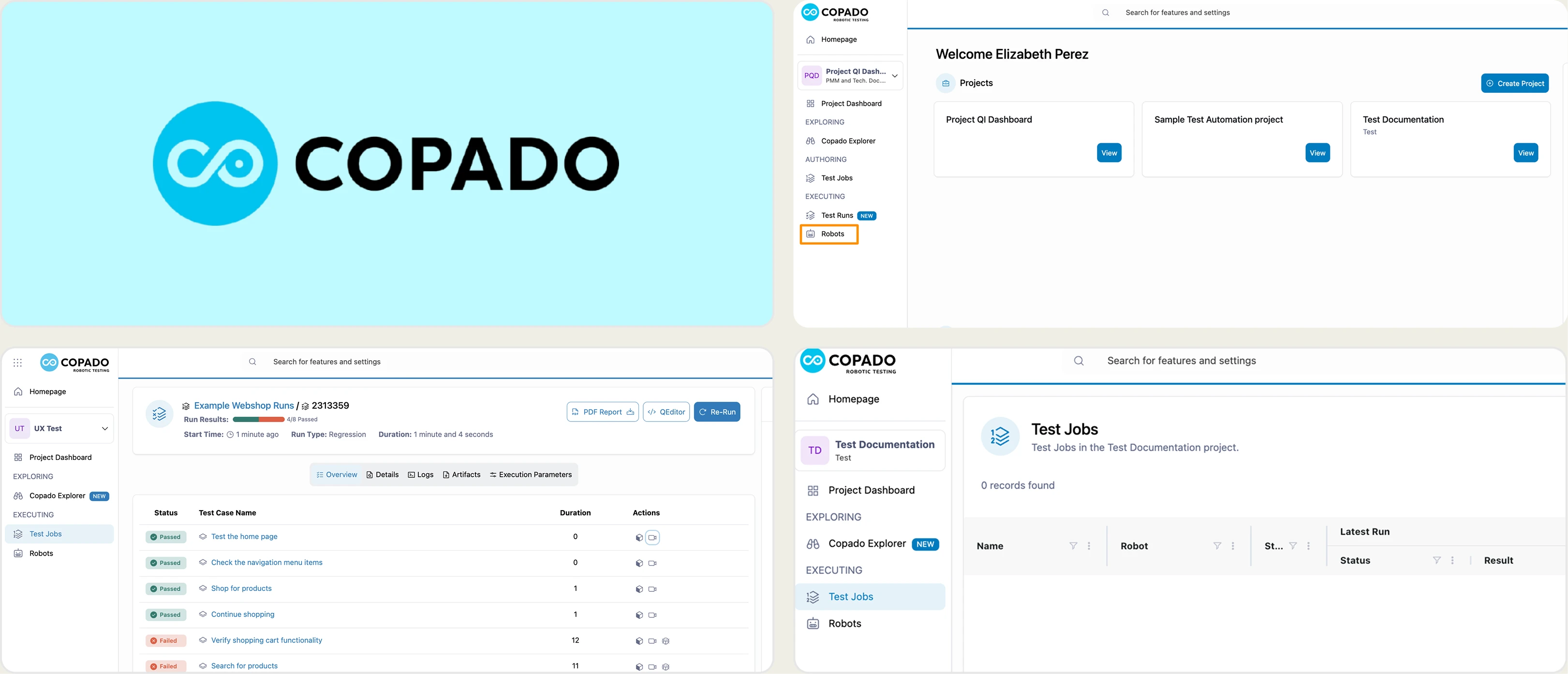
2. Copado
Best for:
Large enterprise teams needing a unified DevOps platform for Salesforce.
Platform Type:
All-in-one Salesforce DevOps and quality platform.
Integrations with:
Jira, Git, Salesforce.
Key Features:
- Release management for Salesforce
- Continuous delivery pipelines
- Integrated testing modules
- Deployment tracking across orgs
Pros
- Covers the entire Salesforce release lifecycle
- Centralized test execution and reporting within DevOps
Cons
- Testing is one module, so it lacks depth as a dedicated tool
- Pricing gets expensive as teams scale
First-Hand Experience
Salesforce DevOps and release management are where Copado is strongest, which suits large enterprises. The testing experience is less flexible than dedicated code-first tools.
Its complexity and configuration requirements slow developer workflows, and reporting often needs manual setup to deliver the insight you would expect from a Playwright-focused platform.
Pricing & Value
Custom pricing for paid plans, with a 30-day free trial. Enterprise cost depends on team size, usage, and package.
Final Verdict
Copado is a heavy-duty DevOps tool that fits large organizations. It lacks the lightweight setup and out-of-the-box AI test analysis that modern engineering teams want in their testing layer.
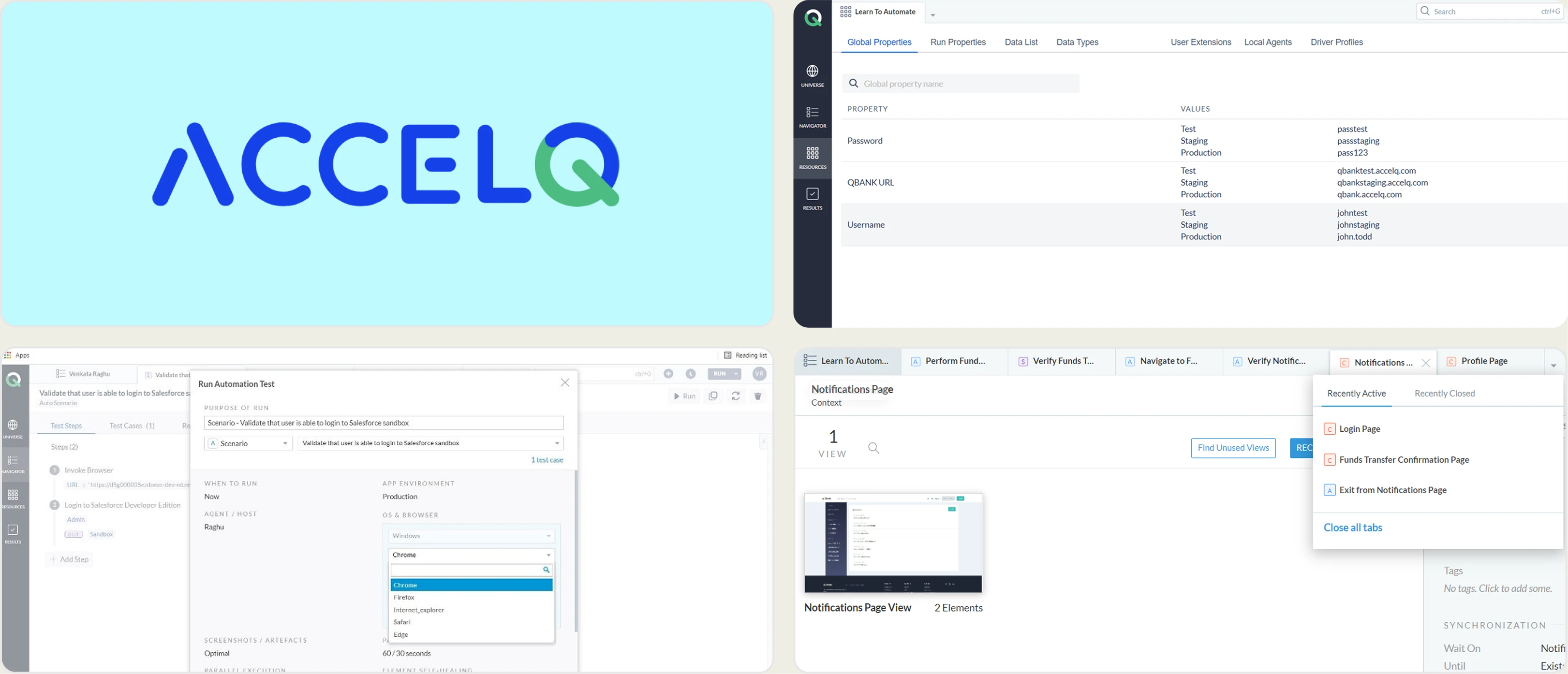
3. AccelQ
Best for:
QA teams looking for cloud-based, no-code test automation for Salesforce and enterprise apps.
Platform Type:
Cloud-based continuous testing platform.
Integrations with:
Jira, Slack, BrowserStack, Jenkins.
Key Features:
- Natural language test authoring
- Salesforce-specific object support
- Visual regression testing
- Automated test maintenance
Pros
- No coding required to build Salesforce tests
- Test execution scales in the cloud
Cons
- Natural language tests turn brittle on complex application logic
- No code-level debugging tools for developers
First-Hand Experience
Defining test steps in plain English lowers the barrier for non-technical stakeholders working on Salesforce UI testing. Complex UI interactions are harder to express precisely than in code, which raises maintenance and bug-tracking effort over time.
Reporting leans toward high-level metrics, so tracing a failure back to a specific pull request or code change takes more work.
Pricing & Value
Custom subscription pricing with a 14-day free trial. Annual plans depend on licenses, deployment model, and enterprise requirements.
Final Verdict
AccelQ authors Salesforce tests in plain English. You cannot step a failure into a Playwright trace or query the run from Claude Code.
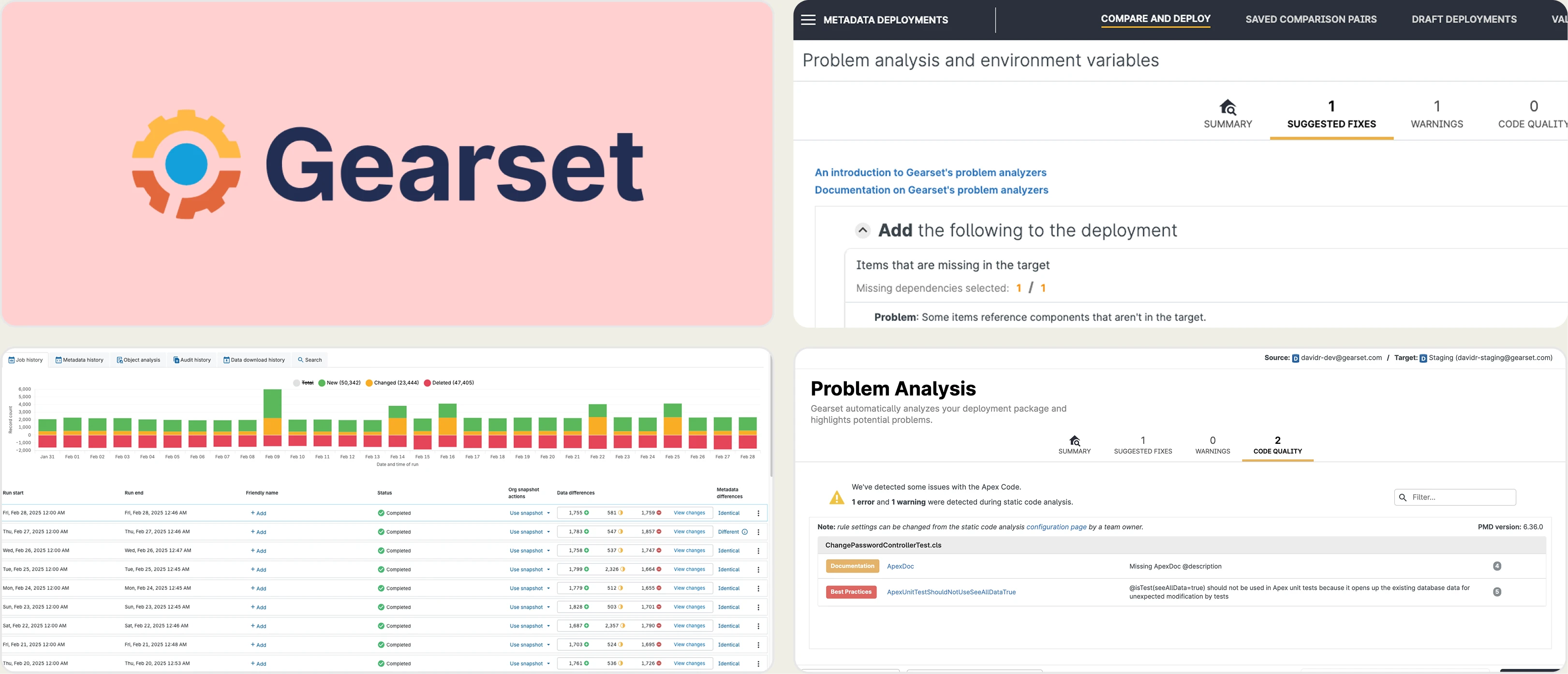
4. Gearset
Best for:
Salesforce developers who need reliable backup, deployment, and unit testing.
Platform Type:
Salesforce DevOps and release management.
Integrations with:
GitHub, Jira, Slack.
Key Features:
- Automated metadata deployment
- Data backup and restore
- Apex unit testing
- Continuous integration for Salesforce orgs
Pros
- Reliable metadata deployments
- Strong data backup and restore features
Cons
- Focused on unit testing and deployments, not end-to-end UI automation
- No code-first functional testing like Playwright
First-Hand Experience
Salesforce deployment and Apex unit testing are where Gearset earns its place, which makes it useful for release management and backend validation.
It is not a UI automation platform, so teams still need a code-first tool for end-to-end browser testing. Flaky-test analysis, AI failure classification, and code-level E2E debugging require separate tooling.
Pricing & Value
Gearset Starter begins at $550/team/month. Automated Testing and Enterprise plans use quote-based pricing.
Final Verdict
Gearset handles deployments well but falls short as a standalone E2E test automation tool. Pair it with Playwright and TestDino to get full coverage.
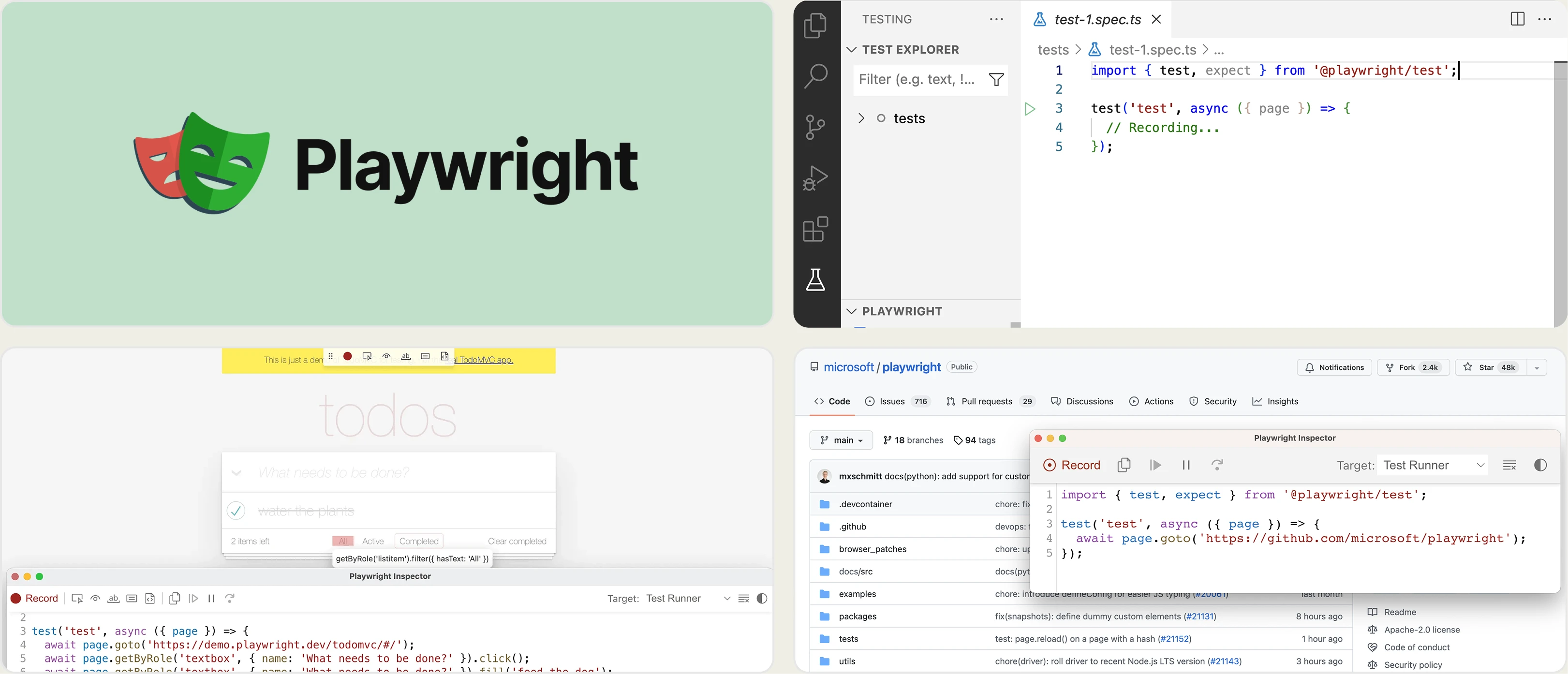
5. Playwright
Best for:
Engineering teams that want code-first browser automation with no licensing fees. Cost comes from your own CI and browser infrastructure.
Platform Type:
Open-source test automation framework.
Integrations with:
TestDino, GitHub, Jenkins, GitLab.
Key Features:
- Code-first test creation
- Auto-waiting for reliable execution
- Multi-tab and multi-browser support
- Built-in trace viewer
Pros
- Fast, reliable execution
- No vendor lock-in
Cons
- Requires programming knowledge
- Needs a reporting platform like TestDino to scale insights
First-Hand Experience
Code-first testing gives developers full control using standard engineering practices, and Playwright's locators and auto-waiting handle complex Salesforce Lightning UIs well.
Pairing it with TestDino adds centralized CI debugging, historical insights, flaky-test analysis, and AI failure classification.
Pricing & Value
Playwright is free and open source. The only cost is the reporting platform you pair it with.
Final Verdict
A code-first approach with Playwright is where Salesforce testing is heading. Paired with a modern reporting tool like TestDino, it goes well past what legacy recorders offer.
6. Cypress
Best for:
Frontend engineering teams that want a code-first framework for single-page apps.
Platform Type:
Open-source test automation framework.
Integrations with:
GitHub, Jenkins, CircleCI, Jira.
Key Features:
- Code-first test creation
- Time travel debugging with direct DOM access
- Interactive test runner
- Component testing
Pros
- Intuitive developer experience for JavaScript and TypeScript teams
- Large community and rich plugin ecosystem
Cons
- Multi-tab and iframe scenarios common in Salesforce get complex
- Test execution runs slower than Playwright in some scenarios
First-Hand Experience
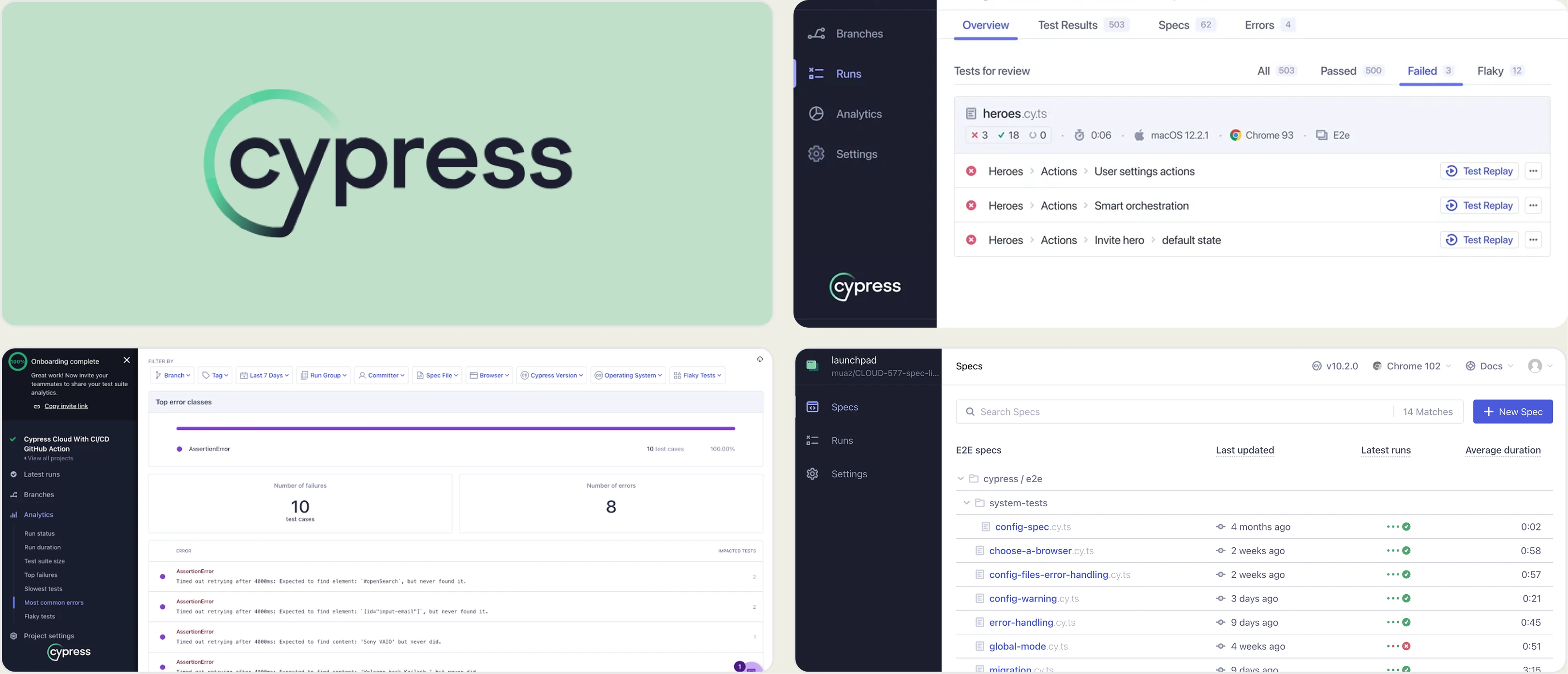
Cypress has long been a favorite for frontend developers thanks to its debugging tools and clear, code-first syntax. For testing custom Lightning web components, it works well.
Writing end-to-end tests across the full Salesforce platform is harder, since cross-domain iframes and multi-tab workflows are common there. Like Playwright, it lacks built-in advanced reporting and AI failure analysis unless paired with an external dashboard.
Pricing & Value
The Cypress App is free and open source. Cypress Cloud Team starts at $67/month billed annually.
Final Verdict
Cypress is a capable code-first tool, but it needs workarounds to handle the complexity of Salesforce's UI compared to Playwright.
7. Testsigma
Best for:
QA teams that want natural-language tests executed on a cloud device farm, not Salesforce-metadata-aware locators.
Platform Type:
Cloud NLP runner with a hosted device farm.
Integrations with:
Jira, Slack, GitHub, Azure DevOps.
Key Features:
- Natural language test authoring
- Hosted desktop and mobile device farm
- Cross-browser cloud execution
- Built-in test data management
Pros
- No coding required for basic web and mobile tests
- Device farm is included instead of bringing your own browsers
Cons
- Lightning shadow DOM and Salesforce iframes need workarounds
- No Playwright trace, flake map, or PR-level history
First-Hand Experience
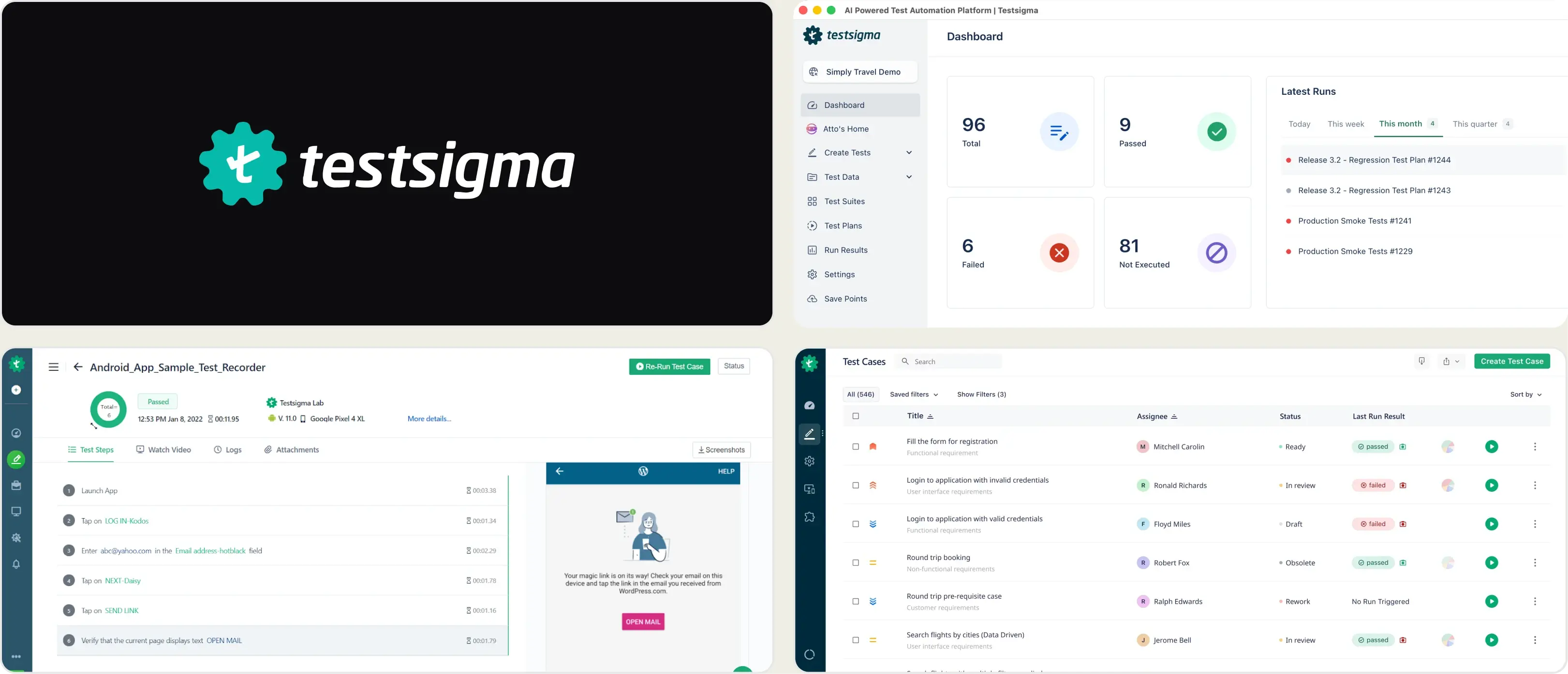
The NLP editor and hosted devices get a web test running without a local Playwright install. Salesforce Lightning is a different story. Shadow roots and console iframes are where the recorder stalls.
Results land as suite-level pass/fail. You do not get a per-PR flake map or a trace you can open from GitHub.
Pricing & Value
A free community tier exists. Parallel runs and private devices are paid. Published list prices are per parallel session, not per Salesforce org.
Final Verdict
Testsigma is a natural-language cloud runner. It does not pierce Lightning shadow DOM the way Playwright does, and it has no CI-native flake map.
What Matters When Evaluating Provar Replacements
Provar has strong Salesforce-specific capabilities, but teams weighing alternatives should focus on code-first flexibility, debugging depth, CI/CD integration, scalability, collaboration, and pricing.
Time to Value
Pick a platform that connects quickly to your existing repositories, CI pipelines, and test framework. Heavy setup, proprietary tooling, and long training cycles slow adoption.
Failure Intelligence
A useful platform explains why tests fail, not just whether they passed. Look for traces, logs, screenshots, historical context, and AI-assisted failure classification.
Code-First Flexibility
Open-source frameworks like Playwright keep tests in standard programming languages and avoid proprietary test formats. Developers get more control and you carry less vendor lock-in.
CI/CD Optimization
Testing tools should plug directly into pull requests and CI pipelines. Quality gates and actionable test insights cut build times and stop regressions from merging.
Predictable Pricing
Pricing should scale clearly with your team and test volume. Avoid models that make cost hard to forecast as executions, projects, or users grow.
Team Collaboration
Integrations with Slack and Jira keep developers, QA, and product aligned. Failure alerts should carry enough context to act on without switching between systems.
Enterprise Scalability
The platform should handle parallel execution, sharding, multiple environments, and growing test volumes while keeping historical data for long-term analysis.
Wrapping Up
Salesforce test automation has shifted toward code-first workflows. Relying on legacy UI recorders leads to bloated pipelines and slower release cycles.
Plenty of tools offer basic reporting, but few give the depth modern engineering teams need out of the box. AI failure classification and CI/CD integration are where the gap shows.
For a code-first approach, TestDino paired with Playwright covers reporting, debugging, and test management in one place. If your team is moving off low-code Salesforce testing, that combination is the most direct upgrade.
Trade low-code lock-in for code-first Salesforce testing
See why each CI failure happenedTrack flaky tests by root causeFAQs
The code-first path is Playwright plus a reporting layer. Native Playwright integration, real-time streaming, and GitHub CI Checks on every pull request is what that looks like in TestDino.