Zephyr runs test management inside Jira. Test cases, test cycles, and execution results sit alongside Jira issues, with traceability back to requirements and defects. For teams that live entirely inside Jira, it keeps everything in one tab.
But the model has a ceiling. Pricing is tied to your total Jira user count rather than your QA team size, so a 200-person Jira instance pays at the 200-user tier even when only 10 people run tests. Reporting is constrained by Jira's dashboard framework, performance slows in large instances, and the platform stops at execution tracking. There is no AI failure classification, Playwright trace viewer, flaky test detection, or CI/CD optimization features.
There is also a workflow gap that matters more every month: Zephyr has no MCP server, so your AI assistant can't reach your test data. TestDino ships the TestDino MCP Server, which connects AI assistants directly to your workspace. From your IDE or a chat window, you can pull recent runs, identify flaky tests across executions, and more. With Zephyr, that same work means clicking through Jira issues.
Teams running Playwright in CI need more than test cases inside Jira. They need to understand why tests fail, which ones are flaky, and what to fix first, and increasingly, they want their AI assistant to do that triage for them. Here are the 6 best Zephyr alternatives to consider in 2026.
Best Zephyr Alternatives: How to Choose the Right Tool
We evaluated each tool based on test case management depth, automated test reporting, AI failure analysis, flaky test detection, Playwright support, CI/CD integration, and pricing transparency.
How to Compare Zephyr Alternatives
Here is a quick comparison of top alternatives to Zephyr that can help you identify your preferred test management tool:
 TestDino | Zephyr |  Xray |  Allure TestOps |  Qase | |
|---|---|---|---|---|---|
| PricingLowest paid plan, per the listed billing terms. | $39/month (billed annually) | $10/mo (instance-based) | $10/mo (starting) | $39/user/month (Cloud) | $0/mo (Free up to 3 users) or $24/user/mo |
| Best for | Playwright test intelligence & management | Jira-native test management for Agile teams | Jira-native test management & requirement traceability | Enterprise test management with Allure framework | AI-assisted test management for modern engineering teams |
| Playwright integration | Native (trace viewer, error grouping, MCP) | Via reporter / REST API | Community playwright-xray reporter | Native via Allure framework | Official reporter |
| Ease of use |  |  | | |  |
| One-step CI setup | One tdpw upload line | CLI + REST API | CLI + REST API | Reporter + plugin config | Reporter package + token |
Dashboards & Reporting | |||||
| Unified Playwright dashboard | Jira dashboards only | Unified runs view | |||
| Multi-tab test run detail view | Summary, History, AI Insights & more | Jira-issue tabs | Jira-issue tabs | ||
| Pull request insightsSee test results and history for each pull request. | Via SCM commit linking | ||||
| Test ExplorerBrowse tests as a hierarchy, a flat list, or by tag. | |||||
| Real-time streaming | Per-shard/worker | ||||
| Scheduled PDF reportsGet report PDFs emailed on a set schedule. | Daily/Weekly/Monthly | Export only | PDF/CSV export, no schedule | ||
Test Analytics | |||||
| Analytics: trends & patterns | Jira gadgets | ||||
| Code coverage, per-file | Istanbul, run-level | ||||
| Environment analytics | Pass-rate/flaky by env | Via custom fields | Test environments field | ||
Debugging & Evidence | |||||
| Built-in Playwright trace viewer | |||||
| Screenshots & video replay | Embedded | Attachments only | Attachments only | Via attachments | Attachments, no embedded replay |
| Console logs | Node + browser | Via attachments | Via attachments | Via attachments | Via attachments |
| Visual diff comparison | |||||
| Smart error grouping | Message/stack/location | Categories + defects | Defect linking | ||
| Flaky detectionSpot tests that pass and fail inconsistently, with a stability score. | Via PW reporter flag | ||||
| Playwright tags & annotations | Priority/owner/links/metrics | ||||
CI/CD Optimization | |||||
| Rerun only failed tests | Via API | ||||
| GitHub CI Checks quality gates | Per-env + mandatory tags | Via API | Via API | Via job triggers | Via webhooks |
| Branch → environment mappingMatch each Git branch to the environment it runs against. | Exact/regex | Via launch parameters | Environment field per run | ||
| Smart rerun historyTrack reruns tied to each branch and commit. | Launch history by params | ||||
| Sharded / parallel run support | Per-shard live view | Via reporter merge | Via reporter merge | ||
| Native CI breadth | GitHub, GitLab, Azure DevOps, TeamCity, Bitbucket, CircleCI, Jenkins | Jenkins, GitHub Actions, GitLab CI, CircleCI, Bamboo | Jenkins, GitHub Actions, GitLab CI, Azure DevOps, CircleCI | Major CI Providers | Jenkins, GitHub Actions, GitLab CI, Bitbucket, Azure Pipelines |
| Self-managed GitLab | |||||
Test Management | |||||
| Test case management | |||||
| Bulk test creationGenerate many test cases at once from PRDs, Jira, or user stories. | via MCP | Via import | AI test design (Advanced+) | Import from CSV/TestRail/Xray | |
| Release trackingGroup test results by release, cycle, or sprint. | |||||
| Exploratory / manual sessions | |||||
| Import / export test cases | JSON/CSV/ZIP | ||||
AI & Automation | |||||
| Local MCPLet AI coding assistants in your editor query test data directly. | Cursor/Claude Code/Copilot | ||||
| Remote MCPLet web-based AI tools query your test data. | |||||
| AI test run summary on GitHub PRs | |||||
| AI test suite auditAI scores your test suite and gives a downloadable report. | |||||
| AI failure classification | |||||
Integrations & Collaboration | |||||
| Bug tracking breadth | Jira, Linear, Asana, monday | Jira (native) | Jira (native, deep) | Jira, YouTrack, GitLab/GitHub Issues | Major CI providers |
| Slack notifications | App + webhooks | Via webhooks | Via webhooks | ||
Platform & Security | |||||
| Public API & CLIs | REST + tdpw / testdino | REST API | REST API | REST API + allurectl CLI | |
| Project-level AI controls | Per-feature toggles | Edition-gated | AIDEN credits per workspace | ||
| Compliance & certifications | ISO 27001, SOC 2 Type II, GDPR | SOC 2, ISO 27001, GDPR | SOC 2, ISO 27001, GDPR | SOC via AWS infra, no own cert | SOC 2, SOC 3, ISO 27001, GDPR |
Plans & Pricing | |||||
| Plan tiers | Free · Pro $39 · Team $79 · Enterprise | Squad (from $10/mo) · Scale · Enterprise | Standard (from $10/mo) · Enterprise | Cloud $39/user · Server (custom) · Enterprise | Free · Startup $24/user · Business · Enterprise |
| Free executions | 5,000/mo | Free trial (30 days) | Free trial (30 days) | 30-day trial | Free: 3 users, 25k API results/mo |
| Support | Chat + Slack Connect + Priority email | Email · Premium (SmartBear) | Email · 24/7 (Enterprise) | Email + docs (Cloud) · Premium (Enterprise) | Email (Free/Startup) · Premium (Business) · CSM (Ent) |
| Try for free | Learn more | Learn more | Learn more | Learn more | |
Best Zephyr Competitors for Modern Test Reporting
Here are the 6 best alternatives to Zephyr for teams that want more from their test management platform:
1. TestDino
$49
/monthBest for:
Playwright-first teams that need test management and automated test reporting in one platform, without per-user pricing eating into their budget.
Platform Type:
Test management, reporting, dashboards, and CI observability platform for Playwright
Integrations with:
GitHub Actions, GitLab CI, Azure DevOps, TeamCity, Jira, Linear, Asana, monday, Slack
Key Features:
 Test case management with suites up to 6 levels deep, ownership, and custom fields
- AI failure classification into 4 categories (Actual Bug, UI Change, Unstable Test, Miscellaneous)
- Built-in Playwright trace viewer with DOM snapshots and network logs
- Error grouping by message and stack trace
- GitHub CI Checks as merge quality gates
- Rerun only failed tests to cut CI pipeline time
- MCP Server for AI agent queries from your IDE
- Flaky test detection with root cause classification
- AI summaries posted to GitHub commits and GitLab MRs
- Real-time results streaming via WebSocket
- Code coverage per file breakdown

Pros
- Combines test management and automated test reporting on the same platform
- No per-user pricing, flat monthly rate per workspace
- Playwright-native with under 10-minute setup
- AI failure classification, trace viewer, and error grouping built in
- Broad CI/CD support: GitHub Actions, GitLab CI, Azure DevOps, TeamCity
- 1-click bug filing into Jira, Linear, Asana, or monday

Cons
- Purpose-built for Playwright (multi-framework support on the roadmap)
First Hand Experience
Teams using Jira-native test management know this pattern: test cases live inside Jira, results push back to issues, and traceability looks clean on a requirements matrix. The management side works, but when you need failure intelligence, debugging evidence, or CI/CD optimization on top of it, you end up stitching together separate tools.
TestDino eliminates the multi-tool problem. Test case management and automated test reporting live on the same platform. Manual test cases sit in suites up to 6 levels deep with ownership, custom fields, and version history. Playwright results flow in from your first CI run with dashboards, analytics, and AI failure classification working from day one. No reporter configuration, no adapter maintenance.
The Test Explorer shows both manual and automated tests side by side, sortable by flaky rate, tags, and coverage status. Where Zephyr keeps everything inside Jira's dashboard limits, TestDino unifies management and reporting on a purpose-built platform.
Debugging That Saves You from Re-running Locally
Each failed test in TestDino comes with screenshots, video, browser console logs, and a trace you can step through action by action. Available right after the CI run finishes.
AI Insights classifies each failure as Actual Bug, UI Change, Unstable Test, or Miscellaneous. Bug filing is 1-click into Jira, Linear, Asana, or monday, pre-filled with error details, stack trace, failure history, and links to the run and CI job.
CI/CD Speed and Merge Safety
Rerun failed tests re-executes only failures, not the full suite. Works across sharded runs and different CI runners.
GitHub CI Checks adds quality gates to your PRs. Set a minimum pass rate, mark critical tags as mandatory, and configure different rules per environment. AI-generated summaries are posted to GitHub commits and GitLab merge requests with pass/fail/flaky counts.
Flaky Test Detection That Tells You Why
Flaky test detection classifies unstable tests by root cause: timing-related, environment-dependent, network-dependent, or assertion-intermittent. Each test gets a stability percentage, and you can compare flaky rates across environments to spot infrastructure problems.
Real-Time Streaming and Scheduled Reports
Results appear on the dashboard as each test completes via real-time streaming, not after the full suite finishes. Automated PDF reports deliver test health summaries on daily, weekly, or monthly schedules. Slack notifications send run summaries filtered by environment and branch.
MCP Server for AI-Assisted Test Management
The MCP Server connects your AI assistant (Cursor, Claude Code, Copilot) to your test data. List test runs, pull debugging context, perform root cause analysis, create and manage manual test cases, organize test suites, track releases, and execute manual test runs through natural language. It covers both automated debugging and test management without switching tools.
Pricing & Value
Pricing is per workspace, not per user. A 10-person team pays $39/month on the Pro plan, compared to a Jira-user-tiered Zephyr bill that grows with your whole instance. Pricing may vary. Check the pricing page for the latest details.
Final Verdict
TestDino is the most complete Zephyr alternative for Playwright teams. Where Zephyr ties test management to Jira and requires separate tools for failure analysis and CI/CD optimization, TestDino delivers test management, AI failure classification, trace viewing, flaky detection, and CI/CD quality gates on one platform at a flat monthly rate.
It replaces the need to pair Zephyr with a separate reporting tool. At $39/month billed annually for an entire workspace, it gives teams test intelligence and management together instead of management alone.
2. Xray
Best for:
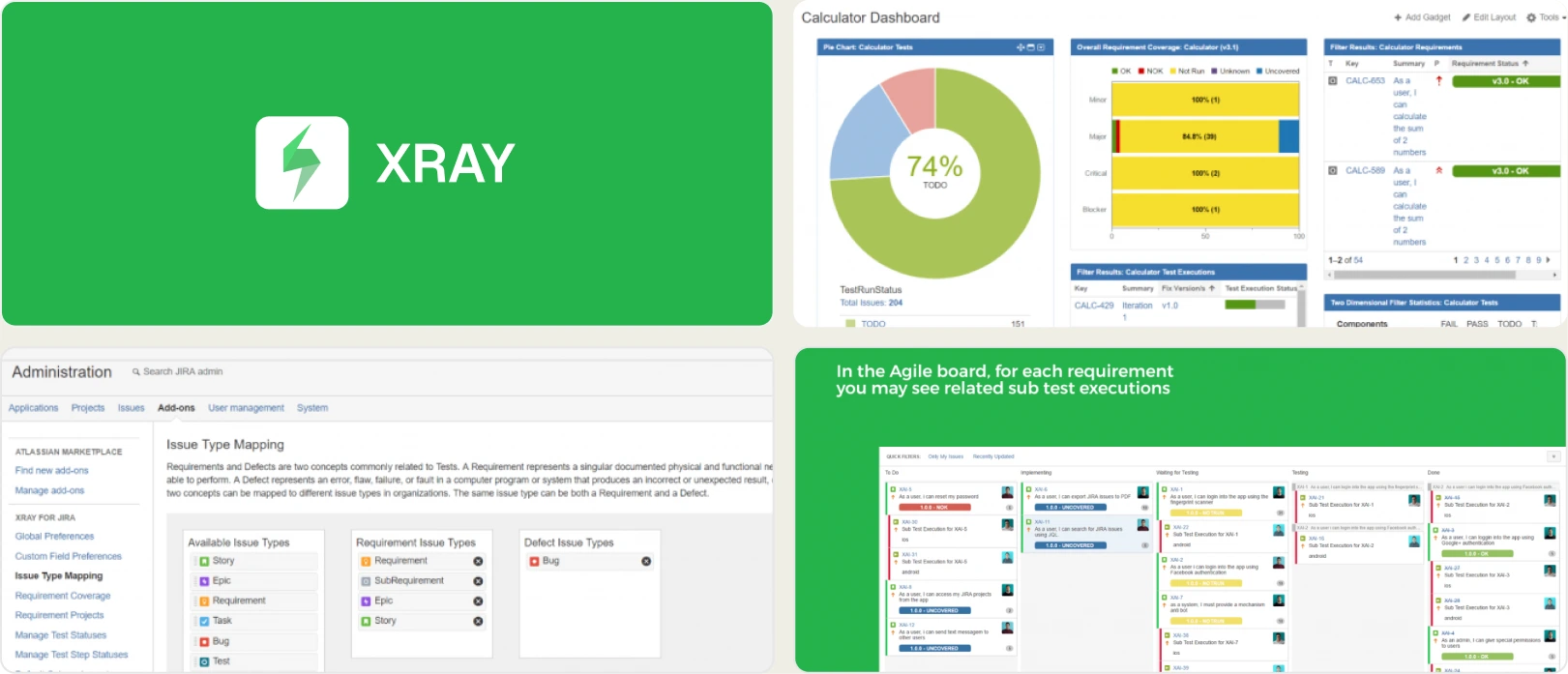
Teams already standardized on Jira who need requirement-to-test traceability and BDD support inside the Atlassian ecosystem, across manual and automated workflows.
Platform Type:
Jira-native test management app
Integrations with:
Jira (native), GitHub, GitLab, Jenkins, Azure DevOps, CI/CD systems
Key Features:
- Manual, automated, and exploratory testing managed inside Jira
- Requirement-to-test-to-defect traceability with coverage charts
- Test execution tracking with historical pass/fail status
- BDD support with Cucumber and Gherkin syntax
- Automation result import (JUnit, Cucumber, Robot Framework, Selenium)
- REST API and CLI for framework integration
- Custom fields, filters, and Jira-based reports for QA metrics
Pros
- Deep Jira integration keeps QA visibility inside the core development workflow
- Strong requirement-to-test-to-defect traceability for compliance and audit readiness
- Supports BDD workflows with Cucumber and Gherkin
- Flexible coverage from manual to automated testing
- Centralized QA visibility for teams already on Atlassian tools
Cons
- CI/CD optimization features such as rerun-failed-tests and pipeline cost reduction are minimal
- Basic flaky detection without pattern-based historical analysis
- Limited advanced automation analytics and no AI-powered failure insights
- Reporting feels Jira-centric and less intuitive for non-Atlassian users
- Less effective for teams that need deep, evidence-rich debugging views
First Hand Experience
Xray operates more like a native Jira enhancement than an independent QA intelligence platform, which makes adoption easy for teams already working inside Atlassian. Test cases, executions, and defects live as Jira issues, and the traceability matrix maps requirements to tests cleanly.
As automation grows and CI pipelines get more complex, though, the analytics and failure-investigation capabilities feel less advanced than dedicated automation reporting platforms. There is no Playwright trace viewer, no AI failure classification, and no rerun-only-failed workflow, so teams running Playwright in CI still pair Xray with a separate reporting tool.
Pricing & Value
Xray Cloud pricing is tiered by your total Jira user count, starting around $1/user/month with a 10-user minimum (≈$10/month on Jira Cloud) and scaling with instance size. A 30-day free trial is available. It delivers strong traceability and QA governance, but the Jira-tied model means you pay for your whole instance, not just your QA team.
Final Verdict
Xray is a strong fit for teams that want tight Jira integration with robust requirement mapping and compliance-ready workflows. For organizations prioritizing advanced automation insights, flaky test analysis, and CI/CD performance optimization, purpose-built platforms such as TestDino provide a more complete option.
3. Allure TestOps
Best for:
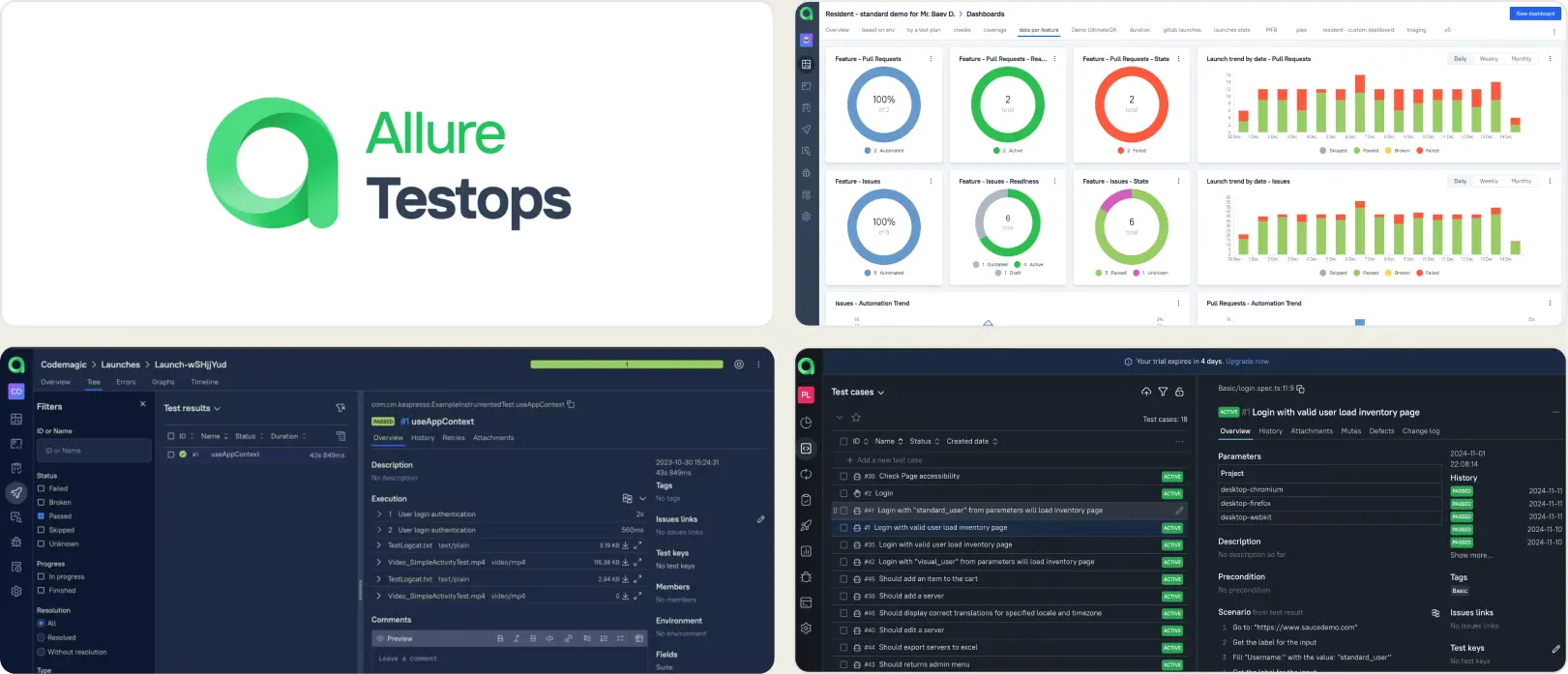
Enterprise organizations and mature QA departments that need full lifecycle test management, detailed execution tracking, and audit-ready reporting, with the resources to manage adapters and dashboards.
Platform Type:
Web dashboard test management platform (built on the Allure framework)
Integrations with:
Jira, GitHub, GitLab, Jenkins, CI/CD systems
Key Features:
- Requirement traceability with measurable coverage insights
- Centralized repository linking manual tests with automated execution data
- Customizable dashboards with export and sharing capabilities
- AQL-powered filtering for deep test data exploration
- Granular role-based access and permission controls
- Historical reporting across environments, releases, and builds
Pros
- Designed for enterprise governance and structured QA oversight
- Mature, stable ecosystem with broad adoption
- Highly configurable dashboards and reporting layers
- Strong synchronization between manual and automation workflows
- Well-aligned with regulatory and compliance-heavy industries
Cons
- Initial setup demands adapter configuration and dashboard building per framework
- May introduce unnecessary complexity for lean or startup teams
- Ongoing maintenance increases as projects and integrations expand
- No built-in Playwright trace viewer or AI failure classification
First Hand Experience
Allure TestOps proves most effective in organizations where compliance, visibility, and governance are central to QA strategy. It provides broad insight across releases and environments, but teams must invest time in adapter setup, AQL dashboard building, and ongoing maintenance to fully benefit.
The platform has depth, yet the time from "we signed up" to "we debugged our first failure" is measured in weeks, not minutes. Structured teams with defined testing standards get the greatest value.
Pricing & Value
Allure TestOps Cloud starts at $39/user/month, with self-hosted Server and Enterprise pricing available on request. A 30-day trial is offered. It delivers strong long-term value for organizations prioritizing audit trails, structured reporting, and cross-team coordination, while smaller teams may find it heavier and more expensive than lightweight alternatives.
Final Verdict
Allure TestOps is best suited for organizations where traceability, governance, and compliance reporting drive tool selection. It is less ideal for teams primarily seeking faster debugging cycles, CI optimization, or rapid onboarding with minimal configuration overhead.
4. Qase
Best for:
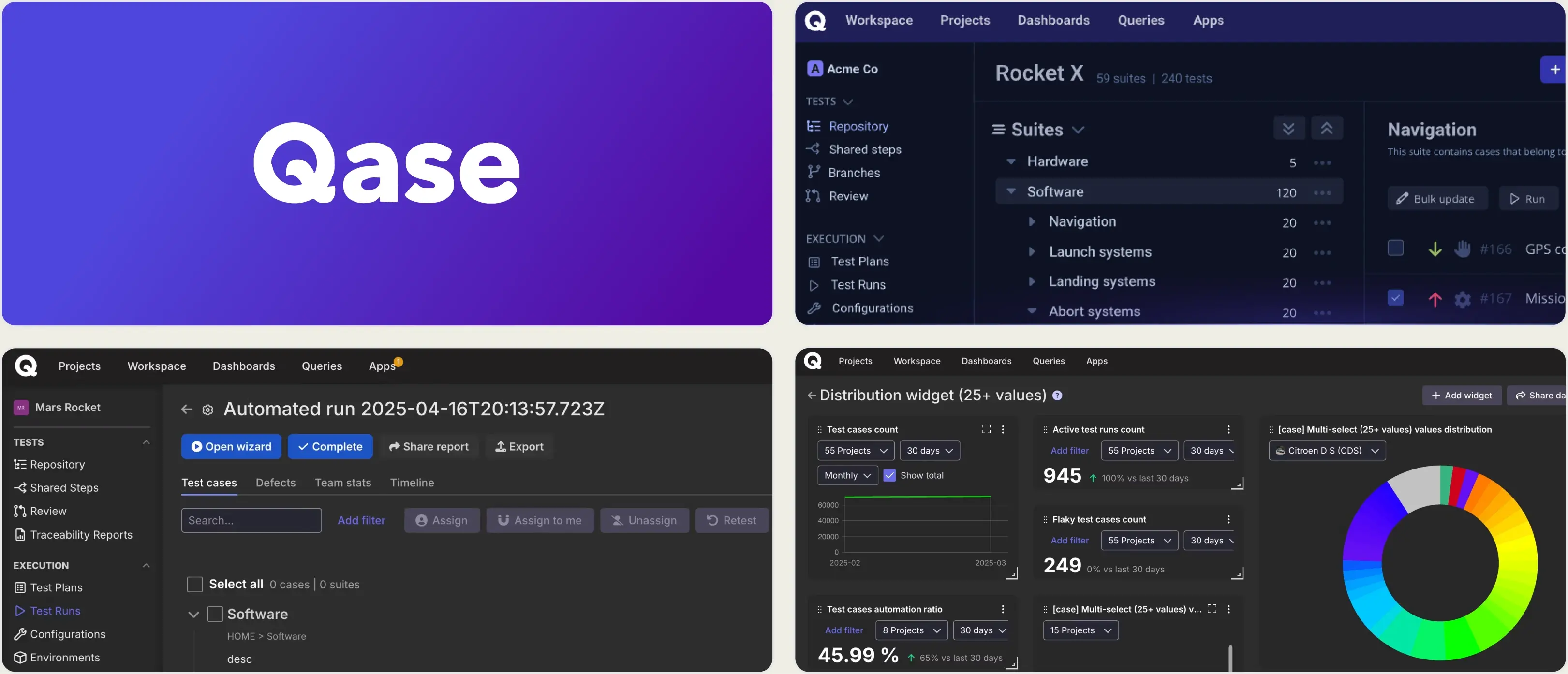
Growing teams and agile QA groups that want a modern, unified test management platform for manual and automated testing without the complexity of legacy tools.
Platform Type:
Cloud-based test management platform
Integrations with:
Jira, GitHub, GitLab, Slack, CI/CD tools, REST API, Webhooks
Key Features:
- Central test case repository with folders, shared steps, and custom fields
- Manual and automated test execution tracking
- Real-time dashboards with customizable widgets and actionable reports
- Defect management and issue linking with popular trackers
- CI/CD integration to automatically post test results
- Requirements traceability and coverage insights
Pros
- Clean, intuitive interface designed for fast onboarding
- Unified workspace for manual tests, automation, and defect tracking
- Strong integrations with CI/CD pipelines and issue trackers
- Customizable real-time reporting dashboards
- API and webhook support for automation ecosystem connections
Cons
- AI-powered features are still evolving and may require higher plans (AIDEN credits)
- Per-user pricing scales quickly at $24-36/user/month
- Historical analytics depth and advanced test intelligence are less extensive
- No built-in Playwright trace viewer or CI/CD optimization layer
First Hand Experience
Qase delivers a streamlined test management experience that makes structured test organization feel intuitive compared to legacy tools, which is why teams exploring Zephyr alternatives often appreciate its modern design and execution visibility.
Where it stops is depth: analytics stay at the pass/fail level, and there is no AI failure classification, trace viewer, or rerun-only-failed workflow. Per-user pricing also adds up as you give every stakeholder access, so teams running Playwright at scale in CI usually pair Qase with a separate reporting tool.
Pricing & Value
Qase offers a free tier (up to 3 users) and paid plans from $24/user/month (Startup), scaling to Business and Enterprise. It is a cost-effective Zephyr alternative for teams that want modern test management without heavy infrastructure, though per-user pricing should be calculated at your actual team size.
Final Verdict
Qase is a strong Zephyr alternative for teams that want clear test case management, real-time dashboards, and smooth DevOps integrations. For groups focused on deep automation analytics, flaky test detection, and advanced CI/CD optimization, more specialized platforms may provide greater depth.
5. ReportPortal
Best for:
Teams that want open-source flexibility and full control over hosting, upgrades, and data, with engineering time to allocate for setup and maintenance.
Platform Type:
Open-source test reporting platform (self-hosted or SaaS)
Integrations with:
Jenkins, GitHub, GitLab, Jira, Slack, and other CI/CD tools
Key Features:
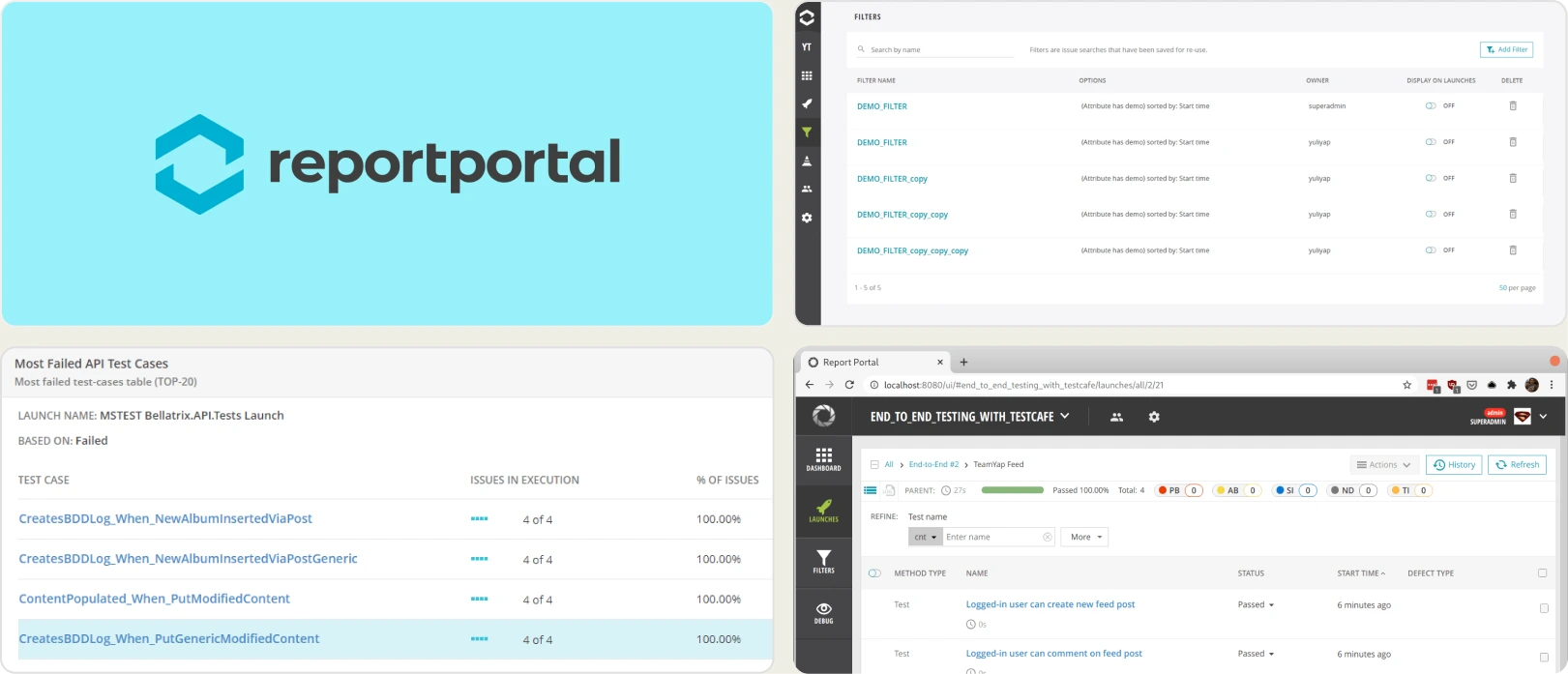
- Real-time launch tracking and execution visibility
- Failure clustering and automated grouping of similar errors
- Historical flaky detection using trend analysis
- Customizable dashboards with widgets and filters
- Query-based data exploration for deep analysis
- Multi-framework aggregation in one interface
Pros
- Free open-source core available
- Broad framework compatibility
- High customization flexibility
- Suitable for complex, multi-framework environments
- Community and enterprise support options
Cons
- Requires hosting, scaling, and infrastructure management
- Limited AI-based failure reasoning compared to modern SaaS tools
- UI may feel dated for non-technical stakeholders
- Ongoing engineering effort needed for upgrades
- No native test case management layer
First Hand Experience
ReportPortal offers strong flexibility and transparency for automation teams. It aggregates results across frameworks and uses pattern matching to cluster recurring failures. The trade-off is infrastructure: maintaining performance at scale requires dedicated resources, and there is no native test case management to pair with the reporting.
Teams that invest in configuration get meaningful reporting depth; teams that want turnkey intelligence look elsewhere.
Pricing & Value
The open-source edition is free (self-hosted). Managed SaaS plans start at $569-599/month for the Startup tier and scale into enterprise territory. Total cost depends heavily on infrastructure, hosting, and maintenance effort.
Final Verdict
ReportPortal is well-suited for organizations prioritizing customization and open-source control. It works best when technical resources are available to manage setup and scaling. For turnkey automation intelligence and built-in test management, SaaS-focused platforms provide faster time to value.
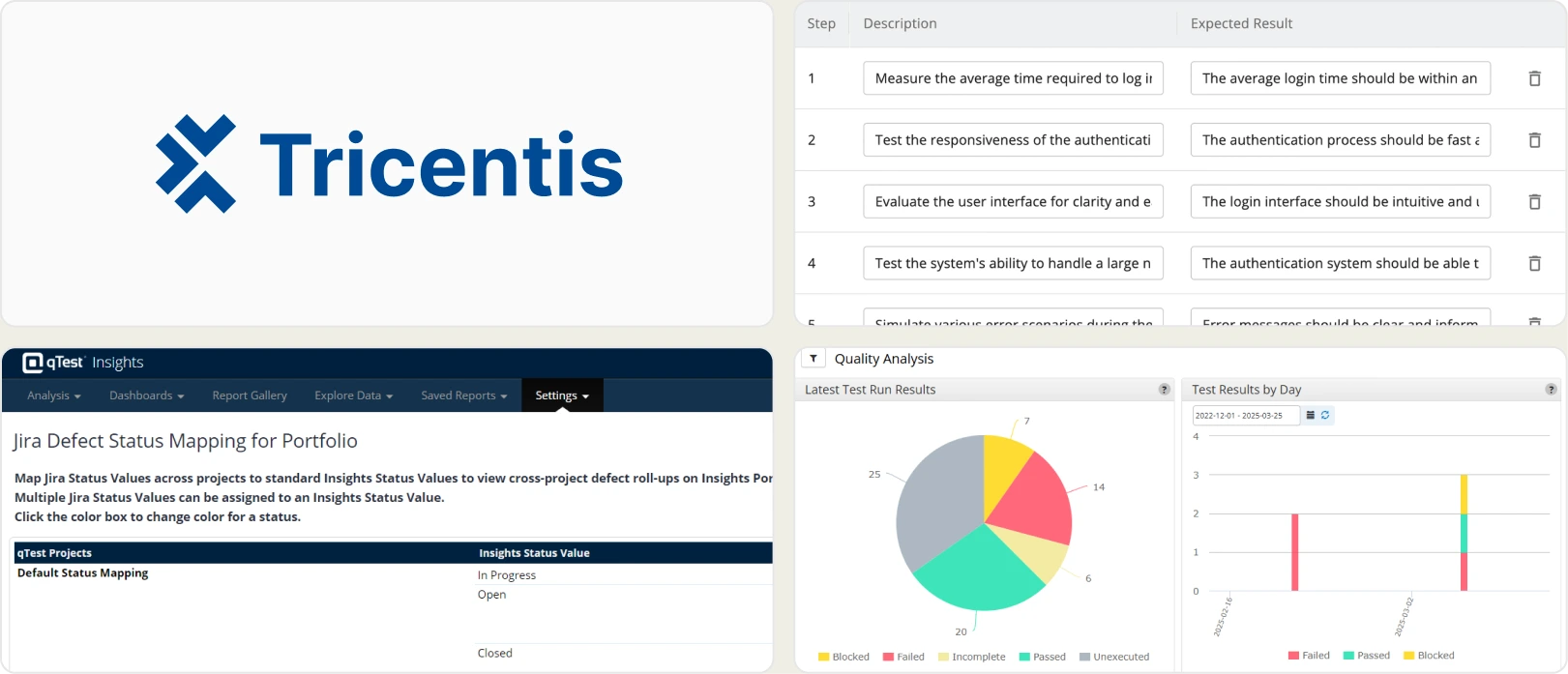
6. Tricentis qTest
Best for:
Large organizations standardizing QA governance across multiple products, teams, and automation frameworks while maintaining traceability, compliance, and release-level reporting.
Platform Type:
Web-based dashboard (Cloud SaaS) with on-premise deployment options
Integrations with:
Jira, CI/CD tools, version control systems
Key Features:
- Centralized test case management across projects
- Requirement traceability and defect linkage
- Execution tracking with build-level reporting
- Dashboard customization and advanced reporting
- Automation result aggregation from multiple frameworks
- Enterprise-grade role and access management
Pros
- Scalable for large enterprise environments
- Strong governance and traceability support
- Suitable for complex, distributed QA teams
- Multi-framework compatibility
- Enterprise-level reporting consistency
Cons
- Implementation can be complex
- Higher cost compared to lightweight tools
- May be excessive for small or agile teams
- Advanced analytics require configuration effort
- No AI failure classification, Playwright trace viewer, or rerun-only-failed workflow
First Hand Experience
Tricentis qTest works effectively in enterprise settings where multiple teams collaborate across products. It provides centralized oversight and reporting consistency but requires structured implementation to unlock full value.
The platform is stable but can feel heavy for smaller organizations, and its automation analytics stop short of the failure intelligence and CI optimization that Playwright teams need.
Pricing & Value
Pricing is enterprise-based and typically customized by users, modules, and deployment model (Cloud or on-premise). It provides value for organizations needing standardized governance across departments. Smaller teams may find it more than they need.
Final Verdict
Tricentis qTest is the right choice when the primary problem is governing QA across an enterprise portfolio. It is the wrong choice when the primary problem is improving debugging speed, CI efficiency, or automation reporting for a single product team.
What matters when evaluating Zephyr replacements
Zephyr provides Jira-native test management, but the Jira-tied pricing model and the absence of failure intelligence create gaps as teams scale. When evaluating Zephyr alternatives, focus on these criteria.
Jira-user pricing vs. flat pricing
Zephyr charges based on your total Jira user count, not your QA team size. A company with 200 Jira users pays at the 200-user tier even if only 10 people run tests. Per-user and per-Jira-user models make it harder to justify giving every stakeholder access.
Platforms with flat per-workspace pricing let you add team members without recalculating costs. Calculate total cost at your actual team size before committing.
Test management paired with automated reporting
Zephyr manages test cases inside Jira but keeps automation analytics at the pass/fail level. To understand why automated tests fail, teams add a separate reporting tool, and now management lives in one platform and failure intelligence in another.
Platforms that combine test case management and automated test reporting on the same product eliminate that fragmentation. Manual test cases and automated Playwright results should live side by side, sortable and filterable in the same test explorer.
Failure intelligence that goes beyond pass/fail
Knowing that 12 tests failed tells you something happened. It does not tell you why. AI failure classification, error grouping by stack trace and message, and root cause analysis turn raw results into a prioritized fix list. Without this layer, every failed test requires manual investigation.
The best Zephyr alternatives separate real defects from flaky tests and environment issues automatically.
Debugging evidence available immediately
When a test fails in CI, you should not need to re-run it locally to understand the failure. Built-in trace viewers, screenshots, video playback, and console log viewers make failure context available right after the CI run finishes. Zephyr supports attachments but does not provide a native Playwright trace viewer or structured debugging experience.
Test failure triage should start from the reporting dashboard, not from a local development environment.
CI/CD optimization beyond result viewing
Viewing test results after a run finishes is the starting point. Rerunning only failed tests, blocking merges with quality gates, and posting AI-generated summaries to commits and merge requests actively improve pipeline speed and merge safety.
These features reduce CI costs rather than just displaying test execution data. If your current tool only shows results but does not act on them, you are missing the optimization layer.
Transparent, predictable pricing
Jira-user-tiered Zephyr pricing makes it hard to budget as teams grow. Flat monthly pricing with published plans lets you evaluate total cost before committing and scale without negotiation.
For a lightweight Zephyr replacement for small teams, look for free tiers that include core management and reporting features.
Wrapping Up
Zephyr provides Jira-native test management with test cycles, traceability, and defect linking. For teams that live entirely inside Jira and are comfortable with Jira-user-tiered pricing, it covers the basics.
Xray offers deeper traceability and BDD support but stays Jira-bound with the same pricing model. Allure TestOps delivers enterprise governance at the cost of adapter setup and maintenance. Qase brings a modern interface but per-user pricing and shallow automation analytics. ReportPortal gives open-source control with infrastructure overhead. Tricentis qTest governs QA across an enterprise portfolio but is heavy for single teams.
For Playwright-first teams that want test case management, AI failure classification, flaky test detection, trace viewing, and CI/CD optimization on one platform without per-user or per-Jira-user pricing, TestDino combines test intelligence and management at $39/month billed annually per workspace.
FAQs
TestDino supports CSV import for test cases. You can export your Zephyr test cases and import them into TestDino's test management module with suites, ownership, and custom fields preserved. Automated Playwright results start flowing from your first CI run, with no reporter configuration needed. Your test history builds from the first report.