Zoho QEngine gained popularity for its low-code, AI-powered testing, letting non-technical QA members build automated tests for web, mobile, and APIs in one ecosystem. But pricing tied to parallel test concurrency, vendor lock-in, and a steep learning curve for deep CI/CD observability have pushed many teams to look elsewhere.
In this guide, we cover 5 of the best Zoho QEngine alternatives worth considering in 2026, comparing their reporting, analytics, test creation, and collaboration features, so you can find the right fit without unnecessary constraints.
Best Zoho QEngine Alternatives: How to Choose the Right Tool
We evaluated each tool based on test management capabilities, Playwright automation integration, AI failure analysis, debugging evidence, Jira connectivity, and pricing transparency, giving you a clear picture of where each platform stands out.
How to Compare Zoho QEngine Alternatives
Here is a quick comparison of the top alternatives to Zoho QEngine that can help you identify your preferred test automation tool:
 TestDino |  Zoho QEngine |  Katalon |  BrowserStack |  Testsigma | |
|---|---|---|---|---|---|
| Pricing (starts at)Lowest paid plan, per the listed billing terms. | $39/3 users/month (billed annually) | $99/month (1 parallel test) | $59/user/month | $249/5 users/month | Custom |
| Best for | Playwright test intelligence & management | Unified low-code testing | Enterprise UI and API testing | Cross-browser analytics & execution | No-code cloud automation |
| Playwright integration | Native (trace viewer, error grouping, MCP) | Basic support | Basic support | SDK | Via plugins |
| One-step CI setup | Complex configuration | Requires CI config | Cloud setup | Configuration required | |
Dashboards & Reporting | |||||
| Unified Playwright dashboard | |||||
| Multi-tab test run detail | Summary, History, AI Insights & more | Basic view | Basic view | Session-level view | Basic view |
| Pull request insights (per-PR history)See test results and history for each pull request. | |||||
| Test Explorer (hierarchical/flat/tag)Browse tests as a hierarchy, a flat list, or by tag. | |||||
| Real-time streaming | Per-shard/worker | ||||
| Scheduled PDF reports (email)Get report PDFs emailed on a set schedule. | Daily/Weekly/Monthly | ||||
Test Analytics | |||||
| Analytics: trends & patterns | For test runs, test cases & more | Basic charts | Trends only | Trends only | |
| Code coverage, per-file | Istanbul, run-level | ||||
| Environment analytics | Pass-rate/flaky by env | ||||
Debugging & Evidence | |||||
| Built-in Playwright trace viewer | |||||
| Screenshots & video replay | Embedded | ||||
| Console logs (per test) | Node + browser | ||||
| Visual diff comparison | |||||
| Smart error grouping | Message/stack/location | Basic clustering | |||
| Flaky detection (+ stability %)Spot tests that pass and fail inconsistently, with a stability score. | |||||
| Playwright tags & annotations | Priority/owner/links/metrics | ||||
CI/CD Optimization | |||||
| GitHub CI Checks quality gates | Per-env + mandatory tags | ||||
| Branch → environment mappingMatch each Git branch to the environment it runs against. | Exact/regex | ||||
| Sharded / parallel run support | Per-shard live view | High licensing costs | High costs | Costly | |
| Native CI breadth | GitHub, GitLab, Azure DevOps, TeamCity, Bitbucket, CircleCI, Jenkins | GitHub, Jenkins | Jenkins, GitHub | Major CI providers | GitHub, Jenkins |
| Self-managed GitLab | Verify agent/network setup | Enterprise/local testing setup | Private deployment options | ||
Test Management | |||||
| Test case management (suites, ownership) | |||||
| Bulk test creation (PRDs/Jira/stories)Generate many test cases at once from PRDs, Jira, or user stories. | via MCP | NLP | |||
| Release tracking (releases/cycles/sprints)Group test results by release, cycle, or sprint. | |||||
| Exploratory / manual sessions | |||||
| Import / export test cases | JSON/CSV/ZIP | ||||
AI & Automation | |||||
| Local MCP (IDE agents)Let AI coding assistants in your editor act on test data directly. | Cursor/Claude Code/Copilot | ||||
| Remote MCP (web AI)Let web-based AI tools query your test data. | |||||
| AI test run summary on GitHub PRs | |||||
| AI test suite audit (audit score + report)AI scores your test suite and gives a downloadable report. | |||||
| AI failure classification | |||||
Integrations & Collaboration | |||||
| Bug tracking breadth | Jira, Linear, Asana, monday | Zoho ecosystem | Jira | Jira, Trello | Jira |
| Slack notifications (run summaries) | App + webhooks | Basic webhooks | |||
Platform & Security | |||||
| Public API & CLIs | REST API + CLI | ||||
| Project-level AI controls | Per-feature toggles | ||||
| Compliance & certifications | ISO 27001, SOC 2 Type II, GDPR | SOC 2 | SOC 2 | SOC 2 | SOC 2 |
Plans & Pricing | |||||
| Plan tiers | Free · Pro $39 · Team $79 · Enterprise | Free · Web $99/mo · Web+Mobile $129/mo · Enterprise | Free · True Platform $59/seat/mo · Enterprise | Team Ultimate · Enterprise | Community · Pro & Enterprise |
| Free executions | 5,000/mo | None | |||
| Support | Chat + Slack Connect + Priority email | Standard | Email + Docs | Email + Docs | Email + Docs |
| Try for free | Learn more | Learn more | Learn more | ||
Best Zoho QEngine Competitors
Here are the top 5 best alternatives to Zoho QEngine that you can choose from to strengthen your test automation and reporting:
1. TestDino
Best for:
Playwright-focused teams looking to consolidate test reporting, test management, and CI/CD optimization into a single platform, rather than piecing together several separate tools.
Platform Type:
Test reporting, dashboards, test management, and CI observability platform for Playwright.
Integrations with:
GitHub Actions, GitLab CI, Azure DevOps, TeamCity, Jira, Linear, Asana, monday, Slack.
Key Features:
 Unified test management and automated reporting
- AI-driven failure classification across 4 categories
- Native trace viewer with DOM snapshots and network activity logs
- Error grouping based on message and stack trace patterns
- GitHub CI Checks acting as merge quality gates
- MCP Server for AI agent queries directly from your IDE
- Cross-run flaky test detection
- AI-generated summaries posted to GitHub commits
- Live results streaming through WebSocket
- Per-file code coverage breakdown

Pros
- Purpose-built for Playwright with setup in under 10 minutes
- Combines test management and automated reporting in a single platform
- Wide CI/CD coverage: GitHub Actions, GitLab CI, Azure DevOps, TeamCity
- Posts AI summaries to GitHub commits, GitLab MRs, and Slack
- One-click bug filing to Jira, Linear, Asana, or monday
- Budget-friendly at $39/month billed annually

Cons
- Purpose-built for Playwright (multi-framework support on the roadmap)
First-Hand Experience
Zoho QEngine does a solid job abstracting away test creation for non-technical users, but as teams scale, the black box of low-code platforms becomes a bottleneck. When a complex web app fails deep in CI, developers need code-level insights, DOM snapshots, and raw network requests, not a proprietary low-code log.
TestDino skips the fragile infrastructure layer common in low-code tools. Results persist automatically with unified dashboards, historical analytics, and AI failure classification working from the first CI run, with no extensions, hosting, or custom scripts required.
Test management and reporting live on the same platform. Manual test cases sit in organized suites with ownership, custom fields, and version history. The Test Explorer shows manual and automated tests side by side, sortable by flaky rate, tags, and coverage status.
Debugging That Saves You from Re-running Locally
Each failed test in TestDino includes instant screenshots, video, console logs, and a native trace viewer you can step through action by action, so you never pull a branch to reproduce errors locally.
AI Insights auto-classifies failures as Actual Bug, UI Change, Unstable Test, or Miscellaneous. Filing a bug is 1-click into Jira, Linear, Asana, or monday, pre-filled with stack traces, failure history, and run links.
CI/CD Speed and Merge Safety
Each shard reports as its tests finish. History persists across different CI runners. There are no parallel concurrency fees like Zoho QEngine charges.
GitHub CI Checks add quality gates directly to PRs. Set a minimum pass rate, mark critical tags as mandatory, and configure failure rules per environment. AI-generated run summaries post automatically to GitHub commits and GitLab merge requests with pass, fail, and flaky counts.
Flaky Test Detection That Tells You Why
Flaky test detection classifies unstable tests by root cause: timing-related, environment-dependent, network-dependent, or assertion-intermittent. Every test gets a precise stability percentage, and you can compare flaky rates across environments to spot infrastructure problems quickly.
Real-Time Streaming and Scheduled Reports
Results appear on the dashboard as each test completes via real-time WebSocket streaming, not after the full suite finishes. Automated PDF reports deliver test health summaries on daily, weekly, or monthly schedules. Slack notifications push run summaries filtered by environment and branch.
MCP Server for AI-Assisted Workflows
The MCP Server connects your AI assistant (Cursor, Claude Code, Copilot) directly to your live test data. List test runs, pull debugging context, run root cause analysis, and manage manual test cases through natural language, all without switching tools.
Pricing & Value
Pricing may vary. Check the pricing page for the latest details.
Final Verdict
Zoho QEngine offers a solid all-in-one low-code ecosystem, but often lacks the deep observability pro-code teams need with modern frameworks.
Cost matters too. Zoho QEngine's pricing scales with parallel test concurrency, while TestDino replaces that model with a flat $39/month, covering historical analytics, AI failure classification, error grouping, flaky detection, and full test management.
For teams moving away from low-code platforms toward open-source Playwright, TestDino is the strongest Zoho QEngine alternative for detailed observability and fast debugging.
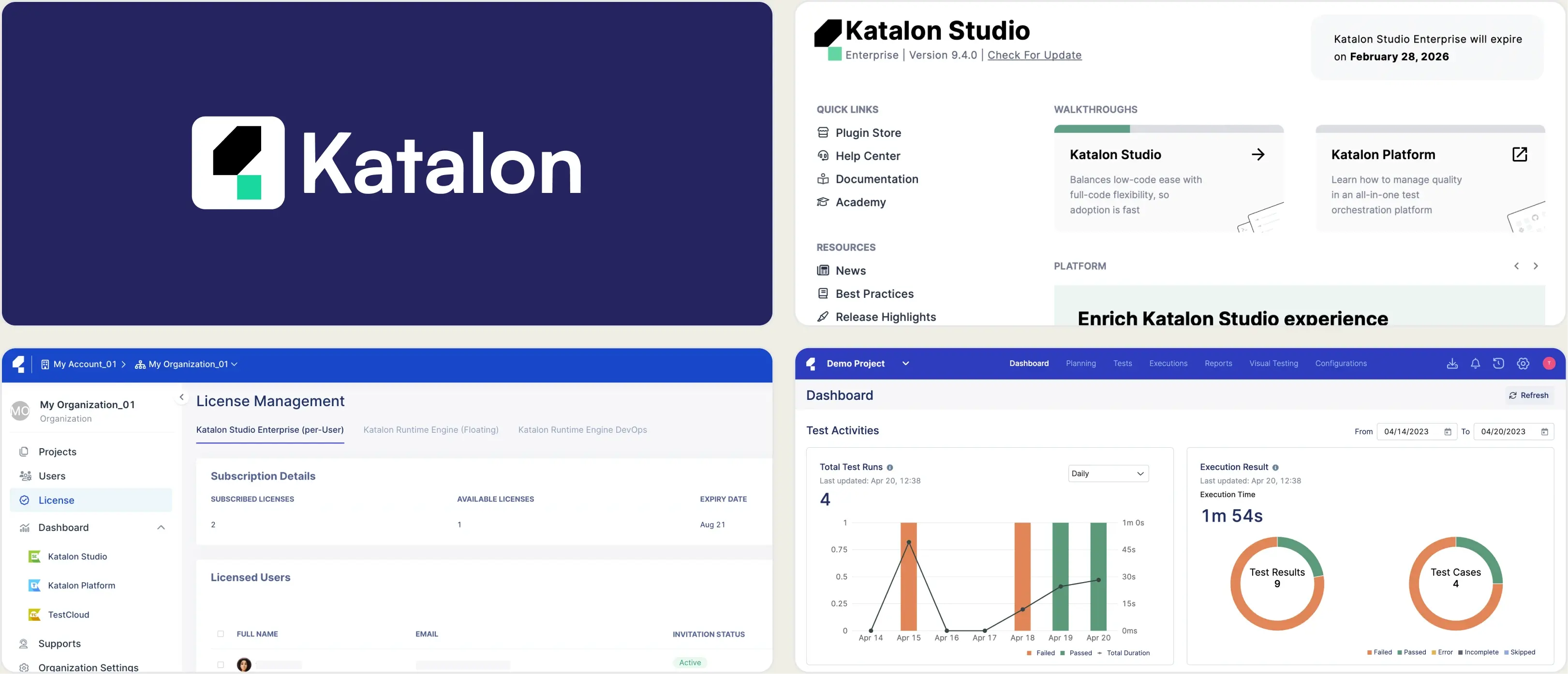
2. Katalon Studio
Best for:
Teams that want a low-code option for test creation alongside scriptable automation.
Platform Type:
Test automation platform for web, mobile, API, and desktop applications.
Integrations with:
Jenkins, GitHub, GitLab, Jira, Slack, CircleCI.
Key Features:
- Record and playback test creation
- Built-in keyword library for low-code scripting
- Cross-browser and cross-platform test execution
- Test reports with screenshots and logs
- Katalon TestOps for centralized reporting
- Object repository for element management
Pros
- Low-code option makes it approachable for beginners
- Supports web, mobile, API, and desktop testing in one tool
- Large community and long track record
Cons
- Reporting depth in TestOps often needs a paid add-on to feel complete
- Heavier IDE compared to lightweight Playwright setups
- AI-based failure analysis is limited compared to newer tools
First-Hand Experience
Katalon's low-code approach helps teams get tests running quickly, but the reporting and analytics layer often needs TestOps as a separate add-on to get real depth. For teams already writing tests in Playwright, that extra setup and cost isn't necessary.
Connecting your CI pipeline and getting clear reports, AI failure analysis, and dashboards without a second product to configure is where TestDino saves both time and budget.
Pricing & Value
Katalon's paid plans and TestOps add-on can add up depending on team size and reporting needs. A flat $39/month billed annually is simpler to plan for and stays affordable as your team scales.
Final Verdict
For teams that want a low-code entry point and are testing across web, mobile, API, and desktop, Katalon Studio covers a wide surface area.
Teams focused specifically on Playwright, or those who want reporting and AI analysis without a separate add-on, may find TestDino a faster, more direct fit. It is worth shortlisting if low-code test creation across multiple platforms is the priority over a lightweight, Playwright-first setup.
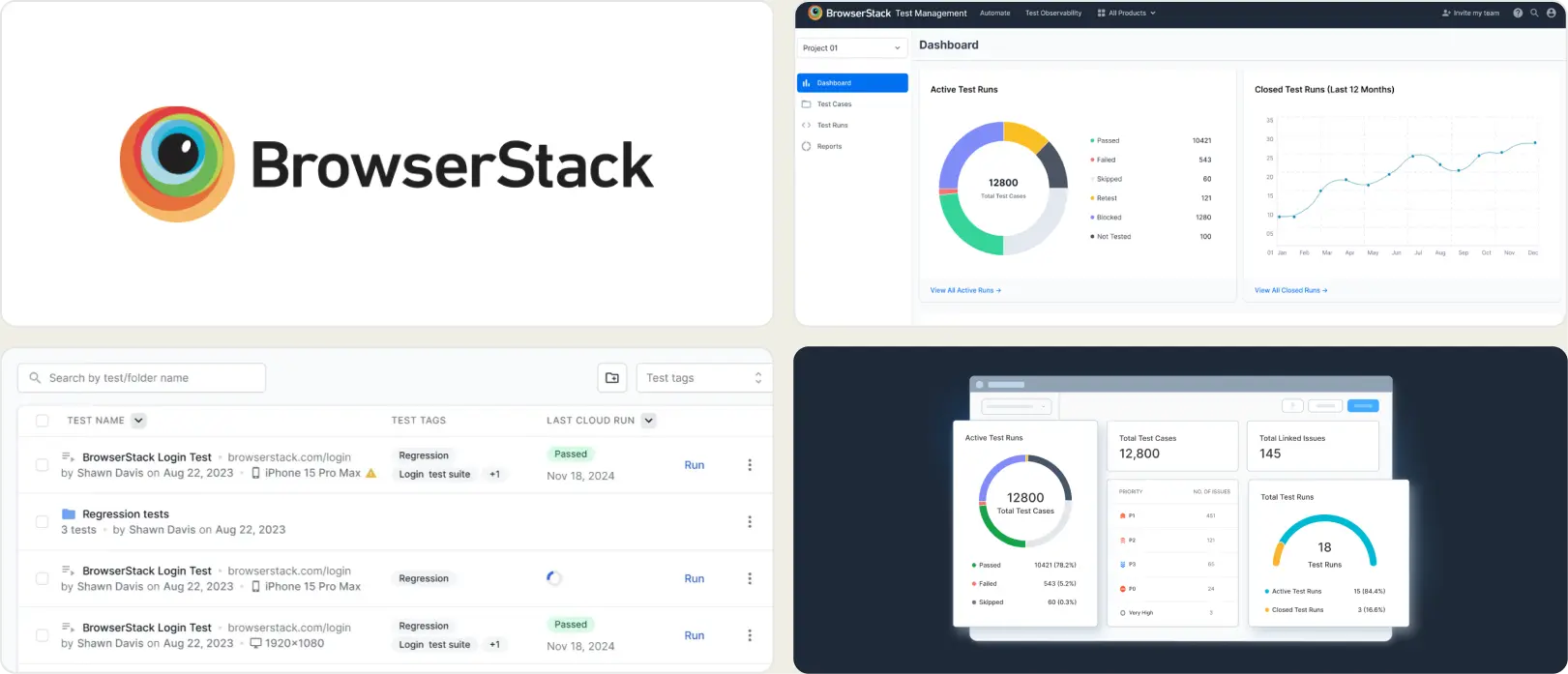
3. BrowserStack Test Observability
Best for:
Teams already using BrowserStack for cross-browser testing.
Platform Type:
Cloud test execution with session-level reporting.
Integrations with:
Jira, CI/CD tools.
Key Features:
- Test execution reports per session
- Cross-browser coverage logs
- Screenshots and video recording
- Session-level dashboard
- Basic error logs and trends
Pros
- Easy fit if already on BrowserStack
- Simple cloud onboarding
- Reliable session capture across browsers
Cons
- Reporting stays at session level
- No real test case management
- Analytics are basic next to dedicated tools
First-Hand Experience
BrowserStack gives clear visibility into test runs. Logs, screenshots, and videos are easy to find during triage, and it works well alongside their execution grid.
For test case management or deeper failure analysis, the reports fall short. They are built around sessions, not test-level insight.
Pricing & Value
Reporting comes bundled with execution plans. Cost scales with browser minutes and test volume.
Final Verdict
A solid pick if you are already on BrowserStack. For deeper reporting and test management, dedicated platforms go further.
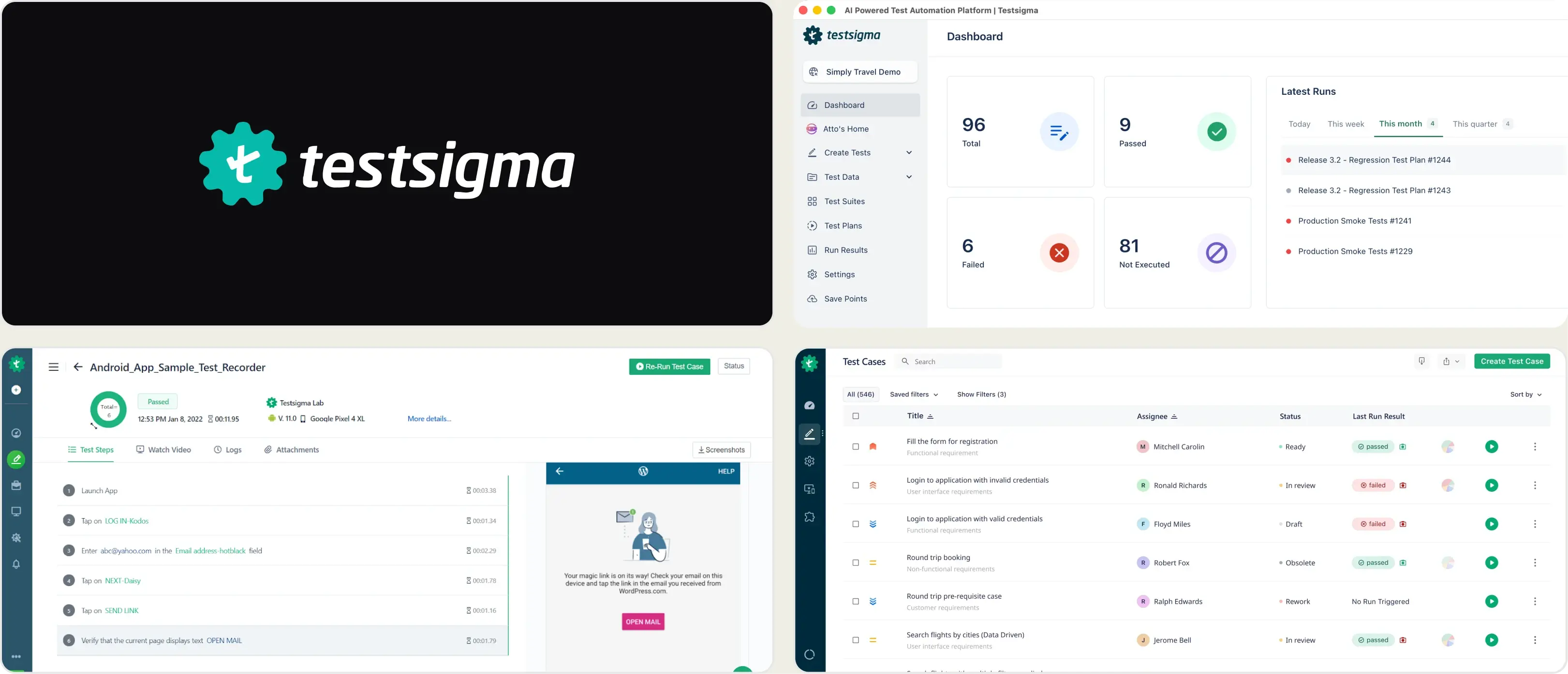
4. Testsigma
Best for:
Teams that want AI-assisted, low-code test authoring across web, mobile, and API in one platform.
Platform Type:
Cloud-based test automation platform for web, mobile, API, and desktop applications.
Integrations with:
Jenkins, GitHub, GitLab, Jira, Slack, CircleCI.
Key Features:
- Low-code, natural language test creation
- AI-based test step generation and self-healing locators
- Cross-browser and cross-device test execution
- Built-in test data management
- Visual test reports with logs and screenshots
Pros
- Easy for non-coders to write tests
- Self-healing reduces maintenance work
- Covers multiple platforms in one tool
Cons
- Pricing tied to test steps and parallel runs
- Less useful if your team already writes tests in Playwright
- AI focuses on locators, not deeper failure debugging
First-Hand Experience
Testsigma works well for teams that want to reduce coding effort, especially with mixed technical and non-technical testers. For teams already writing Playwright scripts, the low-code layer adds an extra step rather than saving time. TestDino skips that layer and connects straight into CI for reporting and AI debugging.
Pricing & Value
Costs follow a usage-based model tied to data ingestion and retention. This can get hard to predict as logs, traces, and test data pile up. The value is strongest for teams that want test data sitting next to infrastructure metrics in one place.
Final Verdict
Testsigma is a solid pick for teams wanting low-code, AI-assisted authoring across platforms. For teams already using Playwright, or wanting AI aimed at debugging rather than test creation, TestDino tends to fit more directly.
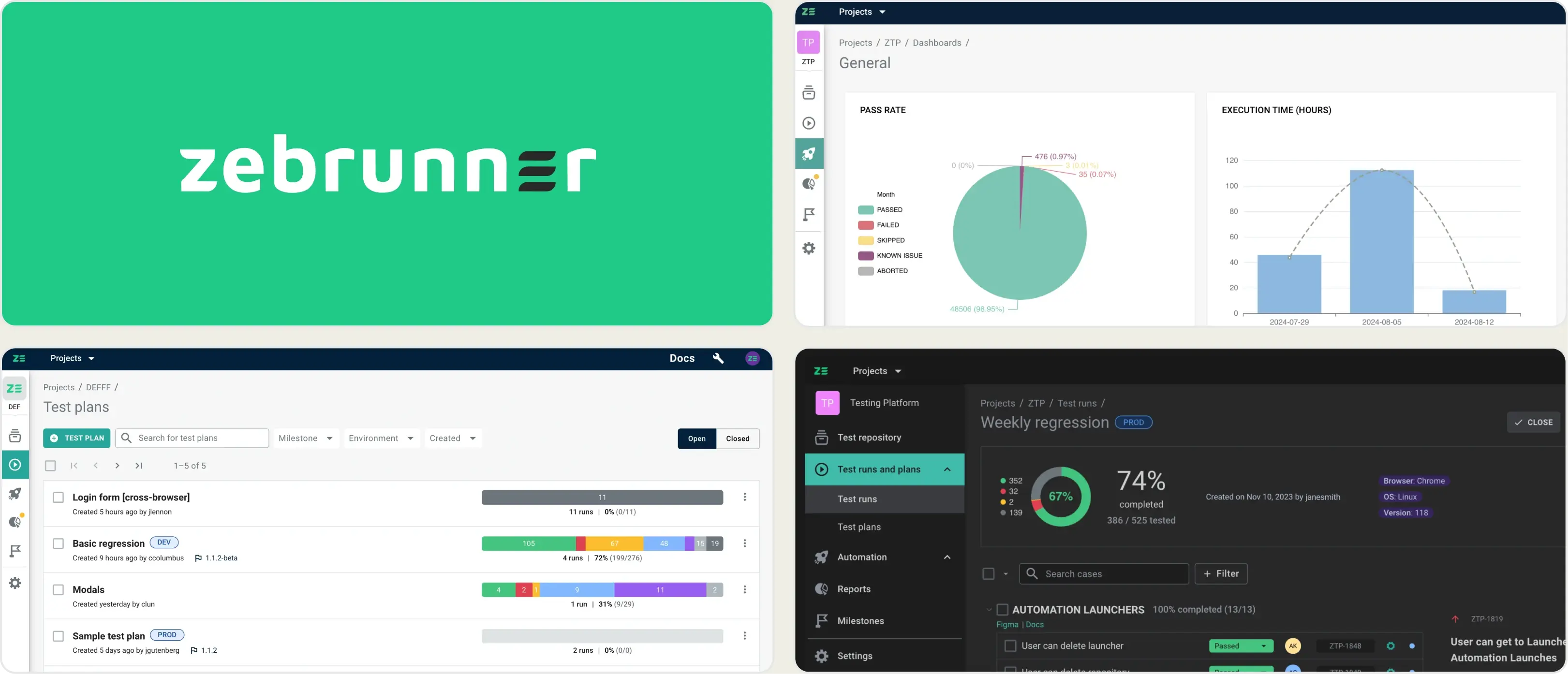
5. Zebrunner
Best for:
Teams that want manual and automated testing combined, with AI-assisted failure analysis.
Platform Type:
Test management and reporting platform.
Integrations with:
Jenkins, GitHub, GitLab, Jira, Slack.
Key Features:
- Manual and automated test management together
- Failure analysis and flaky test detection
- Logs, screenshots, and video for test runs
Pros
- One tool for manual and automated testing
- Works across many frameworks, not just one
- Strong Jira integration
Cons
- Modular setup adds configuration steps
- Per-user pricing, quoted by sales
- More features than Playwright-only teams typically need
First-Hand Experience
Zebrunner's modular setup means choosing between modules before seeing real insights. For Playwright-only teams, that adds extra steps. TestDino connects straight into CI for reports and AI debugging without that layer.
Pricing & Value
Zebrunner prices per user and no longer publishes public rates. TestDino is a flat $39/month billed annually.
Final Verdict
Zebrunner fits teams wanting manual and automated testing together across frameworks. Teams focused on Playwright, or wanting a faster setup, may find TestDino a more direct fit.
How to Select an Alternative to Zoho QEngine
Choosing the right alternative means moving away from a restrictive ecosystem toward a platform that matches your team's exact technical maturity.
Your decision should be guided by your team's need for deployment speed, cross-team collaboration, and data-driven quality insights.
Smart Reporting and Debugging
A modern alternative must go beyond simple pass-and-fail logs. Look for AI-powered failure categorization, automated flaky test detection, and root cause analysis. Low-code platforms often lock users into proprietary logs; intelligent platforms surface the actual code-level bugs, saving hours of daily triage.
Team Collaboration
Effective engineering needs a single source of truth. Fragmented setups scatter data across execution nodes, making it hard to keep everyone aligned.
Look for a centralized platform with role-based access, clear dashboards, automated Slack notifications, and bi-directional integrations with ticketing systems like Jira, so developers, QA, and project managers stay on the same page.
Analytics and Test Coverage
Data is only useful if it is reliable run after run. A strong alternative needs stable, persistent data storage so you can track test stability, long-term failure trends, and suite performance over weeks and months, informing real decisions about product quality.
CI/CD Speed and Integration
Your reporting tool should simplify your pipeline, not slow it down. Look for one-step CI/CD integration without complex scripting for parallel execution. Quality gates on pull requests stop flaky failures from merging.
Ease of Use & Support
A good tool shouldn't need a dedicated engineer just to keep it running. Prioritize platforms with fast onboarding, zero-configuration setups for modern frameworks, and responsive support, so your team gets real value from day one.
Wrapping Up
Zoho QEngine's low-code approach works well for teams that want an all-in-one, no-code entry point into testing. But as engineering teams mature and lean deeper into frameworks like Playwright, the need for real code-level observability, transparent pricing, and CI/CD-native workflows becomes harder to ignore.
The right alternative depends on where your team stands today. Some need broader manual and automated test management across frameworks. Others need wider device coverage or low-code authoring for non-technical testers. For teams scaling Playwright and wanting AI-powered failure analysis, trace-level debugging, and flat, predictable pricing, TestDino is built specifically for that gap.
Whichever tool you choose, the goal stays the same: less time triaging failures, more time shipping with confidence.
Trade low-code lock-in for Playwright test intelligence
See why each CI failure happenedTrack flaky tests by root causeFAQs
TestDino is a strong option for Playwright teams that need test reporting, debugging, flaky test detection, and historical analytics.