BrowserStack is the default cloud testing platform for a lot of QA teams. It bundles cross-browser execution, a real device cloud, local tunnels, visual testing through Percy, test management, and Test Reporting & Analytics into a single platform.
The problem is not capability, it is how the bill scales. BrowserStack prices Automate per parallel session, starting at $99/month per parallel for desktop and $175/month for desktop and mobile. Advanced reporting, AI failure analysis, and quality gates sit in the Desktop & Mobile Pro tier at $225/month per parallel.
Teams also hit friction that has nothing to do with price: builds queue when CI triggers more runs than the parallel count allows, long tests hit session timeouts, high-demand real devices lag, and support response slows for non-enterprise accounts.
Teams running Playwright on GitHub Actions, GitLab CI, or Azure DevOps increasingly find they are paying grid prices for coverage they never use, and reporting that stops at session-level video and failure tags.
Here are the 7 best BrowserStack alternatives to consider in 2026.
Best BrowserStack Alternatives: How to Choose the Right Tool
We evaluated each tool based on browser and device coverage, pricing model and transparency, Playwright integration depth, AI failure analysis, flaky test detection, test management, CI/CD optimization, and debugging evidence.
How to Compare BrowserStack Alternatives
Here is a quick comparison of the top alternatives to BrowserStack that can help you identify your preferred testing platform:
TestDino | BrowserStack | TestMu AI | Sauce Labs | Katalon | |
|---|---|---|---|---|---|
| PricingLowest paid plan, per the listed billing terms. | $39/month (billed annually) | $29/month (Live) · $99/month per parallel (Automate) | $15/month (Live) · $79/month (Automation) | $39/month (Live) · $149/month (Virtual Cloud) | $67/seat/month (5-seat pack, annual) |
| Best for | Playwright cloud companion with reporting & management | Broadest browser and real-device coverage | Lower-cost cross-browser grid with AI agents | Enterprise cross-browser and real device cloud | Low-code authoring, execution & analytics in one platform |
| Playwright integration | Native (trace viewer, error grouping, MCP) | Via SDK | Via cloud grid + reporter | Via cloud grid | Via reporter plugin |
| One-step CI setup | One @testdino/playwright reporter line | SDK integration per framework | YAML + CLI config | Capabilities config per framework | Via Runtime Engine / CLI |
Test Execution & Coverage | |||||
| Cloud browser grid | Runs on your own CI | 3,500+ browser/OS combinations | 3,000+ browsers and OS | Virtual cloud, unlimited minutes | Via TestCloud add-on |
| Real device cloud | Runs on your own CI | Largest published fleet | Real device cloud included | Real Device Cloud (separate tier) | Limited, add-on based |
| Local testing tunnel | Tests run inside your CI | BrowserStack Local | Tunnel | Sauce Connect | |
| Parallel model | Unlimited shards, priced by executions | Priced per parallel session | Priced per parallel session | Priced per concurrency | Per seat + execution packs |
| Visual regression testing | Built-in visual diff | Percy (separate product) | SmartUI (separate SKU) | Sauce Visual (separate SKU) | Add-on |
Dashboards & Reporting | |||||
| Unified Playwright dashboard | Custom widgets (Pro tier) | Pre-built templates | Build-level insights | Unified multi-framework report | |
| Multi-tab test run detail view | Summary, History, AI Insights & more | Build-level view | Basic summaries | Job-level view | |
| Pull request insightsSee test results and history for each pull request. | |||||
| Test ExplorerBrowse tests as a hierarchy, a flat list, or by tag. | Folder structure | ||||
| Real-time streaming | Per-shard/worker | ||||
| Scheduled PDF reportsGet report PDFs emailed on a set schedule. | Daily/Weekly/Monthly | Email/Slack alerts | Scheduled insights email | ||
Test Analytics | |||||
| Analytics: trends & patterns | Build trends and stability | Basic charts | Sauce Insights | ||
| Code coverage, per-file | Istanbul, run-level | ||||
| Environment analytics | Pass-rate/flaky by env | By platform | |||
Debugging & Evidence | |||||
| Built-in Playwright trace viewer | |||||
| Screenshots & video replay | Embedded | Session video | Session video | Session video | Via reporter attachments |
| Console logs | Node + browser | Session logs | Session logs | Session logs | Via attachments |
| Visual diff comparison | Via Percy | Via SmartUI | Via Sauce Visual | ||
| Smart error grouping | Message/stack/location | Unique error analysis | Basic clustering | Error grouping in Insights | AI root cause analysis |
| Flaky detectionSpot tests that pass and fail inconsistently, with a stability score. | Root cause classification | Flaky tagging (no root cause) | Flaky flags | Flaky test detection | Flaky tests view (no %) |
| Playwright tags & annotations | Priority/owner/links/metrics | Smart tags | Custom tags | ||
CI/CD Optimization | |||||
| Rerun only failed tests | |||||
| GitHub CI Checks quality gates | Per-env + mandatory tags | Build verification rules | Release readiness gates | ||
| Branch → environment mappingMatch each Git branch to the environment it runs against. | Exact/regex | ||||
| Smart rerun historyTrack reruns tied to each branch and commit. | |||||
| Sharded / parallel run support | Per-shard live view | Per parallel session | Per parallel session | Per concurrency slot | |
| Native CI breadth | GitHub, GitLab, Azure DevOps, Bitbucket, CircleCI, Jenkins, TeamCity, AWS CodeBuild, Buildkite, Harness | Jenkins, Azure Pipelines, GitLab, CircleCI, Bamboo | 120+ integrations | Jenkins, GitHub, GitLab, Azure DevOps | Jenkins, GitHub Actions, CircleCI, GitLab, Azure DevOps, Bamboo, Bitbucket |
| Self-managed GitLab | |||||
Test Management | |||||
| Test case management | Separate product | Test Manager (separate SKU) | |||
| Bulk test creationGenerate many test cases at once from PRDs, Jira, or user stories. | via MCP | Via KaneAI | AI test generation | ||
| Release trackingGroup test results by release, cycle, or sprint. | Via Test Management | Via Test Manager | |||
| Exploratory / manual sessions | Live sessions | Live sessions | Live testing | ||
| Import / export test cases | JSON/CSV/ZIP | Via Test Management | Via API | ||
AI & Automation | |||||
| Local MCPLet AI coding assistants in your editor act on test data directly. | Cursor/Claude Code/Copilot | Limited scope | Via Kane CLI | ||
| Remote MCPLet web-based AI tools query your test data. | |||||
| AI test run summary on GitHub PRs | GitHub/GitLab/Slack | New failure, always-failing tags | |||
| AI test suite auditAI scores your test suite and gives a downloadable report. | Release readiness reports | ||||
| AI failure classification | 4 categories with confidence | Failure reason tagging | AI root cause analysis | Failure clustering | |
Integrations & Collaboration | |||||
| Bug tracking breadth | Jira, Linear, Asana, monday | Jira, Azure DevOps | Jira, Trello, Asana | Jira | Jira, Azure DevOps, GitHub |
| Slack notifications | App + webhooks | ||||
Platform & Security | |||||
| Public API & CLIs | REST + @testdino/playwright | REST API | REST API + Kane CLI | REST API + saucectl | REST API + CLI |
| Project-level AI controls | Per-feature toggles | Tenant-level governance | |||
| Compliance & certifications | ISO 27001, SOC 2 Type II, GDPR | ISO 27001, SOC 2 Type II, GDPR | ISO 27001, SOC 2 Type II, GDPR | ISO 27001, SOC 2 Type II, GDPR | SOC 2, SSO, SCIM (Ent) |
Plans & Pricing | |||||
| Plan tiers | Free · Pro $39 · Team $79 · Enterprise | Live from $29 · Automate $59-225/parallel · Enterprise | Live from $15 · Automation from $79 · HyperExecute from $103 · Enterprise | Live $39 · Virtual Cloud $149 · Real Device $199 · Enterprise | True Platform · Team $67-167/seat · Enterprise |
| Free executions | 5,000/mo | Trial minutes only | Free tier (limited minutes) | Free trial | 30-day trial |
| Support | Email (Pro) · Priority (Team) · Slack Connect (Enterprise) | 24/7 email + chat | Chat + 24/7 support | Email + Enterprise CSM | Digital 24/5 (Team) · Live + CSM (Ent) |
| Try for free | Learn more | Learn more | Learn more | Learn more | |
Best BrowserStack Competitors for Modern QA Teams
Here are the 7 best alternatives to BrowserStack for teams that want better economics, deeper debugging, or both:
1. TestDino
Best for:
Playwright teams that want to drop BrowserStack's reporting and analytics layer, keep running tests on their own CI, and get far deeper failure intelligence for a fraction of the cost.
Platform Type:
Test intelligence, reporting, dashboards, and test management platform for Playwright
Integrations with:
GitHub Actions, GitLab CI, Azure DevOps, Bitbucket, CircleCI, Jenkins, TeamCity, AWS CodeBuild, Buildkite, Harness, Jira, Linear, Asana, monday, Slack
Key Features:
 AI failure classification into 4 categories (Actual Bug, UI Change, Unstable Test, Miscellaneous) with confidence scores
- Built-in Playwright trace viewer with DOM snapshots and network logs
- Smart error grouping by message, stack trace, and location
- Flaky test detection with root cause classification (timing, environment, network, assertion)
- Rerun only failed tests to cut CI pipeline time
- GitHub CI Checks as merge quality gates, configurable per environment
- Test case management with hierarchical suites up to 6 levels deep
- MCP Server for AI agent queries and bulk test creation from your IDE
- Real-time results streaming via WebSocket, per shard
- Per-file code coverage and environment analytics

Pros
- Pro from $39/month (billed annually), 3 users, not per parallel session
- Playwright-native with under 10-minute setup and one reporter line in CI
- Reporting and test management on the same platform
- Broad CI/CD support: GitHub Actions, GitLab CI, Azure DevOps, Bitbucket, CircleCI, Jenkins, TeamCity, AWS CodeBuild, Buildkite and Harness
- AI summaries posted to GitHub commits, GitLab MRs, and Slack
- 1-click bug filing into Jira, Linear, Asana, or monday

Cons
- Purpose-built for Playwright (multi-framework support on the roadmap)
First Hand Experience
TestDino is the alternative for the half of BrowserStack most teams underuse: the reporting layer.
If your Playwright suite already runs fine on GitHub Actions or GitLab CI runners, you are paying BrowserStack per parallel session mostly to get dashboards, flaky tagging, and failure categorization. That is the exact scope TestDino covers, and it covers it deeper.
Setup is one reporter line in your Playwright config. No SDK wrapper per framework, no capabilities object, no vendor-specific runner. Results stream in per shard as they finish, so you see failures while the rest of the suite is still running instead of waiting for the whole build.
Debugging Evidence BrowserStack Does Not Surface
BrowserStack gives you session video and console logs for the session that ran on its grid. Useful, but session-level.
TestDino gives you test-level evidence: screenshots, video, browser and Node console logs, and a full Playwright trace you can step through action by action, inspecting the DOM and network requests at each step. That is the difference between "this test failed at 04:12" and "here is the exact selector that went stale and what the DOM looked like when it did."
AI Insights classifies each failure as Actual Bug, UI Change, Unstable Test, or Miscellaneous with a confidence score. BrowserStack's failure reason tagging groups failures; it does not tell you whether a failure is a real defect or an environment blip.
Flaky Detection That Tells You Why
BrowserStack flags flaky tests. So does almost everything on this list.
TestDino's flaky test detection classifies each unstable test by root cause: timing-related, environment-dependent, network-dependent, or assertion-intermittent. Each test carries a stability percentage, and you can compare flaky rates across environments to spot infrastructure problems instead of chasing test code.
Knowing a test is flaky is useful. Knowing why it is flaky is what lets you fix it.
CI/CD Optimization BrowserStack Prices Separately
Rerun failed tests re-executes only failures across sharded runs, which is where most pipeline time gets wasted.
GitHub CI Checks adds real quality gates to PRs: minimum pass rates, mandatory tag checks, and different rules per environment. Branch-to-environment mapping keeps staging and production runs cleanly separated in the dashboard.
Real-Time Streaming and Scheduled Reports
Results appear on the dashboard as each test completes, not after the full suite finishes. Automated PDF reports deliver test health summaries on daily, weekly, or monthly schedules, and Slack notifications send run summaries filtered by environment and branch.
MCP Server for AI-Assisted Workflows
The MCP Server connects Cursor, Claude Code, or Copilot to your test data. List runs, pull debugging context from a failure, perform root cause analysis, create test cases from Jira tickets in natural language, and query flaky trends without leaving your editor. A Remote MCP covers web-based AI tools too.
Final Verdict
TestDino is the strongest BrowserStack alternative for the reporting and intelligence layer. It does not replace the grid, and it does not pretend to. What it replaces is the reason most Playwright teams stay on BrowserStack's most expensive tier: dashboards, flaky detection, and failure triage.
Pair it with your existing CI runners, or with a cheaper grid from further down this list, and you get deeper debugging than BrowserStack ships at a fraction of the total bill.
Pricing & Value
TestDino prices by plan, not per parallel session. A team running 30 shards pays the same as a team running 3. Compared with BrowserStack's Desktop & Mobile Pro tier at $225/month per parallel for advanced reporting, the gap widens with every parallel you add.
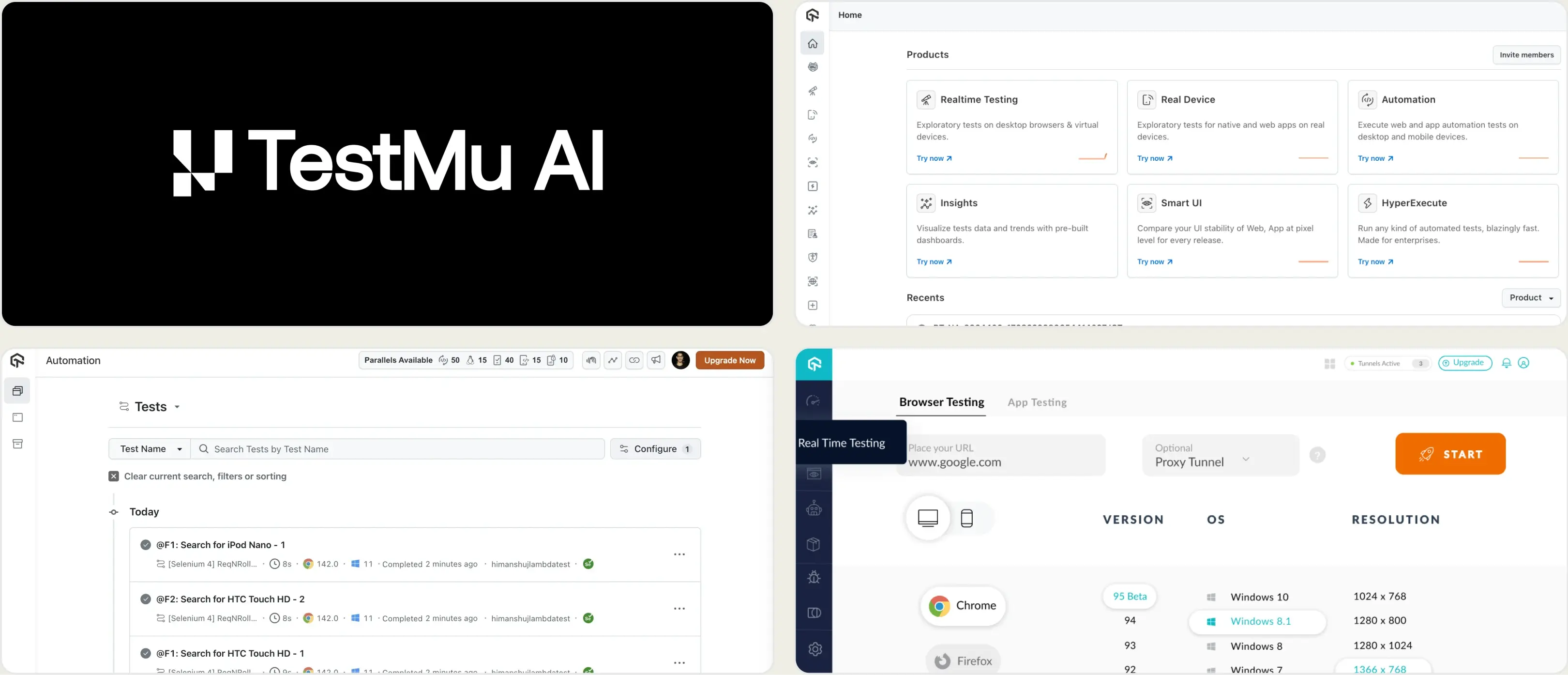
2. TestMu AI (formerly LambdaTest)
Best for:
Teams that want a like-for-like BrowserStack replacement, cross-browser grid, real devices, and tunnels included, at a noticeably lower entry price.
Platform Type:
AI-native cloud test execution and analytics platform
Integrations with:
Jira, Slack, GitHub, GitLab, Azure DevOps, Jenkins, CircleCI, 120+ total integrations
Key Features:
- Cross-browser grid covering 3,000+ browsers and operating systems
- Real device cloud for Android and iOS
- HyperExecute for accelerated parallel test orchestration
- KaneAI agents for test authoring and maintenance
- SmartUI for visual regression testing
- Test Manager for test case management
Pros
- Live testing starts at $15/month and Automation at $79/month, roughly 20% under BrowserStack at comparable tiers
- Broad framework support: Playwright, Selenium, Cypress, Appium
- HyperExecute offers unlimited test minutes on paid tiers
- 120+ CI/CD and collaboration integrations
Cons
- Six separate products on six separate billing tracks; the real bill adds up fast
- Still priced per parallel session, so the same scaling problem as BrowserStack
- Reporting stays at session level with no Playwright trace viewer
- The January 2026 rebrand from LambdaTest split docs and community posts across two names
First Hand Experience
TestMu AI is the closest thing to a drop-in BrowserStack replacement. LambdaTest rebranded in January 2026, and the platform now leads with AI agents (KaneAI, Kane CLI) alongside the grid it has always run.
For teams whose main complaint is the invoice, the math works. Live at $15/month and Automation at $79/month undercut BrowserStack's $29 and $99 respectively, and HyperExecute's unlimited-minutes model removes the minute-counting anxiety.
The catch is SKU sprawl. Live, Automation, HyperExecute, SmartUI, KaneAI, and Test Manager each bill separately. A team that wants the BrowserStack equivalent of grid plus visual plus test management is buying three or four line items, and the headline $15 stops being representative.
On reporting depth, TestMu AI has the same ceiling as BrowserStack. You get session video, logs, flaky flags, and basic clustering. No trace viewer, no per-file coverage, no root cause classification for flakes.
Pricing & Value
Live from $15/month. Web Automation from $79/month. HyperExecute Cloud (Linux) from $103/month, MultiOS from $159/month. KaneAI from $19/agent/month. Annual billing saves up to 20%. Free tier with limited minutes available.
Final Verdict
TestMu AI is the best straight swap if you need to keep a cloud grid and want to cut roughly 20% off the infrastructure line. It solves the price problem, not the reporting-depth problem. Playwright teams typically pair it with a dedicated reporting layer.
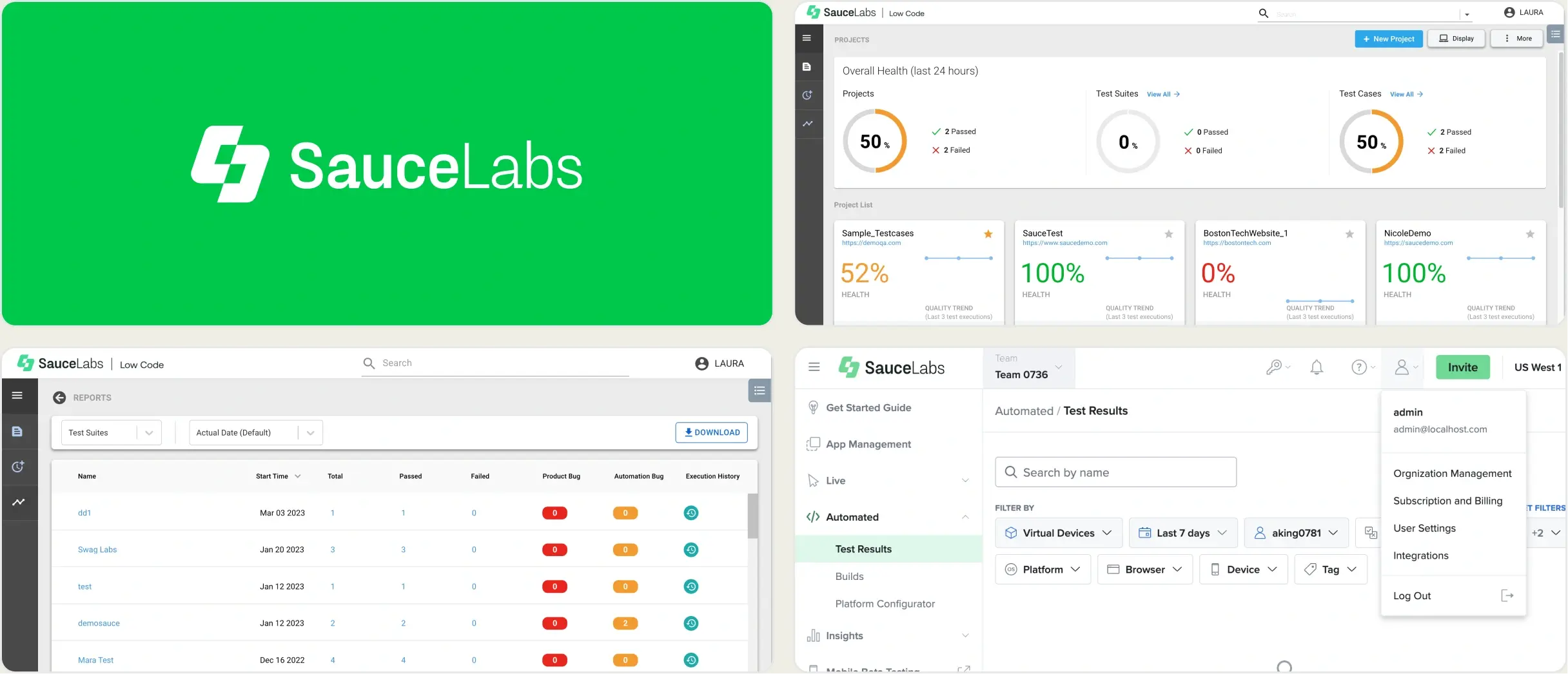
3. Sauce Labs
Best for:
Enterprise teams with compliance, audit, and security requirements that need a mature cloud grid backed by strong governance.
Platform Type:
Enterprise cloud test execution and analytics platform
Integrations with:
Jenkins, GitHub, GitLab, Azure DevOps, Jira, Slack, saucectl CLI
Key Features:
- Virtual cloud with unlimited testing minutes and unlimited users on all plans
- Real Device Cloud for Android and iOS, public and private
- Sauce Connect secure tunnel for internal environments
- Sauce Insights for build trends, error grouping, and flaky detection
- Sauce Visual for visual regression testing
- Extensive compliance certifications and audit trails
Pros
- Unlimited users and unlimited testing minutes on all self-serve plans
- Deepest compliance and security posture of the major grids
- Mature, stable platform running since 2008
- Concurrency-based pricing is predictable once sized
Cons
- Real Device Cloud is a separate, significantly more expensive tier
- Enterprise real-device concurrency can run $400 to $600+ per device per month
- UI and reporting feel dated compared with newer platforms
- No Playwright trace viewer or root cause flaky classification
First Hand Experience
Sauce Labs competes with BrowserStack at the enterprise end, and the differentiator is governance rather than device count. If your organization needs audit trails, SSO enforcement, private device clouds, and a vendor that will complete a lengthy security review, Sauce Labs is built for that conversation.
The pricing model is also friendlier in one specific way: unlimited users and unlimited minutes on every self-serve plan. Where BrowserStack meters both parallels and, on some products, minutes, Sauce Labs meters concurrency only. For a large team that runs a moderate suite, that can be cheaper in practice than the headline suggests.
Real devices are where costs jump. Real Device Cloud starts at $199/month self-serve, and enterprise per-device concurrency pricing climbs steeply from there.
Sauce Insights gives you build trends, error grouping, and flaky detection. It is genuinely better than most grid-attached reporting, but it remains build-level and framework-agnostic. Playwright teams still cannot step through a trace inside it.
Pricing & Value
Live Testing $39/month. Virtual Cloud $149/month. Real Device Cloud $199/month. All billed annually, with higher month-to-month rates. Enterprise pricing is custom and adds SSO, private device cloud, unified analytics, and professional services.
Final Verdict
Sauce Labs is the right BrowserStack alternative for regulated and enterprise environments. Unlimited users and minutes make it attractive for large teams. For Playwright-level debugging depth, pair it with a dedicated reporting platform.
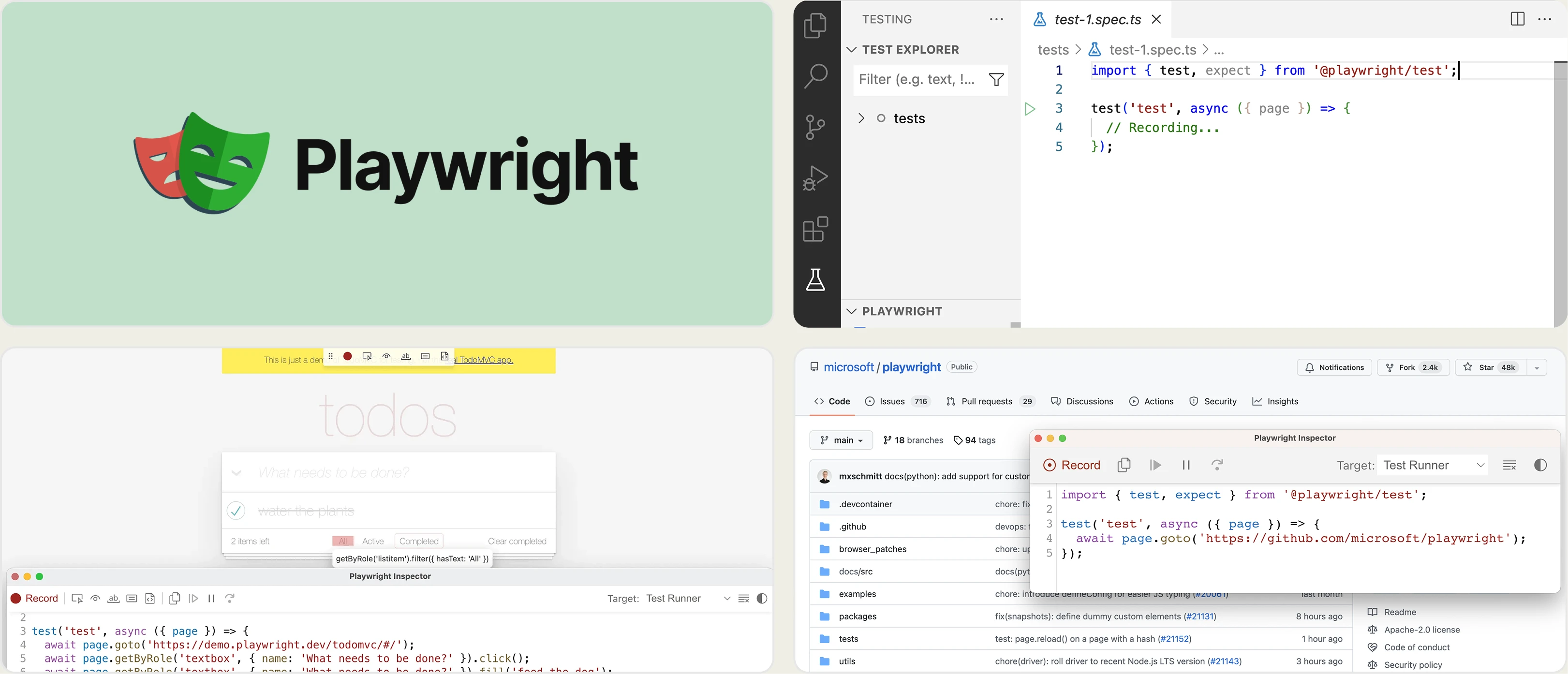
4. Selenium Grid + Playwright (Self-Hosted)
Best for:
Engineering-led teams with DevOps capacity that want zero licensing cost and full control over the execution environment.
Platform Type:
Open-source, self-hosted test execution infrastructure
Integrations with:
Any CI/CD system, Docker, Kubernetes, GitHub Actions, GitLab CI, Jenkins
Key Features:
- Selenium Grid 4 with hub-and-node or fully distributed deployment
- Playwright's built-in browser binaries and official Docker images
- Kubernetes autoscaling for on-demand browser nodes
- Complete control over browser versions and OS images
- No per-parallel or per-seat licensing
Pros
- Zero licensing cost; you pay only for compute
- Unlimited parallelism, bounded only by your infrastructure budget
- Full data residency and network control for sensitive environments
- Playwright ships its own browsers, so no grid is needed for most web suites
Cons
- No real iOS or Android device coverage without a separate device farm
- Requires ongoing DevOps time for scaling, patching, and browser version upgrades
- No built-in reporting, dashboards, or flaky detection
- Debugging infrastructure failures becomes your team's problem
First Hand Experience
This is the most underrated BrowserStack alternative, and for a lot of Playwright teams it is the honest answer.
Playwright bundles its own Chromium, Firefox, and WebKit builds. If your coverage requirement is "modern evergreen browsers," you do not need a grid at all. Run the suite on GitHub Actions runners with sharding and you have replaced BrowserStack Automate for the cost of CI minutes.
Selenium Grid 4 on Kubernetes covers the cases Playwright alone cannot: legacy browser versions, specific OS combinations, and Selenium-based suites you are not rewriting.
Where self-hosting breaks down is real devices and reporting. There is no open-source substitute for a physical iPhone fleet, and Selenium Grid gives you no dashboards, no history, no flaky detection. Teams that go this route almost always bolt on a reporting layer, which is why self-hosted grid plus a reporting platform is the most cost-effective combination on this list.
Budget realistically for DevOps time. Cloud compute for a browser fleet plus ongoing maintenance is not free, it is just a different line item.
Pricing & Value
Free (open source). Real cost is cloud compute plus DevOps hours. A modest Kubernetes-based grid typically lands in the low hundreds per month in infrastructure, plus engineering time for maintenance.
Final Verdict
Self-hosted execution is the cheapest BrowserStack alternative for web-only Playwright suites, and the best fit for teams with strict data residency needs. Add a reporting platform for the dashboards and failure intelligence the grid does not provide.
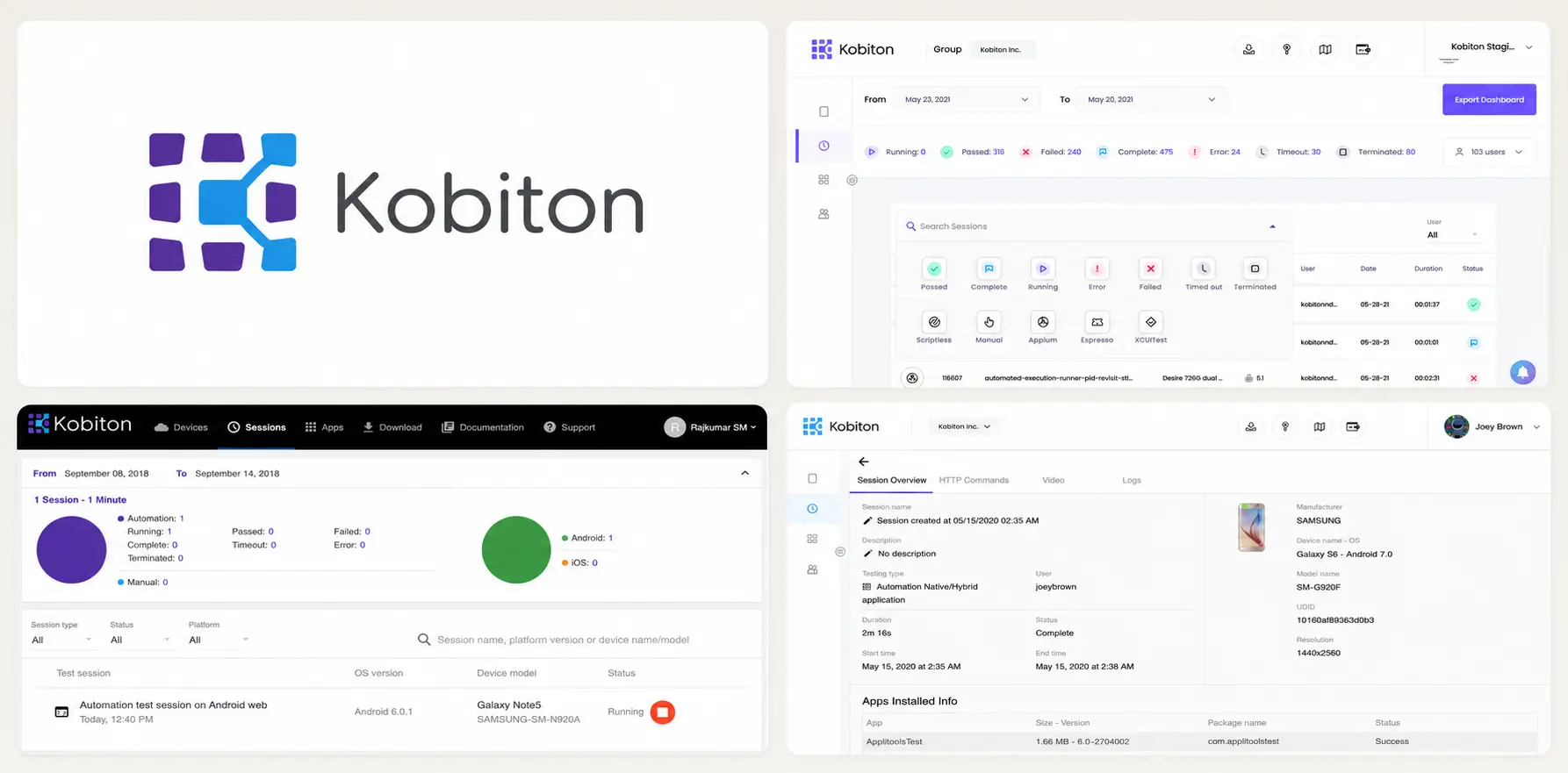
5. Kobiton
Best for:
Mobile-first QA teams that need real Android and iOS devices with predictable, per-slot pricing.
Platform Type:
Real device cloud for mobile app testing
Integrations with:
Jenkins, GitHub, GitLab, Azure DevOps, Jira, Appium, Espresso, XCUITest
Key Features:
- Public and private real device cloud
- Appium-based and scriptless test execution
- Session exploration with automatic step capture
- Device logs, video, and network capture per session
- On-premise device lab management option
Pros
- Unlimited-use device slot pricing at $250/month per slot removes minute counting
- Pay-as-you-go option at $0.17/device minute for irregular usage
- Private and on-premise device options for regulated environments
- Strong Appium and native mobile focus
Cons
- Mobile only; no desktop browser coverage
- Reporting is session-centric with limited cross-run analytics
- No Playwright-specific tooling
- Entry pricing at $83/month is limited in scope
First Hand Experience
Kobiton is the right alternative when the BrowserStack product you actually use is App Live and App Automate.
The pricing model is the main draw. A device slot at $250/month with unlimited testing is easier to forecast than metered device minutes, and teams running heavy mobile regression suites often come out ahead. For sporadic usage, the $0.17/minute pay-as-you-go rate avoids paying for idle capacity.
Session exploration automatically captures steps, screenshots, and device logs, which speeds up manual bug reproduction. On-premise device lab management matters for teams that cannot send builds to a public cloud.
What Kobiton does not do is web. If your suite spans desktop browsers and mobile apps, you are running two vendors.
Pricing & Value
From $83/month entry tier. Unlimited device slot at $250/month per slot. Pay-as-you-go at $0.17/device minute. Private devices from $200/month.
Final Verdict
Kobiton is a strong mobile-only BrowserStack alternative with a clearer pricing model for high-volume device usage. Web teams will need a second tool.
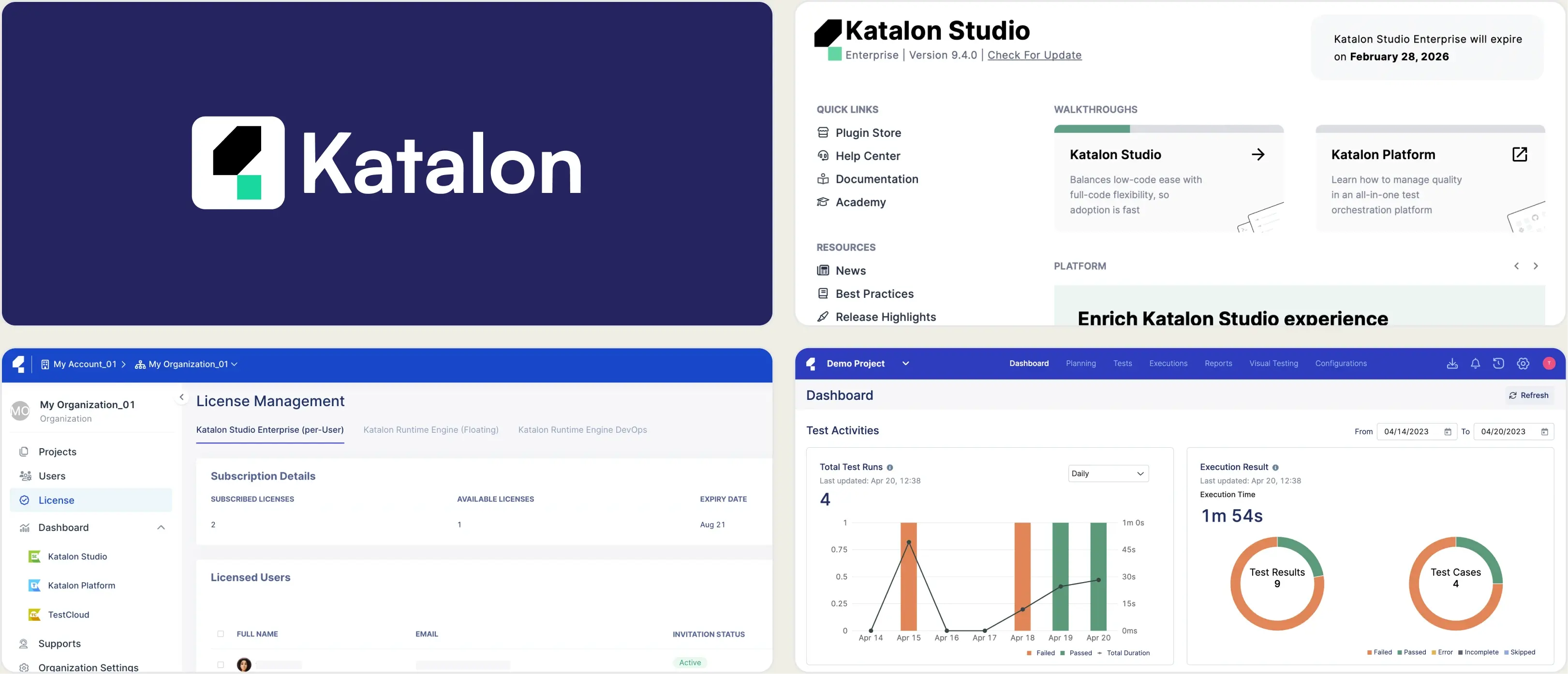
6. Katalon True Platform
Best for:
Mixed QA teams with manual and non-engineering testers who want authoring, execution, test management, and analytics in one low-code platform.
Platform Type:
Low-code test automation and management platform
Integrations with:
Jira, Jenkins, GitHub Actions, CircleCI, GitLab, Azure DevOps, Bamboo, Bitbucket
Key Features:
- Low-code and scriptless test authoring in Katalon Studio
- Test case management with execution history
- TestCloud for cloud browser and device execution
- AI root cause analysis and release readiness reports
- Run scheduling and orchestration
- Custom analytics dashboards
Pros
- Covers authoring, execution, management, and reporting in one platform
- Approachable for testers without strong coding skills
- AI root cause analysis and release readiness gates included
- Broad CI/CD integration coverage
Cons
- Priced per seat, which scales badly for large teams
- Tightly coupled to the Katalon toolchain; limited value for external frameworks
- Cloud execution requires TestCloud add-ons on top of seat cost
- No Playwright trace viewer or per-file coverage
First Hand Experience
Katalon is less a BrowserStack alternative than a different answer to the same question. Where BrowserStack sells infrastructure and expects you to bring your own framework, Katalon sells the whole workflow: you author in Katalon Studio, execute through Runtime Engine or TestCloud, manage cases in the platform, and read analytics in the same UI.
That consolidation is genuinely valuable for teams with manual testers who are not going to write Playwright code. One vendor, one login, one support contract.
The cost model is the constraint. At $67/seat/month for a five-seat pack and $167/seat/month at the Team tier, a fifteen-person QA org is looking at a five-figure annual commitment before execution add-ons. And the platform's value drops sharply if your engineers write tests in Playwright or Cypress rather than Katalon Studio.
Pricing & Value
True Platform from roughly $700 per seat per year. Team edition from $67/seat/month for 5+ seats (annual), rising to $167/seat/month. True Automation bundle at $1,699 per seat per year for the first three seats. Execution add-ons priced separately.
Final Verdict
Katalon True Platform fits teams that want one vendor for the whole QA workflow and have testers who prefer low-code authoring. Playwright-first engineering teams get less from it than they pay for.
7. ReportPortal
Best for:
Teams that want self-hosted, open-source test reporting with ML-based failure clustering and complete data ownership.
Platform Type:
Open-source test reporting platform (self-hosted or SaaS)
Integrations with:
Jenkins, GitHub, GitLab, Jira, Rally, agents for most major frameworks
Key Features:
- ML-based auto-analysis that matches new failures to historical patterns
- Custom dashboard widgets built from run data
- Multi-framework result aggregation via agents
- Launch-level run history and comparison
- Fully self-hostable with no data leaving your infrastructure
Pros
- Open source and free to self-host with unlimited executions
- Framework-agnostic; agents exist for most major test runners
- ML auto-analysis reduces repeat triage on known failures
- Complete data control for regulated environments
Cons
- Setup requires Docker Compose or Kubernetes plus PostgreSQL maintenance
- SaaS Startup tier starts at $569/month, higher than most alternatives here
- No Playwright trace viewer, per-file coverage, or CI quality gates
- Dashboards must be built widget by widget
First Hand Experience
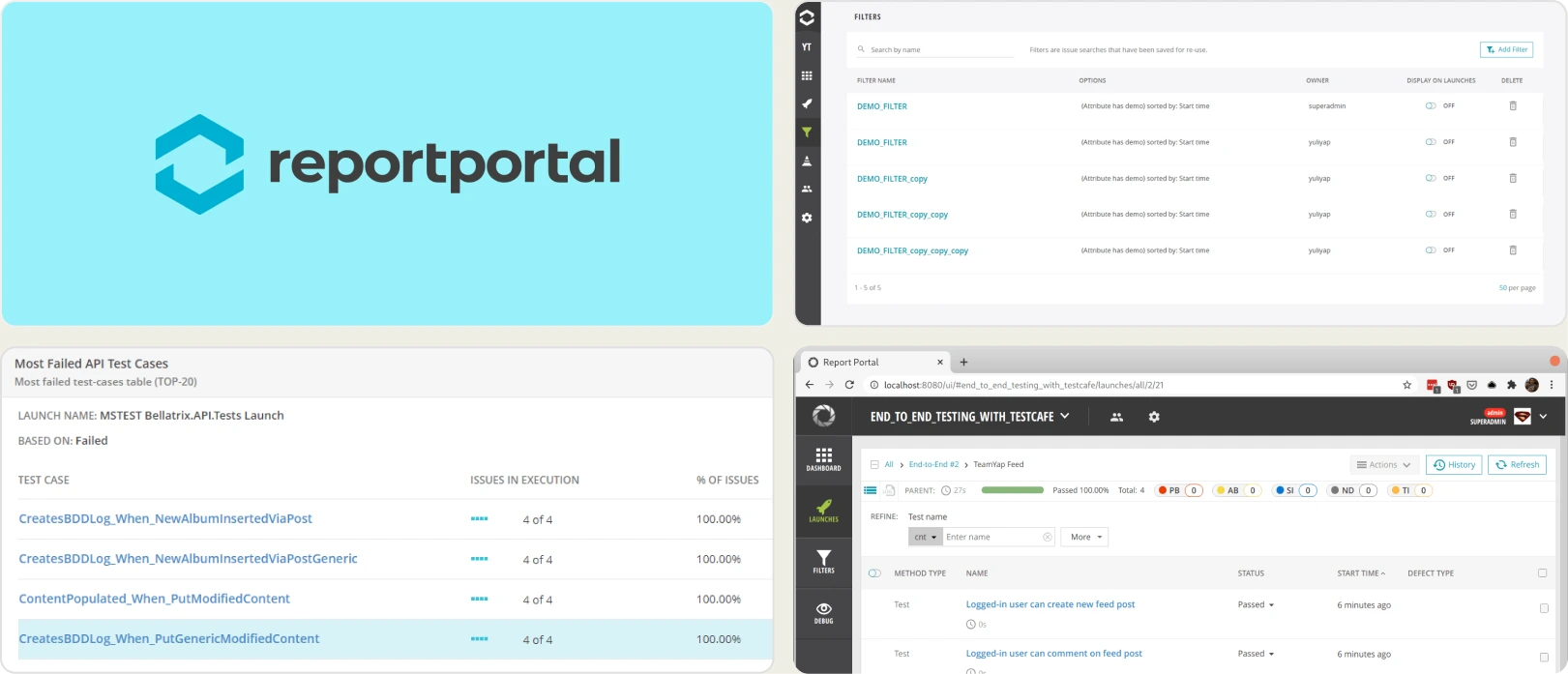
ReportPortal is the open-source answer to BrowserStack Test Reporting & Analytics, and it is a good one if data residency is non-negotiable.
The ML auto-analysis is its standout feature. It matches incoming failures against historical patterns and auto-assigns defect types, which meaningfully cuts repeat triage on a large suite with recurring infrastructure failures.
The trade-off is operational. Self-hosting means Docker Compose or Kubernetes, a PostgreSQL instance to maintain, and someone on call when the reporting stack goes down during a release. ReportPortal's own guidance puts realistic self-hosting cost at several hundred dollars a month in infrastructure plus ongoing ops time, which narrows the gap with managed platforms faster than teams expect.
The SaaS tier removes the ops burden, but at $569/month for Startup it is more expensive than most managed alternatives on this list.
Pricing & Value
Free and unlimited when self-hosted (Community Edition). SaaS from $569/month (Startup) and $2,659/month (Business), with custom Enterprise pricing. Factor in infrastructure and DevOps time for the self-hosted path.
Final Verdict
ReportPortal is the right choice when data must stay inside your network and you have the DevOps capacity to run it. For managed reporting with Playwright-native debugging, lighter options get to value faster.
What to Look For When Replacing BrowserStack
BrowserStack is a capable platform. The question is not whether it works, but whether you are paying for coverage you use. Here is what matters when evaluating alternatives.
A pricing model that matches how you scale
BrowserStack prices Automate per parallel session. That is exactly the axis a growing test suite pushes on. Every new shard is a new line on the invoice, and when CI triggers more runs than your parallel count allows, the excess queues and adds directly to pipeline time.
Look for models that decouple cost from concurrency: per-execution pricing, unlimited-minute plans, per-slot device pricing, or self-hosted compute you already pay for.
Browser coverage you actually need, not the maximum available
Thousands of real devices is a strong headline and a weak requirement. Most web teams ship to evergreen Chrome, Firefox, Safari, and Edge, which Playwright covers with its own bundled browsers on any CI runner.
Audit your last quarter of bug reports by browser and OS. If the long tail is empty, you are paying for a device fleet to test four browsers.
Test-level debugging, not session-level playback
Session video and console logs tell you a session failed. A Playwright trace with DOM snapshots per action tells you which selector went stale and what the page looked like at that moment.
That difference is the gap between re-running locally to reproduce and fixing the test straight from the report. Look for a built-in trace viewer, per-test console capture, and smart error grouping that clusters by message, stack, and location.
AI failure classification that prioritizes fixes
Failure reason tagging is helpful. Classification that separates real defects from flaky tests, UI refactors, and environment issues is more actionable.
The same applies to flaky detection. A flaky flag tells you a test is unreliable. A root cause classification tells you whether to fix a timing assumption, a test fixture, or your staging environment.
CI/CD optimization beyond build verification
Build verification rules check pass/fail status. Quality gates go further: blocking merges on configurable rules, running different thresholds per environment, rerunning only failed tests across shards, and posting AI summaries directly to commits and pull requests.
If your current tool verifies builds but does not optimize the pipeline, you are leaving CI minutes on the table every day.
Wrapping Up
BrowserStack earned its position by making cross-browser and real-device testing accessible without a physical device lab. For teams that genuinely need the full breadth of its device fleet and browser matrix, it remains hard to beat.
For everyone else, the per-parallel pricing model is the problem. It charges on the axis your test suite grows along, and the advanced reporting most teams actually want sits in the most expensive Automate tier.
TestMu AI cuts roughly 20% off a like-for-like grid. Sauce Labs offers unlimited users and minutes with enterprise governance. Self-hosted Playwright and Selenium Grid remove licensing entirely. Kobiton fixes mobile device economics. Katalon consolidates the workflow for low-code teams. ReportPortal keeps reporting inside your network.
For Playwright-first teams that want AI failure classification, a built-in trace viewer, root cause flaky detection, test management, and CI/CD quality gates in one platform, TestDino delivers the reporting layer BrowserStack charges the most for. Its Pro plan starts at $39/month billed annually ($49 monthly) for 3 users, with a Free plan for 5,000 test results a month.
Get Clarity Beyond Pass and Fail
Classify flaky tests by root causeEmbedded trace viewers and video replaysFrequently Asked Questions
It depends which part of BrowserStack you are replacing. For a like-for-like cloud grid, TestMu AI (formerly LambdaTest) is the closest swap at a lower price. For enterprise compliance, Sauce Labs. For Playwright reporting and failure intelligence, TestDino. For mobile-only teams, Kobiton. Most teams get the best economics by pairing cheap execution with a dedicated reporting platform.