Top Test Management Tools in 2026
Discover the top test management tools in 2026, compare features, pros, and use cases, and choose the best platform for automation, CI/CD, and teams.

Software development in 2026 feels like a race that never slows down. Automation and AI keep changing the rules. QA teams rely on strong test management tools to stay out of chaos.
Every sprint moves faster than the last, and only teams with strong software testing Workflows keep quality from slipping through the cracks.
CI/CD pipelines are faster, and test environments are more complex. So companies use test management tools to keep testing organized, visible, and predictable.
Without one, it is very hard to plan tests, trace them to requirements, and track defects at today's pace.
Why Test Management Tools Matter in 2026
In 2026, QA teams need test management tools to handle continuous testing and automation-heavy pipelines. These tools make sure every test, manual or automated, is tracked and analysed.
- Automated reporting, data sync, and quality dashboards save time. They also cut errors in fast release cycles.
- AI-powered test management tools spot high-risk modules, catch flaky tests, and point out gaps in coverage. That raises software quality.
- One central place for tests means better visibility, faster catches of regressions, and smoother teamwork between QA and dev.
Top 5 Test Management Tools in 2026
Below are the top test management tools in 2026. For each one, you get details, examples, pros, cons, and technical use cases.
1. TestDino
TestDino is a central test reporting and analytics platform. It is built for teams that run large numbers of automated and manual tests.
It focuses on AI-powered failure analysis and flaky test detection. It also gives you a clear view across branches, environments, and CI workflows.
Teams often pick TestDino when they are stuck with noisy failures, endless reruns, and no clear root cause.
Its reports tell you what to do next, not just which tests passed or failed.
Key Features:
-
Track manual tests and automated tests in one place.
-
Reports built for Playwright, with no setup and every file saved.
-
AI-powered failure classification (bug vs UI change vs flaky test)
-
Cross-run AI insights that tell persistent failures from new ones
-
Finds flaky tests on its own, tracks them, and shows flakiness trends
-
Built-in Playwright Trace Viewer and visual diff debugging
-
Smart CI re-runs (re-run only last-failed tests across pipelines)
-
Pull request-level test insights with past context
-
Test analytics that know the branch and environment
-
Role-based dashboards for QA, developers, and managers
Pros:
-
Puts test case management and run analytics in one platform.
-
Built for Playwright, so it goes deeper on modern automation than most tools.
-
AI insights cut the noise and help you find the root cause faster.
-
Tight CI/CD and pull request links give developers faster feedback.
-
Scales well for large, automation-heavy regression suites.
Cons:
-
Works best with Playwright tests.
-
Reports for strict enterprise compliance are still a work in progress.
2. Tuskr
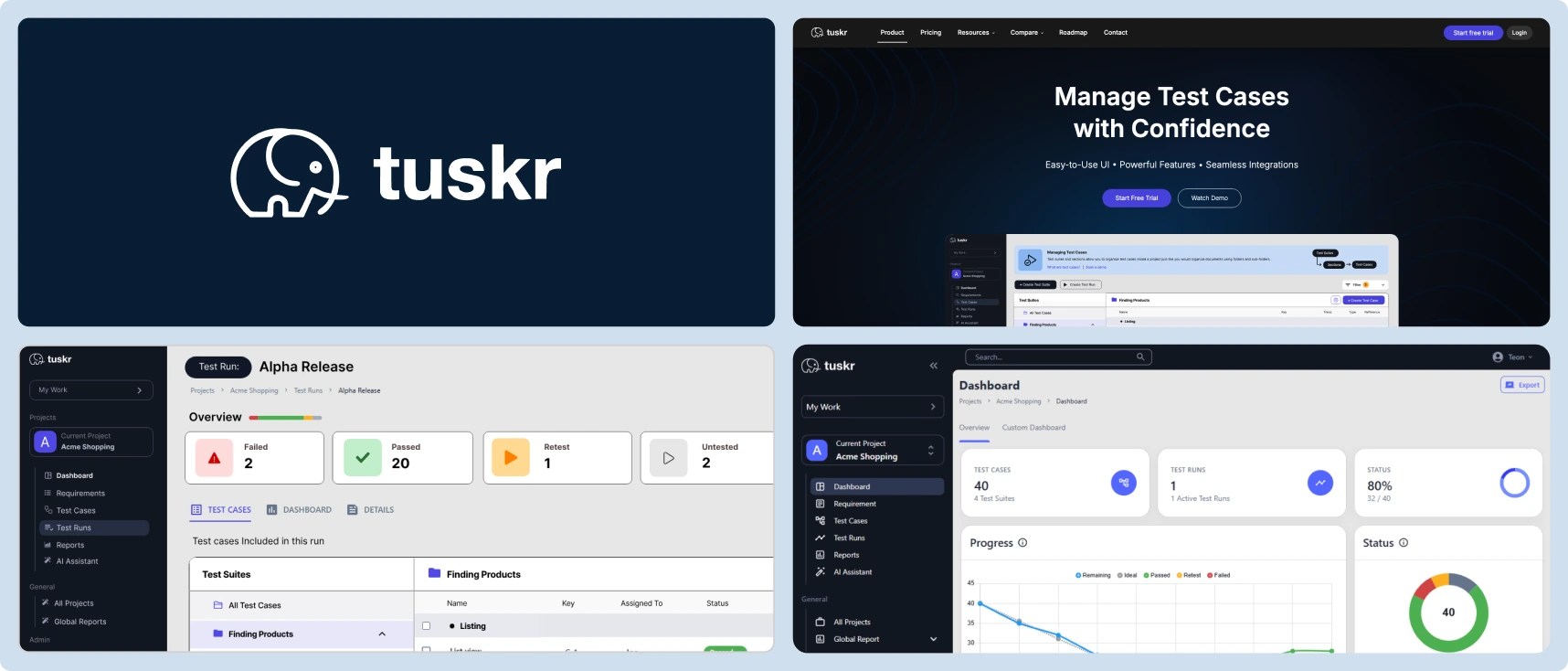
Tuskr is a cloud-based test management platform. It brings manual testing and automated test results together in one place. It uses smart automation to make the most of your QA team, without the bloat of older enterprise tools.
Key Features:
-
Unified Visibility & Modern UI: Puts manual test cases and automated results in one dashboard. The UI is easy to use, with a rich text editor, live burndown charts, and full dark mode.
-
AI Resource Optimization: Uses generative AI to build full test cases straight from your requirements. It also balances the workload on its own, so no one becomes a bottleneck.
-
Seamless Pipeline Integration: Plugs into your CI/CD pipeline and tools like Jira, GitHub, and Slack. That keeps QA in step with development.
Pros:
-
Great value, with a generous free plan (up to 5 users and 1,000 test cases) and low-cost team plans.
-
AI test creation and auto workload balancing speed up test planning and execution.
-
The clean, visual interface is much easier to learn than older test management systems.
Cons:
-
Fewer built-in integrations than the older, larger enterprise suites.
-
Advanced reports can fall short on very complex, enterprise-scale data.
-
Access to the API and advanced webhooks is restricted to the paid subscription tiers.
3. Zephyr Enterprise
Zephyr Enterprise is a test management tool built for teams using Jira integration and Agile or SAFe workflows. It helps teams tie test cases, test cycles, and defects directly to user stories and sprints, keeping QA tightly aligned with development planning and execution.
Key Features:
-
Native Jira integration, test cycles, and defect tracking live alongside backlog and sprint boards.
-
Live dashboards and run views that update as manual or automated tests finish.
-
Supports BDD, so teams can write behavior-driven test scenarios and link them to user stories.
Pros:
-
Fits Jira workflows so well that it suits Agile teams already working in Jira.
-
Clear view of sprint testing and regression cycles.
-
Handles both manual and automated tests, with clear links from requirements to defects.
Cons:
-
Performance may degrade when managing thousands of test cases or large regression suites.
-
Requires familiarity with Jira; teams not using Jira may find it less useful.
-
In automation-heavy CI/CD setups, its automation support is solid but not as deep as full enterprise tools.
4. qTest by Tricentis
qTest is an enterprise test management tool for large organizations with heavy automation and complex workflows. It supports continuous testing and large regression suites. It also helps development, QA, and DevOps teams work together.
Key Features:
-
AI analytics flag risky modules, flaky tests, and slow suites before release, so fewer surprise defects.
-
Connects to CI/CD tools like Jenkins and GitHub Actions, and to automation suites such as Tricentis Tosca.
-
Enterprise-scale organization: handles thousands of test cases at once, many projects, and full traceability across releases.
Pros:
-
A strong pick for heavy automation and CI, and for complex, regulated software.
-
Promotes cross-team collaboration with shared test assets, audit logs, and traceability across requirements, tests, and defects.
-
Strong reports and analytics for regression, functional testing, and release checks.
Cons:
-
All that power adds complexity. It takes real infrastructure and setup effort.
-
Smaller teams may find its enterprise features more than they need.
5. X-ray Test Management for Jira
Xray is a Jira-native test management tool. It supports manual testing, automated testing, and BDD (Behavior-Driven Development). Teams can manage the full testing flow inside Jira, from requirements to defects. That makes it a good fit for teams that live in Jira.
Key Features:
-
Complete traceability from requirements/user stories to test cases, test runs, and defects.
-
Supports BDD frameworks like Cucumber, so teams can write behavior-driven tests right in Jira.
-
Integration with CI/CD pipelines and automation frameworks so automated test results feed back into Jira test runs.
Pros:
-
Ideal for teams using Jira heavily: everything stays in one place, reducing context switching.
-
Strong BDD support: good for behavior-driven testing and for QA, dev, and product working together.
-
Simplifies test planning and execution for Agile teams, blending test management and issue tracking.
Cons:
-
Performance may lag when dealing with very large test suites or data-heavy projects.
-
Non-Jira teams may find it inconvenient or redundant.
-
In very automation-heavy setups, some advanced analytics may lag behind enterprise tools.
6. TestRail
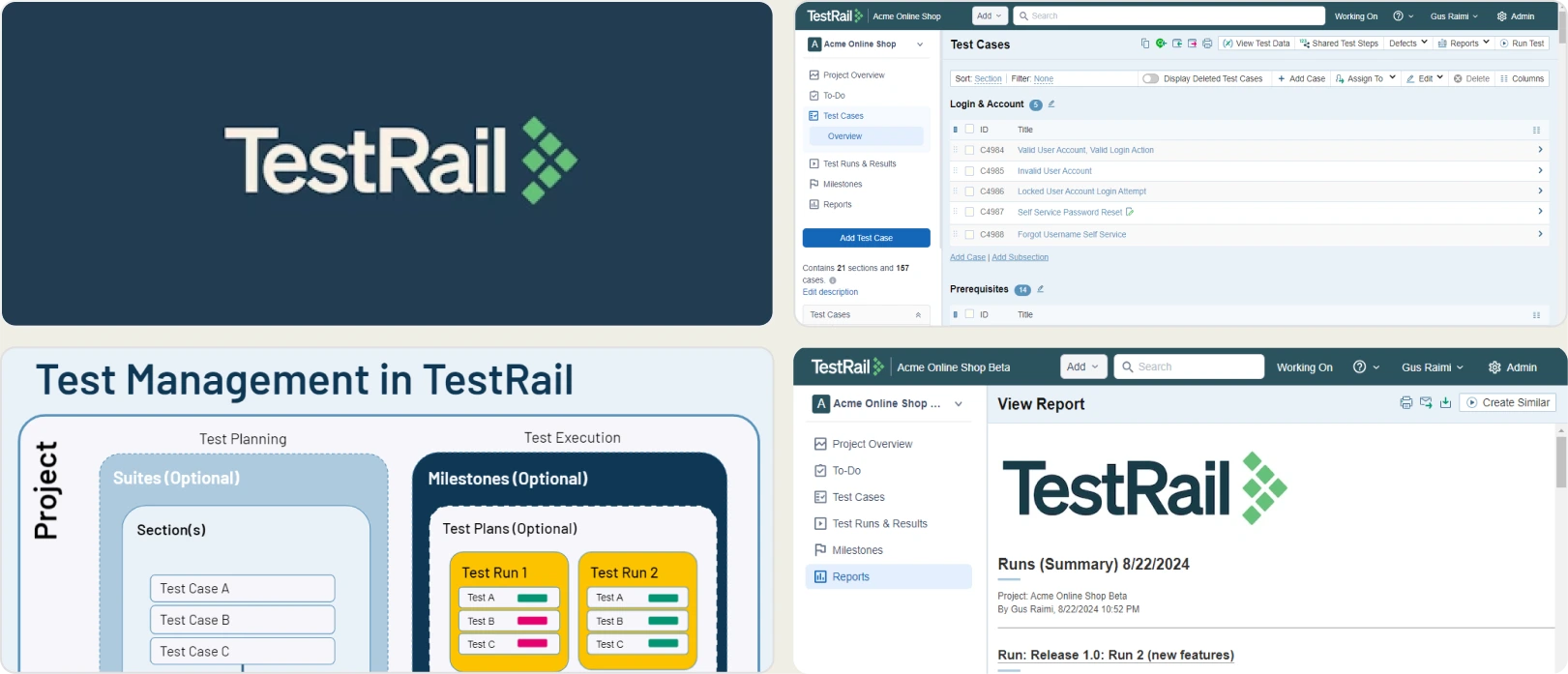
TestRail is a cloud-based test management tool that scales well. QA teams use it to run large numbers of manual and automated test cases in one place. It adds structure and traceability, so teams can manage regression cycles and functional test suites with a clear view.
Key Features:
-
AI test prioritization picks the most important tests for the next release, so teams focus on high-risk areas first.
-
Deep links to CI/CD pipelines and frameworks like Selenium, Cypress, and Playwright. Also connects to Jira, GitHub, and Azure DevOps.
-
Custom dashboards and live reports show pass/fail rates, test coverage, and trends over time.
Pros:
-
Very flexible: works for small teams and for large companies with tens of thousands of test cases.
-
Strong automation support: manual and automated results sit side by side, so regression testing is smoother.
-
Good for cross-team work and for tracing requirements to test cases and defects.
Cons:
-
It is a deep tool, so new users need some onboarding before they can use the advanced features.
-
For very small teams doing only light manual testing, the tool may feel overkill or complex.
How to Choose the Right Test Management Tool
When selecting the right test management tool for your team, consider factors such as release frequency, automation maturity, integration needs, and project scale. Here's a guide to help teams make the best choice:
High Automation & DevOps Environments:
- Teams running heavy automation and CI/CD pipelines should choose tools like TestRail or Testmo.
- These tools are great at managing regression tests, tracking automated results, and giving you dashboards for quick decisions.
Jira-Centric Teams:
- Teams using Jira as their central development platform benefit most from Zephyr or Xray.
- These tools fit tightly into Jira, support functional testing, and trace user stories all the way to defects.
Budget-Conscious Teams:
- Smaller teams or projects with limited budgets can consider Kualitee or ReQTest.
- These test management tools cover the basics: test case management, defect tracking, and simple reports, with no extra complexity.
Enterprise & Compliance-Heavy Teams:
- Organizations with strict regulatory requirements or large-scale testing projects should look at PractiTest or qTest.
- They offer strong reports, end-to-end test traceability, and audit trails to back up compliance.
Additional Considerations:
-
Check that it supports manual and automated testing.
-
Check that it connects to your CI/CD pipeline, test automation frameworks, and issue tracker.
-
Make sure it can scale to large regression suites or multi-team projects.
Match the tool to your team's testing workflow, automation level, and project needs. The right fit improves traceability, speeds up releases, and keeps software quality high.
Best Practices for Test Management in 2026
Good test management means faster, more reliable releases in 2026. These best practices keep functional and regression testing organized, easy to trace, and easy to act on.
Early Test Planning
- Plan tests at the start of the SDLC.
- Helps catch defects early and ensures functional testing aligns with requirements.
Requirements Mapping
- Link every test case to a requirement.
- Keeps tests traceable and gives full coverage for regression testing.
Automation Result Sync
- Sync automated test results into the test management tool often.
- Keeps your history and makes reports more accurate.
Dashboard & Trend Review
- Review dashboards and metrics each sprint.
- Tracks quality trends and highlights issues quickly.
Traceability to Defects
- Connect requirements → test cases → defects.
- Makes audits simpler and supports compliance in large companies.
CI/CD Integration
- Connect test management tools with pipelines and automation frameworks.
- Gives you a live view of functional and regression testing.
Test Case Quality
- Update and refine test cases regularly.
- Cuts duplicate tests and makes testing more efficient.
Collaborative Workflows
- Share dashboards and help the team work together.
- Keeps QA, development, and product teams aligned for faster defect resolution.
Conclusion
In 2026, choosing the right test management tools is essential for efficient software testing and seamless functional and regression testing. These tools help teams manage test cases, track defects, and gain actionable insights through dashboards and reports.
Following best practices like early test planning, requirements mapping, and automation result syncing ensures better traceability and fewer defects. Integrating the right test management tools improves collaboration, accelerates releases, and enhances overall software quality.
Explore the best test management tools today to streamline your testing workflows and boost software quality 🚀.
FAQs

Pratik Patel
Co-founder