Best Analytical Test Tools in 2026: The Complete Comparison for QA Teams
Struggling to pick the right analytical test tool? This guide compares top options with features, pricing, and real use cases.

Every test suite generates results. But most teams never look deeper than "pass" or "fail." The real problem starts when a test that passed yesterday suddenly breaks today.
Nobody can tell you why without spending half the sprint digging through logs. QA teams are sitting on piles of test execution data, failure logs, and trend reports.
But without the best analytical test tools, that data stays invisible. Flaky tests pile up, release confidence drops, and debugging eats into feature development time.
This guide breaks down the best analytical test tools available in 2026. It compares them feature by feature. It helps you pick the one that actually fits your team's workflow.
At their core, analytical test tools collect data from your test executions, organize it, and surface patterns that you would otherwise miss.
They sit on top of your existing test automation framework and answer critical questions like:
- Which tests fail most often, and is it the same module each time?
- How long does each test suite take to run, and where are the bottlenecks?
- Are certain tests flaky, and what triggers the flakiness?
- Is test coverage improving or declining over each release cycle?
These tools go beyond basic pass and fail reporting. They apply statistical analysis, trend tracking, and machine learning to turn raw execution data into decisions.
Think of it this way. Your automation framework runs the tests. Your test reporting tool shows the results. But an analytical test tool tells you what those results actually mean for your release.
Some analytical test tools are standalone platforms like ReportPortal or Allure TestOps. Others are built into larger ecosystems like BrowserStack Test Observability or Katalon's analytics dashboard.
The common thread is that they all focus on converting test execution noise into a clear, data-backed quality signal.

Tip: Before investing in a paid analytical test tool, ensure your current automation framework is properly configured to output detailed execution logs and JUnit/JSON test results. Analytics platforms rely entirely on the quality of data your framework provides.
Why your team actually needs analytical test tools
There is a difference between running tests and learning from them. Most teams operate in a cycle of write tests, run tests, fix what breaks, and repeat.
That works when you have 50 tests. It collapses when you have 5,000. Here is what happens without proper test analytics:
- Flaky tests go unnoticed for weeks. A test that intermittently fails gets retried manually, and nobody tracks the pattern. Over time, the team starts ignoring failures entirely because "that test is always flaky."
- Debugging takes longer than fixing. Without historical data, every failure investigation starts from scratch. Engineers spend 30 to 45 minutes per failure just figuring out what changed.
- Release decisions become gut-based. When there is no dashboard showing pass rate trends, coverage gaps, or regression hotspots, the "ship it" call is based on instinct rather than evidence.
The global automation testing market has grown to an estimated $24.3 billion in 2026, according to multiple industry research firms including Fortune Business Insights and Mordor Intelligence.
A significant driver behind this growth is the demand for tools that do more than execute. Teams want tools that analyze, predict, and reduce maintenance.
Note: Modern analytical test tools increasingly leverage machine learning to offer "Test Impact Analysis," which determines the exact subset of tests that need to run based on recent code commits, dramatically reducing CI/CD execution times.
According to Gartner's 2026 IT spending forecast, software spending across enterprises is growing at 14.7% year-over-year, with AI-augmented quality tools being a top priority.
The state of test automation has shifted from "can we automate?" to "can we understand what our automation is telling us?"
That is the gap the best analytical test tools fill. They turn your test suite from a pass/fail machine into an intelligence layer that helps you release with confidence.
Top 9 best analytical test tools in 2026
Below is a breakdown of the 9 strongest analytical test tools available today. Each one is evaluated based on its analytics depth, integration flexibility, learning curve, and pricing model.
1. TestDino
TestDino is a test intelligence platform that connects directly to your CI/CD pipeline. It provides straightforward analytics on test health, flakiness, and execution patterns.
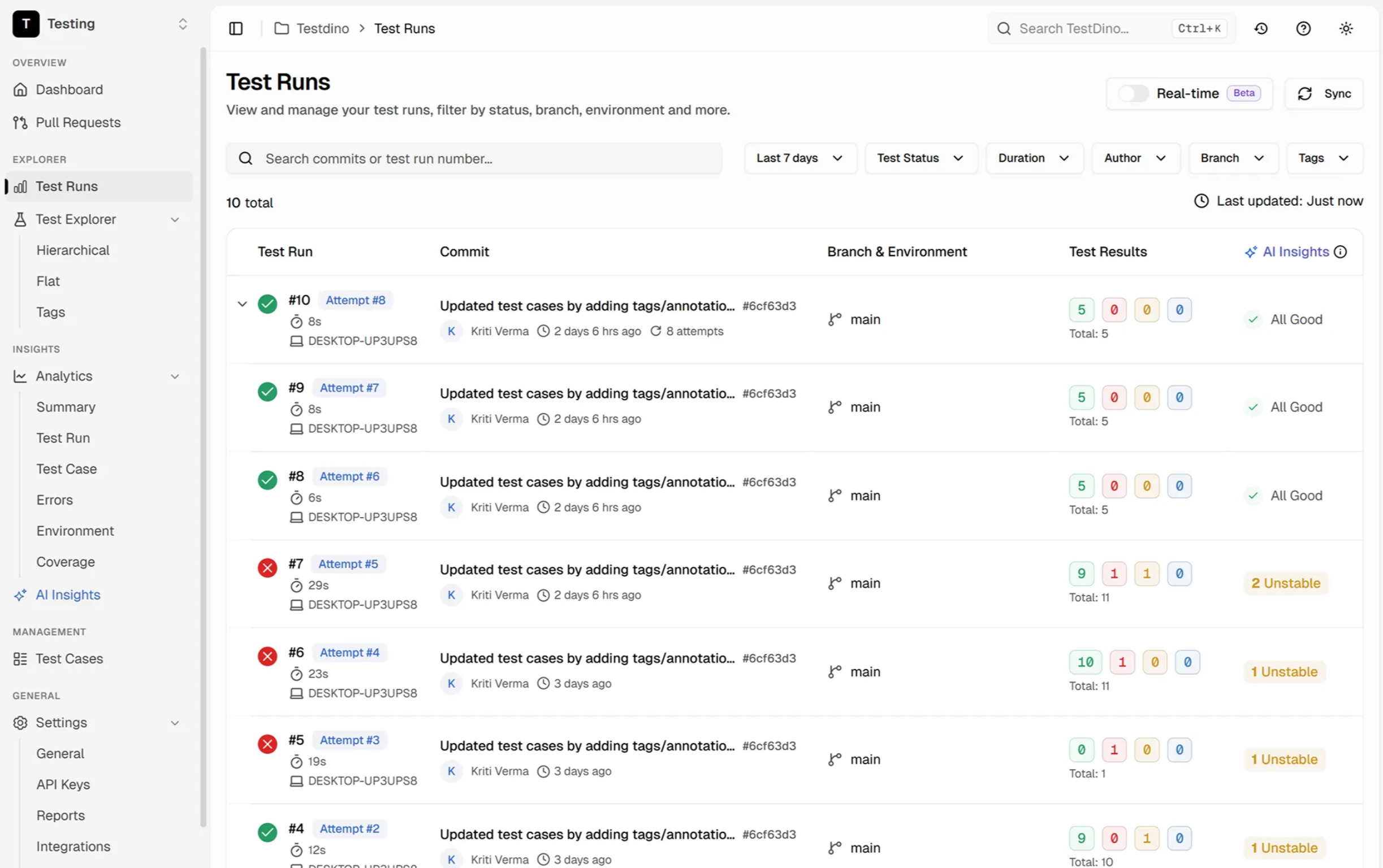
It functions as an objective data layer that parses execution logs and outputs structured reports without requiring heavy infrastructure changes.
What makes it stand out:
- Real-time test automation reporting with drill-down into individual failures
- Flaky test tracking with trend-based detection
- Works natively with Playwright and integrates with popular CI tools
- Lightweight setup requiring minimal configuration
Best for: Teams running Playwright or other modern frameworks who require fast, data-driven test analytics without deploying large enterprise platforms.
Pricing: Free tier available. Scales based on usage.
2. ReportPortal
ReportPortal is an open-source, AI-powered test analytics platform designed for teams with large, complex test suites.
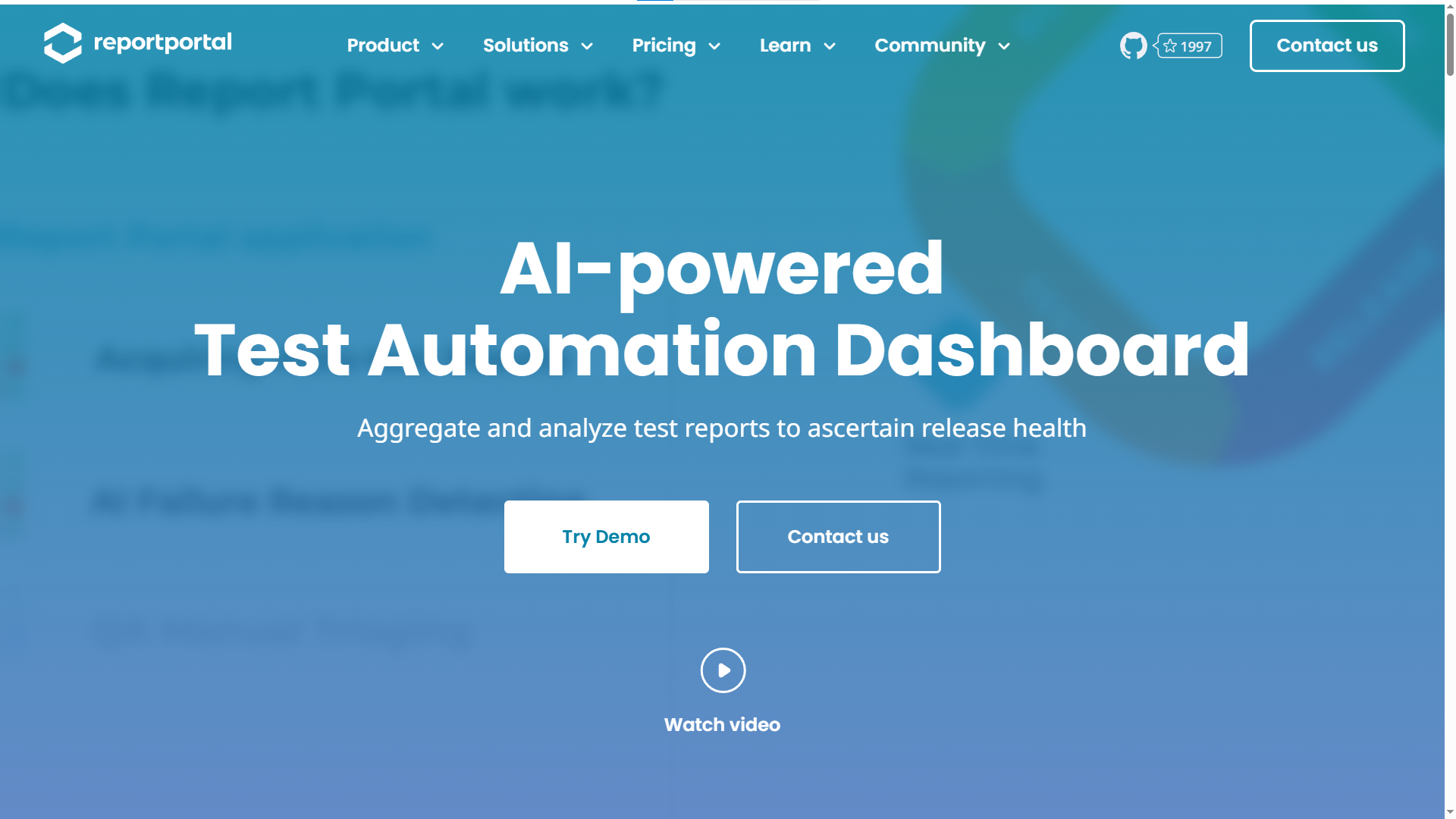
It acts as a centralized dashboard that ingests results from any framework (Playwright, Selenium, Cypress, JUnit, TestNG, and more) and applies machine learning to categorize failures automatically.
What makes it stand out:
- AI-driven auto-triage clusters similar failures together, saving hours of manual investigation
- Real-time dashboards that update as tests execute in CI/CD
- "Quality Gates" feature that gives automated GO/NO-GO decisions based on analytics thresholds
- Historical trend analysis across hundreds of builds
Best for: Teams with 1,000+ automated tests that struggle with test failure analysis and triage fatigue.
Pricing: Free (self-hosted open-source). SaaS version available with paid tiers.
3. Allure TestOps
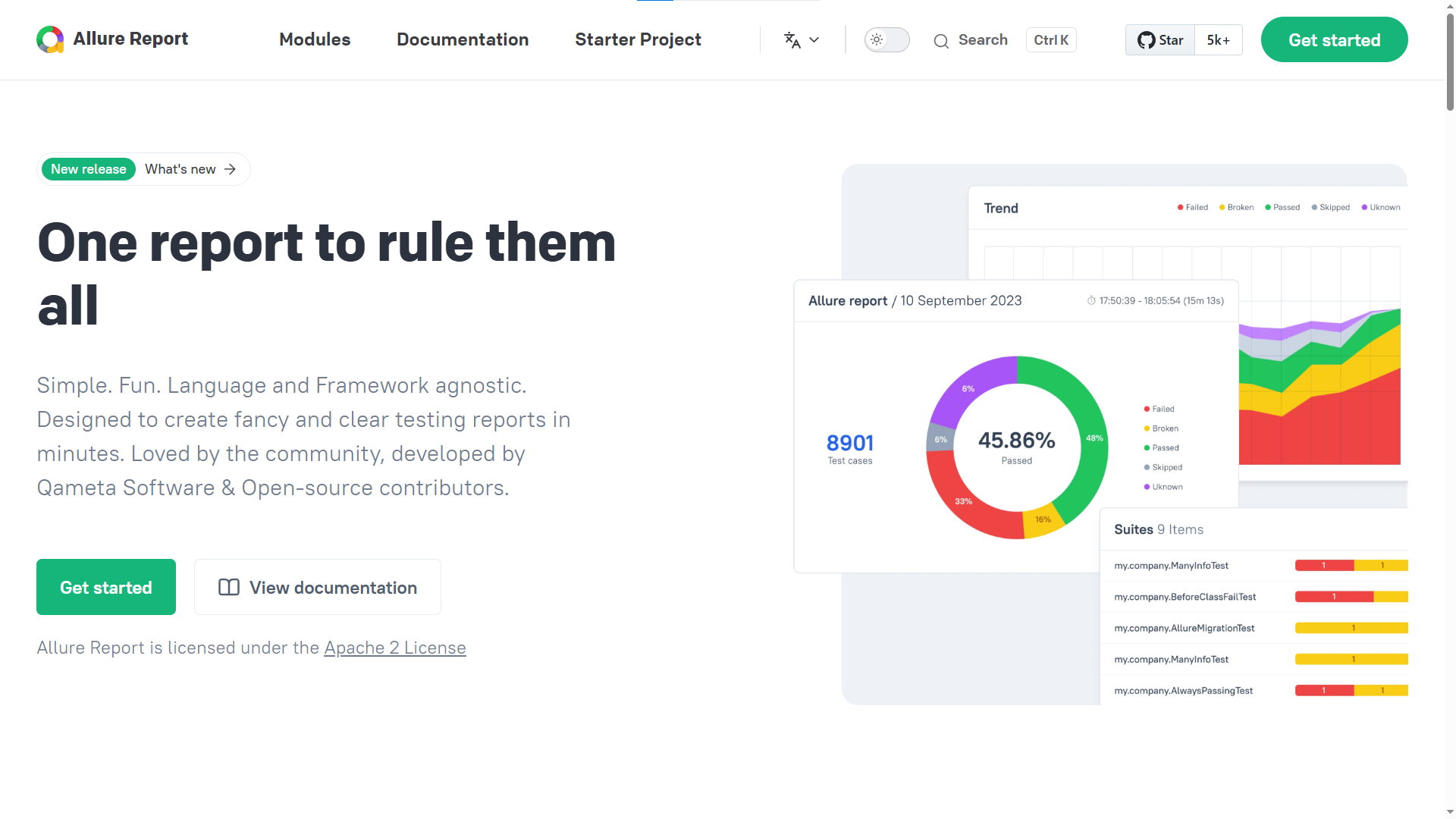
Allure started as an open-source reporting framework and has evolved into Allure TestOps, a full-fledged analytics and test management platform. Its reports are known industry-wide for their visual clarity and detail.
What makes it stand out:
- Step-by-step execution breakdowns with screenshots, logs, and timing data
- Language-agnostic with support for Java, Python, JavaScript, C#, and more
- Timeline views that show exactly where parallel execution bottlenecks occur
- Allure 3 introduced a plugin system and cloud storage for test history
Best for: Teams that need beautiful, stakeholder-friendly analytics reports without a heavy management layer.
Pricing: Allure Report is free and open-source. Allure TestOps (cloud) has paid plans starting for small teams.
4. BrowserStack Test Observability
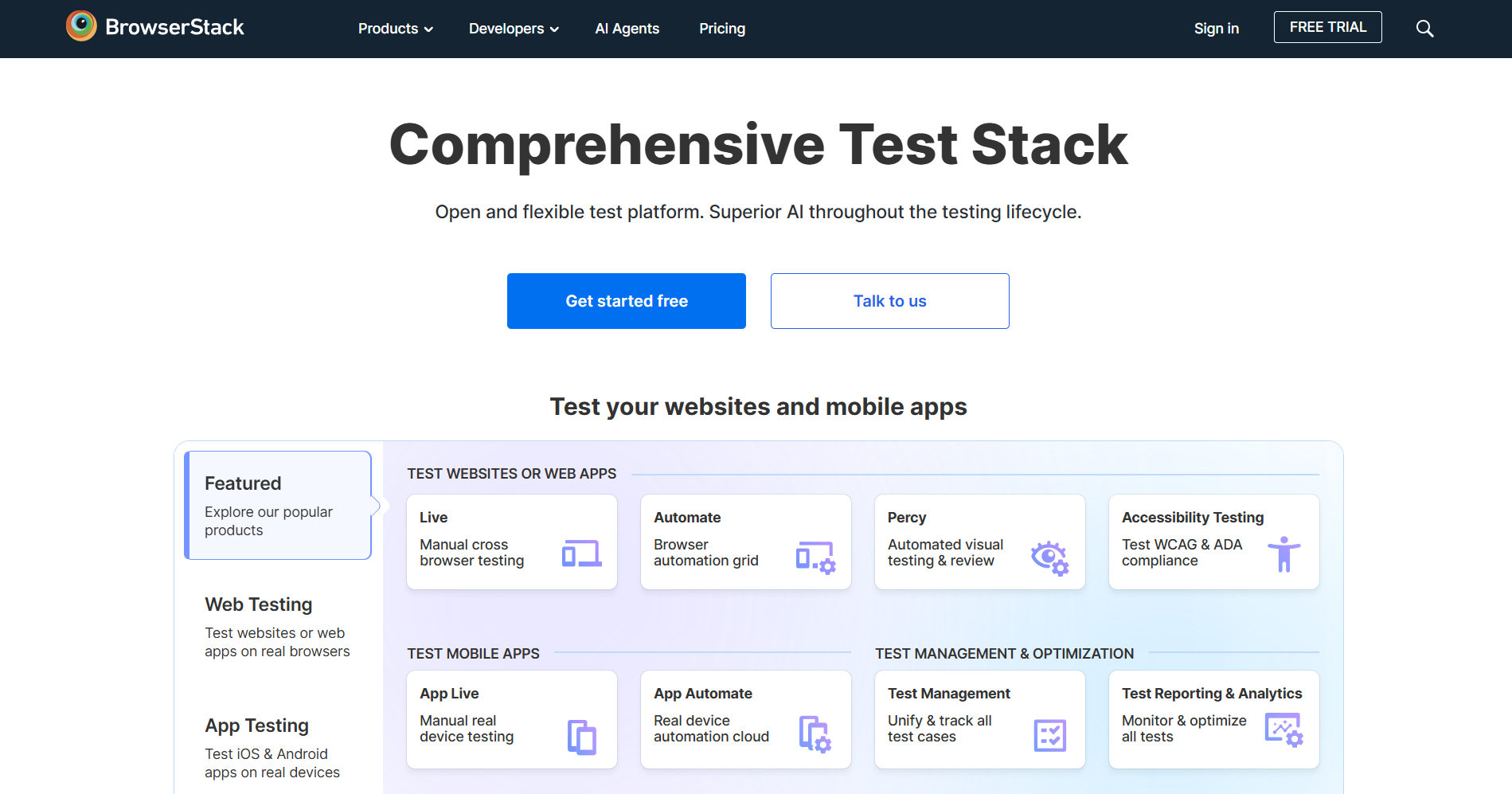
BrowserStack's Test Observability product is a dedicated analytics layer built on top of its massive cloud testing infrastructure. It parses test execution data to identify flaky tests, analyze failure trends, and reduce debugging time.
What makes it stand out:
- Automatic flaky test detection with historical pattern recognition
- Failure categorization (product bug vs. test issue vs. infra failure)
- Video recordings, logs, and network data for every test run
- Integrates natively with BrowserStack Automate and third-party CI tools
Best for: Teams already using BrowserStack's infrastructure who want unified analytics without adding another tool.
Pricing: Tiered plans. Automate starts around 99to99to175/month per parallel session. Test Observability is included in higher-tier plans.
5. Katalon Analytics (TestOps)
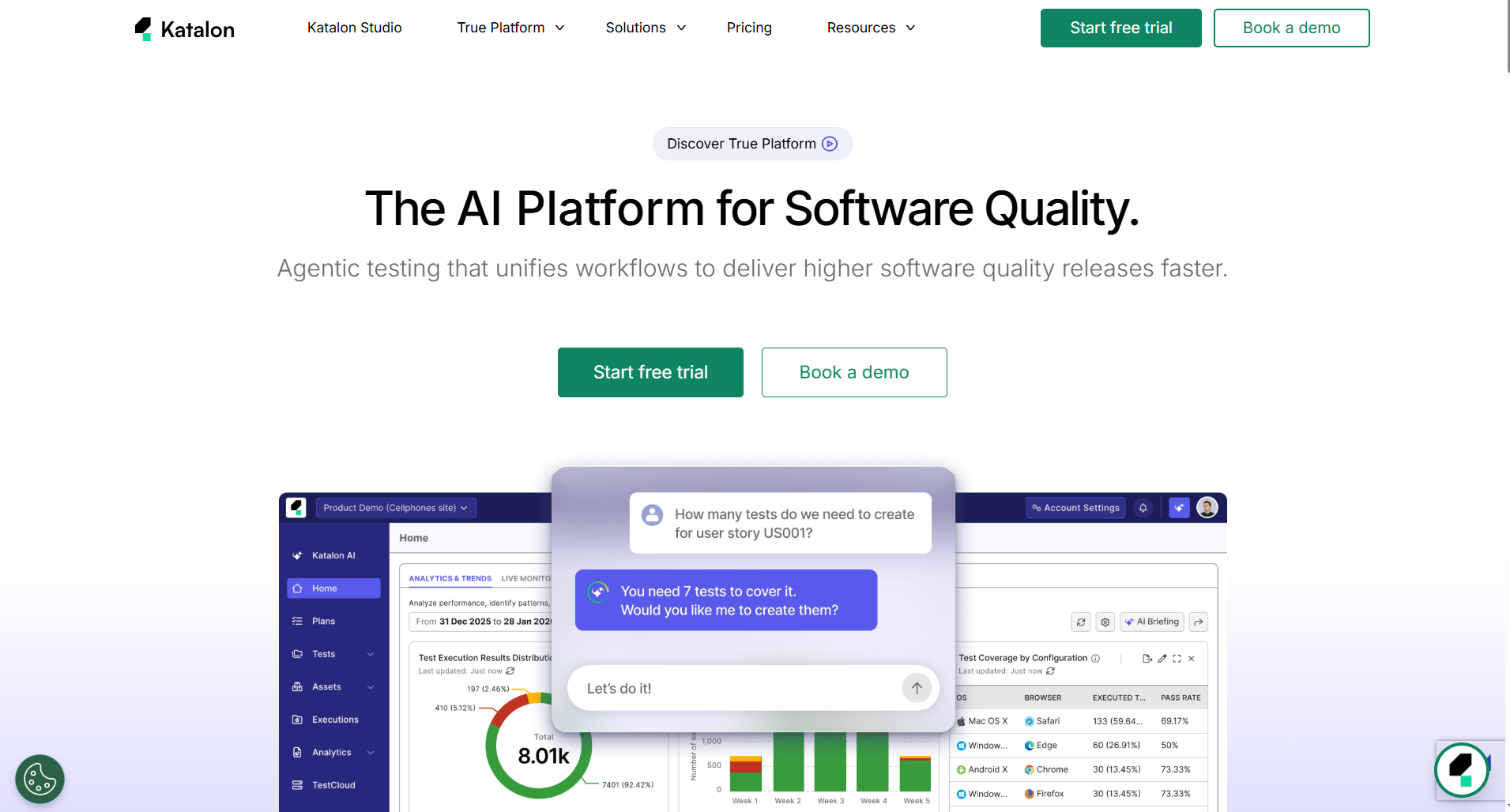
Katalon Studio is one of the best test automation tools for teams that want a unified platform. Its analytics module (Katalon TestOps) adds a strong intelligence layer on top of their test runner.
What makes it stand out:
- Built-in dashboard with pass/fail trends, execution duration, and coverage metrics
- Smart scheduling that optimizes which tests run based on historical failure data
- Integration with Jira for defect-to-test traceability
- Supports web, mobile, API, and desktop testing analytics in one place
Best for: Teams using Katalon Studio who want analytics without a separate tool.
Pricing: Free tier available. Premium and Ultimate plans for advanced analytics and team features.
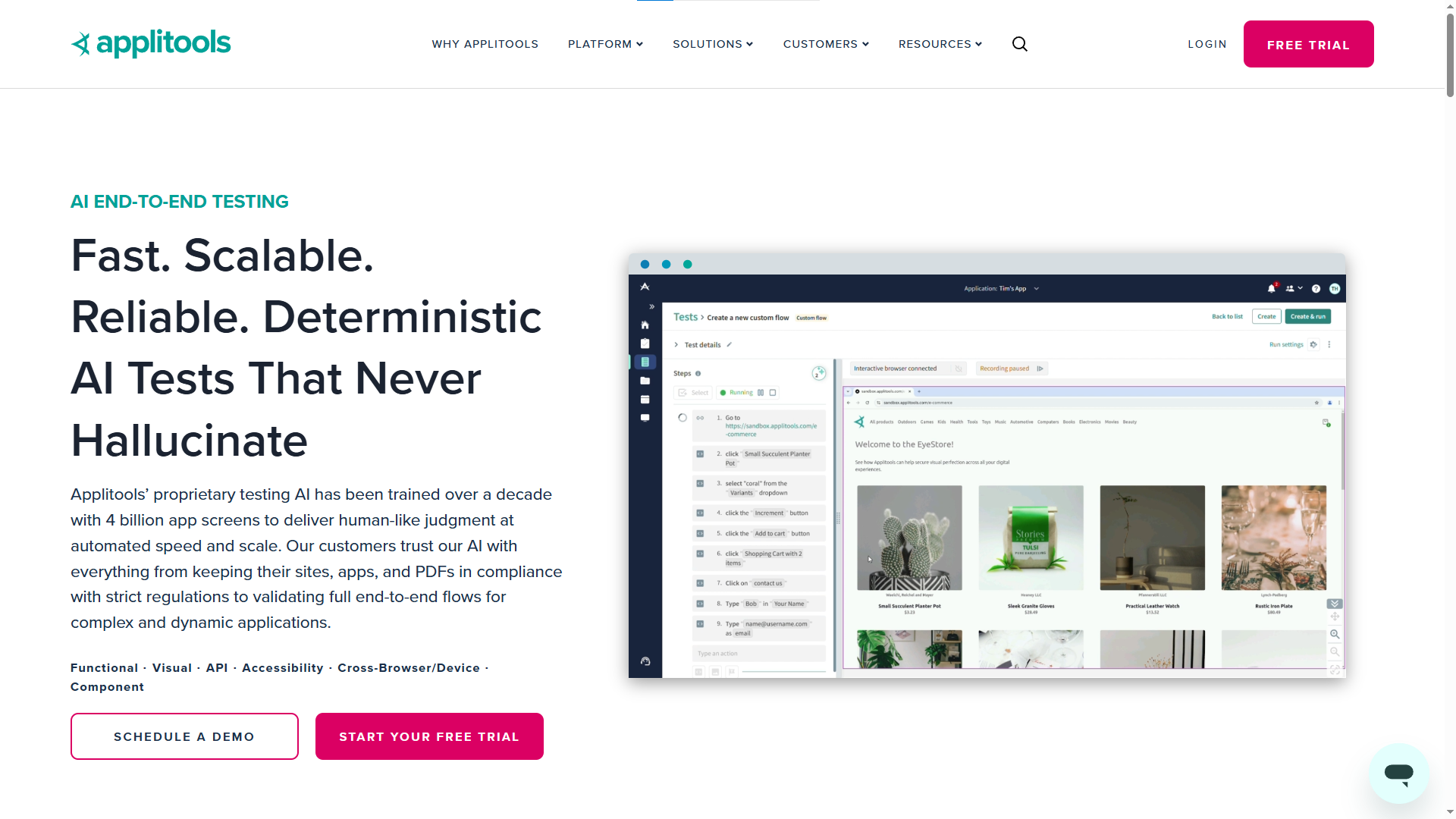
6. Applitools Eyes
Applitools is not a general-purpose test runner. It is a Visual AI testing platform that adds a unique analytical layer: visual regression detection. It catches UI bugs that functional testing tools simply cannot detect.
What makes it stand out:
- Visual AI compares screenshots across browsers, devices, and viewports
- Ultrafast Grid runs visual checks in parallel across 100+ configurations
- Root cause analysis pinpoints the exact DOM change that caused a visual regression
- Integrates with Playwright, Selenium, Cypress, and more
Best for: Teams shipping UI-heavy products who need analytics on visual consistency, not just functional correctness.
Pricing: Free tier (limited screenshots/month). Paid plans scale based on screenshot volume.
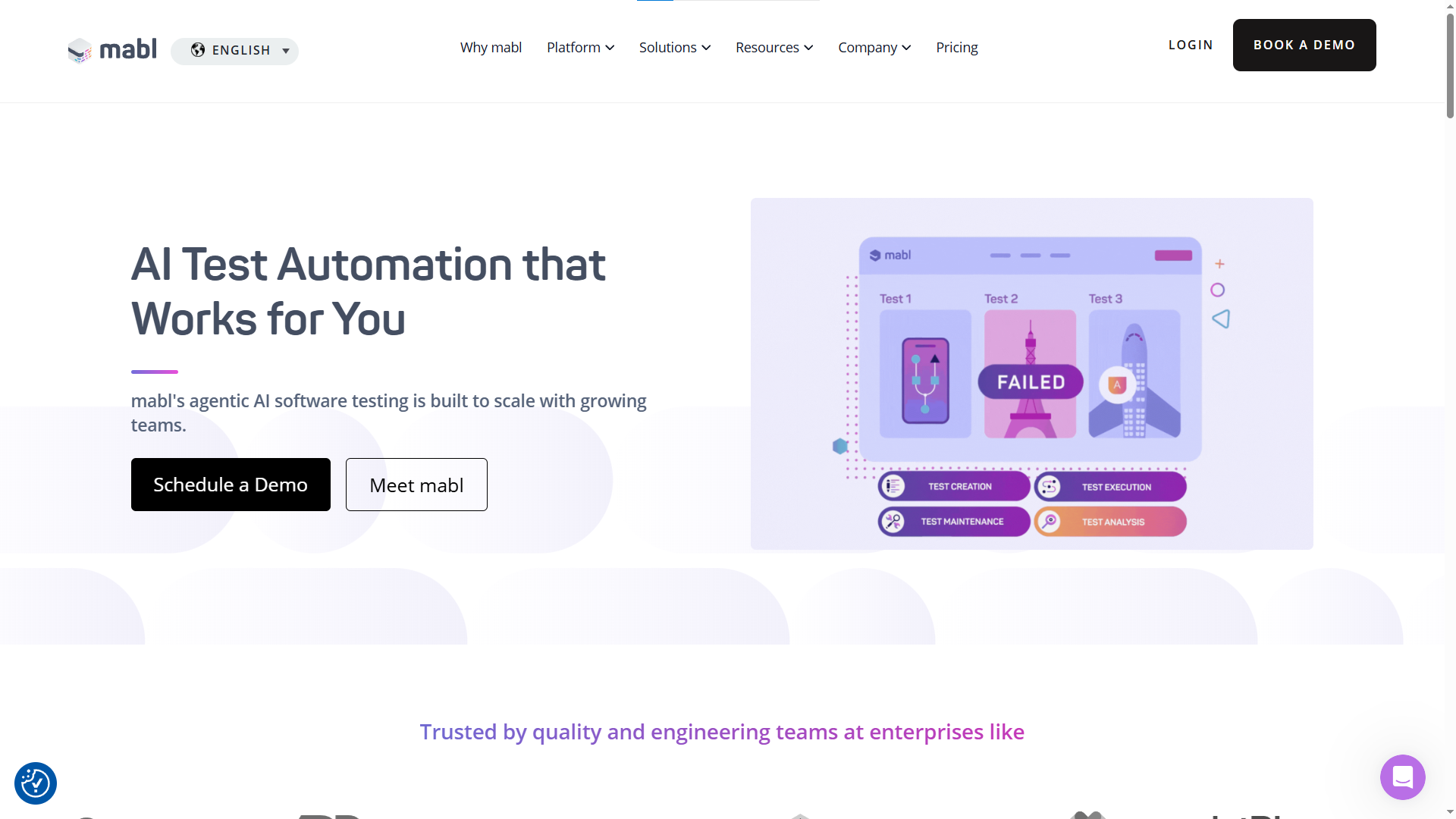
7. Mabl
Mabl is an AI-native, low-code test automation platform with built-in analytics that focus on self-healing and execution intelligence.
What makes it stand out:
- Auto-healing tests that adapt to UI changes without manual intervention
- Unified analytics across web, mobile, and API tests
- Performance analytics integrated directly into functional test runs
- Visual change detection that highlights UI differences across builds
Best for: Teams that want a single platform for both test automation and analytics without managing separate tools.
Pricing: Quote-based. 14-day free trial available.
8. Testim (by Tricentis)
Testim uses machine learning to create resilient tests with "smart locators" that reduce flakiness. Its analytics module helps teams track test suite health and understand failure patterns at scale.
What makes it stand out:
- Root cause analysis powered by ML
- Failure pattern tracking across builds and environments
- Smart locators that reduce false failures caused by minor UI changes
- Enterprise-grade stability with Tricentis backing
Best for: Enterprise teams with large, constantly evolving UIs that need stability-focused analytics.
Pricing: Parallelization-based pricing. Free trial available.
9. Grafana + Prometheus (custom analytics stack)
For teams that want full control over their test automation analytics, a custom stack built on Grafana (visualization) and Prometheus (metrics collection) is a powerful option.
What makes it stand out:
- Fully customizable dashboards tailored to your exact KPIs
- No vendor lock-in as you own the data and the infrastructure
- Integrates with any CI/CD tool, test framework, or data source
- Active open-source community with thousands of pre-built dashboard templates
Best for: Engineering teams with DevOps expertise who want bespoke analytics without SaaS costs.
Pricing: Free (open-source). Grafana Cloud has a generous free tier and paid plans for scale.
How to compare analytical test tools (feature checklist)
Not every tool fits every team. Before committing to a platform, run through this checklist.
These are the features that separate the best analytical test tools from ones that just add another dashboard nobody opens.
Core analytics capabilities:
- Failure categorization (product bug vs. test bug vs. infra issue)
- Flaky test detection and historical tracking
- Execution duration trends and bottleneck identification
- Coverage mapping (which features/modules are actually tested)
Integration and compatibility:
- Works with your current test framework (Playwright, Selenium, Cypress, etc.)
- Connects to your CI/CD pipeline (GitHub Actions, GitLab CI, Jenkins)
- Supports your programming language
- APIs available for custom data export
Usability and team fit:
- Dashboard readability for non-technical stakeholders
- Setup complexity (does it require infrastructure changes?)
- Learning curve for QA engineers vs. developers
- Collaboration features (comments, assignments, shared views)
Pricing and scale:
- Free tier availability and limitations
- Cost scaling model (per user, per run, per parallel session)
- Self-hosted vs. cloud-only options
- Contract requirements (monthly vs. annual)
Tip: When comparing pricing, pay close attention to parallel session limits. Many tools look cheap for 1-2 workers but become extremely expensive once you scale up to 10+ parallel test executions.
Head-to-head: best analytical test tools compared
Here is a side-by-side comparison of the top analytical test tools covered in this guide. This table focuses on the criteria that matter most when making a decision.
| Tool | AI/ML analytics | Flaky test detection | CI/CD integration | Free tier | Best for |
|---|---|---|---|---|---|
| TestDino | Playwright + CI native | Modern framework teams | |||
| ReportPortal | Yes (auto-triage) | All major CI tools | Yes (self-hosted) | Large-scale triage | |
| Allure TestOps | Limited | Basic | All major CI tools | Yes (Allure Report) | Visual reporting |
| BrowserStack Observability | Native + third-party | Limited | Cloud testing teams | ||
| Katalon TestOps | Basic | Built-in | All-in-one platform users | ||
| Applitools | Yes (Visual AI) | N/A (visual focus) | All major frameworks | Yes (limited) | UI-heavy products |
| Mabl | Yes (self-healing) | All major CI tools | 14-day trial | Low-code teams | |
| Testim | Yes (smart locators) | All major CI tools | Trial available | Enterprise UI testing | |
| Grafana + Prometheus | No (DIY) | Custom | Custom | DevOps-first teams |
Note: If your team uses an internal framework or custom runner, tools with flexible API ingestions like ReportPortal and Grafana will integrate much more smoothly than tightly coupled commercial platforms.
How to pick the right analytical test tool for your team
Choosing the right tool is not about picking the one with the most features. It is about matching one of the best analytical test tools to your team's specific pain points.
Here is a decision framework:
Start with your biggest pain point:
- "We cannot tell which tests are flaky." Pick TestDino since it offers dedicated flaky test detection with historical tracking.
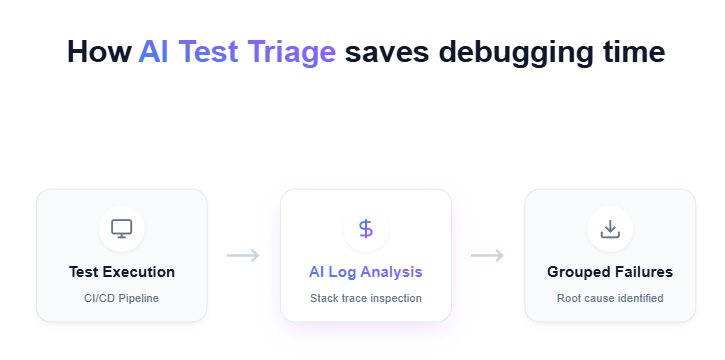
- "We spend too much time triaging failures." Pick ReportPortal or BrowserStack Test Observability. Their AI-driven failure categorization will cut your triage time significantly.
- "Our stakeholders do not understand test reports." Pick Testdino. Its visual PDF reports are designed for non-technical audiences and make status meetings productive.
- "We need flexible visual reports." Pick Allure TestOps. Its visual reports are designed for non-technical audiences and make status meetings productive.
- "We want analytics without adding another tool." Pick Katalon TestOps (if you use Katalon) or Mabl (if you want AI-native automation + analytics in one).
Consider your technical maturity:
Teams with strong DevOps capabilities might prefer a custom Grafana + Prometheus stack for unlimited flexibility.
Teams that want zero-setup analytics should lean toward SaaS options like Mabl, BrowserStack, or TestDino.
Think about scale:
If you have under 500 tests, Allure Report (free) or TestDino's free tier will likely cover your needs.
If you are running 5,000+ tests across multiple pipelines, you need ReportPortal or BrowserStack's enterprise offering.
Evaluate the metrics that matter:
Some teams care most about pass rate trends. Others prioritize test failure analysis speed. Map your top 3 metrics to each tool's strengths before committing.
Also consider how the tool fits into the broader future of automated testing. Tools that invest in AI-driven analytics today will save you a migration later. This includes predictive failure detection and predictive QA testing.
For teams using Playwright specifically, the playwright-skill open-source project provides a structured way to generate and manage tests that integrate cleanly with analytical platforms
Conclusion
The best analytical test tools do not just show you what happened. They show you why it happened, how often it happens, and what to do about it.
For teams drowning in test data, the right tool transforms noise into decisions. There is a fit for every team size and maturity level. This could be ReportPortal's AI triage cutting hours of debugging, or Allure's visual reports making stakeholder reviews painless. It could also be TestDino's lightweight analytics plugged directly into your Playwright CI pipeline.
The key takeaway is to never settle for pass and fail outputs. Your test suite generates valuable data every single run. Use an analytical test tool to actually read it.
Start with the pain point that costs your team the most time. Match it to the best analytical test tools on this list. And if you are unsure, most of them offer free tiers or trials, so there is no risk in experimenting.
FAQs

Jashn Jain
Developer Advocate