Best Vibe Testing Tools in 2026: 9 AI QA Platforms Reviewed
We tested the best vibe testing tools head-to-head. Here is what actually works for AI-driven QA in 2026.
AI-generated code now ships faster than most QA teams can write test scripts for it. The vibe coding wave, kicked off by Andrej Karpathy's viral tweet in February 2025, turned building software into a conversation with an LLM. But the code that comes out of those sessions still needs to be tested. And that is where things fall apart.
The problem is not a lack of test automation. The problem is that traditional test automation was never built for this speed. A single CSS class rename breaks your Selenium scripts. A Cypress suite that passed yesterday throws five new failures today because a designer swapped a button's position. Teams end up spending more hours maintaining tests than catching bugs.
That is exactly why vibe testing tools exist. They flip the model: instead of coding test scripts line by line, you describe what the software should do in plain English, and an AI agent handles the rest.
This guide covers the best vibe testing tools available in 2026. We evaluated nine platforms across authoring method, self-healing capability, code export, platform coverage, and pricing. Here is what we found.
Key takeaways from this guide:
- The best vibe testing tools use intent, not selectors, making tests resilient to UI changes
- Claude + Playwright MCP leads for teams that want full code ownership with AI speed
- testRigor eliminates selectors entirely, which solves flaky test problems at the root
- No single tool replaces both vibe testing and traditional code-based automation. A hybrid approach works best
- TestDino's test intelligence platform helps teams track the health of both AI-generated and hand-coded test suites
What is vibe testing (and why it matters now)
Vibe testing is an AI-driven QA approach where you describe what the software should do in plain language, and an AI agent generates, executes, and maintains the test automatically.
Vibe coding lets developers describe what they want and get working code from an AI. Vibe testing applies the same idea to QA. Instead of writing rigid, step-by-step automation scripts, you describe the user journey in plain language. The AI figures out how to test it, runs the checks, and adapts when the UI changes.
This is not a rebrand of codeless testing. That distinction matters. Traditional no-code tools still rely on recorded element selectors. If a developer moves a button or renames a field, those tests fail. The best vibe testing tools go further. They use natural language understanding, computer vision, and agentic AI to interpret what the test should verify, not just where to click.
The timing makes sense. According to TestDino's research on the state of automation, teams now ship multiple times per day. Manual QA simply cannot keep up. Even well-maintained test automation suites struggle with the pace of AI-generated code changes. When your developers push 15 PRs a day with Copilot-generated code, your Selenium suite needs to evolve just as fast.
Here is what separates vibe testing from what came before:
- Intent over selectors: You say "verify the user can complete checkout" instead of writing XPath queries
- Self-healing execution: Tests adapt to UI changes without manual intervention
- Non-technical access: Product managers and designers can define test scenarios without writing code
- Exploratory behavior: Some tools actively explore your app beyond the scripted paths, catching bugs you did not think to test for
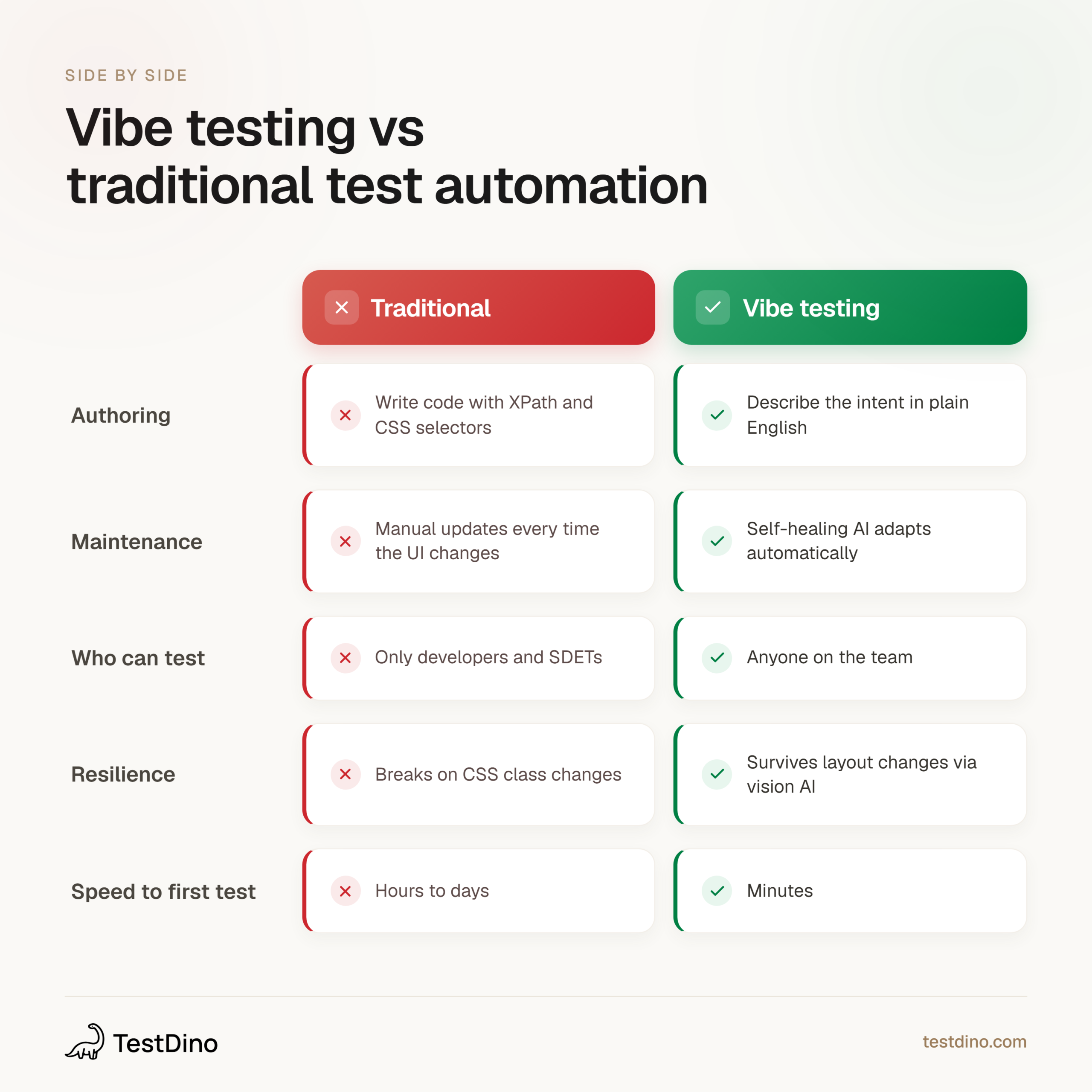
Infographic comparing vibe testing and traditional test automation across five dimensions including authoring method, maintenance, accessibility, resilience, and speed
To understand the gap in practical terms, here is what a traditional Selenium test looks like versus a vibe testing equivalent for the same checkout flow:
# Traditional Selenium: Brittle, selector-dependent
driver.find_element(By.XPATH, "//button[@class='btn-cart-add']").click()
driver.find_element(By.CSS_SELECTOR, "#qty-input").send_keys("2")
driver.find_element(By.ID, "checkout-btn").click()
assert driver.find_element(By.CLASS_NAME, "total-price").text == "$49.98"


# Vibe testing equivalent (testRigor / Claude prompt):
Add two items to the cart.
Proceed to checkout.
Verify the total is $49.98.
The first example breaks the moment someone renames btn-cart-add to add-to-cart-button. The second does not care about class names at all. That is the core value proposition of every tool on this list.
How the best vibe testing tools actually work under the hood
Most vibe testing tools follow a three-step pattern under the hood. Understanding this workflow is essential before evaluating which of the best vibe testing tools fits your team. TestDino users will recognize parallels in how test intelligence layers work alongside these steps.

Tip: Before picking a tool, understand this workflow. Every tool in this list follows a variation of these three steps. The difference is how well each one executes them.
Step 1: Understand the intent
You provide a test description in natural language. Something like: "Log in with valid credentials, add two items to the cart, and check that the total updates correctly."
The AI parses this into a sequence of actions and expected outcomes. Some tools accept Jira stories, CSV files, or product documentation as input. Others can analyze your source code directly to generate test scenarios, as Autify's Genesis feature does.
Step 2: Execute with vision and context
This is where vibe testing diverges from older codeless tools. Instead of relying purely on DOM selectors, these tools use a multi-layered perception stack:
- Vision Language Models (VLMs) that analyze the actual rendered screen, the same way a human tester would look at the page
- Accessibility tree parsing that reads the semantic structure of the page (roles, labels, states) without depending on CSS classes or IDs
- DOM inspection as a fallback layer for elements that VLMs or accessibility trees cannot resolve
This multi-layered approach means the test does not break just because someone renamed a CSS class or moved an element three pixels to the left. The AI "sees" the button labeled "Add to Cart" regardless of its underlying selector.
Step 3: Heal and report
When something changes between runs, the self-healing engine kicks in. It compares the current state against the expected state and adjusts its selectors, timing, or flow. If the change is too large (like a completely new page layout), it flags it for human review instead of silently passing.
This is a critical distinction. A good self-healing engine does not just suppress failures. It distinguishes between a legitimate UI change and an actual bug. The best vibe testing tools surface this distinction clearly in their reporting.
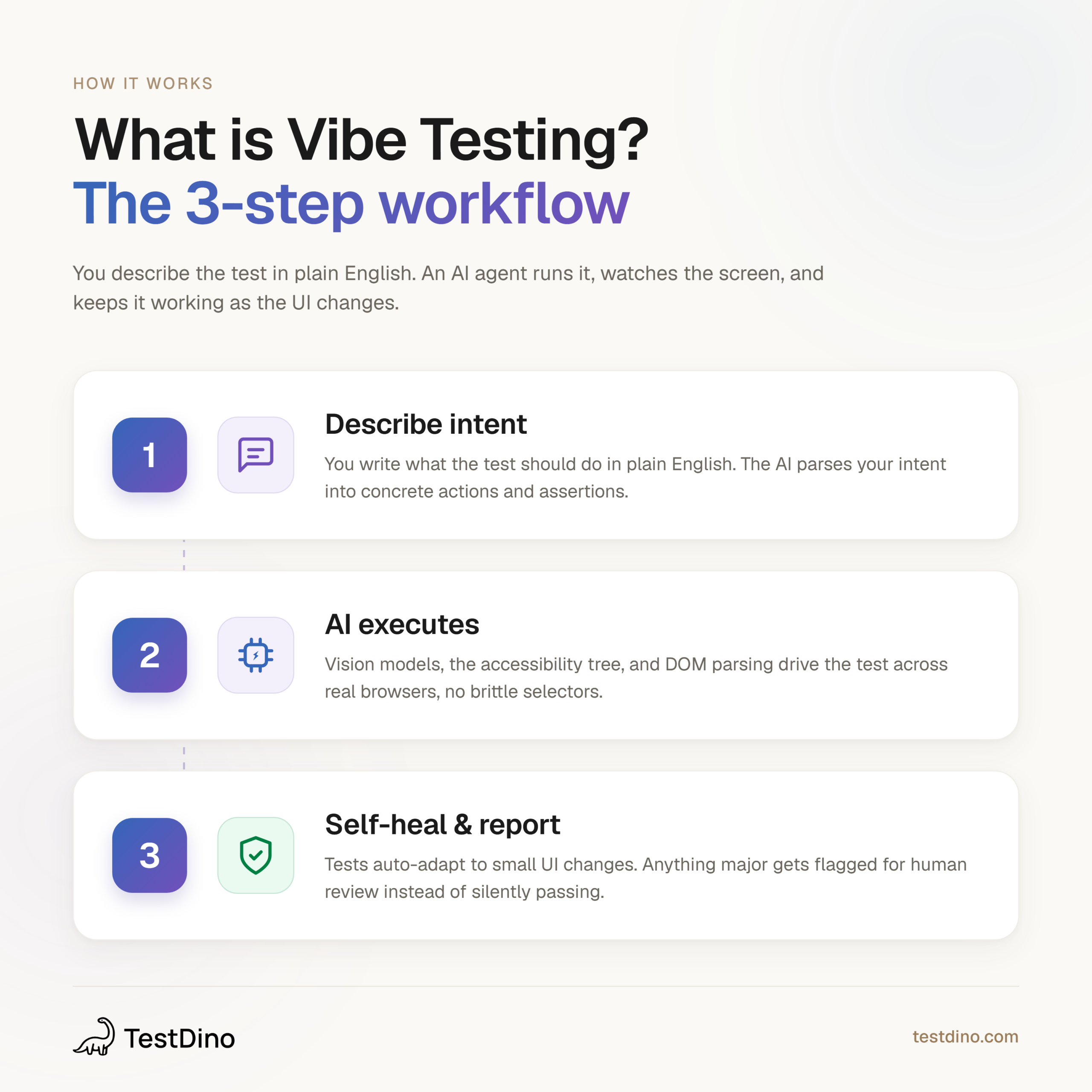
Alt text: Infographic showing the three-step workflow of vibe testing: describing intent in plain English, AI execution using vision models and accessibility trees, and self-healing reporting
The test generation strategies behind these tools range from simple NLP parsing to full agentic planning, where the AI decides what to test based on risk analysis and historical failure data tracked in platforms like TestDino.
The 9 best vibe testing tools in 2026
Here is a breakdown of each tool, what it does well, and where it falls short. We evaluated each one on authoring method, self-healing capability, platform coverage, code export options, and pricing transparency.
Note: Each tool below was evaluated on authoring method, self-healing capability, platform coverage, code export options, and pricing transparency. We also considered how well each integrates with test intelligence layers like TestDino for tracking suite health over time.
1. Claude + Playwright MCP
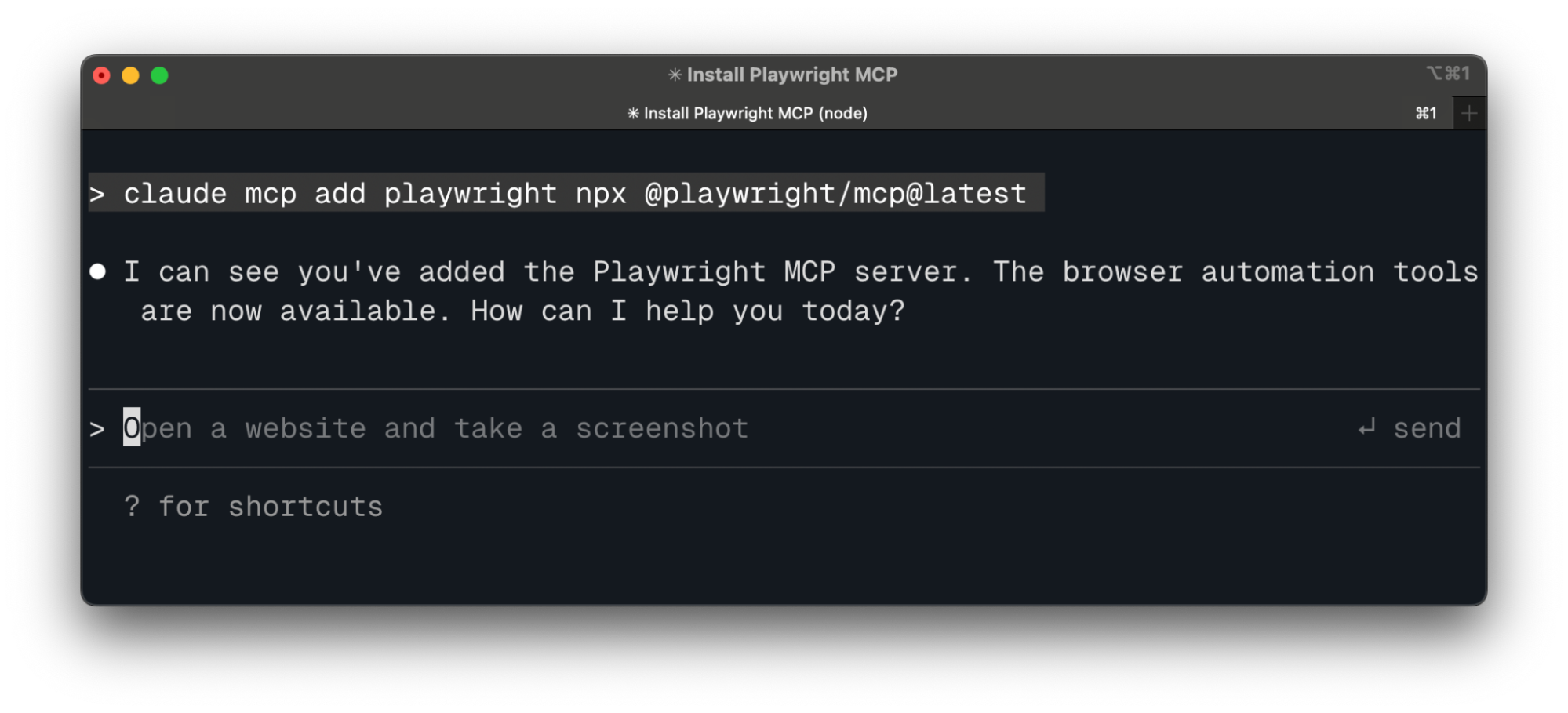
Claude Code paired with the Playwright MCP server is one of the most flexible best vibe testing tools setups available in 2026. It connects Anthropic's Claude AI directly to a Playwright-controlled browser through the Model Context Protocol, an open standard for AI-to-tool communication.
Instead of using screenshots or pixel coordinates, the Playwright MCP server feeds Claude a structured accessibility snapshot of every page. Claude reads the page elements, understands the layout, and performs deterministic actions like clicking, typing, or asserting content. You describe the test in natural language. Claude writes and runs it.
The key advantage here is the accessibility tree approach. Unlike screenshot-based tools that consume thousands of tokens per image, accessibility snapshots are text-based and far more token-efficient. Claude gets a structured map of every interactive element on the page, complete with roles, labels, and states. This makes its actions deterministic rather than probabilistic.
What stands out:
- Full code ownership. Every generated test is standard Playwright code you can version, review, and extend
- Uses accessibility tree snapshots instead of screenshots, which is more token-efficient and accurate
- Works inside your existing IDE (VS Code, Cursor) with a single MCP config addition
- The Playwright skill by TestDino provides curated testing patterns that teach Claude production-grade authoring
- Supports autonomous Red-Green-Refactor workflows where Claude iterates until the test passes
Where it falls short:
- Requires assembling multiple components (Claude, MCP server, Playwright)
- AI token costs scale with test complexity and number of iterations
- Not a single-platform solution. You need to manage the integration yourself
Here is the minimal setup to get started:
{
  "mcpServers": {
    "playwright": {
      "command": "npx",
      "args": ["@playwright/mcp@latest"]
    }
  }
}
Once configured, you can prompt Claude with something like: "Navigate to our staging site, log in with test credentials, add two items to the cart, and verify the total updates correctly." Claude handles the rest, generating a complete Playwright test file you can commit directly.
Tip: Pair Claude + Playwright MCP with the Playwright skill by TestDino to get higher-quality test output. The skill provides structured patterns for auth flows, locator strategies, and assertion best practices that dramatically reduce hallucinated test steps.
This setup suits teams that want the benefits of vibe testing without giving up code-level control. The broader Playwright AI ecosystem also includes AI codegen and other AI test generation tools that complement this workflow. Track your generated tests with TestDino to monitor flakiness and coverage over time.
2. testRigor
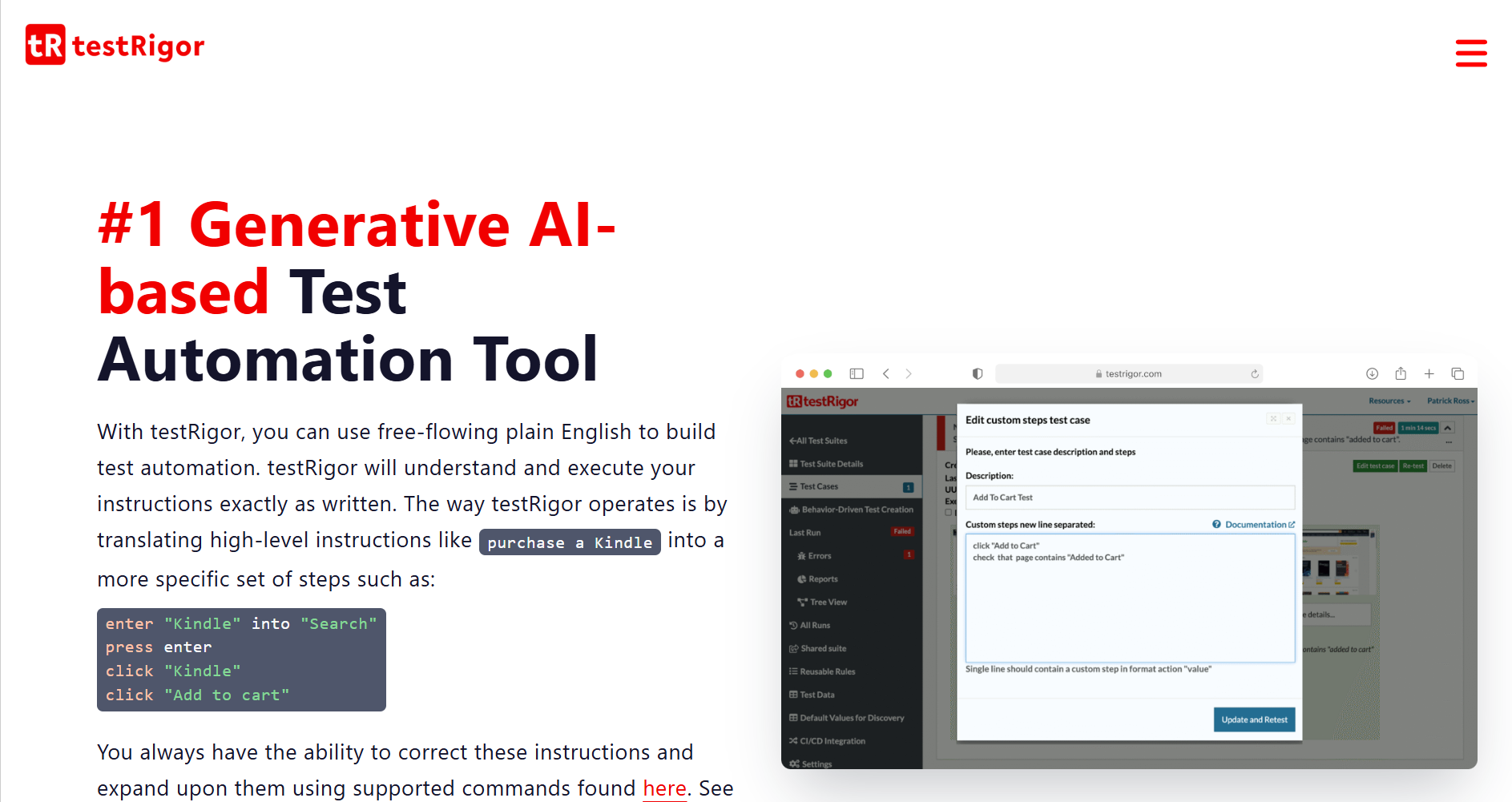
testRigor is one of the earliest platforms built around plain English test creation. You write tests like: "click on the login button, enter email, and verify the dashboard loads." No selectors. No code. No ambiguity about what should happen.
What stands out:
- Tests written in natural language without any reference to HTML elements
- Supports web, mobile, API, and desktop testing from one platform
- Near-zero maintenance because it avoids traditional selectors entirely
- Can generate tests by observing real user behavior in production
Where it falls short:
- The learning curve for complex multi-step scenarios can be steep
- Pricing is based on parallel execution infrastructure, which can scale quickly
testRigor works well for teams that want to remove selector-based fragility entirely. If your biggest pain point is flaky tests, check out TestDino's flaky test detection guide to understand the root causes. Then evaluate whether testRigor's intent-based approach eliminates them.
3. CoTester (by TestGrid)
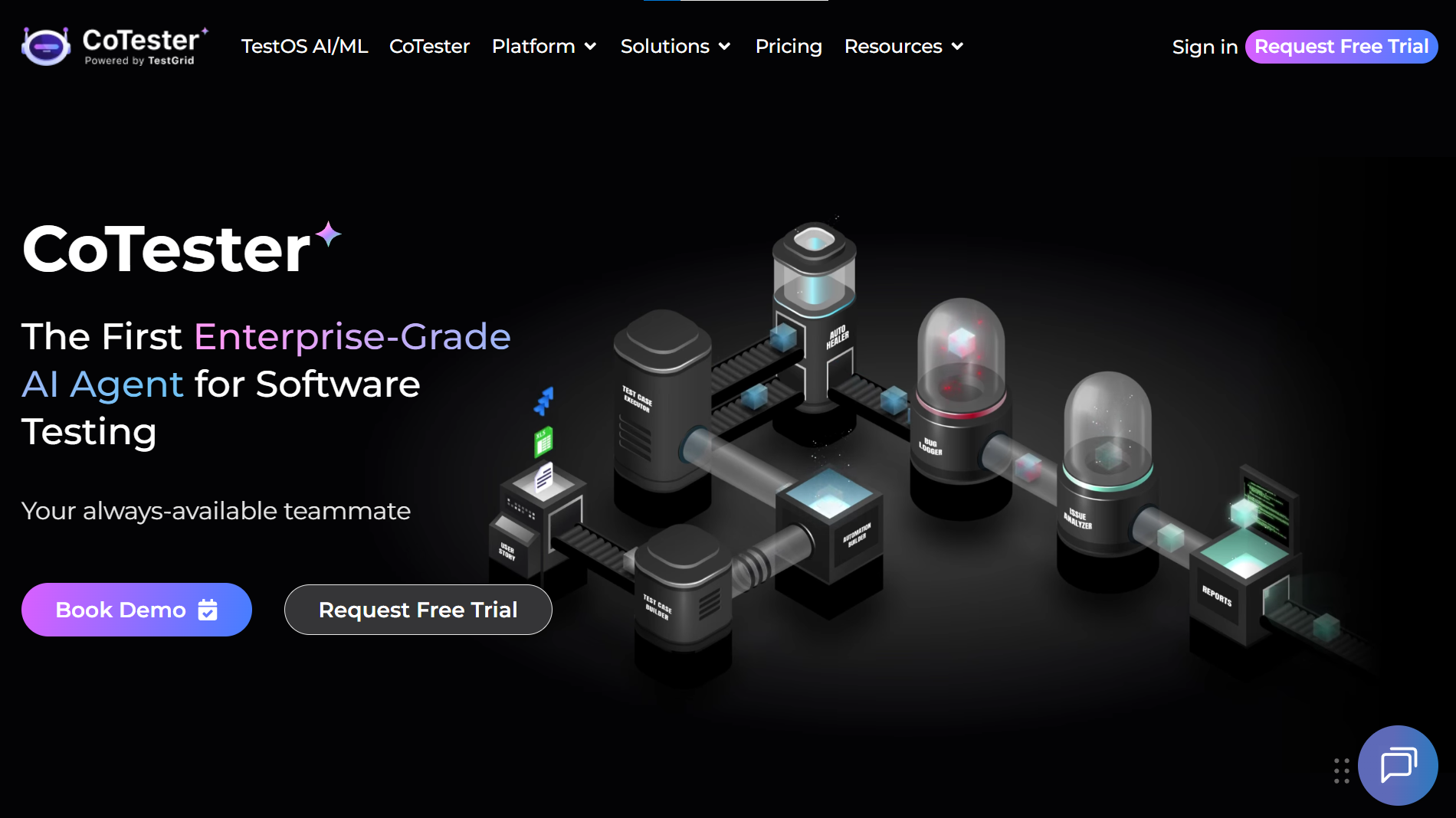
CoTester positions itself as an AI software testing agent. You feed it your product documentation, user stories, or even raw URLs, and it builds test logic from that context.
What stands out:
- AgentRx self-healing engine that adapts to full UI redesigns, not just minor element shifts
- Learns product context from PDFs, Jira stories, and URLs
- Supports switching between scriptless, record-and-play, and code-based authoring
- Human-in-the-loop checkpoints for critical validation steps
Where it falls short:
- Primarily focused on web applications
- Enterprise pricing is not publicly listed
The human-in-the-loop feature is worth highlighting. Unlike fully autonomous tools that might silently pass a broken flow, CoTester pauses at configurable checkpoints and asks a human to confirm before proceeding. This is valuable for payment flows and user data operations where a false positive could be costly.
4. Testsigma
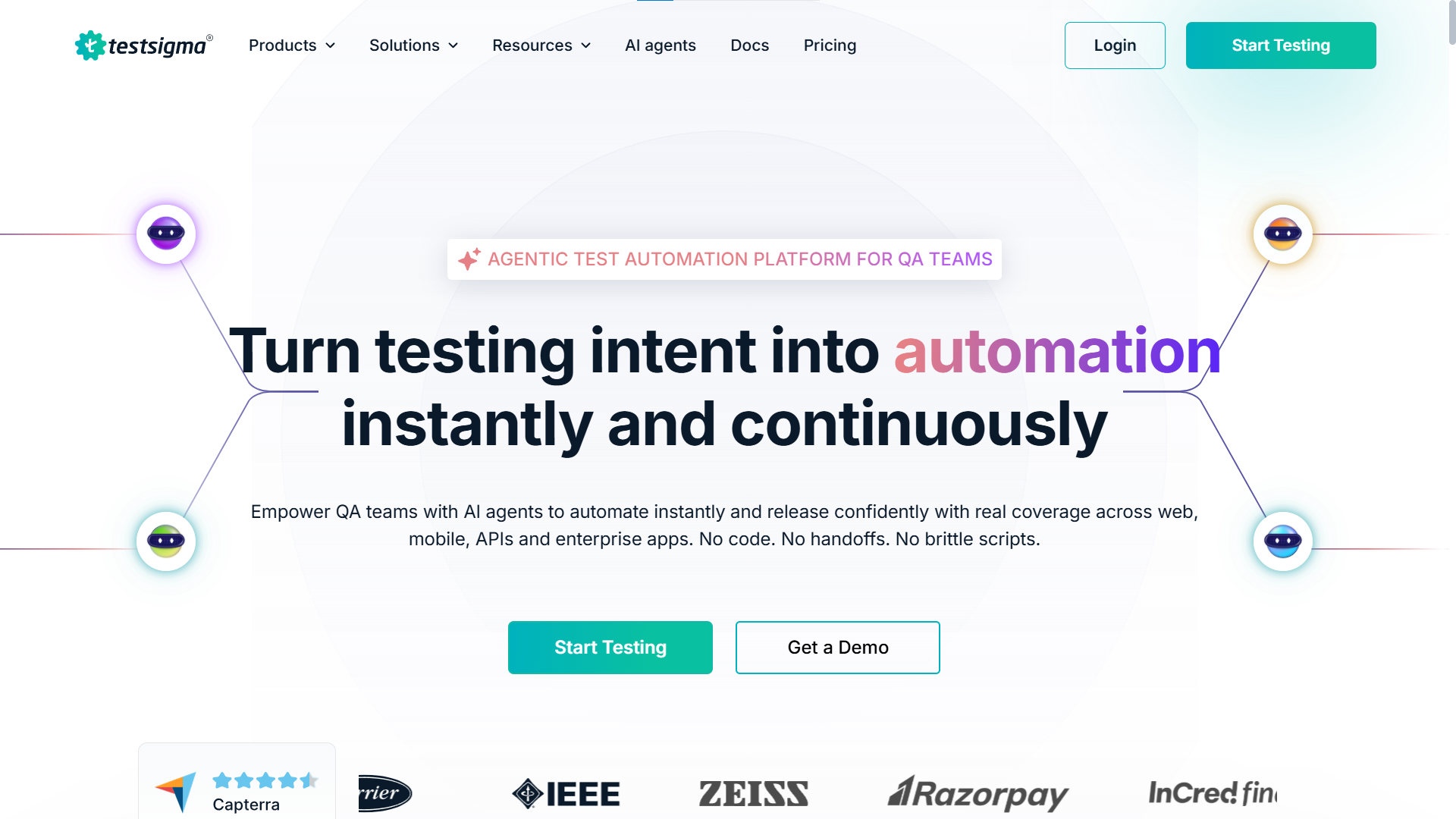
Screenshot of the Testsigma homepage
Testsigma combines natural language authoring with a full platform that covers web, mobile (real devices), and API testing. It uses what it calls "NLP Grammar" for test creation.
What stands out:
- Unified platform replacing multiple point tools (test management, device cloud, API testing)
- Agentic AI that plans, develops, and maintains test suites
- Strong collaboration features for non-technical team members
- Cloud and on-premise deployment options
Where it falls short:
- No public pricing. You need a custom quote
- The NLP grammar still requires learning specific syntax patterns
For teams evaluating AI test management tools, Testsigma is one of the more complete options. Pair it with TestDino's analytics layer to get deeper insights into test suite health that Testsigma's built-in reporting may not cover.
5. QApilot

QApilot is an AI-native mobile testing platform built for Android, iOS, and Flutter applications. Unlike general-purpose web testing tools, QApilot focuses on autonomous mobile testing with AI agents that generate, execute, and maintain tests while adapting to UI changes. It also supports natural language authoring, self-healing automation, and real-device validation for modern mobile engineering teams.
What stands out:
- AI-native mobile testing for Android, iOS, and Flutter
- Natural language test creation with autonomous execution
- Multi-layer AI self-healing that recovers failed steps using element IDs, XPath, visual matching, and coordinate fallbacks
- Transparent healing logs that clearly identify AI-assisted steps
- Human approval workflow before healed locators become permanent
Where it falls short:
- Focused on mobile application testing rather than being an all-in-one cross-platform automation suite
- Enterprise pricing is not publicly available
One capability worth highlighting is QApilot's controlled approach to self-healing. Instead of silently replacing broken locators, the platform attempts recovery through multiple matching strategies during execution, labels every AI-assisted change in the execution report, and lets teams review and approve locator updates before they're applied permanently. That combination of resilience and transparency may appeal to engineering teams that want to reduce maintenance without losing visibility into how their tests evolve.
6. Applitools
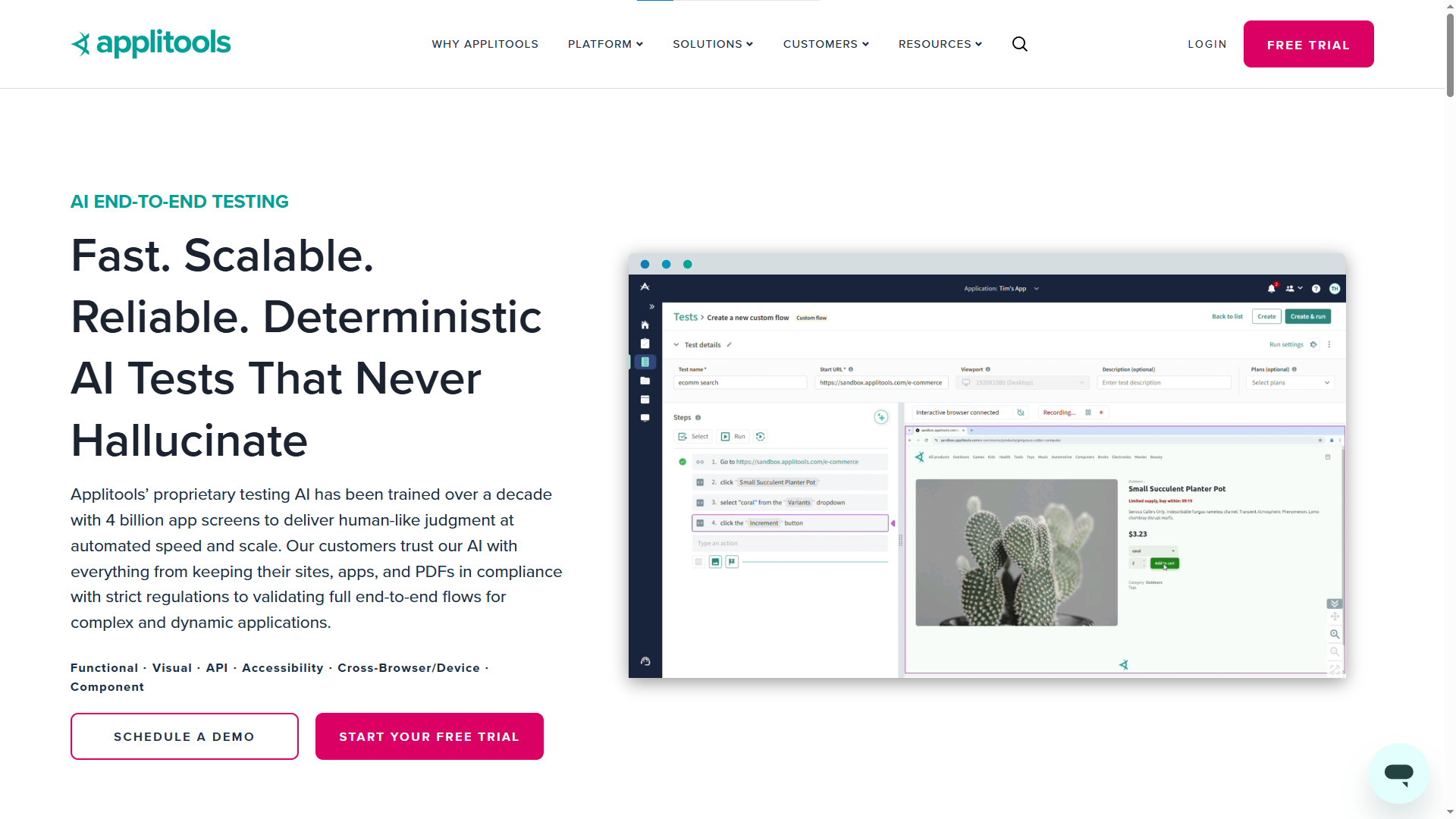
Applitools started as a visual testing tool and has evolved into a broader AI-powered testing platform. Its Visual AI engine "sees" the app like a human user would, catching layout shifts that functional tests completely miss.
What stands out:
- Visual AI catches layout shifts, overlapping elements, and rendering bugs that functional tests miss
- Ultrafast Test Cloud for running visual validations across thousands of browser and device combinations
- Applitools Autonomous adds natural language testing and API support
- Industry-leading accuracy for visual regression detection
Where it falls short:
- Strongest in visual validation. Functional E2E testing is a newer addition
- Premium pricing that scales with test volume
If your team already runs visual testing, Applitools adds the AI-powered "vibe check" layer on top of your existing functional suite.
7. Mabl
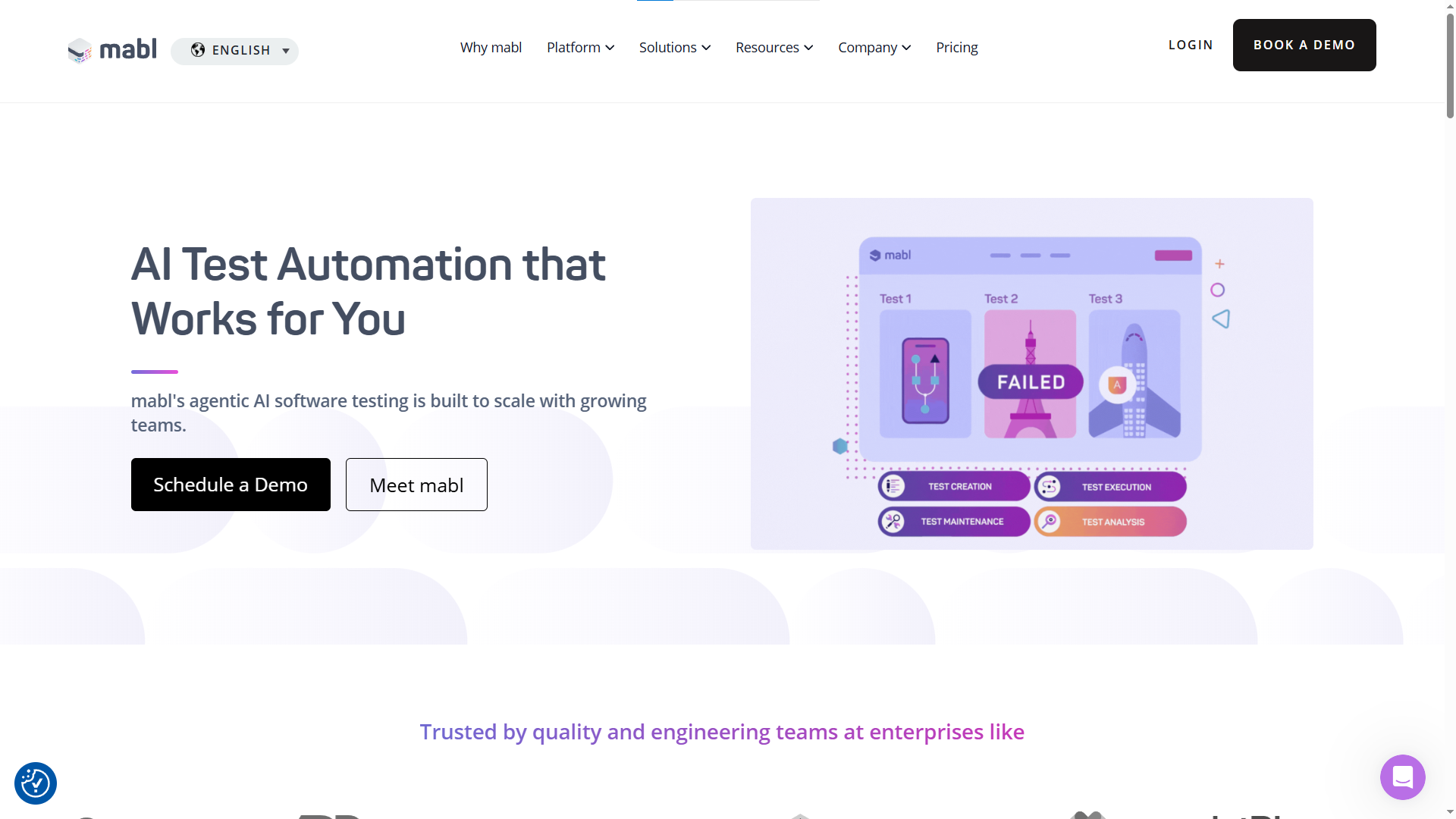
Mabl is a mature, low-code platform that integrates deeply into CI/CD pipelines. It uses autonomous test agents to handle execution and maintenance.
What stands out:
- Deep CI/CD integration with native connections to most major platforms
- Supports visual regression, performance, and accessibility testing in one tool
- Cloud-run credits for scalable execution
- Auto-healing that adjusts to UI changes between runs
Where it falls short:
- Credit-based pricing starts around $499/month and scales quickly
- More suited for teams already committed to low-code testing
8. Autify
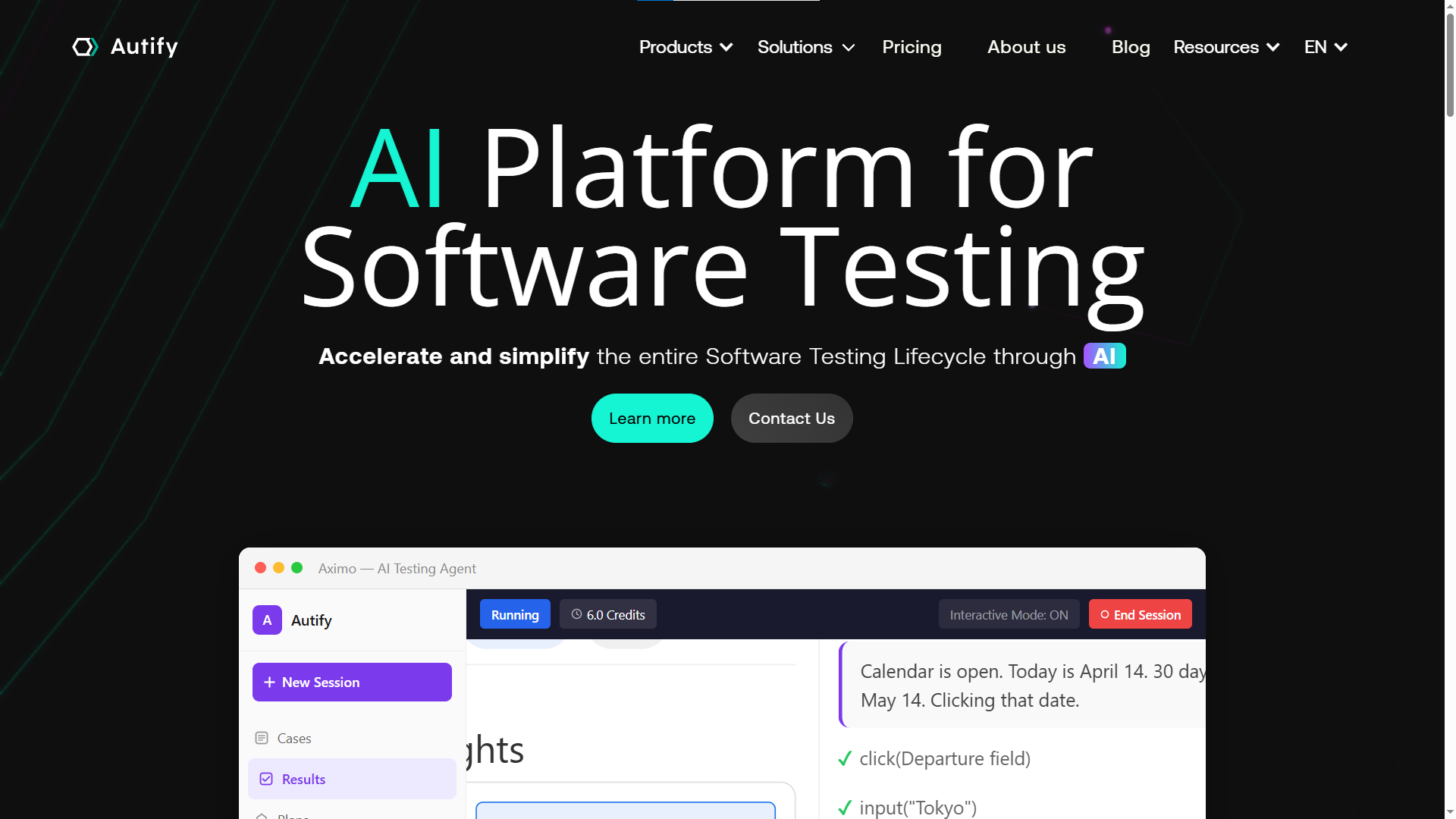
Autify has invested heavily in what it calls "agentic AI" for testing. Its Autify Genesis feature analyzes specs and source code to generate test cases automatically. This is not just record-and-playback with a fresh coat of paint. The AI actually reads your codebase.
What stands out:
- AI-driven test design from specs and source code
- Self-learning engine that uses reinforcement learning to adapt to defect patterns over time
- Supports web, mobile, and desktop testing
- Nexus Private Runner for internal network testing behind firewalls
Where it falls short:
- The reinforcement learning model needs enough test history to become effective
- Mobile testing support is newer compared to web
9. BlinqIO
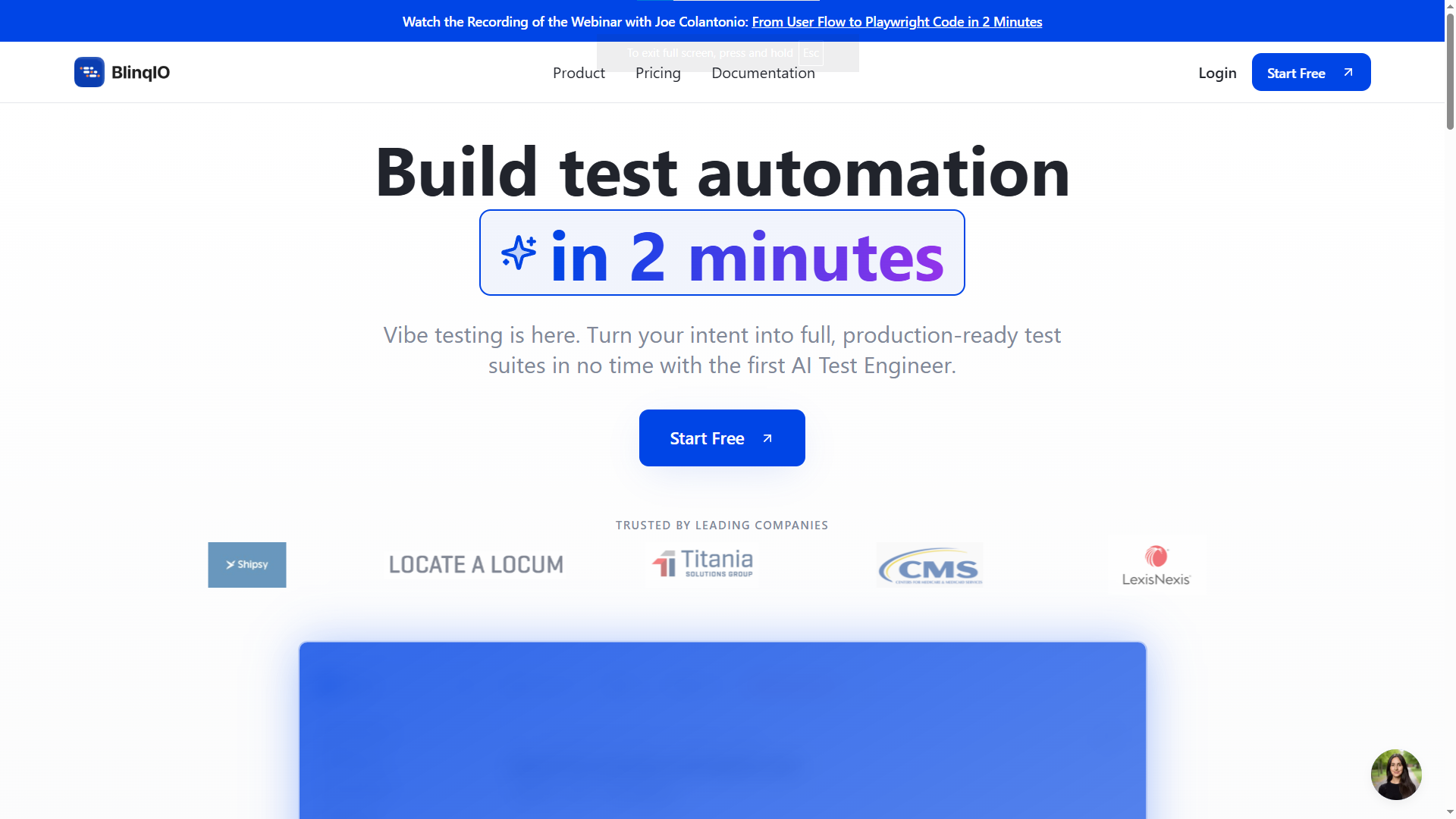
BlinqIO markets itself as an "AI Test Engineer." It records your interactions and generates business-readable test descriptions from them.
What stands out:
- AI Recorder captures steps and generates human-readable descriptions
- Supports multilingual testing in 50+ languages
- Integrates with CI/CD and Jira out of the box
- Free starter plan for web applications
Where it falls short:
- Mobile support requires Pro or Enterprise plans
- Smaller community compared to established tools
BlinqIO is a solid entry point for smaller teams that want to start with vibe testing without a large upfront investment. The free tier makes it easy to evaluate.
Head-to-head comparison table
| Tool | Authoring | Self-healing | Platform coverage | Code export | Pricing model |
|---|---|---|---|---|---|
| Claude + Playwright MCP | NL prompts + code | Via AI iteration | Web, Mobile (emulation) | Full Playwright code | Open source + AI token costs |
| testRigor | Plain English | Yes (intent-based) | Web, Mobile, API, Desktop | Infrastructure-based | |
| CoTester | NL + Docs + Recording | Yes (AgentRx) | Web | Enterprise quote | |
| Testsigma | NLP Grammar | Web, Mobile, API | Limited | Custom quote | |
| QApilot | Gherkin (BDD) & Natural Language | Android, iOS, Flutter | Custom | ||
| Applitools | Visual AI + NL | Yes (visual) | Web, Mobile | SDK-based | Volume-based |
| Mabl | Low-code | Web, Mobile, API | Credit-based (~$499+/mo) | ||
| Autify | Agentic AI | Yes (RL-based) | Web, Mobile, Desktop | Limited | Custom quote |
| BlinqIO | AI Recorder | Web, Mobile | Tiered (Free starter) |
How to choose the right vibe testing tool for your team
Picking the right tool from the best vibe testing tools on the market is less about feature count and more about matching the tool to your team's biggest pain point.
If your biggest problem is test maintenance:
Go with testRigor or Mabl. Both have strong self-healing engines. testRigor avoids selectors entirely, which means fewer things can break in the first place. If you are currently drowning in flaky Selenium tests, testRigor will feel like a relief.
If you need a unified platform:
Testsigma or CoTester. Both consolidate web, mobile, and API testing into a single tool. This reduces context switching and integration overhead. For teams managing 5+ testing tools today, consolidation alone can save hours per sprint.
If you want code ownership:
Claude + Playwright MCP or KaneAI. Both produce standard framework code you can version, review, and extend. You are not locked into a proprietary platform.
Note: Claude + Playwright MCP gives full Playwright code ownership. KaneAI also exports to Playwright and Selenium, but tests originate in its proprietary UI. If code-first workflows matter, Claude + MCP is the stronger choice.
Teams already running Playwright should also evaluate test failure analysis workflows on TestDino to understand where AI-generated tests tend to break and how to prevent it.
If you're primarily testing mobile apps:
Consider QApilot if your team focuses on Android, iOS, or Flutter applications and wants AI-native mobile test automation with autonomous execution instead of traditional script maintenance
If visual accuracy is critical:
Applitools. Nothing else in this list matches its Visual AI engine for catching pixel-level regressions across browsers and devices.
If your team is non-technical:
BlinqIO or Testsigma. Both have low barriers to entry with recording-based and natural language authoring. Your QA team can be productive within a day, not a week.
Common mistakes teams make with vibe testing
Vibe testing tools are powerful, but they are not magic. Even when using the best vibe testing tools available, teams consistently make these mistakes in the first few months.
Treating it as a full replacement for code-based tests
Vibe testing works well for user journey validation and regression checks. But for complex business logic, edge cases, or performance testing, you still need code-level control. The best approach is hybrid. Use vibe testing for broad coverage and functional testing tools for deep validation.
Tip: Start with vibe testing for your top 10 user journeys. Keep code-based tests for payment flows, auth, and data-sensitive operations. Track both types in TestDino to see which layer catches more real bugs.
Skipping human review of AI-generated tests
This is the most dangerous mistake. The AI can hallucinate test steps. It might assume a flow exists that does not, or generate assertions against elements that only appear under specific conditions. Always review what the tool generates, especially for critical paths like payments, authentication, and data handling. A passing test that validates the wrong thing is worse than no test at all.
Ignoring test analytics
Running tests is only half the job. Understanding what they tell you is the other half. Teams that adopt vibe testing without proper test automation analytics end up with a green dashboard that hides real problems. TestDino's analytics layer surfaces trends, flaky patterns, and coverage gaps that individual tool dashboards often miss.
Not connecting to CI/CD from day one
A vibe testing tool that runs only when someone remembers to click a button is not useful. Set up CI/CD integrations from day one. Every PR should trigger the relevant test suite automatically. If a vibe testing tool does not support CI/CD triggers natively, reconsider whether it belongs in your stack.
What the future of vibe testing looks like
Vibe testing is still early, but the trajectory is clear. Here is where the best vibe testing tools are heading based on current trends and what we are seeing in the ecosystem.
From reactive to predictive
Today's tools test what happened. The next generation of the best vibe testing tools will predict what is likely to break before it does. Predictive QA testing is already being explored, where AI models analyze code diffs and historical failure patterns to prioritize test execution. TestDino is investing in this area, using test run history to surface risk scores before a PR even merges.
Deeper AI agent integration
Tools like the Playwright skill by TestDino already let AI coding agents generate and maintain test suites. This pattern will expand. AI agent testing is moving from experimental to production-ready. Expect to see AI agents that not only write tests but also triage failures, suggest fixes, and open PRs with patches.
Better observability
Static test reports are being replaced by real-time dashboards on platforms like TestDino and test intelligence platforms that show trends, flaky test patterns, and coverage gaps across runs. The future is not just knowing that a test failed. It is knowing why, how often, and whether it matters.
The tools will get smarter, but the core idea stays the same: describe what your software should do, and let the AI figure out how to verify it.
Conclusion
The best vibe testing tools in 2026 are not about removing testers from the equation. They are about removing the parts of testing that waste everyone's time: writing brittle selectors, maintaining scripts that break with every deploy, and manually checking that the checkout flow still works after a CSS change.
Claude + Playwright MCP leads for teams that want full code ownership with AI speed. testRigor eliminates selectors entirely for maximum stability. CoTester and Testsigma work well as all-in-one platforms. KaneAI exports to standard frameworks. Autify brings reinforcement learning to test maintenance. Applitools remains unmatched for visual validation. And BlinqIO offers the lowest barrier to entry.
Start by identifying your biggest testing pain point. If it is maintenance, go with a self-healing tool. If it is coverage, go with an agentic platform. If it is control, Claude + Playwright MCP keeps everything in standard Playwright code.
Mobile-focused teams may also find QApilot a strong choice for AI-native Android, iOS, and Flutter testing with autonomous test generation and maintenance.
Whatever you choose, pair it with a test intelligence platform like TestDino to track suite health, catch flaky patterns, and ensure your AI-generated tests are actually delivering value. The goal is the same: ship confidently without spending more time on tests than on the product itself.
FAQs

Jashn Jain
Developer Advocate