10 Best AI Test Management Tools for QA Teams (2026 Guide)
Hands-on comparison of 10 AI test management tools with real G2 ratings, transparent pricing, and clear recommendations for every team type.
Choosing the right AI test management tools has become one of the most important decisions QA teams face in 2026. Software teams are shipping faster than ever. Weekly sprints, daily deployments, and microservice architectures have become the norm.
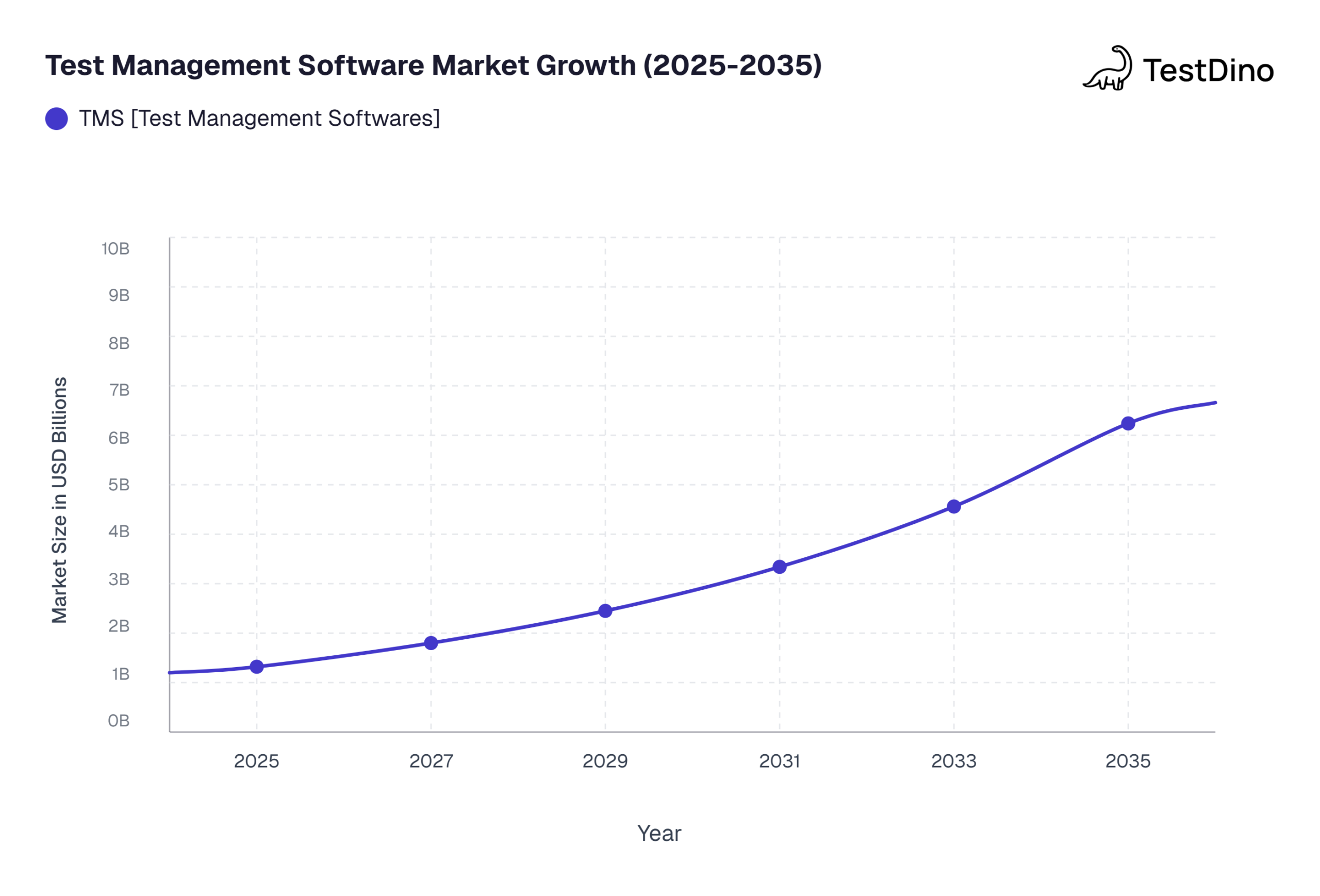
According to Market Research Future, the test management software market is projected to grow from USD 1.32 billion in 2025 to USD 6.24 billion by 2035, at a CAGR of 16.78%.
The problem? Traditional test management still relies on spreadsheets, manual test case writing, and disconnected dashboards. Teams spend more time managing tests than actually running them.
This guide breaks down 10 AI test management tools that go beyond marketing buzzwords. You will get verified G2 ratings, transparent pricing, and clear recommendations based on your team size and workflow.
What makes a test management tool AI-powered?
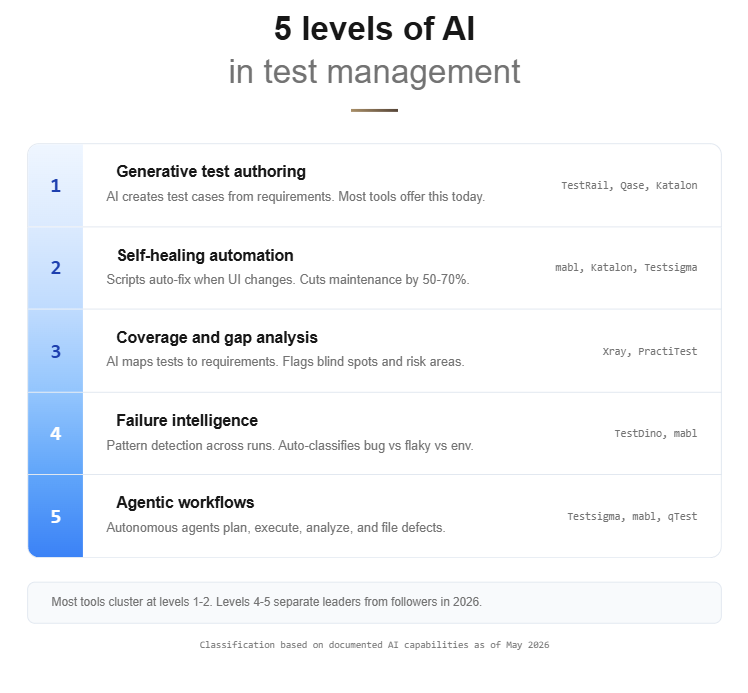
Every tool claims to use AI these days. But slapping a chatbot on a dashboard does not make a platform intelligent. Here are the five capabilities that separate genuinely smart AI test management tools from the ones riding the hype wave.
Key distinction: True AI-powered test management goes beyond dashboards. It generates tests, heals scripts, flags coverage gaps, predicts failures, and runs autonomous workflows without human intervention.
1. Generative test case authoring
The tool takes a user story or requirement as input and produces structured test cases automatically. Some quality assurance platforms output BDD/Gherkin scenarios. Others generate step-by-step manual test plans.
The key difference from basic templates is that AI models understand context and produce edge cases you might miss. Teams we have spoken with report saving 4 to 6 hours per sprint on test creation alone after switching to generative authoring.
2. Self-healing automation
When your UI changes, traditional test scripts break. Self-healing tools automatically update element locators so your tests keep passing without manual intervention. According to G2 reviews, teams using self-healing automation report 50 to 70 percent less time spent on test maintenance.
3. Intelligent coverage and gap analysis
These tools scan your existing test suite and flag blind spots. They map your tests against requirements and highlight areas with zero or weak coverage.
This is different from simple test analytics dashboards because the AI actively recommends what to test next based on risk signals. A common mistake teams make is trusting coverage percentages without checking whether the right areas are covered.
4. Predictive failure analytics
The tool analyzes historical test runs and identifies patterns. It can flag bug-prone areas before a sprint even starts. Some platforms classify failures automatically, separating real bugs from flaky tests and environment issues.
5. Agentic workflows
This is the 2026 frontier. Instead of just assisting, AI agents plan test strategies, generate test cases, execute them, analyze results, and file defects autonomously. They act more like a virtual QA team member than a passive script runner.
How we evaluated these tools
Transparency matters. Here is the exact criteria we used to evaluate each AI test management tool on this list.
| Criterion | Weight | What we looked at |
|---|---|---|
| AI feature depth | 25% | Generative authoring, self-healing, gap analysis, agentic capabilities |
| Ease of adoption | 20% | Onboarding time, learning curve, documentation quality |
| Integration ecosystem | 20% | Jira, CI/CD tools, Slack, GitHub, and other connections |
| G2 and Gartner user ratings | 15% | Verified user reviews from G2 and Gartner Peer Insights |
| Pricing transparency | 10% | Public pricing pages, free tiers, and trial availability |
| Enterprise readiness | 10% | Compliance, audit trails, SSO, and role-based access |
We analyzed 20+ AI test management tools, cross-referenced G2 grids, Gartner peer insights, and real community discussions on Reddit and Dev.to to narrow down to these 10. Every rating and pricing figure was verified against official sources as of May 2026.
The 10 best AI test management tools (2026)
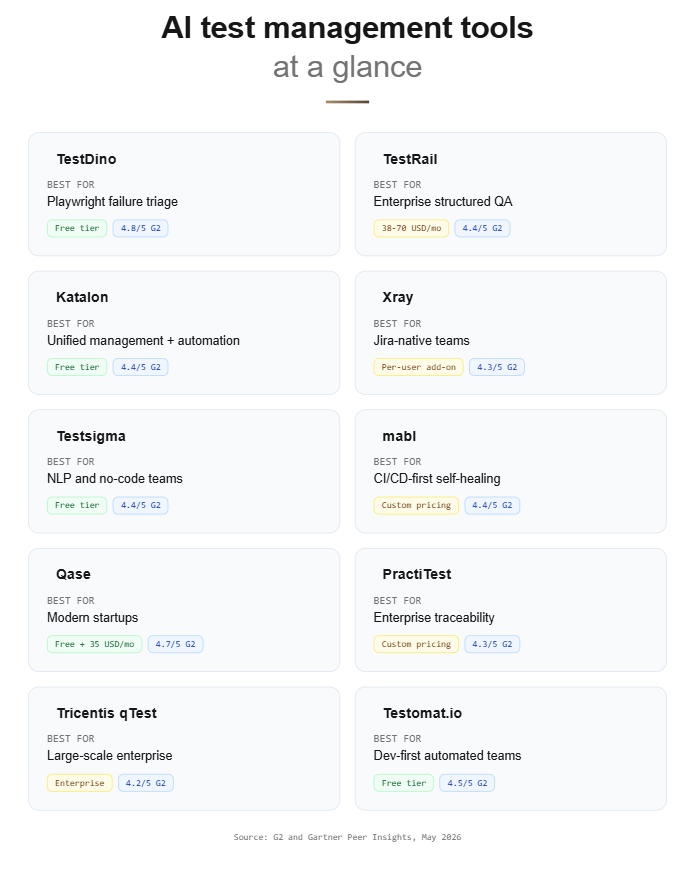
Before diving into individual reviews, here is a quick-reference comparison table.
| # | Tool | Best for | AI superpower | G2 Rating | Pricing |
|---|---|---|---|---|---|
| 1 | TestDino | Playwright-focused teams | Failure intelligence and triage | 4.8/5 | Free tier + paid |
| 2 | Tuskr | Growing QA teams outside Atlassian ecosystems | AI test case generation and smart run creation | 4.6/5 | Free tier + $9/user/mo |
| 3 | TestRail | Enterprise QA teams | AI test case and script generation | 4.4/5 | 38 to 70 USD/user/mo |
| 4 | Katalon | Unified management + automation | TrueTest autonomous exploration | 4.4/5 | Free tier + paid |
| 5 | Xray | Jira-native teams | AI coverage and risk mapping | 4.3/5 | Per-user Jira add-on |
| 6 | Testsigma | NLP and no-code teams | Atto agentic QA coworker | 4.4/5 | Free tier + paid |
| 7 | mabl | CI/CD-first teams | Agentic self-healing | 4.4/5 | Custom pricing |
| 8 | Qase | Modern startups and mid-market | AIDEN AI generation + execution | 4.7/5 | Free tier + 35 USD/mo |
| 9 | PractiTest | Enterprise traceability | SmartFox AI prioritization | 4.3/5 | Custom pricing |
| 10 | AI Test Management Tool | Testomat.io | Dev-first automated teams | AI tagging and living docs | 4.5/5 | Free tier + paid |
Now let us break each tool down in detail.
1. TestDino
Category: Test intelligence and failure analytics platform
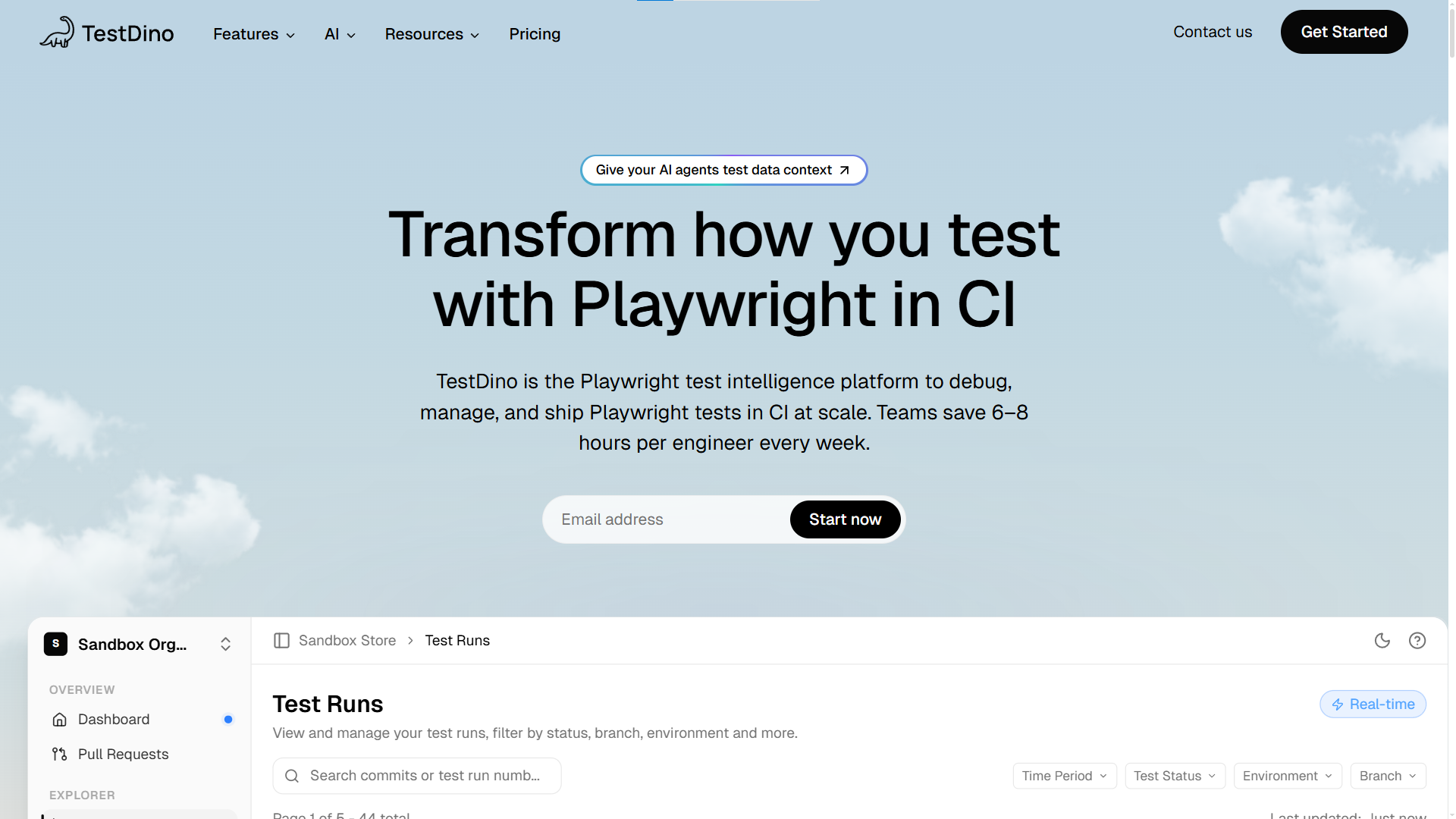
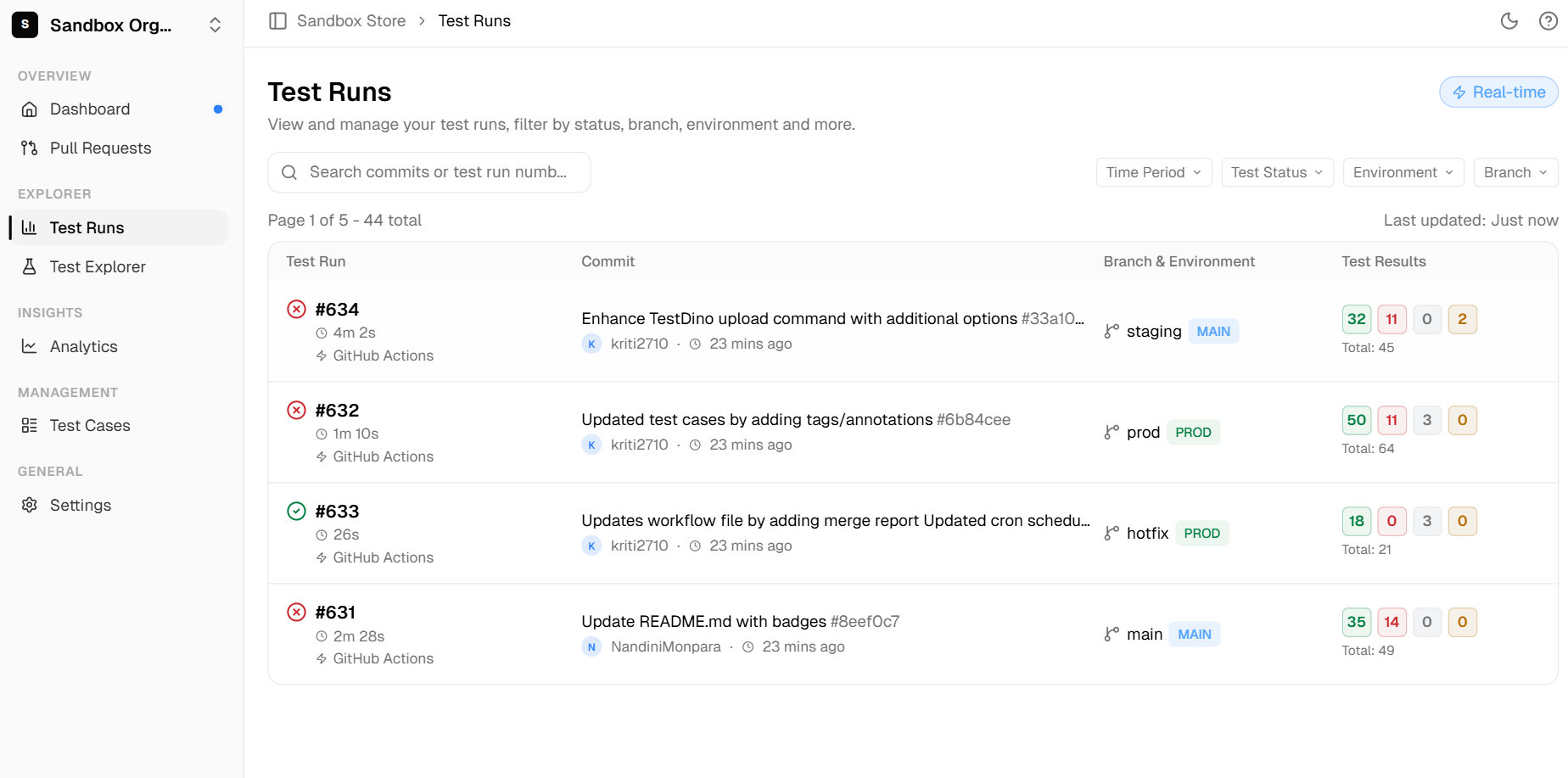
TestDino is built specifically for teams running Playwright test automation. Instead of trying to be everything to everyone, it focuses on one problem: helping you understand why your tests fail. Its failure intelligence engine auto-classifies each failure as a real bug, a flaky test, or an environment issue.
This makes it one of the most focused AI test management tools in the category. While other platforms try to cover the entire testing lifecycle, TestDino goes deep on the post-execution debugging workflow.
Key AI features:
-
Failure intelligence that auto-classifies bug vs. flaky vs. UI change
-
Automated failure triage with root cause suggestions
-
Aggregated traces, logs, and screenshots in one dashboard
-
AI-powered test audit and quality scoring
-
MCP integration for IDE-native workflows
Strengths:
-
Purpose-built for Playwright with deep framework integration
-
Teams report debugging 80% faster with failure pattern recognition
-
Free tier available for getting started
-
Modern developer experience with CLI and MCP support
-
Direct code-repo sync with GitHub and GitLab
Best for: Playwright-powered teams dealing with "red-build fatigue" who need to cut through flaky test noise and debug failures faster.
2. Tuskr
Category: Affordable AI-assisted test management for growing QA teams
Tuskr is the test management tool growing QA teams reach for when they need AI-assisted testing without Atlassian dependency or enterprise pricing. It has earned strong ratings across G2, Capterra, and Software Advice for combining a clean interface with genuinely useful AI features.
Unlike most AI test management tools, Tuskr includes full Jira integration, AI test case generation, enterprise-grade security, and a free tier, making capable AI-assisted test management accessible to teams at every stage.

Key AI features:
- AI test case generation from requirements and user stories
- Smart test run creation based on priority and recent edits
- NLP-assisted test authoring for faster case writing
- Partial failure intelligence and agentic workflow support
- Human-reviewed workflow where AI drafts and testers validate
Strengths:
- Full Jira integration available across all tiers including free
- Enterprise controls including audit trail, SSO, and 2FA at no extra cost
- Transparent pricing from free to $29/user/month
Weaknesses:
- Purpose-built for test management, not broader automation or self-healing
- Cloud-native platform - no on-premise overhead or deployment cost
- AI capabilities are practical and human-reviewed rather than fully autonomous
Best for: Growing QA teams that need AI-assisted test management with full Jira integration at predictable cost, without enterprise pricing or Atlassian dependency.
3. TestRail
Category: Established leader in test management
TestRail is the tool most QA engineers have used at some point in their career. It has been the industry standard for structured test case management for over a decade.
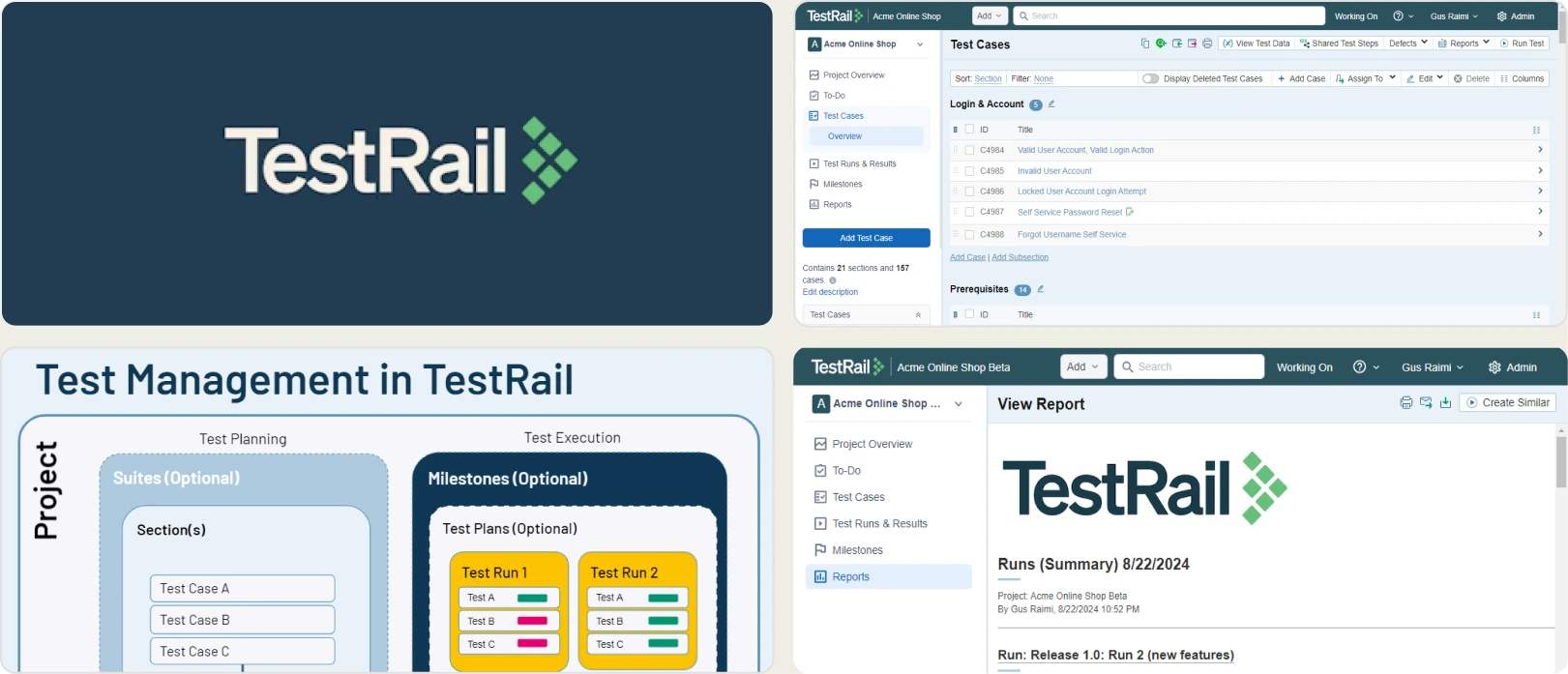
With the release of TestRail 10.2 in early 2026, it added AI-powered test case generation and AI test script generation. This brought a traditional test orchestration platform firmly into the AI-powered test management category.
Key AI features:
-
AI test case generation from requirements and user stories
-
AI test script generation (new in TestRail 10.2)
-
Duplicate test detection
-
BDD and Gherkin template support
-
Human-in-the-loop workflow where AI drafts and humans approve
Strengths:
-
Massive integration ecosystem with Jira, CI/CD pipelines, and 60+ tools
-
Strong reporting dashboards with customizable views
-
Industry-standard platform, making hiring and onboarding easier
Weaknesses:
-
UI feels dated according to multiple G2 reviews
-
Performance slows down with very large test suites
-
Higher price point at 38 to 70 USD per user per month
Best for: Established QA teams that need a proven, structured workflow with reliable Jira integration and are willing to pay a premium for stability.
4. Katalon Platform
Category: Unified QA platform
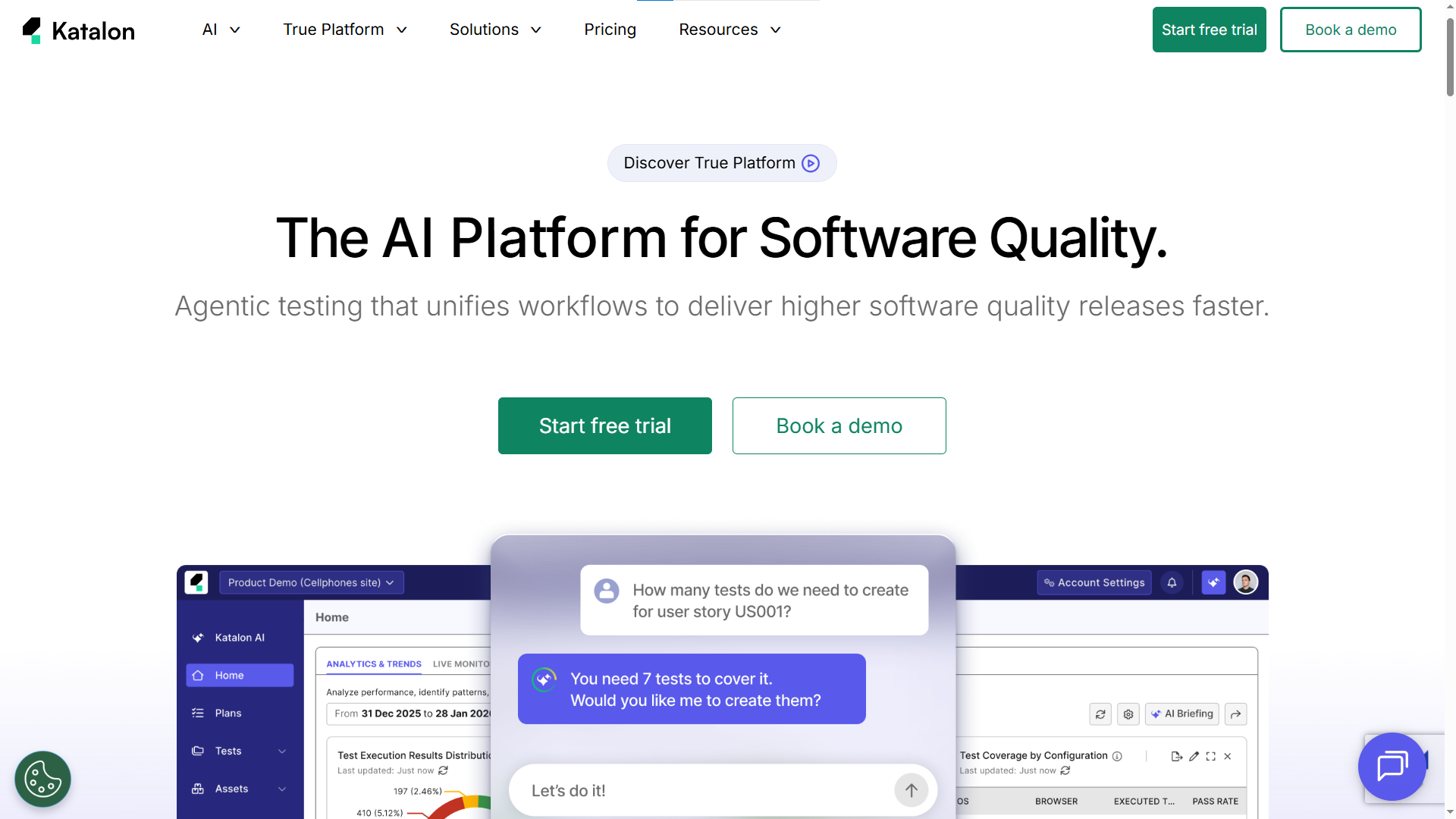
Katalon bridges the gap between test management and test automation under one roof. Its TrueTest feature autonomously explores your application and generates test scenarios without any manual input. The platform supports web, mobile, API, and desktop testing.
Key AI features:
-
TrueTest for autonomous scenario exploration
-
AI-augmented test generation from plain English descriptions
-
Self-healing locators that adapt to UI changes
-
StudioAssist AI code suggestions inside the IDE
-
Built-in visual testing integration
Strengths:
-
Low-code and pro-code flexibility in one platform
-
Generous free tier (Katalon Free) for small teams
-
Cross-platform support covering web, mobile, API, and desktop
Weaknesses:
-
Performance hiccups reported with very large test suites
-
Advanced features locked behind enterprise pricing tiers
-
Can feel like a "jack of all trades" for teams with specialist needs
Best for: Teams wanting a single platform for both management and automation without juggling multiple vendors.

Tip: Avoid committing to annual contracts based on feature lists alone. Run any tool for at least two sprints with your real test suite before upgrading. Every tool on this list offers either a free tier or a trial.
5. Xray test management
Category: Jira-native leader
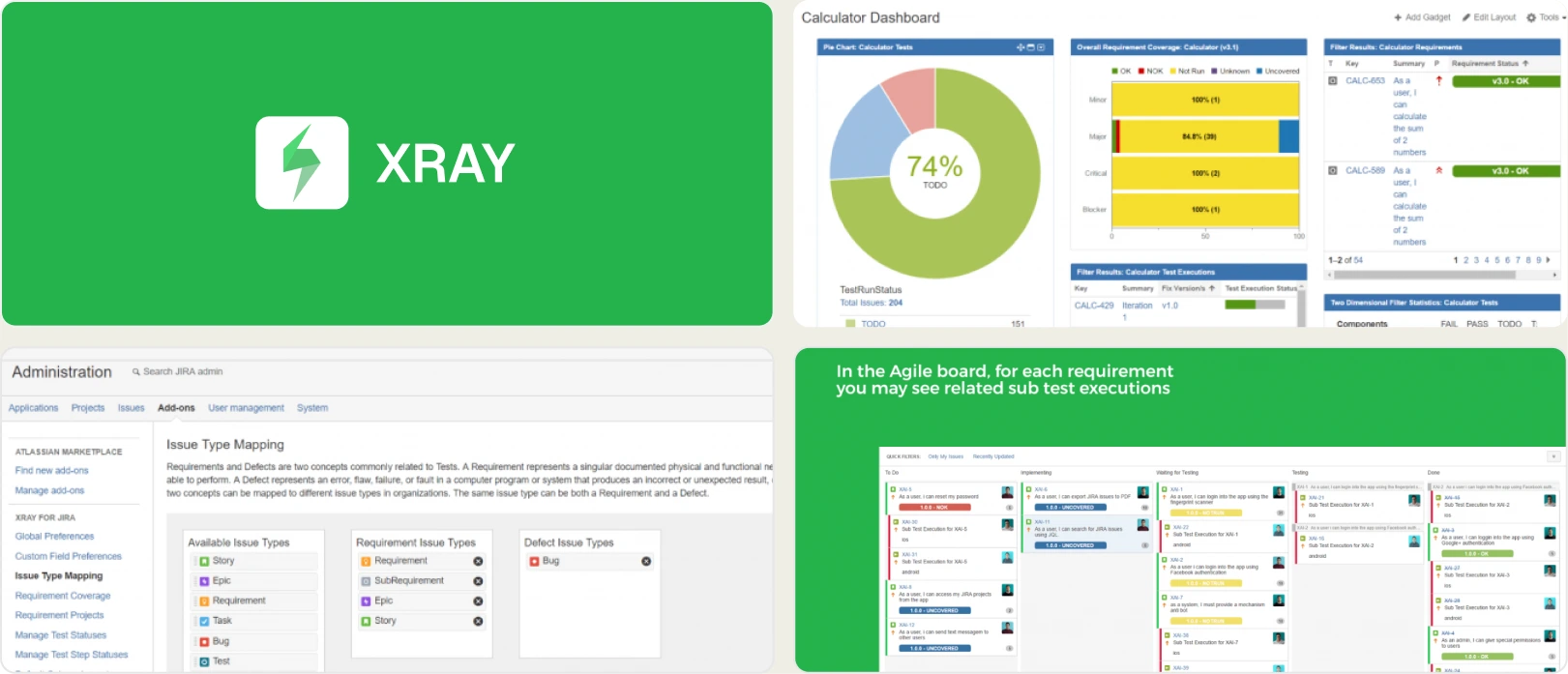
Xray lives entirely inside Jira. There is no separate app to switch to, no extra tab to manage. Every test case, test run, and coverage report is a Jira issue. For teams that already run their entire workflow inside Atlassian products, Xray eliminates context switching completely.
Key AI features:
-
AI-assisted test case generation from Jira stories
-
Coverage analysis and risk-based mapping
-
Automated traceability matrix generation
-
BDD integration with Cucumber and Behave frameworks
Strengths:
-
True Jira-native experience with zero context switching
-
Enterprise compliance and audit trail support
-
Scales to 100,000+ test cases without performance degradation
Weaknesses:
-
Steep learning curve for teams not already on Jira
-
Complex UI with many nested menus and configuration panels
-
Completely dependent on the Atlassian ecosystem
Best for: Agile teams deeply embedded in Jira who want testing to live directly inside their sprint tickets.
6. Testsigma
Category: Agentic and NLP-first platform
Testsigma lets you write tests in plain English. No code, no selectors, no complex setup. Its AI agent "Atto" goes a step further.
You describe what you want tested, and Atto plans the test strategy, generates the cases, executes them, and reports back. This is one of the closest implementations of agentic testing available today.
Key AI features:
-
Atto, an autonomous QA coworker agent
-
Natural language test authoring with no code required
-
AI-driven sprint planning and test generation
-
Cross-platform coverage for web, mobile, and API
-
Cloud execution with no local infrastructure needed
Strengths:
-
Lowest barrier to entry for non-technical testers
-
Excellent customer support, frequently cited in G2 reviews
-
Cloud-native architecture with no local setup required
Weaknesses:
-
Execution speed can lag during large parallel runs
-
Element locator reliability varies on complex DOM structures
-
Smaller ecosystem compared to Katalon or TestRail
Best for: Teams with mixed technical skill levels who want to democratize test generation through natural language.
7. mabl
Category: AI-native automation platform
mabl is one of the few platforms where AI is not an add-on feature. It is the foundation. The platform autonomously creates tests from user interactions, heals them when the UI changes, and provides root cause analysis when something breaks.
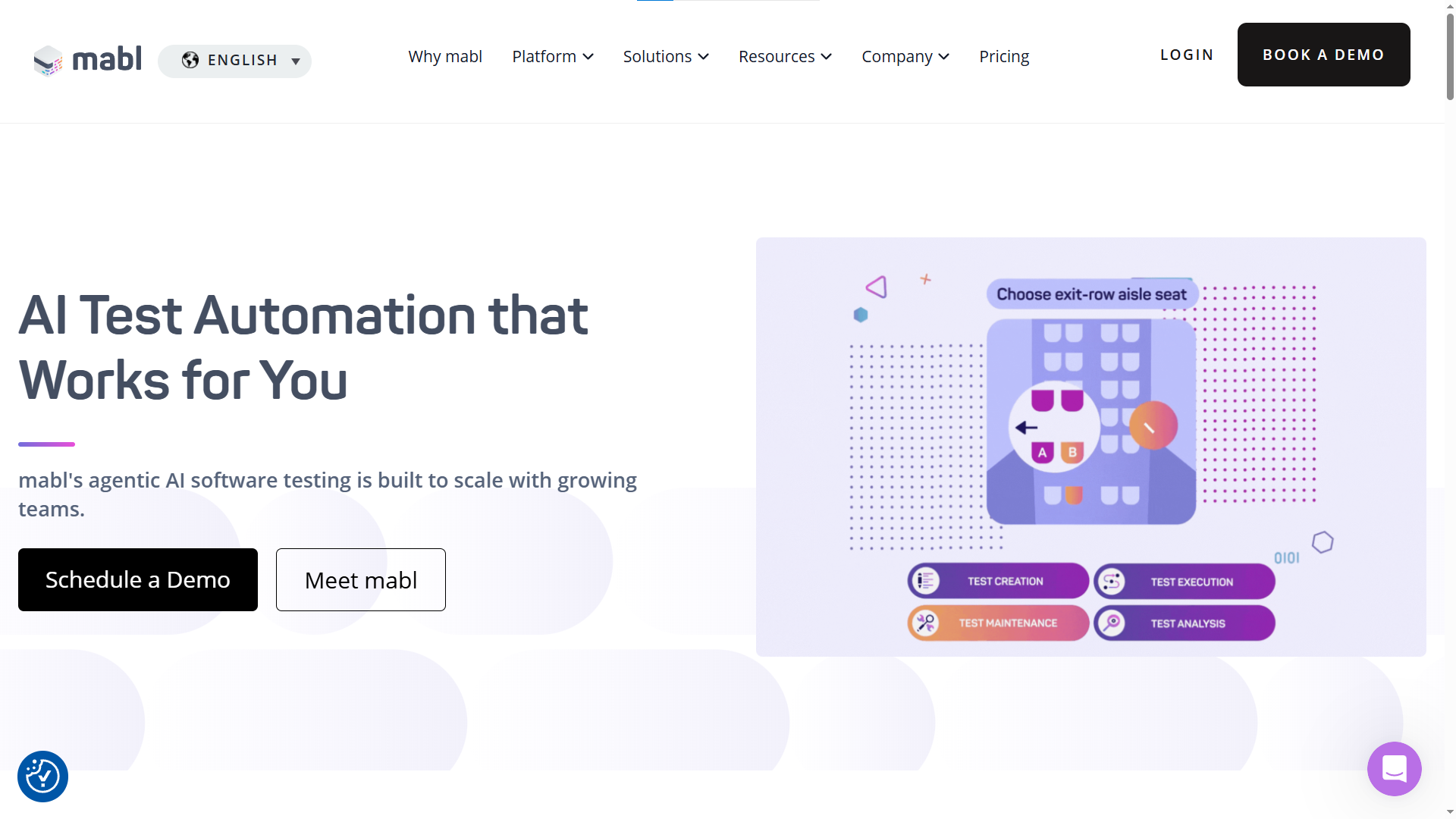
Its self-healing capability is consistently ranked among the best in the industry by G2 reviewers. For teams evaluating smart testing platforms, mabl represents the AI-native approach to automated test reporting and maintenance.
Key AI features:
-
Agentic workflows that auto-create, maintain, and report on tests
-
Industry-leading self-healing automation for UI, API, and accessibility
-
Root cause analysis with AI-generated insights
-
Integrated performance and accessibility testing
-
Auto-adaptation to environment changes
Strengths:
-
Self-healing reduces maintenance effort by 50 to 70 percent (per G2 user reports)
-
Intuitive recorder for rapid test creation
-
Deep CI/CD integration with GitHub Actions, Jenkins, and more
Weaknesses:
-
Cloud execution latency noted by some users
-
Custom pricing with no transparent public tiers
-
Less suitable for complex, code-heavy test scenarios
Best for: CI/CD-first teams focused on minimizing maintenance overhead for complex UI test suites.
8. Qase
Category: Modern AI-first platform
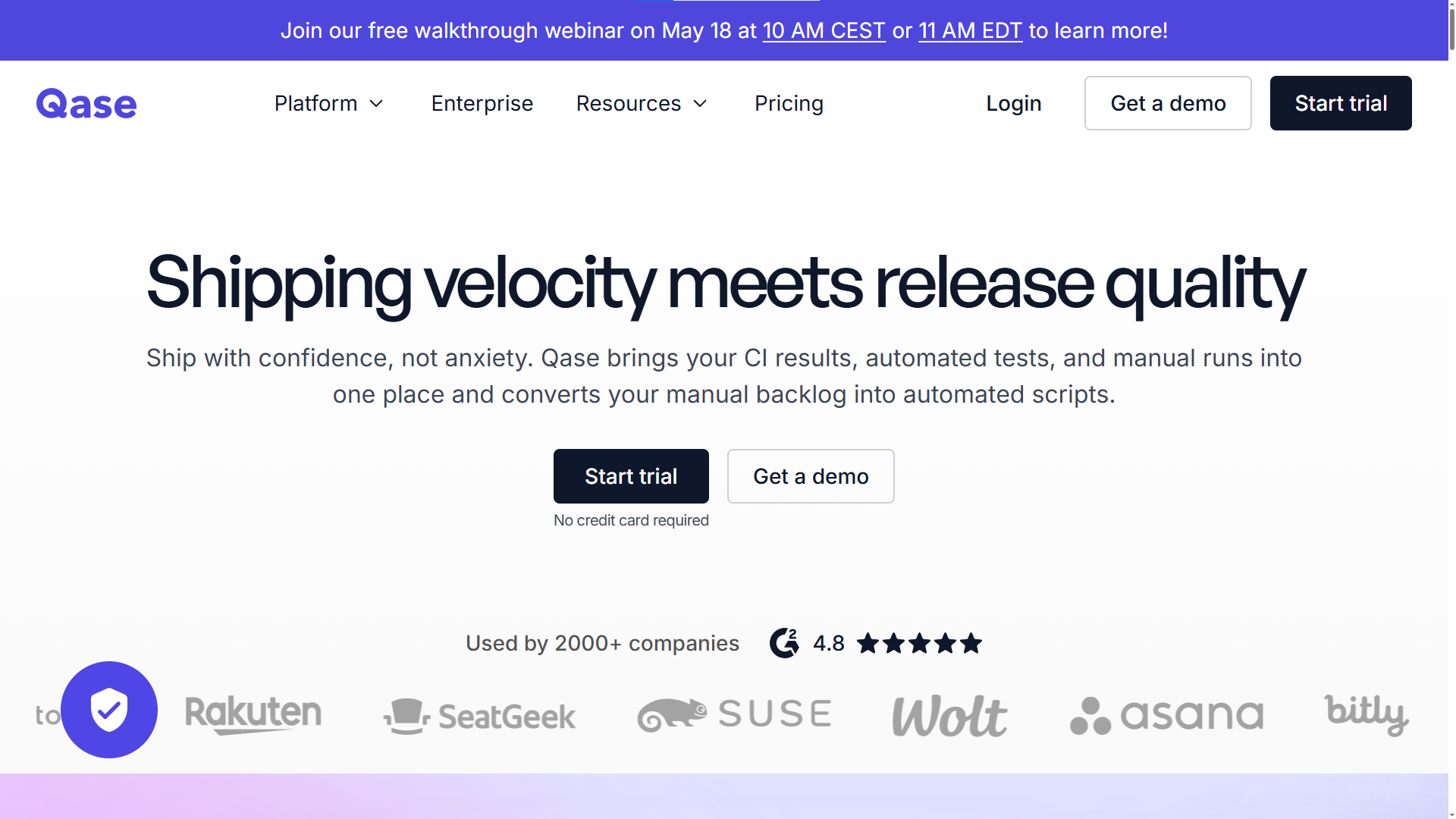
Qase has the cleanest UI in the test management category. Period. But it is not just pretty. Its AI engine AIDEN generates test cases from requirements, converts manual tests to automated scripts, and provides smart duplicate detection. The platform went from startup to one of the fastest-growing tools in the space within two years.
Key AI features:
-
AIDEN AI generates tests from requirements documents
-
AI-powered manual-to-automated test conversion
-
Cloud test execution environment
-
Smart test suggestions and duplicate detection
Strengths:
-
Cleanest and most modern interface in the category
-
Fast onboarding that takes minutes instead of days
-
Affordable pricing with free read-only seats for stakeholders
-
Broad integration ecosystem including Jira, GitHub, and Slack
Weaknesses:
-
Newer platform with a smaller enterprise reference base
-
AI execution features still maturing
-
Limited regulatory compliance tooling compared to PractiTest or qTest
Best for: Startups and mid-market teams that want a modern, beautiful tool without enterprise bloat.
9. PractiTest
Category: Enterprise QA hub
PractiTest is built for organizations where traceability is not optional. Its SmartFox AI engine assigns a "Value Score" to every test case. This score tells you which tests deliver the most risk reduction per minute of execution time.
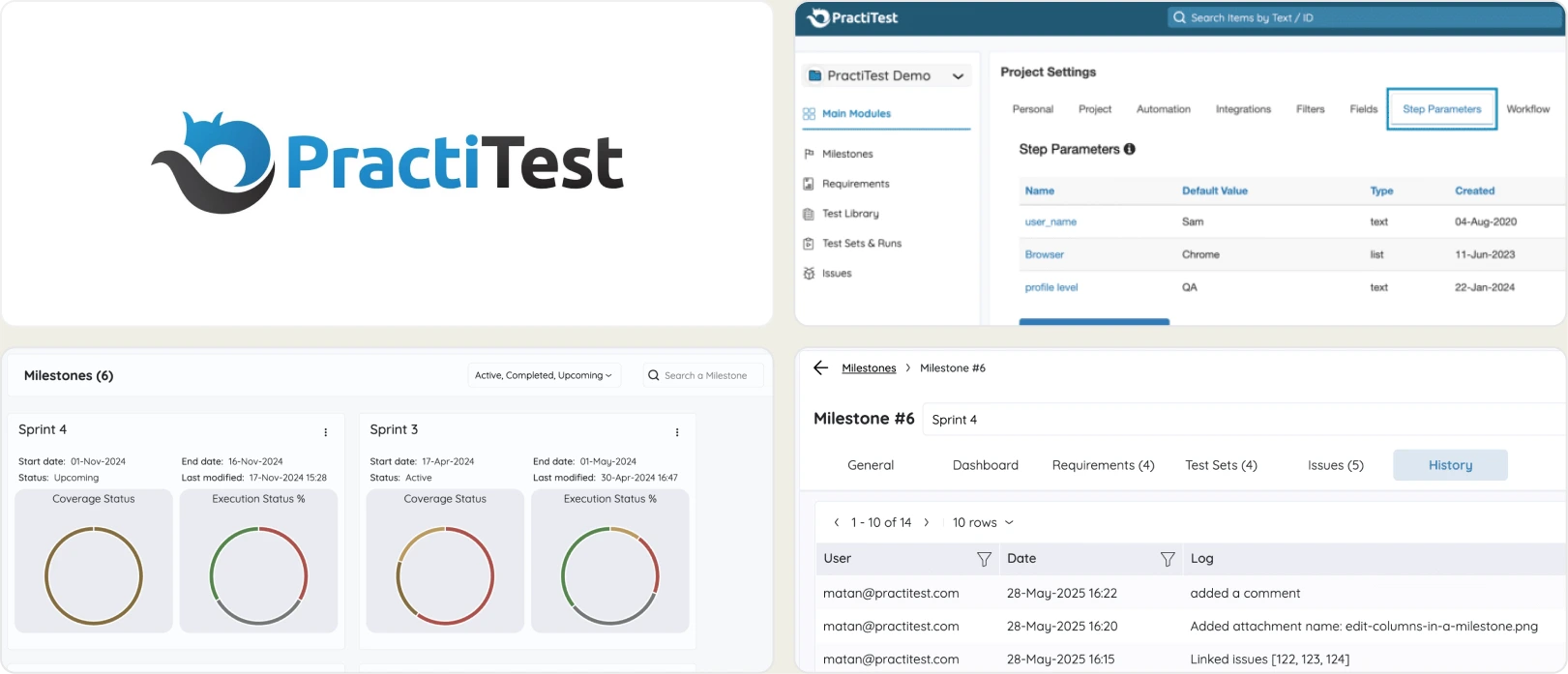
For teams in regulated industries like healthcare, finance, or government, PractiTest's audit trail and compliance features are hard to match. It is the strongest test orchestration platform for governance-heavy environments.
Key AI features:
-
SmartFox AI with Value Score prioritization
-
AI-driven test creation from requirements documents
-
Edge-case scenario suggestions based on historical patterns
-
MCP integration for connecting external LLMs
-
Defect clustering and pattern analysis
Strengths:
-
Best-in-class traceability from requirements to tests to runs to defects
-
Tool-agnostic design that integrates with any bug tracker
-
Strong compliance and audit capabilities for regulated industries
Weaknesses:
-
UI can feel heavy and complex for smaller teams
-
Premium pricing for full AI feature access
-
Steeper learning curve than modern alternatives like Qase
Best for: Enterprise teams that prioritize requirements traceability, auditability, and governance above all else.
10. Testomat.io
Category: Developer-first test management
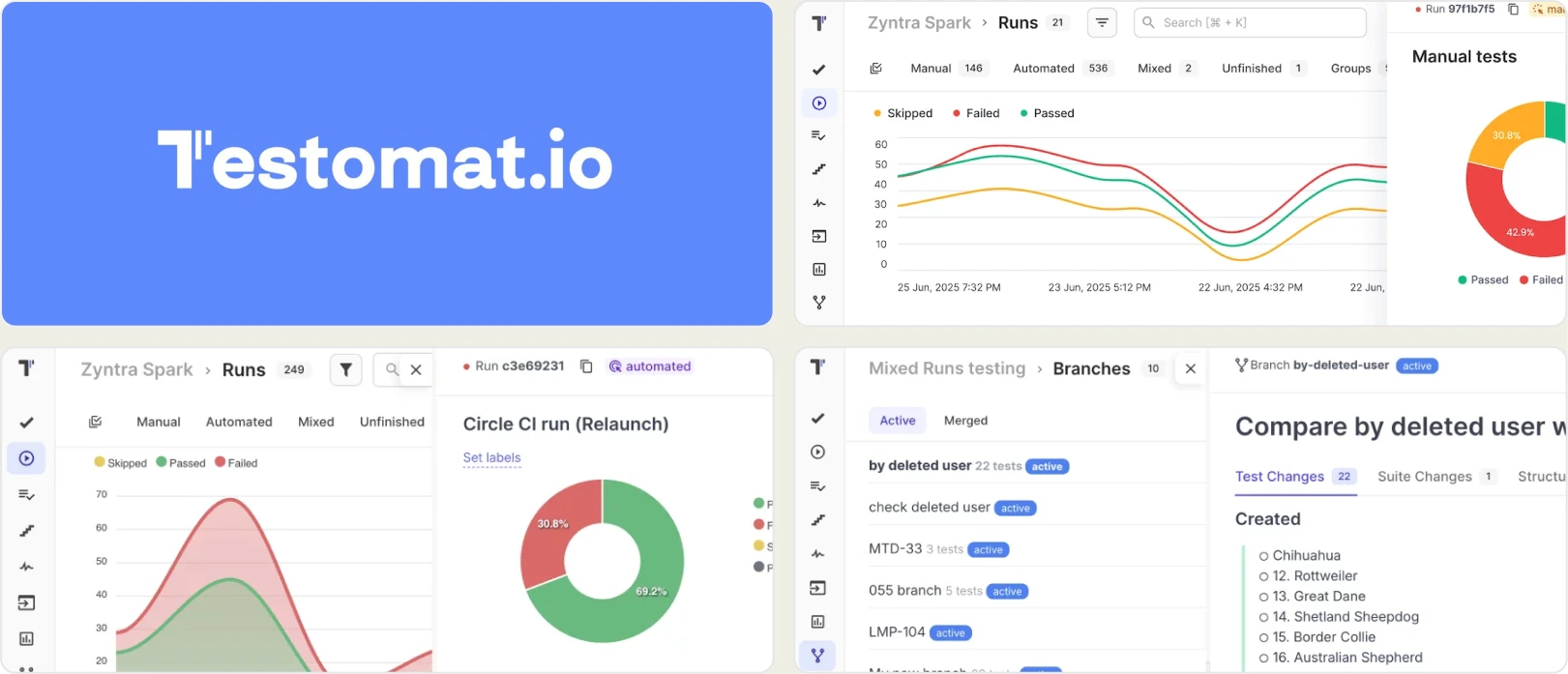
Testomat.io syncs your tests directly from code repositories. Push a new spec file to GitHub or GitLab, and it appears in your test management dashboard automatically. Its AI handles tagging, classification, and generates living documentation from your test code. For dev-led QA teams, this is the closest thing to "test management that stays in your IDE."
Key AI features:
-
AI-powered auto-tagging and test classification
-
Living documentation generated from test code
-
Smart analytics and flaky test detection
-
AI-assisted test case organization and deduplication
Strengths:
-
Direct sync from code repos including GitHub and GitLab
-
BDD and code-based test support in one platform
-
Modern, clean UI with fast onboarding
-
Free tier available for small teams
Weaknesses:
-
Smaller community compared to TestRail or Xray
-
AI features still evolving rapidly with frequent updates
-
Less suited for purely manual QA teams
Best for: Developer-led QA teams that want test management tightly coupled with their codebase and CI/CD pipeline
Head-to-head feature comparison
How to read this table: "Yes" means the feature is production-ready and documented. "Partial" means it exists but with limitations (beta, requires add-ons, or limited scope). "No" means the feature is not available as of May 2026.
Here is a detailed feature comparison across all 10 AI test management tools. Use this table to quickly identify which intelligent QA tools match your specific requirements.
| Feature | TestDino | Tuskr | TestRail | Katalon | Xray | Testsigma | mabl | Qase | PractiTest | AI Test Management Tool | Testomat.io |
|---|---|---|---|---|---|---|---|---|---|---|
| AI test generation | ||||||||||
| Self-healing | ||||||||||
| Failure intelligence | ||||||||||
| NLP authoring | ||||||||||
| Jira integration | ||||||||||
| Free tier | ||||||||||
| Agentic workflows | ||||||||||
| Compliance/audit | ||||||||||
| Code-repo sync |
Which tool is right for your team?
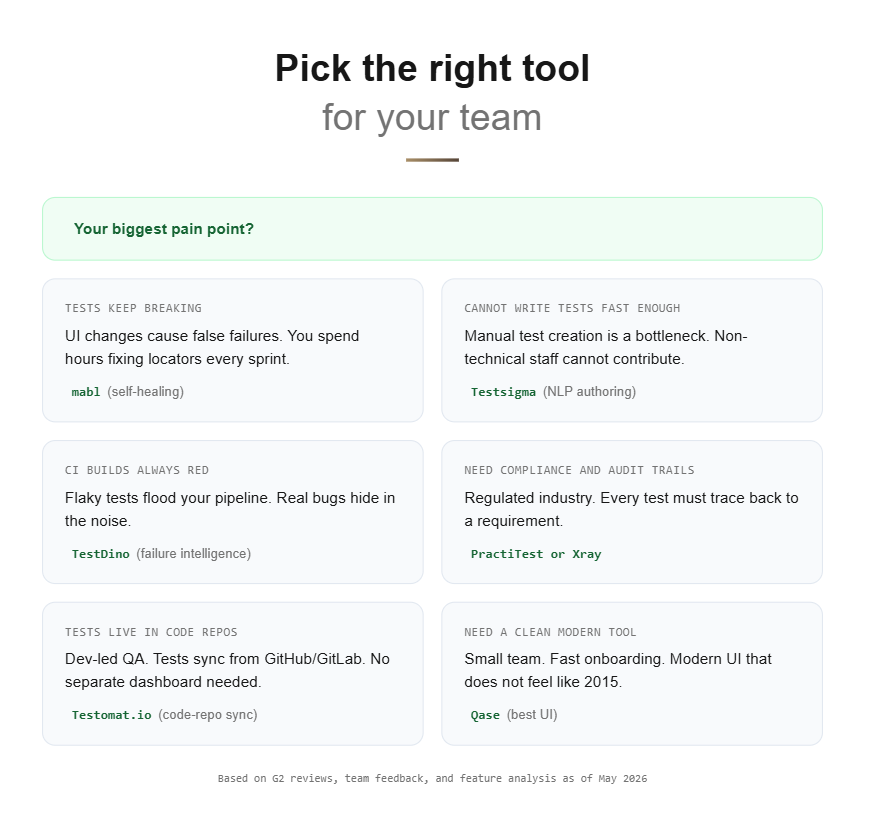
Choosing the right AI test management tool depends on three factors: your team type, your budget, and your biggest pain point. A common mistake when evaluating AI-powered test management platforms is focusing on feature count instead of workflow fit.
By team type:
-
Playwright teams: TestDino
-
Enterprise teams (500+ developers): Tricentis qTest or PractiTest
-
Startups and mid-market: Qase or Testomat.io
-
Jira-first teams: Xray
-
Automation-heavy teams: mabl or Katalon
-
Non-technical testers: Testsigma
-
Traditional QA teams: TestRail
By budget:
-
Free or bootstrap: Qase Free, Katalon Free, TestDino Free, Testomat.io Free
-
Mid-range (5 to 40 USD/user): Qase Pro, TestRail
-
Enterprise (custom pricing): Tricentis qTest, PractiTest, mabl
By primary pain point:
-
"Tests break too often after UI changes": mabl for self-healing automation
-
"We cannot write tests fast enough": Testsigma for NLP-based authoring
-
"We do not know what to test next": PractiTest for AI gap analysis
-
"Our CI builds are always red": TestDino for failure intelligence
-
"We need audit trails for compliance": PractiTest or Xray
The right tool is never the one with the most features. It is the one your team actually adopts and uses consistently. Start with a free tier or trial, run it for two sprints, and measure the real time savings before committing to annual contracts.
Pro Tip: Track two metrics during your trial: the number of hours saved on test maintenance per sprint, and the team adoption rate (percentage of testers actively using the tool after two weeks). These two numbers predict long-term ROI better than any feature comparison.
Key trends shaping AI test management in 2026
The AI test management tools landscape is evolving fast. Based on patterns we have tracked across G2's test management category and Gartner reports, here are five trends that will define the category over the next 12 months.
Agentic testing goes mainstream
The shift from "AI-assisted" to "AI-autonomous" is real. Tools like Testsigma's Atto and mabl's agents already plan, execute, and report on tests independently. By the end of 2026, expect most major platforms to offer some form of agentic workflow capability.
MCP (Model Context Protocol) integration
MCP allows AI tools to connect directly with LLMs for context-aware test generation. PractiTest and TestDino are early adopters of this protocol, enabling teams to use Playwright MCP connections for IDE-native testing workflows. This trend bridges the gap between coding environments and test management dashboards.
From "AI features" to "AI ROI"
Teams are done checking feature boxes. The question has shifted from "Does this tool have AI?" to "How many hours did AI save us this sprint?" Expect test quality metrics and ROI dashboards to become standard in every platform.
Convergence of management and automation
The line between test management and test automation is blurring fast. Unified platforms that handle both sides (like Katalon and Testsigma) are winning market share over point solutions that only do one thing.
Developer-first QA tools
CLI-first, IDE-native, and Git-integrated workflows are becoming the expectation. QA is moving closer to the developer inner loop. Tools like Testomat.io and TestDino reflect this shift by syncing directly with code repositories instead of requiring separate dashboards.
Source: Market Research Future, April 2026
Conclusion
AI test management has moved from a "nice to have" to a competitive necessity in 2026. Teams that still rely on spreadsheets and manual test tracking are falling behind those who use intelligent QA tools to write tests, detect gaps, and triage failures automatically.
But no single AI test management tool fits every team. Match the tool to your stack, your team size, and your primary pain point.
Here are the key takeaways:
- Start with a free tier or trial and measure real ROI over two sprints
- Focus on adoption rate, not feature count. The best tool is the one your team actually uses
- If your pain point is test authoring, look at Testsigma, Qase, or Katalon
- If your pain point is debugging and failures, look at TestDino or mabl
- If your pain point is compliance and traceability, look at PractiTest or Xray
The future of automated testing is not about replacing testers. It is about giving every tester an AI-powered sidekick that handles the repetitive work so humans can focus on exploratory testing, edge cases, and strategic quality decisions.
Frequently asked questions

Jashn Jain
Developer Advocate