Top 5 TestOps Platforms for Modern Software Teams: A Comprehensive Comparison
Struggling to manage scattered test results? Discover the top 5 TestOps platforms to centralize insights and eliminate flaky tests.
Software teams now run more automated tests, across more environments, and much earlier in the delivery process. That creates a growing stream of results that someone still has to understand before a release can move forward.
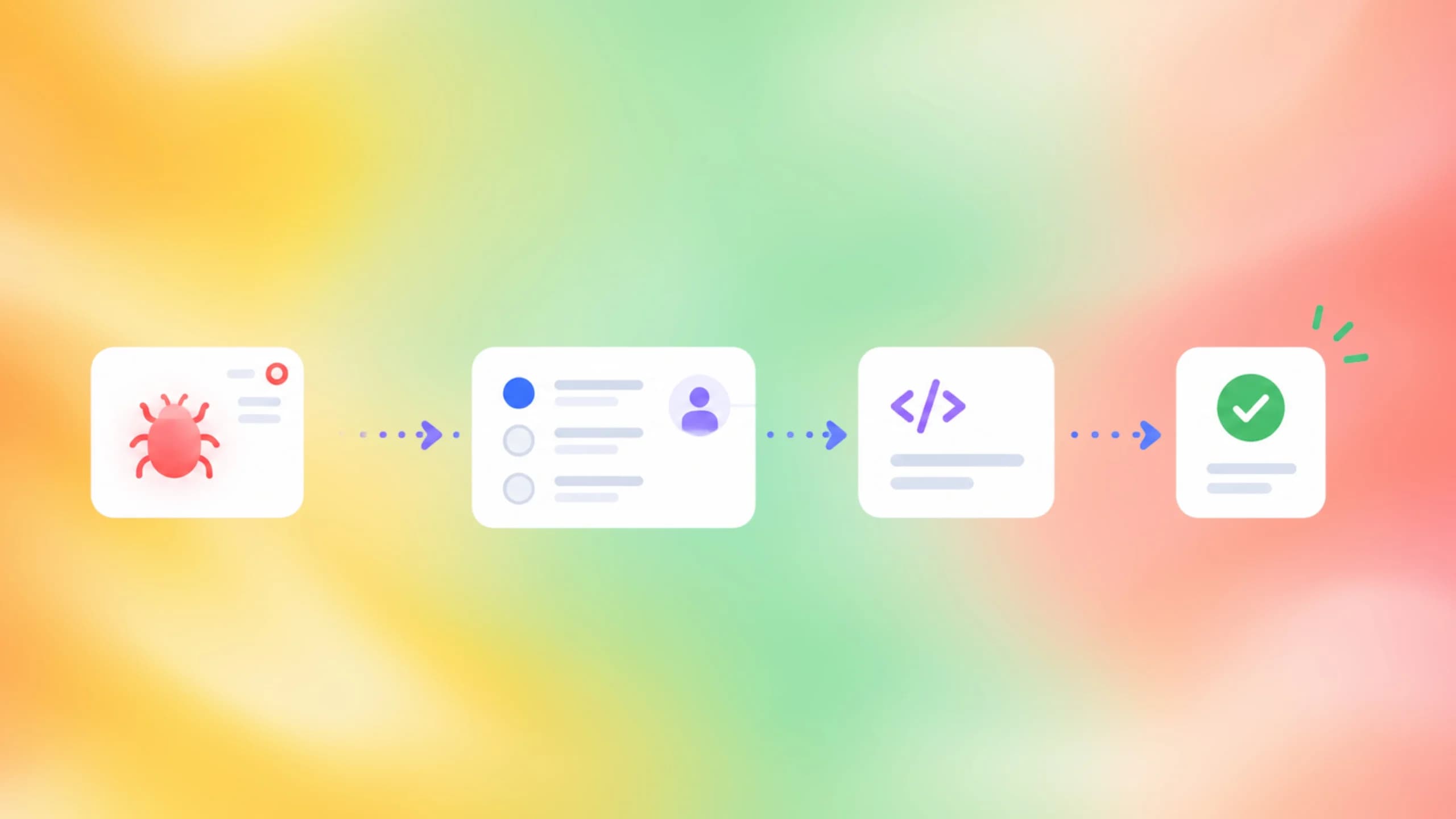
The real pain is no longer starting a test. It is connecting failures, retries, evidence, ownership, and release risk without making engineers search through several CI jobs and disconnected reports.
This guide explains what TestOps platforms do, compares five strong options for different team types, and gives you a practical way to choose one without relying on a generic feature checklist.
A TestOps platform connects test execution data, analysis, collaboration, and release decisions so quality work can operate as part of the delivery pipeline rather than as a separate reporting step.
What are TestOps platforms?
A test runner executes tests. A CI service starts jobs. A browser or device cloud provides environments. A test management tool stores test cases.
TestOps platforms connect these parts into an operating workflow. They collect results, preserve evidence, identify patterns, and route information to the people or systems that need to act.
A capable platform may support:
- automated and manual test results
- build, branch, commit, environment, and pull request context
- flaky-test detection and stability trends
- failure grouping and root-cause analysis
- traces, videos, screenshots, logs, and attachments
- test case ownership and requirements traceability
- issue tracker and chat integrations
- reruns, quality gates, and release-readiness views
- long-term analytics across projects and teams
This makes TestOps broader than a basic report. A local HTML report can explain one execution, but it usually cannot tell you whether the same test has been unstable for six weeks or whether failures cluster around one environment. This is the gap a durable test reporting dashboard is meant to close.
Teams using Playwright often reach this point after adopting test automation across pull requests and scheduled pipelines. The execution layer works, but the growing result history becomes difficult to manage.

TestOps versus test management
Test management usually focuses on planning, test cases, runs, requirements, and defects. TestOps includes those activities when needed, but places stronger emphasis on automation data and continuous delivery.
The difference is easiest to see after a CI failure. A conventional test management system may record that a case failed. A TestOps workflow should help explain the failure, show its history, connect it to the build, and trigger the right next action.
That action might be a targeted rerun, a blocked pull request, a Jira issue, a Slack alert, or a release decision.
TestOps versus test observability
Test observability focuses on understanding test behavior across executions. It typically includes historical trends, flaky detection, failure patterns, timing, and environment analysis.
TestOps uses that visibility within a wider operational process. It connects the insight to planning, ownership, collaboration, governance, and release controls.
For automation-first teams, observability is often the most valuable part of TestOps because it reduces the time between a red build and a confident explanation. This is why test automation reporting has moved beyond pass and fail counts.

Tip: Before comparing platforms, write down the last five testing problems that delayed a release. Evaluate whether each product would shorten those exact workflows.
How we evaluated the top TestOps platforms
There is no single TestOps platform that is best for every organization. A Playwright-first product team has different needs from a regulated enterprise managing manual testing across hundreds of applications.
This comparison uses six practical dimensions:
- Automation visibility: how well the platform collects results, evidence, retries, and CI metadata.
- Failure analysis: whether it groups repeated errors, detects flaky behavior, and supports root-cause investigation.
- Test management: how it handles cases, suites, plans, ownership, and manual execution.
- Workflow integration: whether results connect to CI, pull requests, issue trackers, chat, APIs, and AI tools.
- Governance and scale: access controls, deployment choices, traceability, reporting, and portfolio-level administration.
- Best-fit clarity: whether the platform solves a clear problem without forcing the team to replace more of its stack than necessary.
We relied primarily on official product pages and documentation. Public marketing claims are described as vendor claims, not universal outcomes.
| Platform | Best for | Core strength | Important trade-off |
|---|---|---|---|
| TestDino | Playwright teams running in CI | Live reporting, failure evidence, flaky analysis, and AI context | Playwright-first rather than framework-neutral |
| BrowserStack Test Reporting & Analytics | Teams with mixed automation and BrowserStack usage | Unified analytics, failure categorization, and broad execution context | Best value is often inside the wider BrowserStack ecosystem |
| Tricentis qTest | Large enterprises needing governance | Centralized test management, traceability, and portfolio control | Heavier implementation and administration |
| Allure TestOps | Automation-centered QA organizations | Allure ecosystem, manual plus automated testing, and deep launch analysis | Requires teams to adopt its concepts and integration model |
| Qase | Modern product and QA teams | Accessible test management, collaboration, APIs | May offer less enterprise governance depth than heavier platforms |
Top 5 TestOps platforms
1. TestDino
Best for: Playwright teams that need faster failure triage, historical test intelligence, and clearer CI visibility.
TestDino is a Playwright-first reporting, analytics, and test management platform. Its real-time result streaming, suite history, flaky tracking, error grouping, evidence panels, failed-test reruns, CI checks, and an MCP server give AI agents access to test context.
That positioning matters. TestDino does not try to replace Playwright or your CI provider. It acts as the intelligence layer around Playwright executions.
A run can include screenshots, videos, console logs, traces, visual diffs, branch data, environment data, and retry history. Error grouping helps teams avoid investigating the same failure separately across many tests.
Its Playwright flaky-test detection guidance explains why retries alone are not enough. A retry shows that an outcome changed, while historical tracking shows whether instability is persistent, environment-specific, or spreading across a suite.
The platform is especially relevant when developers lose time opening CI artifacts or rebuilding failure context. TestDino's Playwright test failure material focuses on the gap between a failed run and a trustworthy diagnosis.
Key strengths
- Playwright-first setup and workflows
- Live, shard-aware run visibility
- One evidence panel for traces, screenshots, videos, and logs
- Flaky rate and stability history across runs
- Failure classification and error grouping
- Pull request checks and quality thresholds
- Jira, Slack, GitHub, GitLab, Linear, Azure DevOps, Asana, and monday integrations
- MCP access for Claude, Cursor, Copilot, and other compatible clients
- Test case management linked with real executions
TestDino naturally fits teams already investing in Playwright testing and wanting to preserve the framework's code-first workflow.
The open-source Playwright skill can also help AI coding agents follow Playwright-specific patterns while TestDino provides the real execution history those agents need for grounded debugging.

2. BrowserStack Test Reporting & Analytics
Best for: BrowserStack Test Reporting & Analytics is suited to organizations running different kinds of automated tests and already using the BrowserStack ecosystem. It brings UI, API, and unit test results into one reporting layer, including tests executed outside BrowserStack.
The platform provides flaky test detection, smart failure categorization, merged rerun reports, timeline debugging, custom dashboards, Jira integration, and pull request checks. It also analyzes logs, stack traces, screenshots, and other evidence to classify failures as product, automation, or environment issues.
For teams using Automate or App Automate, it creates a connected workflow where test execution, reporting, and debugging stay within the same vendor ecosystem.
Key strengths
- Broad framework and test-type coverage
- Native connection with BrowserStack execution products
- Custom automation-health dashboards
- Build comparison and merged rerun reports
- Quality thresholds and GitHub pull request checks
- Collaboration and two-way Jira workflows
- Test detection
BrowserStack is a strong option when test execution and analytics are both part of the buying decision. Teams comparing it with a Playwright-focused intelligence layer can use a BrowserStack alternative analysis to separate infrastructure needs from reporting needs.
3. Tricentis qTest
Best for: qTest is best suited to large or regulated organizations that need centralized governance, traceability, and consistent testing processes across multiple teams. It supports Agile, hybrid, and waterfall environments while helping enterprises plan, track, govern, and report testing at scale.
Its real-time Jira integration, along with support for Azure Boards and Rally, makes it useful for organizations that connect requirements, defects, and delivery work across several systems. Rather than serving only as an automation report, qTest acts as an enterprise test management layer above different tools and frameworks.
This makes it a strong fit for QA centers of excellence, compliance-heavy teams, and businesses that need portfolio-level visibility across many applications.
Key strengths
- Enterprise test planning and management
- Requirements-to-test traceability
- Governance across projects and programs
- Support for manual and automated workflows
- Jira, Azure Boards, Rally, and Tricentis ecosystem connections
- Portfolio reporting and release visibility
- Migration support for spreadsheets and legacy systems
qTest can be a better fit than a lightweight product when auditability and organization-wide consistency matter more than quick setup.

4. Allure TestOps
Best for: Allure TestOps is a strong fit for automation-focused QA teams that already use Allure reporting or want manual and automated testing managed in one workspace. It extends the open Allure reporting ecosystem with test management, historical trends, failure grouping, known-issue detection, and flaky-test analysis.
The platform keeps important debugging context together, including logs, attachments, environment details, execution history, and CI metadata. It also supports selective reruns and integrations that help teams move from identifying a failed test to taking action.
For organizations already familiar with Allure adapters and launch-based reporting, Allure TestOps provides a natural path from local reports to a centralized TestOps platform with broad framework support.
Key strengths
- Broad Allure adapter ecosystem
- Unified manual and automated testing
- Launch history and trend analysis
- Failure grouping and known-issue detection
- Logs, attachments, environment, and CI context
- Self-hosted and managed deployment paths
- APIs, integrations, AQL, and MCP support
Teams considering the free reporter should distinguish Allure Report alternatives from alternatives to the full commercial TestOps product. The two products solve different levels of the workflow.
5. Qase
Best for: Qase is well suited to modern product teams that want test management, collaboration, automation integrations, APIs, and workflows in one platform. It combines manual test case management with automated result ingestion, test runs, repositories, and team collaboration.
Its AI features support automation-readiness analysis, natural-language test creation, code generation from manual cases, and browser-based cloud execution. This makes Qase useful for teams gradually moving from manual testing toward automation.
With a modern interface and API-focused approach, Qase fits SaaS teams that want QA closely connected to product and engineering without the complexity of a large enterprise suite.
Key strengths
- Accessible test case repository and execution workflows
- Manual and automated result management
- Integrations and API access
- Collaborative test planning
- Automation-readiness analysis
- Administration and security controls
- Practical migration options
Qase is a useful middle ground when the team needs structured management but does not want a complex enterprise rollout.
How to choose the right TestOps platform
A good selection process starts with workflow evidence, not a spreadsheet containing every feature offered by every vendor.
1. Map your current testing flow
Document what happens from code commit to release decision.
Include:
- Where tests execute
- Which frameworks are used
- Where results are stored
- How failures are investigated
- How flaky tests are tracked
- Who owns failed tests
- Where bugs are created
- What can block a merge or release
- How managers review quality trends
This exposes the handoffs your platform must improve.
A team with a strong Playwright suite may need Playwright reporting, error grouping, and historical analysis. A manual-heavy organization may need repositories, plans, requirements, and approvals first.
2. Separate must-haves from expansion features
Must-haves solve today's delays. Expansion features may matter later but should not dominate the decision.
For example, a Playwright team may define these must-haves:
- Reporter setup that works in the existing CI pipeline
- Complete trace and screenshot access
- Reliable retry and flaky history
- Branch and environment filters
- Pull request checks
- Jira and Slack integration
- API or MCP access for developer tools
Features such as manual testing, code coverage, and portfolio dashboards can be evaluated separately.
3. Run a proof of concept with real failures
Do not judge the platform using only a clean demo project.
Send several real pipelines through it:
- One successful run
- One product regression
- One flaky retry
- One environment failure
- One sharded run
- One rerun of failed tests
- One failure that creates an issue or alert
Ask a developer who did not configure the product to investigate the run. Measure how long it takes them to reach a correct explanation.
This is more useful than comparing the number of dashboard widgets.
4. Test historical value
The platform should become more useful after weeks of data, not only after one execution.
Check whether it can answer:
- Which tests became unstable this month?
- Which failures repeat across branches?
- Which environment has the lowest pass rate?
- Which error group causes the most failed tests?
- Which tests consume the most CI time?
- Did a fix remain stable after release?
These questions are central to flaky-test analysis and long-term suite health.

5. Calculate operational cost, not only license cost
Include:
- Implementation effort
- Reporter and integration maintenance
- Required user licenses
- Storage and retention
- Execution or ingestion limits
- Self-hosted infrastructure
- Administrator time
- Migration work
- Training
- Time saved during failure triage
- A cheaper license may cost more if engineers continue rebuilding context from raw logs. A broader suite may be wasteful if the team only needs one focused workflow.
Note: Ask each vendor to price your real number of users, monthly executions, projects, retention period, artifact volume, and deployment requirements. Public starting prices rarely represent an enterprise rollout.
Common TestOps platform mistakes
Buying a test case repository for an observability problem
A repository can organize cases without improving CI debugging.
When the main pain is failed automation, evaluate traces, artifacts, retries, history, error grouping, and environment data before case-authoring features.
This is particularly important for teams already using Playwright Trace Viewer. The missing layer may be cross-run context rather than another place to write cases.
Treating every retry as a fix
Retries can contain transient noise, but they can also hide instability.
Track which tests pass only after retry, how frequently that happens, and whether the pattern is connected to timing, networks, shared data, or CI resources.
A mature workflow combines retry policy with flaky-test detection tools, ownership, and repair deadlines.
Ignoring developer adoption
A platform can have deep QA features and still fail if developers avoid opening it.
During the proof of concept, ask developers to investigate failures, open evidence, comment, create issues, and query history. Watch where they return to raw CI logs because the platform does not answer their question.
Developer-friendly workflows also include AI-assisted tools. A Playwright MCP server can expose real test context to an editor or coding agent, but the value depends on the quality of the underlying run history.
Choosing based on vendor category labels
Products use overlapping labels such as test management, test intelligence, observability, continuous testing, quality engineering, and TestOps.
Ignore the label and inspect the workflow. Determine what the product collects, what it can explain, what it can trigger, and what it expects your team to replace.
Conclusion
The best TestOps platforms do more than store results. They create a reliable path from execution to understanding, ownership, and release action.
TestDino is the strongest fit in this shortlist for Playwright-first teams that need live CI visibility, historical flake analysis, rich failure evidence, and AI access to real test context.
BrowserStack Test Reporting & Analytics fits broader automation estates and teams already using BrowserStack infrastructure. qTest fits enterprise governance and traceability. Allure TestOps fits automation-centered organizations invested in the Allure ecosystem. Qase fits modern teams that want approachable test management and AI-assisted expansion.
Your final choice should be based on a real proof of concept. Use failures from your own pipeline, measure investigation time, test integrations, and verify that the platform becomes more useful as history grows.
FAQs

Ayush Mania
Forward Development Engineer