Salesforce Test Reporting: Why Most Tools Fail and What to Use
Struggling with Salesforce test reporting? Discover why generic tools fail and how to choose platforms providing actionable insights.
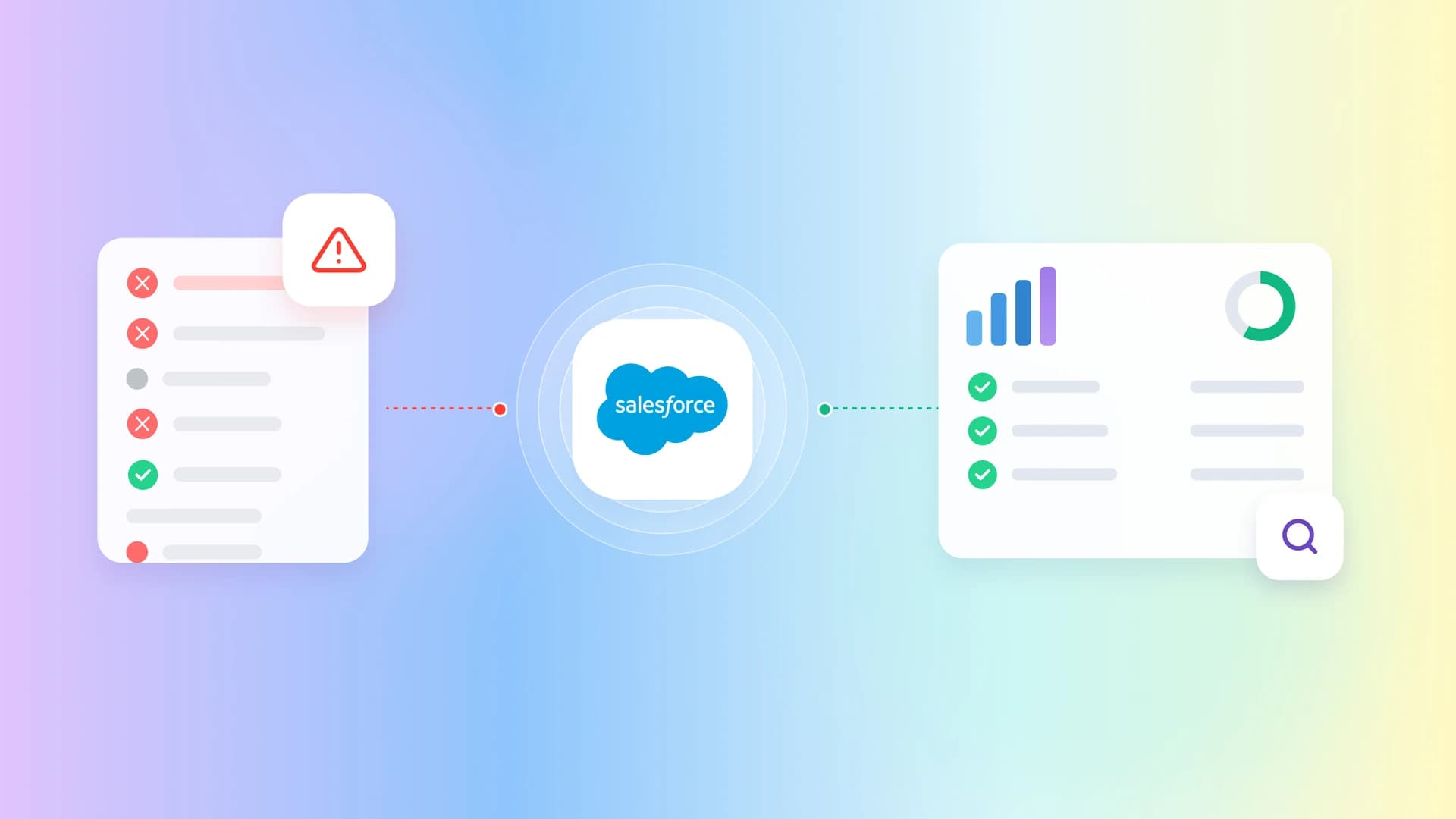
Test suites generate massive amounts of data every time your CI/CD pipeline runs, often leaving QA teams buried under thousands of raw log lines.
The real pain point is trying to decipher these cryptic logs to determine if a failure is a genuine Salesforce bug or just a temporary environment glitch.
This guide explores the complexities of Salesforce test reporting, explaining exactly why generic tools fall short and how to choose platforms that deliver actionable insights.
Why generic test reporting tools fail in Salesforce
When you run automated tests against standard web applications, generic test reporting tools typically do a fantastic job. They read the HTML structure, capture the standard error stack traces, and present a fairly coherent picture of what went wrong. However, the moment you point these exact same tools at a Salesforce instance, everything breaks down.
The primary reason for this massive failure lies in Salesforce's deeply complex architecture. Modern Salesforce interfaces are built using Lightning Web Components (LWC). These components heavily utilize the Shadow DOM to encapsulate their internal styling and markup. Because of this encapsulation, when a generic test fails, the reporting tool cannot "see" inside the Shadow DOM to tell you exactly which button or input field caused the issue. The resulting error logs are vague, unhelpful, and completely strip the developer of any actionable context.
Salesforce Test Reporting is the systematic process of aggregating, analyzing, and visualizing data generated by automated QA tests specifically executed against Salesforce environments to determine release readiness.
Furthermore, Salesforce relies heavily on dynamic element IDs. An element that had the ID button-123 during your morning test run might randomly change to button-456 in the afternoon. When a generic tool encounters this, the resulting test report simply states "Element Not Found." It provides zero context on whether the element was genuinely missing from the page, or if the ID simply morphed. This forces engineers to spend hours manually reproducing the failure just to understand a single line in the report.
If you are exploring the broader market of solutions that handle this better, evaluating the Top 10 Salesforce Testing Tools in 2026 is an excellent starting point. Tools designed specifically for Salesforce, or modern frameworks adapted for it, understand how to interpret these dynamic shifts.
For teams writing custom automation, adopting salesforce testing with playwright is a game changer. Playwright natively pierces the Shadow DOM, meaning the resulting test reports accurately reflect the true state of the LWC, rather than throwing opaque visibility errors.
The hidden costs of poor test visibility
Failing to invest in high-quality test reporting has severe financial and operational repercussions. Many organizations view reporting as a "nice-to-have" afterthought, assuming that a simple pass/fail metric in their CI/CD pipeline is sufficient. This assumption could not be further from the truth.
When your test reports lack granular detail, every single test failure triggers an exhaustive manual investigation. Developers have to stop working on new features, pull down the latest branch, set up their local Salesforce sandbox, and step through the code line by line. This context switching is notoriously expensive. A failure that should have taken five minutes to diagnose with a proper software test report ends up consuming half a developer's day.

Tip: Always attach rich media, such as DOM snapshots and video recordings, directly to your test reports to eliminate the need for manual failure reproduction.
Moreover, poor reporting leads to a catastrophic loss of trust in the automation suite. When engineers cannot decipher the reports, they begin to assume that the tests are simply flaky. They start ignoring the red build indicators, bypassing quality gates, and pushing code directly to production. This behavior inevitably leads to critical defects reaching end-users, damaging the company's reputation and resulting in expensive hotfixes.
To combat this, teams must prioritize tools that offer advanced flaky test analysis. A proper reporting tool does not just tell you that a test failed; it tells you exactly how many times it has failed this week, whether the failure is tied to a specific environment, and what the historical pass rate looks like.

Key metrics every Salesforce test report must include
A dashboard full of green and red pie charts might look impressive to upper management, but it is entirely useless to the engineers actually fixing the bugs. To provide real value, your Salesforce test reporting must focus on specific, actionable metrics that drive quality improvements.
First and foremost, you need comprehensive flakiness tracking. A test that passes 90% of the time is arguably more dangerous than a test that fails 100% of the time, because it instills false confidence. Your reporting dashboard should instantly highlight these unstable tests. Utilizing a dedicated flaky test report allows teams to quarantine these tests before they disrupt the entire pipeline.
Second, execution time trends are critical. Salesforce is notorious for slow UI rendering times, and automated tests can quickly bloat your CI/CD pipeline duration. If a test suite that normally takes ten minutes suddenly takes forty minutes, your reporting tool must flag this regression immediately. Tracking these trends helps you identify performance bottlenecks in specific Salesforce sandboxes.
Third, you must track environment-specific failure rates. Salesforce testing usually involves multiple environments (e.g., dev, partial copy, full sandbox, staging).
Note: A test that consistently passes in a partial copy sandbox but fails in a full sandbox usually indicates a severe data dependency issue rather than a code defect.
By correlating failures with specific environments, your testops platforms can help you quickly isolate whether the problem is bad code or just bad data staging.
Native Salesforce reporting versus third-party solutions
When configuring your QA processes, you will inevitably face the choice between relying on Salesforce's native reporting capabilities or investing in dedicated third-party solutions. Both approaches have their merits, but they serve vastly different purposes.
Salesforce provides built-in tools like the Developer Console and standard Setup menus to view Apex test execution results. These native tools are absolutely essential for developers ensuring they meet the mandatory 75% code coverage requirement before deploying to production. They are highly accurate for unit testing and backend logic validation.
However, native tools are completely insufficient for end-to-end UI testing. They cannot tell you if a newly deployed Lightning component is rendering correctly on the screen, or if a multi-step user journey (like Lead-to-Cash) functions properly from a user's perspective.
This is where third-party solutions become mandatory. Modern playwright reporting tools provide the visual context that native tools lack. They capture screenshots at the exact moment of failure, record videos of the entire test execution, and capture complete network logs.
If you are looking for the absolute top-tier platforms that handle this seamlessly, our guide on the Best Salesforce Test Management Tools breaks down the industry leaders that offer these advanced reporting capabilities out of the box.
Integrating test reporting into your CI/CD pipeline
A beautiful test report is useless if nobody sees it. To maximize the value of your QA efforts, your test reporting must be deeply and seamlessly integrated into your continuous integration and continuous deployment (CI/CD) pipelines.
The goal is to shift quality left, ensuring that developers receive immediate feedback on their code changes before they are ever merged into the main branch. When a developer opens a pull request, the automated test suite should run, and the resulting report should be posted directly back to the pull request interface as a comment.
For teams utilizing Microsoft's ecosystem, configuring your playwright tests in azure to publish rich JUnit or HTML reports directly to the Azure DevOps dashboard is a critical step. This ensures that Release Managers can view the exact quality metrics without ever having to leave their primary workflow tool.
Similarly, if your team relies on GitHub, setting up playwright in github actions to upload test artifacts (like trace files and videos) as pipeline outputs ensures that every single failure is fully documented and easily debuggable.
Integrating these reports effectively eliminates the "it works on my machine" excuse, providing an undeniable, objective record of the application's state at the exact moment the code was tested.
How modern platforms transform Salesforce test reporting
The landscape of software testing is evolving rapidly, and the tools we use to analyze test results are becoming exponentially smarter. We are moving away from static, text-based logs and towards dynamic, intelligent dashboards.
Modern test orchestration platforms do not just display data; they actively interpret it. When a test fails, these platforms can compare the current failure against historical data to determine if the issue is a new regression or a known, recurring flaky test.
Furthermore, artificial intelligence is playing an increasingly massive role in test reporting. The latest ai test management tools utilize machine learning algorithms to perform automatic test failure analysis. Instead of simply stating that a test timed out, the AI can analyze the DOM snapshot and explicitly tell the developer, "The test failed because the 'Submit' button was obscured by a newly added promotional banner."
This level of intelligent reporting drastically reduces the cognitive load on QA engineers. Keeping up with the state of ai automation is essential for any team that wants to maintain high velocity without sacrificing quality.

Moreover, for developers writing automation scripts, embedding the official Playwright skill into their local development environments ensures that they are utilizing the absolute best practices for capturing trace files and generating rich reports right from their local machines, before the code ever reaches the CI server.

Cultivating a culture of quality through visibility
Ultimately, the best test reporting tools in the world are completely useless if your engineering culture ignores the data they provide. Test reporting is not just a technical capability; it is a communication tool that bridges the gap between QA, development, and product management.
When reports are clear, accessible, and actionable, they foster a culture of shared responsibility. Developers stop viewing QA as a bottleneck and start viewing the test suite as a safety net that empowers them to move faster. Product managers can look at the reporting dashboards and make informed, data-driven decisions about whether a release candidate is truly ready for production.
To achieve this, reporting metrics must be reviewed regularly. Do not just look at the reports when a build fails. Incorporate a review of test health, flakiness trends, and execution times into your regular sprint retrospectives.
By making test reporting a central pillar of your engineering discussions, you elevate the importance of quality assurance across the entire organization, ensuring that everyone is aligned on delivering the best possible experience to your Salesforce end-users.

Conclusion
Salesforce test reporting is challenging because of dynamic elements, Shadow DOM, and asynchronous loading, which often make generic testing tools produce unclear and unhelpful error reports. Using a reporting platform designed for Salesforce gives your team detailed failure insights, tracks important metrics like flakiness and execution trends, and integrates with your CI/CD pipeline. This reduces manual debugging, improves confidence in automated tests, and helps ensure every release is stable, reliable, and ready for production.
FAQs

Ayush Mania
Forward Development Engineer