AI-Powered Visual Regression Testing: What’s New in 2026
Visual regression testing got smarter in 2026. Learn what Playwright, Percy, Applitools and Chromatic shipped, and how to use it.

A test can pass while the page it checked looks completely wrong to the person using it. Visual regression testing exists to close that gap, and in 2026 the way it works has shifted from counting changed pixels to asking a model what actually changed.
The pain has always been the same: a font update or a new browser build turns every screenshot red, and someone has to click through hundreds of diffs to find the one that matters. That review load, not the capture step, is what made teams switch visual checks off.
This guide walks through what Playwright, Percy, Applitools and Chromatic shipped this year, how AI diff review works under the hood, and a step-by-step playwright visual regression testing setup you can copy into CI today.
What visual regression testing looks like in 2026
Visual regression testing captures a screenshot of a page or component, compares it against an approved baseline image, and fails the test when the difference is larger than an allowed threshold. In 2026 that comparison is increasingly done in 3 layers: raw pixels, the accessibility structure, and an AI model that classifies each diff as a likely bug or an intended change.
The core loop has not changed. You capture, you compare, you approve. What changed is who does the comparing and how much noise reaches a human.
Why pixel diffs alone stopped being enough
Playwright's own docs are blunt about the limits of pixel matching. Browser rendering, they note, "can vary based on the host OS, version, settings, hardware, power source (battery vs. power adapter), headless mode, and other factors." A pixel diff cannot tell a broken layout from a font hinting change.
That is why the default comparison in Playwright ships with a threshold of 0.2 in the YIQ colour space, plus maxDiffPixels and maxDiffPixelRatio knobs. Those numbers absorb small rendering noise, but they are still numbers. They do not know whether the changed pixels are a shadow or a missing "Buy" button.
The 3 layers of a modern visual check
Teams that run visual checks well in 2026 stack three signals instead of relying on one:
- Pixel layer: toHaveScreenshot() against a committed baseline, tuned with a threshold.
- Structure layer: toMatchAriaSnapshot() compares the accessibility tree as YAML, so a button that vanished fails even if the pixels around it look fine.
- Semantic layer: an AI reviewer (Percy's Visual Review Agent, Applitools Visual AI) labels each diff and writes a summary of what changed.
The structure layer is the one most teams skip, and it is the cheapest to add. Playwright's accessibility tree snapshots are plain text, so they diff cleanly in a pull request and never break because of anti-aliasing.

Knowing the three layers helps, but the practical question is which of them your existing tooling already gives you. For Playwright users, the answer changed twice this summer.
What changed in Playwright for visual regression testing this year
Playwright shipped 5 releases between April and September 2026, and 3 of them touched visual comparisons directly. The details below come from the official release notes.
WebP baselines and lossless golden images
Playwright 1.62, released on 24 July 2026, lets toHaveScreenshot() store the golden snapshot as WebP instead of PNG. You opt in simply by naming the snapshot with a .webp extension. At the default quality of 100 the file is lossless, so the comparison is still exact; lower values switch to lossy compression.
The practical win is repository size. Screenshot baselines are the largest binary files most test repos commit, and the Playwright 1.62 release made shrinking them a one-line change.
await expect(page).toHaveScreenshot('checkout-summary.webp', { fullPage: true });Aria and screen snapshots inside every trace
Playwright 1.63, released on 4 September 2026, added a snapshots option to tracing that accepts an object such as { dom: true, aria: true, screen: true }. Every action in the trace can now carry an aria snapshot and a screen capture alongside the DOM snapshot.
This matters for visual debugging because a failed screenshot assertion no longer arrives as a lone image. You can scrub back through the Playwright 1.63 release trace and see the exact action where the layout drifted, with the accessibility tree at that moment.
Note: Playwright 1.60 added a boxes option to aria snapshots that appends element bounding boxes as [box=x,y,width,height]. Combined with the 1.63 trace option, an AI agent can reason about layout from text alone, without opening a single image.
Screencasts and test agents for visual evidence
Two earlier releases set up the agent story. Playwright 1.56 introduced the planner, generator and healer agent definitions via npx playwright init-agents, with VS Code, Claude Code, Codex and OpenCode as supported clients. Playwright 1.59, on 1 April 2026, added page.screencast.start() with action annotations and chapter overlays.
The release notes describe the screencast feature as "agentic video receipts": an agent records a walkthrough with annotations so a human can review what it did. If you want the setup details, the Playwright screencast and Playwright test agents guides cover both.
These runner-level changes give you better raw evidence. The vendors, meanwhile, spent the year on the other end of the pipeline: deciding which diffs deserve a human at all.
How AI visual testing tools decide what counts as a change
Each major visual regression testing tools vendor now describes its comparison in terms of meaning rather than pixels. The mechanisms differ, and the differences matter when you pick one.
Percy's Visual Review Agent classifies every diff
BrowserStack's documentation says the Visual Review Agent "replaces traditional pixel-based noise with cleaner, smarter highlights and summaries." Every detected change is sorted into 2 buckets: Irregular ("likely visual bugs", shown with a bug icon) and Valid ("likely intended updates").
Each build also gets a natural-language summary of layout, text, colour and asset changes, plus 2 metrics: "Fewer visual differences" and "Estimated review time saved." BrowserStack's own claim is "up to 3× faster reviews." Two limits worth knowing: the agent is only on paid plans, and it handles comparisons under 13,500 px tall, falling back to standard diffing above that.
Applitools match levels choose what to ignore
Applitools takes a configuration-first approach. Its docs define a Strict level that matches "closely enough that the human eye would not see any difference," a Layout level that checks "the relative positions of these elements are consistent," and Ignore Colors and Dynamic levels for colour and pattern-based text.
The docs explicitly discourage the pixel-perfect Exact level, calling it "not recommended for ordinary verification purposes" because it flags rendering anomalies humans cannot see. That is the same problem the raw threshold option solves in Playwright, handled at the engine level instead.
Chromatic tunes a threshold and skips unchanged stories
Chromatic keeps a numeric approach but documents it carefully. Its default diffThreshold is .063, measured in the YIQ colour space, and anti-aliased pixels are ignored by default unless you set diffIncludeAntiAliasing. The AI-flavoured feature is TurboSnap, which uses Git history and the Webpack or Vite dependency graph to snapshot only affected stories, billing copied snapshots at 0.2 each and bypassed ones at zero.
| Capability | Playwright built-in | Percy (BrowserStack) | Applitools Eyes | Chromatic |
|---|---|---|---|---|
| Comparison engine | pixelmatch, YIQ threshold 0.2 | Visual AI Engine + Review Agent | Visual AI with match levels | YIQ diffThreshold .063 |
| AI diff classification | Irregular vs Valid, with summary | Strict / Layout / Ignore Colors / Dynamic | No (threshold + anti-alias filter) | |
| Structure check | toMatchAriaSnapshot() | Layout testing | Layout match level | Story-level snapshots |
| Baseline storage | Repo, PNG or WebP | Percy cloud | Applitools cloud | Chromatic cloud |
| Cost | Free | AI review on paid plans only | Paid | Per-snapshot billing |
Usage data gives a rough sense of where teams sit today. The npm registry reports that jest-image-snapshot and @percy/cli lead the standalone visual testing packages by weekly downloads, while the Playwright package itself was pulled 86.7 million times in the same week, which is why so many teams start with the built-in matcher.

A deeper Playwright vs Percy comparison covers pricing and workflow trade-offs. Whichever engine you choose, the setup underneath it is the same, and getting that setup deterministic is what makes the AI layer useful rather than noisy.
How to set up AI-assisted visual regression testing with Playwright
Here is the sequence that works in 2026, in the order you should do it:
- Configure the comparison in playwright.config.ts with a sensible threshold and a stylesheet for dynamic regions.
- Stabilise the page before capture: disable animations, hide the caret, mask timestamps and avatars.
- Capture in a container so the baselines and CI runs share one rendering environment.
- Add an aria snapshot next to every screenshot assertion.
- Route diffs through a reviewer, either a vendor agent or your own reporting layer.
- Update baselines deliberately with --update-snapshots changed, never with a blanket overwrite.
Step 1 and 2: configuration and stabilisation
import { defineConfig } from '@playwright/test';
export default defineConfig({
  expect: {
    toHaveScreenshot: {
      maxDiffPixelRatio: 0.01,
      animations: 'disabled',
      caret: 'hide',
      stylePath: './tests/screenshot.css',
    },
    toMatchAriaSnapshot: { children: 'equal' },
  },
});[data-testid="live-clock"], .avatar, .ad-slot { visibility: hidden; }The animations: 'disabled' option fast-forwards finite animations and resets infinite ones to their initial state, and caret: 'hide' removes the blinking cursor. Both are documented defaults, but setting them explicitly makes the intent obvious to whoever reads the config next.
Step 3 and 4: capture in Docker with a structure check
import { test, expect } from '@playwright/test';
test('dashboard renders the summary cards', async ({ page }) => {
  await page.goto('/dashboard');
  await expect(page.getByRole('main')).toMatchAriaSnapshot(`
    - heading "Overview" [level=1]
    - list:
      - listitem: /Revenue/
      - listitem: /Active users/
  `);
  await expect(page).toHaveScreenshot('dashboard.webp', {
    mask: [page.getByTestId('chart-tooltip')],
  });
});
Run this inside the official Playwright image so the baseline and the CI run share fonts and a browser build. The Playwright in Docker guide has the Dockerfile, and the Playwright in GitHub Actions guide shows how to upload the test-results folder that holds actual, expected and diff images.
npx playwright test --update-snapshots changed
Tip: Playwright's changed update mode only rewrites snapshots that actually differ, while all rewrites everything. If a teammate runs the all mode on a laptop, every baseline silently becomes a macOS rendering. Put the update command in a CI job that runs in the same container, and review the resulting commit like any other code change.
Step 5 and 6: review and update
The sixth step is where most pipelines leak. Playwright's snapshot names encode the browser and platform, for example dashboard-1-chromium-linux.webp, so a baseline captured on one OS never matches another. Treat the baseline folder as generated code: owned by CI, reviewed in the PR, never edited by hand.
The fifth step is the one AI changed this year. Whether the reviewer is Percy's agent, Applitools' match levels or a human reading a grouped report, the goal is the same: each diff arrives with a reason, and approving it updates the baseline without a manual copy.

Once the pipeline is deterministic, it also becomes the safety net for a new category of change: UI that a coding agent wrote and nobody has looked at yet.
Visual regression testing for AI-generated UI
The reason visual checks are back on roadmaps is simple. When an agent edits a stylesheet or a component, the reviewer often did not write the change and may not open the branch in a browser. A screenshot assertion in CI is the only thing standing between "tests pass" and "the header overlaps the nav on mobile."
Playwright MCP gives agents eyes, carefully
Playwright MCP works from accessibility snapshots by default. The docs describe the LLM reading a structured snapshot and using references like ref=e5 to act, "with no vision models required." The browser_take_screenshot tool exists for visual verification, while browser_snapshot is the tool for actions.
That split is a good mental model for visual testing with agents: let the agent drive from structure, then have it capture pixels only at the checkpoints you would screenshot yourself. The Playwright MCP visual testing walkthrough shows that loop end to end, and the broader Playwright MCP guide covers installation with claude mcp add playwright npx @playwright/mcp@latest.
Vendor plugins that write the snapshot calls for you
BrowserStack's Visual Testing Plugin installs into Claude Code, OpenAI Codex, Cursor, GitHub Copilot, Antigravity and Gemini CLI, and exposes commands such as /percy:setup, /percy:expand-coverage and /percy:gate. The docs say setup "inserts your first percySnapshot() calls with your approval" into existing Playwright, Cypress or Selenium tests.
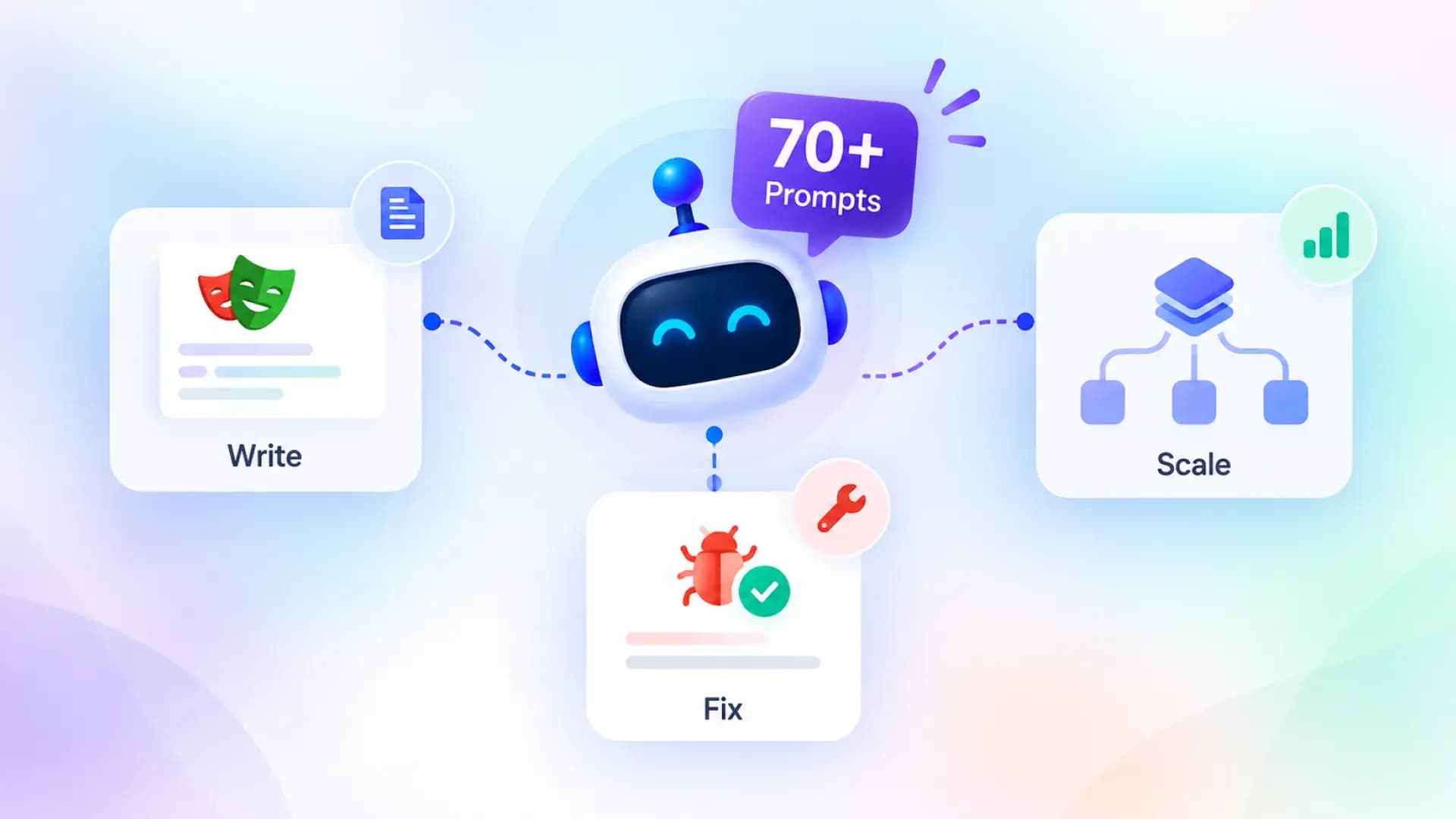
For teams that want the same convenience without a vendor, the open-source playwright-skill repo bundles 70 agent-readable guides, including one on visual regression, installable with npx skills add testdino-hq/playwright-skill. It pairs well with the checklist in how to test AI-generated code.
Note: Visual regression testing is the assertion type coding agents most often forget to add. A generated test that clicks through a checkout will usually assert on text and URLs. Ask the agent explicitly for a toHaveScreenshot() at the final step, and it will include it in future generations once the pattern exists in the repo.
Generating the checks is now the easy part. The hard part, as it has been since the first screenshot tool, is what happens when 200 of them fail on a Tuesday morning.
Reviewing visual failures at scale without drowning in diffs
A visual assertion that fails produces three files: the expected image, the actual image and a diff. Multiply that by browsers, viewports and shards, and a single font update can generate thousands of artifacts. AI classification helps, but only if the results land somewhere a team can act on them.
Attach the evidence to the run, not the ticket
Playwright's HTML report shows the three images inline, and with the 1.63 trace option the aria snapshot at each step sits beside them. The Playwright trace viewer guide explains how to read that timeline when the failure is a layout drift rather than a crash.
The next step is history. A diff that appears once and vanishes on retry is usually rendering noise, while a diff that appears in every run since a specific commit is a regression. That distinction is exactly what Playwright flaky test detection does for functional tests, and it applies unchanged to visual ones.
Group failures by cause, not by test
When a shared component changes, every page that uses it fails visually. Reviewing them one by one wastes hours; reviewing them as one cluster with one root cause takes minutes. TestDino's test failure analysis groups failures across a run by their signature, and its PR health view surfaces whether the visual failures on a branch are new or inherited from main.
If you are sizing the CI cost of adding screenshot assertions across a large suite, the sharding and CI budget calculators in TestDino's free tools give you a starting number before you commit to the extra runtime. The Playwright sharding guide covers how to keep snapshot folders consistent across shards.
The tooling is ready. What still trips teams up are a handful of habits that predate all of it.
5 mistakes teams still make with visual checks
- Capturing on developer laptops. Baselines rendered on macOS will never match Linux CI. Capture and update in the same container, always.
- Setting the threshold to hide a real problem. If you need maxDiffPixelRatio: 0.2 to pass, the page has dynamic content that should be masked or hidden with stylePath instead.
- Full-page screenshots of everything. Component-level captures fail for one reason each. A full-page capture fails for every reason at once, and AI reviewers work better on smaller regions too.
- Skipping the structure layer. An aria snapshot catches a missing button in a way no threshold can, and it costs nothing to add.
- Treating approvals as a formality. If reviewers approve every diff to unblock a merge, the baseline drifts and the check becomes theatre. Tie approvals to the PR review so they leave a trail.
Tip: Before you turn on AI review, spend a week measuring how many visual failures are rendering noise versus real regressions. If noise is above half, fix stabilisation first. An AI classifier trained to call noise "Valid" will happily hide the fact that your pipeline is non-deterministic.
Each of these mistakes shows up as a pattern in the run history long before anyone notices it in a review queue. That is the strongest argument for treating visual results as data, which is where this year's changes ultimately point.
Conclusion
Visual regression testing in 2026 is no longer a single pixel comparison with a magic number attached. Playwright gave the runner lossless WebP baselines, aria snapshots in traces and screencast receipts; Percy, Applitools and Chromatic each shipped a way to say which diffs matter; and agent plugins now write the snapshot calls for you.
The work that remains is the same as it always was: capture deterministically, check structure alongside pixels, and route failures somewhere a team can act on them. The Playwright test reporting layer is where visual results become trends instead of screenshots, and fixing Playwright tests with AI shows what closing that loop looks like in practice.
FAQs

Krupa Gandhi
QA Tester